
CodeGPT
AI assistant for programmers, working through your own API key and supporting popular language models.

Overview
CodeGPT
Description of CodeGPT
CodeGPT is an AI assistant for programmers that integrates directly into popular development environments VS Code and JetBrains. The tool allows you to generate, refactor, and explain code, as well as work with several advanced language models in a single interface. A key feature of CodeGPT is the BYOK (Bring Your Own Key) approach: you connect your own API key from supported models, which gives you full control over costs and data security. To date, the tool has more than 2 million installations.
CodeGPT Features
| Feature | Value |
|---|---|
| Type | AI assistant for code |
| Categories | Code assistants, Code generation |
| Supported models | GPT-5, Claude 4.5, Gemini Pro and others |
| Integrations | VS Code, JetBrains |
| Approach | BYOK (Bring Your Own Key) |
| Website | www.codegpt.co |
Who is CodeGPT suitable for?
Individual developers
CodeGPT is suitable for programmers who work independently and want to speed up writing code, improve its quality, and get access to powerful AI models without intermediaries. The BYOK approach lets you control your budget and avoid dependence on third-party pricing plans.
Development teams
The tool is also aimed at teams where multiple members can use CodeGPT on shared projects. A single interface for working with different models simplifies collaboration and standardizes the development process within the team.
How to use CodeGPT?
Getting an API key
To use CodeGPT, you will need your own API key from one of the supported models — GPT-5, Claude 4.5, Gemini Pro, or others. The key is purchased directly from the model provider.
Connecting to a development environment
After getting the key, you need to install the CodeGPT extension in VS Code or JetBrains. In the extension settings, you specify the API key, after which the tool becomes available for use directly in the code editor.
Main features of CodeGPT
Code generation
CodeGPT can create code snippets based on a textual description of a task. This helps quickly implement common solutions and templates without manual writing.
Refactoring existing code
The tool analyzes written code and suggests improvements: optimizing structure, improving readability and performance.
Finding and fixing errors
CodeGPT detects potential errors and bugs in code and suggests fixes.
Explaining complex code fragments
When working with someone else's or poorly documented code, the tool can explain the logic behind unclear parts.
Code and context analysis
Before generating a solution, CodeGPT creates a plan based on an analysis of the current context and codebase, which improves the accuracy and practical applicability of answers.
CodeGPT advantages
Full control over data and costs
Thanks to the BYOK approach, you manage your own API key. This means there is no intermediary between the developer and the model — data is not shared with third parties, and costs are limited only to API call fees.
Access to cutting-edge models
CodeGPT supports GPT-5, Claude 4.5, Gemini Pro and other current language models. You can switch between them or choose the most suitable one for a specific task.
Accuracy and context awareness
Analyzing the code environment before generating an answer lets you get more relevant and practically applicable solutions.
Popularity and trust
More than 2 million installations demonstrate the tool's demand among developers of different levels.
CodeGPT drawbacks
The main drawback of CodeGPT is related to the BYOK model — to get started, you need to purchase an API key from a provider yourself, which requires extra steps and an understanding of the setup process. In addition, if you use multiple models, you have to manage separate keys and monitor costs for each one. The tool is also limited to integrations with VS Code and JetBrains only, which may not suit developers using other environments.
What tasks does CodeGPT solve?
Writing code at all stages of development
CodeGPT helps both at the initial stage of creating a project (generating a skeleton, templates) and at later stages (adding new features, writing tests).
Improving the quality of existing code
The tool performs refactoring, fixes errors, and optimizes code, which improves its reliability and maintainability.
Accelerating development
Automating routine tasks — generating, checking, and explaining code — reduces development time and lets you focus on more complex aspects of the project.
Working with multiple AI models in one interface
Instead of switching between different services, you get a single access point to several models directly in the development environment.
CodeGPT pricing
The provided data does not include detailed pricing information. Since CodeGPT uses a freemium distribution model, it can be assumed that the basic version of the tool is free, while advanced features may require a paid subscription. Exact prices and the list of features in the free and paid tiers should be checked on the official website www.codegpt.co.
CodeGPT terms of use
To use CodeGPT, you need your own API key (BYOK). You purchase a key from the provider of the chosen model and cover API call costs according to that provider's rates. The tool does not act as an intermediary, which ensures transparency and data security.
CodeGPT availability
CodeGPT is available as extensions for the VS Code and JetBrains development environments. Installation is done through the built-in extension marketplaces of these IDEs. Other distribution formats or integrations with other development environments are not specified in the provided data.
How is CodeGPT different from alternatives?
The main difference between CodeGPT and many other AI code assistants is the BYOK approach. Instead of paying a subscription to the tool itself and using models through an intermediary, you connect your own API key directly. This gives you full control over data (it is not shared with a third party) and over costs (you pay only the model provider according to its rates). In addition, CodeGPT supports several advanced models at once — GPT-5, Claude 4.5, Gemini Pro — allowing you to switch between them in one interface, which is rare among competitors.
Conclusion
CodeGPT is an AI assistant for programmers that gives you full control over costs and data thanks to the BYOK approach. The tool integrates with VS Code and JetBrains, supports top models GPT-5, Claude 4.5, and Gemini Pro, and has more than 2 million installations. CodeGPT is suitable for both individual developers and teams, helping generate, refactor, and explain code, as well as speed up development by automating routine tasks.
Frequently asked questions
Similar AI tools




See also

Open-source AI agent for developers, available in the terminal, IDE, and as a desktop application.

AI-powered code editor that analyzes your entire project and helps you write, rewrite, and optimize code.
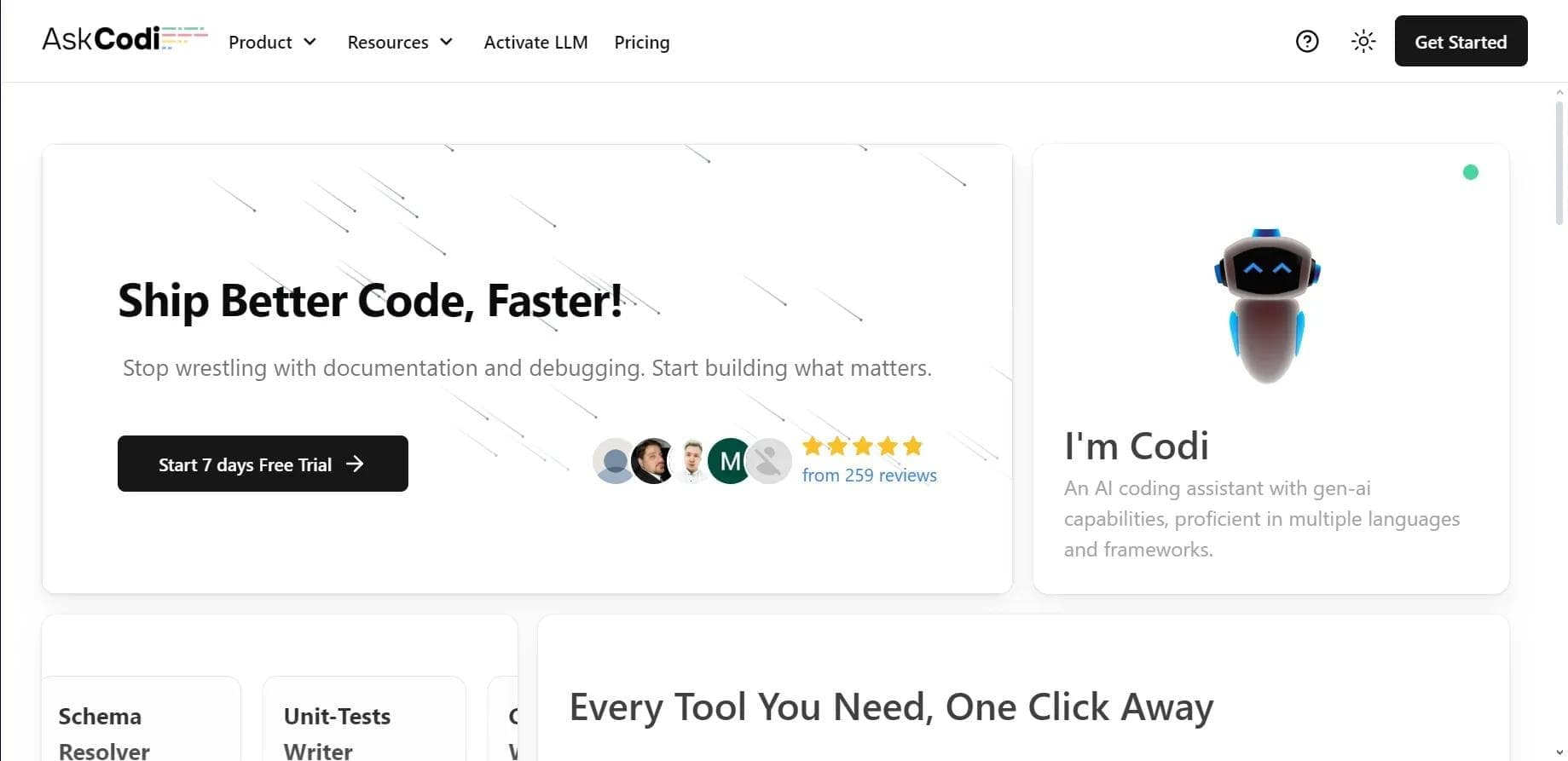

AI assistant for developers that generates, explains, and refactors code, as well as creates documentation and tests from natural language descriptions.
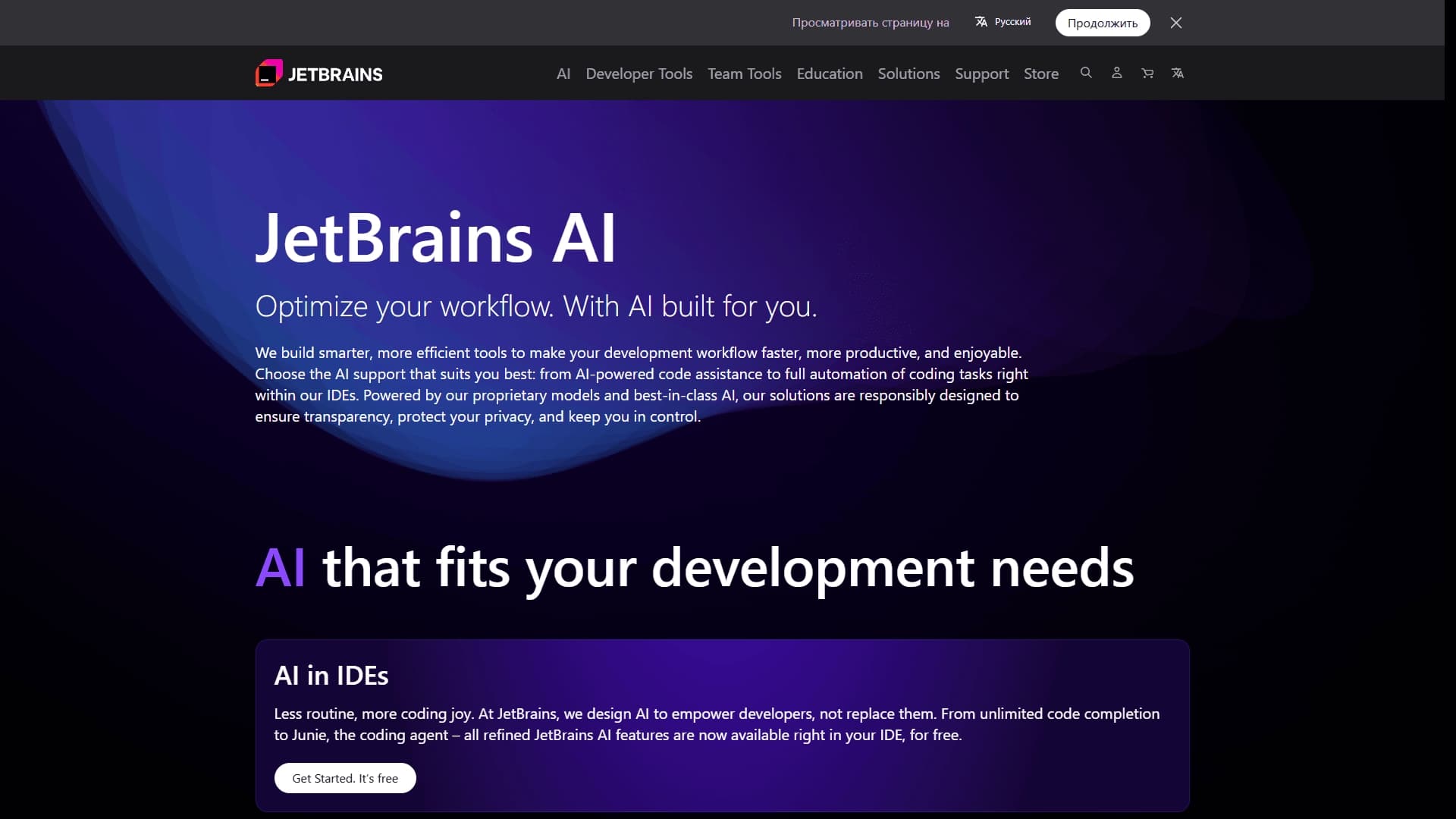
A set of AI tools built into JetBrains IDEs to help with writing, refactoring, and understanding code.
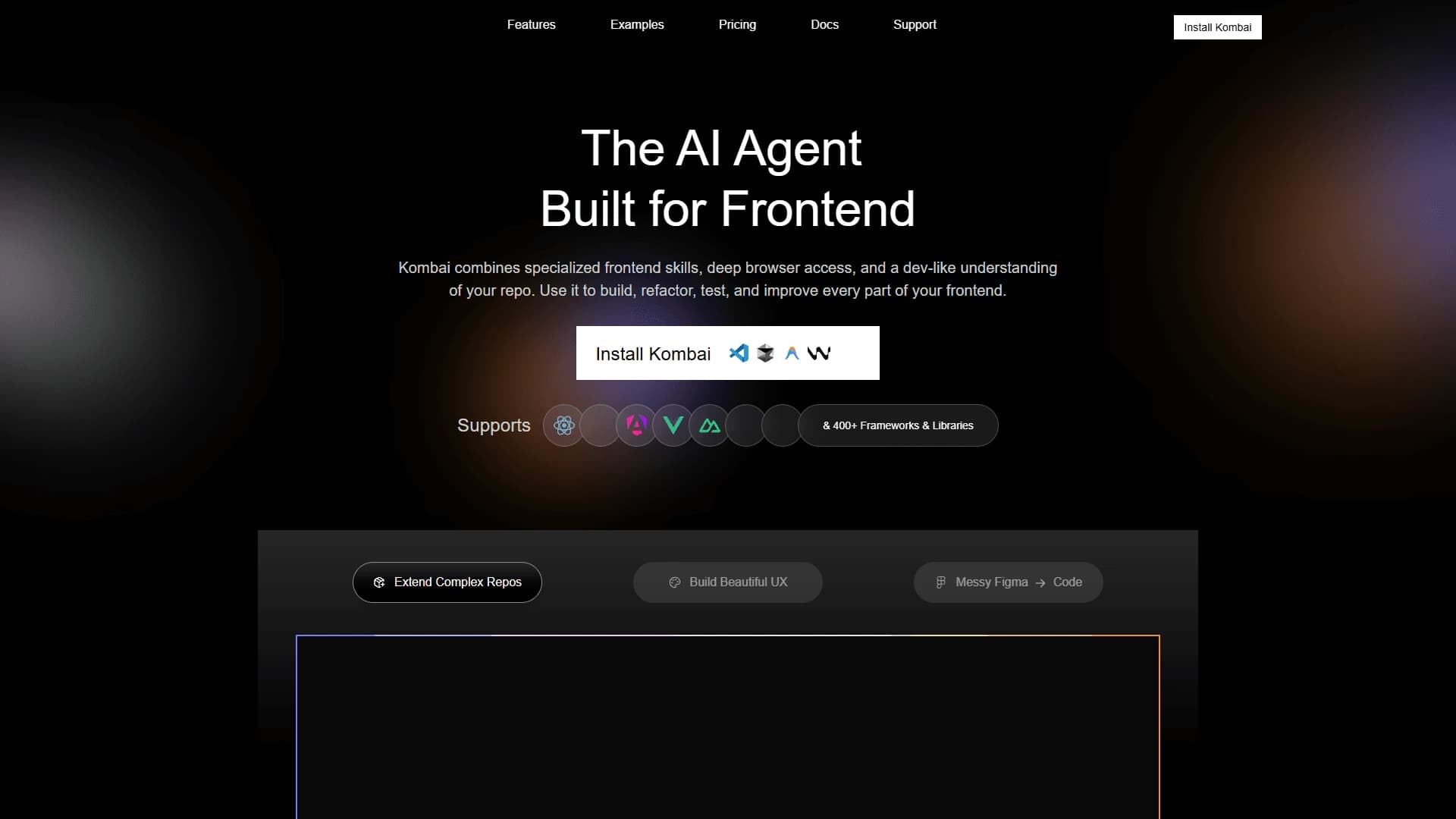
AI tool for automatically converting layouts from Figma into HTML, CSS, and React components, as well as for creating and refactoring interfaces.
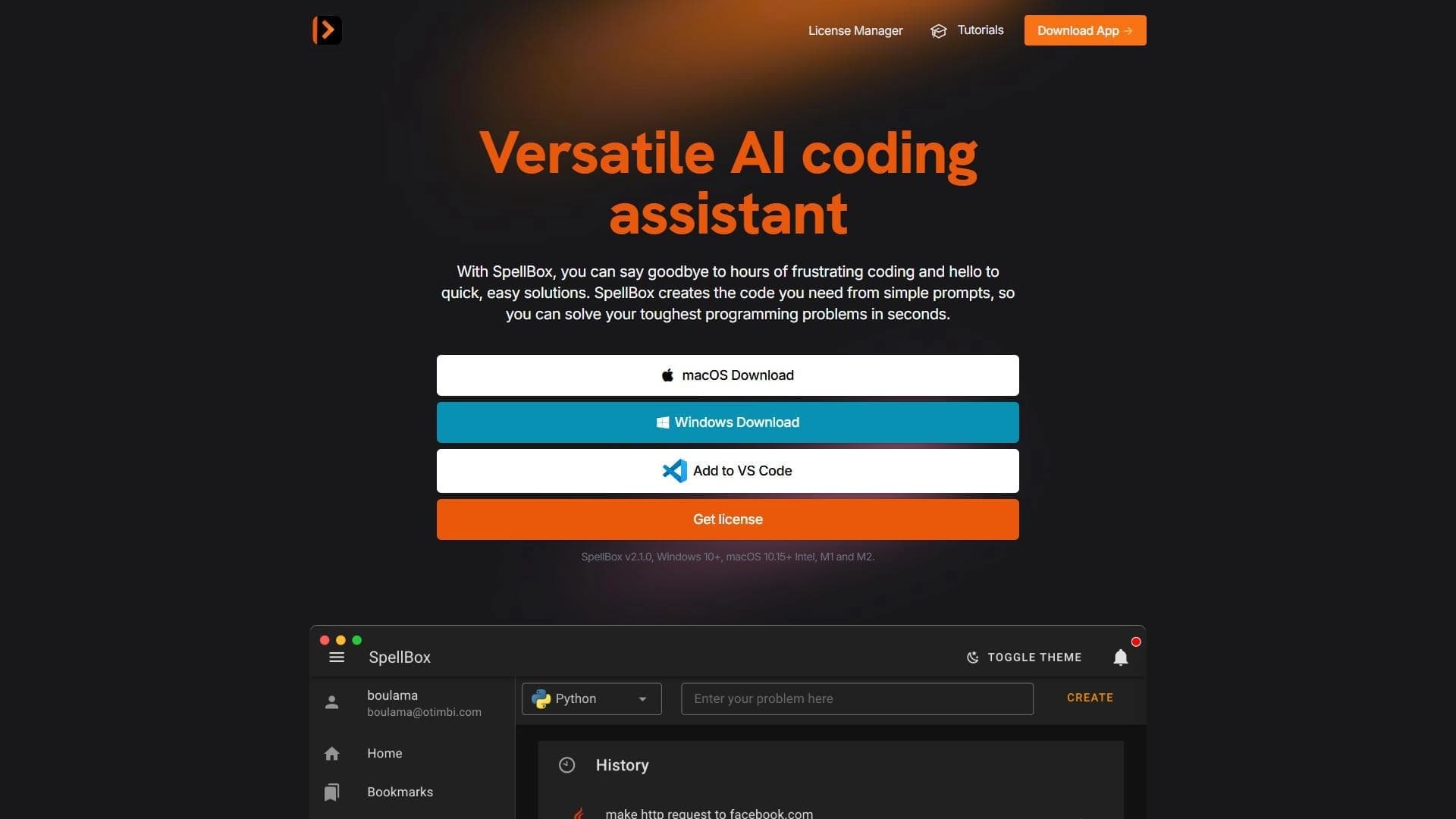

Neural network for generating, explaining, and fixing program code in various programming languages.

AI assistant for developers that automates routine programming tasks.

AI agent for software development assistance, capable of writing, fixing, and reviewing code.