

CapCut
Cross-platform video editor with AI features for creating and editing videos.
Overview
CapCut
Description of the CapCut neural network
CapCut is a cross-platform video editor from ByteDance (the developer of TikTok) that combines traditional editing tools with artificial intelligence–based features. With it, you can generate videos from text descriptions, automatically add subtitles, remove backgrounds, improve video quality and resolution, and use ready-made templates and effects.
The tool is available in several formats: an online browser version, desktop applications for Windows and macOS, and mobile apps for Android and iOS. All versions support project synchronization between devices, so you can start editing on your phone and continue on your computer.
CapCut operates on a freemium model: the free version includes most basic and AI features, while a paid subscription unlocks expanded capabilities, including 4K export without watermarks and access to additional tools.
CapCut features
| Feature | Value |
|---|---|
| Type | AI-based video editor |
| Developer | ByteDance (China) |
| Distribution model | Freemium (free with limitations, Pro subscription available) |
| Platforms | Web (browser), Windows, macOS, Android, iOS |
| Maximum export resolution | 4K 60fps |
| Russian language | Yes (interface and localization) |
| Project synchronization | Yes, between devices |
| Regional availability | Depends on the version: the online version may require a VPN in some regions, while desktop and mobile apps work without restrictions |
| Rating | 4.4 ★★★★★ |
| Editorial rating | 8.5–8.9 out of 10 |
Who is CapCut suitable for?
Content creators for social networks
CapCut is aimed primarily at bloggers and creators who regularly publish videos to TikTok, Instagram Reels, and YouTube Shorts. The tool lets you quickly edit short clips, add trending effects and subtitles without a long learning curve.
SMM specialists and marketers
For those who work with visual content in marketing campaigns, CapCut offers ready-made templates, AI video generation from text, and the ability to create avatars for voiceover. This speeds up the production of advertising and educational videos.
Users with no editing experience
Thanks to an intuitive drag-and-drop interface and the ability to describe the desired video in words, CapCut is suitable for beginners. There is no need to learn complex software to get started — just enter a text prompt and choose a visual style.
How to use the CapCut neural network?
Via the web version
The online version of CapCut is available in a browser. To get started, simply register, enter a text description or script for your video, choose a visual style from more than 30 options, and AI will automatically create a video draft. After that, you can refine the details manually: trim fragments, add effects or subtitles.
Via the desktop application
The Windows and macOS version provides a full set of editing tools, including a multi-track timeline, keyframes, chroma key, and optical flow for slow motion. Users can import custom fonts and export videos at resolutions up to 4K 60fps.
Via the mobile app
CapCut's mobile version is optimized for shooting and editing on the go. It includes auto subtitles, background removal, text-to-speech voiceover, and a template library updated to TikTok, Instagram Reels, and YouTube Shorts trends. Thanks to project synchronization, you can start editing on your phone and continue on your computer.
Main CapCut features
Text-to-video generation and AI editing
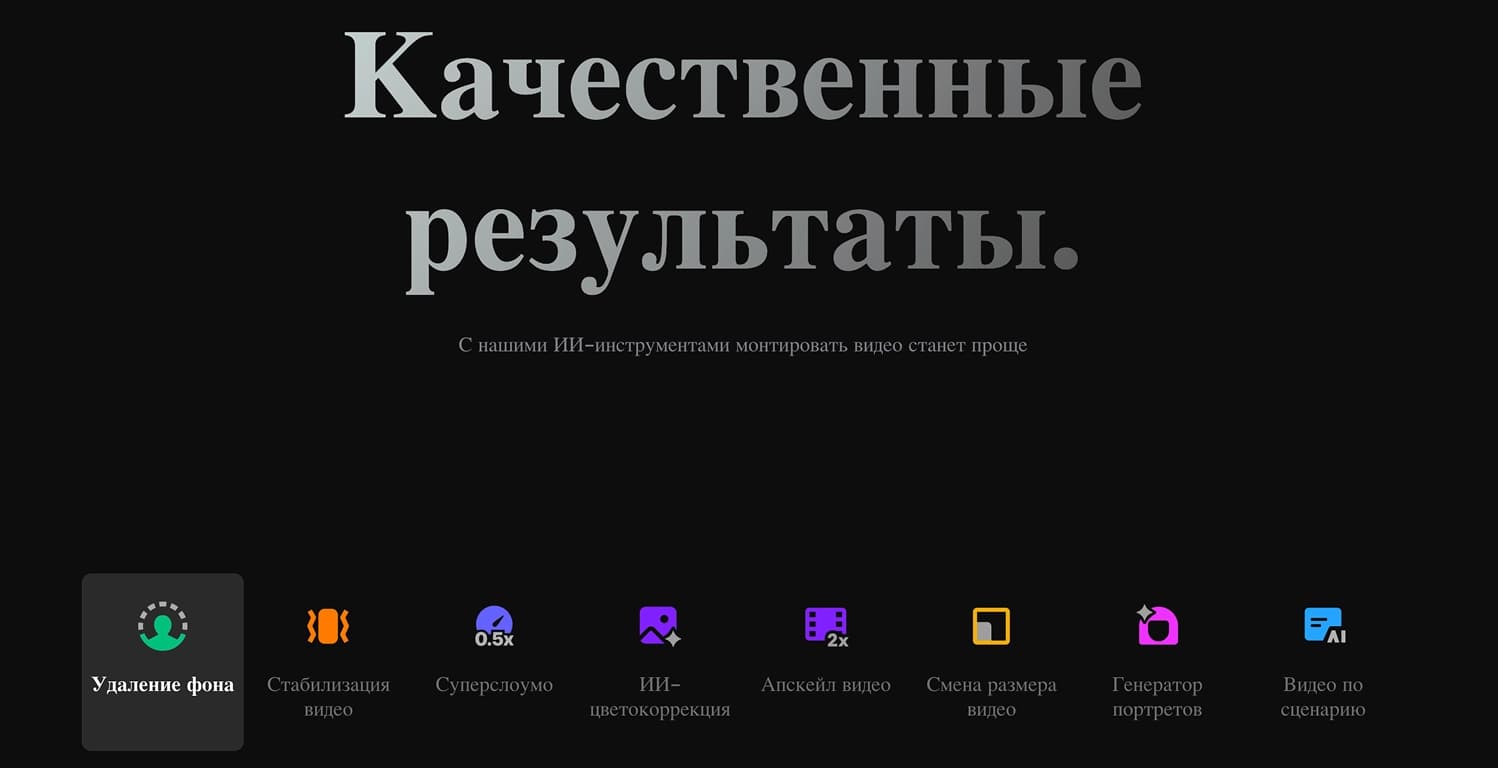
CapCut lets you create videos from a text prompt. The user describes the desired video in words, and the neural network selects the visual style, transitions, and avatars. The AI Clipper feature automatically cuts a long video into short clips, while AutoCut enables quick assembly of footage based on a script.
Auto subtitles and voiceover
The neural network automatically recognizes speech in a video and generates subtitles with time codes. Several languages and design styles are available. There is also a text-to-speech feature with a choice of voices and languages for voiceover without recording in a microphone.
Quality enhancement and background removal
The tool lets you upscale video resolution to 4K, add HD effects, stabilize the picture, and suppress noise. Background removal works without a chroma key — AI automatically separates the subject from the background. Color correction and auto-cropping for different social media formats are also available.
AI dialogues and "talking photos"
CapCut can animate static images: the neural network synchronizes lip movement with voiceover, turning photos into "talking" characters. This is suitable for memes, greetings, or educational content. In addition, there is a library of over 100 AI avatars and the ability to create your own avatar.
CapCut advantages
Available on all platforms with synchronization
CapCut is available on the web, Windows, macOS, Android, and iOS. Projects are synced through the cloud, so you can start editing on one device and continue on another. This is convenient for users who work on the go.
Easy for beginners
The interface is intuitive: features are grouped into logical blocks, and most operations are done in a single click. You don't need to understand complex settings to generate a video — just write a text description.
Free access to AI tools
The free version includes auto subtitles, auto voiceover, background removal, and basic AI effects. This sets CapCut apart from many competitors where similar features are only available by subscription.
CapCut disadvantages
Free version limitations
A significant portion of advanced capabilities, including 4K export without watermarks and access to advanced tools, is only available with a paid subscription. The free version also has intrusive prompts to upgrade to the Pro plan.
Closed ecosystem
CapCut does not provide an API or deep customization options for integration with other services. The tool is not suitable for advanced video studios that require configuration flexibility and work with professional equipment.
Internet dependence and bugs
The online version requires a stable internet connection. Some users experience bugs when working with certain features, for example, when reversing video or selecting photos. There is also no full offline access on mobile devices.
What tasks does CapCut solve?
Creating content for social networks
CapCut is designed for quickly cutting and generating videos for TikTok, Instagram Reels, and YouTube Shorts. The tool automatically adapts videos to the formats of different platforms, adds subtitles and effects.
Repurposing and preparing educational materials
With AI Clipper, you can convert long videos (for example, webinars or podcasts) into a series of short clips. CapCut is also suitable for creating educational videos and presentations using AI avatars for voiceover.
Improving video quality
The neural network upscales video resolution, stabilizes the picture, removes noise, and corrects colors. This is useful for old or low-quality recordings that need to be cleaned up before publishing.
CapCut pricing
CapCut operates on a freemium model. The free version includes most core features, including auto subtitles, auto voiceover, background removal, and basic editing tools. The paid Pro subscription unlocks expanded capabilities: 4K export without watermarks, access to additional AI tools, creation of custom avatars, and cloud editing with collaborative work. Exact plans and subscription pricing vary by region and platform — specific figures are not stated in public sources.
CapCut terms of use
Registration is required to use CapCut. The free version has functional limitations: some features (4K export without watermarks, advanced AI tools) are only available by subscription. The tool does not provide an API for third-party integrations and does not support deep customization. Offline access on mobile devices is limited — an internet connection is required for synchronization and some features.
CapCut availability
CapCut is available on the following platforms:
- Web — online version via browser
- Windows — desktop application
- macOS — desktop application
- Android — mobile application
- iOS — mobile application
The interface is fully translated into Russian. Desktop and mobile apps have no regional restrictions — VPN is not required. The web version may be blocked in some regions, so a VPN may be needed to access it.
How CapCut differs from analogues
The main difference between CapCut and other video editors is free access to AI tools: auto subtitles, auto voiceover, background removal. In most competitors, these features are paid or only available in a trial version.
In addition, CapCut offers cross-platform project synchronization across all devices (web, desktop, mobile), allowing you to work on videos anytime and anywhere. Text-to-video generation and "talking photo" creation are also relatively rare features not found in most free editors.
The tool is aimed at the mass user rather than professionals — unlike analogues such as Adobe Premiere Pro or DaVinci Resolve, CapCut does not require deep editing knowledge and offers ready-made templates for social media trends.
Conclusion
CapCut is a cross-platform AI video editor from the developers of TikTok that lets you create videos from text descriptions, automatically add subtitles and voiceover, remove backgrounds, and improve video quality. The tool is available on the web, Windows, macOS, Android, and iOS with project synchronization. Thanks to a hybrid approach — AI handles the rough work while the user fine-tunes details manually — CapCut suits both beginners and experienced creators who want to quickly produce social media content without extensive training. The free version includes most key features, while the paid subscription unlocks 4K export and additional AI tools.
Frequently asked questions
Similar AI tools





See also
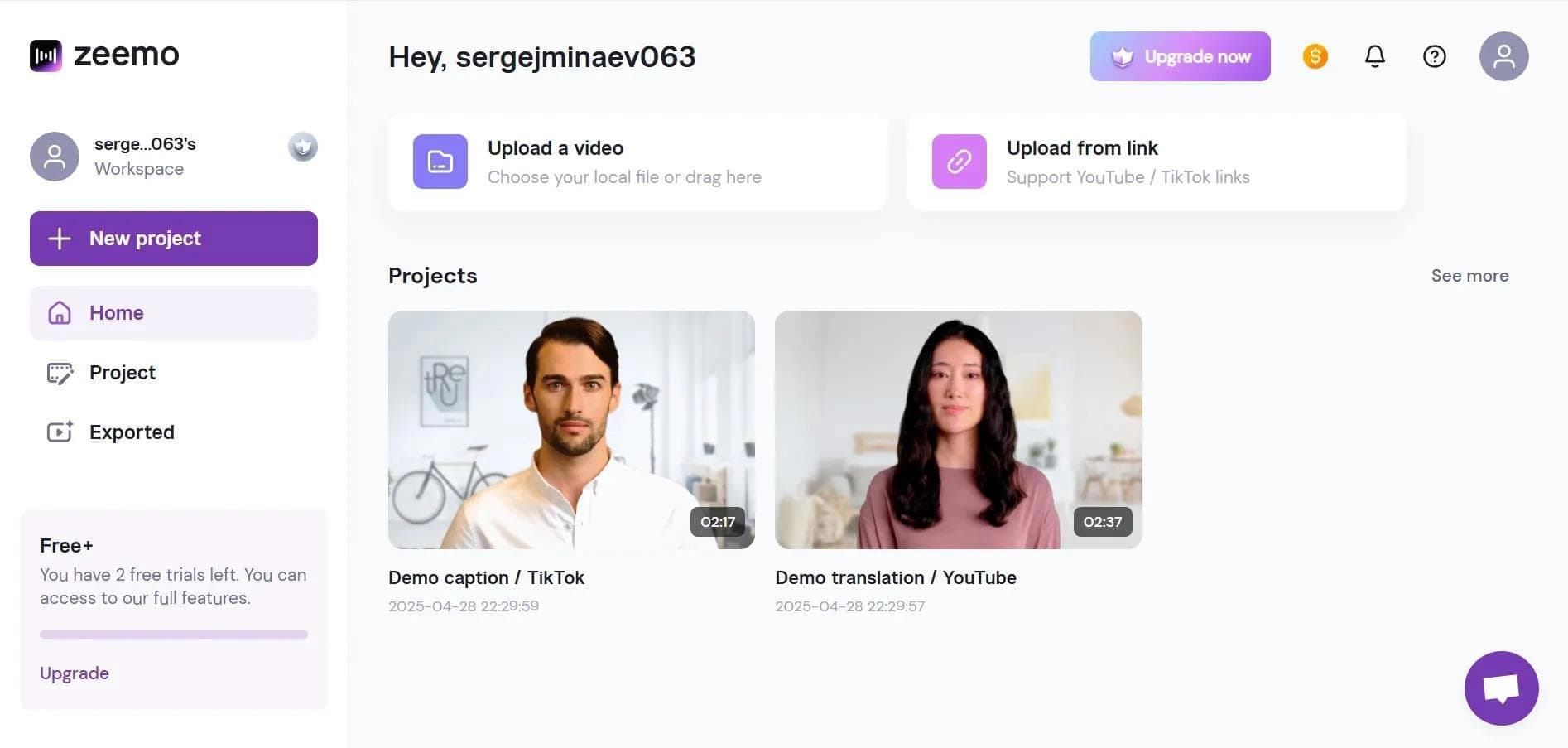

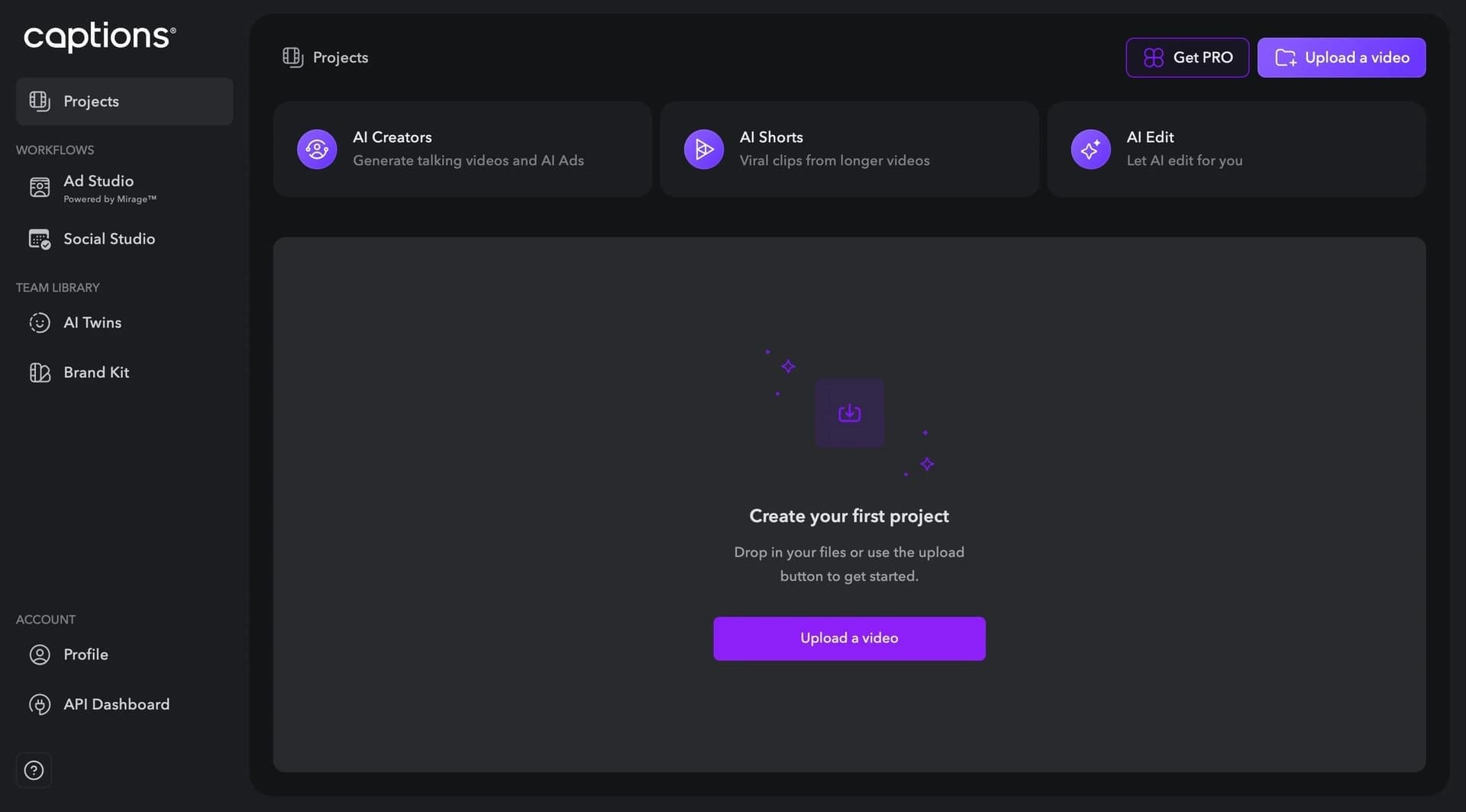
Neural network-based web service for automatic video subtitling and transcription.

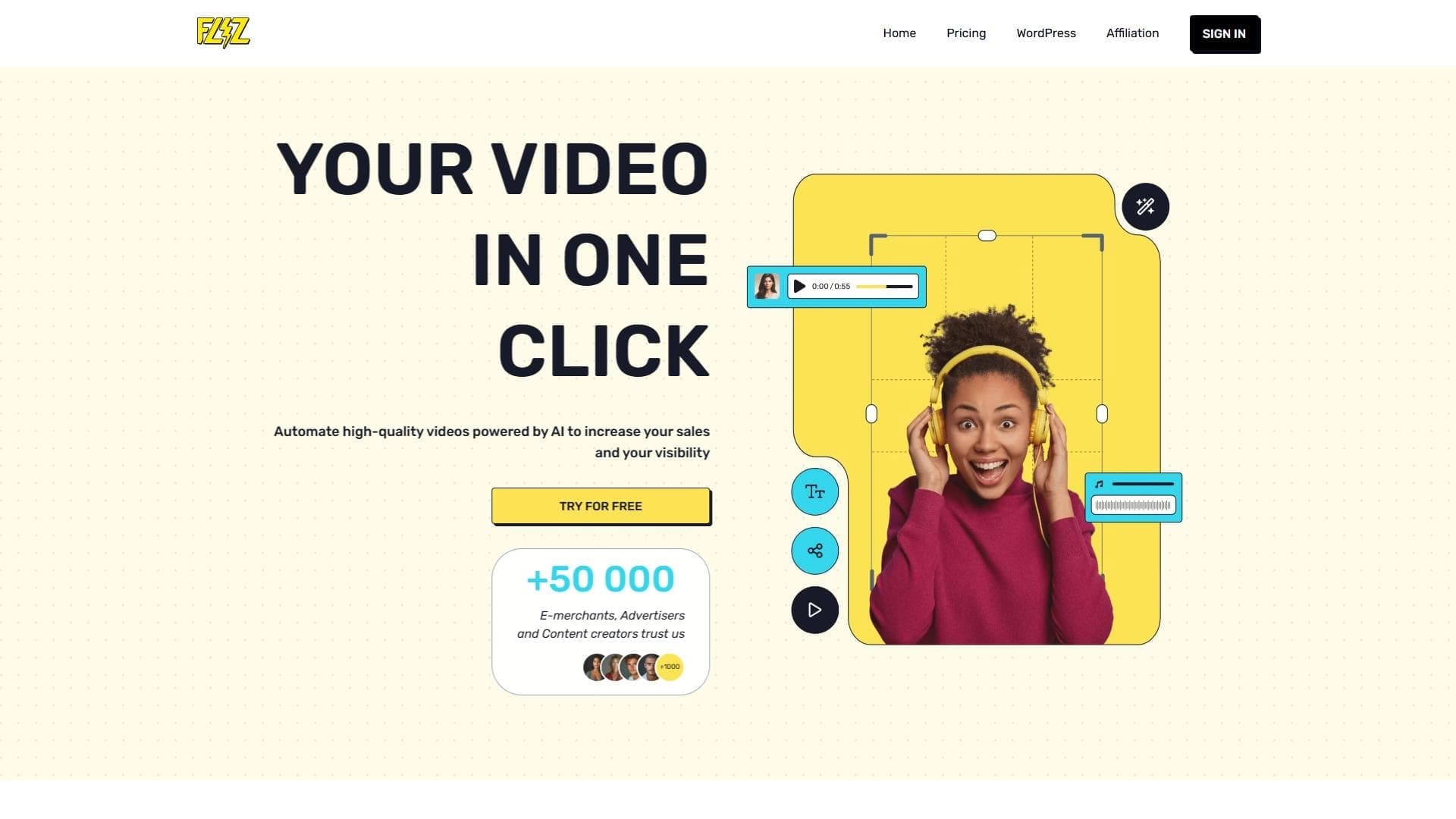
A platform that combines several video creation tools in a single chat interface, from script generation to editing and voiceover.

Mobile app for photo and video editing using AI and an extensive library of filters.
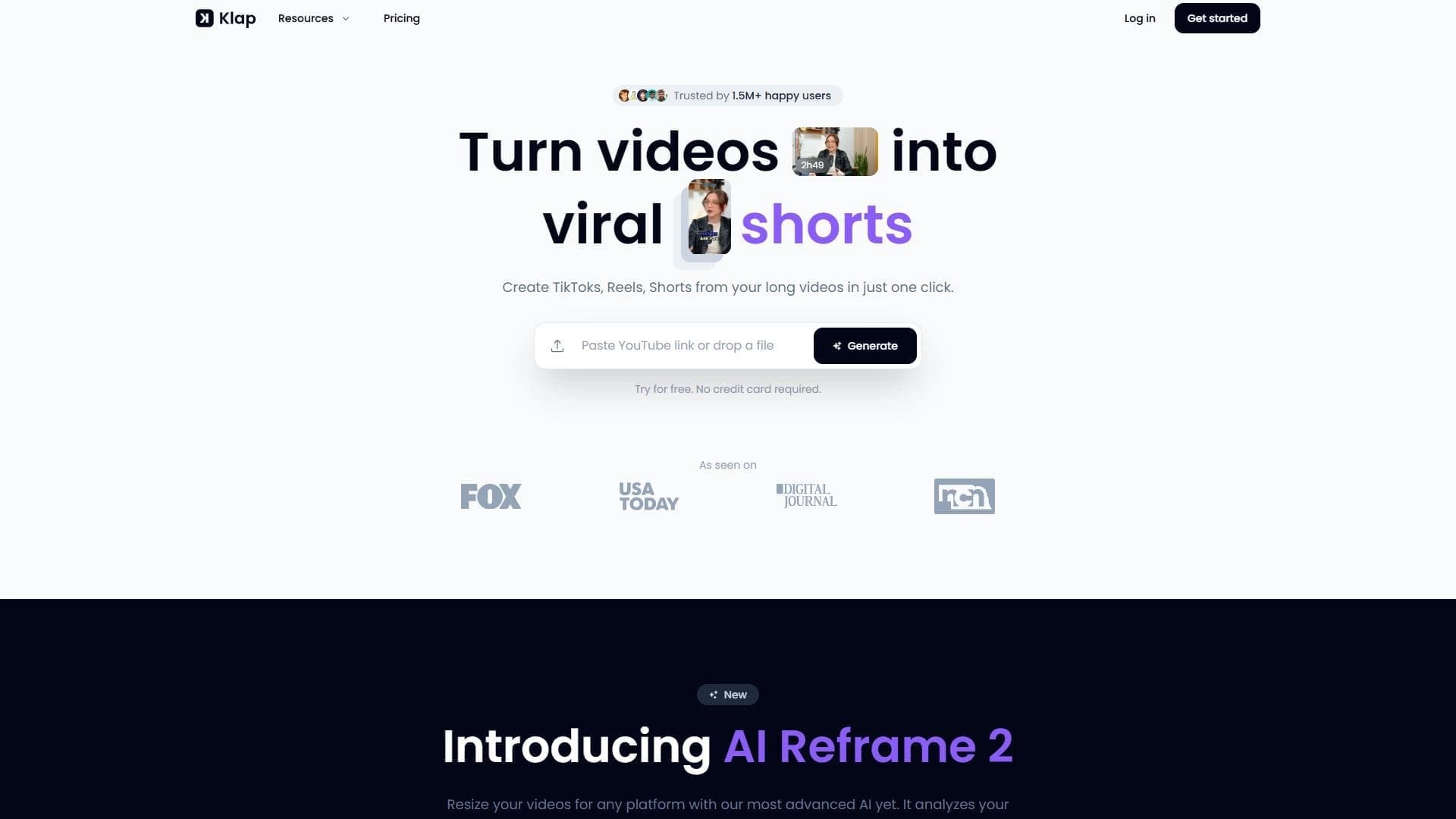

AI tool for automatically cutting long videos into short clips for TikTok, Reels, and YouTube Shorts.
Screen recording tool with subsequent AI transcription and summarization of content.


Platform for recording, editing, and publishing podcasts and video content with built-in AI tools.
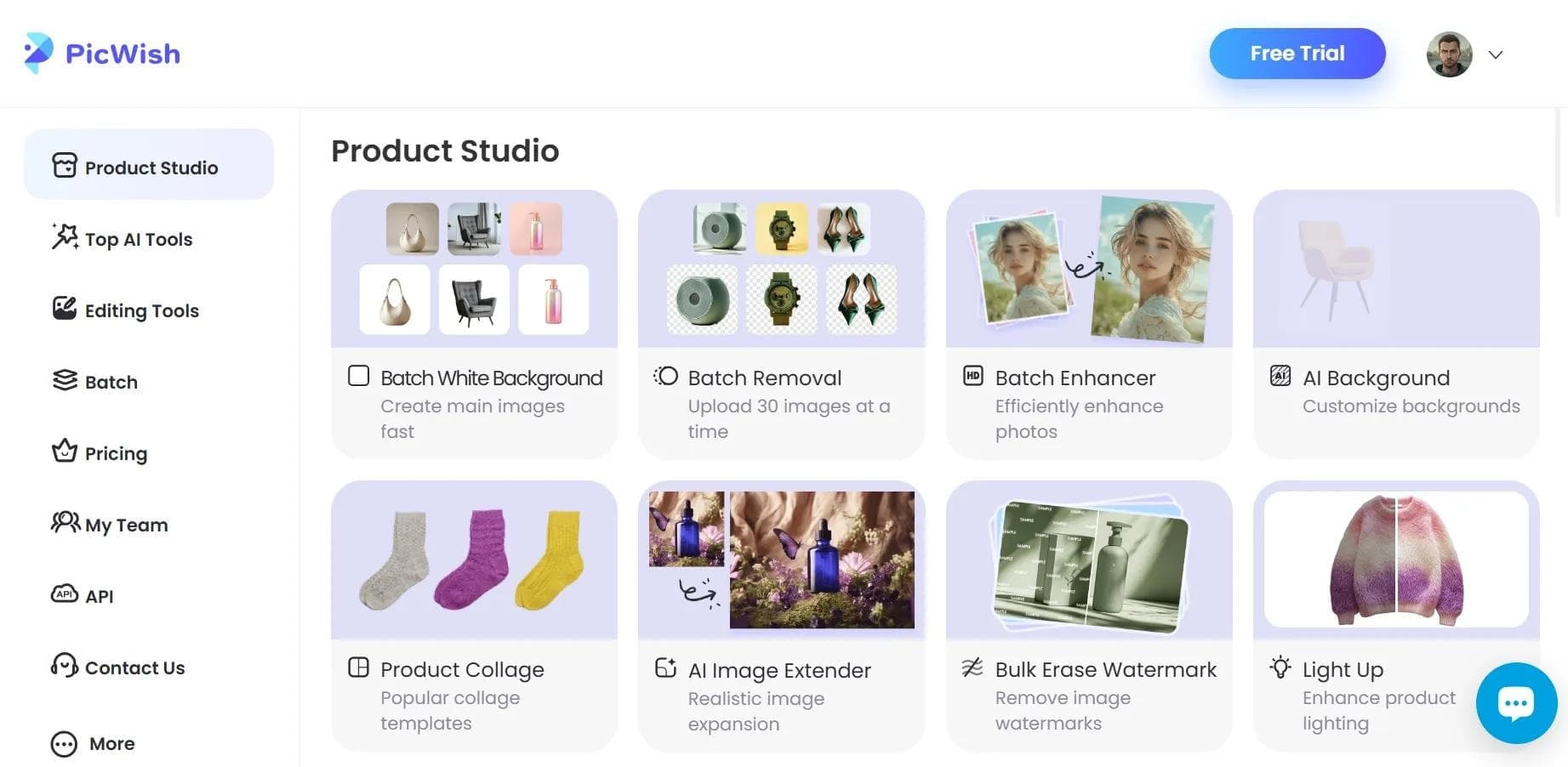

AI tool for automatic photo processing: background removal, quality enhancement, and image retouching.

A platform for creating talking videos with a teleprompter, AI-generated scripts, subtitles, and avatars.