
Bitbucket
Cloud platform for hosting Git repositories and organizing CI/CD, integrated with the Atlassian ecosystem.
Overview
Bitbucket
Bitbucket Overview
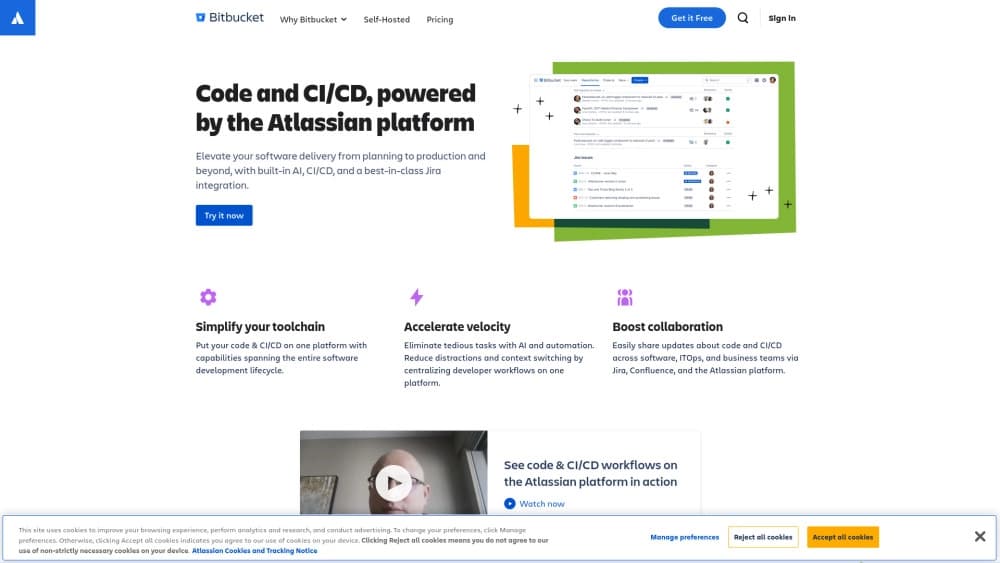
Bitbucket is a cloud platform for hosting Git repositories and organizing CI/CD processes, developed by Atlassian. The service lets development teams store and manage source code, conduct code reviews, and configure build and deployment pipelines. Bitbucket’s key feature is deep integration with the Atlassian ecosystem, primarily Jira, which allows commits and pull requests to be automatically linked to tasks and lets you track change statuses without manual updates.
The platform’s core idea
Bitbucket combines version control, deployment automation, and project management in a single interface. It is not just Git hosting but a full-fledged DevOps platform aimed at teams that already use or plan to use Atlassian tools.
Who it’s for
The platform is aimed at development teams working with Git and Jira, especially those who want to speed up release cycles without losing track of tasks. Without Jira, many Bitbucket capabilities lose their meaning, so the service is best suited to organizations already embedded in the Atlassian ecosystem.
Bitbucket Features
| Characteristic | Value |
|---|---|
| Type | Cloud platform for code management and CI/CD |
| Developer | Atlassian |
| Category | DevOps support tools |
| Free plan | Yes (for teams up to 5 users) |
| Monthly visits | 5.1M |
Who is Bitbucket for?
Development teams using Jira
Bitbucket is primarily aimed at teams that already work with Jira. The integration between the platforms automatically synchronizes tasks, commits, and statuses—eliminating manual updates and reducing the risk of errors.
DevOps teams and CI/CD enthusiasts
Developers interested in automating builds, testing, and deployments will find built-in pipelines in Bitbucket. The platform allows you to configure CI/CD directly inside the service, without connecting third-party tools.
Small teams with limited budgets
The free plan for teams of up to five users makes Bitbucket accessible to startups and small development groups that want to try the platform before moving to paid plans.
How to use Bitbucket?
Registration and setup
To get started, you need to register on bitbucket.org. After registration, it’s worth connecting your account to Jira right away—this unlocks key features such as automatic synchronization of tasks and commits.
Working with repositories and CI/CD
Once integration is connected, you can manage code, create pull requests, conduct reviews, and configure build and deployment pipelines. All operations are performed within a single interface, without switching between services.
Collaboration
Teamwork revolves around Jira tasks: code changes immediately appear in the relevant tasks, discussions are captured, and statuses are updated automatically. This simplifies coordination and progress tracking.
Key Bitbucket Features
CI/CD integration
Bitbucket provides built-in tools for configuring build, test, and deployment pipelines. Automation runs on every push or pull request, allowing you to release updates faster and reduce the likelihood of errors.
Built-in Jira integration
The platform’s key feature is its close connection with Jira. On a commit, the task is automatically updated, the status changes without manual work, and all code changes appear in tasks immediately. This makes team work transparent and reduces communication overhead.
Code management and review
Bitbucket provides full Git repository management, including branch creation, pull requests, one-click code reviews, and change history viewing. Tasks and discussions are not lost—all information stays in the code context.
Bitbucket Advantages
Deep Jira integration
Tasks, commits, and statuses are synchronized automatically. This gives a unified picture of what’s happening: developers don’t spend time manually updating statuses, and managers see the actual project state.
Automation of routine tasks
Tests, checks, builds, and releases happen automatically. The team can focus on development rather than repetitive operations.
Convenient team collaboration
Code review takes a couple of clicks, change history is always at hand, and tasks and discussions are never lost. The platform lowers barriers to collaboration, especially when the whole team already uses Jira.
Bitbucket Disadvantages
Performance issues on large projects
Bitbucket can struggle on very large projects or with hundreds of developers. Speed and usability limitations appear: repository loading and automation may be slower, and mass operations can hang.
Strong dependency on Jira
Without Jira, some features are unavailable, and integrating with other task-tracking systems requires extra effort. This makes the platform inflexible for teams that do not want to lock into the Atlassian ecosystem.
Slowdowns under load
Sometimes the platform slows down under high load. This affects repository loading, automation work, and mass operations—in these cases, speed may not meet expectations.
What tasks does Bitbucket solve?
Maintaining a repository with auto-build and deployment
Bitbucket lets you store Git repositories and configure automatic build and deployment at the same time. This removes the need to use several tools for code storage and CI/CD.
Working with a team through Jira tasks
The platform solves the problem of synchronizing development and project management. Commits and pull requests are automatically linked to Jira tasks, making the process transparent and reducing the manual work of updating statuses.
Bitbucket Pricing
Bitbucket operates on a freemium model. The free plan is available for teams of up to 5 users and includes code storage, integrations, and running simple CI/CD pipelines. The Standard plan is available for 1–100 users on a paid subscription. The Premium plan offers advanced management and security capabilities at a higher subscription tier.
Bitbucket Terms of Use
To get started, just register on bitbucket.org. It is also recommended to connect your account to Jira to make full use of the integration features. Without Jira, many features become unavailable or lose their meaning.
Bitbucket Availability
Bitbucket is a cloud service available through the bitbucket.org website. All you need is a browser and internet access. The platform does not require installing additional software on the team’s servers.
How Bitbucket differs from alternatives
Deep integration with Atlassian
The main difference between Bitbucket and competitors (for example, GitHub, GitLab) is its close connection with Jira. If a team already uses Jira for project management, Bitbucket becomes a natural extension: tasks, commits, and statuses are synchronized automatically, without additional plugins or configuration.
Limited ecosystem
The flip side of this integration is a strong dependence on Atlassian tools. Without Jira, many Bitbucket features lose their meaning, and connecting other task management systems requires extra effort. In this respect, alternatives like GitHub or GitLab offer more flexible integration with various services.
Focus on teamwork
Bitbucket emphasizes collaboration and process automation, but its target audience is teams already embedded in the Atlassian ecosystem. For such teams, the platform delivers maximum value through a single interface and automatic synchronization, while for others, solutions that are less tied to a specific ecosystem may be a better fit.
Conclusion
Bitbucket is a cloud platform for code management and CI/CD, optimized for teams using Jira. It provides collaboration, code review, and deployment automation, but is heavily tied to the Atlassian ecosystem and may face scaling difficulties. The platform is best suited to teams that already work with Atlassian tools, want close integration between code and project management, and are willing to accept performance limitations on large projects.
Pricing
Frequently asked questions
Similar AI tools






See also


Platform for building AI chatbots with a visual builder that requires no coding skills.

Open-source platform for integrating data from various sources into data warehouses and analytics systems.
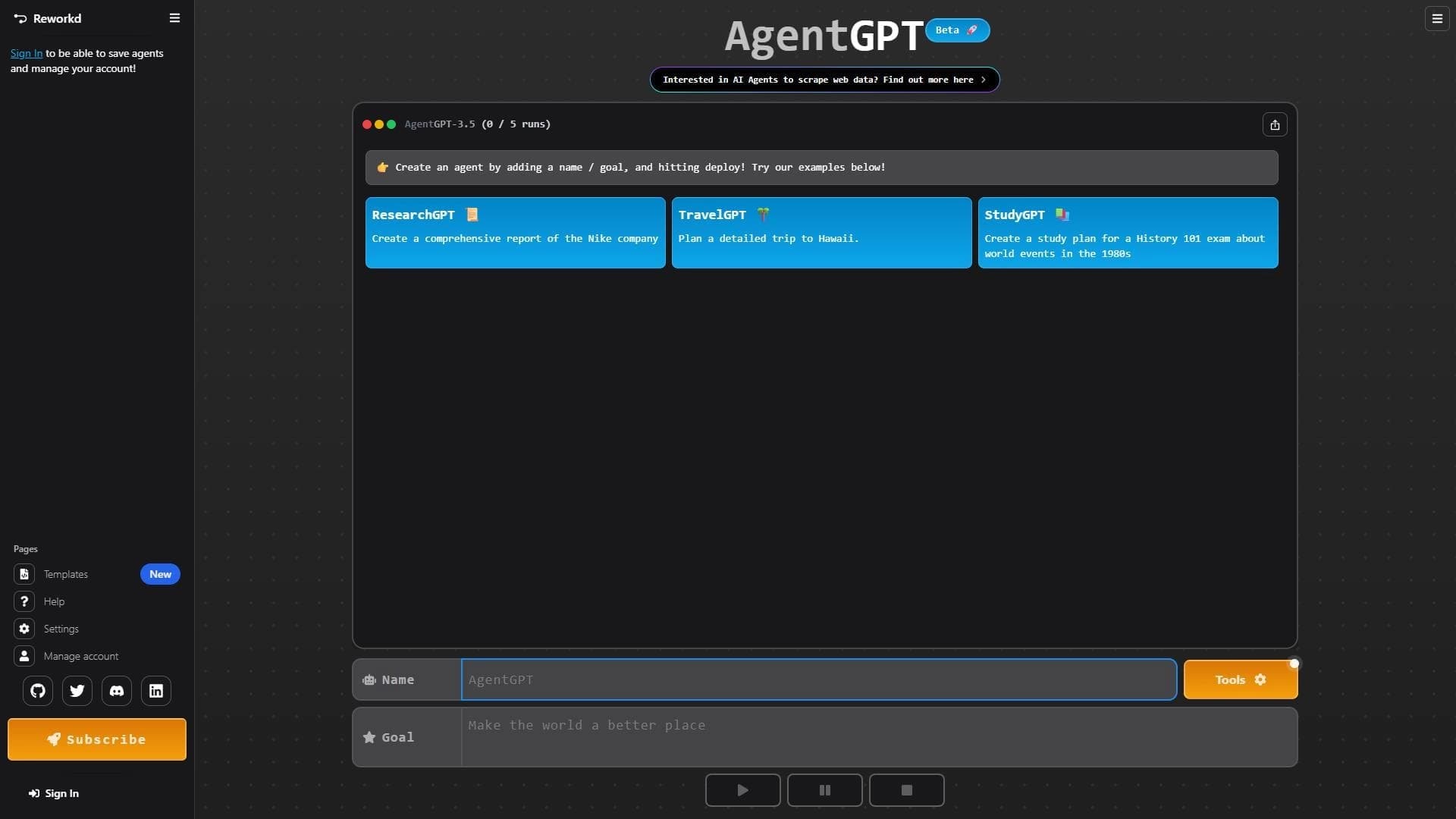

Platform for creating and launching autonomous AI agents that independently complete tasks on the internet.
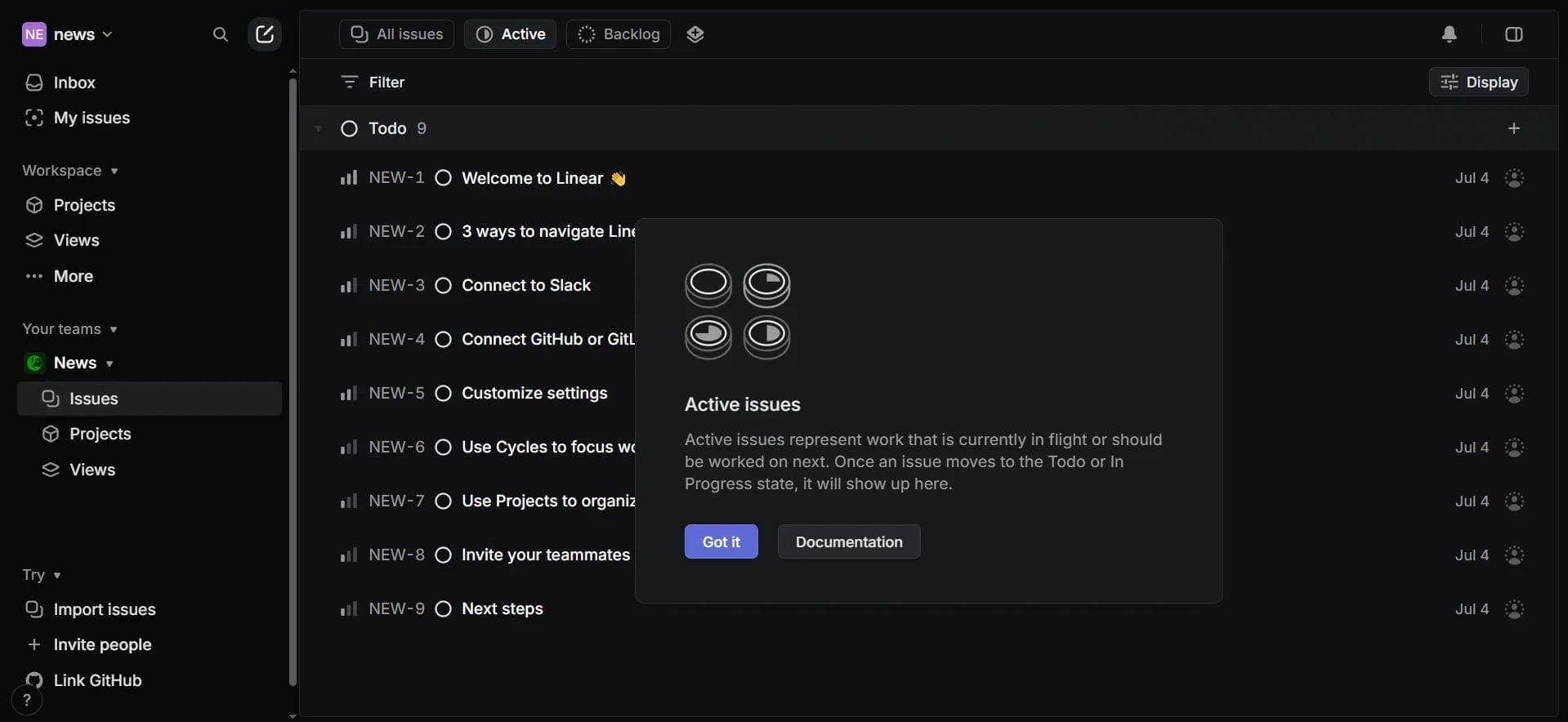

Project management platform with an integrated AI assistant for task automation and data analysis.

Web interface for testing and prototyping based on Google's artificial intelligence models.
Enterprise language model platform focused on privacy and on-premise deployment.
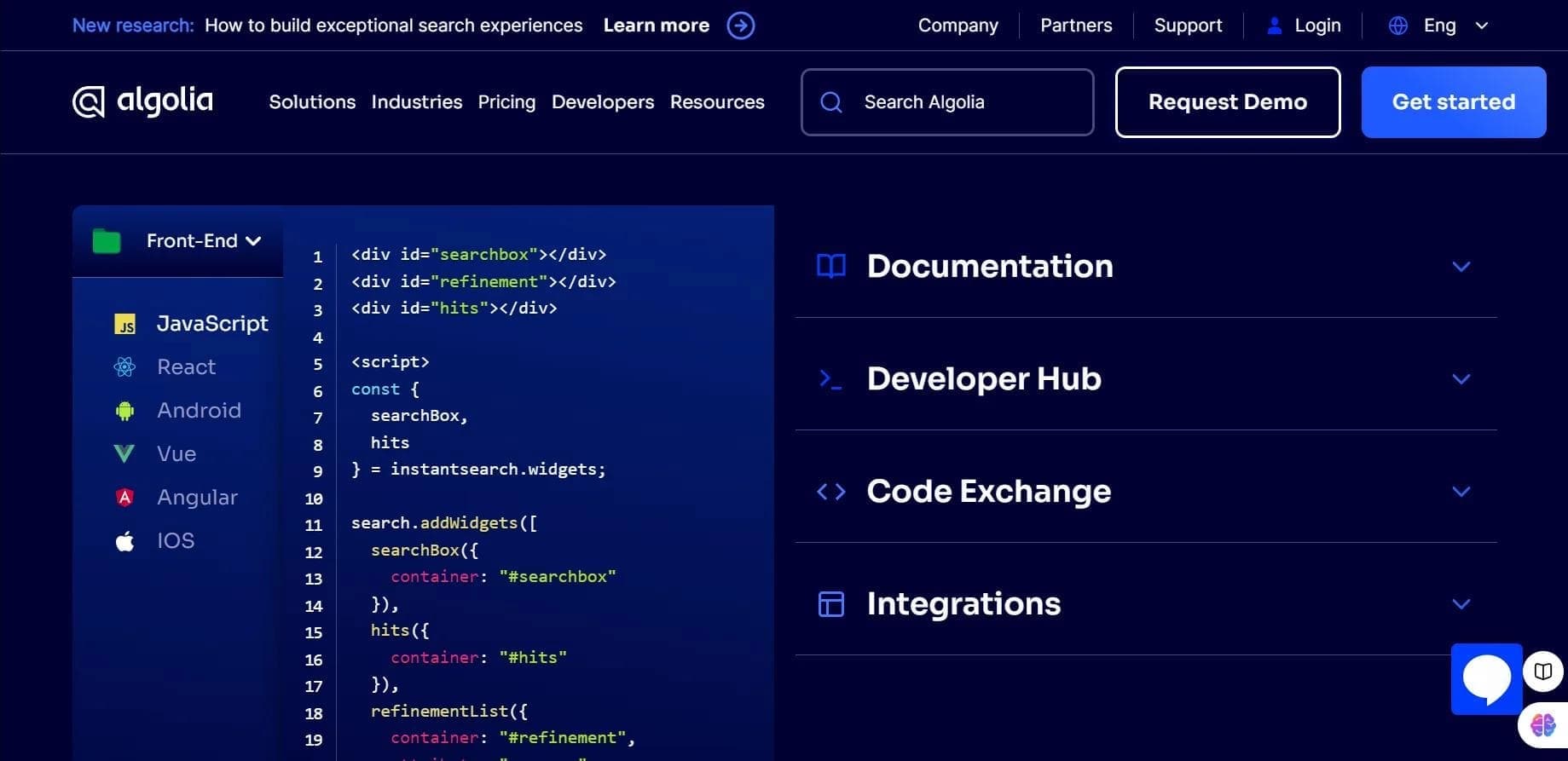

Algolia is a cloud search platform that helps add fast, relevant search with autocomplete and personalization to websites and apps.

A workflow automation platform that connects thousands of apps without requiring coding.