

Auphonic
Cloud service for automatic audio post-processing that normalizes volume and removes noise and pauses.
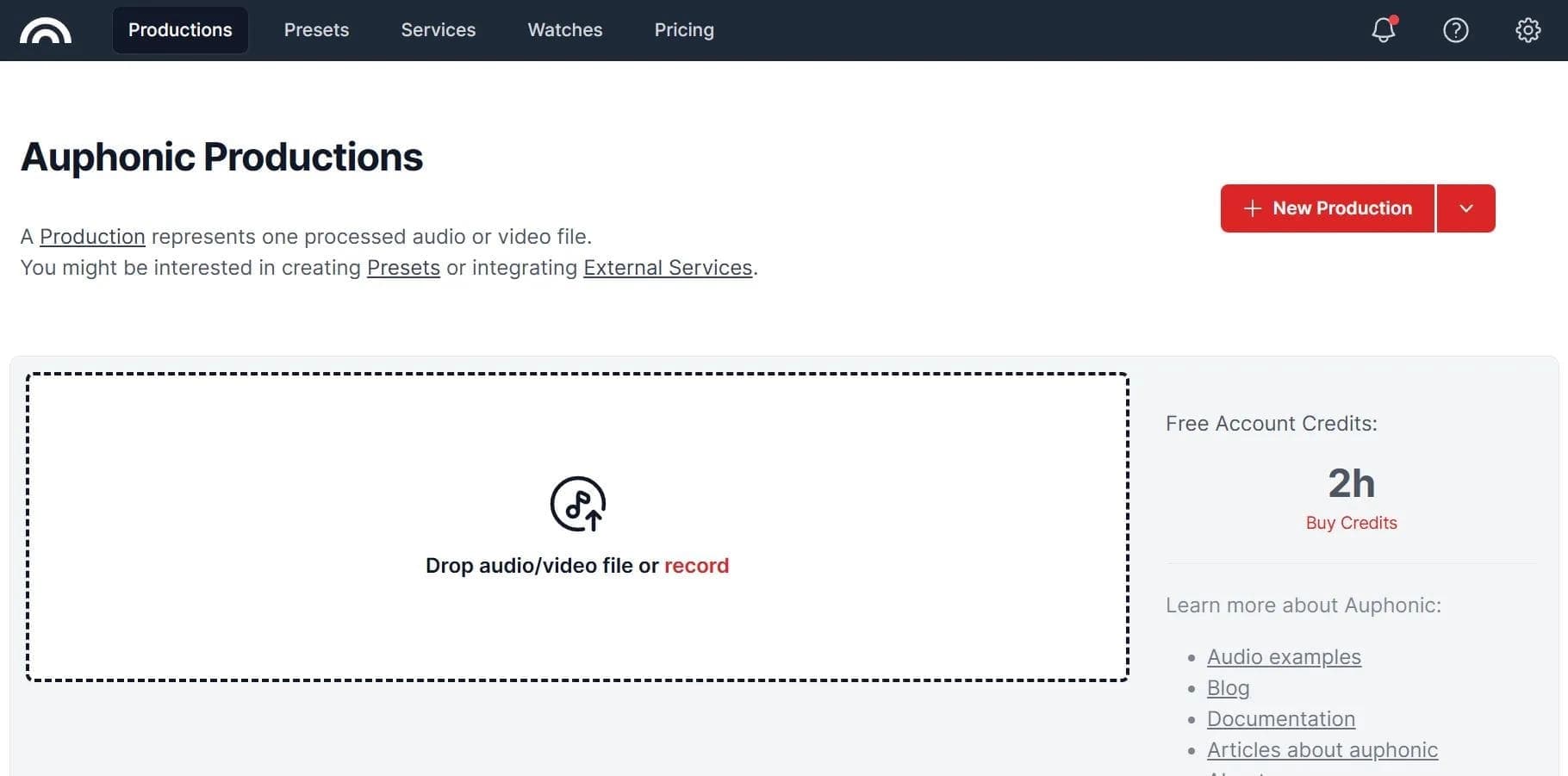
Overview
Auphonic
Description of the Auphonic neural network
Auphonic is a cloud service for automatic post-processing of audio recordings that takes on the routine tasks of getting sound ready for publication. The system analyzes the source file, then equalizes loudness, suppresses background noise and reverberation, and removes excessive pauses and filler words. The service supports multitrack recordings, speech transcription in 80 languages, and integration with popular podcast hosting platforms and cloud storage services. Auphonic’s algorithms are trained on data collected over 10 years and are updated daily, allowing the service to handle even heavily noisy recordings. The tool is aimed at final processing of a recording before publication and is not intended for complex sound design or music production.
Auphonic characteristics
| Characteristic | Value |
|---|---|
| Tool type | Neural network for processing audio recordings |
| Categories | Audio quality improvement, Podcasts, Audio transcription, Sound processing, Speech recognition |
| Platforms | Web service, Android mobile app |
| Interface languages | English, German, French |
| Distribution model | Freemium |
| Free plan | Up to 2 hours of processing per month |
| Maximum number of files processed per month | 500,000 |
| Supported transcription languages | 80 |
| Developer | Not specified on source pages |
| Monthly visits | 134M |
Who is Auphonic suitable for?
Podcasters and radio hosts
This is the core audience of the service. Auphonic allows you to quickly bring a podcast episode to normal sound quality without manual equalization and cleanup. The service automatically processes recordings, removes audio bleed between microphones in multitrack recordings, and prepares the file for publication on hosting platforms.
Video producers
Creators of talk videos, interviews, and educational content also actively use Auphonic. The tool handles processing video tracks without losing quality, which is especially useful for those who record voice outside the studio.
Sound engineers
Audio professionals can delegate routine normalization and cleanup tasks to the service, saving time for more complex production stages. However, Auphonic does not provide full control over the sound because it works automatically, so additional tools are needed for fine-tuning.
How to use Auphonic
Working through the web service
To start, you need to register on the service website. Then upload an audio or video file, select processing algorithms, configure loudness parameters, and run the analysis. Each file is processed in about 10% of its duration — for example, a one-hour recording is analyzed in about 6 minutes. The finished file can be downloaded or published directly to a platform.
Using the mobile app
Auphonic is available as a mobile app on Android. The app’s functionality matches the web version, allowing you to process recordings directly from your smartphone. The desktop version of the service is outdated and does not support macOS Ventura or newer versions of the system.
Automation and integrations
The service supports automatic uploads via watch folders and API. Processed audio can be published directly to podcast hosting platforms, cloud services, or via FTP. Zapier integration is available, allowing you to build complex automation chains.
Main Auphonic features
Audio processing
The service automatically equalizes loudness between different speakers, normalizing levels to the EBU R128 standard. Auphonic removes background noise and hum, eliminates echo and reverberation, trims excessive pauses and filler words, and automatically cuts out coughs. The built-in equalizer and low-pass filters allow further sound improvements, while the frequency range extension feature helps “revive” recordings made on a phone.
Transcription and content creation
Auphonic supports speech recognition with transcription in 80 languages. Based on the transcript, the service can generate VTT and SRT subtitles, create chapters for podcasts, and produce audiograms for videos. The audio track separation feature lets you isolate vocals from music.
Export and publishing
Finished files can be exported to 15 podcast hosting and video platforms, including YouTube, SoundCloud, Dropbox, PodBean, and others. All popular audio formats are supported (WAV, MP3, FLAC, and others). When processing video, the quality of the original file is preserved.
Auphonic advantages
Automation without manual tuning
The service does all the work automatically — you only need to upload a file and start processing. The algorithms distinguish speech from music and apply appropriate processing to each type of content. This saves time on editing and requires no deep audio processing knowledge.
High speed and quality
Each file is analyzed in about 10% of its duration — a one-hour recording takes about 6 minutes to process. The algorithms are trained on data collected over 10 years and are updated daily, allowing the service to handle even the noisiest recordings.
Free plan for evaluation
The free plan with a limit of 2 hours of processing per month lets you evaluate the service without any investment. This amount may be enough for occasional use, but regular podcasting will require a paid subscription.
Auphonic disadvantages
Free plan limitations
In the free version, a service jingle is added to processed files, making it unsuitable for commercial use. In addition, unused hours in the free plan do not carry over to the next month, and the 2-hour monthly limit may not be enough for a weekly podcast.
Technical limitations
The desktop version is outdated and does not support macOS Ventura or newer versions of the system. The interface is available only in English, German, and French — Russian is not supported. The service runs in the cloud, which can be inconvenient with large data volumes or a weak internet connection. Auphonic also does not provide full control over the sound because processing is fully automatic, and it is not suitable for complex sound design or music projects.
Dependence on source quality
The service improves poor recordings but cannot make them perfect. The final result depends directly on the source material — if the recording is initially of very low quality, Auphonic only partially compensates for its flaws.
What tasks Auphonic solves
Automatic audio post-processing is the main task of the service. It optimizes recording quality by removing noise from audio and video, equalizing loudness, and eliminating echo and reverberation. Specialized functions include cleaning multitrack recordings from cross-microphone audio bleed, as well as removing silence, filler words, and coughs.
In addition to sound processing, Auphonic handles speech transcription and subtitle creation in 80 languages, audio track separation (for example, vocals and music), as well as preparing and automatically publishing podcasts to hosting platforms and cloud services. The tool is focused on quickly polishing a recording to make it ready for publication.
Auphonic pricing
Free plan
Every user gets 2 hours of processing per month for free. In the free version, a service jingle is added to the finished files.
Paid subscriptions
Paid plans start at $11 per month for 9 hours of processing and go up to $99 per month for 100 hours. A Credits subscription is also available, starting at about $13 per month for monthly processing credits. Annual billing comes with a 20% discount.
One-time packs
Instead of a regular subscription, you can purchase one-time credit packs, which are paid for by volume without being tied to a subscription. This is convenient for one-off projects or irregular use.
Terms of use for Auphonic
Registration on the website is required to use the service. The free limit is 2 hours of processing per month — unused hours expire and do not carry over to the next period. In the free version, an audio jingle is added to processed files.
Users must upload files to the cloud service, which means transferring data to Auphonic’s servers. The service has no regional restrictions mentioned in the sources and does not require a VPN.
Availability of Auphonic
Auphonic is available as a web service through the website and as a mobile app for Android. The desktop version is outdated and does not support macOS Ventura or newer versions of the system. The interface is available in English, German, and French — Russian is not supported.
No regional restrictions are specified in the available sources, and no mention is made of needing a VPN. On the website, the service is categorized under tools for audio enhancement, speech recognition, and speech synthesis.
How Auphonic differs from alternatives
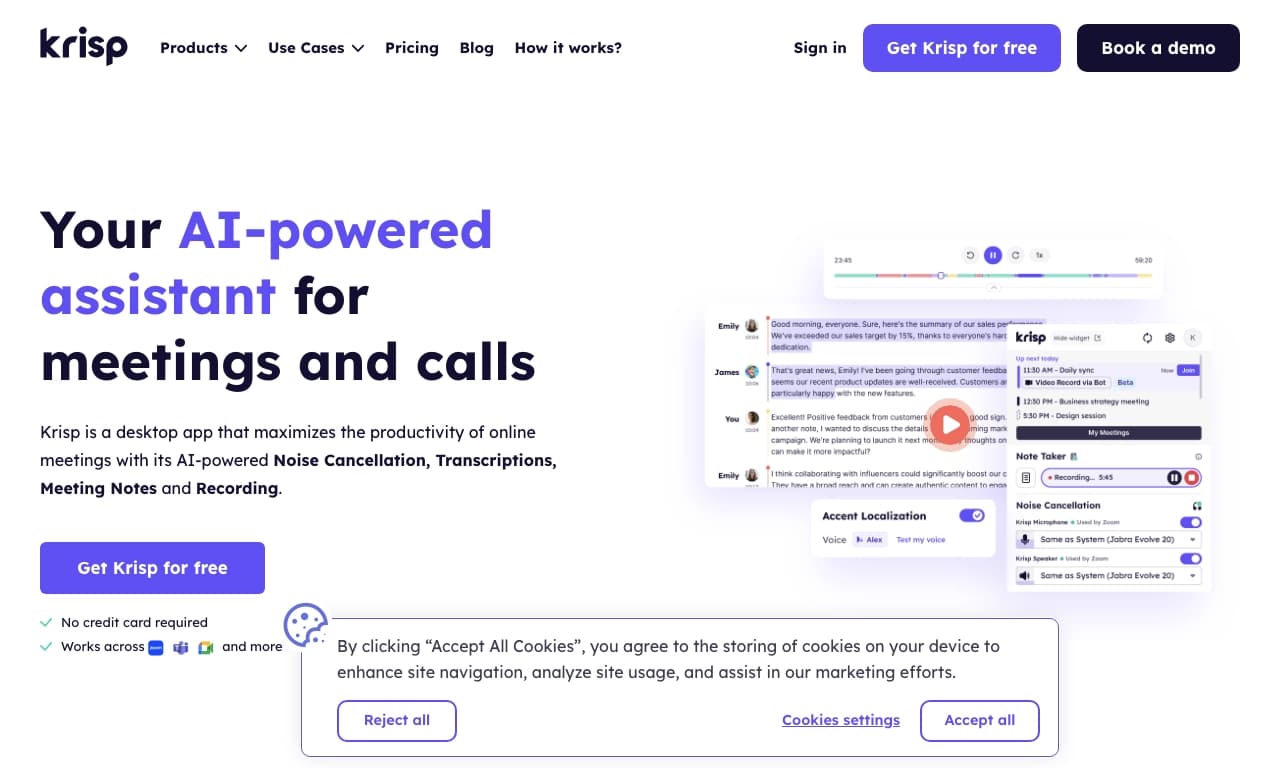
Auphonic handles the final processing of a recording before publication, while alternatives solve related but different tasks. For example, Cleanvoice specializes in removing filler words and speech errors, Krisp works in real time during calls, while Auphonic processes an already finished recording comprehensively, normalizing loudness and removing noise and pauses.
Other alternatives include NeatScribe, Voice Gecko, Willow Voice, Turbo AI, Wispr Flow, Whisper AI, as well as Aiva, DocuWriter.ai, Genie by Cosine AI, and PromptHub. However, none of them offers the same set of automatic post-processing features with support for 80 transcription languages and integration with 15 publishing platforms.
Conclusion
Auphonic is a cloud service for automatic audio post-processing, intended primarily for podcasters, radio hosts, and video producers. The tool takes on routine tasks of cleaning and normalizing sound, saving time on editing. The service offers a free plan with a limit of 2 hours of processing per month, which is enough to evaluate its capabilities, but regular use requires a paid subscription. Auphonic is well suited for quickly polishing spoken-word content, but it is not intended for complex sound design or music projects.
Pricing
Frequently asked questions



See also


AI-powered platform for generating and editing images and videos.
Cloud platform for text-to-speech conversion with realistic AI-powered voices.


Cloud platform for launching AI applications directly in the browser without installation.


An AI-powered service for handling phone calls that transcribes conversations in real time and creates concise summaries of the discussion.
AI tool for musicians that lets you split audio recordings into separate tracks, change tempo and key, and generate full arrangements from a single audio track.

AI-powered content marketing platform that automatically extracts key moments from live streams, podcasts, and Q&A sessions to create marketing materials.
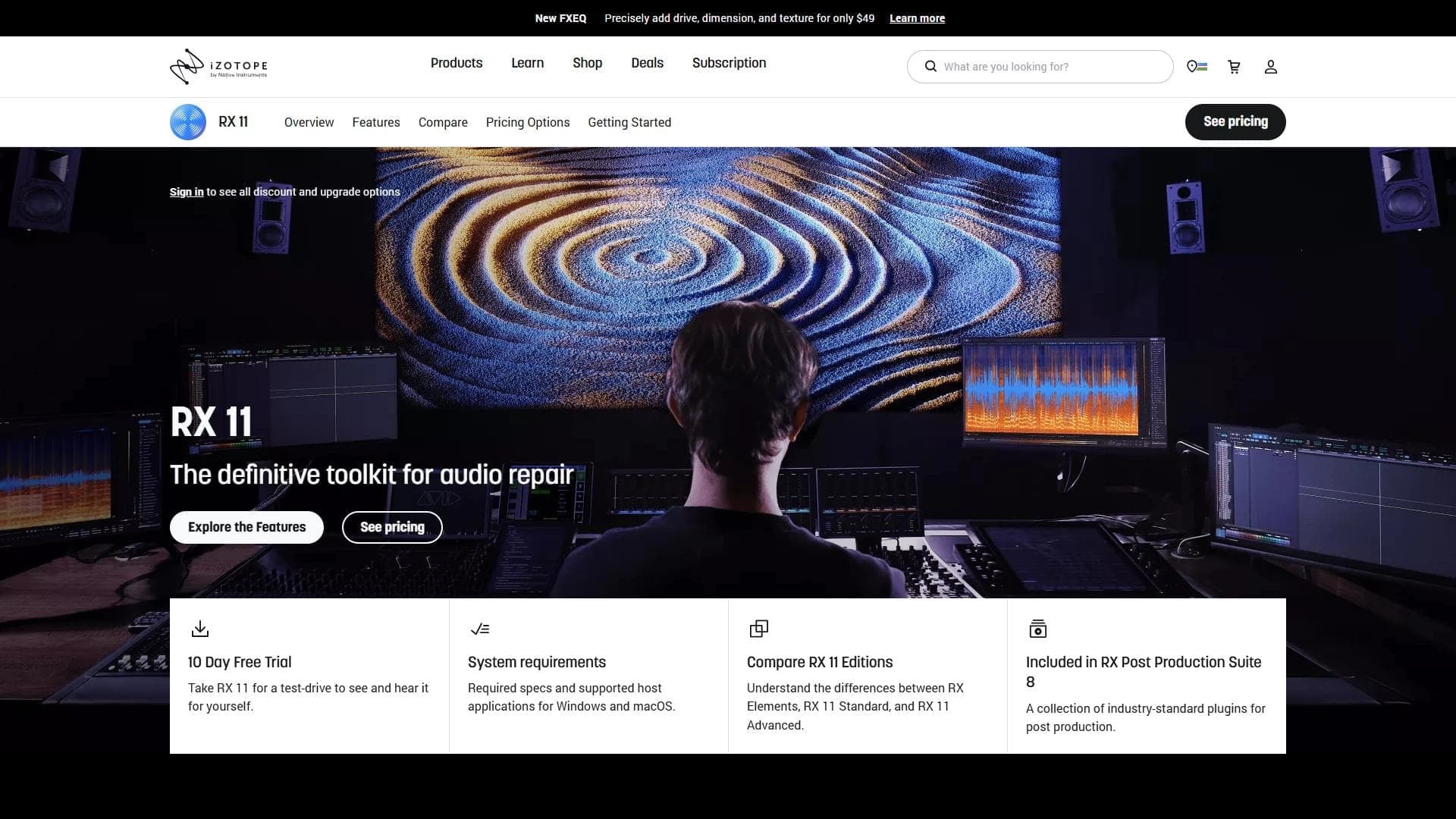

Professional audio restoration and cleaning software powered by machine learning.


Platform for recording, editing, and publishing podcasts and video content with built-in AI tools.