

Airparser
AI tool for automatically extracting structured data from emails, PDFs, and other unstructured documents.
Overview
Airparser
Description of the Airparser neural network
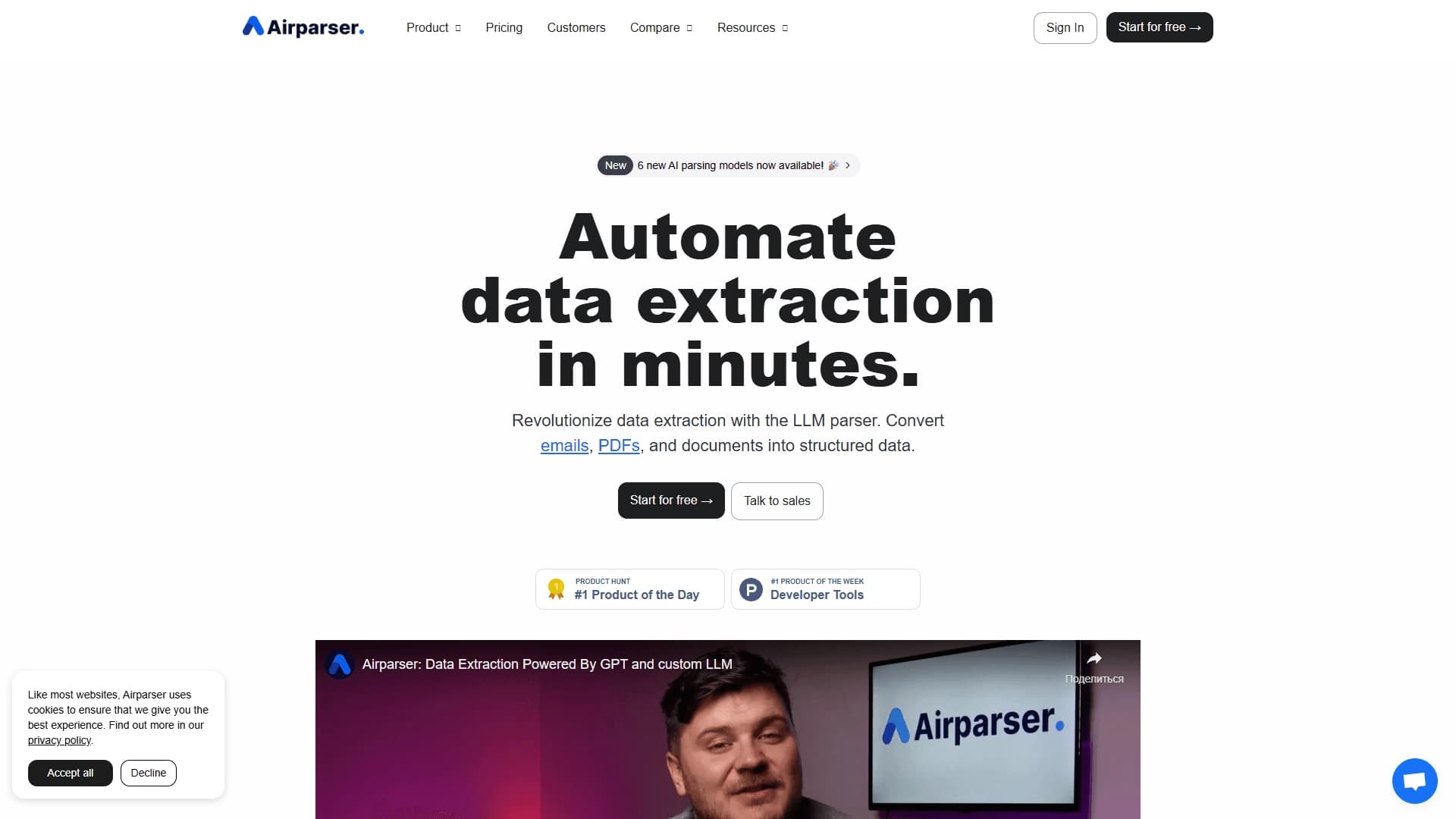
Airparser is an AI tool for automatically extracting structured data from emails, PDFs, and other unstructured documents. The service is built on GPT technologies, which allow it to recognize and parse semi-structured and unstructured content: emails, PDF files, HTML pages, text documents, and scanned images.
The extracted data is automatically converted into a structured JSON format suitable for further processing. It can be exported to Google Sheets or Excel, as well as transferred to other systems via webhooks, Zapier, or Make. The service works in real time, can process attachments, and can be configured without programming in just a few minutes.
Airparser characteristics
| Characteristic | Value |
|---|---|
| Type | AI parser for emails, PDFs, and documents; email and document analysis tool |
| Categories | Web scraping and parsing, PDF and documents; Business, Automation, No-code / Low-code |
| Base technology | GPT |
| Supported formats | Email, PDF, HTML, text files, scanned images, attachments |
| Output data | Structured JSON, spreadsheets (Google Sheets, Excel) |
| Integrations | Webhooks, Zapier, Make, CRM, ERP, no-code platforms |
| Platform | Web |
| Distribution model | Paid |
| Free tier availability | Not specified |
| Editors' rating | 9.2 out of 10 |
| Website rating | 4.9 |
| Website | airparser.com |
| Publication date | December 31, 2025 |
Who is the Airparser neural network suitable for?
Small teams with high document volumes
The tool is primarily aimed at small teams and companies that deal with large volumes of incoming documents on a daily basis. If emails, invoices, requests, and forms have to be processed manually, Airparser makes it possible to automate this process and free up employees for more important tasks.
Users without programming skills
Since the service is configured without writing code, it suits specialists who do not know programming. The parser can be set up in a few minutes even without technical training, making the tool accessible to managers, operations specialists, and business owners.
How to use the Airparser neural network?
Quick setup in a few minutes
Setting up Airparser takes less than five minutes. The user only needs to provide a sample document or a text description of the required fields to be extracted. The service learns from this example and determines what data to recognize in the future.
Testing and connecting integrations
After setup, the result can be tested on real documents and extraction rules can be adjusted if necessary. Once the parser works correctly, an integration is connected — for example, export to spreadsheets, CRM, or a no-code platform — after which data is automatically transferred to the desired system.
Key features of Airparser
Automatic data extraction with LLM
The key feature of the service is automatic data extraction from emails, PDFs, and any other documents using large language models. Airparser recognizes the required fields and converts unstructured text into a clear structured form.
Conversion into spreadsheets and JSON
The tool turns unstructured content into spreadsheets or JSON. This makes it easy to work with recognized data and transfer it to other systems for further processing.
Support for various formats and attachments
The service supports email, PDF, document scans, and text files, including attachments. This ensures flexibility when working with a wide variety of incoming data.
Real-time export
Airparser exports data in real time to CRM, spreadsheets, ERP, or no-code platforms. Integration is performed through ready-made connectors, webhooks, Zapier, and Make, allowing the parser to be embedded into existing business processes without programming.
Advantages of Airparser
Quick start without code
One of the main advantages of the service is the ability to start parsing without writing code. Setup takes only a few minutes, and all you need to do is describe or show the required fields.
Format versatility
The tool covers a wide range of data sources — from emails and PDFs to image scans and text files, including attachments. This covers most typical document processing tasks.
Real-time process automation
Thanks to real-time operation and integration with CRM, spreadsheets, ERP, and no-code platforms, the service makes it possible to fully automate the processing of incoming documents without human involvement.
Disadvantages of Airparser
Paid distribution model
Airparser uses a paid distribution model, and information about the availability of a free tier is not specified in the sources. For small teams, this may require additional costs for using the service.
What tasks does Airparser solve?
Automating incoming document processing
The tool solves the task of automating data extraction from incoming emails, invoices, requests, and forms. Instead of manually transferring information, employees receive ready-made structured data.
Processing typical documents
The service handles orders, invoices, resumes, and other typical documents. It recognizes the required fields and brings the information to a unified structured form.
Integrating data into business systems
Airparser is used to integrate recognized data into CRM, spreadsheets, ERP, and no-code applications. This makes it possible to build a continuous data flow from an incoming document to a company's internal system.
Airparser pricing
The tool is distributed under a paid model. Exact rates and subscription costs are not specified in the source data, so to get up-to-date pricing information, it is recommended to refer to the official website of the service, airparser.com. It is also not clarified whether Airparser has a free tier or trial period.
Terms of use for Airparser
Airparser works in a web version, which means access to the service through a browser without installing additional software. Setting up the tool does not require programming skills and takes a few minutes. The paid distribution model implies payment for using the service; however, detailed terms, including the number of processed documents and available pricing plans, are not disclosed in the source data.
Airparser availability
Airparser is a web platform that works through a browser. The official website of the product is airparser.com.
How Airparser differs from alternatives
The main difference between Airparser and many similar solutions is its use of GPT technology for parsing unstructured documents. The model understands context and can extract not only obvious fields from emails and documents, but also complex information such as contact details and dates.
Among similar services, Soica and Eureka Engine are mentioned. A broader list of similar tools also includes Browse AI, Gladia, Anchor Browser, Stagehand, Hexomatic, and others.
Conclusion
Airparser is a practical GPT-based AI tool for automatically extracting structured data from emails, PDFs, and other unstructured documents. It suits small teams that want to speed up incoming document processing without writing code: the service is configured in a few minutes, supports attachments, and exports results to JSON, spreadsheets, CRM, and no-code systems in real time. Among the limitations, the paid distribution model should be noted; however, for automating typical document tasks, the tool looks like a reliable and convenient solution.
Frequently asked questions

See also


Free online platform with over 150 AI tools for working with PDFs, images, videos, and text.


Cloud platform for launching AI applications directly in the browser without installation.
A platform for creating mobile and web applications without writing code, using a visual builder.

Financial platform with an AI assistant for managing accounting, taxes, and budgets.


A design canvas built into the code editor, allowing you to create interfaces and write code in one place.
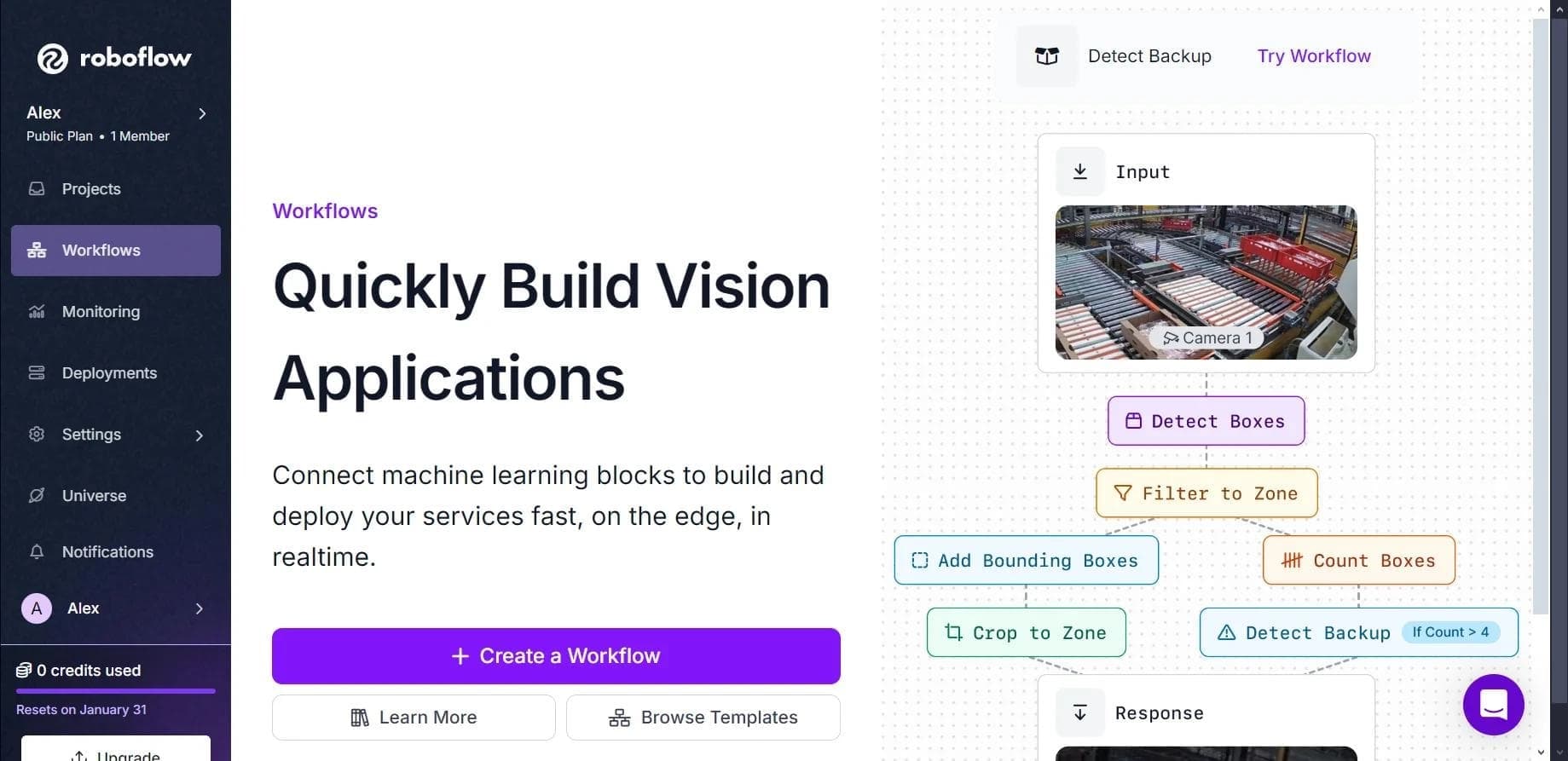

Platform for creating, training, and deploying computer vision models.

A project management platform with a built-in AI assistant for task automation and content creation.

A workflow automation platform that connects thousands of apps without requiring coding.