What is Nano Banana and why do you need it
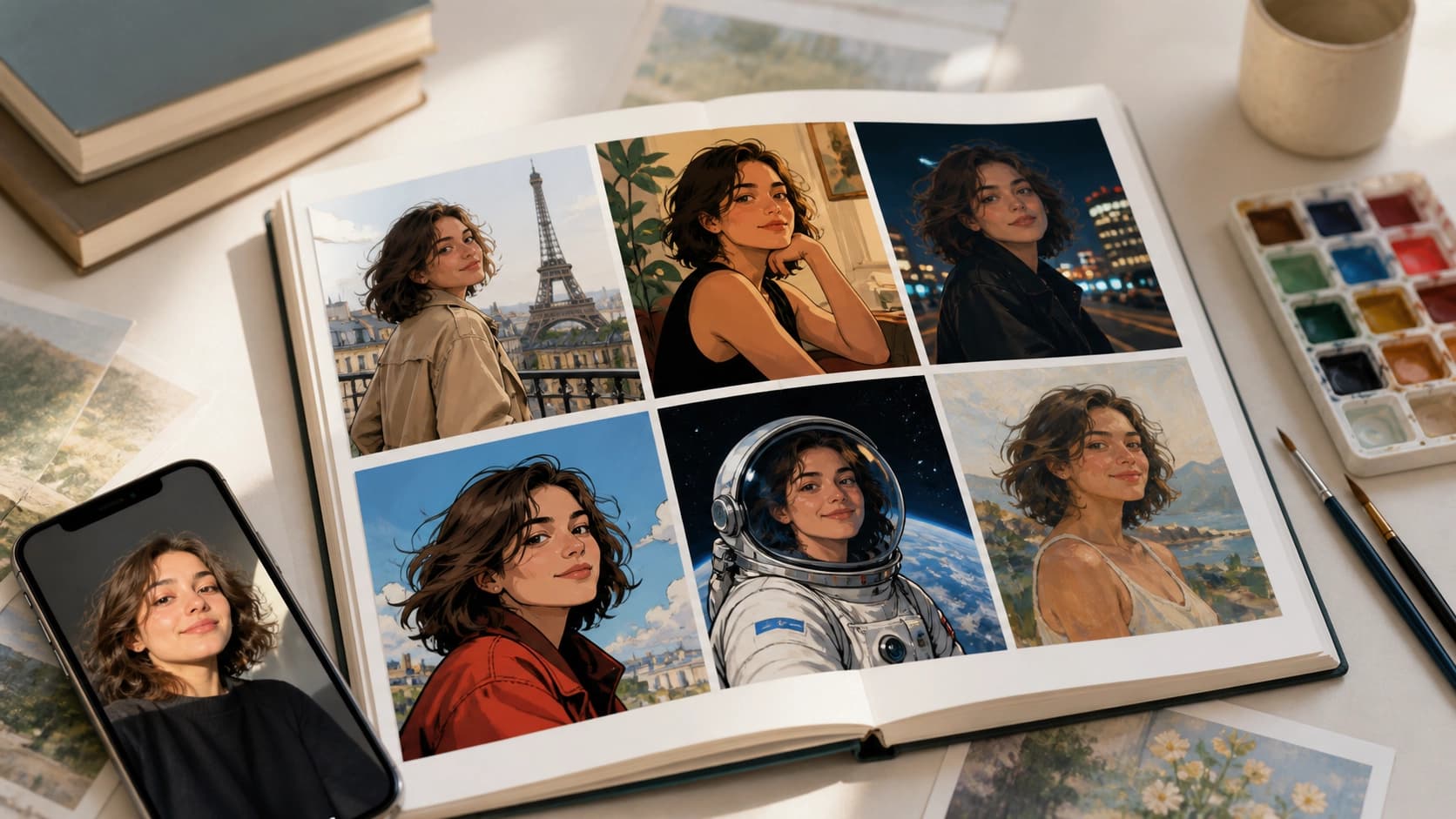
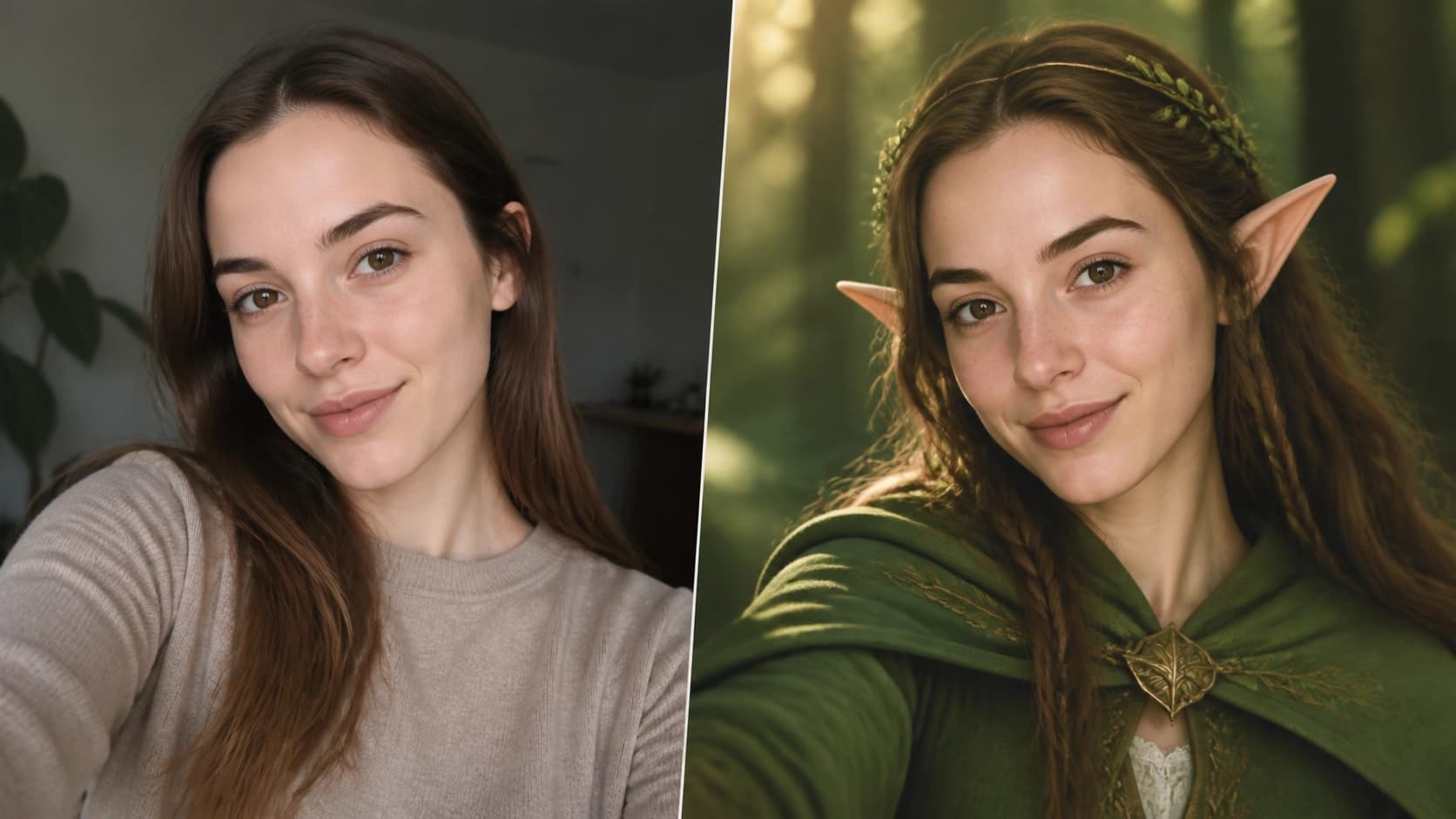
Gemini 2.5 Flash Nano Banana is an experimental image generation model available through Google AI Studio. Its main feature is the ability to edit photos while preserving a person's facial features almost unchanged. Simply put, you upload your selfie, and the neural network "redresses" you, places you in any setting, and changes the style of the picture — from a Parisian artist to a character in a sci-fi blockbuster.
Thanks to this, you can quickly put together an entire art album without Photoshop skills and without spending money on studio shoots. All actions are performed for free, and the result looks quite impressive — you just need to think through the concept and craft your prompts.
What to prepare before starting
You'll need very little to get started:
- Stable internet — image uploads and processing happen in the cloud.
- An album idea — think through the theme: fantasy, sci-fi, historical eras, humorous looks, or something else.
- A good selfie — the photo should be sharp, with the face well lit and positioned in the frame. The better the source image, the higher the quality of the results.
- A set of prompts — prepare text descriptions for each picture in advance so the process goes faster.
Step-by-step process in Google AI Studio
The whole process comes down to a few simple actions. Let's go through them in order.
Step 1: Take a selfie
You don't need a professional shot — a regular phone photo is enough. The main thing is that the face is in close-up, without extra objects covering it.
Step 2: Open Google AI Studio
Go to the website at [https://a