

ZapCap
AI service add-on subtitles in the video.
Overview
Description of the neural network ZapCap
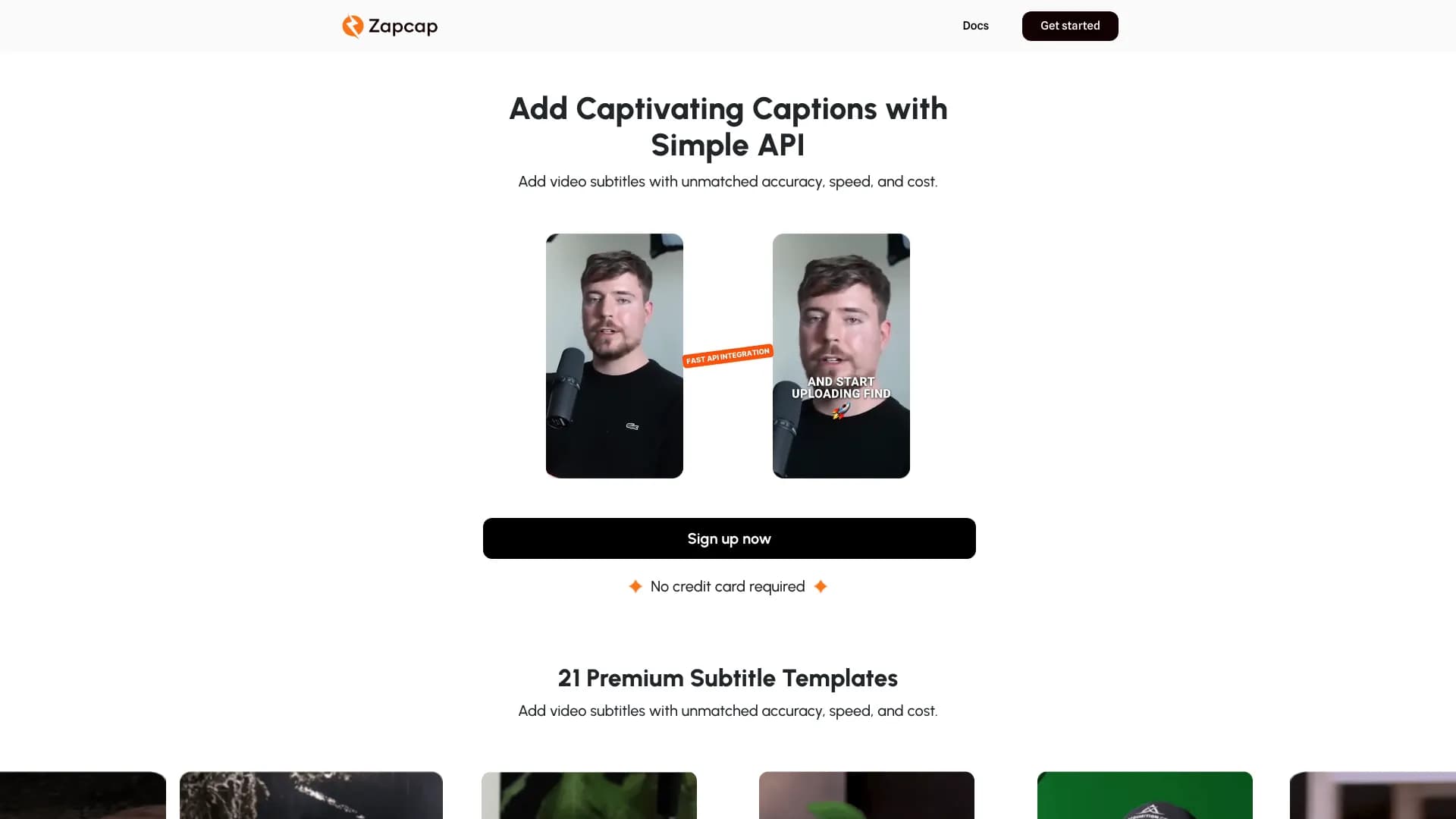
ZapCap is a specialty web service based on artificial intelligence intended for Automatically create subtitles in the video. The tool solves one of the most time-consuming tasks of video production – manually entering and synchronizing text with speech – fully automating this process. Service positioned as a professional solution for everyone People who regularly publish video content and want to improve it accessibility and engagement minimally temporary costs.
Unlike the simple ones. converter ZapCap is a full-fledged platform which It doesn't just recognize speech. It also offers a wide range of options for design. subtitles more than 20 built-in pattern , tuning Appearance of the text and automatic b-roll . Integration through API is also provided. service Required to create mass content in commercial educational projects.
Characteristics of ZapCap
| Characterization | Meaning |
|---|---|
| Type | AI tool for automatic subtitling |
| Platform | Web application |
| Price model | Freemium free tariff/paid subscriptions |
| Free tariff availability | Yes. |
| Minimum fee | From 8 USD per month |
| Support for subtitle languages | More than 50 languages |
| Number of subtitle templates | More than 20. |
| Availability of API | Yes (available on Pro and Agency+ rates) |
| Added to catalogue | July 11, 2024 |
For whom is the ZapCap neural network suitable?
ZapCap is designed for a wide range of users working video but Especially useful to them. who creates content on regular base.
Content creators and bloggers
The authors of YouTube channels, TikTok and Instagram Reels get a tool for quick registration of viral roller . Subtitles here are not just an auxiliary element, but style-piece It holds the viewer’s attention. Dynamic ZapCap templates allow you to highlight videos in the tape.
Marketers and SMM Managers
Promotion specialists can use the service for mass processing of advertising rollers and their integration into sales funnels. Availability of SEO functions (automatic) tagging ) helps to improve ranking video search recommendatory systems algorithms.
Teachers and video editors
For the creators. educational content (courses) , lessons, webinars ) Subtitles are mandatory - they increase the digestibility of the material and make it accessible to people on hearing impairment . Video editors Working with large volumes of orders Appreciate the speed of processing and possibility Automatic removal of pauses and parasitic words what It reduces post-production time.
How to use the ZapCap neural network?
Work with the service is built on a simple algorithm and does not require special technical skill . All right. The path from downloading the file to getting the finished result takes a few minutes.
Step 1: Registration and downloading
You need to register first. on the platform. It's important to what activate No free tariff is required to indicate bank card data. After logging into the account, you need to download the video file that you want to process.
Step 2: Setup and Generation
After downloading, select one of proposed subtitle templates ( theirs more than 20. You can edit the style if necessary. text colours position on screen, animation. emergence . The system automatically recognizes speech. Create and synchronize subtitles and It can also remove unnecessary pauses and parasitic words.
Step 3: Export and Integration
When subtitles ready You can download the final video from stitched . For those. Anyone who uses ZapCap in a Pipeline with other programs or downloads video automatically has an API. Access keys to the API are purchased single-loan paid tariffs.
Main functions of ZapCap
The functionality of ZapCap covers not only the overlay of the text, but also a whole set of accompanying tool improve Video content.
- Automatic. generation subtitlesThe system recognizes speech with high accuracy and instantly turns it into text. synchronized on The path.
- Template library: Over 20 different design styles - from classical before dynamic animation options.
- Multilingual support: Recognition and subtitling available in over 50 languages what orientate work global audience.
- AI tools for installationBuilt-in function automatic selection of B-roll (interruptions) ) and removing pauses with Speech fillers (such as "uhhhhhhh" or "hhhhhhhhhhhhhhhhhhhhhhhhhhhhhhhhhhhhhhhhhhhhhhhhhhhhhhhhhhhhhhhhhhhhhhhhhhhhhhhhhhhhhhhhhhhhhhhhhhhhhhhhhhhhhhhhhhhhhhhhhhhhhhhhhhhhhhhhhhhhhhhhhhhhhhhhhhhhhhhhhhhhhhhhhhhhhhhhhhhhhhhhhhhhhhhhhhhhhhhhhhhhhhhhhhhhhhhhhhhhhhhhhhhhhhhhhhhh well ".
- SEO optimization: Automatic. tagging , hashtags and descriptions which help platform algorithms better recognize contents of the video.
- API for integration: It allows you to embed ZapCap functionality into third-party products and automate video streaming.
The Benefits of ZapCap
The service has a number of strong parties They are among the other tools for subtitling.
High precision speed
Speech recognition happens very quickly and accuracy of recognition is maintained high-level complex announcer . This allows you to process Large video archives in a short time.
Savings in resources
ZapCap automates routine which usually takes up a hand-held clock job Removes silence and parasitic words Generates hashtags and descriptions . This is especially useful in streaming content production.
Low entry threshold
Free. plan without the need to enter a credit card allows you to test the functionality before buying a license . Simple interface does not require training employees.
The disadvantages of ZapCap
Despite the obvious advantages The instrument has certain restriction which are worth considering when choosing.
- Closed code.The service is not open source Therefore, it is not possible to independently finalize the algorithms or deploy the solution to own servers.
- No mobile version.: To date, references There is no native application for smartphones; work occurs through desktop browsers.
- Paid restrictionsMore advanced scenarios – such as creating a large number of custom pattern acceleration processing and access to APIs – available only on paid Pro and Agency+ rates.
What are the tasks ZapCap solves
Basic The goal of ZapCap is to save users from The routine process of adding text to a video. Introducing this tool into the workflow solves several business problems at once.
- Automation routine: Complete replacement of manual dialing and synchronization subtitles what It accelerates production tenfold.
- Increasing accessibility: Makes content available for viewing without sound for example in social place social media self-replicated ) and for people on Hearing limitations.
- Improving metrics: Good subtitles increase screening time Involvement and social inclusion networks by keeping your attention.
- Scaling: Use of use into educational projects (lectures) courses ) and marketing Campaigns allow you to scale video production without expanding the staff of editors.
ZapCap prices
ZapCap works on the model of Freemium : eat The opportunity to start for free, and more serious There are paid subscriptions. . When paying for the year, a discount of up to 20% is provided.
Free plan
Includes 3 videos per month (up to 1 minute 30 seconds per video). AI descriptions and hooks available but no-custom pattern . Credit No registration card is required.
Paid tariffs
- Starter. 8 USD/month15 videos per month (up to 2 minutes per video), 3 custom videos subtitle absence watermark.
- Pro (16 USD/month)50 videos per month (up to 5 minutes per video), 5 custom videos pattern Acceleration of processing up to 2 times Premium templates Access to APIs (API credits are paid for) separately).
- Agency+ (32 USD/month)No limit on the number of videos (up to 10 minutes on video), 10 custom pattern Acceleration of processing up to 4 times Premium templates Access to the API (also with separate access) payment loan ).
Terms of Use of ZapCap
Registration is required to start work account . Free. The plan does not require a bank link cards.
Regarding commercial use and loading Access to the API is not included in the base subscription fee . Users of Pro and Agency+ tariffs can connect the API, but additional credits will be required for requests to it. . This condition should be taken into account by companies. You want to use ZapCap as a part of Automated production of video.
Availability of ZapCap
The service is a web application and works through a browser on stationary computer notebook . Interface languages are not officially listed.
Access to the platform is not clear. regional restriction : if the zapcap.ai website opens In your country, you can use function . The need to use a VPN in the conditions utilization Not mentioned.
How ZapCap differs from analogues
Competition in the market of AI subtitles high : service as SubtitleBee, Rev.com Zubtitle and Kapwing . Straight comparisons No manufacturer on the page However, the collected data can identify key positions.
The main difference between ZapCap is complex approach. Many competitors only offer text overlay. then How ZapCap combines several tool Automatic removal of parasitic words B-roll selection generation SEO descriptions and API access. It turns him out highly specialized editor in a full-fledged environment for fast video packaging algorithm social networks. For users by which It’s important to not just “text” video Fully ready-to-publish video, ZapCap looks like a better offer.
Conclusion
ZapCap is a smart AI tool which Closing the needs of content creators and marketers in fast and high-quality subtitling . Due to high accuracy of recognition Support for more than 50 languages and built-in tools for installation and SEO, the service stands out favorably background editorial . Affordable price The availability of a free tariff without a binding card and flexible API integration make it attractive for both individuals. writer And for the teams. working over streaming production of video content.
Pricing
Frequently asked questions
See also


A tool for generating 3D models based on text descriptions, images, or sketches.
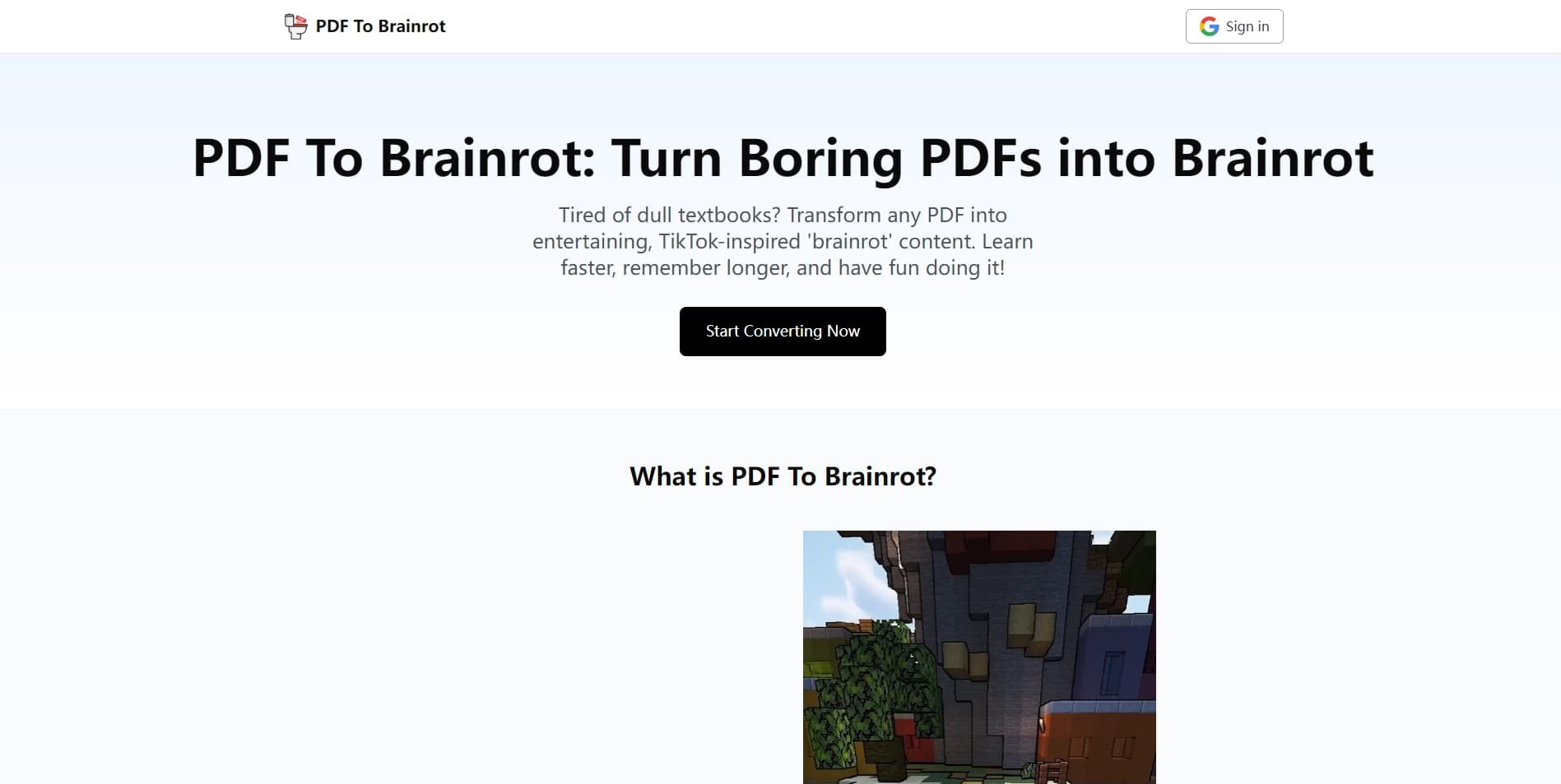
Turns PDF files into short, dynamic videos for quick material comprehension.
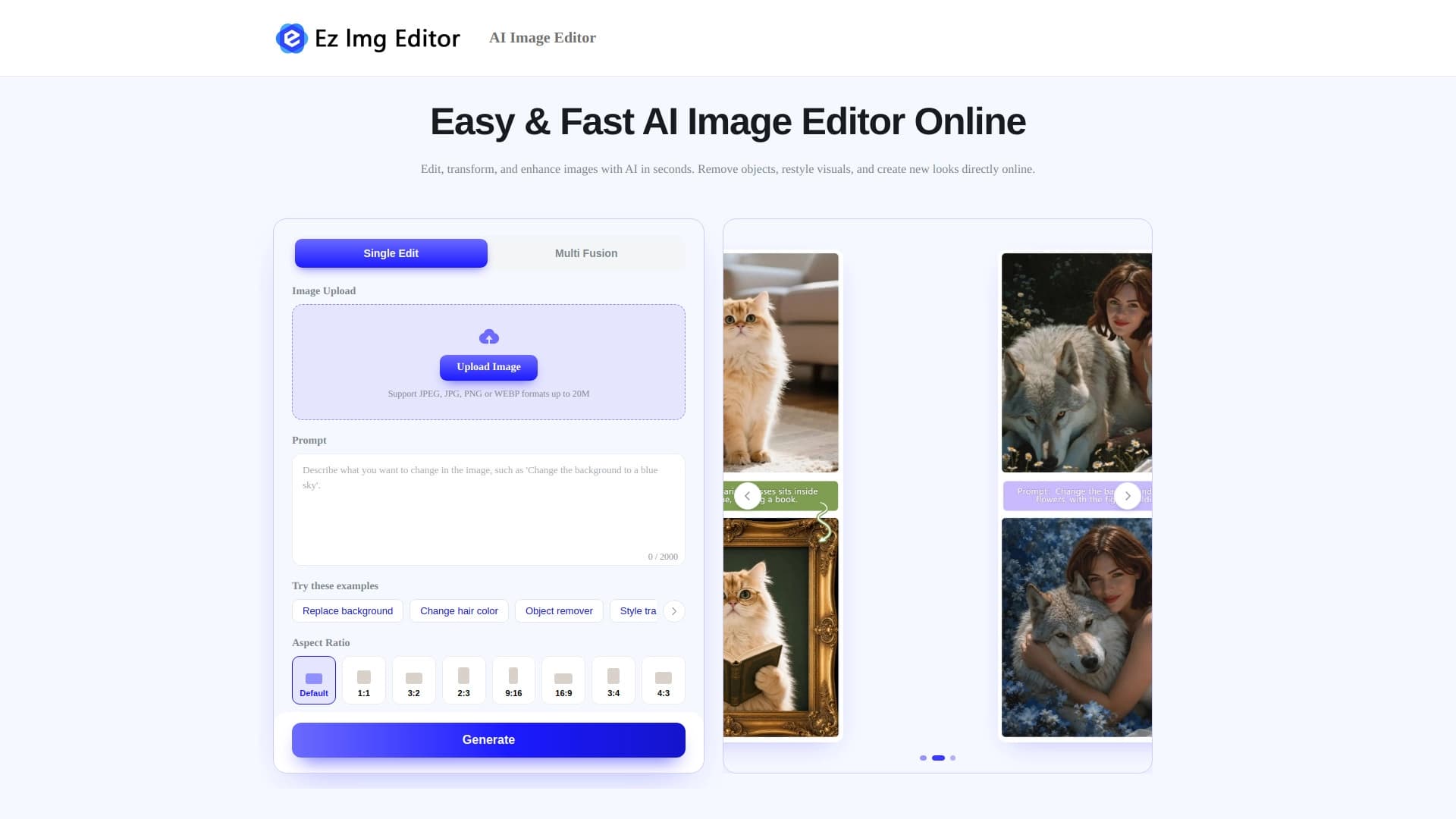

AI-powered online image editor for removing objects, replacing backgrounds, and enhancing photos.


Online service for checking texts for plagiarism using AI, which helps find borrowings and fix errors.
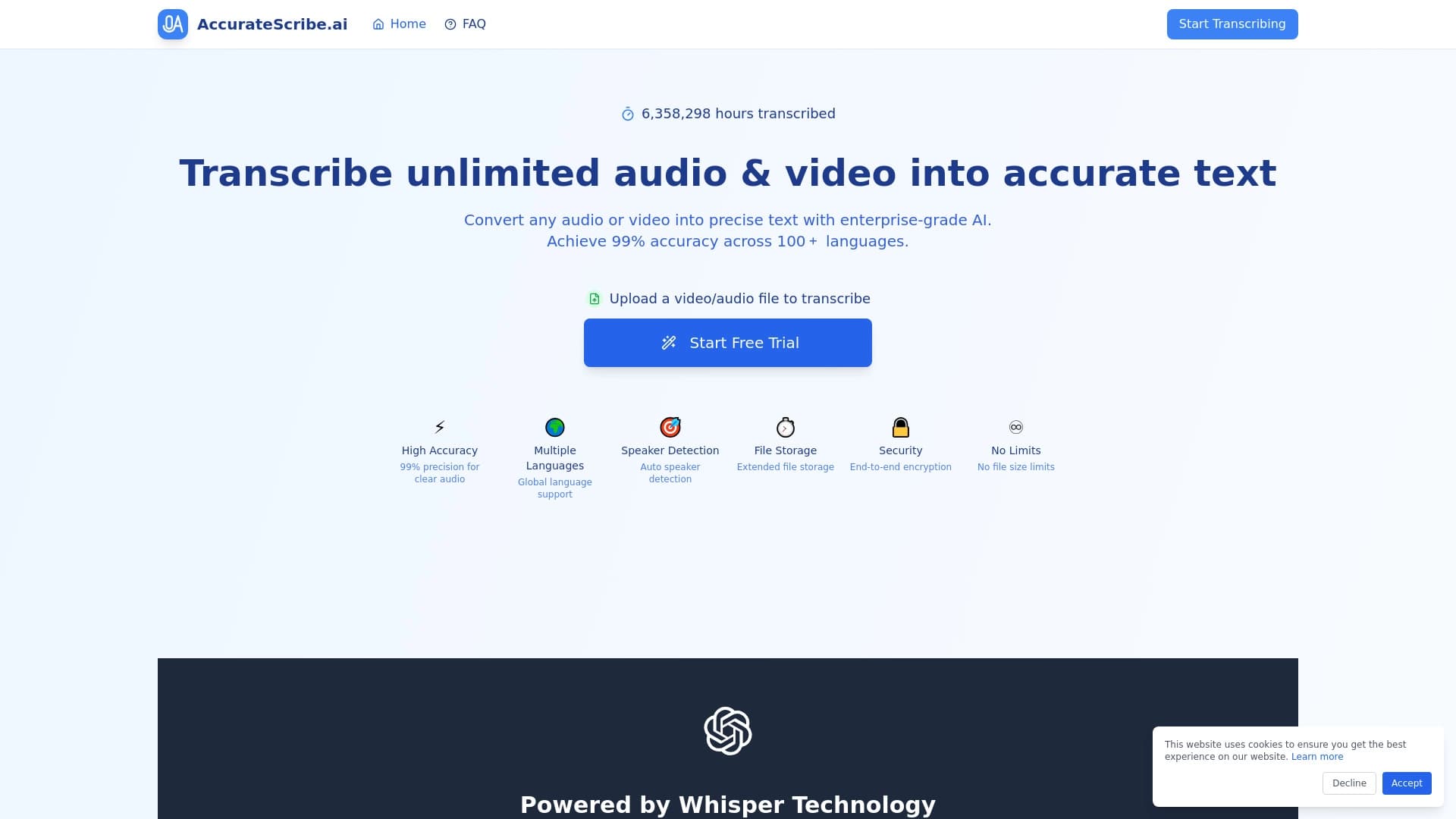

Service for automatic transcription of audio and video into text with support for over 100 languages.
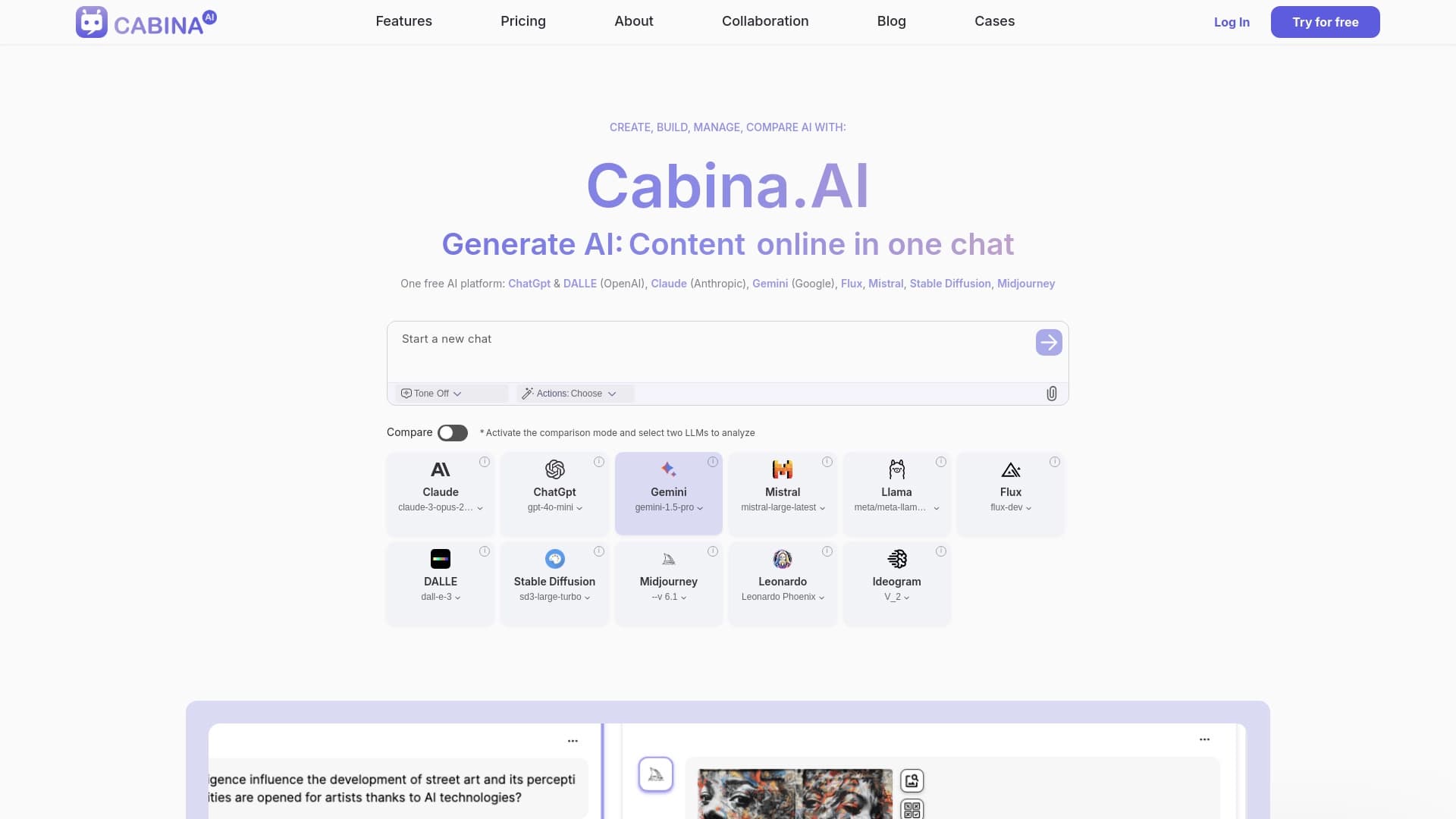
Cabina AI is a unified platform for working with various generative neural networks, enabling you to create texts, images, and videos.
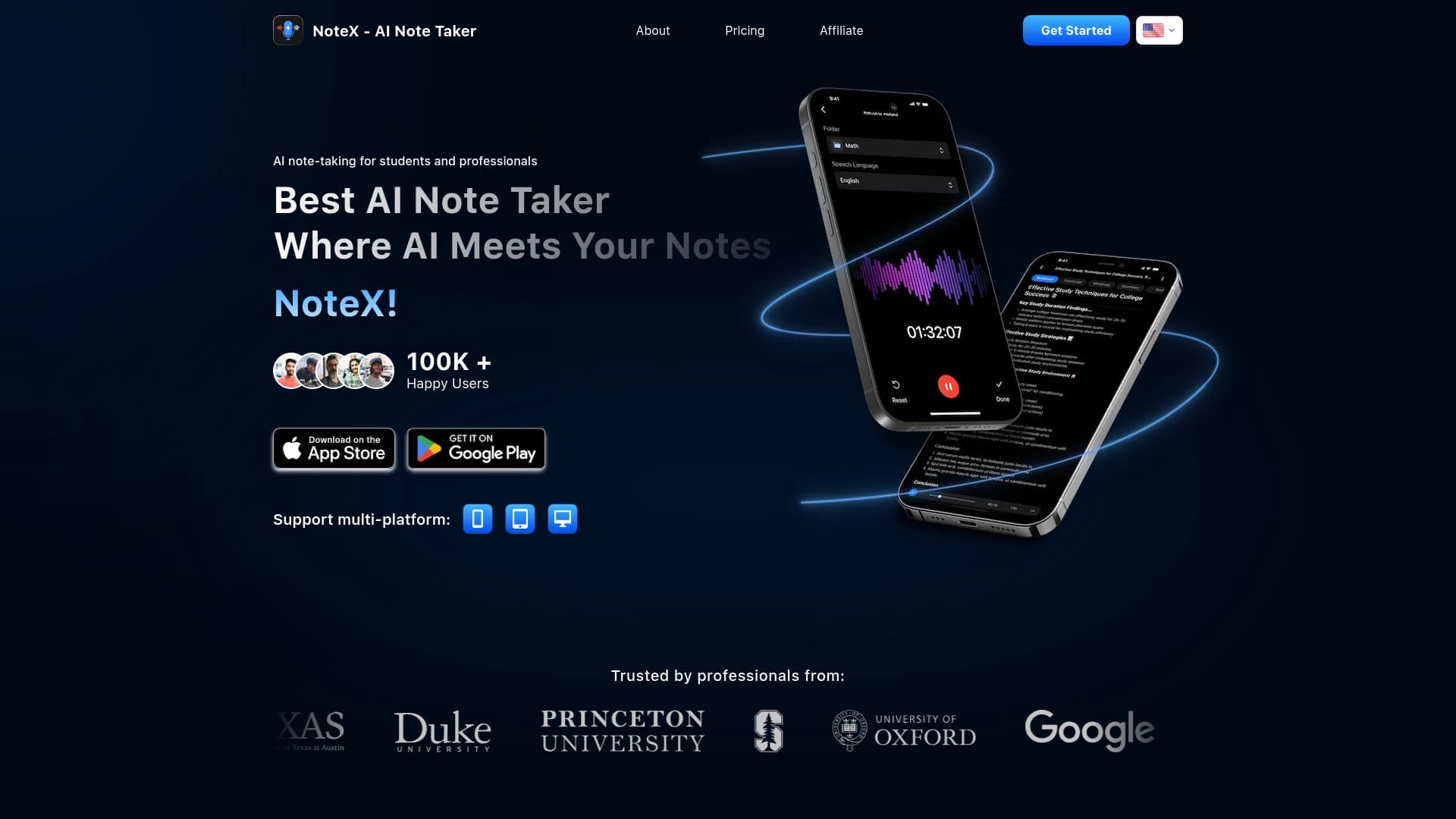

AI app for voice recording and turning it into structured notes.
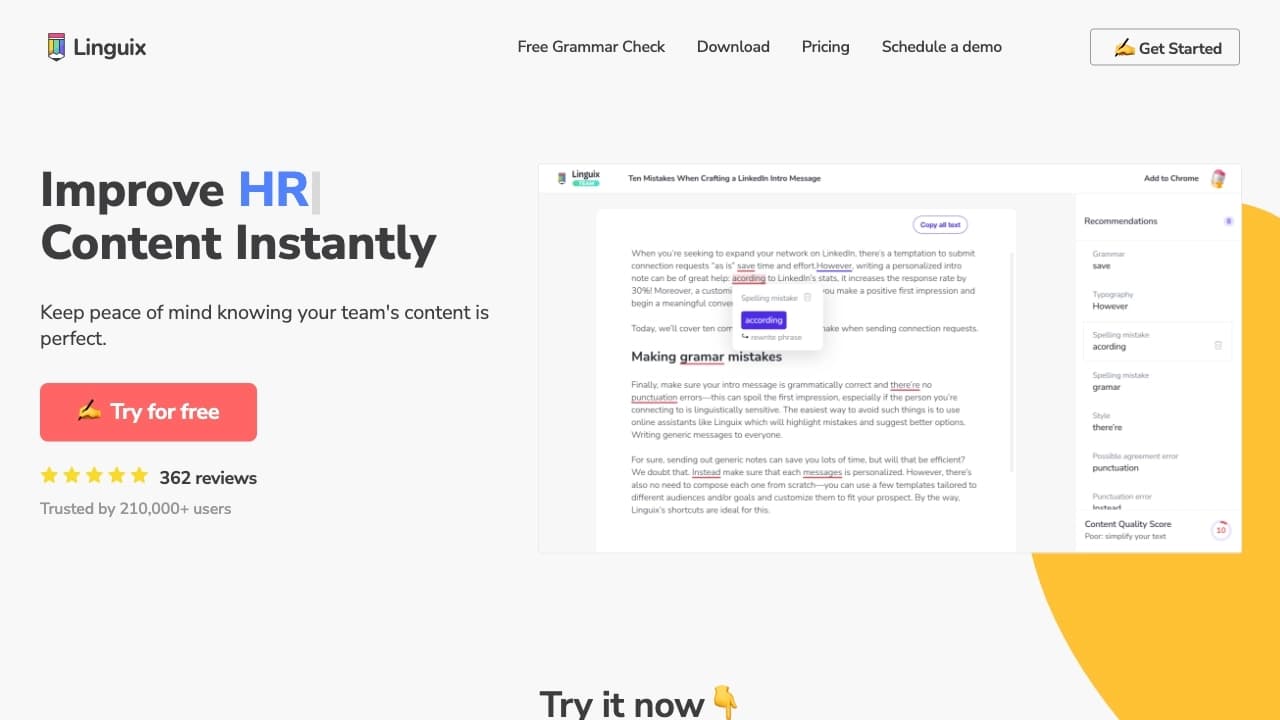

AI assistant for checking grammar, spelling, and style of English text, available as a browser extension and web editor.