

NoteX AI Notetaker, AI Notebook
AI app for voice recording and turning it into structured notes.
Overview
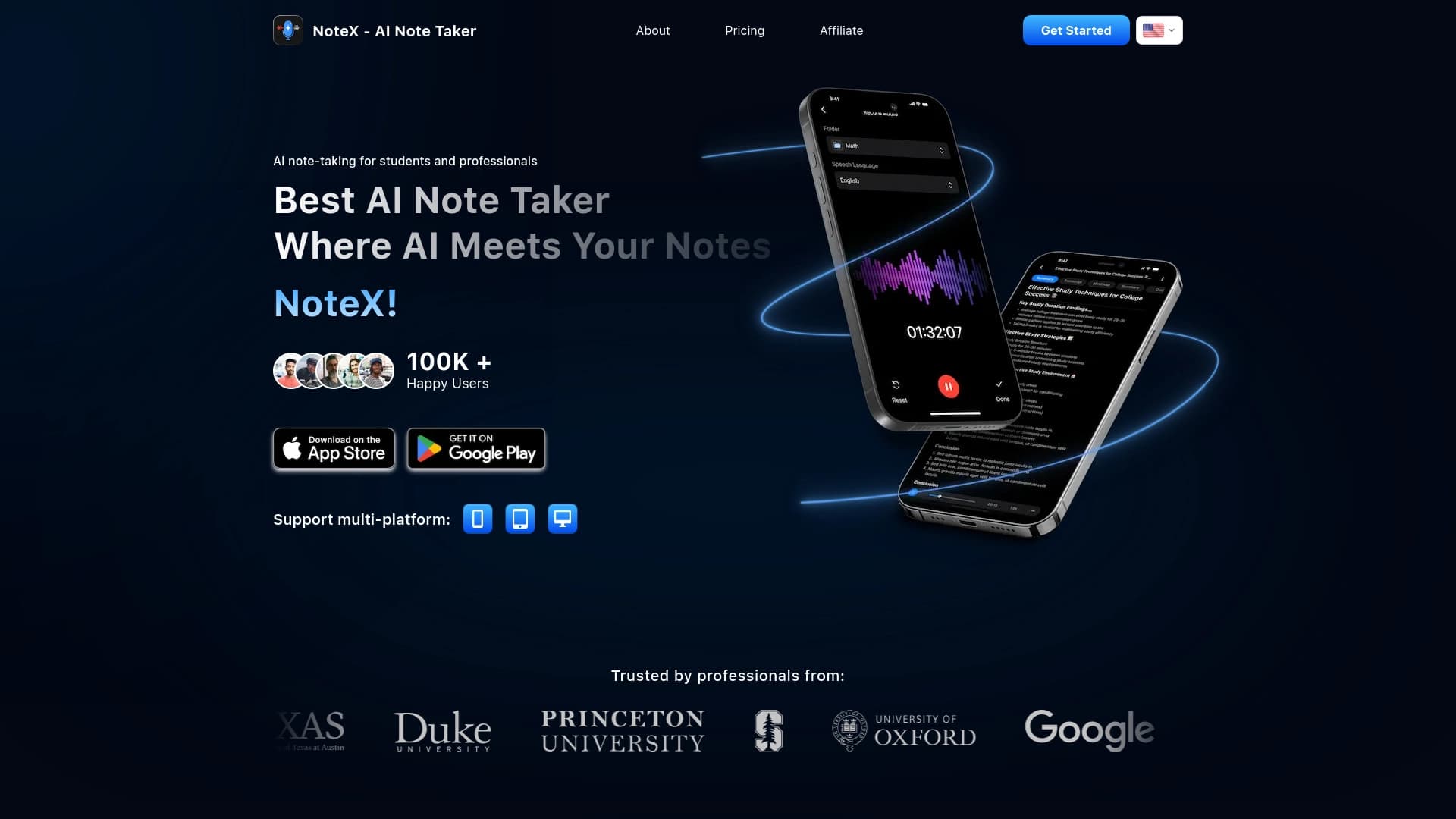
NoteX is a note-taking application that uses artificial intelligence to convert voice recordings into structured text documents. The tool is designed to free users from manual transcription and information organization. Instead of raw text, the output consists of organized notes that can be used for studying or work.
The technology works like a smart voice recorder: it captures speech in real time and processes it on the fly. However, the key difference from regular voice recorders lies in the AI algorithms. The neural network doesn't just recognize words — it analyzes the meaning of what is said, highlights key points, and automatically creates summaries. This allows users to quickly move from an audio file to a usable set of notes.
The app combines several functions: voice recording, automatic note structuring, generation of study materials, and a work assistant. Data syncs across devices, ensuring access to information at any time. Additionally, NoteX includes a built-in AI chat that lets users interact with the content of their notes. Users also have access to memory tools: flashcards, mind maps, and quizzes.
| Characteristic | Value |
|---|---|
| Tool type | AI app for voice recording and note-taking |
| Primary purpose | Converting voice into structured notes |
| Key features | Smart real-time recording, automatic summaries |
| Additional functions | AI chat, flashcards, mind maps, quizzes |
| Content formats | Study materials, work notes |
| Sync | Yes, across devices |
| Target audience | Students and professionals |
| Official website | NoteX |
Students
The app solves the problem of taking notes during lectures. Instead of juggling listening and writing, students can focus on understanding the material. NoteX converts audio into structured notes, and additional tools for generating study materials help with exam preparation. Creating flashcards and quizzes based on lectures speeds up the memorization process.
Professionals and business people
For specialists who spend a lot of time in meetings and negotiations, the app acts as a personal assistant. It captures the content of meetings, and automatic summary generation provides a quick overview of key decisions and tasks. The work assistant mode helps organize work ideas and assignments, freeing up time for actually completing tasks.
Recording speech and creating notes
To get started, users need to activate the smart real-time recording feature. The app captures voice and immediately converts it to text while simultaneously determining the structure of the future note. This is the basic workflow that replaces a classic voice recorder and manual transcription.
Processing and reviewing content
After recording is complete, the AI automatically generates a summary of key points. If the note is created for study purposes, users can use the study material generation feature: the app will create self-assessment questions or flashcards. To structure information, users can build a mind map based on the text. Interaction with content is also available through the AI chat, where users can ask questions about the material.
-
Smart real-time recording: Captures voice with simultaneous text conversion and initial structure processing.
-
AI summaries: Automatically identifies and summarizes key points from long recordings.
-
Study material generation: Creates flashcards, mind maps, and quizzes from notes for effective review.
-
Work assistant mode: Tools for organizing work responsibilities that help manage tasks and ideas.
-
Cross-device sync: Provides access to notes from any connected device.
-
AI chat: Allows users to have a dialogue with the AI about the content of their notes to clarify details or find information.
-
Time savings: Significantly speeds up information processing compared to manual note-taking.
-
Comprehensive approach: Combines recording, analysis, and study of material in a single app.
-
Ease of use: The system is designed to require minimal user involvement in text formatting — the app handles most of the structuring work.
-
Flexible use cases: Equally useful for educational tasks and work-related matters.
-
Always at hand: Thanks to cross-device sync, information won't be lost and will be available whenever needed.
One significant limitation is the lack of public information about subscription pricing. The distribution model and prices are not disclosed in available sources, which may make it harder to decide whether to test the app. Also, without detailed data on supported languages, it's difficult to assess speech recognition quality across different languages, especially for professional texts with specific terminology. The lack of information about system requirements also makes it impossible to determine whether the app will work properly on specific hardware.
- Voice-to-text conversion: Solves the problem of fast and accurate transcription of spoken speech.
- Information structuring: Helps turn a continuous stream of words into a logically organized set of notes with highlighted points.
- Faster exam preparation: Provides tools for generating study materials such as flashcards and quizzes.
- Workflow optimization: Helps professionals capture meeting content and assignments without being distracted from the discussion.
- Context recovery: Allows users to quickly move notes between devices in sync mode.
Official data on NoteX pricing and plans is not available in public sources. This information is not provided on source websites. The service may operate on a subscription model or offer a free version with limits on the number of recordings. For accurate pricing information, users are advised to visit the product's official website or contact developer support.
Detailed information about terms of use, including the user agreement and privacy policy, is not available in public sources. Limits on recording volume and available features depending on user status are also unknown. To get a full picture of the rules, users need to review the official documentation.
Based on the stated cross-device sync capability, NoteX should have versions for mobile platforms and desktop systems. However, exact compatibility details with specific operating systems (e.g., iOS, Android, macOS, Windows) are not specified in the provided materials. Users should check for the app in official stores or on the developer's website.
The main difference of NoteX lies in its comprehensive combination of tools. Many note-taking apps offer either speech recognition, structure generation, or learning features. NoteX brings all these capabilities together in a single interface. A unique advantage is the built-in study material creation system: not just storing text, but transforming it into mind maps, flashcards, and quizzes. This makes the service equally useful for a student preparing for an exam and a professional looking to organize knowledge after a meeting. In most standard alternatives, such features are either absent or offered as separate paid add-ons.
NoteX AI Notetaker is a well-designed application for automating work with voice information. Its strength is the ability to turn audio recordings not just into text, but into a fully organized document with additional study tools. This makes it a versatile assistant for both educational and professional activities. However, before using it, it's important to clarify pricing and technical aspects, as this information remains undisclosed.
Frequently asked questions
See also
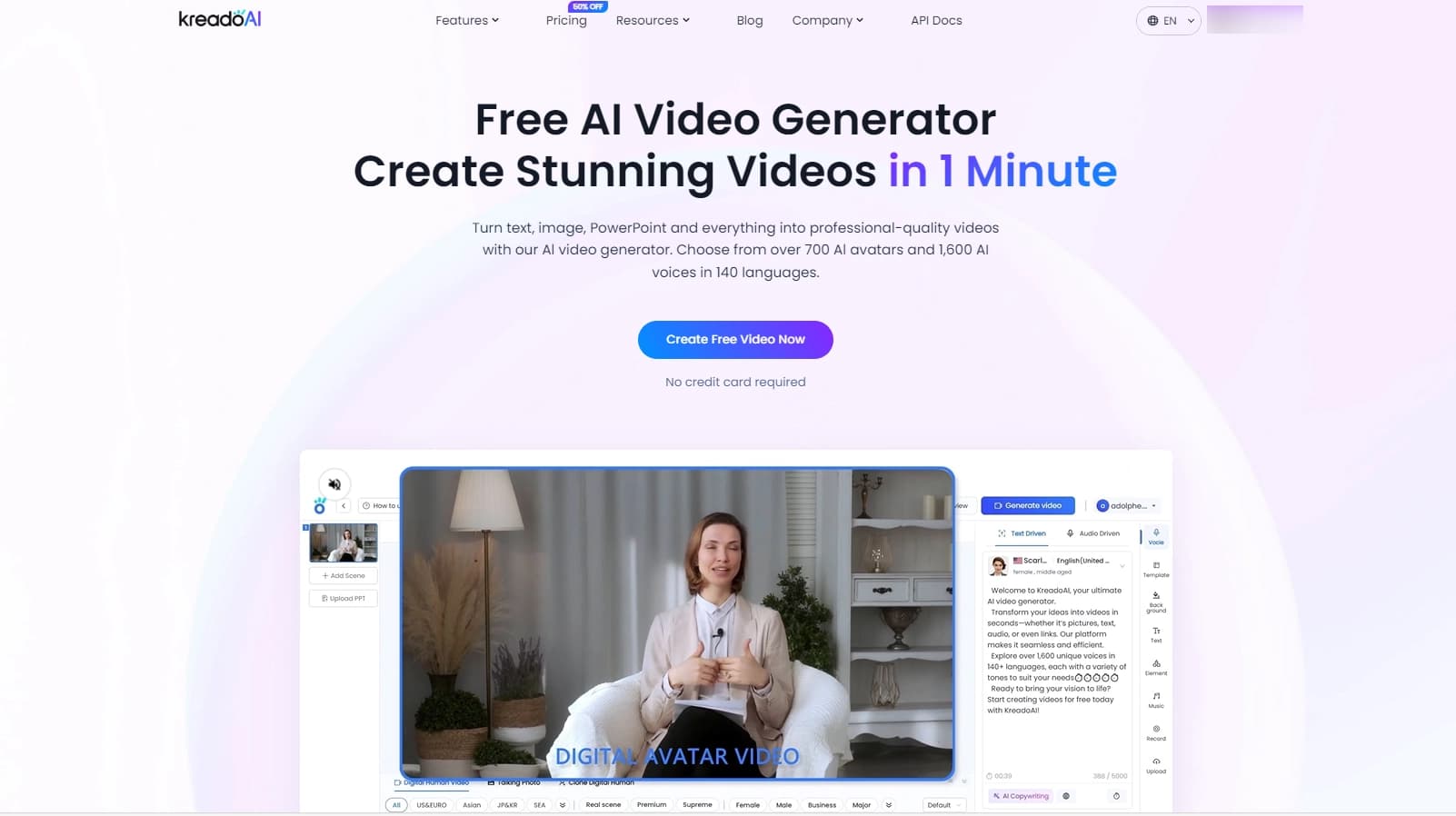

Service for creating multilingual videos with virtual or real characters from text.

AI agent for automating customer communications and support.

A platform for aggregating world news using AI to analyze and reduce bias.
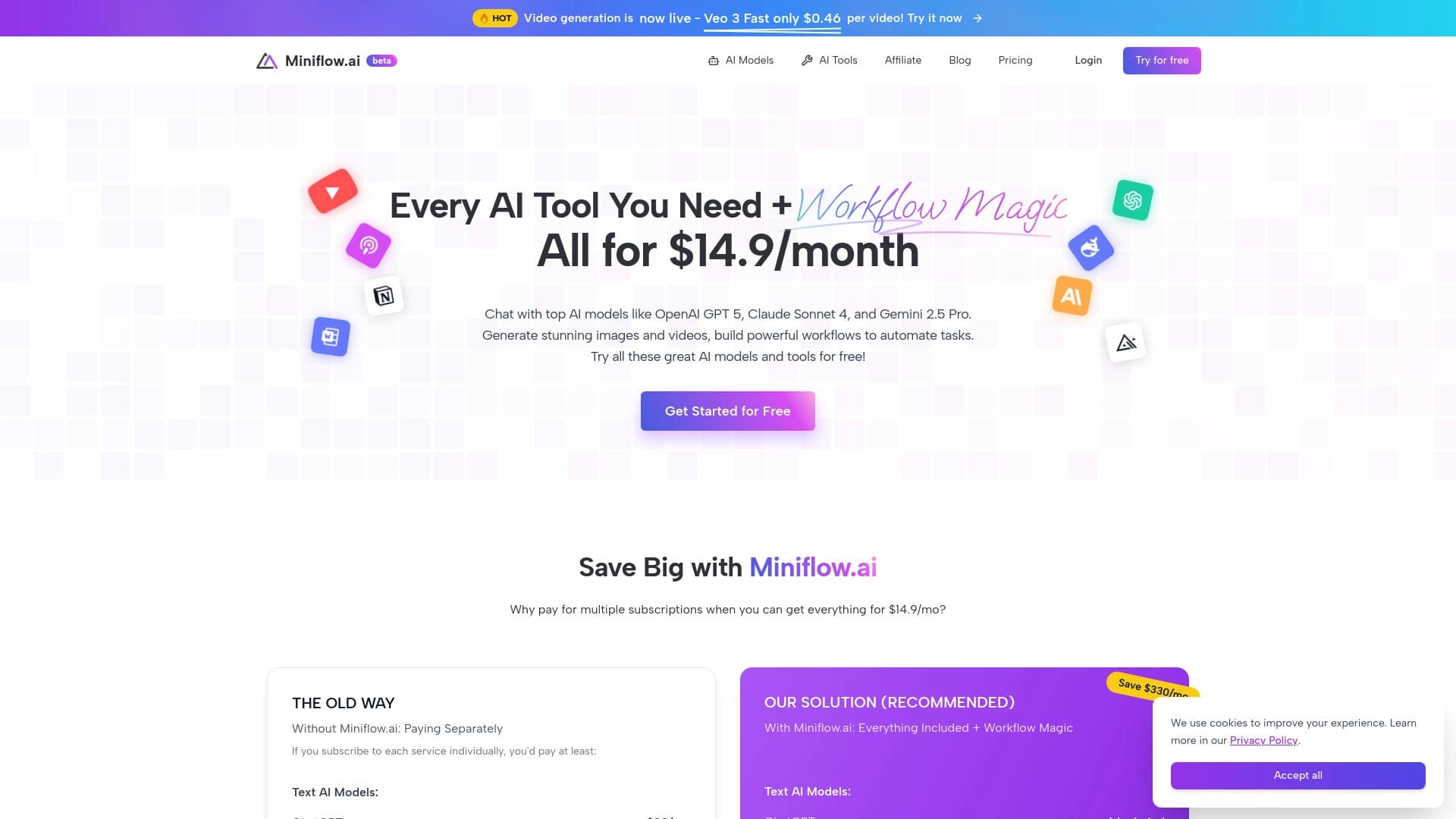

A platform combining over 200 AI tools for content generation and workflow automation.

AllChat is a universal platform that combines several popular language models in a single interface for communication, image generation, file analysis, and code execution.


A multifunctional AI assistant for chat, text and image generation, translation, and programming help.

AI agent for automating routine browser actions, such as filling out forms and collecting data.
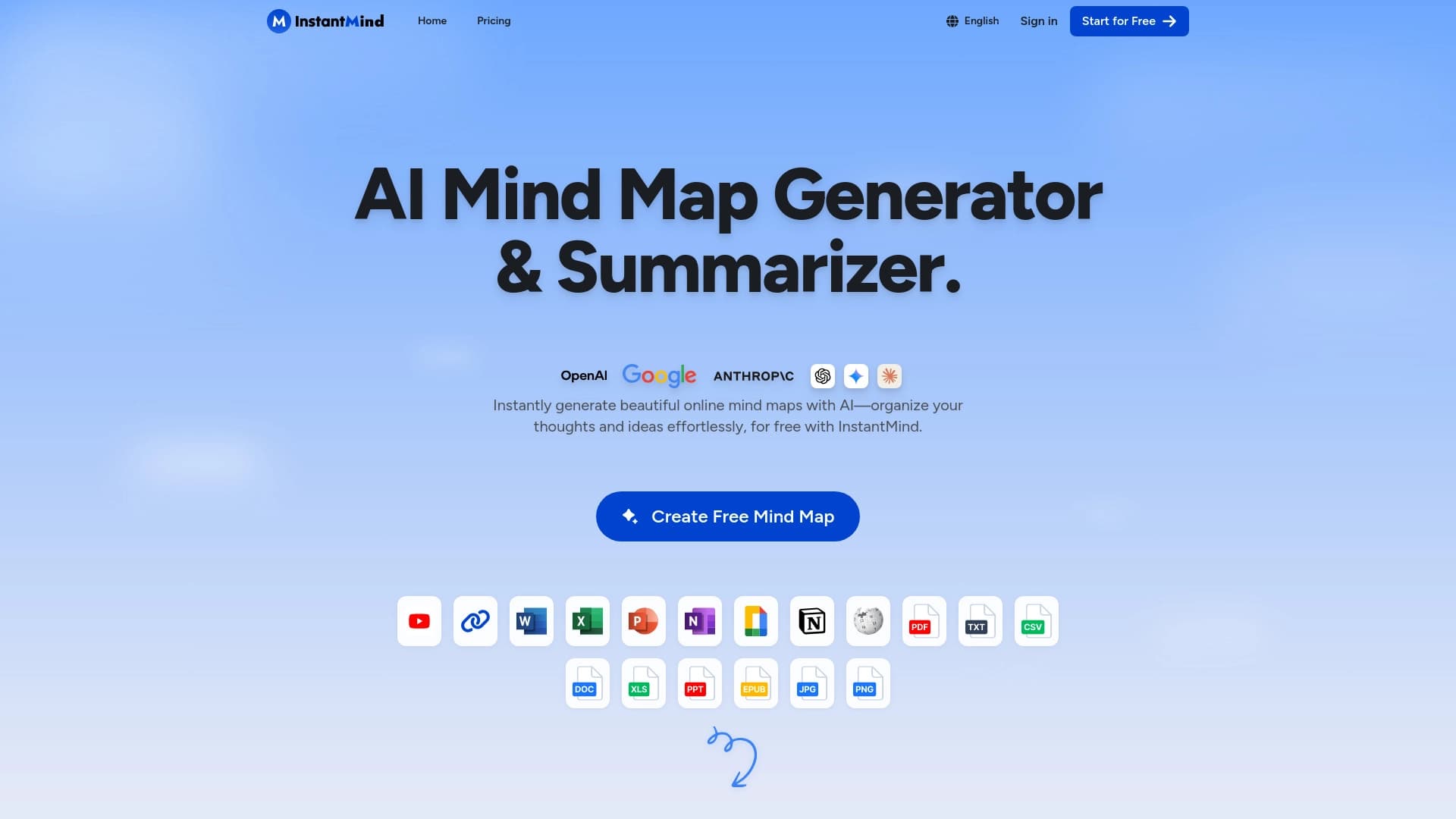

Service for automatically creating mind maps from uploaded materials.