

Transcriptly
Online service for transcription of audio and video into text support Many languages.
Overview
Description of the neural network Transcriptly
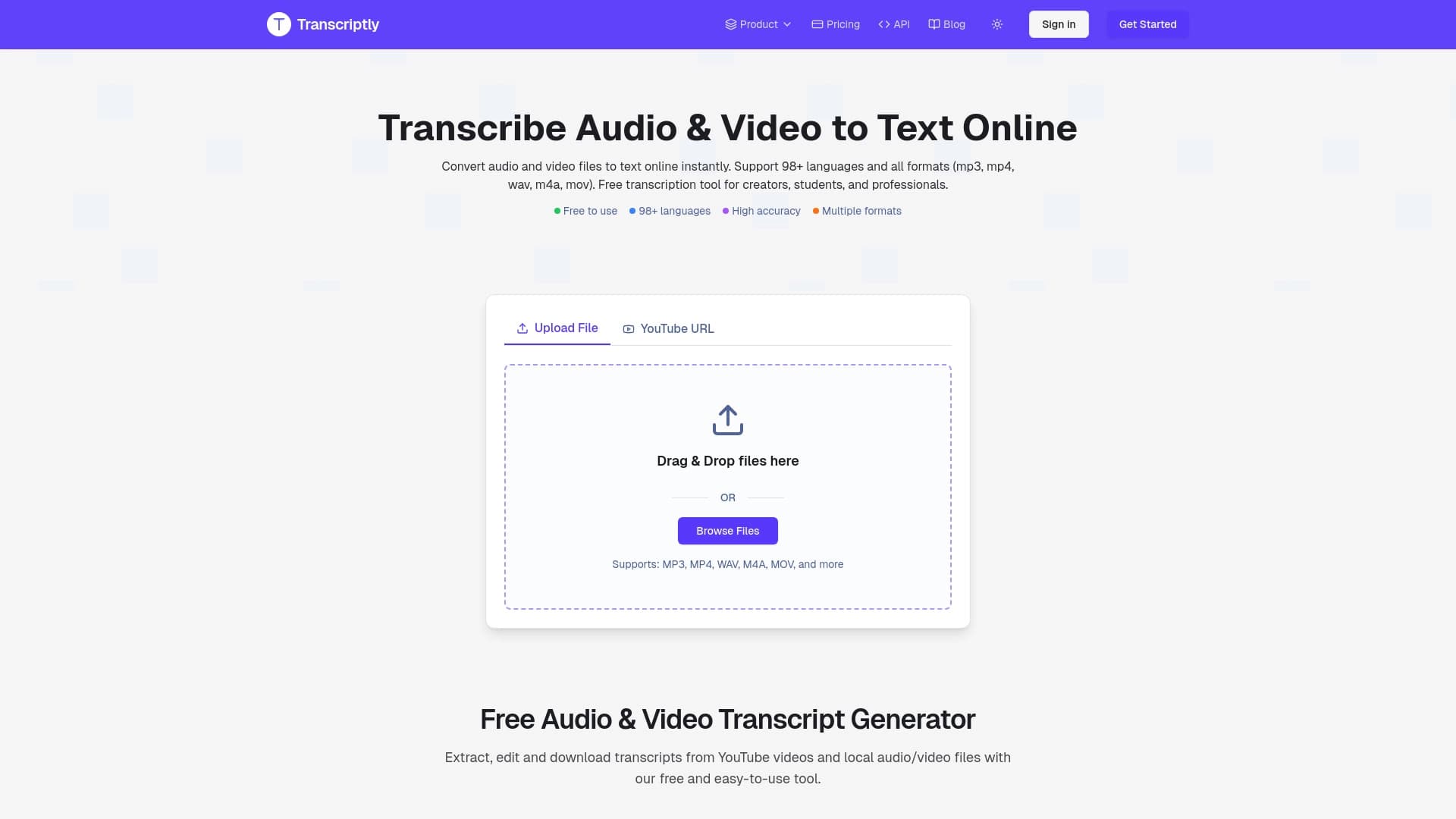
Transcriptly is an online transcription tool which Convert audio and video files into Text documents. The service works. on popular including MP3, MP4, WAV, M4A and MOV. The platform is designed for high accuracy of speech recognition and supports more than 98 languages.
Mainstream Transcriptly – universality input . The user can download a local file from the device or provide a link to a YouTube video. After that, the service will automatically extract the audio track and create a text transcript. . This makes it easy to work with a lot of content without having to download and convert files manually.
What is transcription? And why do you need it?
Transcribation is the process of interpreting speeches in writing. In the context of Transcriptly we are talking about automatic neural-networking Those who recognize words and shape them. into structured document. Such The text can be used to search citation translation and further analysis of the content.
Key purpose of the service
Transcriptly solves the problem of saving time . Instead of manually lectures or meetings The user receives the finished text in a few minutes. Additional options such as speaking and time stamps help you better navigate. into content.
Characteristics of Transcriptly
| Characterization | Meaning |
|---|---|
| Type of service | Online tool for transcription |
| Supported formats | MP3, MP4, WAV, M4A, MOV |
| Number of languages | More than 98 |
| Speaker recognition | Available. |
| Time stamps | Supported |
| Downloading files | Local files and links to YouTube |
| Export of results | Multiple output formats |
| Propagation model | Undefined (unknown) |
For whom is the Transcriptly neural network suitable?
Transcriptly is targeted at a wide audience who regularly encounter Translate audio and video into text. The service will be useful to different categories of users.
Content Makers and Editors
Video and podcast creators often need into textual versions of their materials. Transcriptly helps to prepare subtitle Scripts or text versions of issues for publication into blog social network . This speeds up the processing of content and improves its accessibility.
Students and researchers
For study and scientific work often requires decoding of lectures. , seminars or interviews. Transcriptly allows you to quickly get text outline It is easier to analyze and quote. . Time stamps make it easier to find specific long-form records.
Journalists and business users
Journalists can use the service to decrypt interviews and press conferences saving time routine work. For business, transcription important when analyzing meetings, negotiations and webinars . Received texts are easy to transfer to colleagues and store into documentation.
How to use Transcriptly neural network?
The process of working with Transcriptly is built on the logic “downloaded – received the result” and does not require special technical skills.
Source loading
The user can choose one of two. presentation Download an audio or video file from your hard drive or insert a link to a YouTube video. The service will handle both options equally well.
Obtaining transcription
After downloading a file or link, the neural network begins to discernment speeches. The system analyzes the soundtrack and automatically creates text. Depending on the duration of the source, the process can take different time.
Export and use of the result
Ready decryption can be checked and saved in one of the accessible export formats . Users receive structured text Time stamps and data on speakers which It is easy to adapt to specific needs.
Basic Transcriptional functions
Support differential file format
Transcriptly accepts popular media formats such MP3, MP4, WAV, M4A and MOV. This covers most user needs when working with sound and video different devices.
Speech recognition and definition of speakers
The neural network not only turns speech into text, but also distinguishes between Who is speaking at any given time? . This is especially important when transcribing an interview. , meetings and podcasts on several participants.
Working with YouTube links
Separate function without downloading the video. Simply insert a URL into a YouTube video and Transcriptly will automatically pull the track and start processing.
Flexible export opportunities
Received discharge into several format what enable his different labourer processes – from a simple text document to tables and specialized programs.
Benefits of Transcriptly
Broad language support
More than 98 recognition languages make the service universal teams and users from different countries. This is relevant for working with multilingual content.
Speed and automation
Reception The finished text occurs automatically without human intervention. . This eliminates many hours of manual decryption and allows focus Material analysis.
Ease of working with video
The ability to submit material through a YouTube link greatly simplifies the transcription process for those who who are actively working on Online platforms.
Useful additional function
Time stamps and definition of speakers add value to the finished text doing navigational on the document and distribution of responses between participants.
Transcriptly disadvantages
Official. Information about the service does not disclose details about potential Transcriptly restrictions. From the available data guess what The disadvantages may be quality dependence recordings and, as a result, a possible decrease in accuracy with poor sound. There is also no information about possible limit loadable files and the need to connect web-based . These aspects should be clarified on the official website of the tool before use.
What problems does Transcriptly solve?
Saving time in decoding
The main task of the service is to replace manual labor to translate speech into text by automatic recognition . This allows you to process large volumes of audio and video in a short time.
Textualization version
Transcriptly Helps Content Makers Get Ready Blog Texts Quickly subtitles documentation expanding the audience publications into different formats.
Analysis and navigation materially
Time stamps and definition of speakers turn the usual decoding into structured document. It's important to find the right ones. fragments and work with large interviews or negotiations.
Facilitating access to information
For students and researchers, having a text version of lectures or interviews makes it easier to study and cite material. making information more accessible to perception.
Transcriptly prices
In the original Service data does not contain information about the cost of use . It's not known if Transcriptly offers free rates subscription or one-time payment . For receipt topical affordable plans are recommended to visit the official website of the service or contact To support.
Terms of use of Transcriptly
Information about the terms of use of the service in the available springs It's not opening. Detailed rules Privacy policy and rights to downloaded materials have not been published in analyzed data . To understand how the service handles User data and what requirements loadable You need to review the official Transcriptly documents on the site.
Transcriptly availability
Transcriptly functions as an online service what provides access through a web browser. Availability of mobile Apps for iOS or Android in existing data information . Also unknown. whether the service is available without a stable Internet connection or whether there is a separate desktop solution . Clarify the exact platforms and requirements stand official product website.
How Transcriptly differs from analogues
Transcriptly brings together function-set which individually present in the many rivalry but Together they offer certain advantages.
Combination Download files and YouTube links
Not every transcription service supports simultaneous operation and Local files and links to YouTube. This makes Transcriptly a handy tool for those Who uses both types of sources daily work.
Language coverage
Support for more than 98 languages puts the service on a par with global platforms oriented international audience . Many highly specialized tools offer significantly fewer languages.
Built-in definition of speaking
Recognition function speaking included standardize possibility It allows you to get a better decoding of dialogues what suitable for interviews and meetings without calibration.
Integrity for the user
Instead of combine multiple services (for example) one for downloading files another for YouTube The third is for marking up speakers. ), the user Transcriptly receives It's all in one place. This simplifies the workflow and reduces the amount of tools.
Conclusion
Transcriptly is a functional online service for audio and video transcription which is suitable for content creators student journalists and business users. Support for more than 98 languages working with popular formats and convenient video transcription function via YouTube link, service covers the basic requirements of fast quality Decoding. Existence of definition temporary Labels add practical value to large-scale analysis volume . Some important aspects including pricing policy and terms of use remain beyond information Therefore, prior to active use It is recommended to study the official website of the project in detail.
Frequently asked questions
See also
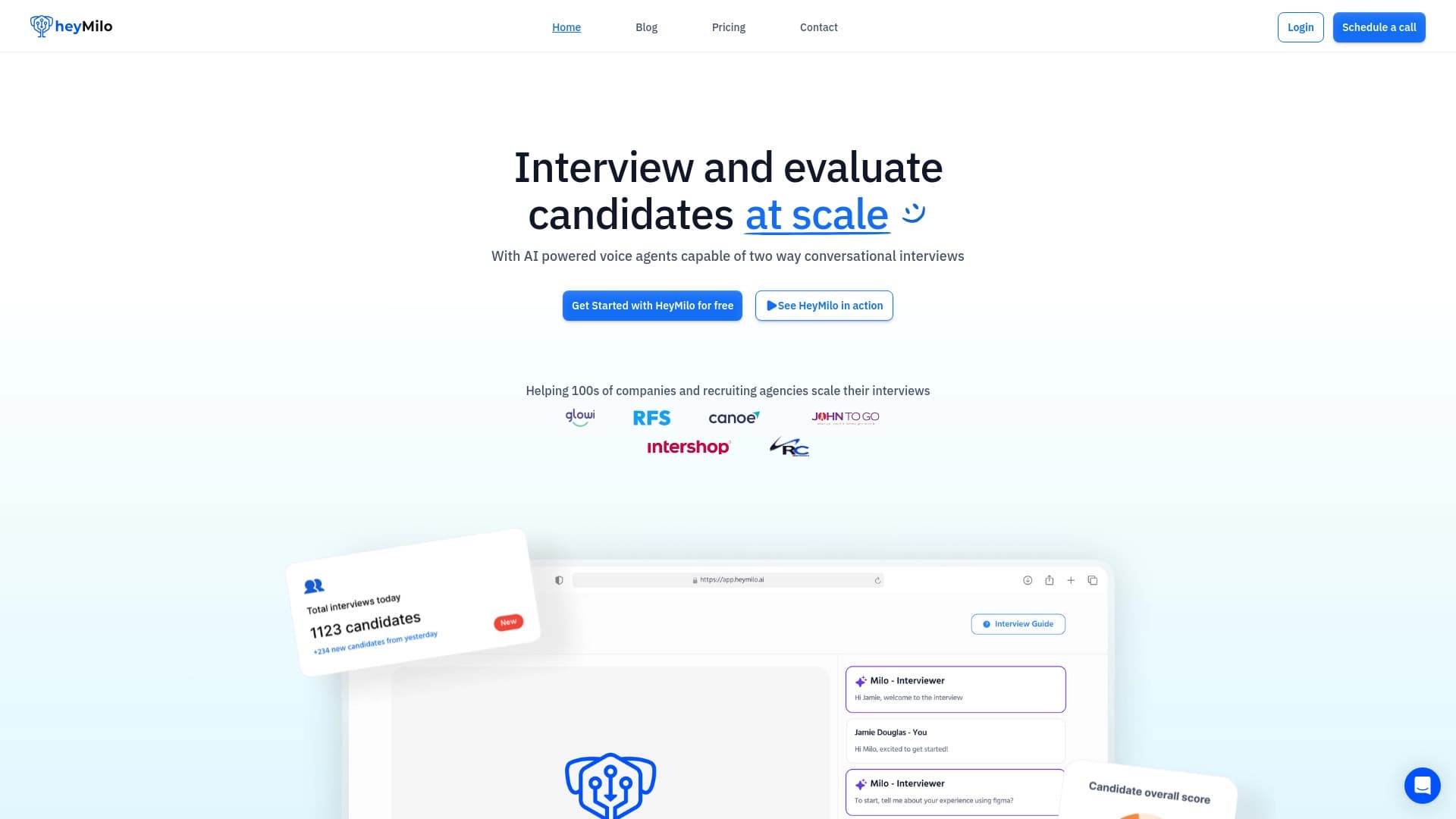

AI platform for automating voice interviews in hiring.
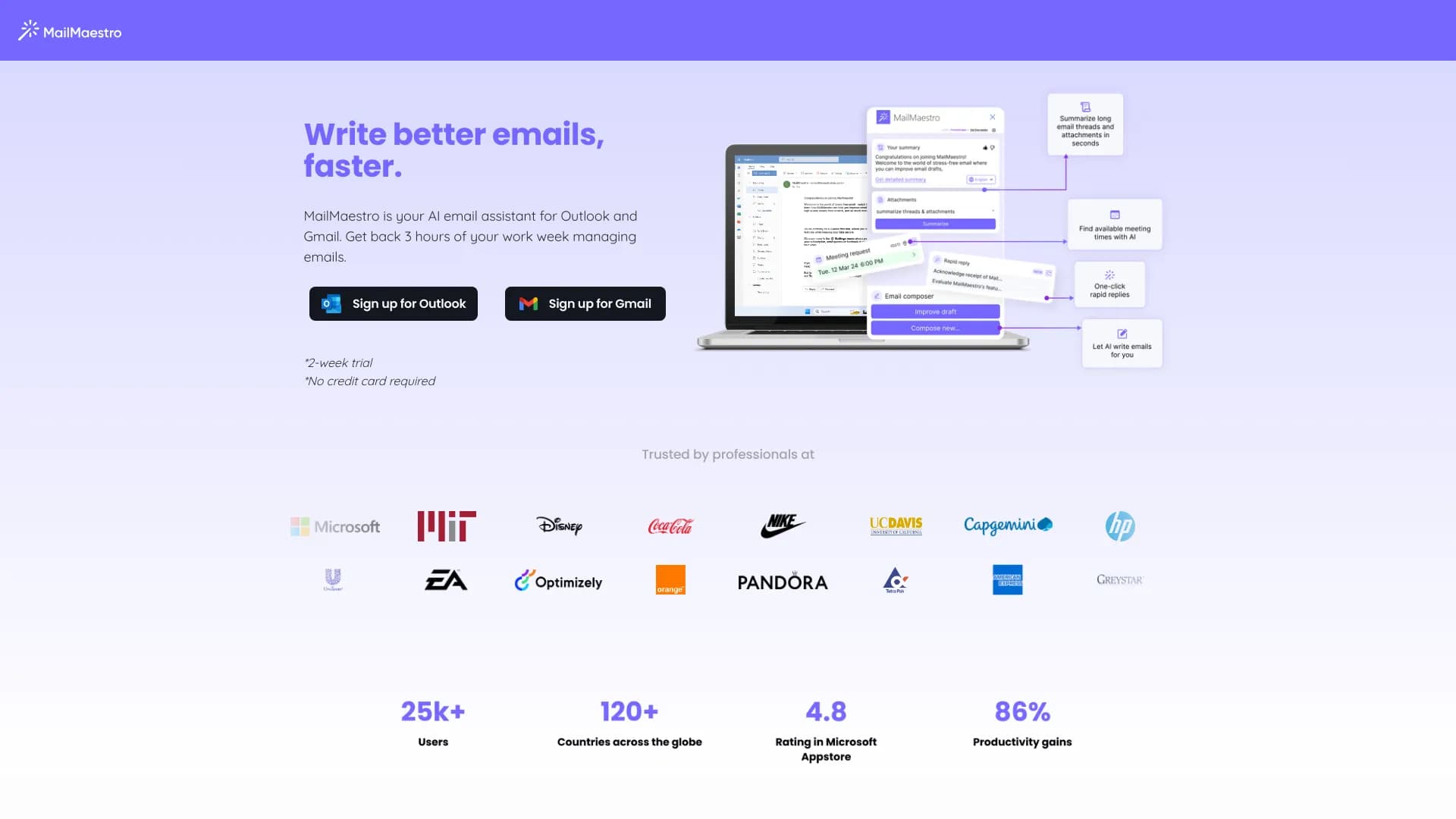

AI email assistant that integrates with Gmail and Outlook.
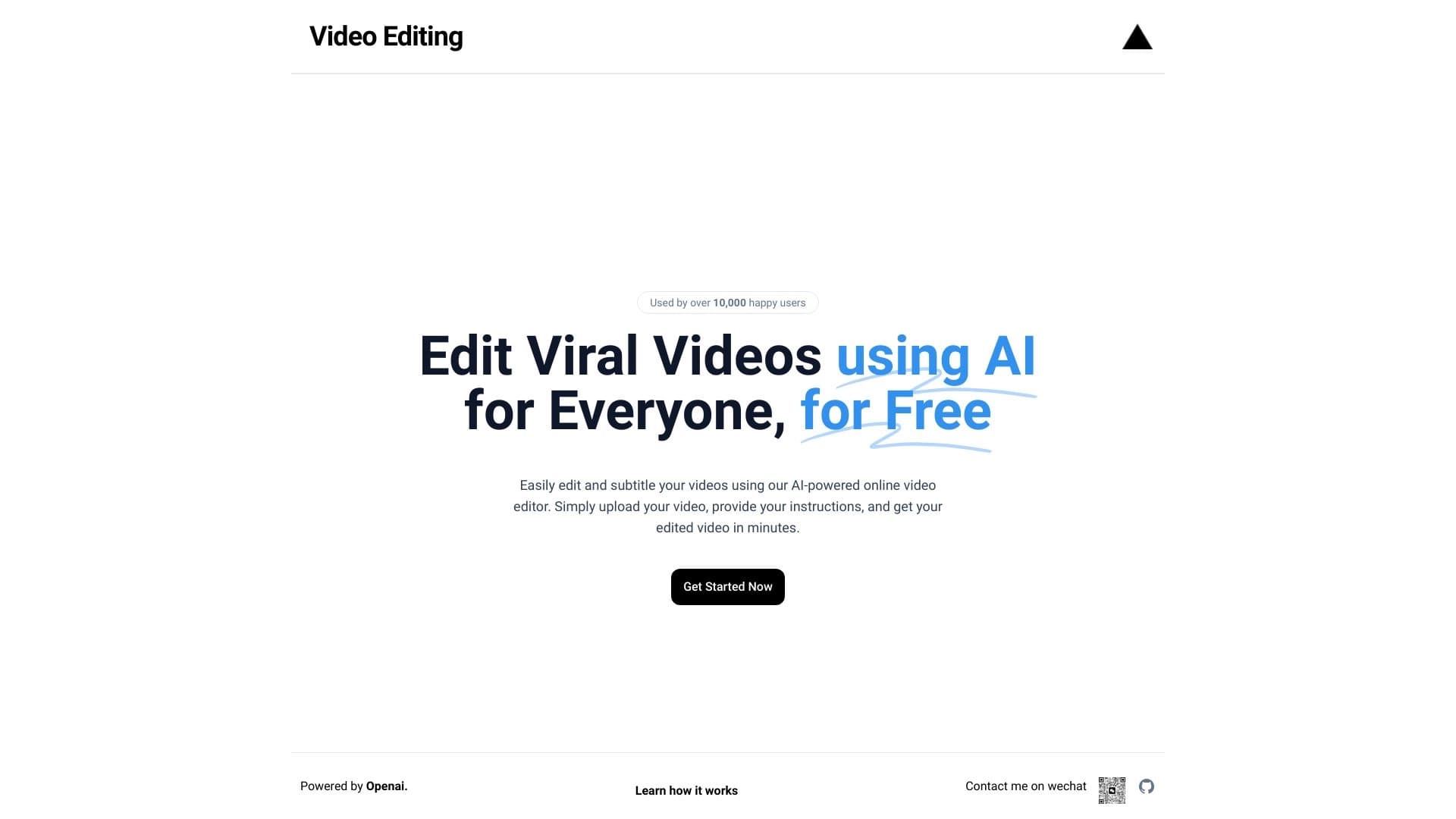
Browser-based video editor with automatic subtitles in 50+ languages and content translation.
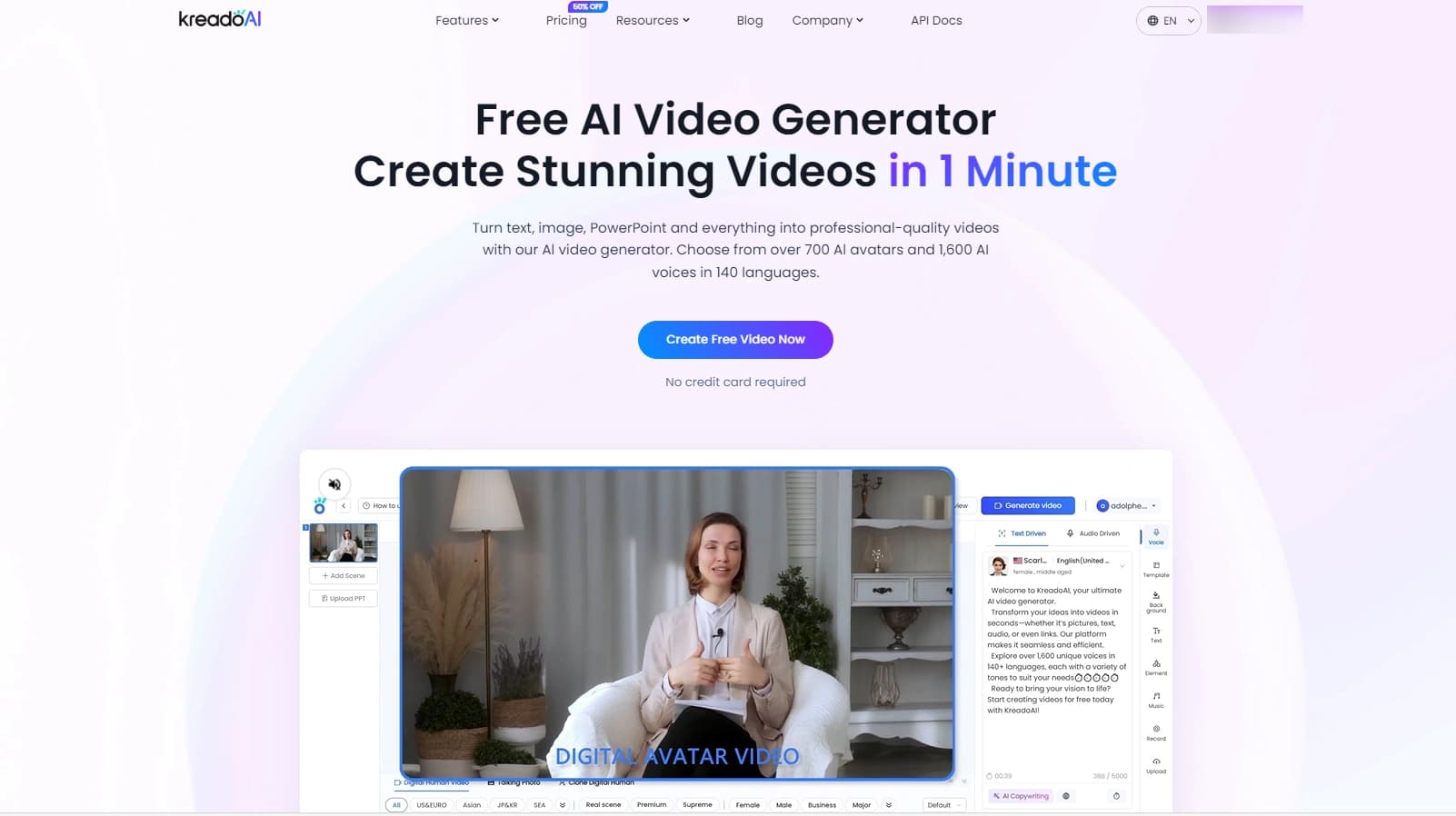

Service for creating multilingual videos with virtual or real characters from text.
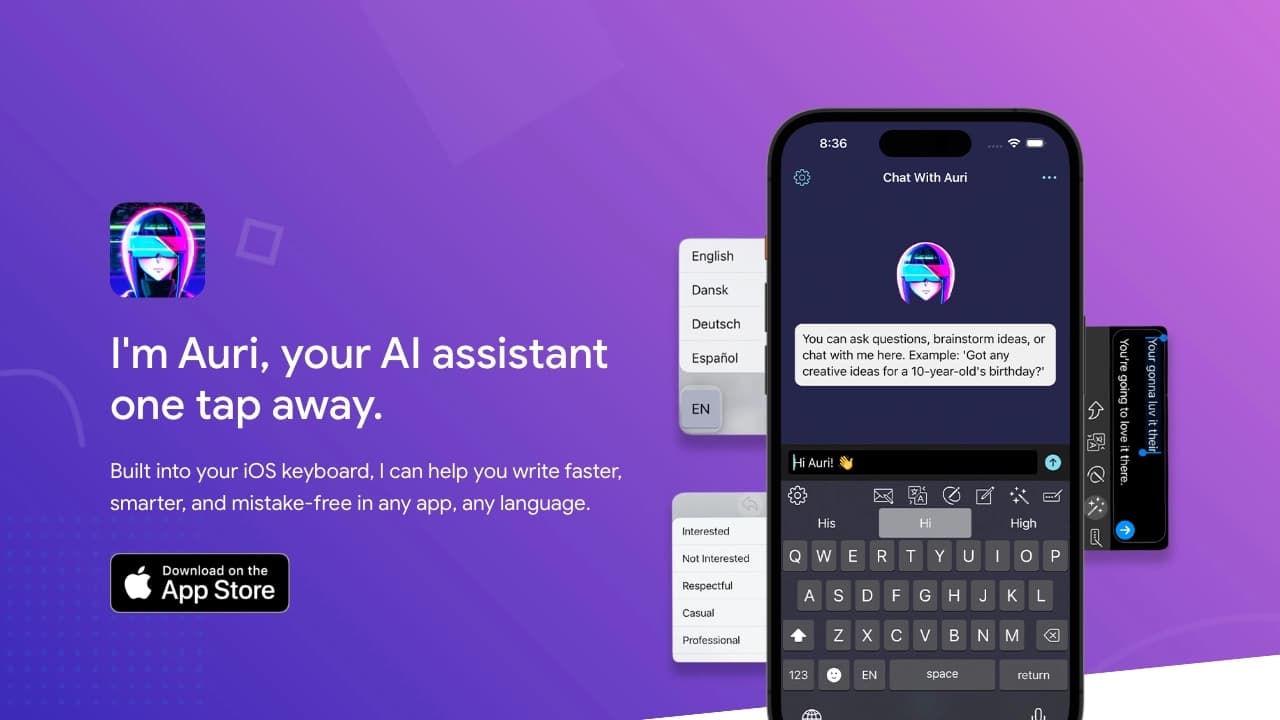
AI keyboard for Apple devices that speeds up typing with corrections, translation, and response generation.

Service for live AI conversations, including text generation, voice, and speech recognition.
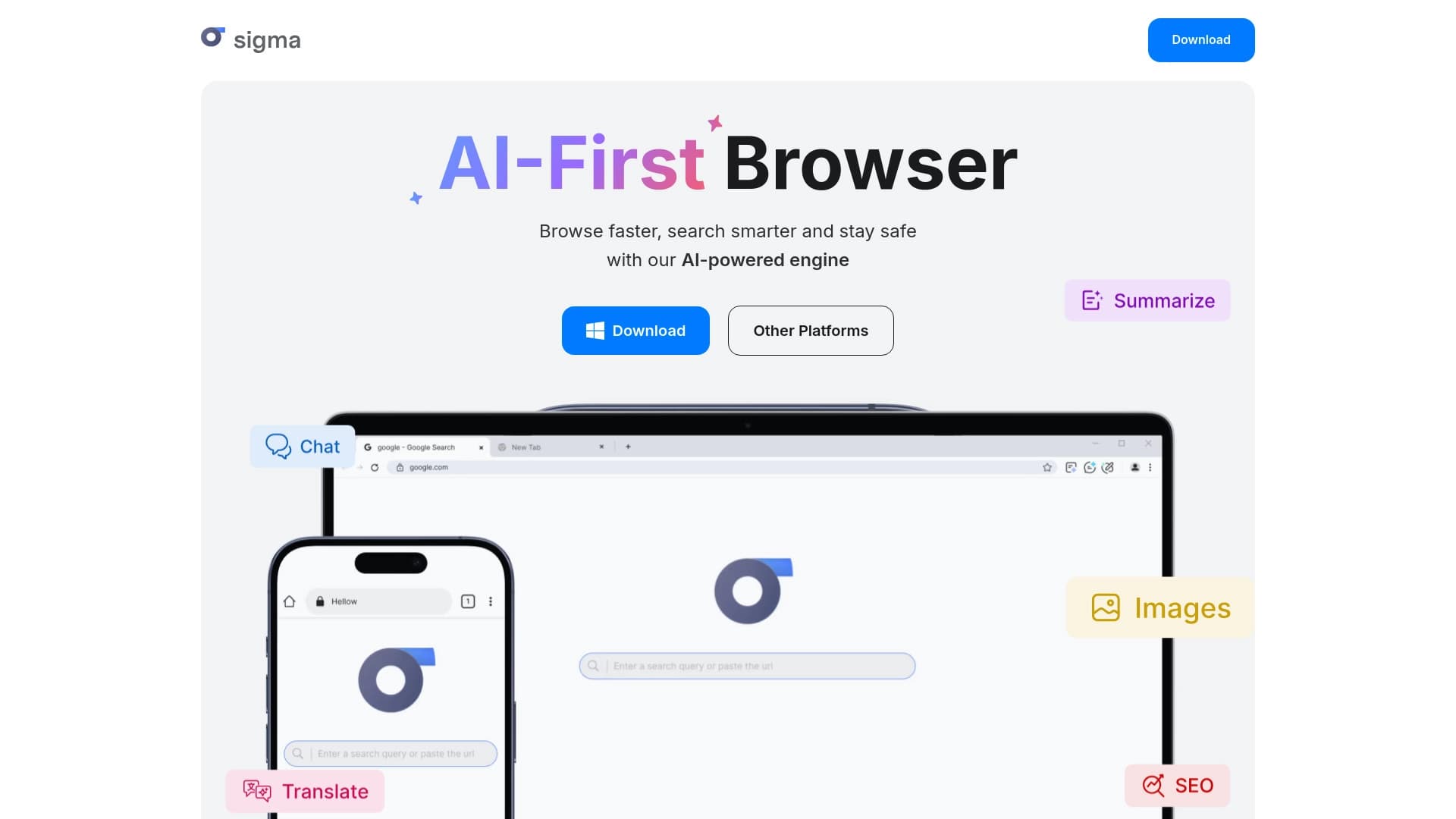

A browser with built-in AI tools for chatting with neural networks, generating texts and images, translating and summarizing pages.

AI assistant for creating short summaries of videos, PDF documents, and web pages.