
DojoClip AI Video Editor
Browser-based video editor with automatic subtitles in 50+ languages and content translation.
Overview
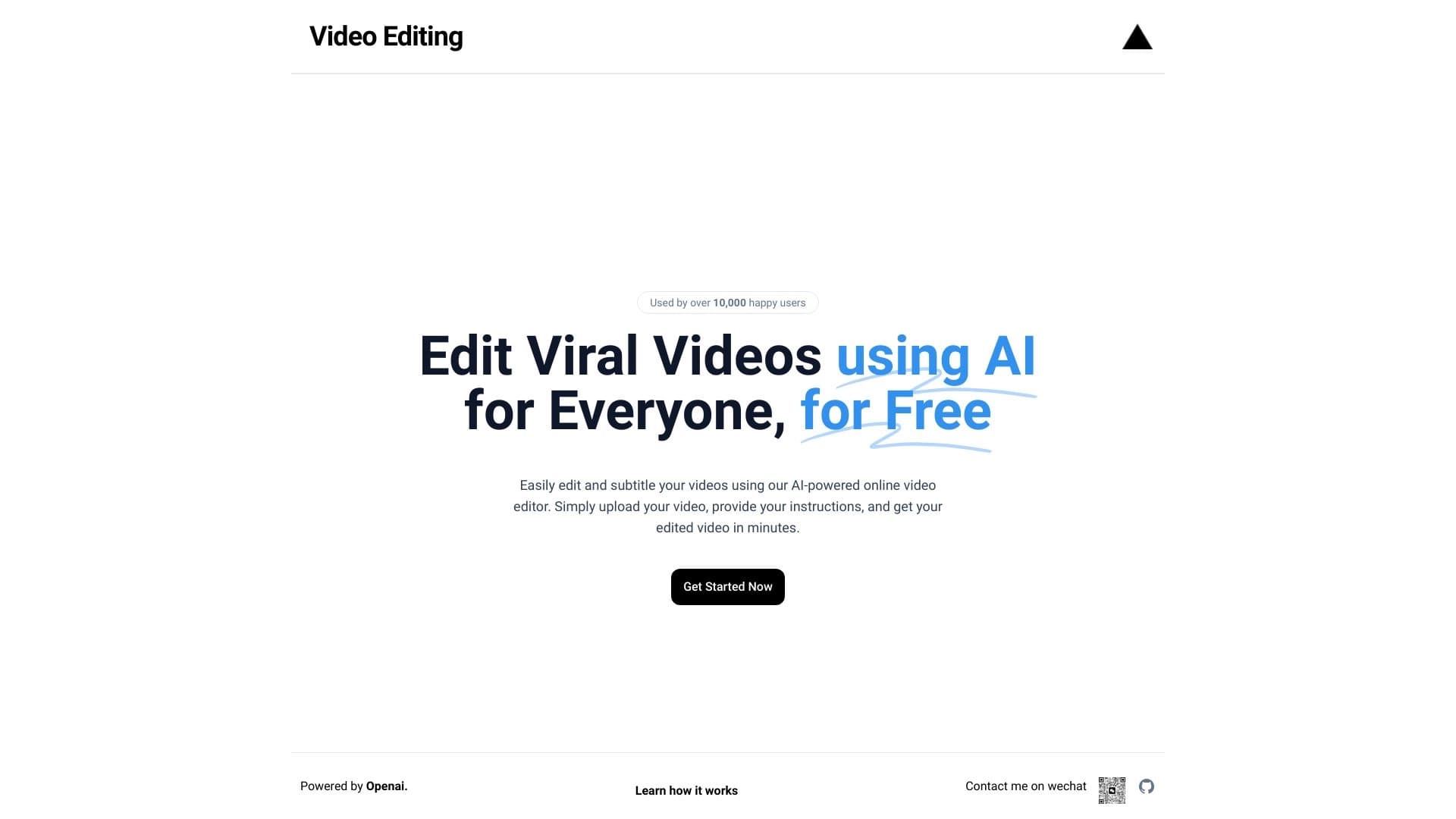
DojoClip AI Video Editor is a browser-based video editor that automates the process of creating subtitles and localizing video content. Instead of manually transcribing speech and typing text, users upload a video to the interface, and the neural network recognizes spoken words and overlays them onto the timeline as subtitles.
The service's key feature is working directly in the browser without pre-uploading source files to cloud storage. This speeds up processing and reduces the risk of data leaks. The tool supports over 50 speech recognition languages, making it a universal solution for international teams and content creators targeting a global audience.
Automatic Subtitles
The system automatically syncs text with the video track, determining timings for each line. The user only needs to check recognition accuracy and make edits if necessary.
Content Translation
DojoClip allows translating ready-made subtitles into other languages without hiring professional translators. This is convenient when you need to quickly release a version of a video for a foreign market.
Appearance Customization
The editor lets you change the font, color, size, and position of subtitles. This allows adapting the design to a brand's visual identity or the requirements of a specific platform.
DojoClip AI Video Editor Features
| Feature | Value |
|---|---|
| Type | Online AI video editor |
| Categories | Subtitles, editing and post-production |
| Speech recognition languages | Over 50 |
| Work format | Browser-based, no file upload to cloud |
| Availability | Online service |
| Website | dojoclip.com |
Who is DojoClip AI Video Editor suitable for?
Content Creators and YouTube Bloggers
Video creators who regularly publish content on YouTube or social media can quickly add subtitles to every video. This improves content accessibility for people with hearing impairments and enhances video search ranking through the text track.
Marketers and SMM Agencies
Promotion specialists can use the tool to adapt advertising and branded videos for different regions. Translating subtitles and adjusting their style to match a client's brand identity are standard tasks solved in a few clicks.
Educational Projects and Online Schools
Training videos often require subtitles for easier comprehension. DojoClip simplifies the process: lectures, webinars, and lessons can be quickly equipped with text support in the native language or translated for international students.
Companies with International Markets
Businesses scaling video content to new countries need a fast and cost-effective localization method. With DojoClip, you can prepare video versions in dozens of languages without hiring translators or lengthy approvals.
How to use DojoClip AI Video Editor?
Step 1. Upload Video
Go to the service website and upload a video file. The upload happens directly in the browser, so processing speed is higher compared to cloud-based alternatives.
Step 2. Automatic Speech Recognition
After uploading, the neural network processes the audio track and generates subtitles in the selected language. Timestamps are set automatically.
Step 3. Editing and Style Customization
Check the text for errors and adjust timings if needed. Then customize the appearance of subtitles: choose the font, color, size, and position on the screen.
Step 4. Translation and Export
If a localized version is needed, run automatic subtitle translation. After editing is complete, export the finished video with overlaid subtitles in the desired format.
Key Features of DojoClip AI Video Editor
Automatic Speech Recognition
The neural network converts spoken language into text without human involvement. Over 50 languages are supported, covering the needs of most international teams.
Instant Video Translation
Subtitles can be translated into any supported language with one click of a button. This replaces a full localization process and saves time.
Browser-Based Work Without Cloud Upload
Source files are not transferred to external servers for processing. This speeds up work and reduces risks associated with data privacy.
Flexible Subtitle Customization
Users can change fonts, colors, sizes, and text positioning on the screen. This allows creating subtitles that blend seamlessly into the video design.
Advantages of DojoClip AI Video Editor
Processing Speed
No need to upload files to the cloud reduces the time from upload to final result. This is especially noticeable when working with large video files.
Data Privacy
Since source materials do not leave the browser, the risk of unauthorized access to content is reduced. This is important for companies working with unpublished or confidential materials.
Multilingual Support
Support for over 50 recognition and translation languages makes the service a universal tool for global content.
Brand Customization
Font and color settings allow maintaining a company's visual identity across all videos, improving brand recognition.
Disadvantages of DojoClip AI Video Editor
Information about the service's drawbacks is limited. Potential limitations include the dependence of recognition quality on speech clarity and audio track quality. Also, automatic translation accuracy may fall short of professional editing, especially when working with complex terminology. A full list of limitations has not been disclosed at this time.
What tasks does DojoClip AI Video Editor solve?
Adding Subtitles to Videos
The tool eliminates manual text entry and timing setup. Just upload a video — subtitles will be ready in a few minutes.
Translating Videos into Different Languages
No need to hire translators to enter new markets. Automatic subtitle translation allows quickly preparing localized video versions.
Adapting Content for International Audiences
DojoClip is suitable for projects published simultaneously in multiple countries. A unified workflow helps maintain relevance and consistency of content across all languages.
DojoClip AI Video Editor Pricing
Current pricing plans and service usage costs have not been disclosed at this time. For pricing information, it is recommended to contact the official website or product support.
DojoClip AI Video Editor Terms of Use
Detailed terms of use, including data processing rules, license agreements, and restrictions on commercial use, are available on the service's official website. It is recommended to review these documents before starting work.
DojoClip AI Video Editor Availability
The service is available online through a browser. No additional software installation is required. Simply visit dojoclip.com to start using the editor.
How DojoClip AI Video Editor differs from alternatives
The main difference is video processing without uploading files to the cloud. Most competitors require transferring source materials to their servers, which increases wait times and creates additional privacy risks. DojoClip works locally in the browser, providing higher speed and data control.
Additionally, the service stands out with broad language support (over 50 languages) and flexible subtitle appearance settings. This makes it a suitable tool for localization and video content branding tasks without involving additional specialists.
Conclusion
DojoClip AI Video Editor is a browser-based tool for automatic subtitle creation and video translation, aimed at content creators, marketers, educational projects, and companies with international presence. The service's key advantages are high processing speed due to working without cloud file uploads, support for over 50 languages, and the ability to customize subtitle design to match brand identity. However, complete information about pricing and potential limitations is currently unavailable, so it is worth reviewing the service's official materials before starting use.
Frequently asked questions
See also
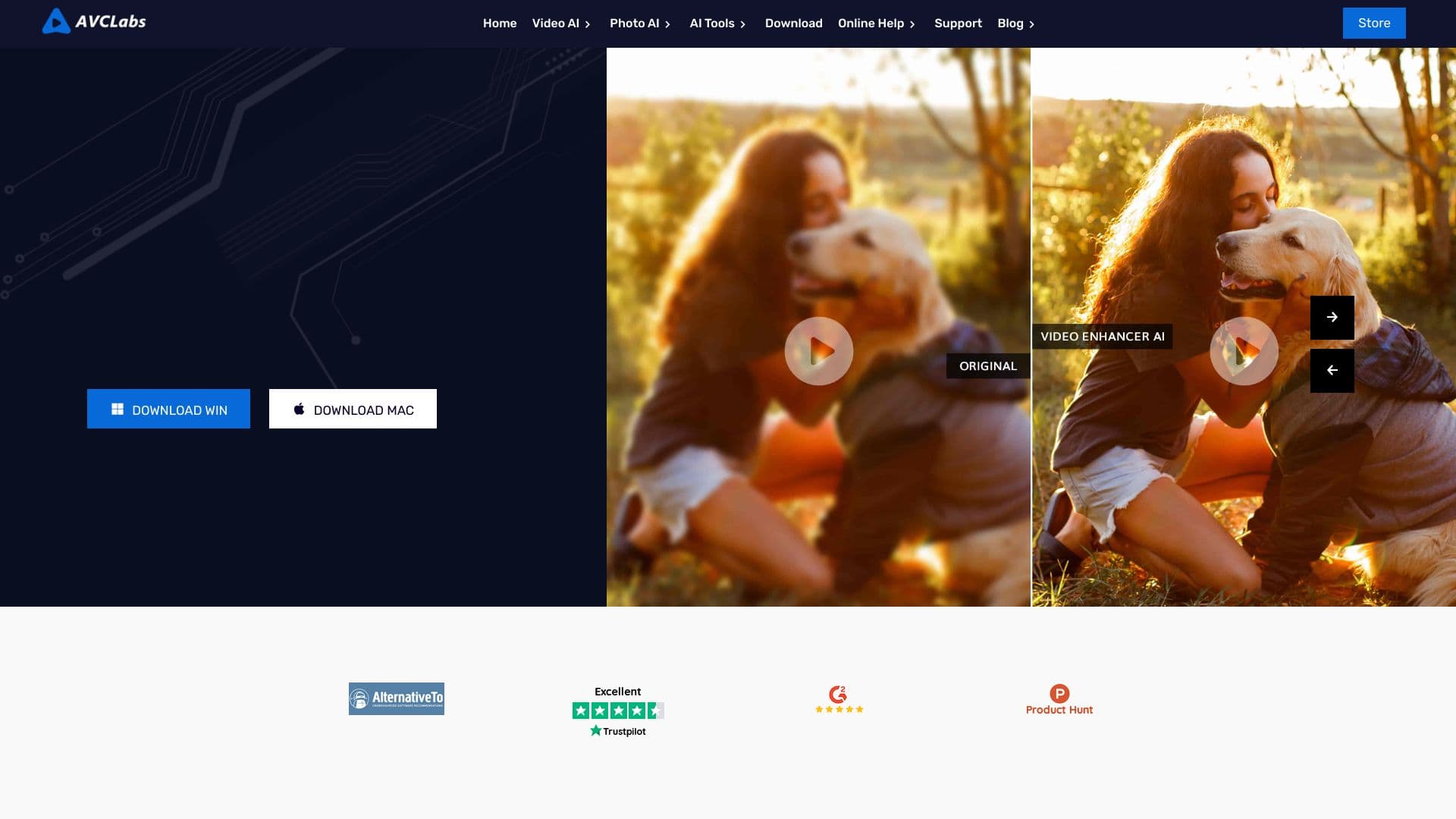

Desktop application for Windows that upscales video resolution to 4K/8K and enhances the quality of old recordings using AI.

iSamurai is a set of AI tools to improve recovery replacement images and videos.
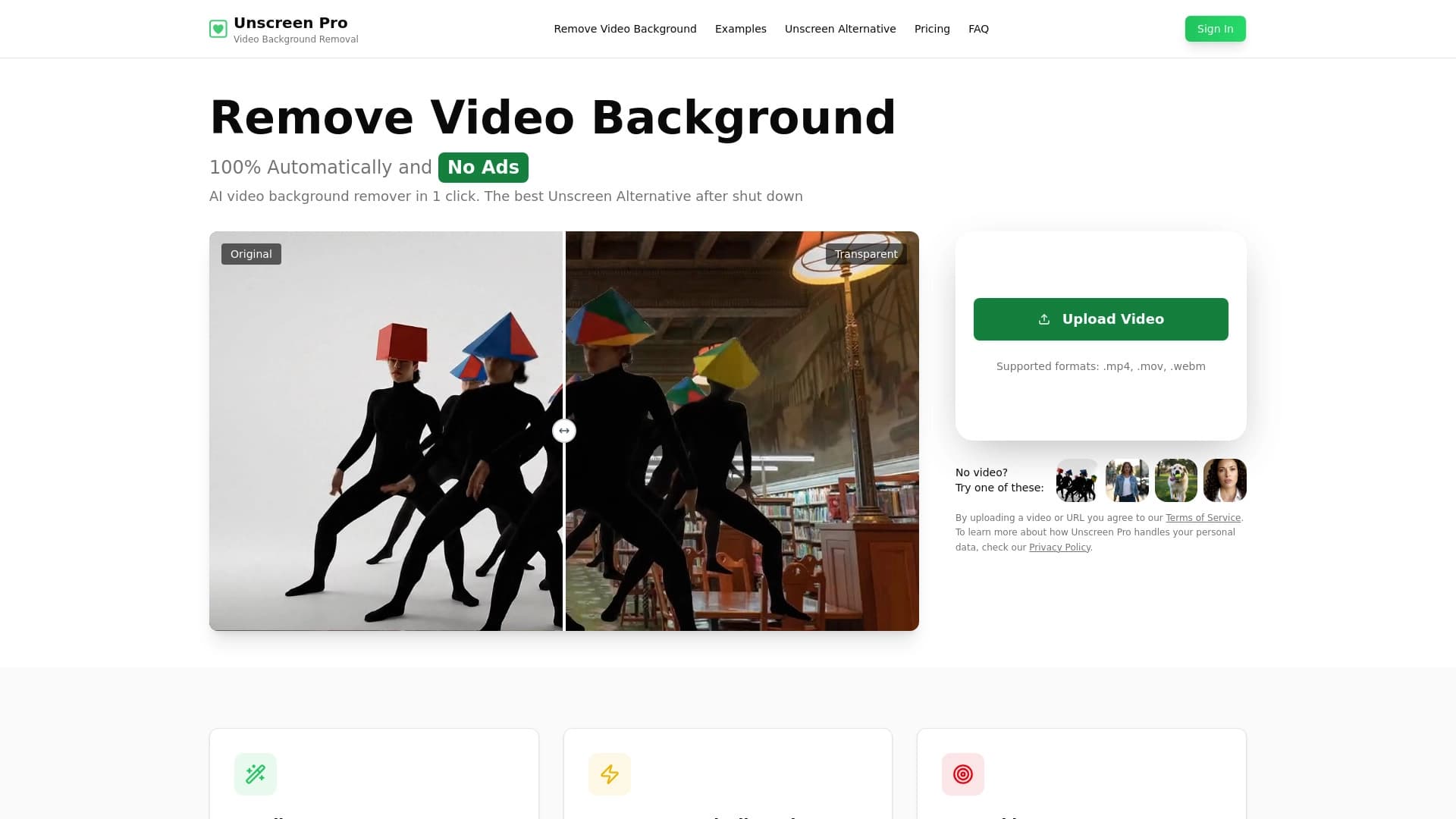

AI tool for automatic background and object removal in video without chroma keying.
A multilingual chatbot powered by GPT-4 and Gemini for writing texts, analyzing data, and solving tasks.
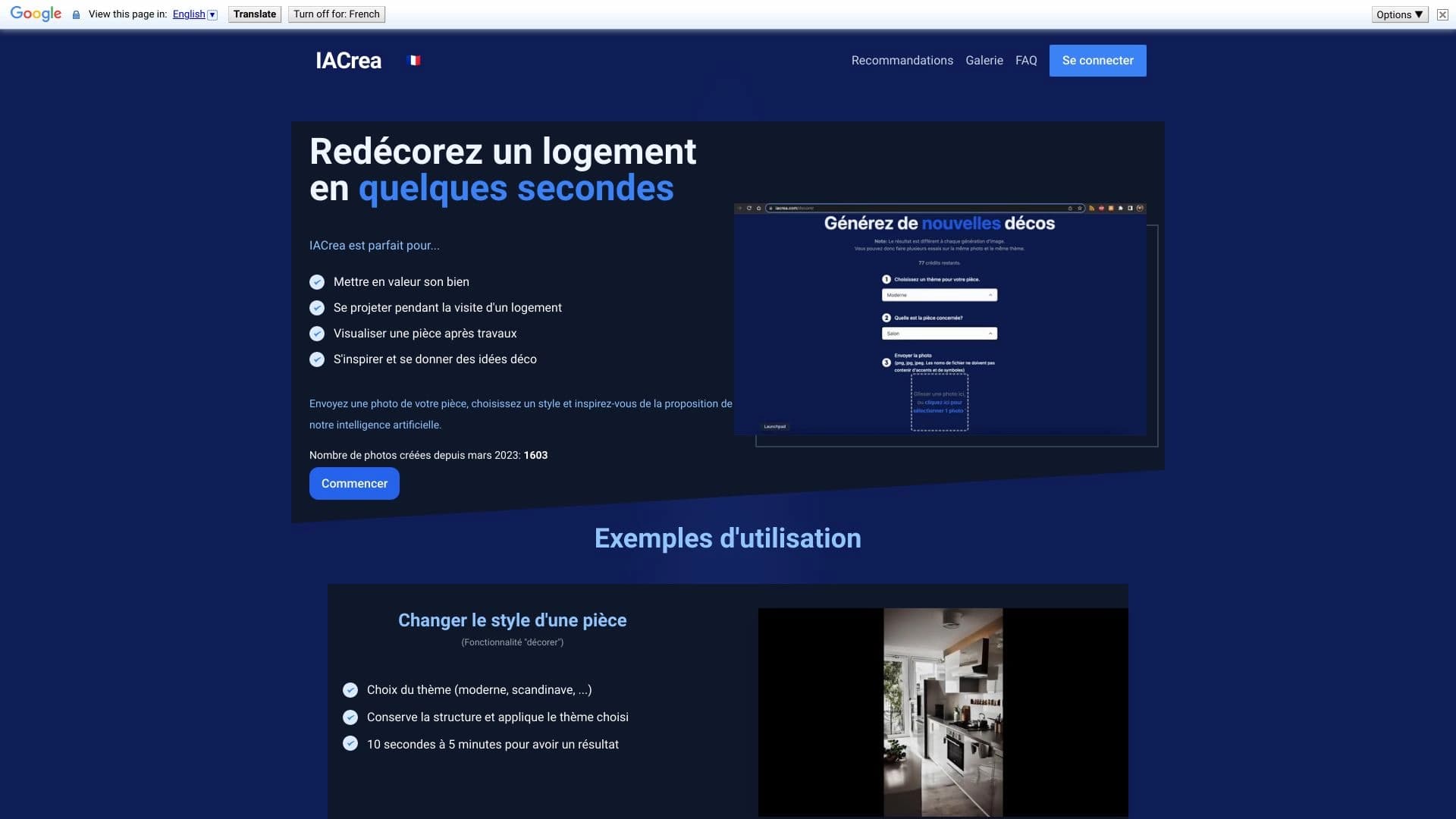

IACrea is an AI service for virtual home staging and real estate visualization, allowing you to quickly enhance interior and exterior photos.

Online service for Automatic translation and dubbing of videos different languages.

The service turns static images into animated videos based on the Google Veo 3.1 model.

AI-powered online image editor that lets you edit photos by text description right in your browser.