
Trancy
Browser extension for learning foreign languages with bilingual subtitles and web page translation.
Ranked in
Overview
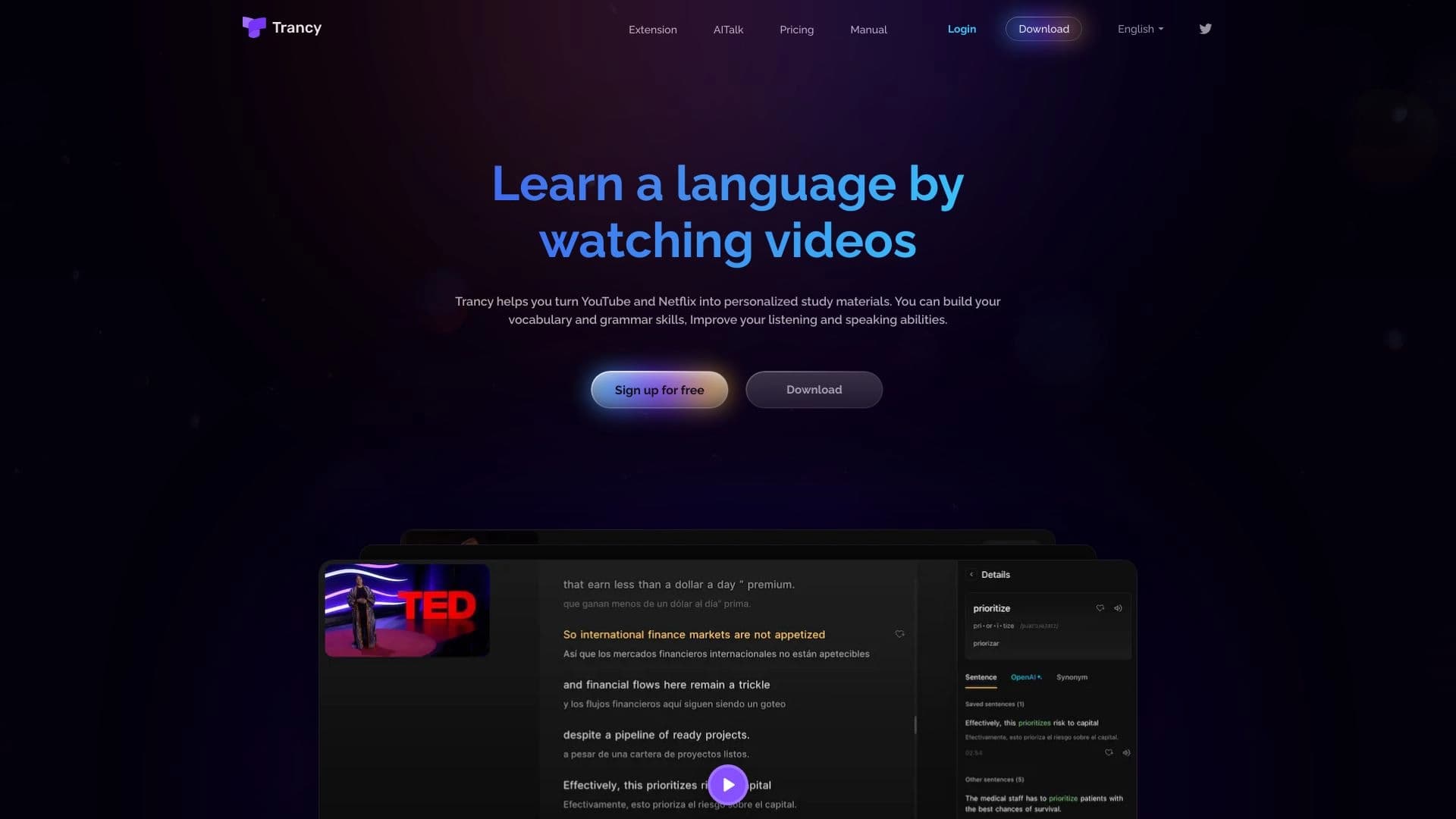
Trancy is a browser extension and mobile app designed for learning foreign languages through watching videos and reading web pages. The tool's main goal is to make authentic content understandable and useful for learning. Instead of simple translation, Trancy embeds bilingual subtitles into the interface of popular video platforms (YouTube, Netflix, and others) and also offers line-by-line website translation.
The technology uses several machine translation engines, including Google, DeepL, Microsoft, and OpenAI, which improves the quality and accuracy of results. In addition to translation, the service performs grammatical analysis of sentences, helps break down complex structures into parts, and saves favorite phrases to a personal flashcard library for later review. Essentially, Trancy combines the functions of a video player with subtitles, a translator, and a vocabulary memorization tool in one interface.
Trancy Features
| Feature | Value |
|---|---|
| Type | AI tool for translation and language learning |
| Categories | AI Translate, AI Video Translator, AI Dubbing, AI Language Learning |
| Platforms | Web, Android, Chrome, iOS |
| Date added to catalog | June 11, 2024 |
| Catalog page rating | 0 (no ratings) |
| Number of reviews | 0 |
| Distribution model | Freemium (free basic access with paid options) |
| Main translation engines | Google, DeepL, Microsoft, OpenAI |
| Supported video platforms | YouTube, Netflix, and others |
Who is Trancy suitable for?
Language learners
Trancy is primarily aimed at people who learn languages through movies, TV series, and videos. Thanks to bilingual subtitles, users can simultaneously see the original text and its translation, which helps connect pronunciation, spelling, and meaning. The grammar analysis feature is especially useful for understanding the structure of complex sentences.
Students and researchers
For academic purposes, the tool is useful for reading foreign scientific articles and watching educational lectures. The ability to translate entire web pages while preserving formatting saves time, and the accompanying grammar analysis helps deepen understanding of professional vocabulary.
Teachers and content creators
Teachers can use Trancy to prepare learning materials: highlight useful phrases, create study sets, and demonstrate sentence breakdowns to students. Content creators, in turn, can analyze original subtitles of foreign videos and improve their own translation and dubbing skills.
Professionals working with foreign sources
For specialists who need to read foreign websites or watch videos in a foreign language daily, Trancy helps process information faster and build professional vocabulary in the context of real tasks.
How to use Trancy
Installation and setup
The first step is to install the Trancy extension from the Chrome Web Store. After that, you need to open one of the supported video platforms, such as YouTube or Netflix. To activate the extension, start playing a video and click the Trancy icon in the browser's extensions menu.
Language settings
In the extension interface, users select the source language of the video (or auto-detection) and the translation language. The system automatically adjusts the subtitles: the original appears on one line, and the translation appears below or to the side, depending on the settings.
Learning process
After activating Trancy, users can click on unfamiliar words or entire phrases in the subtitles to get an instant translation and grammatical breakdown. Complex sentences can be split into individual parts, and useful expressions can be saved to a personal study set for later review. For listening and pronunciation practice, speech recognition and natural speech synthesis features are available.
Key features of Trancy
Bilingual subtitles on video platforms
The extension integrates into the interface of YouTube, Netflix, and other services, adding parallel display of original subtitles and their translation. This allows watching videos without switching between languages.
Interactive learning mode
The key feature is "live" translation. Users can click on any word or sentence in the subtitles to see its meaning, grammatical structure, and translation options. This turns passive viewing into active language learning.
AI translation of web pages and texts
Trancy works not only with videos. The extension can translate entire web pages, individual sentences, and words. It uses intelligent sentence segmentation and NLP (natural language processing) features to improve translation accuracy and subtitle structure.
Personal study sets
Users can save real sentences from videos and articles to a personal library. These sets help review learned material in context and organize new vocabulary.
Trancy advantages
- Multi-platform support: works with YouTube, Netflix, and other popular video services, as well as any web pages.
- High-quality translation: support for multiple engines (Google, DeepL, Microsoft, OpenAI) allows choosing the most accurate translation for a specific context.
- Grammar analysis: the tool breaks down sentences into parts, helping understand language structure rather than just getting a translation.
- Personalized learning: the ability to save phrases, create sets, and return to them for review.
- Development of all skills: speech recognition and natural speech synthesis help train listening and pronunciation.
- Intelligent sentence segmentation: NLP features improve the accuracy of subtitles and translations even for complex texts.
Trancy limitations
Based on available data, several objective limitations can be identified:
- Lack of pricing information: the catalog does not list the cost, and the answer to the question about free access is not provided. This creates uncertainty for potential users.
- Extension installation required: the service can only be used through a browser extension, which limits use in some environments or browsers that do not support extensions.
- Dependence on external video platforms: bilingual subtitle functionality directly depends on compatibility with specific sites (YouTube, Netflix, etc.). Changes to these platforms' code may temporarily disrupt the extension.
- Paid plans available: the freemium model implies that some advanced features (e.g., unlimited study sets or access to all translation engines) may only be available via subscription.
What problems does Trancy solve?
Watching movies and TV series with subtitles
Trancy solves the main problem for language learners: understanding dialogues in the original without constantly switching to a dictionary. Bilingual subtitles provide instant contextual translation.
Improving listening skills
The ability to return to individual phrases, listen to their synthesized pronunciation, and compare it with the original helps develop listening comprehension.
Learning grammar from real examples
Instead of abstract exercises, users see how grammatical structures work in real speech. Breaking down sentences into parts accelerates understanding of rules.
Academic research and professional development
Translating web pages and scientific texts saves time when working with foreign sources, and saving terms to personal sets helps memorize professional vocabulary.
Trancy pricing
The catalog page does not contain explicit pricing information. The FAQ section includes the question "Is Trancy free to use?" but no answer is provided. Based on the freemium distribution model, it can be concluded that the service has a free version with basic functionality and paid plans that unlock advanced features. Exact figures and plan details are not specified in available sources.
Terms of use for Trancy
To use the service, you need to install the extension from the Chrome Web Store. The tool is designed for use on video platforms — YouTube, Netflix, and others. Available data does not mention mandatory registration before getting started, which suggests a quick start is possible after installing the extension. Full use of all features (e.g., syncing study sets across devices) may require creating an account, though this is not confirmed by official sources.
Trancy availability
Supported platforms and countries
Trancy is available on four platforms: Web (browser extension), Android, Chrome, and iOS. Main countries of use: China (19.43%), USA (13.59%), Taiwan (7.79%), Korea (5.07%), and Vietnam (4.61%). Interestingly, traffic is predominantly direct (80.32%), which indicates a strong brand or active recommendations among users.
Language support
The exact list of supported languages is not specified in the sources. Given the presence of multiple translation engines (Google, DeepL, Microsoft, OpenAI), it can be assumed that the language set is fairly broad and covers major world languages. However, without official confirmation, this remains an assumption.
How Trancy differs from alternatives
Comprehensive approach
Unlike simple translators, Trancy combines several functions: bilingual subtitles, web page translation, grammar analysis, speech recognition and synthesis, and a personal flashcard system. Alternatives often focus on a single aspect: either only subtitles (Language Reactor, DualSub) or only reading (LingQ).
Support for multiple translation engines
Most competitors use a single translation engine. Trancy allows choosing between Google, DeepL, Microsoft, and OpenAI. This gives users the ability to compare translation options and select the most accurate one for a specific situation.
Interactive grammar breakdown
Tools like Language Reactor also offer word analysis, but Trancy emphasizes splitting entire sentences into parts and analyzing their structure. FluentU and LingQ are more focused on content libraries and courses, while Trancy works with any video or website the user is already watching.
Conclusion
Trancy is a functional AI tool for language learning that turns watching videos and reading websites into a full-fledged learning process. Key advantages include support for multiple platforms, several translation engines, deep grammar analysis, and the ability to create personal study sets. The service targets a broad audience: from students to teachers and professionals. However, the lack of official pricing information and transparent terms of use at the time of writing may raise questions for potential users. Additionally, there are no ratings or reviews in the catalog, making it impossible to assess real user experiences. Nevertheless, the stated functionality makes Trancy a candidate worth considering for those who want to learn a language in the context of real content.
Frequently asked questions
See also
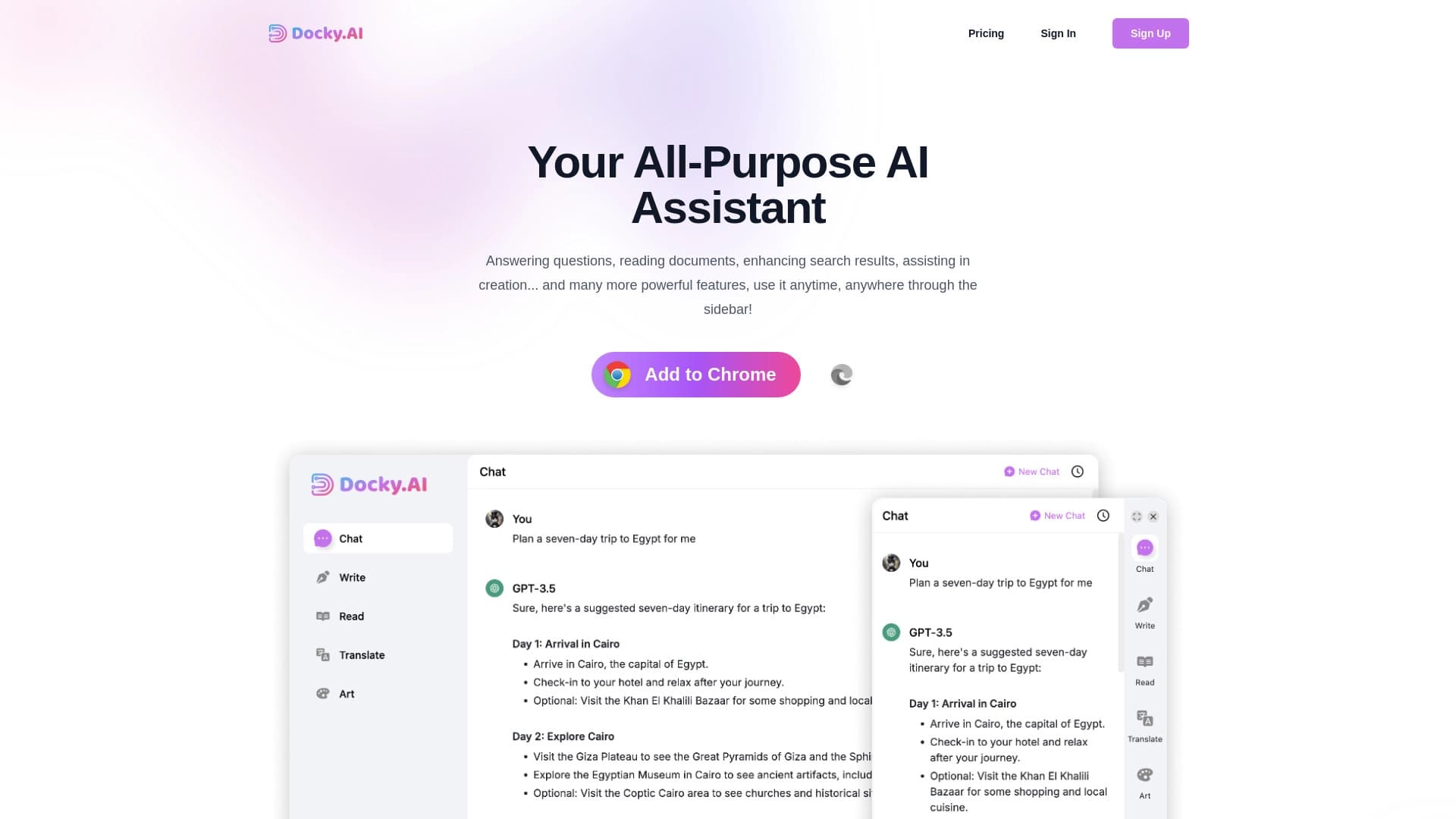

Side AI panel that helps answer questions, work with documents, and generate images.
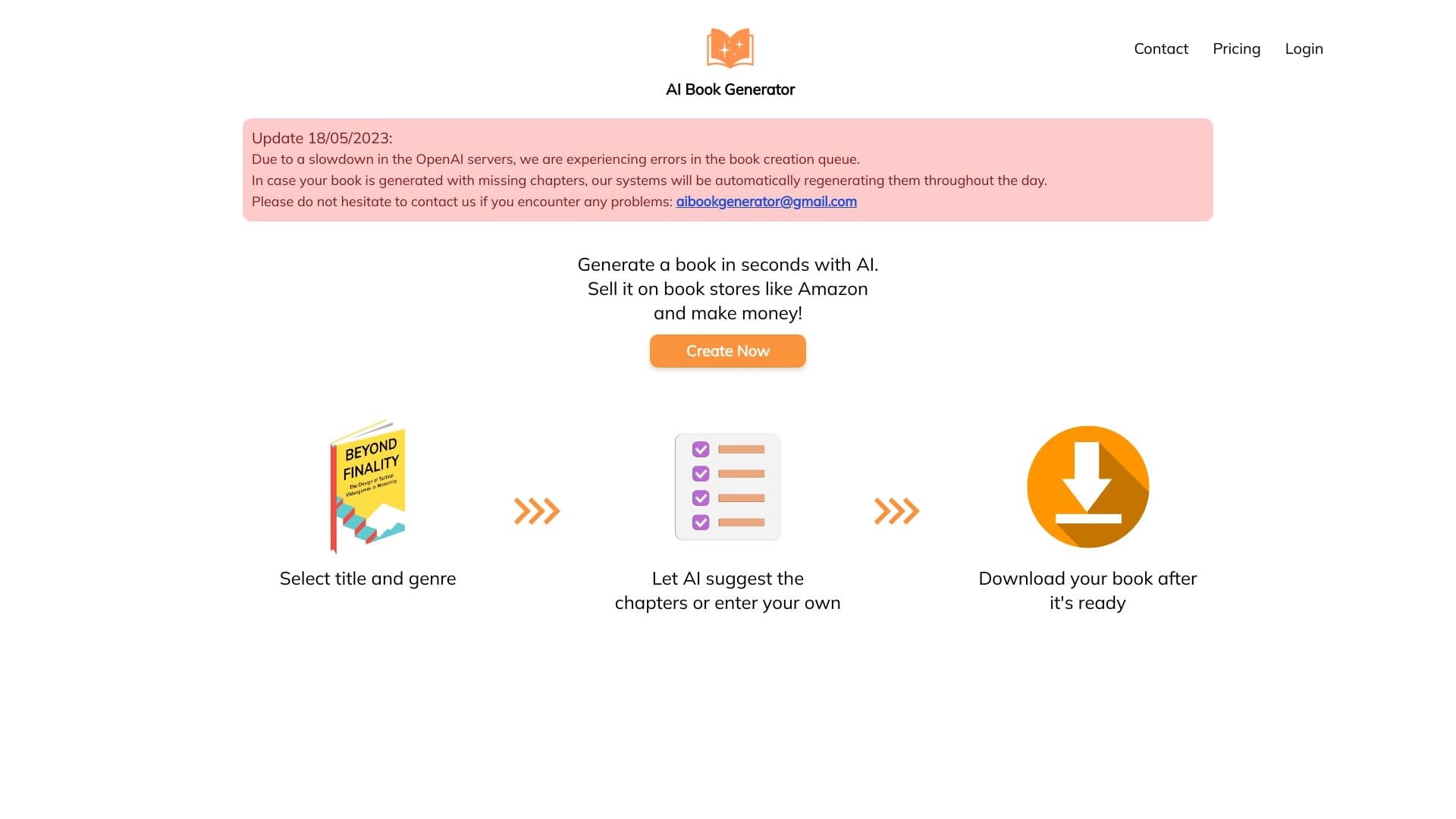

Service for quickly generating e-books on a given topic.
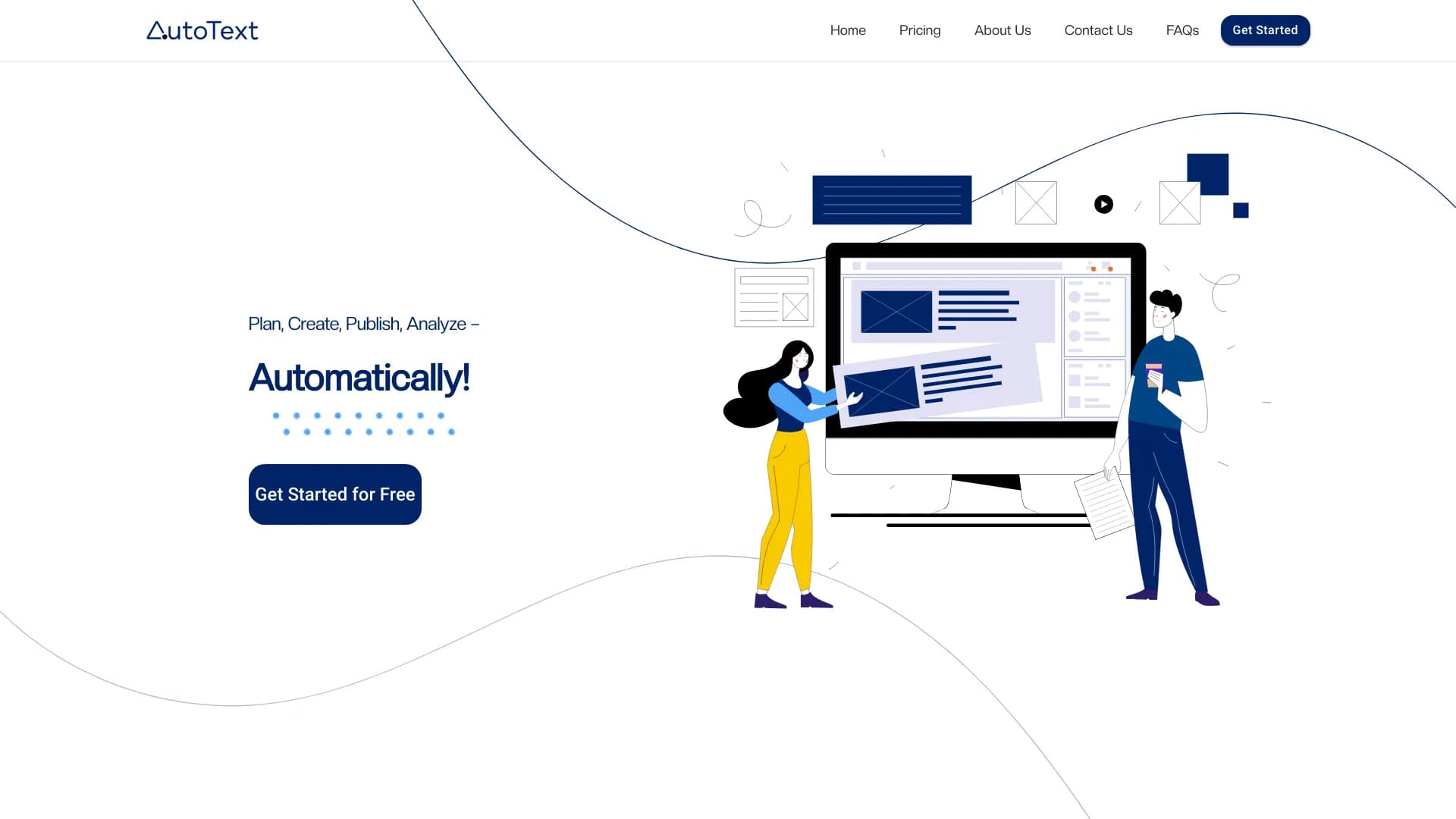

AI tool for automating social media marketing, including content generation, post scheduling, and analytics.

AI-powered mobile app that helps you find the right words for different life situations in your correspondence.
A community platform for discovering, publishing, and sharing open AI image generation models.

Online service for rewriting texts to make them look human-written and bypass AI detectors.
AI platform for voice synthesis and cloning that converts text into realistic speech.
PPT.AI is an online tool for quickly creating professional presentations with the help of artificial intelligence.