
PPT.AI
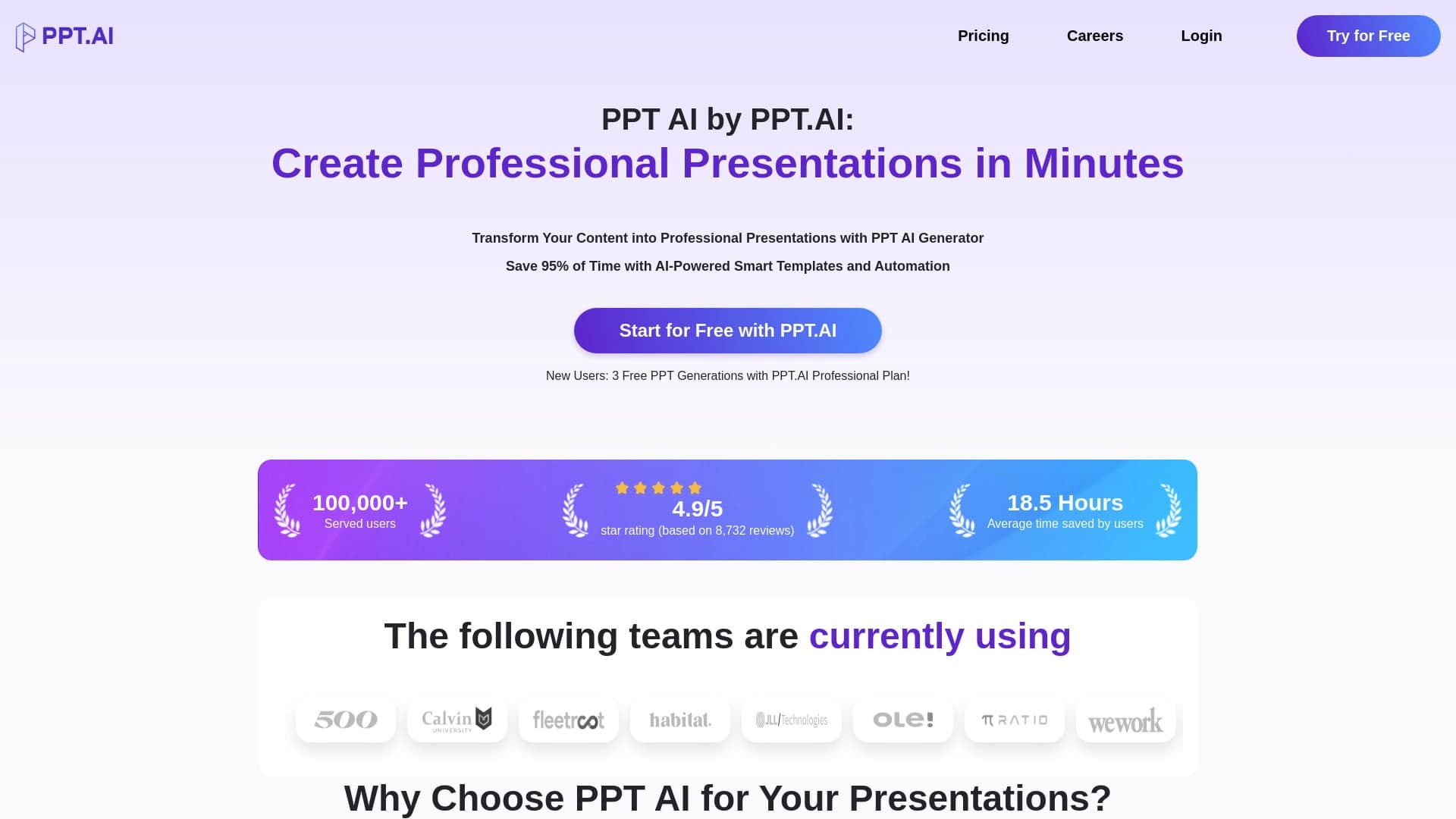
PPT.AI is an online tool for quickly creating professional presentations with the help of artificial intelligence.
Overview
PPT.AI is an online service that lets you create presentations using artificial intelligence. The tool automates the routine stages of slide preparation, from building the structure to visual design. Instead of manually working out the logic of your talk and choosing a design, you simply enter a topic — and the neural network handles most of the work. The service is positioned as a solution for those who need a professional result quickly, without deep skills in presentation editors.
The core idea behind PPT.AI is saving time. Instead of spending hours on manual layout, users spend a few minutes generating a draft and then just make edits. The AI component handles not only the text content but also the slide structure, layout selection, and visual design, making the tool versatile for different types of tasks — from academic reports to business pitches.
PPT.AI Features
| Feature | Value |
|---|---|
| Tool type | Online service for creating presentations |
| Technology | Artificial intelligence for content and design generation |
| Distribution model | Freemium (free basic access + paid features) |
| Primary purpose | Automating slide creation |
| Key capabilities | Structure generation, text generation, template selection, editing |
| Who uses it | Corporate employees, students, marketers |
Who Is PPT.AI For?
Office Workers and Business Users
For those who regularly prepare reports, plans, or presentations for management and clients, PPT.AI becomes an efficient assistant. The tool lets you quickly assemble slides based on a brief brief, eliminating the need to build the structure from scratch and pick out a design every time.
Students and Educators
Academic environments require frequent creation of reports and lecture materials. PPT.AI helps cut down the time spent preparing educational presentations by automatically forming a logical structure and filling it with relevant text. This is especially useful when working toward deadlines or when a large volume of information needs to be turned into a clear, visual format.
Marketers and Content Creators
For marketing tasks — from product presentations to commercial proposals — both informativeness and visual appeal matter. The service provides a set of templates and editing tools that let you adapt the generated content to a company's brand style or a specific task.
How to Use PPT.AI
Step 1: Enter a Topic
The workflow starts by entering the topic of your future presentation. All you need to do is formulate the title or a short description of what the presentation will cover. At this stage, the AI analyzes the request and identifies the key directions for developing the topic.
Step 2: Get a Generated Structure
Based on the topic you entered, the neural network automatically builds the presentation structure: it breaks the material into logical blocks, determines the sequence of slides, and generates the text content for each one. You get a ready-made framework that can serve as the basis for further work.
Step 3: Edit and Style
The final stage is making edits. You can adjust the generated texts, change design templates, and add or remove slides. The editing tools let you tailor the result to specific requirements — changing the color scheme, fonts, or the placement of elements on a slide.
Key Features of PPT.AI
AI-Powered Content Generation
The service automatically creates slide text based on the given topic. This removes the need to formulate key points and search for the right wording yourself. The neural network also helps organize information into logical blocks and sequences.
Template Selection and Visual Design
PPT.AI includes a collection of templates that are automatically matched to the generated content. You don't need to be a designer to get clean, professional-looking slides. The design can be changed during editing to suit your own preferences.
Editing Tools
After generation, standard editing tools are available: changing text, rearranging slides, and adjusting the design. This lets you refine the automatically created material by adding individual elements or extra information.
Advantages of PPT.AI
Time Savings
The main advantage is a significant reduction in the time spent preparing presentations. Instead of hours of work on structure, writing text, and choosing a design, users spend just a few minutes on generation and subsequent adjustments.
Ease of Use
The service requires no special skills or training. The entire process is intuitive: from entering a topic to getting the finished result. This makes the tool accessible to a wide range of users with varying levels of technical expertise.
Versatility
Thanks to customization and editing options, PPT.AI suits a wide variety of tasks — from educational presentations to marketing materials. The templates and adaptation tools allow the service to be used across different fields.
Drawbacks of PPT.AI
Free Tier Limitations
As with most freemium services, PPT.AI has limitations on the free plan. Users may run into caps on the number of generations, access to premium templates, or advanced editing features. Full professional use may require a paid subscription.
Manual Refinement Needed
Despite the automation, the generated content may require careful review and adjustment. AI doesn't always perfectly understand the context or specifics of a given topic, so users often need to make edits to the text and structure of the presentation.
Dependence on Input Quality
The quality of the neural network's output depends directly on how accurately and completely the topic is formulated. With a vague or incomplete request, the presentation may come out shallow or not fully match user expectations.
What Problems Does PPT.AI Solve?
Fast Presentation Creation
The service's main task is to help users get finished presentations quickly. This matters in situations where time is short and a quality result is needed as soon as possible. PPT.AI takes on the routine workload so you can focus on the substantive part of the material.
Overcoming the Blank Page Problem
Many people struggle with not knowing where to start on a presentation. The AI acts as a starting engine: it generates the structure and basic content that you can then build on. This helps you quickly move past uncertainty and start working productively.
Ensuring Visual Consistency
The template set and automatic styling solve the problem of creating a visually cohesive presentation. You don't need to worry about whether the slides look harmonious together — the service maintains a consistent design style throughout the entire deck.
PPT.AI Pricing
Specific pricing and plan details for PPT.AI are not available in the source data. It is known that the service operates on a freemium model: basic features are free, while expanded functionality and the removal of limits come at a cost. Current rates and subscription pricing should be checked on the service's official website, as terms may vary depending on regional availability and the period of use.
Terms of Use for PPT.AI
Since PPT.AI is an online service with a freemium distribution model, users need to register on the platform to get started. Free access lets you explore the basic functionality and create a limited number of presentations. Expanded capabilities — such as removing generation limits, access to the full template library, and priority request processing — become available when you switch to a paid plan.
The service requires no additional software installation, as it runs through a web interface. This means all you need is an internet connection and a modern browser. All work on creating and editing presentations happens directly in the browser, and results can be saved and exported in standard formats.
PPT.AI Availability
PPT.AI is an online platform, making it accessible to users on any device with internet access — from desktop computers to laptops and tablets. This model allows you to work on presentations from anywhere at any time, without being tied to a specific workstation.
No geographic restrictions on using the service are mentioned in the provided data; however, freemium distribution models often involve regional differences in feature availability or payment options. For accurate information about service availability in a specific country or region, you should check directly on PPT.AI's resources.
How PPT.AI Differs from Alternatives
A distinguishing feature of PPT.AI is its comprehensive approach to automating presentation creation. Unlike traditional editors that only provide tools for manual work, this service handles every stage from scratch: from generating text content to creating the design. Users get not just a builder with slide templates, but a full-fledged AI assistant that can propose structure and content based on a topic alone.
Another important difference is the focus on speed of results. Many competing services offer extensive libraries of templates and tools but leave users alone with a blank slide. PPT.AI, by contrast, is aimed at minimizing manual work: the AI does most of the heavy lifting, while the user focuses on content and final polish.
It's also worth noting the service's focus on versatility. PPT.AI suits both corporate tasks (reports, pitches, commercial proposals) and educational purposes (lectures, presentations, coursework decks), making it a competitive solution in the market for slide-content creation tools.
Conclusion
PPT.AI is a modern solution for automating presentation creation that significantly simplifies and speeds up the workflow. The service meets the needs of different user groups — from students to business professionals — by offering fast generation of structure, text, and design based on AI. The freemium model makes the tool accessible for trying out, while the editing tools and template set provide flexibility when refining materials. At the same time, like any software, the service has limitations: generated content requires review and correction, and advanced features come at a cost. Still, for tasks where speed and baseline quality matter more than deep customization, PPT.AI can be a practical and effective assistant.
Frequently asked questions
See also
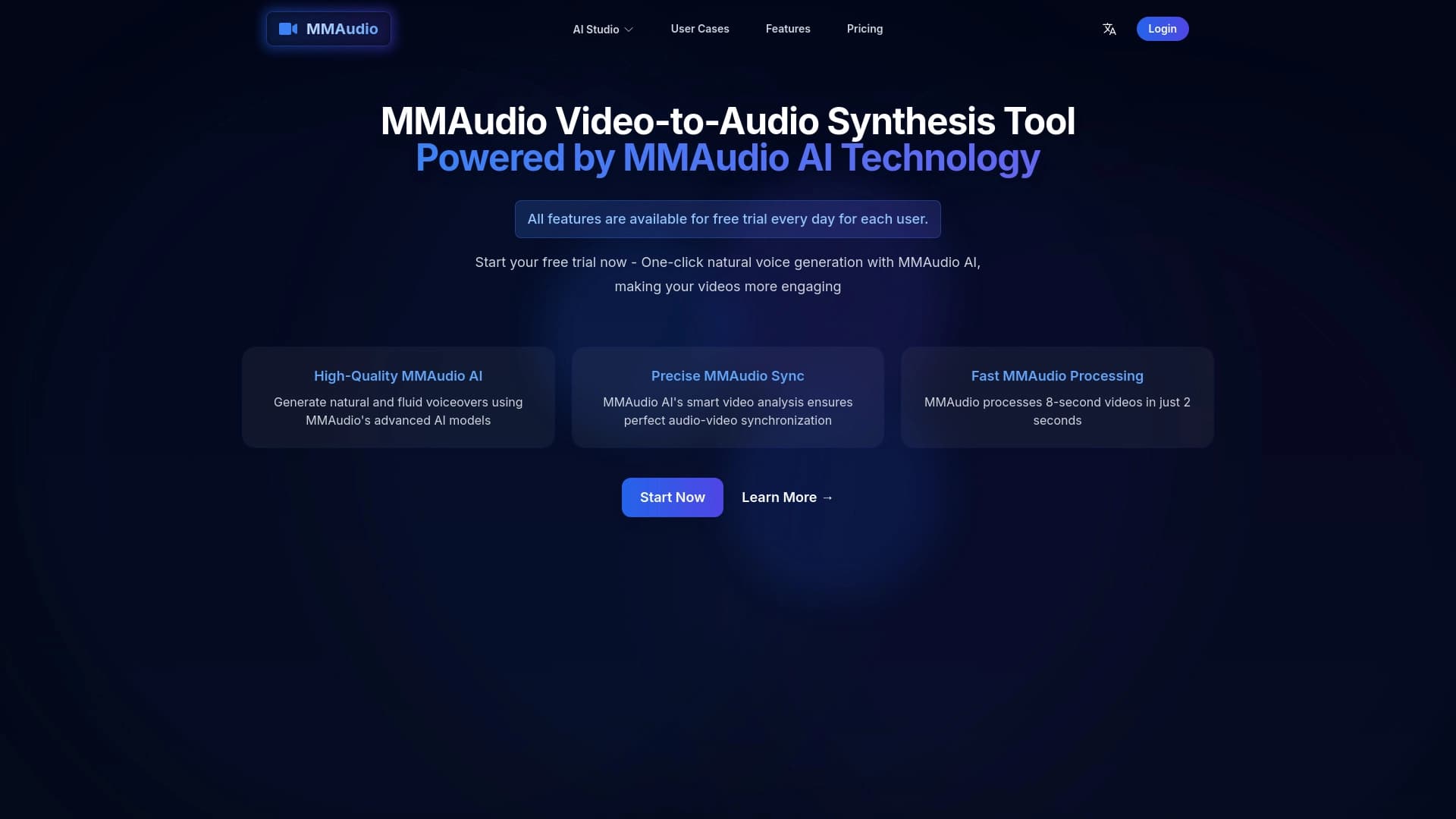
Online tool for generating voice and sound effects synchronized with video.
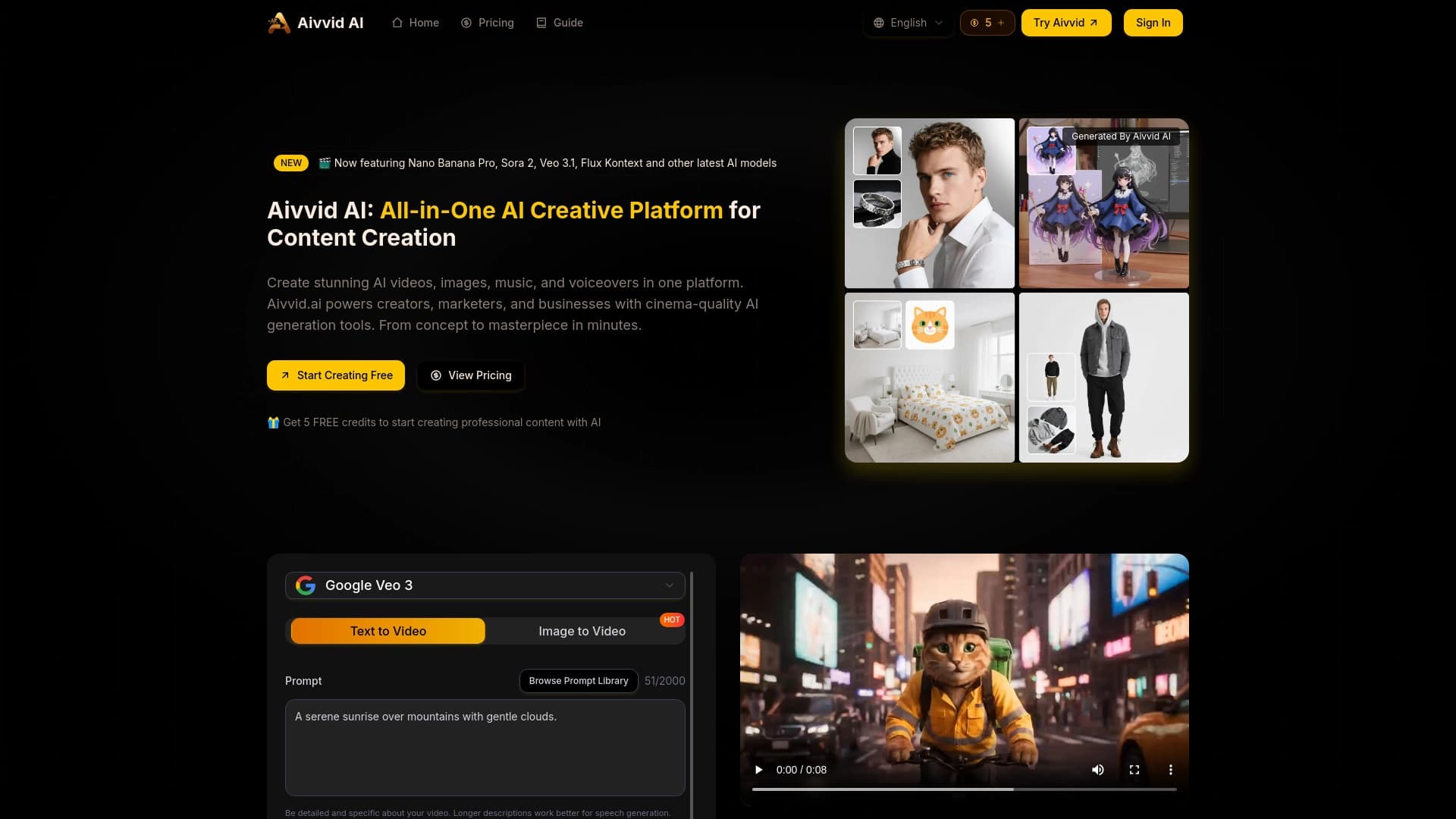
Service for generating videos from text descriptions and images using modern neural networks.


Side AI panel that helps answer questions, work with documents, and generate images.


AI email assistant that integrates with Gmail and Outlook.

Platform for automated geospatial analysis of satellite imagery and geographic data.
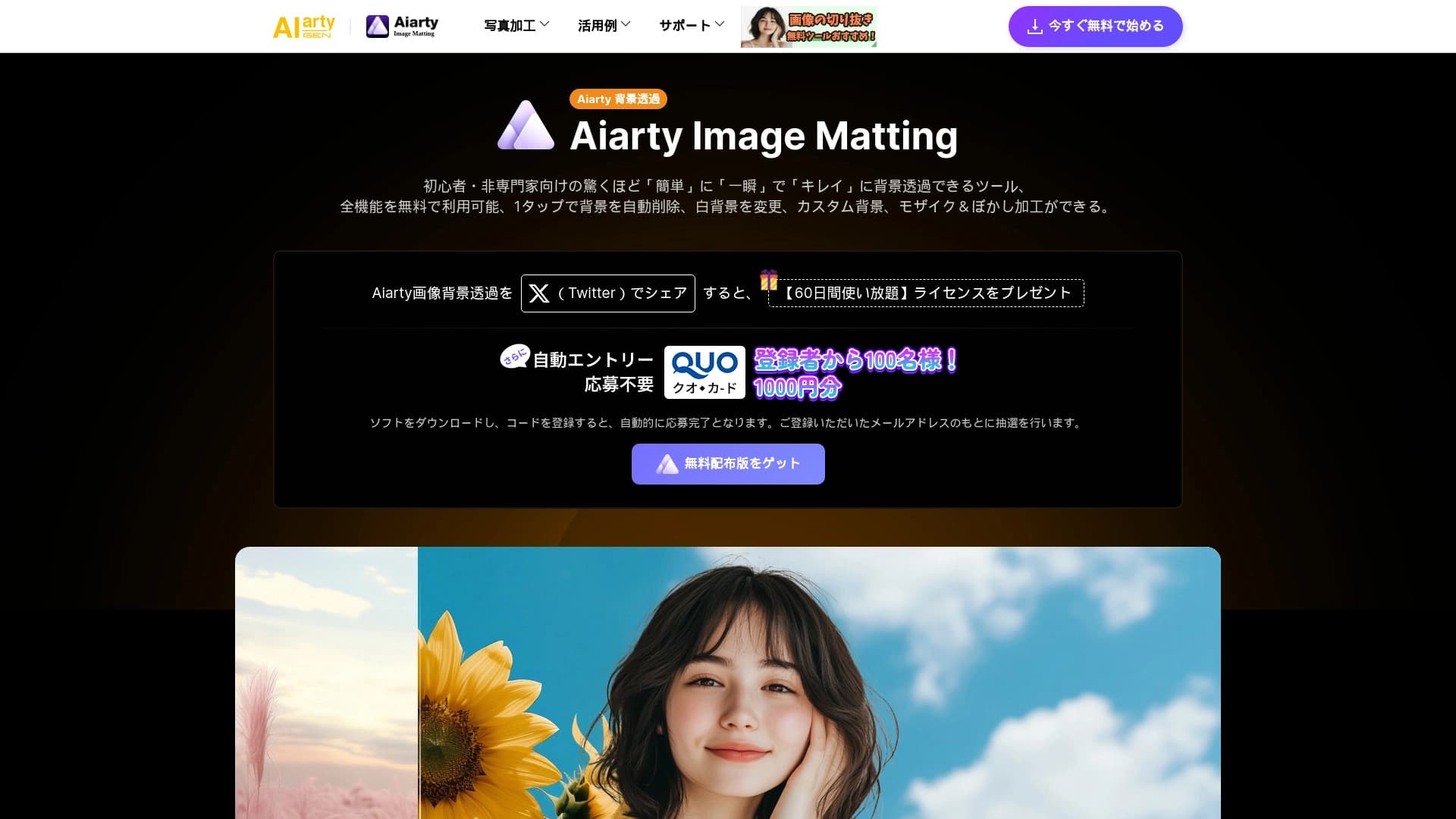
AI tool for automatically removing backgrounds from images right in the browser.


Service for quickly generating e-books on a given topic.
AI tool that instantly provides answers to homework assignments.