
TinEye
A search engine for finding images by picture, allowing you to find all copies and original sources of an image on the internet.
Overview
TinEye
Description of TinEye AI
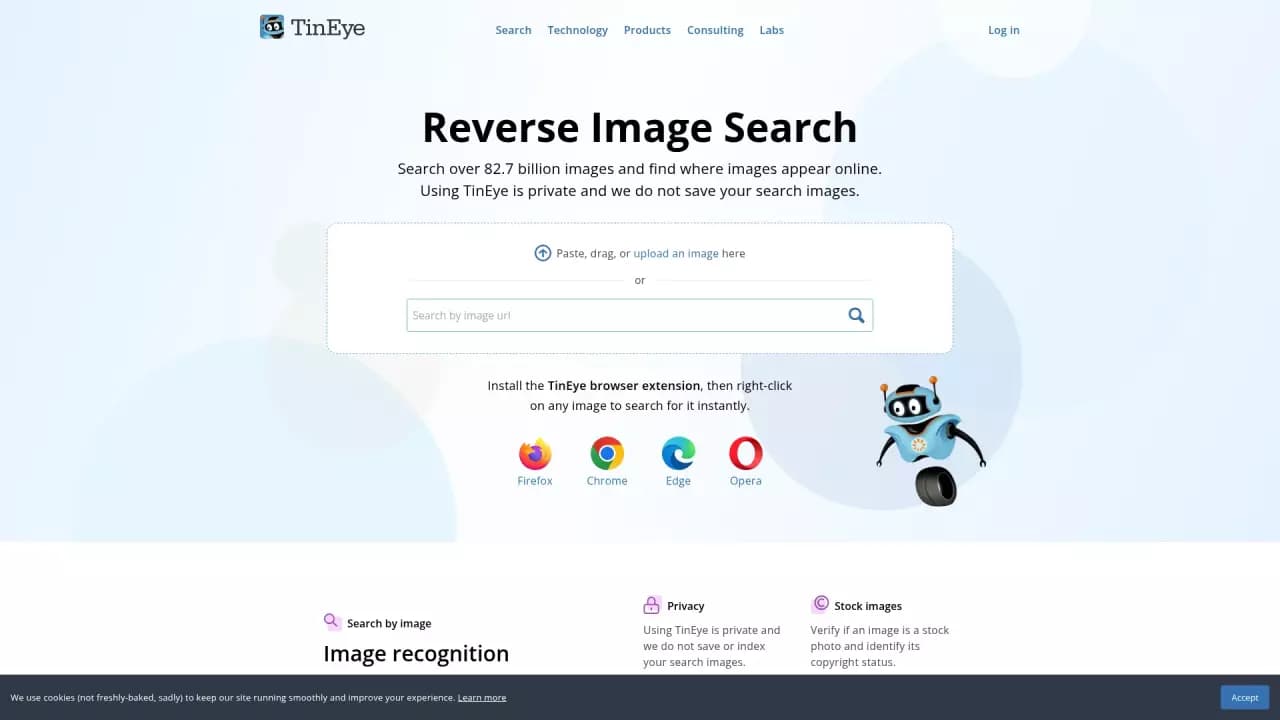
TinEye is an image search engine based on the principle of reverse search. Unlike conventional search engines that find images by text query, TinEye lets you upload an image itself and find all of its versions on the internet, including modified copies.
The service helps determine whether a photo is stock, identify the original source, and track cases of unauthorized image use. TinEye indexes more than 82 billion images on the web and constantly expands its database.
TinEye Characteristics
| Characteristic | Value |
|---|---|
| Type | Image search engine (reverse image search) |
| Category | Search and search engines, Image editing |
| Business model | Freemium |
| First publication date | 02-04-2026 |
| Last edit date | 04-05-2026 |
Who is TinEye AI for?
Designers and content creators
TinEye is useful for designers, photographers, and anyone who works with visual content. The service lets you quickly find the source of an image, verify its originality, and ensure the image is not used in violation of copyright.
Brand owners and lawyers
For businesses, the tool helps track where and how logos and branded images are used on the internet. Lawyers and copyright protection specialists can identify cases of illegal content use.
Marketers and SEO specialists
Promotion specialists can use TinEye to find the highest-quality version of an image, identify its original source, and analyze competitors' visual strategies.
How to use TinEye AI?
Uploading via the website
The easiest way to use TinEye is to visit the service's website. You can upload an image using the file selection button, drag and drop it into the browser window, or paste a direct link to an image from the internet.
Browser extensions
For greater convenience, TinEye offers extensions for Firefox, Chrome, Edge, and Opera. Once the extension is installed, you simply right-click any image on a page and choose the search in TinEye option. This speeds up the process significantly, especially with frequent use.
Key features of TinEye
Reverse image search
The service's main function is to take an uploaded image and search for all of its copies on the internet. TinEye finds not only exact matches but also modified versions: cropped, edited, with altered colors, or with applied filters.
Sorting and comparing results
The found results can be sorted by several criteria: the earliest version of the image, the highest resolution, or the most edited version. In addition, TinEye shows differences between the original file and the found copies, which is convenient for analyzing changes.
Identifying stock images
The service helps check whether an image is stock and provides information about copyright. This is especially useful for designers who want to make sure they are using legal content.
API and automatic tracking
For business tasks, an API is available that allows bulk searches. The service also implements automatic tracking of the use of logos and branded images on the internet. TinEye supports recognition of cards, covers, wine labels, and other objects, and also provides the ability to integrate recognition into a mobile application.
Color search
TinEye lets you search for images by color palette, which can be useful when selecting visual materials in a specific color scheme.
Advantages of TinEye
Privacy
TinEye does not save user queries and does not index uploaded images in its database. This means that privacy is respected when using the service — your data is not stored or reused.
Huge image database
TinEye's database contains more than 82 billion images. The service constantly scans the web and adds new pictures, ensuring high accuracy of search results.
Ease of use
The simple interface, drag-and-drop support, and browser extensions make working with the service fast and intuitive even for inexperienced users.
Disadvantages of TinEye
Explicit disadvantages of the service are not listed in public sources. However, it should be noted that, like any reverse search tool, TinEye may not find images from closed databases, social networks with restricted access, or websites that prohibit indexing. In addition, the free version has limits on the number of requests, and full commercial use requires purchasing paid tools.
What tasks does TinEye solve?
Finding the source of a photo
One of the service's key tasks is to help users find out where an image originally came from. This may be needed to verify authorship, find the original source, or clarify the context of use.
Checking copyright
TinEye lets you find out whether an image is stock or protected by copyright. This helps avoid legal risks when publishing content.
Detecting unauthorized use
Image owners can find out who is using their photos without permission and take appropriate action. This is especially relevant for photographers and companies protecting their visual brand.
Finding the best version of an image
By sorting the results, you can find the earliest version of an image, its highest-resolution variant, or the most edited copy. This simplifies working with visual materials when you need to find the highest-quality source.
TinEye Pricing
TinEye operates on a freemium model. The service's basic features are available for free through the website and browser extensions. For businesses, separate paid tools are provided: an API for bulk searches, automatic image usage tracking, and other corporate features. Specific prices for paid solutions are not listed in public sources.
Terms of use for TinEye
The service emphasizes user privacy: TinEye does not save search queries and does not index uploaded images. This means your data is not stored on servers and is not used to train algorithms. Commercial use and integrations (API, brand monitoring) require purchasing the appropriate plan, the terms of which are clarified separately.
TinEye Availability
TinEye is available through the website on any internet-connected device. For more convenient use, you can install browser extensions for Firefox, Chrome, Edge, and Opera — they let you run a search on any image on a page with a single right-click. The service does not require registration for basic use.
How is TinEye different from alternatives?
The main difference between TinEye and other reverse search services is its huge database, containing more than 82 billion indexed images. This gives TinEye an advantage in the accuracy and completeness of results compared to many competitors.
A key feature is its strict approach to privacy: TinEye does not store query history and does not index user-uploaded images. Many alternatives, by contrast, may collect and analyze user data to improve their own algorithms.
TinEye also stands out with its feature of showing differences between the original and found image, sorting by versions (earliest, largest, most edited), and the ability to check a photo's stock status.
Among the alternatives, FoundFace can be mentioned, but that service specializes in finding people by photo, while TinEye covers a wider range of tasks — from finding image sources to monitoring brand usage.
Conclusion
TinEye is a powerful reverse image search tool with one of the world's largest databases (more than 82 billion images) and an emphasis on user privacy. The service is suitable both for one-off checks and for regular business tasks thanks to its API, browser extensions, and monitoring features. TinEye helps find photo sources, check copyrights, track unauthorized content use, and search for the best image versions, while remaining easy to use and accessible to a wide audience.
Frequently asked questions
See also

AI-powered smart search platform designed for quickly finding data in web and mobile applications.

A platform for creating personal AI agents that learn from company documents and terminology and also perform information search functions.


AI assistant for online shopping that matches products based on a description of needs in a conversational mode.

AI-powered scientific search engine for finding and analyzing research papers.


AI search engine for developers that combines generative AI with search algorithms to answer technical queries.

AI platform for finding and vetting suppliers, as well as conducting business research to optimize procurement.
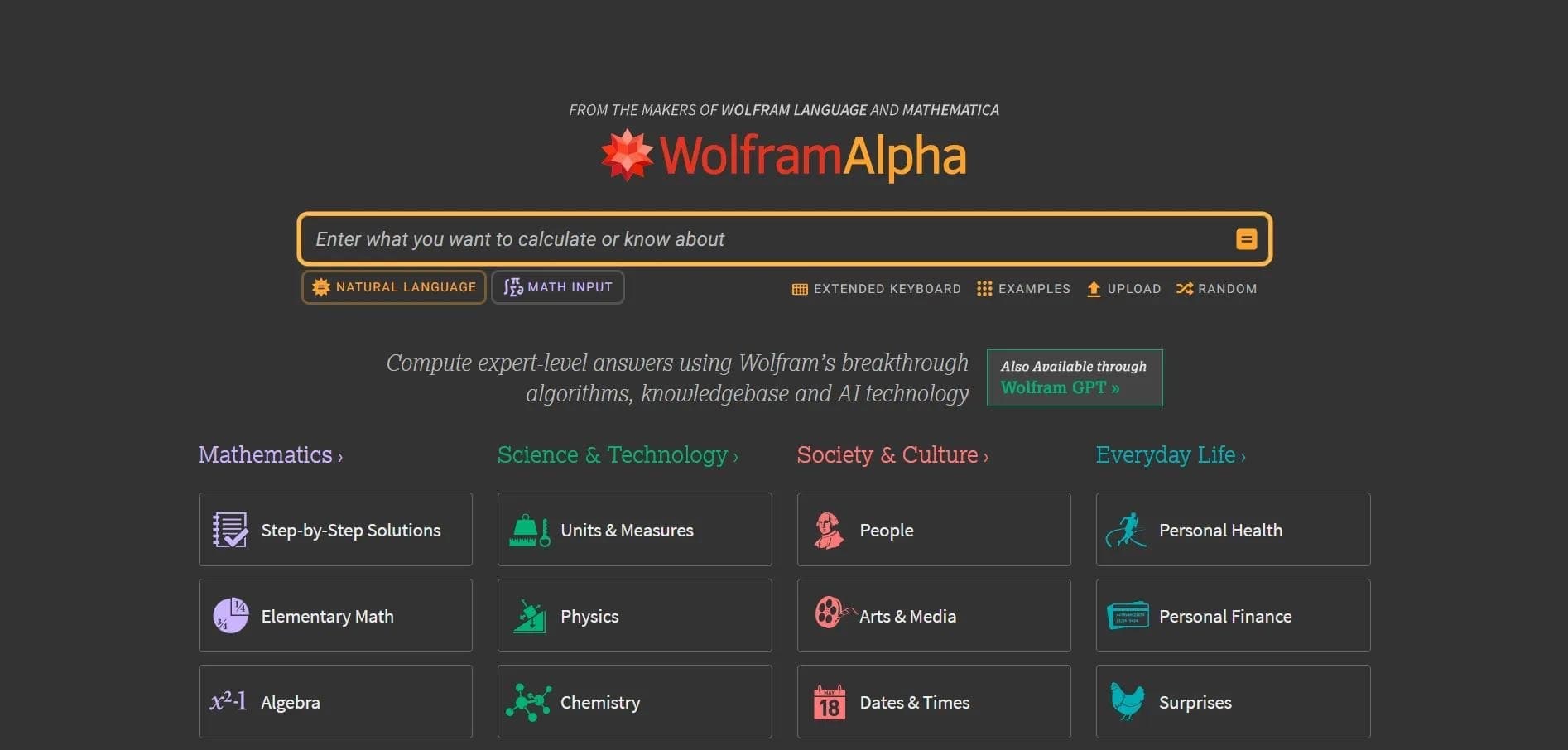

Computational knowledge system that solves problems and analyzes data, providing precise answers instead of links.
AI platform that helps select travel destinations and analyze locations based on user preferences.