

Nanonets
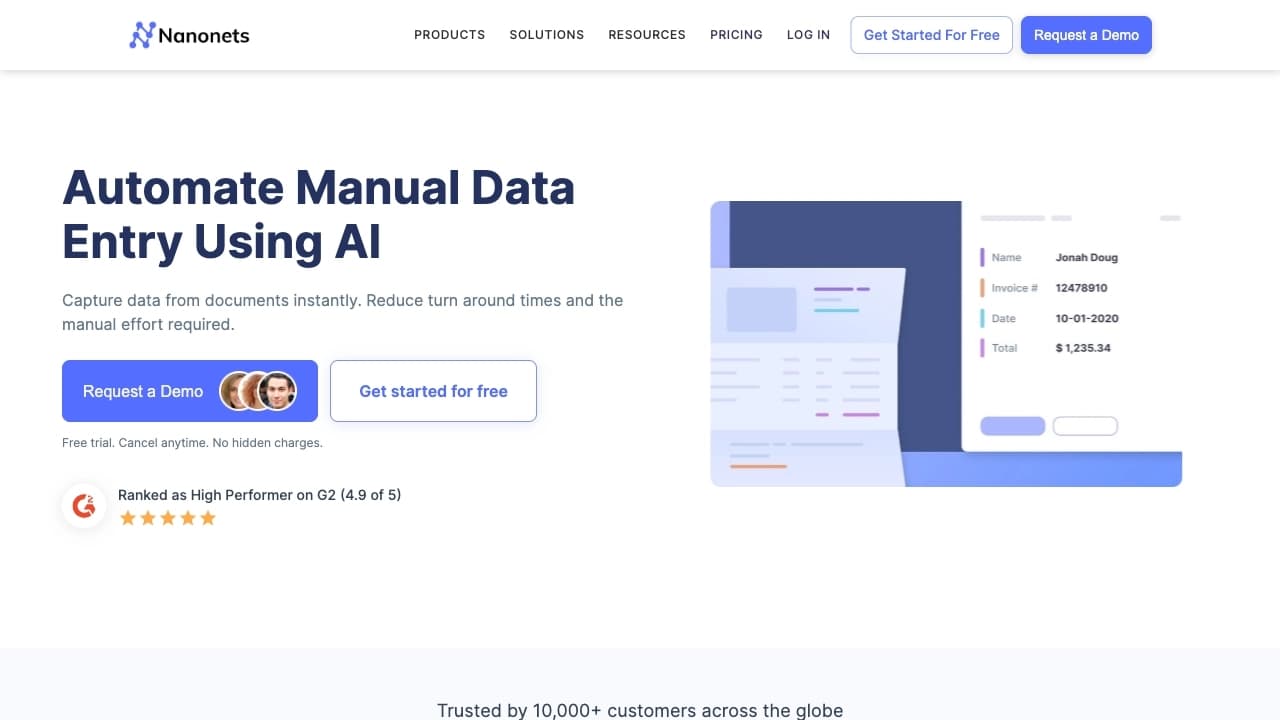
AI-based platform for extracting data from documents and automating business processes without writing code.
Ranked in
Overview
Nanonets
Description of the Nanonets AI
Nanonets is an AI-powered cloud platform that specializes in extracting data from documents and automating business processes. The service helps companies eliminate manual transfer of information from invoices, contracts, passports, bank statements, and other paper and scanned documents into accounting systems.
Essentially, the platform acts as a smart assistant that recognizes documents, pulls out the required fields, and automatically triggers the next stages of work — for example, passing data to an accounting program or sending a document for approval. Most of the configuration is done through a simple visual interface, without the need to write code.
How the platform works
The system is built on text recognition (OCR) and machine learning technologies. The user uploads a document or connects a data source, and the AI analyzes its structure, finds the required fields, and extracts them with high accuracy. When processing typical documents, such as similar invoices, the system remembers the structure and works faster over time.
Key idea
The main value of Nanonets is not just text recognition, but complete automation of document flow. Instead of manual entry, copying, and forwarding files, the company gets a single stream where each stage is triggered automatically. This makes it possible to reduce manual labor costs and speed up document processing while reducing the risk of errors.
Nanonets specifications
| Characteristic | Value |
|---|---|
| Category | Text recognition (OCR), PDF and documents |
| Platform | Cloud service (website) |
| Distribution model | Freemium |
| Focus areas | Automation, process automation, accounting, image recognition, PDF processing |
| Data extraction accuracy | Above 95% |
| Workflow configuration | No-code, via visual interface |
| Connection requirements | Stable internet connection, offline mode not supported |
Who is the Nanonets AI suitable for?
Nanonets is primarily designed for companies that want to reduce manual labor costs and speed up document processing. The solution will be useful for organizations that work daily with large volumes of similar paperwork — invoices, orders, statements, and applications.
Companies with large document flows
For businesses where employees spend hours transferring data from scanned documents into spreadsheets and accounting systems, the platform makes it possible to automate this process and free up staff time for more important tasks.
Organizations looking to reduce costs
For companies that want to cut manual processing costs and reduce the risk of errors associated with the human factor, Nanonets delivers tangible savings. As service clients note, investments on average pay back 3.5 times within six months.
Who the service is not suitable for
Despite its broad capabilities, the platform is not suitable for companies without constant internet access, as well as those who need to solve simple tasks that do not require automation. In such cases, using the service may be excessive.
How to use the Nanonets AI?
Working with Nanonets is based on uploading documents and configuring processing rules through a no-code interface. To get started, simply go to the service website.
Uploading documents and connecting sources
The user uploads documents directly or configures integration with data sources. The system automatically recognizes the content, finds the required fields, and extracts them — numbers, dates, amounts, supplier details, and other data.
Configuring rules and workflows
Processing conditions are set up through a simple visual builder. For example, you can configure invoices from a specific supplier to be sent directly for payment, while others are sent for review. This logic is configured without writing code.
Transferring data to target systems
After extraction, the data is automatically transferred to specified systems or formats — accounting programs, CRM, banking software, and other services. Documents can also be sent to a manager for approval. The user sets up the scenario once, and then everything works automatically.
Main features of Nanonets
The platform offers a set of features focused on automating document processing and workflows.
Extracting data from documents
Nanonets recognizes and extracts data from various document types: invoices, orders, statements, contracts, passports, driver's licenses, and banking documents. The system even works with medium-quality document photos, such as screenshots of an invoice from a phone.
Configuring automated workflows without code
The visual interface allows you to define document processing logic and transfer conditions without programming. For each document type, you can configure your own set of fields and rules, allowing the system to be adapted to the specifics of the business.
High recognition accuracy
The technology delivers data extraction accuracy above 95%, which reduces the risk of errors compared with manual entry. For typical documents, the system remembers the structure and improves its performance with each processed instance.
Integration with external services
The platform supports connections to popular systems — from banking software to CRM. This turns document flow into a single stream where each stage is triggered automatically, instead of scattered actions in email, messengers, and folders.
Advantages of Nanonets
High data extraction accuracy
Recognition accuracy above 95% is one of the main advantages of the service. The system reliably extracts the required fields from documents, practically eliminating errors associated with human fatigue or inattention.
Reduced risk of errors
Automated processing removes the human factor from routine operations. Data is transferred to accounting systems without copying and manual entry, significantly reducing the likelihood of errors.
Time savings and faster work
According to the service, Nanonets saves up to 88% of document processing time. What used to take hours of manual labor is now done in moments, and clients report an average return on investment of 3.5 times within six months.
No-code configuration
The absence of a need to write code makes the platform accessible to a wide range of users. Complex processing logic can be configured through a simple builder interface.
Disadvantages of Nanonets
No offline mode
The service works only in the cloud and requires a constant internet connection. This makes the platform unsuitable for companies without stable network access and also limits work during connection outages.
Setup complexity for beginners
Although the service does not require programming, configuring complex processing scenarios can take time for new users. Fully mastering the platform's capabilities may require learning the interface and workflow logic.
Not suitable for simple tasks
For companies that do not need automation and only require one-time processing of a small volume of documents, using Nanonets may be excessive. The platform delivers its value mainly with regular work on large volumes of documents.
What tasks does Nanonets solve?
Automating document processing
The platform takes on routine operations for receiving, recognizing, and transferring documents according to established rules. Instead of manual work by employees, the system performs it automatically, creating a transparent and trackable process.
Extracting data from invoices, orders, and statements
Nanonets recognizes key document fields — numbers, dates, amounts, supplier details — and transfers them to accounting systems or specified formats. This eliminates manual data transfer into spreadsheets and programs.
Reducing manual labor costs
Automation makes it possible to cut costs for staff involved in manual document processing. Freed-up employee time can be directed to more important and creative tasks, while the company achieves tangible savings.
Organizing unified document flow
Thanks to integration with CRM, banking software, and other services, the platform combines scattered document streams into a single system. Each stage — from recognition to approval — is triggered automatically and tracked.
Nanonets pricing
Nanonets is distributed under a freemium model. This means the service has a free plan with a limited set of features, while paid plans are available for extended functionality.
Exact rates and subscription costs are not specified in the source data, so it is recommended to check current prices on the official platform website. The distribution model allows you to start exploring the service for free and, if necessary, switch to a paid plan with expanded capabilities.
Terms of use for Nanonets
Working with the platform requires a stable internet connection, since the service is available only in the cloud and does not support offline mode.
To use Nanonets, you need to go to the service website. Exact information about the registration procedure is not specified in the source data, but access to the platform is via a web interface. Since the service operates on a freemium model, you can start using it for free, and for extended scenarios — switch to a paid plan.
Nanonets availability
Nanonets is available as a cloud service via the website. An internet connection is required to work, and the connection must be stable — offline mode is not supported.
This means the platform is unavailable to companies without permanent network access or during connection outages. Otherwise, the service does not require installation of additional software and works through a regular browser.
How Nanonets differs from alternatives
Nanonets stands out among other tools due to its comprehensive approach: it is not just a text recognizer, but a full-fledged platform for automating business processes around documents.
Combining recognition and automation
Many alternatives, such as text editors and office suites with AI features (like Zoho Writer or ONLYOFFICE AI), focus on recognizing or editing documents. Nanonets, however, combines data extraction with the configuration of automated workflows, turning recognition into a full-fledged stage of automation.
No-code logic configuration
Unlike tools that require programming to create processing scenarios, Nanonets allows configuring complex conditions and workflows through a visual interface. This makes automation accessible to users without technical training.
Focus on business tasks
While many alternatives are focused on individual use or working with text, Nanonets is aimed at solving business problems: reducing manual labor, integrating with accounting systems, and building transparent document flow at company scale.
Conclusion
Nanonets is an AI-powered cloud platform for automating business processes, specializing in extracting data from documents. The service makes it possible to recognize invoices, orders, contracts, passports, and bank statements with accuracy above 95%, configure workflows without programming, and transfer data to accounting systems, saving up to 88% of document processing time. The platform is suitable for companies seeking to reduce manual labor costs and speed up document flow, but has limitations: it requires a stable internet connection, does not support offline mode, and may take time for new users to master complex scenarios.
Frequently asked questions
See also


A browser with built-in AI tools for chatting with neural networks, generating texts and images, translating and summarizing pages.
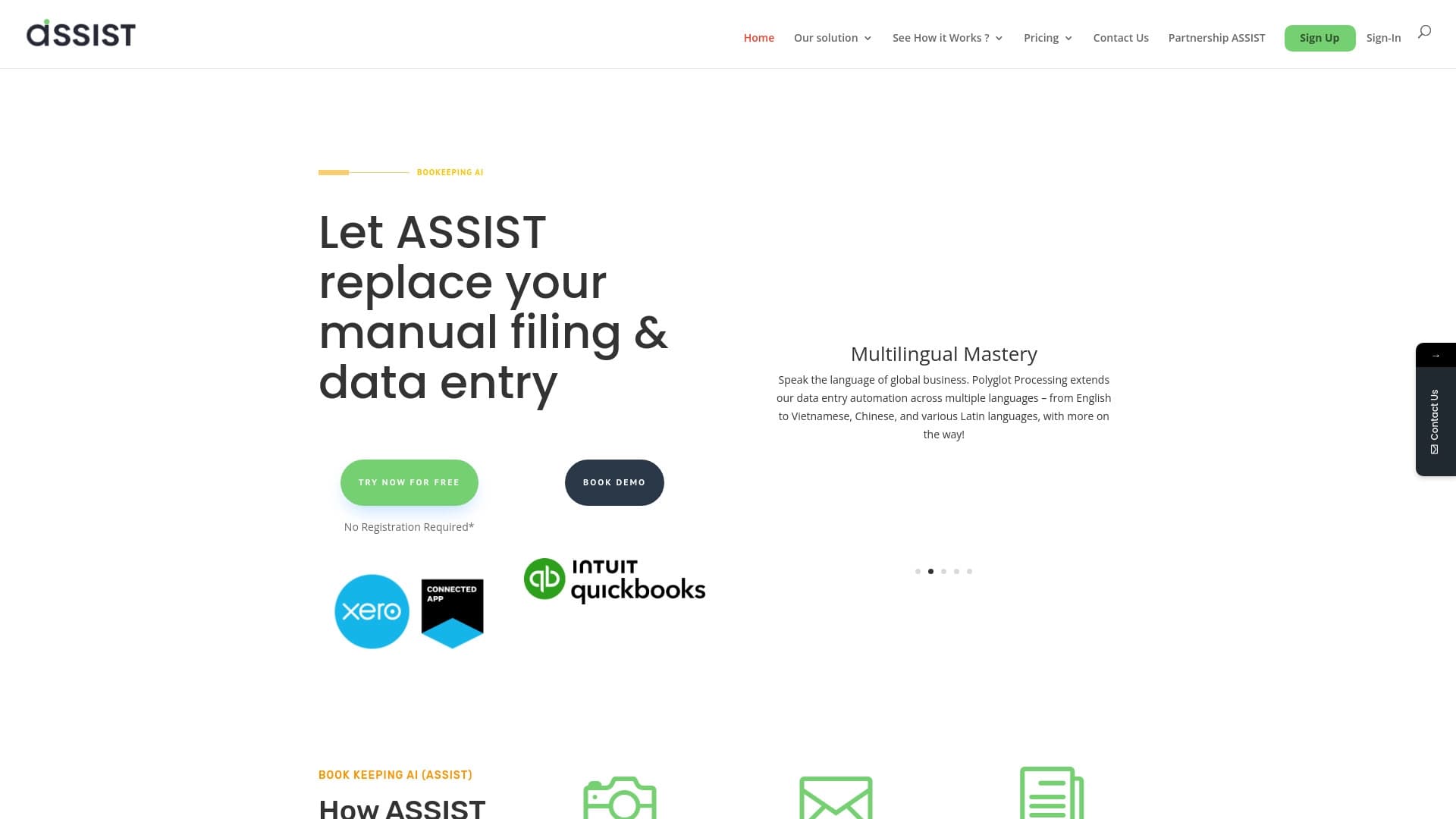

AI tool for automatic data extraction from financial documents and integration with accounting systems.

AI assistant for automating retail tasks and optimizing call center operations.
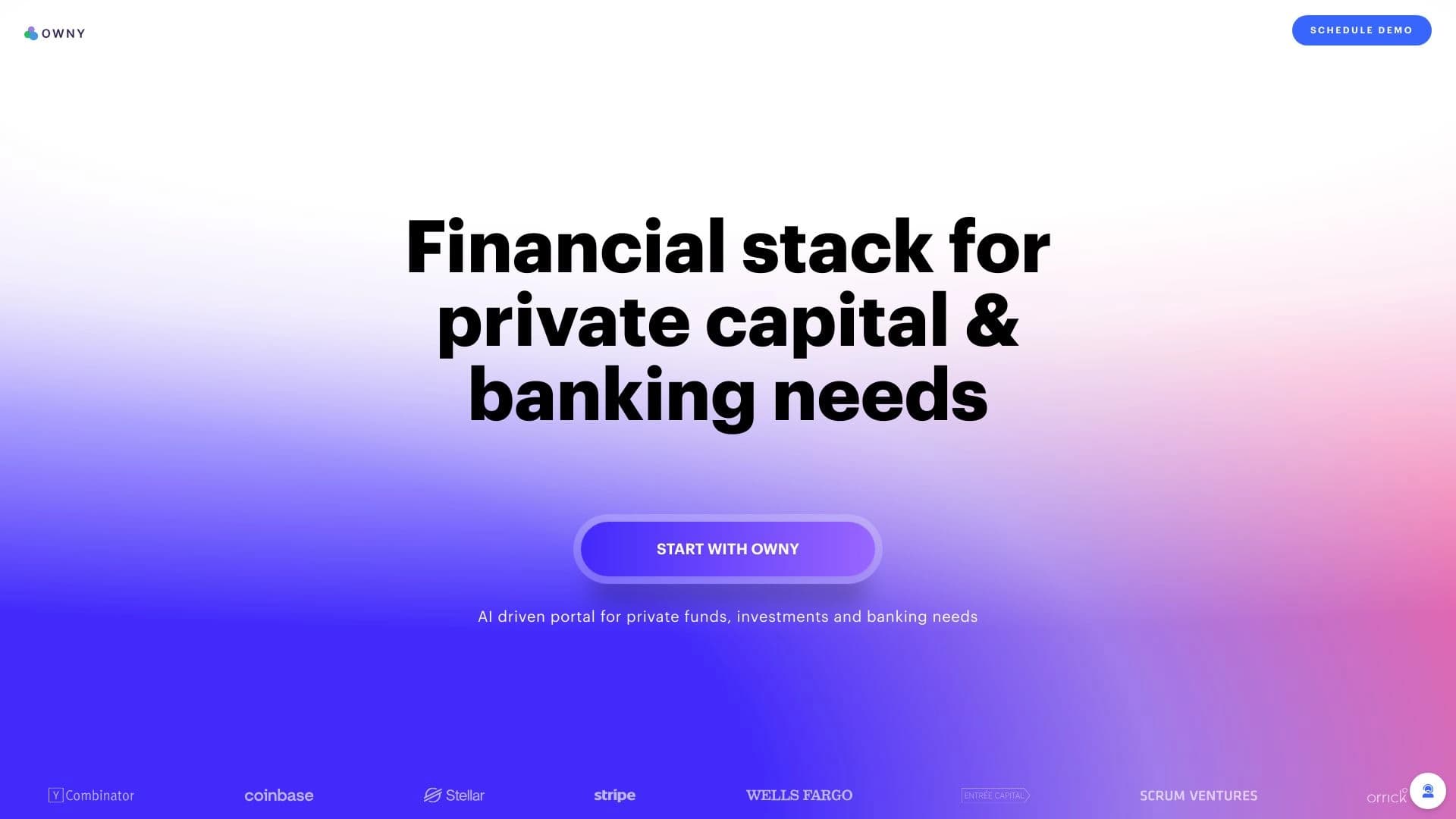
AI-powered platform for managing capital, investments, and treasury operations.


A web service that automates job search using artificial intelligence.


A set of more than 200 ready-made prompts for business and SEO, adaptable to ChatGPT, Claude, and Gemini.
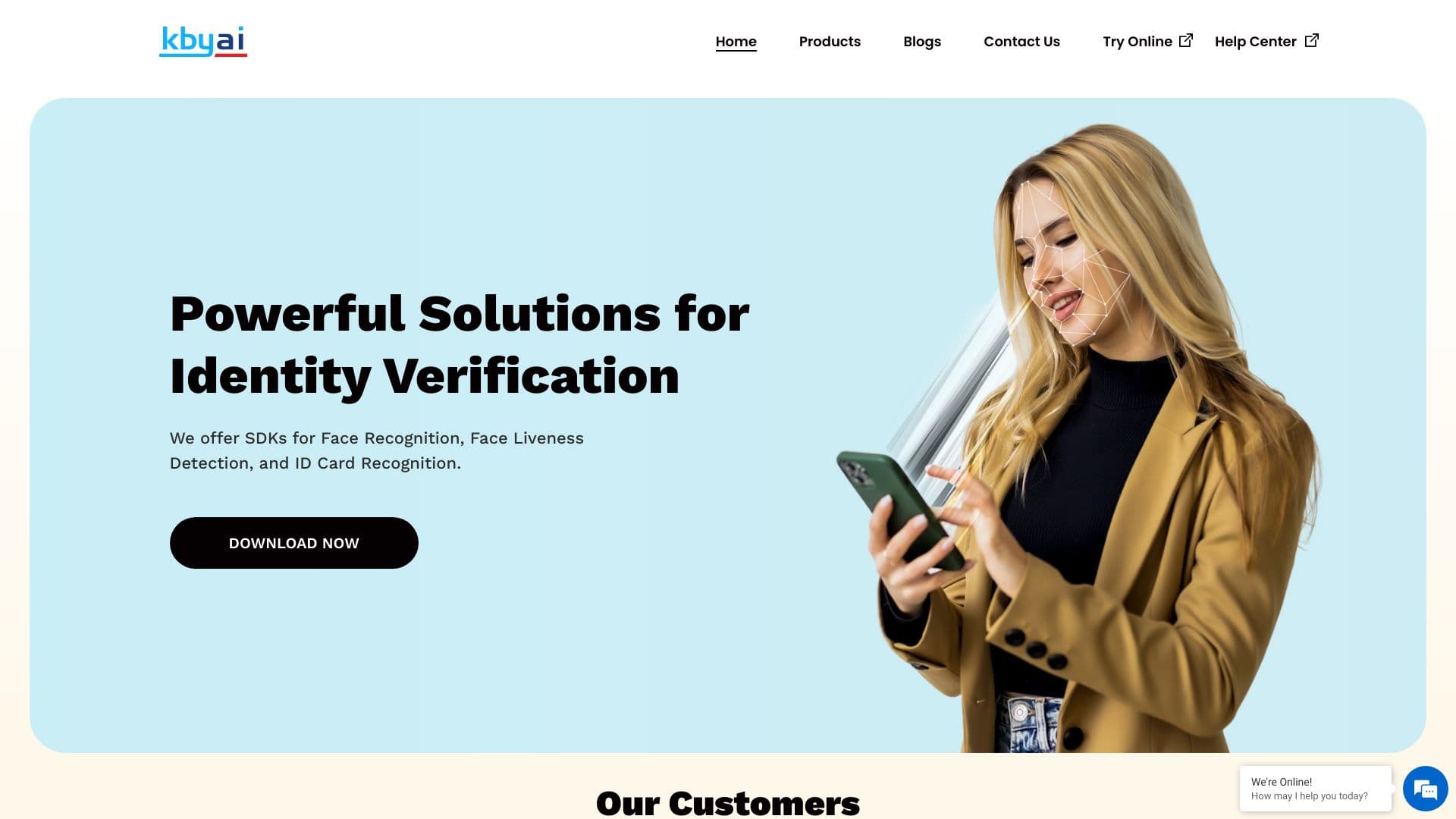

SDK suite for identity verification with face recognition, liveness detection, and ID document scanning.


Diagram and chart generator from uploaded data based on a natural language text description.