
Merlin
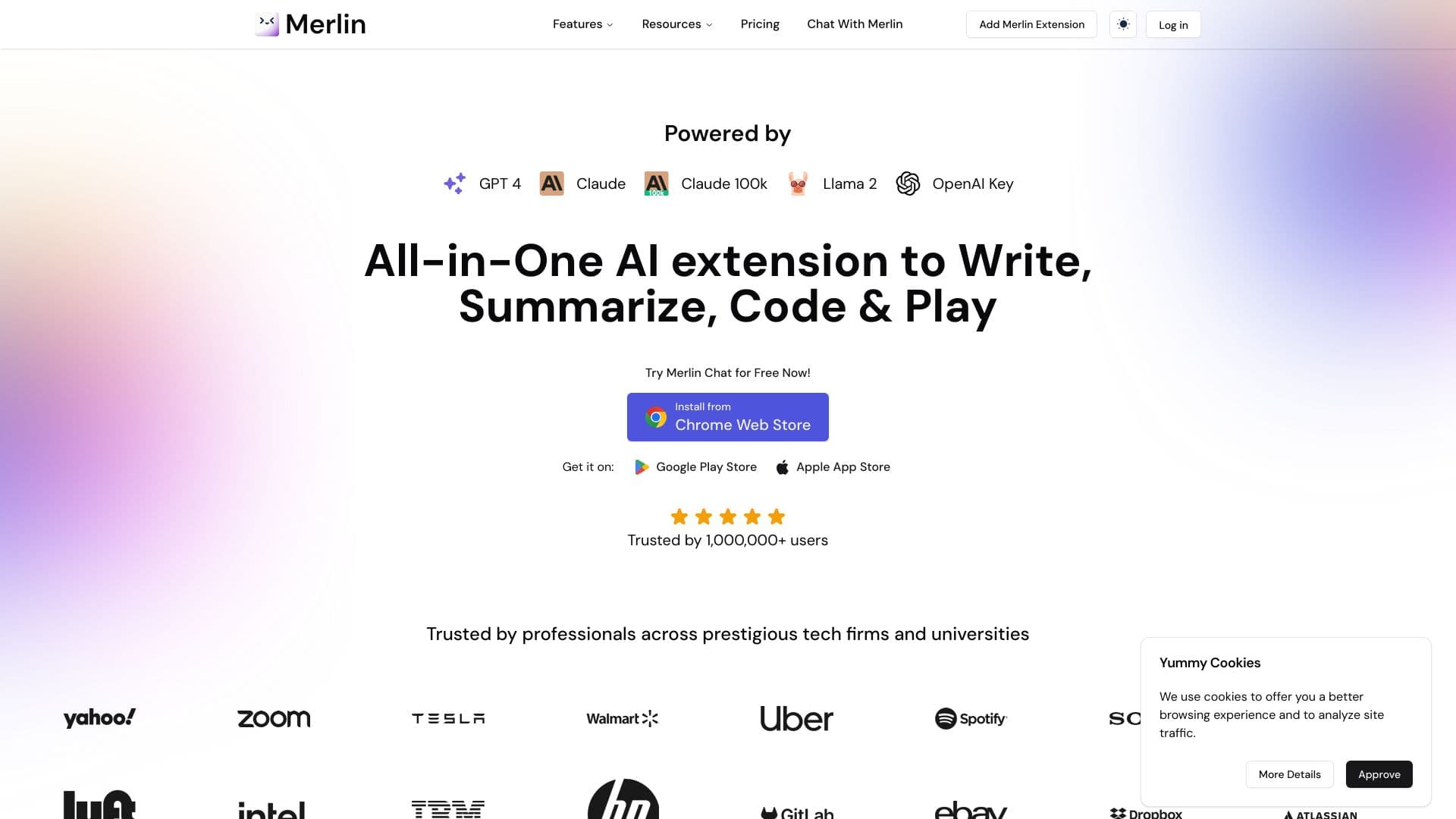
A universal AI assistant in the form of a browser extension that combines several neural networks for video summarization, text generation, and document work directly on the current page.
Ranked in
Overview
Merlin
Description of Merlin AI
Merlin is a versatile AI assistant available as a browser extension and a mobile app. The tool combines access to several popular neural networks — GPT-4o, Claude 3.5, and others — in a single interface, saving users from having to switch between dozens of different services for everyday tasks.
Merlin's key feature is working within the context of the current page. Right in the browser, you can summarize YouTube videos and articles, generate texts and emails, translate content into different languages, and analyze uploaded PDF documents and links. This lets you write social media posts and comments without leaving the tab you need.
Merlin characteristics
| Characteristic | Value |
|---|---|
| Type | AI assistant for browsers and smartphones |
| Categories | AI assistants, AI aggregators, browser extensions, summarization, text generation |
| Models used | GPT-4o, Claude 3.5, and others |
| Platforms | Browser extension (Chrome, Firefox), mobile app (Android, iOS) |
| Interface languages | Not specified (content translation available in more than 25 languages) |
| Free tier available | Yes (30 credits per day) |
| Distribution model | Freemium |
| API | Yes |
| Registration | Required on the website (not required in some versions) |
Who is Merlin AI suitable for?
Several use cases help to understand who will find the tool useful. Here, the key audiences are tied to different types of tasks.
Professionals and office workers
Merlin is useful for those who regularly work with emails and documents. The assistant helps write professional emails, summarize large volumes of text, and prepare for meetings by reviewing reports and materials without wasting extra time.
Content creators
Authors who run blogs and social media pages will appreciate the ability to quickly generate ideas tailored to their target audience, write posts, and reply to comments right in the context of a LinkedIn or X (Twitter) page.
Students and learners
For studying, the tool is useful as a helper for finding quick answers and solving tasks: you can analyze articles, summarize YouTube video lectures, and get concise summaries of the materials you are studying.
How to use Merlin AI?
Getting started with Merlin is a simple process that takes just a few steps. Once you set up the tool, you can use it on any website.
Installing the app
The first step is to install the extension from the Chrome Web Store (or use the Firefox version), or download the mobile app for Android or iOS. Some versions of the extension do not require registration.
Registration and login
After installation, you need to register on the official website (depending on the tool version, this step may be mandatory). A free account gives you access to a certain request limit.
Calling up the assistant on a page
Once the extension is installed, on any website you just press Ctrl/Cmd+M to open the assistant panel. Then you can choose the desired function: briefly summarize a video, generate text, translate content, or analyze a document — everything happens within the context of the current page.
Key features of Merlin
Merlin's functionality covers a wide range of tasks, from working with videos to generating images. The main capabilities of the tool are listed below.
Working with videos and documents
The assistant can create brief summaries for YouTube videos with timestamps, summarize articles and documents, and analyze uploaded PDF files and web pages by link to answer questions about their content.
Text generation and translation
Merlin generates texts, emails, messages, and comments, helps create social media posts, and translates content into more than 25 languages. It also offers code writing, complex formula creation, and text analysis.
Image generation
From a text description, the tool can generate images and infographics that can be used to illustrate posts, articles, or presentations.
Benefits of Merlin
The tool has several notable strengths that set it apart from similar solutions.
Free access and limits
Merlin provides 30 requests per day for free, allowing regular use of the assistant without any investment. Trial versions and an extended paid plan are also available.
Access to advanced models
The tool brings together several modern neural networks — GPT-4o, Claude 3.5, and others — under a single interface. This eliminates the need to connect to each model separately.
Time savings
Thanks to working within the page context, extra steps are removed — copying text, switching to another service, pasting, and going back. Quickly grasping the essence of long videos and integration with popular browsers make work noticeably faster.
Drawbacks of Merlin
Despite its broad capabilities, the tool also has limitations worth knowing about in advance.
Free tier restrictions
The free limit is 30 credits per day, and once it is exhausted, further use becomes impossible until the next day. Lifting these restrictions requires a paid subscription, the cost of which is not stated in open sources.
Subscription required for full functionality
Unlimited use and access to advanced features (for example, the Merlin Pro plan) require a paid subscription, so part of the functionality is only available after payment.
What tasks does Merlin solve
Merlin helps solve several key tasks related to information processing and content creation.
Content summarization
The tool quickly creates concise summaries of long YouTube videos, articles, and documents, letting you grasp the essence of material in minutes instead of reading or watching it in full.
Text creation and communication
Merlin writes emails, messages, comments, and social media posts, and also helps generate content ideas tailored to the target audience.
Translation and analysis
The tool translates texts into more than 25 languages, analyzes PDF documents and web pages to prepare for meetings or review reports, and also helps with writing code and finding the needed information.
Merlin pricing
Merlin's distribution model is freemium, which implies a combination of a free tier and paid subscriptions.
Free plan
Every user gets 30 credits per day for free. This allows you to test the tool and use it for regular but not too large-scale tasks.
Paid subscriptions
A paid subscription is available for unlimited use, and the extended Merlin Pro plan is designed for users with more demanding needs. The exact subscription price is not stated in open sources.
Terms of use for Merlin
To start using the tool, you need to install the browser extension or mobile app. Some versions require registration on the official website, while in a number of cases you can do without it — the free version of the Chrome and Firefox extension is available without creating an account.
The free limit is 30 requests per day. To remove these restrictions and get full functionality, a paid subscription is required, the details of which are clarified on the developer's website.
Merlin availability
The tool is available on several platforms at once, allowing you to use it on different devices.
Browser extensions
Merlin is available as an extension for Chrome (via the Chrome Web Store) and Firefox, making it convenient for working on a computer in any popular browser.
Mobile apps
Apps for Android and iOS have been released for smartphones, allowing you to use the assistant in a mobile format.
Language availability
Although the interface languages are not explicitly specified, the tool supports content translation into more than 25 languages. Specific regions and interface language versions are not listed in the sources.
How Merlin differs from alternatives
The main difference between Merlin and most competitors is the combination of several neural networks (GPT-4o, Claude 3.5, and others) in a single interface with work within the context of the current page. The user does not need to switch between a dozen different services: everything is available by pressing Ctrl/Cmd+M on any website.
Unlike many narrowly specialized alternatives (for example, standalone translators or summarization tools like tldrx and Doctranslate.io), Merlin combines several functions at once: summarizing videos and articles, text generation, translation, PDF analysis, and image generation. The availability of mobile apps for Android and iOS also sets it apart from solutions that are only available as browser extensions.
At the same time, an important difference lies in the pricing model: although many sources call the tool completely free, the free tier is actually limited to 30 credits per day, and unlimited use requires a paid subscription — this should be taken into account when comparing it with alternatives.
Conclusion
Merlin is a versatile AI assistant that combines access to several modern neural networks under a single interface and works right within the context of the current page. The tool helps summarize videos and articles, generate texts and emails, translate content, analyze PDF documents, and create images. It suits professionals, content creators, and students, and the free limit of 30 requests per day lets you evaluate the service's capabilities without any investment. For those ready for full use without restrictions, a paid subscription is available.
Frequently asked questions
Similar AI tools


See also

Cabina AI is a unified platform for working with various generative neural networks, enabling you to create texts, images, and videos.

Chinese aggregator platform combining AI tools, courses, and competitions.
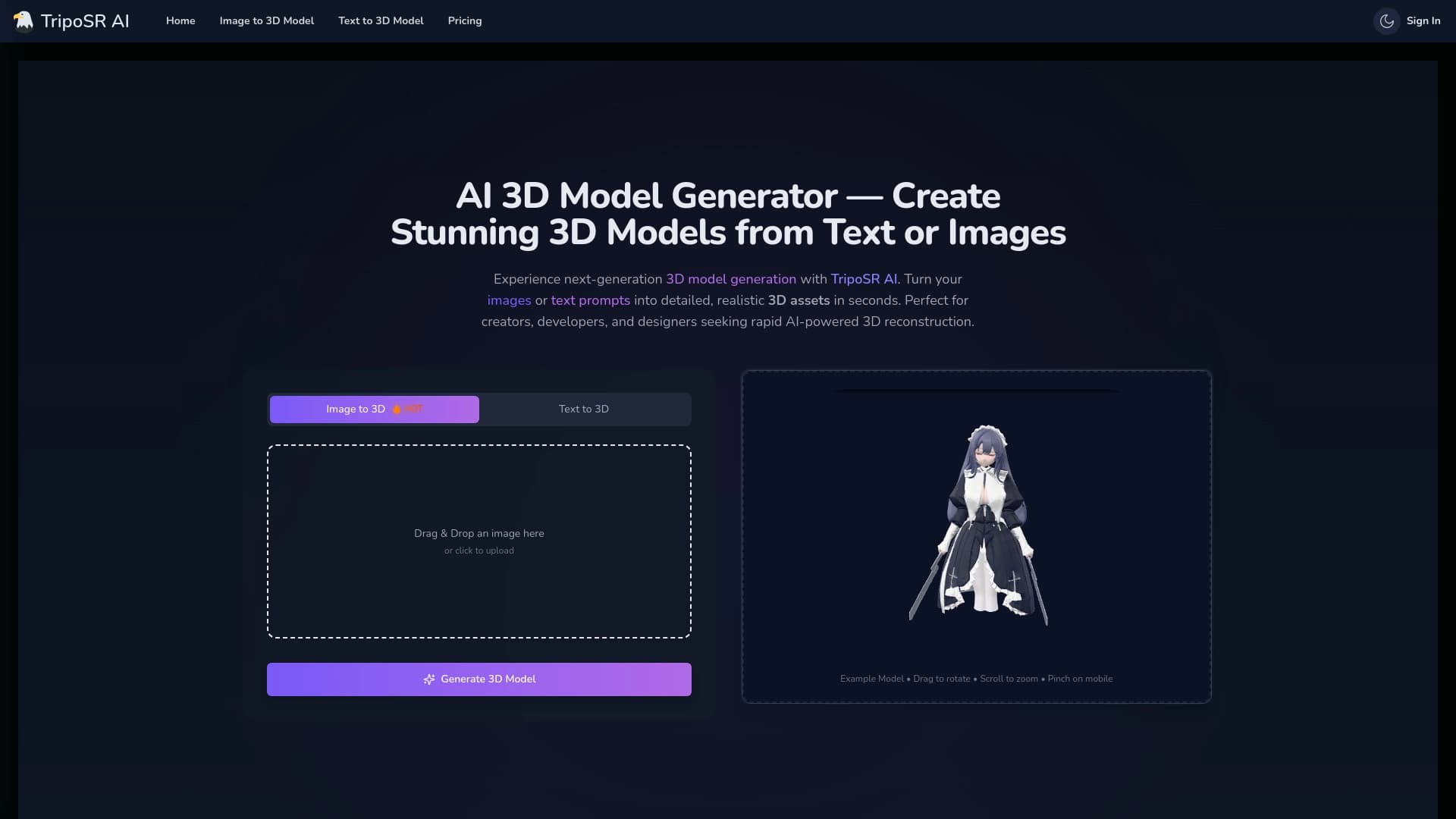

Open-source tool for quickly converting a single image into a 3D model.


Platform for creating multi-agent AI systems and chatbots to automate customer support and lead generation.


An open platform for generating images and other visual content from text descriptions using AI.

Cloud platform for creating videos using AI avatars, synthesized speech, and automatic translation of clips into dozens of languages.


AI-powered service for automatically creating “faceless” short videos for TikTok, YouTube Shorts, and other platforms.

Browser-based video editor with automatic subtitles in 50+ languages and content translation.