

Gems
एआई-सहायक ज्ञान प्रबंधन के लिए, जो कनेक्टेड स्रोतों से जानकारी निकालता है और संरचित उत्तर देता है।
अवलोकन
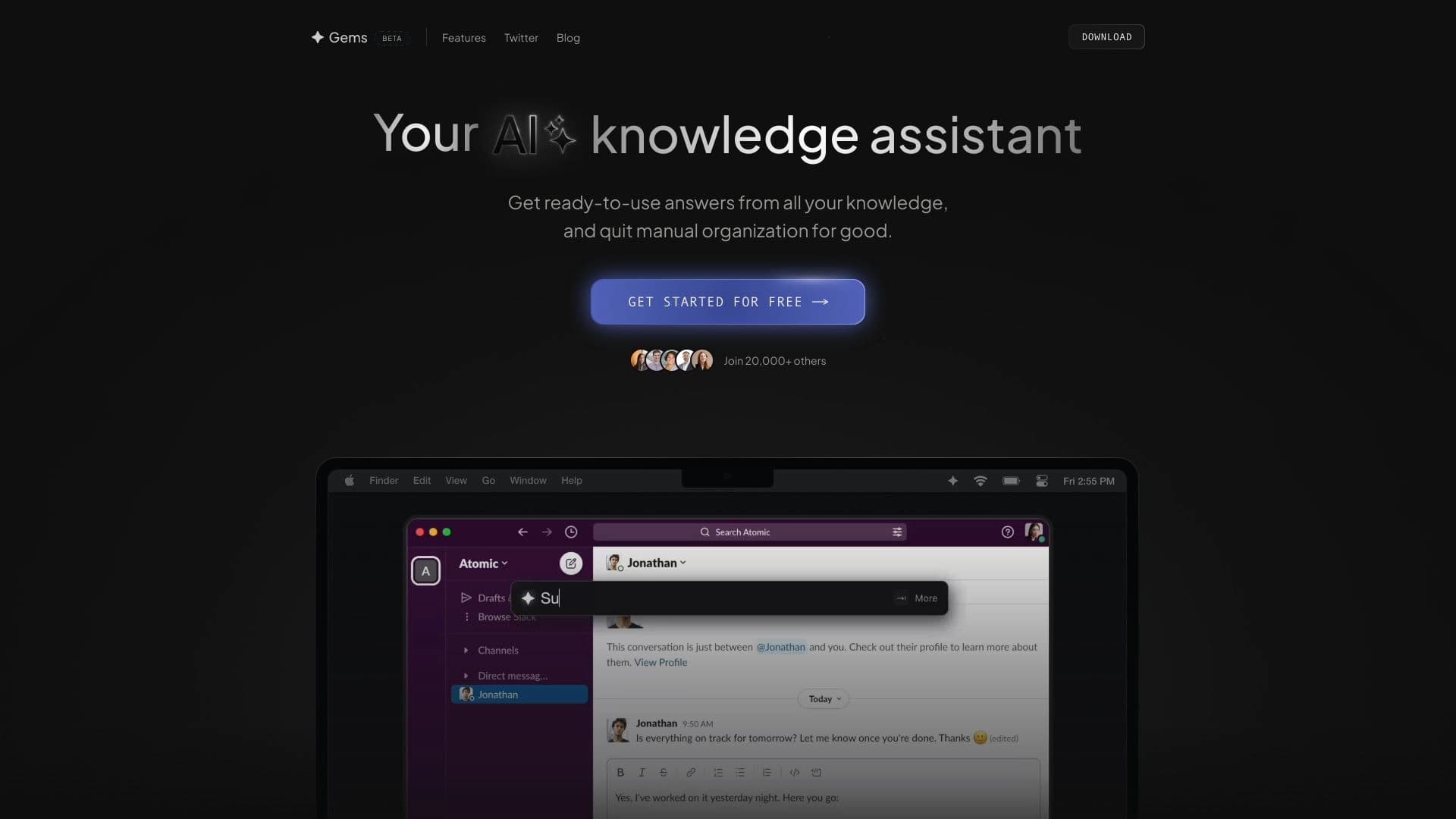
रत्न एक बुद्धिमान ज्ञान प्रबंधन सहायक है जो बिखरे हुए कॉर्पोरेट और व्यक्तिगत उपकरणों में जानकारी के लिए खोज की सामान्य समस्या को हल करता है। खोलने के बजाय नॉटियन, जीमेल, या स्लैक एक-एक करके और मैन्युअल रूप से सामग्री के माध्यम से स्कैनिंग करने के लिए आपको क्या चाहिए, उपयोगकर्ताओं को एक एकल प्रविष्टि बिंदु मिलता है - एक संवाद विंडो जहां वे प्राकृतिक भाषा में एक क्वेरी जमा कर सकते हैं।
जेम कैसे काम करता है इसका मूल इस प्रकार है: सहायक एक सवाल लेता है, जुड़े सेवाओं का विश्लेषण करता है, और लिंक या टुकड़ों की सूची नहीं देता है, लेकिन निकाले गए जानकारी के साथ एक तैयार जवाब। यह उपकरण विशेष रूप से परिदृश्यों के लिए मूल्यवान बनाता है जहां डेटा पुनर्प्राप्ति और सटीकता की गति, जैसे कि रिपोर्ट तैयार करना, महत्वपूर्ण शर्तों के साथ एक ईमेल ढूंढना, या स्लैक वार्तालाप से परियोजना विवरण को स्पष्ट करना।
रत्न की एक प्रमुख विशेषता इसकी कार्यक्षमता के लिए सुविधाजनक पहुंच है। सहायक को शॉर्ट कीबोर्ड शॉर्टकट सीएमडी + जी के साथ बुलाया जाता है, जिससे आपको किसी भी बिंदु पर एक सवाल पूछने की अनुमति मिलती है, जबकि आपके कंप्यूटर पर अतिरिक्त प्रोग्राम को स्विच किए बिना काम करता है। यह दृष्टिकोण समय बचाता है और संज्ञानात्मक भार को कम करता है, जिससे सूचना को तुरंत खोज मिलती है।
रत्न लक्षण
| विशेषता | मूल्य |
|---|---|
| प्रकार | एआई संचालित ज्ञान और उत्पादकता सहायक |
| श्रेणियाँ | एआई कंटेंट जेनरेटर, एआई लाइफ, एआई नॉलेज बेस, एआई नॉलेज ग्राफ, एआई नॉलेज मैनेजमेंट, एआई उत्पादकता उपकरण, एआई टास्क मैनेजमेंट |
| मंच | वेब |
| एकीकरण | नोटियन, जीमेल, स्लैक |
| सक्रियण विधि | सीएमडी + जी कीबोर्ड शॉर्टकट |
| रेटिंग | 5/5 |
| तारीख सूची में जोड़ा गया | जून 6, 2024 |
| मासिक यात्रा | 1.3K |
कौन क्या है?
ज्ञान कर्मचारी
कार्यालय कर्मचारी और पेशेवर जो दैनिक आधार पर दस्तावेजों, ईमेल और संदेशों की बड़ी मात्रा से निपटने के लिए महत्वपूर्ण समय बचाते हैं। जेम उन्हें टैब और अनुप्रयोगों के बीच नियमित स्विचन द्वारा विचलित किए बिना आवश्यक जानकारी को जल्दी से ढूंढने की अनुमति देता है।
परियोजना प्रबंधकों और फ्रीलांसरों
उन प्रबंधन परियोजनाओं और संचार के लिए, रत्न एक सुविधाजनक डेटा नियंत्रण उपकरण बन जाता है। प्रबंधक जल्दी से कार्य स्थिति की जांच कर सकते हैं या महत्वपूर्ण चर्चा शर्तों को पा सकते हैं, जबकि फ्रीलांसर तुरंत अपने व्यक्तिगत उपकरणों में संक्षिप्त, ग्राहक टिप्पणियों और सामग्रियों तक पहुंच सकते हैं।
छात्र और शोधकर्ता
शिक्षार्थियों और शिक्षाविदों के लिए, सहायक नोट्स और पत्राचार से जानकारी व्यवस्थित करने में मदद करता है। जेम उद्धरण, सूत्रों और व्यक्तिगत रिकॉर्ड के लिए खोज करने वाले समय को कम करता है, जिससे उपयोगकर्ताओं को विश्लेषण पर ध्यान केंद्रित करने और नई सामग्री बनाने की अनुमति मिलती है।
जेम का उपयोग कैसे करें?
Step 1: Invoking the assistant
शुरू करने के लिए, बस सीएमडी + जी कीबोर्ड शॉर्टकट का उपयोग करें। यह तुरंत अपने वर्कफ़्लो को बाधित किए बिना अपने वर्तमान विंडो पर जेम इंटरफेस को लाता है।
चरण 2: प्रश्न तैयार करना
सक्रियण के बाद, सामान्य प्राकृतिक भाषा का उपयोग करके अपना सवाल दर्ज करें। विशेष आदेशों या वाक्यविन्यास को याद करने की कोई आवश्यकता नहीं है - आप केवल तभी पूछ सकते हैं जब आप एक सहयोगी से पूछेंगे।
चरण 3: विश्लेषण और उत्तर प्राप्त करना
Gems स्वतंत्र रूप से जुड़े उपकरणों (Notion, Gmail, Slack) में जानकारी का विश्लेषण करता है, प्रासंगिक डेटा ढूंढता है, और स्पष्ट रूप से तैयार, संरचित जवाब प्रदान करता है। परिणाम तुरंत अपने मौजूदा कार्यों में अतिरिक्त सत्यापन पर समय खर्च किए बिना इस्तेमाल किया जा सकता है।
रत्न की मुख्य विशेषताएं
प्राकृतिक भाषा प्रसंस्करण
सिस्टम विशेष कीवर्ड के बिना वाक्यांश को समझता है। क्वेरी मनमाने ढंग से हो सकती है - एक विशिष्ट ईमेल लगाव खोजने के लिए बैठक के विवरण को स्पष्ट करने से।
लोकप्रिय उपकरणों के साथ एकीकरण
जेम कुंजी कार्य सेवाओं से जुड़ते हैं - नॉटियन, जीमेल और स्लैक। यह नोट स्टोरेज, संचार और ईमेल के लिए मुख्य जरूरतों को कवर करता है, जो एकल इंटरफेस के माध्यम से एकाधिक स्रोतों से डेटा तक पहुंच प्रदान करता है।
तत्काल ज्ञान पुनर्प्राप्ति
सूची या पूर्वावलोकन देने के बजाय, सहायक तुरंत आपके प्रश्न का उत्तर देता है। यह आपको मध्यवर्ती क्लिक्स और नेविगेशन के बिना तथ्यों, शर्तों और विवरण प्राप्त करने की अनुमति देता है।
संरचित जवाब
प्रतिक्रियाएं एक व्यवस्थित प्रारूप में आती हैं, जिससे उन्हें समझने और उपयोग करने में आसान हो जाता है। उपयोगकर्ता को बिखरे हुए टुकड़ों से जानकारी को एक साथ नहीं करना पड़ता - आवश्यक सब कुछ एक संदेश में दिखाई देता है।
रत्न के लाभ
खोज पर समय बचत
मुख्य लाभ मैनुअल खोज पर खर्च किए गए समय को कम कर रहा है। अब आपको यह याद रखने की जरूरत नहीं है कि कौन से ईमेल ने एक डेडलाइन का उल्लेख किया है या इसमें एक विशिष्ट लिंक शामिल है।
बढ़ी हुई उत्पादकता
एक शॉर्ट कीबोर्ड शॉर्टकट का उपयोग करके और तत्काल उत्तर प्राप्त करने से आपको कार्यों के बीच तेजी से स्विच करने की अनुमति मिलती है। अनुप्रयोगों के बीच नेविगेट करने से संबंधित विचलित कार्यों की संख्या कम हो जाती है।
डेटा सटीकता में सुधार
चूंकि सहायक को सीधे जुड़े स्रोतों में जानकारी मिलती है, इसलिए अद्यतन या सत्यापित डेटा का उपयोग करने का जोखिम कम हो जाता है। उत्तर आपके उपकरणों की वर्तमान सामग्री पर आधारित हैं।
सरलीकृत डिजिटल कार्यक्षेत्र प्रबंधन
रत्न के साथ, आपको फ़ोल्डर्स और टैग की एक जटिल प्रणाली के निर्माण में प्रयास करने की आवश्यकता नहीं है। बस कनेक्टेड सेवाओं में अपना आधार बनाए रखें - सहायक अपने आप डेटा एक्सेस संगठन को संभाल देगा।
रत्नों का नुकसान
रत्न के स्पष्ट नुकसान के बारे में जानकारी स्रोत डेटा में प्रस्तुत नहीं की जाती है। उपलब्ध तथ्यों के आधार पर, यह ध्यान देने योग्य है कि सहायक विशेष रूप से नॉटियन, जीमेल और स्लैक पर केंद्रित है, जो अन्य प्रणालियों (जैसे कॉर्पोरेट सीआरएम या विशेष डेटाबेस) के साथ काम करने वाले पेशेवरों के लिए इसके उपयोग को सीमित कर सकता है।
जेम क्या कार्य करता है?
अनुसंधान और विकास
विश्लेषणात्मक सामग्री तैयार करते समय या नए उत्पाद विकसित करते समय, रत्न जल्दी से नोट्स, प्रासंगिक ईमेल और चर्चाओं को खोजने में मदद करता है, स्रोत डेटा एकत्र करने पर समय बचाता है।
परियोजना प्रबंधन
सहायक आपको कार्यों पर जल्दी से संदर्भ प्राप्त करने की अनुमति देता है: विभिन्न संचार चैनलों में दर्ज आवश्यकताओं, समय सीमा और समझौतों को स्पष्ट करना।
कॉर्पोरेट प्रशिक्षण
नए कर्मचारियों के लिए, जेम ऑनबोर्डिंग को सरल बनाता है: पत्राचार और दस्तावेजों के लंबे समय तक अध्ययन अभिलेखागार खर्च करने के बजाय, वे एक विशिष्ट सवाल पूछ सकते हैं और एक तैयार जवाब प्राप्त कर सकते हैं, उनके एकीकरण को कार्य प्रक्रियाओं में तेजी ला सकते हैं।
शैक्षणिक कार्य
छात्र अपने स्वयं के व्याख्यान नोट्स और पूरक सामग्री को नॉटियन में संग्रहीत करने के लिए सहायक का उपयोग कर सकते हैं, साथ ही साथ अध्ययन समूहों में चर्चा की तलाश करने के लिए।
फ्रीलांस कार्य
फ्रीलांसर अक्सर एक साथ कई ग्राहकों के साथ काम करते हैं। रत्न अलग-अलग ग्राहकों के डेटा को किसी के सिर में मिलाए बिना परियोजना से संबंधित जानकारी प्राप्त करने में मदद करता है।
रत्न मूल्य निर्धारण
रत्न मूल्य निर्धारण नीति पर आधिकारिक डेटा प्रदान किए गए स्रोतों में उपलब्ध नहीं है। सेवा लागत के बारे में जानकारी, एक मुक्त स्तर की उपलब्धता, या परीक्षण अवधि का खुलासा नहीं किया जाता है। अप-टू-डेट मूल्य निर्धारण जानकारी के लिए, हम अनुशंसा करते हैं कि सेवा के आधिकारिक प्रलेखन से परामर्श करें या सीधे विकास टीम से संपर्क करें।
उपयोग की शर्तें
स्रोत डेटा में लाइसेंस समझौते, उपयोगकर्ता प्रतिबंध या डेटा प्रोसेसिंग नियमों के बारे में विस्तृत जानकारी नहीं है। डेवलपर्स से संपर्क करने के लिए ग्राहक सहायता उपलब्धता या तरीकों के बारे में कोई जानकारी नहीं है। सेवा का उपयोग शुरू करने से पहले उत्पाद की आधिकारिक वेबसाइट पर उपयोग और गोपनीयता नीति की शर्तों की समीक्षा करने की सिफारिश की जाती है।
रत्न उपलब्धता
जेम एक वेब प्लेटफॉर्म पर काम करते हैं, जिससे किसी भी इंटरनेट से जुड़े डिवाइस का उपयोग करना सुविधाजनक हो जाता है। आधिकारिक लॉन्च की तारीख 6 जून 2024 है।
कैसे जेम विकल्प से भिन्न होते हैं
जेम और इसके प्रतियोगियों (Notion AI, Slackbot, Evernote) के बीच मुख्य अंतर विभिन्न पारिस्थितिकी प्रणालियों से डेटा को संयोजित करने की अपनी बहुमुखी प्रतिभा और क्षमता में निहित है। पारंपरिक सहायक उपकरण, जैसे स्लैकब, एक एकल मंच तक सीमित हैं - स्लैक। नोटियन एआई विशेष रूप से नॉटियन डेटाबेस के साथ काम करता है, जबकि एवरनोट अपने स्वयं के नोट्स और दस्तावेजों पर केंद्रित है।
दूसरी ओर, रत्न एक मध्यस्थ के रूप में कार्य करता है जो एक साथ कई लोकप्रिय सेवाओं को एकजुट करता है: नॉटियन, जीमेल और स्लैक। प्रत्येक अनुप्रयोग के लिए अलग से एक कमांड सिस्टम सीखने के बजाय, उपयोगकर्ताओं को एक एकीकृत प्राकृतिक भाषा इंटरफेस मिलता है। यह किसी भी उपकरण से जुड़े बिना क्रॉस-कटिंग सूचना खोज को सक्षम बनाता है, जो प्रतियोगियों द्वारा प्रस्तुत पृथक समाधानों पर महत्वपूर्ण सुधार है।
एक अन्य विशिष्ट विशेषता वैश्विक सीएमडी + जी कीबोर्ड शॉर्टकट के माध्यम से सक्रियण की आसानी है। उन मॉडलों के विपरीत जिन्हें स्विचिंग विंडो की आवश्यकता होती है या एक साइडबार खोलने की आवश्यकता होती है, जेम किसी भी सक्रिय अनुप्रयोग पर सहायक को तत्काल पहुंच प्रदान करता है, उपयोग में घर्षण को कम करता है।
निष्कर्ष
जेम नॉटियन, जीमेल और स्लैक में बड़ी मात्रा में जानकारी के साथ काम करने वाले पेशेवरों के लिए एक व्यावहारिक समाधान है। सहायक डेटा की खोज और संरचना की दिनचर्या को लेता है, जिससे उपयोगकर्ताओं को पर्याप्त कार्यों पर ध्यान केंद्रित करने की अनुमति मिलती है। सीएमडी + जी के माध्यम से सुविधाजनक सक्रियण, एक सहज प्राकृतिक भाषा इंटरफ़ेस और अग्रणी उत्पादों के साथ एकीकरण व्यक्तिगत दक्षता में सुधार और डिजिटल वर्कस्पेस का आयोजन करने के लिए रत्न को एक मूल्यवान उपकरण बनाता है।
अक्सर पूछे जाने वाले प्रश्न
यह भी देखें


AI-आधारित प्लेटफ़ॉर्म जो ऐप्स में उपयोगकर्ता सहायता के लिए चैटबॉट और टिकट प्रणाली प्रदान करता है।
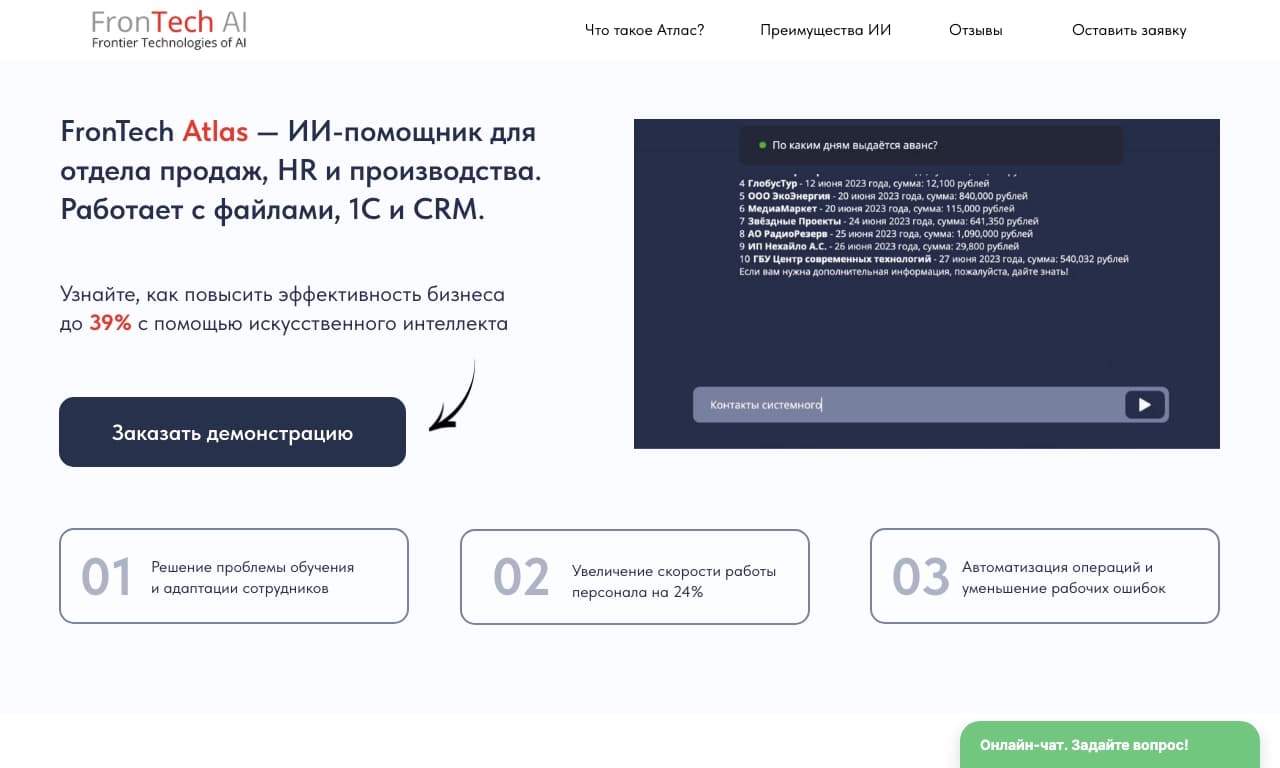
कॉर्पोरेट AI सहायक जो डेटा विश्लेषण और व्यावसायिक कार्यों के स्वचालन के लिए है, और इसे कंपनी के अपने डेटा पर प्रशिक्षित किया जा सकता है।
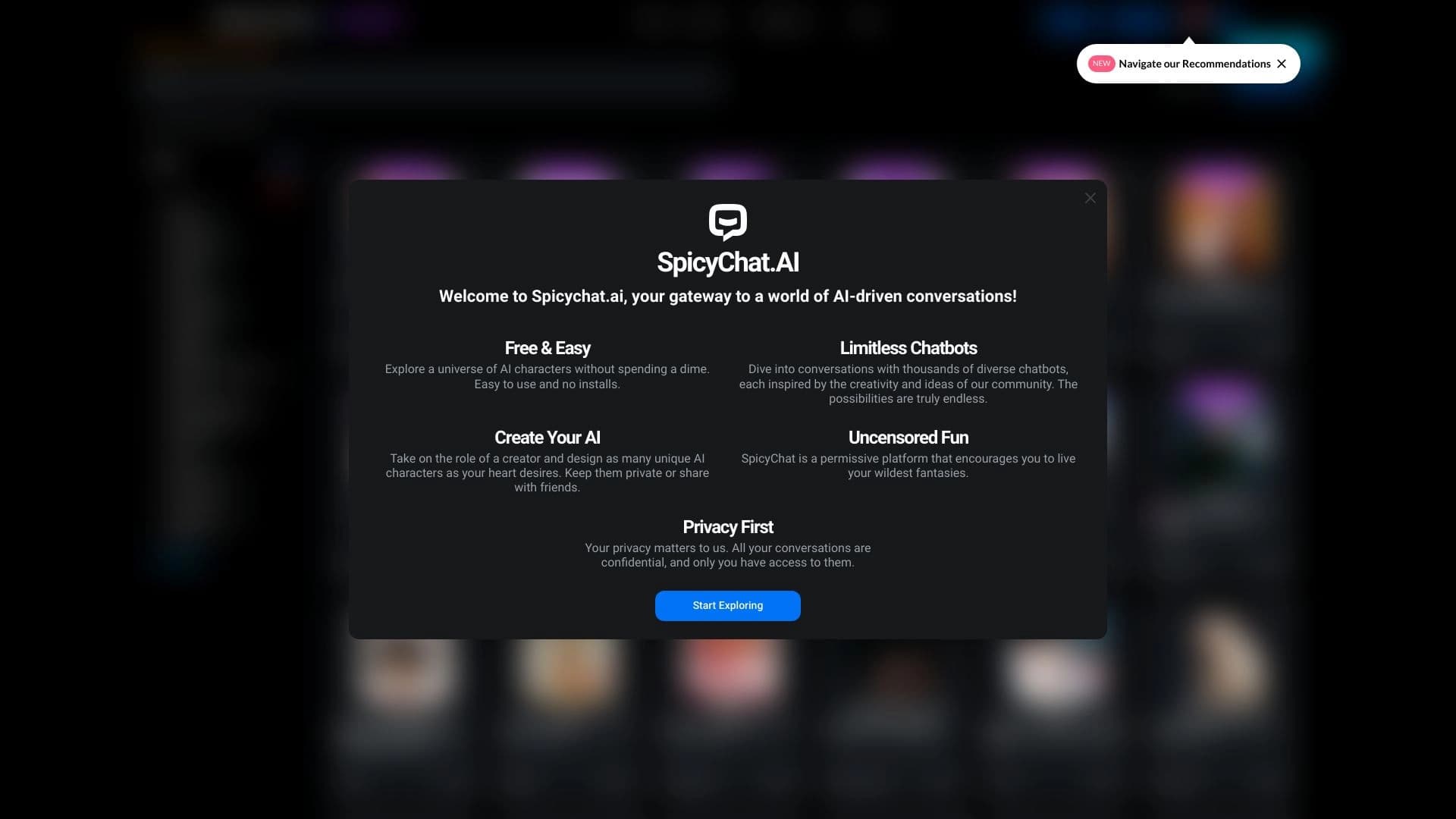

संचार के लिए वेब प्लेटफॉर्म और एआई पात्रों के साथ भूमिका निभाना।.


डेटा विश्लेषण, पूर्वानुमान और निर्णय लेने में सहायता के लिए AI-सहायक।
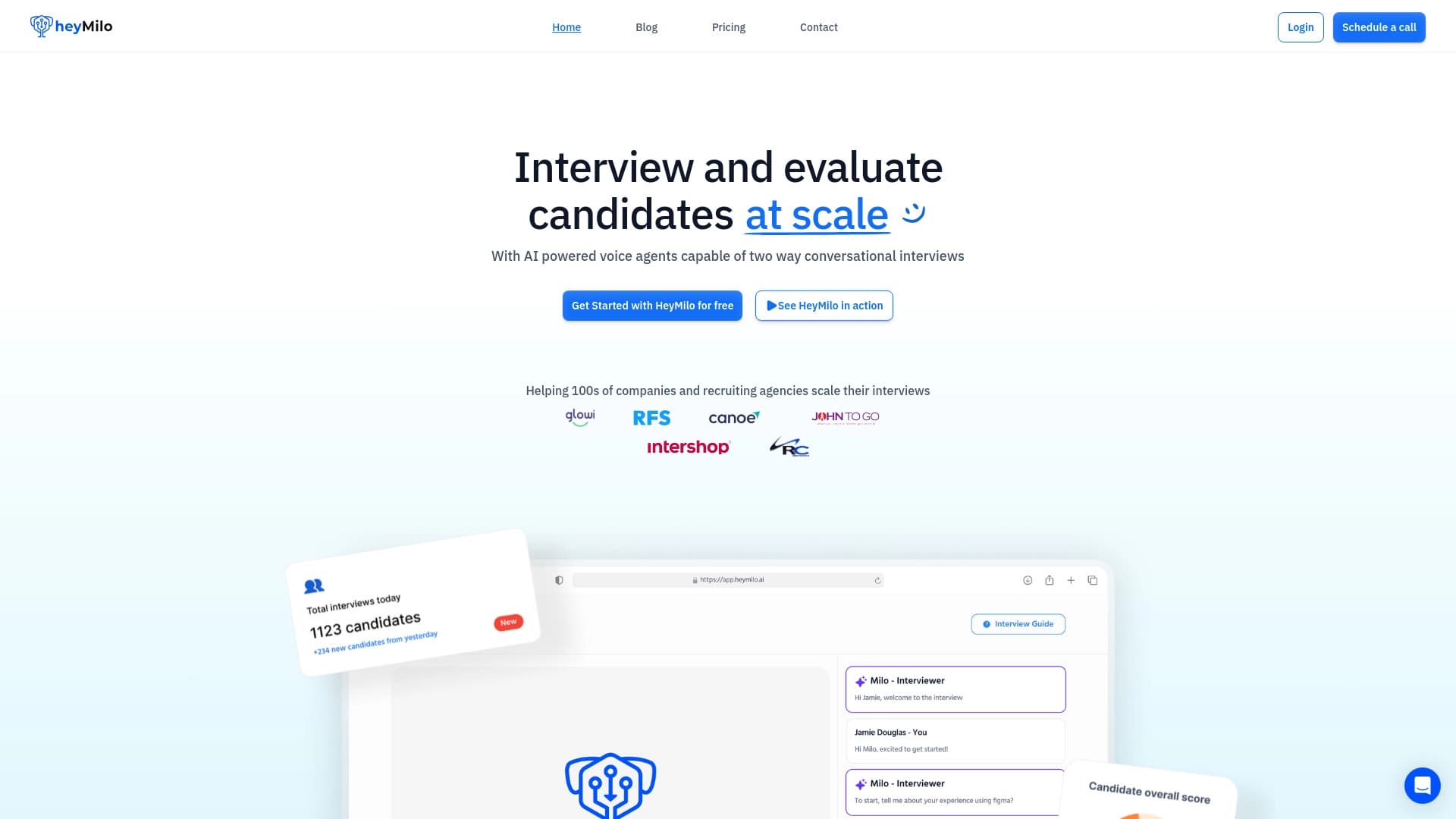

जनरेटिव एआई प्लेटफ़ॉर्म जो भर्ती के लिए वॉयस इंटरव्यू को स्वचालित करता है।
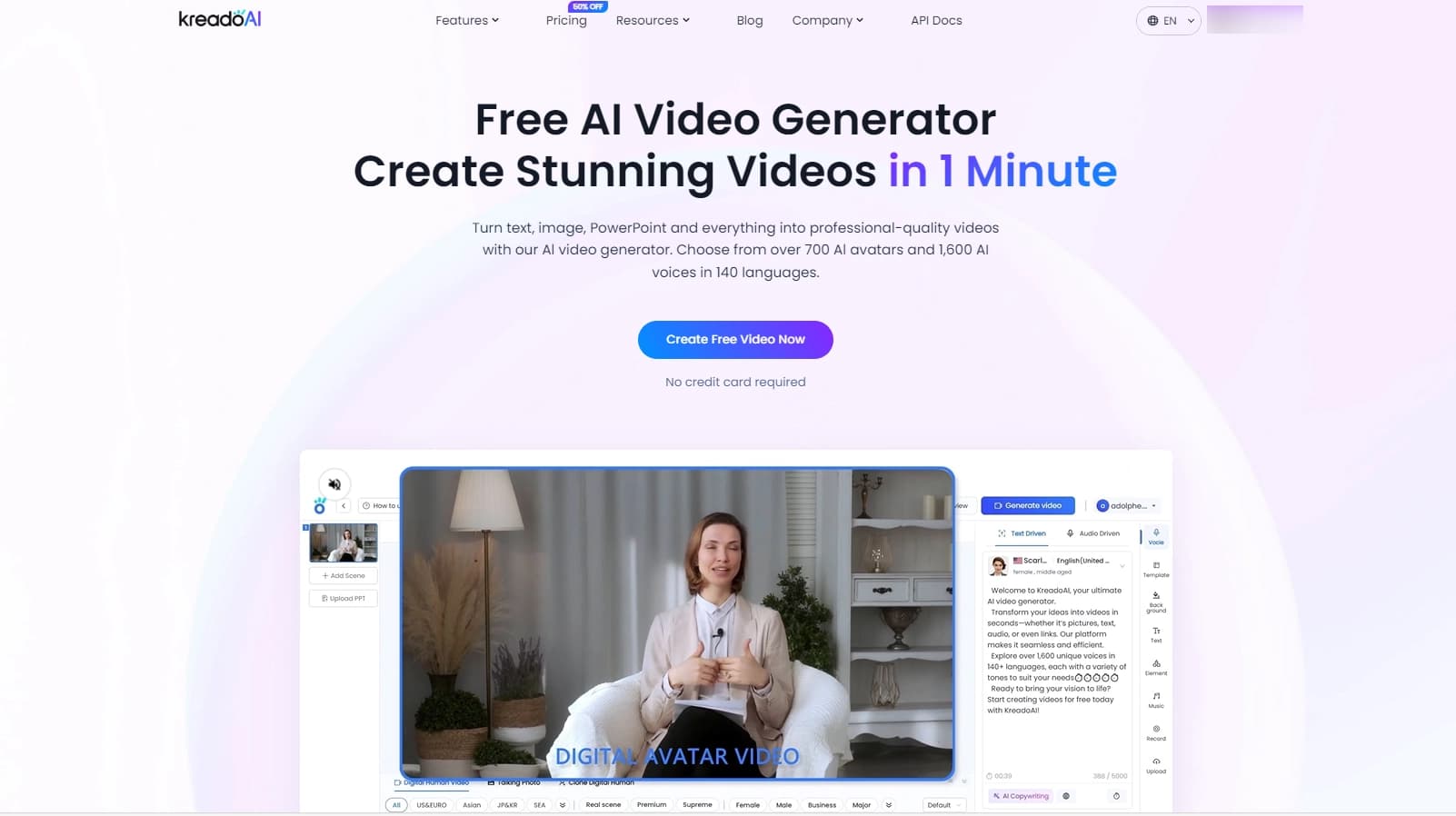

वर्चुअल या वास्तविक पात्रों के साथ टेक्स्ट से बहुभाषी वीडियो बनाने की सेवा।
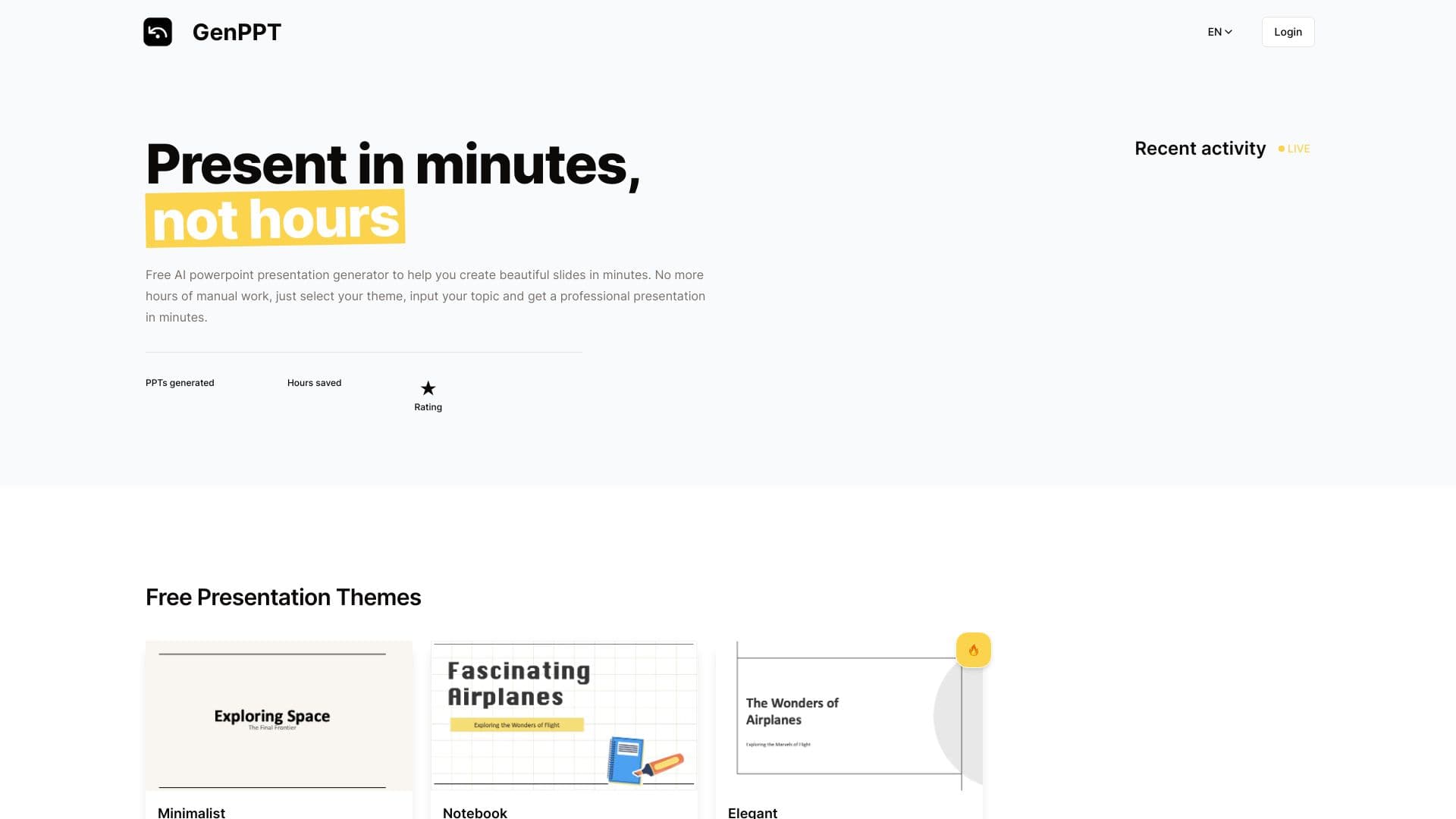
ऑनलाइन टूल जो तैयार थीम और दर्ज किए गए टेक्स्ट के आधार पर पेशेवर PowerPoint प्रस्तुतियाँ जल्दी से बनाता है।
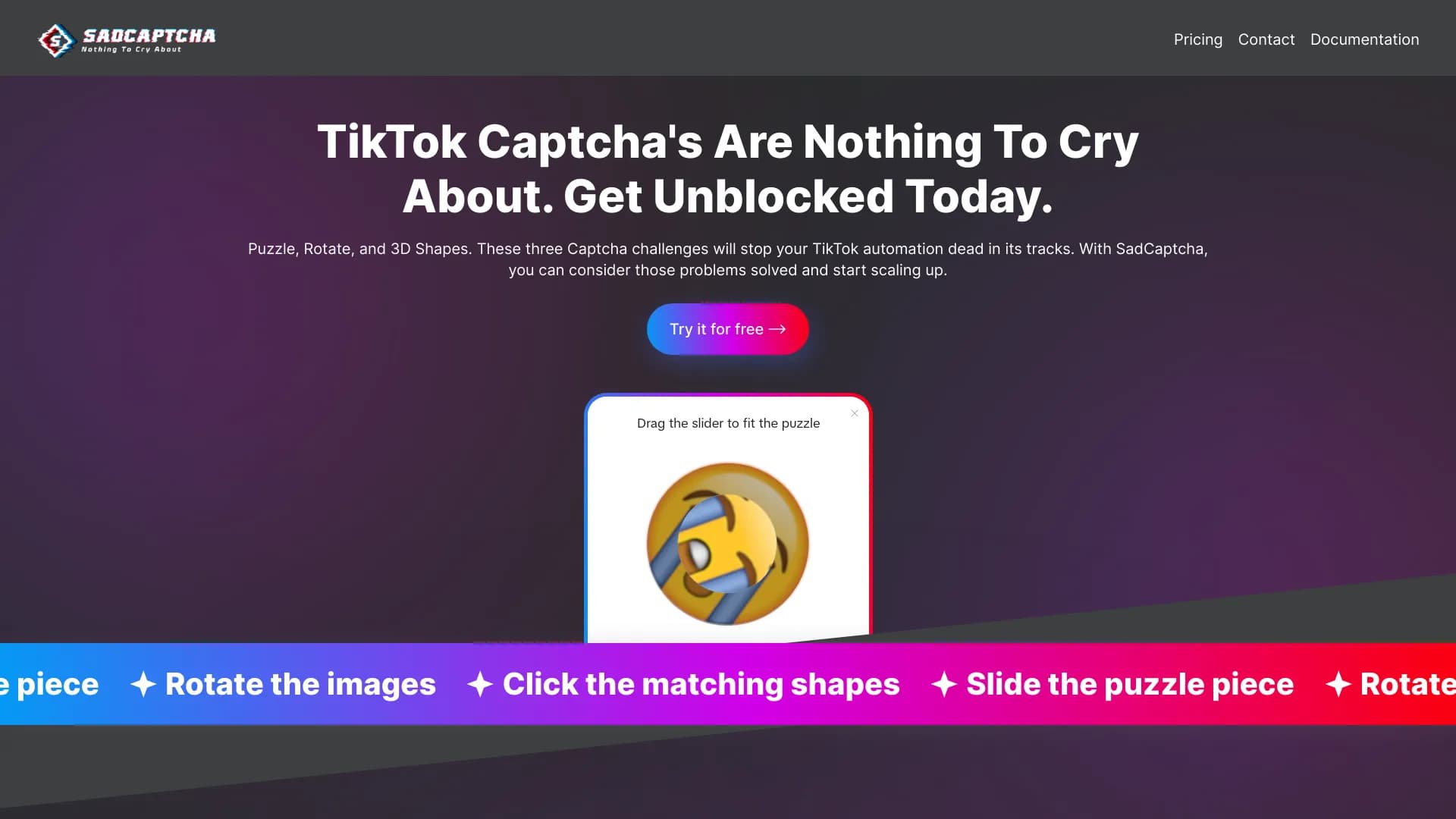
TikTok कैप्चा (rotate, puzzle, 3D shapes) को स्वचालित रूप से हल करने के लिए API।