
GS Copilot
AI assistant for developing scripts in Google Apps Script.
Overview
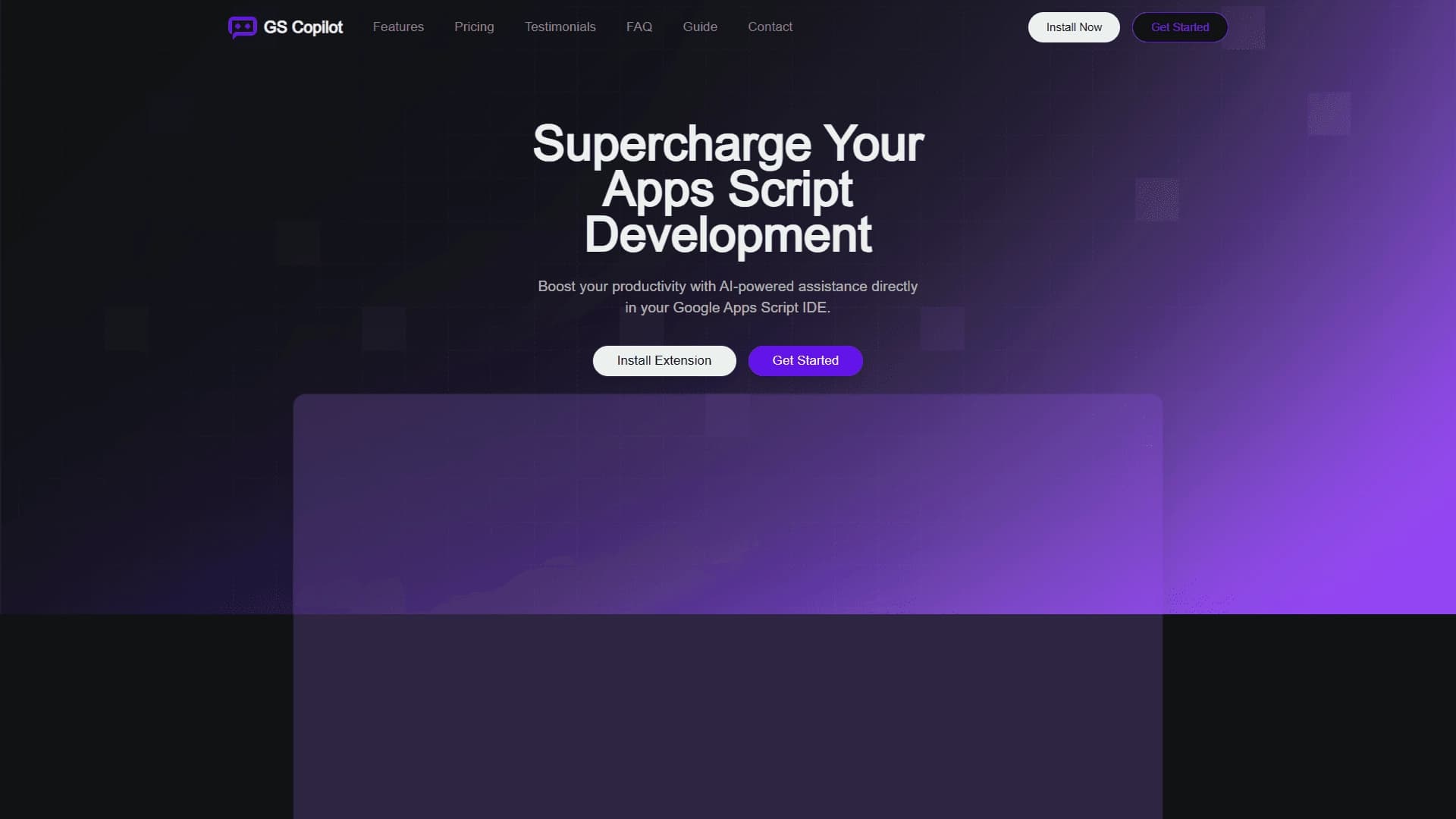
GS Copilot is an AI assistant designed for developers working with Google Apps Script. The tool integrates directly into the code editor and helps automate work with popular Google Workspace services. The extension works with applications such as Gmail, Sheets, Docs, and Drive.
The main goal of GS Copilot is to speed up routine development processes: writing code, debugging, and optimizing it. The assistant understands natural language phrasing and can turn a plain task description into ready-made code snippets. This approach makes working with the Google Workspace services API intuitive and accessible, even in complex usage scenarios.
GS Copilot Features
The table below presents the tool's key characteristics.
| Characteristic | Value |
|---|---|
| Type | AI assistant for writing code |
| Category | Code assistants, debugging, and error detection |
| Platform | Google Apps Script IDE (extension) |
| Integration | Browser extension that embeds into the editor |
| Availability | As an extension for Google Apps Script IDE |
Who is GS Copilot suitable for?
Script and automation developers
The tool is aimed at developers who regularly work with Google Apps Script. It will be useful for those who automate routine operations in Gmail, Sheets, Docs, Drive, and other Google Workspace services. The assistant helps reduce time spent on writing boilerplate constructs and allows focusing on solving applied tasks.
Specialists working with the Google API
The tool is particularly valuable for users who need to access rare methods and poorly documented API functions. GS Copilot acts as a hint provider, allowing users to quickly understand complex interaction scenarios between services and reducing the number of errors caused by a lack of knowledge about how a particular method works.
How to use GS Copilot?
Installation and integration
To get started, you need to install the extension into the Google Apps Script editor. After installation, the assistant becomes available in all of the user's projects. The familiar development environment interface does not change radically — the extension simply adds new capabilities on top of the standard editor.
Interaction through natural language
The primary way to interact with the AI is by entering a task in natural language. The user describes what function the code should perform and receives ready-made script snippets. This approach allows for quickly creating prototypes and solving targeted tasks without getting distracted by reference materials and documentation.
Key features of GS Copilot
Code generation and completion
The key feature is code generation from a text description. In addition, the assistant can provide hints about functions and automatically complete expressions, increasing typing speed and reducing the likelihood of typos.
Analysis, debugging, and optimization
GS Copilot analyzes existing code, detects errors, and suggests fixes. Code optimization and rewriting functions are also available, helping improve style and logic without deep manual refactoring.
Google Workspace API navigation
The extension helps navigate the variety of methods and properties of Google services. It acts as an API guide: suggests the right functions, explains their purpose, and helps apply them in specific situations.
GS Copilot advantages
Faster development
The main advantage is a significant acceleration of script development for Google Workspace. The tool handles typical work, reduces the number of routine actions, and allows quickly finding solutions even for non-trivial tasks.
Working in a familiar environment
The tool is built directly into the familiar Google Apps Script IDE development environment. There is no need to switch between tabs or use third-party services: the assistant is already where the main code-writing process happens.
Help with complex scenarios
The assistant's ability to help with rare methods and complex scenarios deserves special mention. The tool is useful when standard knowledge is not enough and quick consultation is required — the AI acts as an experienced mentor.
GS Copilot limitations
Limited application environment
The tool is tailored exclusively to the Google Apps Script ecosystem. This limits its use for developers working with other programming languages or third-party platforms outside of Google Workspace.
Dependence on the browser extension
Since GS Copilot functions as a browser extension, the stability of its operation directly depends on the browser version and extension updates being current. Users may experience delays in new features when platform updates are released.
What tasks does GS Copilot solve?
Automating Google Workspace services
The tool helps write scripts for automating work with Gmail, Sheets, Docs, Drive, and other services. These can be simple email processing operations or complex multi-step scenarios involving data transfer between spreadsheets and documents.
Writing, editing, and debugging code
The assistant is used for writing new scripts from scratch, making changes to existing code, and finding errors. It also helps optimize logic and improve code style, making it more readable and maintainable.
Rapid prototyping and documentation
For those who need to quickly test a hypothesis or create a working integration prototype, the AI is a convenient helper. Additionally, the tool can assist in documenting solutions and explaining the logic of written code.
GS Copilot pricing
Currently, information about pricing plans and the exact cost of the tool is not available in public sources. There is no official data on whether the extension is free, freemium, or paid only. It is recommended to follow official announcements from GS Copilot developers or check the extension page in the add-on store for up-to-date pricing information.
GS Copilot terms of use
No information about the user agreement, limits on the volume of generated code, or Google account requirements was found in available sources. Any terms of use are likely standard for extensions of this type and related to Google Workspace rules, but exact details require clarification from the tool's developers. For specifics, it is best to refer to the official documentation.
GS Copilot availability
GS Copilot is available as a browser extension that integrates into the Google Apps Script IDE editor. After installation, the assistant works across all of the user's projects in that environment. Exact data on compatibility with specific browsers, as well as information about the availability of a free version or trial period, is not disclosed in available sources.
How GS Copilot differs from alternatives
Deep specialization in Google Apps Script
Unlike universal AI programming assistants, GS Copilot is fully focused on a single platform — Google Apps Script. This allows it to better understand the specifics of this environment, more often suggest accurate solutions, and navigate Google Workspace services APIs more effectively.
Built into the development environment
A distinctive feature is the integration method: the assistant embeds directly into the IDE rather than working as a separate application or web service. This eliminates the need for the developer to switch context between different tools and makes the development process smoother and more continuous.
Conclusion
GS Copilot is a practical AI assistant built into the Google Apps Script editor. It speeds up code writing and debugging, helps optimize scripts, and provides deeper insight into the Google Workspace API. The tool is aimed at developers automating routine operations in Gmail, Sheets, Docs, and Drive, and is designed to reduce development time, making complex scenarios more accessible.
Frequently asked questions
See also

A web service that automates job search using artificial intelligence.
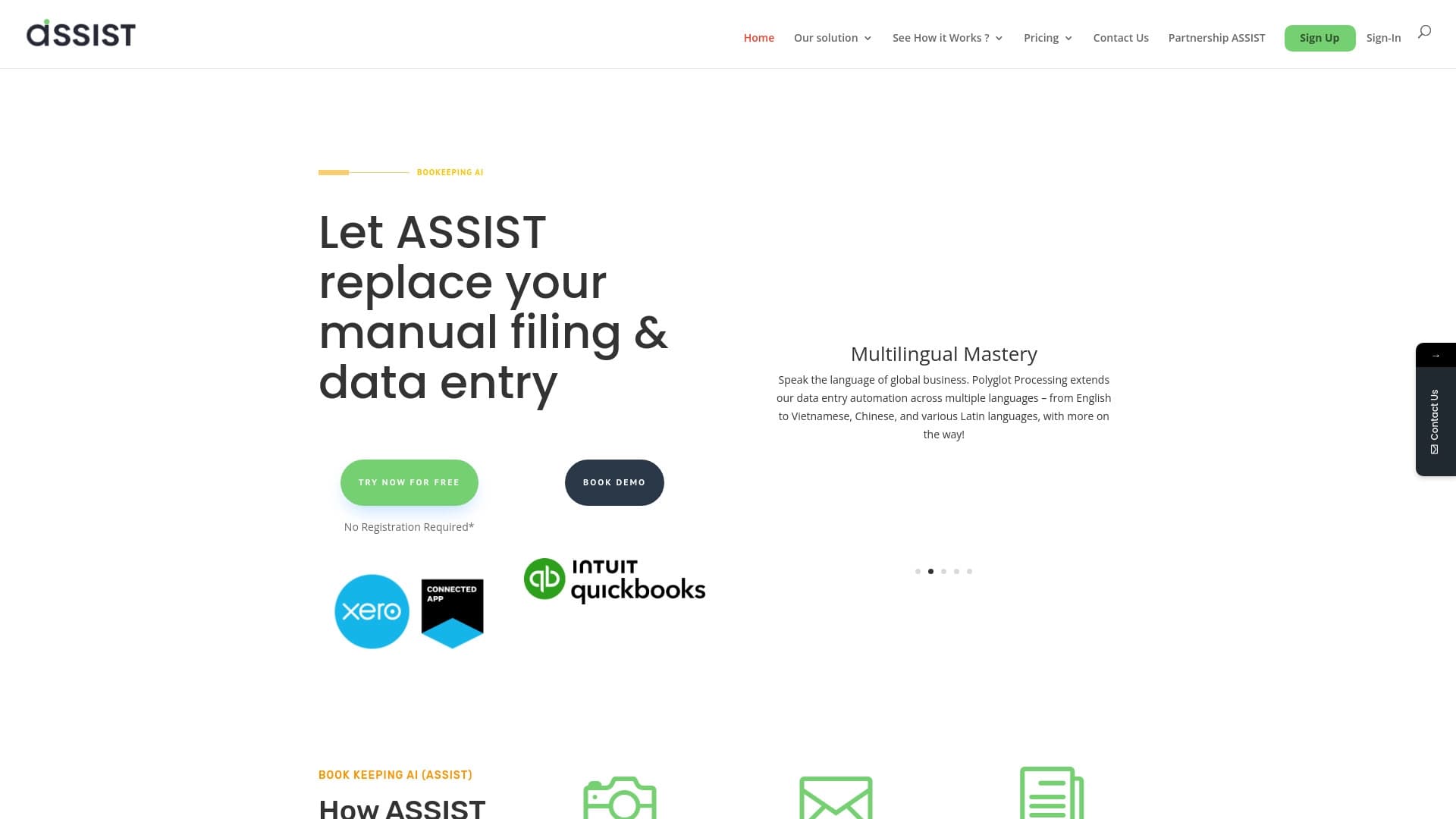

AI tool for automatic data extraction from financial documents and integration with accounting systems.


Platform for automating client acquisition and personalized email campaigns with data enrichment from over 150 sources.


Aggregator platform that brings together various AI tools and language models with pay-as-you-go pricing.


AI assistant for checking grammar, spelling, and style of English text, available as a browser extension and web editor.


Platform for automatic work time tracking and team productivity analysis.

A tool for creating diagrams and mind maps from text descriptions in natural language.


Project management platform with task assignment, time tracking, and employee workload monitoring features.