
GitHub Copilot Voice
Voice extension for VS Code that lets you write and edit code using voice commands.
Overview
GitHub Copilot Voice
Description of GitHub Copilot Voice
GitHub Copilot Voice is a voice extension for the Visual Studio Code editor that lets developers write, edit, and manage code using spoken natural-language commands. The tool analyzes the current code context and, based on the voice request, suggests relevant solutions, code snippets, or performs navigation actions.
Initially, the project existed as a separate preview version, but on April 3, 2024, that version was discontinued, and all functionality was moved to the main VS Code Speech extension. As a result, GitHub Copilot Voice is now available to users through this extension, which continues to evolve and be maintained.
Development history
The project was first announced in March 2023 as an experimental feature. During the preview period, developers were able to try voice control of code, and the GitHub team collected feedback to improve the product. After the separate preview version was closed, the functionality was integrated into the VS Code Speech ecosystem.
Purpose of the tool
The main goal of GitHub Copilot Voice is to lower the barriers to code input for programmers. The tool lets you work without a keyboard or mouse, using only your voice to write code, navigate the project, and control the editor interface.
GitHub Copilot Voice characteristics
| Characteristic | Value |
|---|---|
| Business model | Freemium |
| Categories | Coding assistants, Speech-to-text |
| Tags | github |
| First publication date | 07-03-2023 |
| Last update | 13-05-2026 |
| Distribution model | Free |
Who is GitHub Copilot Voice for?
Developers looking to speed up development
Developers who want to spend less time writing boilerplate code and move through a project faster can use voice commands to speed up their workflow. Instead of typing every line by hand, you can simply dictate the needed snippet in natural language.
People with limited input abilities
The tool is especially useful for programmers who have difficulty working with a keyboard for long periods — for example, those with carpal tunnel syndrome or other conditions related to repetitive hand movements. GitHub Copilot Voice makes it possible to switch entirely to voice control, reducing physical strain.
Developers exploring unfamiliar code
The code explanation feature helps you quickly understand unfamiliar parts of a project. A developer can select a snippet and ask for an explanation by voice without having to switch to typing.
How to use GitHub Copilot Voice?
Installing the extension
To use GitHub Copilot Voice, you need to install the VS Code Speech extension from the Visual Studio Code marketplace. All voice control functionality was moved into it after the preview version was closed. The extension is available for download and installation for free.
Working with voice commands
After installing the extension, developers can give commands in natural language. For example, you can say “go to line 34,” “write a function to sort an array,” “run the program,” or “enable zen mode.” The extension recognizes speech and turns it into actions in the editor.
Recommendations for effective use
For best recognition, use a quality microphone and minimize background noise. Commands should be stated clearly, but you don’t have to spell out every character — the tool understands natural phrasing.
Key features of GitHub Copilot Voice
Voice control of code
Users can write and edit code with spoken natural-language commands. The tool analyzes the context and generates appropriate code or makes changes to existing code.
Editor navigation
Voice commands let you quickly move through files and lines of code. For example, you can say “go to line 34” or “open the file main.js” without using the keyboard.
VS Code interface control
The extension supports controlling editor interface elements: enabling zen mode, running the program, opening the terminal, and other actions usually performed through menus or keyboard shortcuts.
Code explanation feature
Users can select a code snippet and ask for an explanation by voice. This helps quickly understand unfamiliar parts of a project, especially when working with someone else’s code or learning new technologies.
Benefits of GitHub Copilot Voice
Complete freedom from keyboard and mouse
A developer can program using only voice. This not only reduces physical strain but also makes it possible to work in situations where using a keyboard is inconvenient or impossible.
Faster code writing
Voice input is often faster than typing, especially for boilerplate structures or long identifiers. In addition, being able to give natural-language commands speeds up navigation through the project.
Help with carpal tunnel syndrome and similar issues
For people who experience pain or discomfort when typing for long periods, GitHub Copilot Voice becomes an indispensable tool. It lets them continue working productively without harming their health.
Natural language instead of character-level commands
Unlike systems that require you to spell out every character or key combination, GitHub Copilot Voice understands natural-language commands. For example, you can simply say “create a function to validate email,” and the tool will generate the corresponding code.
Drawbacks of GitHub Copilot Voice
End of the separate preview version
The technical preview version of GitHub Copilot Voice ended on April 3, 2024. Users who had installed it earlier had to switch to the new VS Code Speech extension, into which the functionality was moved.
Need to install an additional extension
Currently, voice control functionality is only available through the VS Code Speech extension. This means users need to install a separate extension rather than using built-in GitHub Copilot features.
What tasks does GitHub Copilot Voice solve?
Writing and editing code by voice
A developer can dictate code without using a keyboard. The tool recognizes speech, analyzes the context, and inserts generated code or makes edits.
Fast code navigation without a keyboard
Navigation through lines, functions, and files is done with voice commands. This is especially convenient in large projects with many files.
Editor interface control
Users can control VS Code settings and elements — open panels, switch modes, run builds — without reaching for the mouse or keyboard.
Explaining unfamiliar parts of code
The code explanation feature helps you quickly understand what a particular snippet does. This is useful when working with legacy code, a colleague’s code, or learning a new library.
GitHub Copilot Voice pricing
GitHub Copilot Voice is distributed under a freemium model. The basic functionality of the VS Code Speech extension is available for free. Additional features or more extensive use may require a paid subscription; however, the exact terms and cost of premium features were not specified at the time of data collection.
GitHub Copilot Voice terms of use
Specific terms of use for GitHub Copilot Voice and the VS Code Speech extension were not specified on the source pages. We recommend reviewing the license agreement directly when installing the extension from the Visual Studio Code marketplace.
Availability of GitHub Copilot Voice
Today, GitHub Copilot Voice functionality is available as the VS Code Speech extension for the Visual Studio Code editor. This is the current, supported way to use the tool. It is recommended to download the extension from the official VS Code marketplace to receive updates and the latest features.
How GitHub Copilot Voice differs from alternatives
Comparison with Kipper AI, Trickle, Auri Ai, and GETitOUT
GitHub Copilot Voice stands out from alternatives primarily through its deep integration with Visual Studio Code and the GitHub Copilot ecosystem. Unlike many voice assistants that require separate setup and adaptation for different editors, this extension works directly in VS Code and understands code context.
Key differentiator: context awareness
The tool not only recognizes speech and inserts text, but also analyzes the environment: programming language, open files, current line. This allows it to generate more accurate and relevant code than universal voice assistants.
Focus on accessibility
GitHub Copilot Voice was designed from the start with the needs of people with limited input abilities in mind. Alternatives such as Auri Ai or Kipper AI often focus primarily on speeding up work, whereas here ergonomics and accessibility are built into the foundation of the product.
Conclusion
GitHub Copilot Voice is a voice assistant for programmers that lets them write and edit code and control the VS Code editor using spoken natural-language commands. The tool is especially valuable for people with carpal tunnel syndrome and other limitations related to long typing sessions, as well as for developers looking to speed up routine operations. Despite the separate preview version ending in April 2024, the functionality was moved to the VS Code Speech extension, where it continues to evolve and remains available to all Visual Studio Code users.
Frequently asked questions

See also
OpenAI's multimodal flagship model that works with text, images, audio, and video.
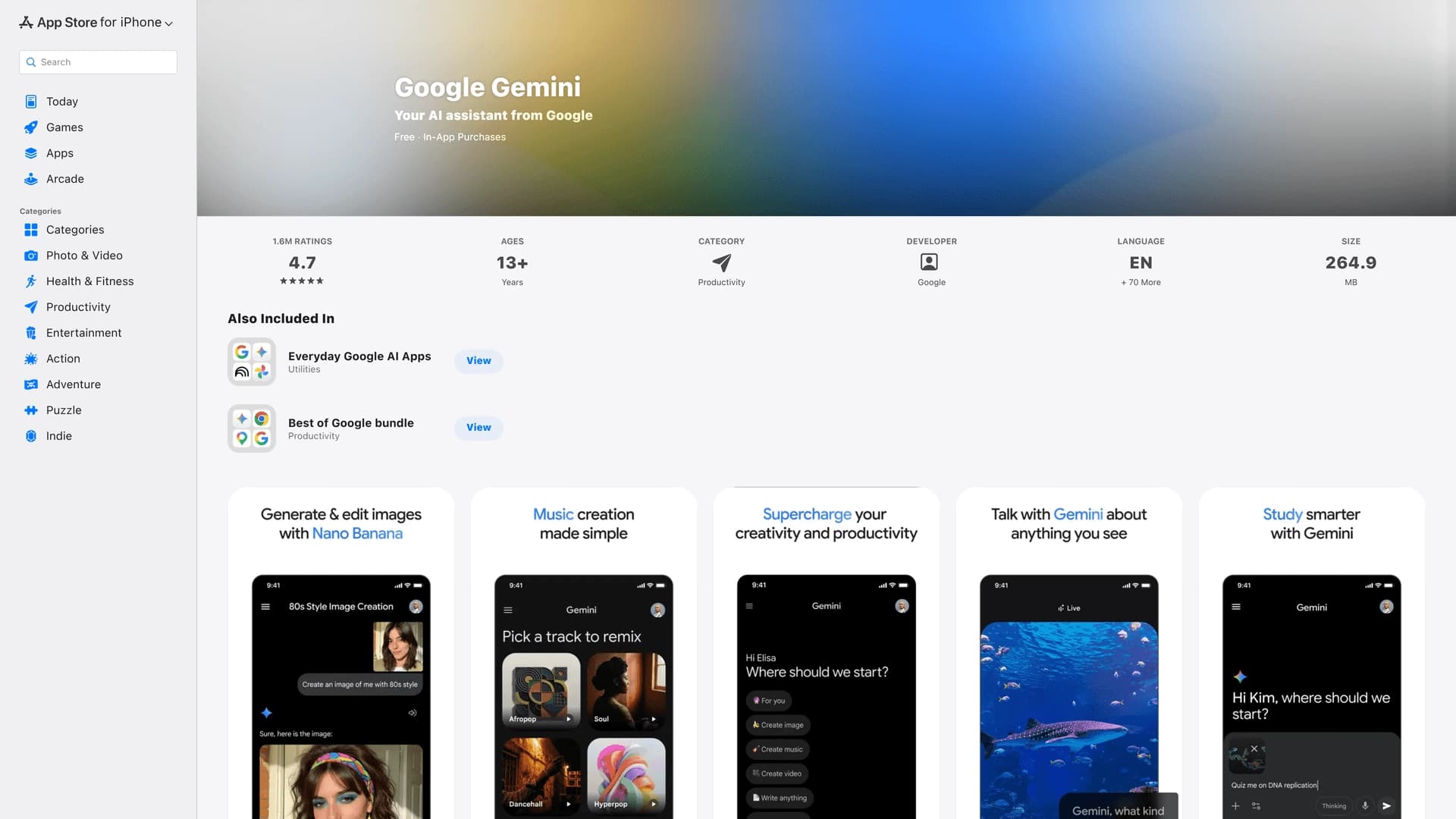

The official mobile app of Google's AI assistant for iPhone, working with text, voice, and camera.


Platform for creating emotionally intelligent voice interfaces and analyzing human expressions.
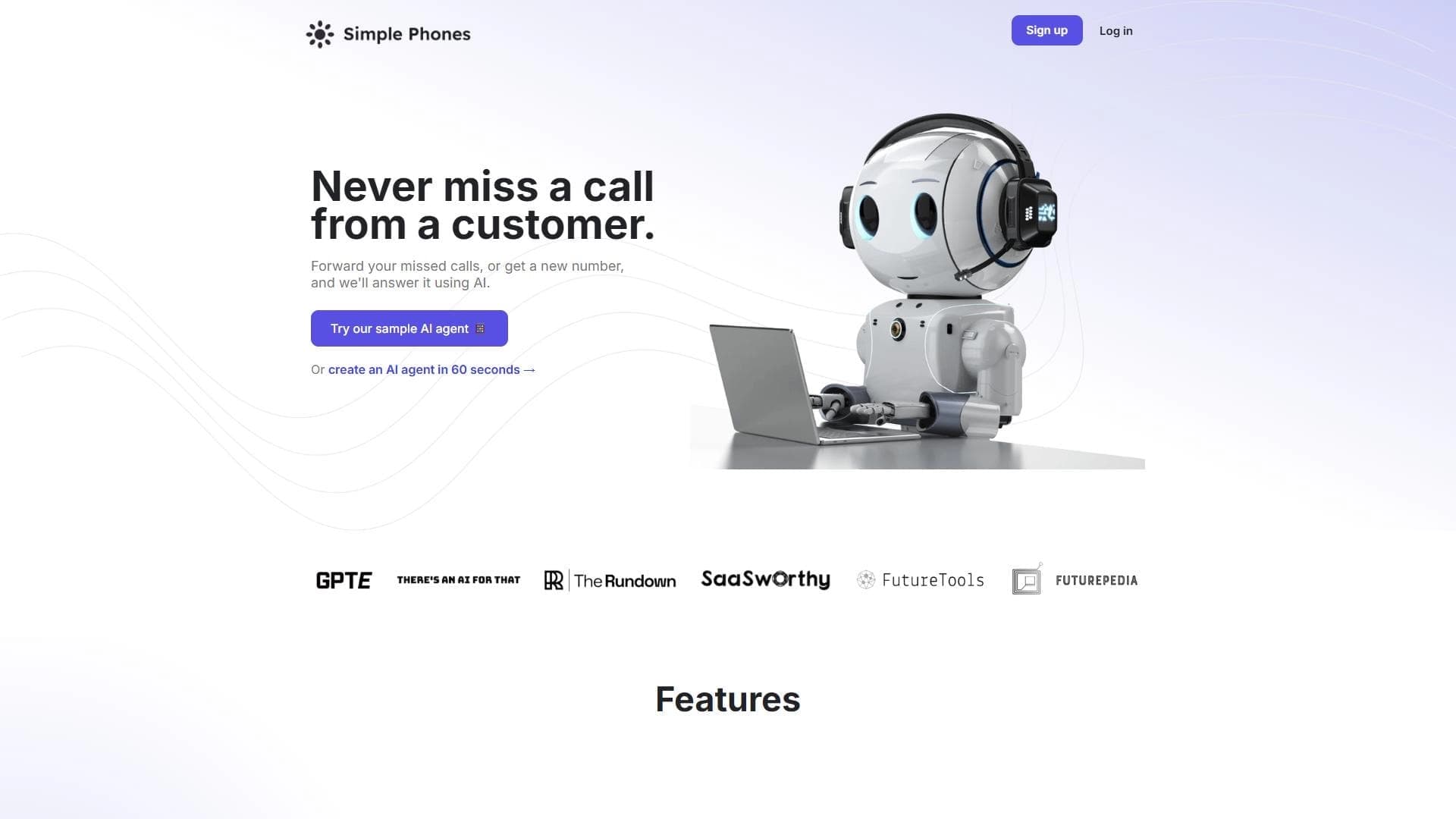
Platform for automating phone call processing with an AI agent.


Multiplayer open-world space simulator using AI for NPC control and event generation.
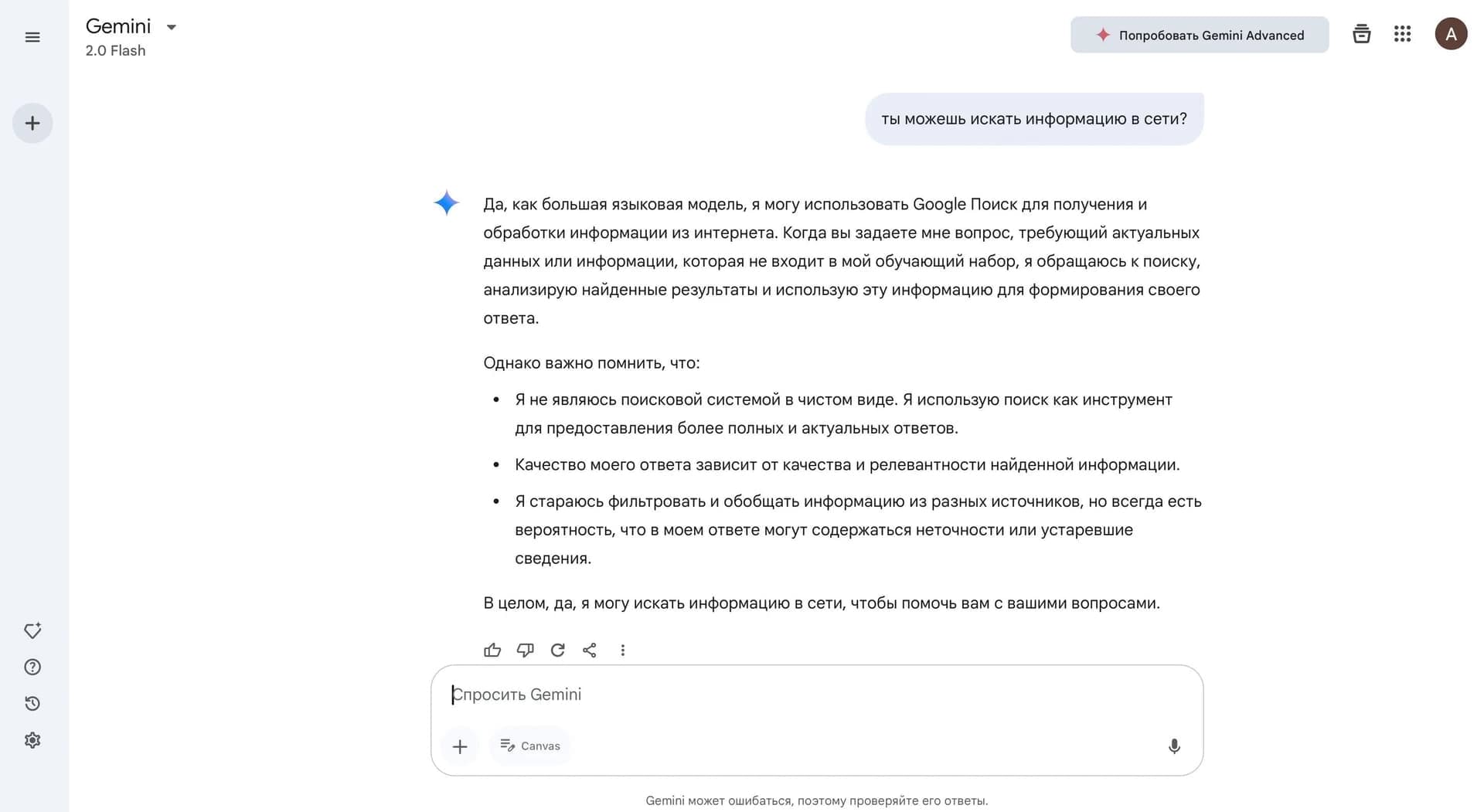

A family of multimodal AI models from Google for working with text, images, audio, and video.
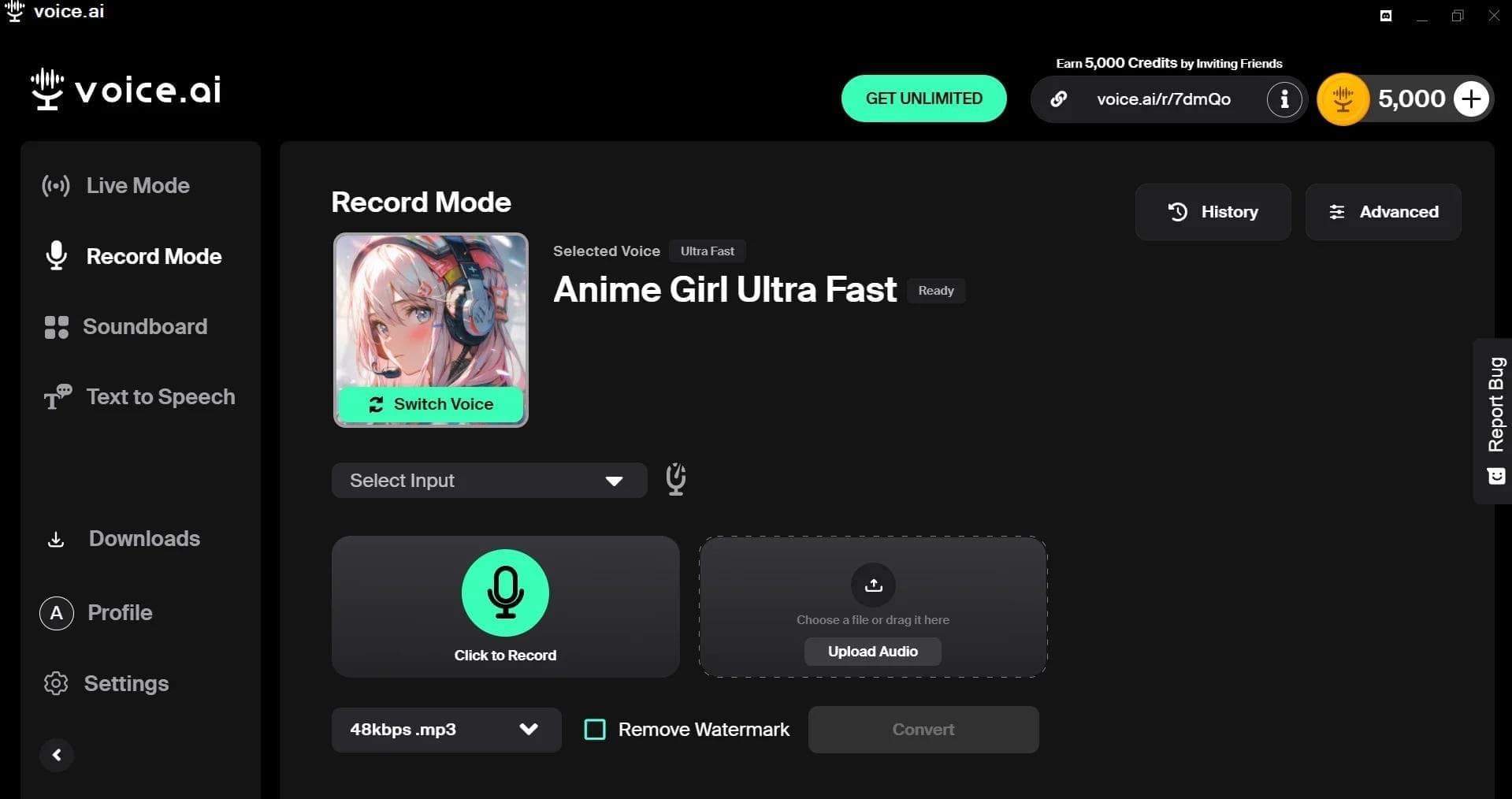

AI-powered platform for real-time voice changing and cloning.

Yandex's multimodal voice assistant powered by the YandexGPT neural network that answers questions, generates texts and images, analyzes files, and controls the smart home.