

Free AI Video Upscaler
Free browser-based service for enhancing video resolution and quality with AI.
Overview
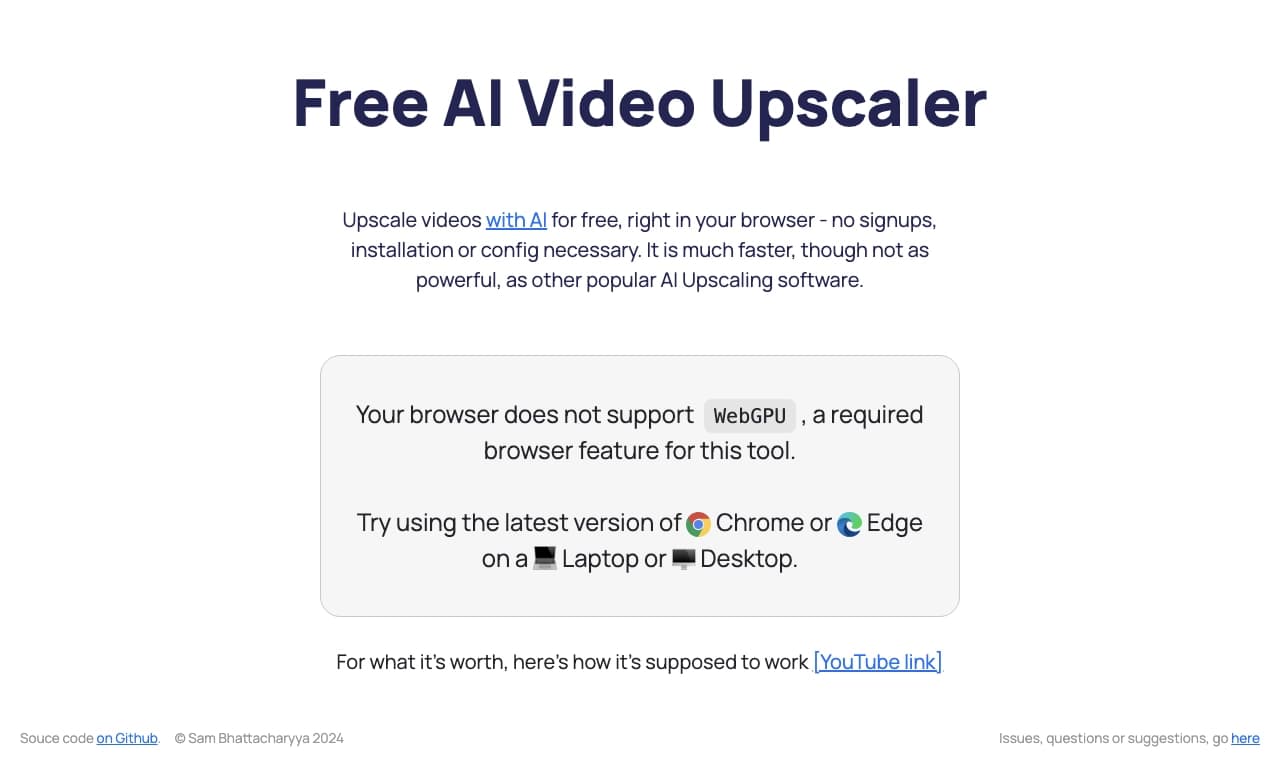
Free AI Video Upscaler is a free browser-based service designed to upscale and enhance the quality of video clips. The main feature of the tool is that it does not require installing additional software — the entire process happens directly in the browser window. The service is powered by specialized AI algorithms such as Anime4K and RealESRGAN WebGPU.
How It Works
The algorithms used by the service analyze each frame of the video and restore missing details, making the image sharper and more detailed. RealESRGAN WebGPU leverages the user's graphics card capabilities through WebGPU technology, enabling real-time processing. Anime4K, on the other hand, is most effective for anime content, but both algorithms can be applied to enhance the quality of various video files.
Use Cases
The tool is positioned as a quick and simple way to process video content. It is aimed at users who need to get an enhanced version of a video promptly without complex professional settings or deep technical knowledge. The service has already been tested by the catalog's editorial team and received positive reviews for its functionality and ease of use.
Free AI Video Upscaler Specifications
| Specification | Value |
|---|---|
| Page rating | 4.4 out of 5 |
| Editorial rating | 8.1 out of 10 |
| Reviewed by editors | 06.10.2024 |
| Platforms | Web |
| Distribution model | Free |
| Processing type | Video upscaling |
Who Is Free AI Video Upscaler For?
The service will be useful for a wide range of users who need to improve the quality of video material.
Game Developers
One of the key user categories is game developers. They often have to work with various video materials — from gameplay capture to processing in-game cutscenes. Free AI Video Upscaler allows them to quickly bring the quality of such content to an acceptable level without the need for heavy professional software.
Other Users
Since the tool requires no special skills and works in the browser, it suits any activity related to video processing. This could include bloggers, content creators, marketers, or regular users who want to improve the quality of old family recordings or downloaded clips. Its ease of use and lack of installation requirements make the service accessible to virtually anyone.
How to Use Free AI Video Upscaler?
Since Free AI Video Upscaler is a fully browser-based tool, the process of using it is extremely simple and intuitive.
Getting Started
The user needs to open the service's website in their browser. To upload a video, they will likely need to drag and drop the file into a designated area or use the standard file selection dialog. No complex settings or procedures requiring special knowledge are involved.
Processing
After uploading the video, the service automatically applies the upscaling algorithms. Thanks to WebGPU, processing happens in real time, significantly speeding up the process compared to cloud services where you have to wait for uploads and remote server processing. Once the algorithm finishes, the user receives a ready video with improved resolution and detail.
Key Features of Free AI Video Upscaler
AI-Powered Video Enhancement
The core feature of the service is improving videos using AI-based upscaling algorithms. Specifically, these are Anime4K and RealESRGAN WebGPU, which are responsible for restoring details and increasing sharpness.
Real-Time Super Resolution
Thanks to WebGPU technology, the service can upscale video directly in the user's browser in real time. This allows for fast results using the computing power of the user's own device, making the process efficient for quick video processing.
Advantages of Free AI Video Upscaler
- Free: The service is completely free and requires no subscription or one-time payments.
- No installation: Only a web browser is needed, saving disk space and setup time.
- Ease of use: No technical knowledge or complex settings required — just upload a file.
- Processing speed: WebGPU enables real-time processing.
- Algorithm efficiency: Proven algorithms like Anime4K and RealESRGAN deliver good quality results.
Disadvantages of Free AI Video Upscaler
- Dependence on device resources: Real-time processing requires a modern graphics card that supports WebGPU and may not work on weaker computers.
- Lack of advanced settings: There may not be enough flexibility in settings for professional work, as the service is focused on simple and fast use.
What Problems Does Free AI Video Upscaler Solve?
The main task this tool is designed for is video upscaling — increasing video resolution. The service can improve quality by making the image more detailed and sharper. This can be used for restoring old recordings, improving content quality before publishing online, or preparing video materials for game development.
Free AI Video Upscaler Pricing
The service is distributed under a free model. As of publication, there is no information about paid plans, subscriptions, or in-app purchases. Users can use the tool completely free of charge.
Terms of Use for Free AI Video Upscaler
No registration is required to start using the service. The tool is available to all users without any significant restrictions.
Availability of Free AI Video Upscaler
The platform the service runs on is Web. This means it is accessible through any modern web browser on a computer.
How Free AI Video Upscaler Differs from Alternatives
The main difference between Free AI Video Upscaler and many competitors, such as TensorPix, HitPaw Online Video Enhancer, or Pixop, lies in its free pricing and processing model. The service performs video upscaling locally on the user's device in real time using WebGPU, while many alternatives rely on cloud computing, which often requires payment and waiting in processing queues. Also, unlike CapCut, which is part of a larger ecosystem, Free AI Video Upscaler is a specialized tool focused solely on enhancing quality and resolution, making it simpler for quickly completing a specific task without distractions from other features.
Conclusion
Free AI Video Upscaler is a convenient and completely free tool for quickly upscaling video resolution right in the browser. Its simplicity, processing speed, and lack of installation requirements make it an attractive choice for a wide range of users, including game developers. However, it is worth considering the potential demands on the device's hardware. Nevertheless, for quickly improving the quality of video content, the service represents an effective and accessible solution.
Frequently asked questions
See also


AI toolkit for video generation and editing, including avatars, lip-sync, and voice cloning.

A multimedia AI toolkit for editing and enhancing photos, videos, and PDF documents.

Multifunctional AI platform for content creation, combining speech synthesis, text generation, avatar creation, and video editing.
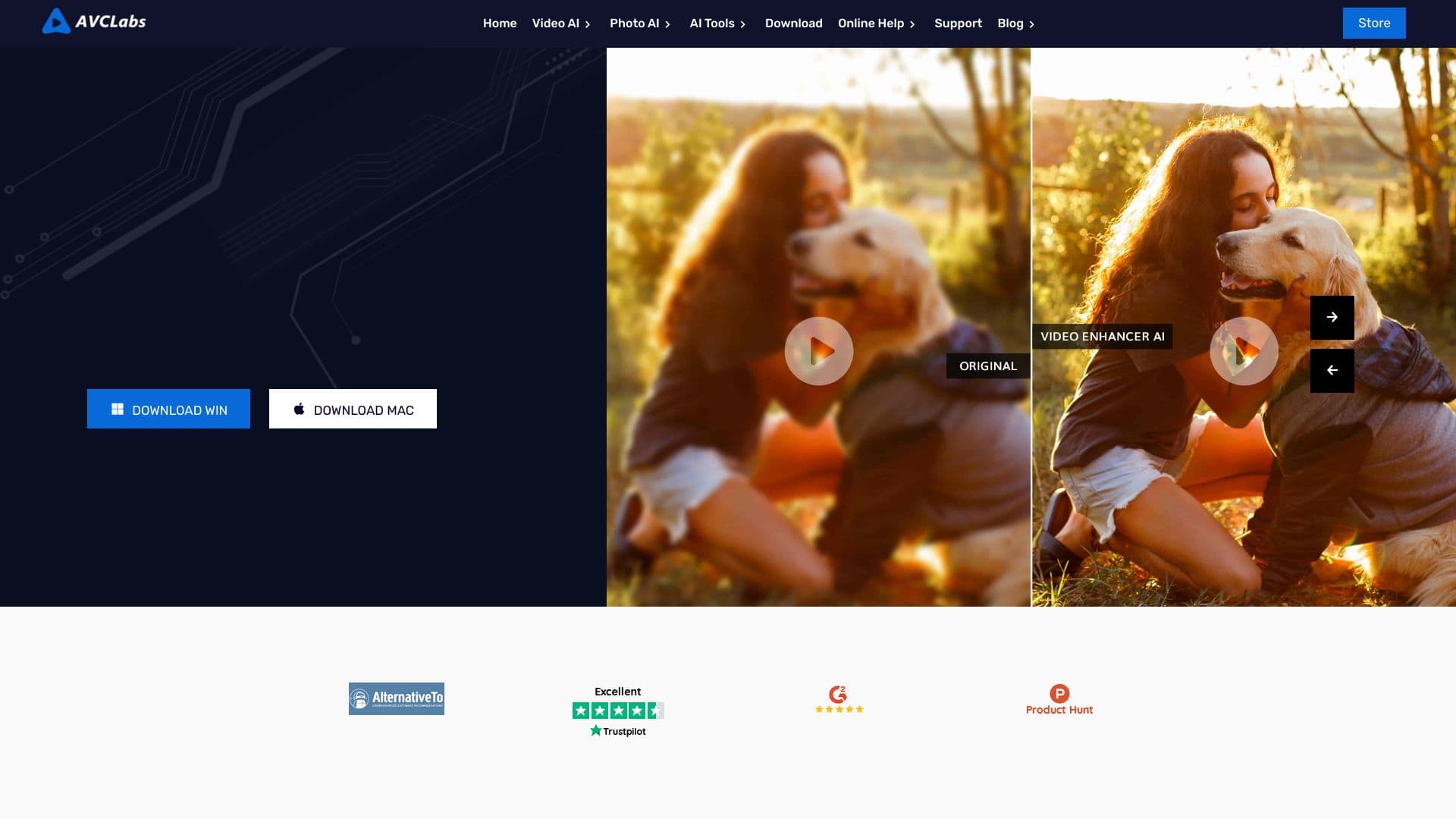

Desktop application for Windows that upscales video resolution to 4K/8K and enhances the quality of old recordings using AI.

Cabina AI is a unified platform for working with various generative neural networks, enabling you to create texts, images, and videos.


Bleepify automatically detects and bleeps out profanity in video and audio.

Cloud platform for creating videos using AI avatars, synthesized speech, and automatic translation of clips into dozens of languages.
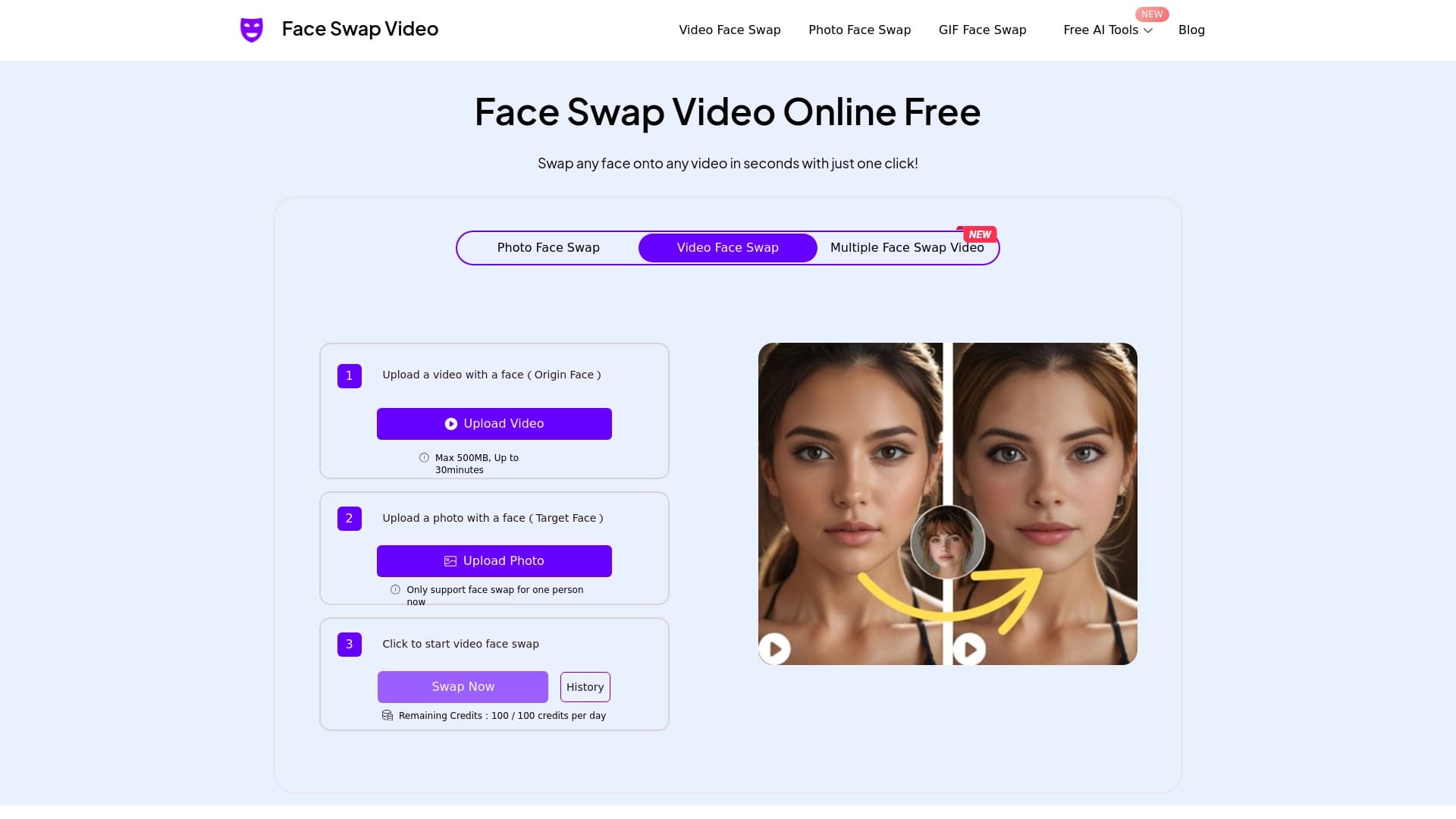

Online tool for fast and realistic face replacement in videos.