

Bleepify
Bleepify automatically detects and bleeps out profanity in video and audio.

Overview
Bleepify Neural Network Description
Bleepify is a specialized AI tool designed for automatic censorship of profanity in video and audio materials. The neural network analyzes the audio track, finds fragments with unwanted words, and either mutes them completely or replaces them with a characteristic sound signal (a "bleep").
The key feature of the service is processing files directly in the user's browser, without uploading them to third-party servers. This ensures a high level of privacy: the original materials are never transmitted anywhere. Bleepify recognizes speech in more than 40 languages and allows users to configure a personal list of words that need to be censored.
Bleepify Characteristics
| Characteristic | Value |
|---|---|
| Type | Online neural network for video and audio processing |
| Category | AI video generators, audio editing, editing |
| Platform | Web application (website), Android, iOS |
| Developer | Bleepify |
| Free plan | Available (though some sources indicate no free plan) |
| Pricing model | Subscription or pay-per-minute of video (from $0.045/min) |
| Monthly visits | 22.1K |
| Language support | More than 40 languages |
| File formats | Mostly MP4, support for others is limited |
Who is Bleepify suitable for?
Bloggers and creators
The tool will be useful for video bloggers running YouTube channels, TikTok authors, and other creators who want to publish content that is safe for a wide audience. Bleepify allows you to quickly clean videos of accidentally slipped profanity without spending hours on manual editing.
Educational and business organizations
Schools, universities, and companies use the service to prepare presentable videos for internal training, public events, or corporate communications. The tool helps avoid reputational risks associated with inappropriate language in materials.
Professional studios and podcasters
Music producers, recording studios, and podcast authors can use Bleepify to clean interviews, tracks, and episodes before publication, ensuring compliance with platform requirements for content monetization.
How to use Bleepify?
Step-by-step workflow
The process of working with the service is extremely simple and requires no special video editing skills. The user only needs to follow a few steps:
- Upload a file — upload a video or audio file to the Bleepify web application or mobile app.
- Configure settings — if necessary, edit the list of words that should be censored.
- Automatic processing — the neural network will scan the audio track and mark fragments with unwanted language, providing timestamps for review.
- Download the result — after checking and making corrections, download the cleaned version of the file.
What to know before you start
All processing happens on the user's device, so the speed of work directly depends on its computing power. Processing a 10-minute video usually takes less than a minute. The service supports batch processing of multiple files simultaneously, which saves time when working with large volumes of content.
Key Bleepify Features
Automatic profanity detection
The neural network scans the audio track and automatically finds fragments containing profane words or expressions. Speech recognition technology identifies swear words in context, minimizing the number of misses.
Censoring options
The user can choose one of two ways to process the found fragments: complete sound muting or replacing the problematic spot with a sound signal (a "bleep"). This allows you to choose the most suitable option depending on the content style.
Advanced customization capabilities
The tool allows you to configure an individual list of words for censorship by adding specific expressions relevant to a particular project. Support for more than 40 languages makes the service a universal solution for international teams.
Bleepify Advantages
Speed and automation
The main advantage of Bleepify is significant time savings. Video processing takes just a few minutes instead of hours of manual searching and editing fragments with unwanted language. The process is fully automated, which minimizes manual work.
Data privacy
Unlike many cloud services, Bleepify processes all files locally on the user's device. The original materials are not uploaded to third-party servers, which guarantees complete privacy and data security — this is critically important for projects working with confidential information.
Accessibility and multilingual support
The service works as a web application and also on mobile devices running Android and iOS. Support for more than 40 languages allows the tool to be used for cleaning content in different languages without needing to find separate solutions for each market.
Bleepify Disadvantages
Recognition inaccuracies
Like any neural network, Bleepify is not perfect and sometimes makes mistakes. The AI may miss some swear words or, conversely, catch ordinary words that are not profane. This requires additional manual review in particularly sensitive projects.
Format and settings limitations
The service mainly supports the MP4 format, which can be a problem when working with other file types. Additionally, users note insufficient flexibility in fragment replacement settings — there are not as many options for fine-tuning as professional video editors would like.
Dependence on device performance
Since processing happens locally, the speed of work directly depends on the computing power of the computer or mobile device. On weak hardware, processing long videos can take significant time.
What tasks does Bleepify solve?
Preparing content for publication
The service is used to quickly remove profanity from videos intended for publication on YouTube, TikTok, and other platforms. This allows authors to meet platform requirements for monetization and avoid blocks.
Cleaning podcasts and interviews
Podcasters and journalists use Bleepify to process interviews and recordings of conversations where participants may use inappropriate expressions. Cleaned versions can be used to expand the audience, including more conservative listener segments.
Creating corporate and educational content
Schools, universities, and companies use the tool to prepare video materials for educational programs, internal training, and business presentations. This allows creating professional content without fear of reputational losses due to accidentally slipped unwanted words.
Bleepify Pricing
It is worth noting that pricing information for the service varies slightly across different sources. The official website offers three pricing plans:
- Free plan — basic functionality for getting familiar with the service's capabilities.
- Professional — $12 per month, includes expanded options and priority support.
- Business — $30 per month, designed for teams with expanded collaboration capabilities.
Some directories indicate a "pay-as-you-go" model: approximately $0.045 per minute of processed video, which amounts to about $2 per hour of content. In this case, no free plan is provided, but a credit card is not required to get started.
Bleepify Terms of Use
The service processes files entirely locally on the user's device — this is the main condition that ensures data privacy and security. A device with sufficient computing power is required, as processing speed directly depends on it.
Information about the need for registration is not specified in public sources. The payment model and access to plans may vary by region, with the service's main audience located in the US, UK, Germany, and India.
Bleepify Availability
Bleepify is available as a web service on the official website and as applications for the Android and iOS mobile platforms. This allows processing videos not only on computers but also on smartphones and tablets, which is especially convenient for bloggers working on the go.
The service supports more than 40 speech recognition languages. The main audience is distributed as follows: about 59% of users are in the US, with the rest primarily in the UK, Germany, and India. No information about the need to use a VPN is provided.
How Bleepify Differs from Alternatives
The main difference between Bleepify and its competitors is local file processing on the user's device. Many alternative services, such as Descript, Kapwing, or YouTube Editor, process videos in the cloud, which creates additional data privacy risks. Bleepify also stands out for its high processing speed — a 10-minute video is processed in less than a minute on a sufficiently powerful device.
Another significant advantage is the customizable list of words for censoring and support for more than 40 languages. However, unlike more versatile video editors, Bleepify solves one specific task — cleaning profanity — and has file format limitations, supporting mainly MP4.
Conclusion
Bleepify is a narrowly specialized AI tool for automatically removing profane words from video and audio. Its main advantages are processing speed, ease of use, and local file processing that guarantees data privacy. The service will be useful for bloggers, podcasters, educational institutions, and business organizations that need to quickly prepare safe content for publication. At the same time, it is worth considering the limitations in recognition accuracy, the number of supported formats, and settings flexibility, which may be critical for professional video producers with high quality requirements.
Frequently asked questions
See also
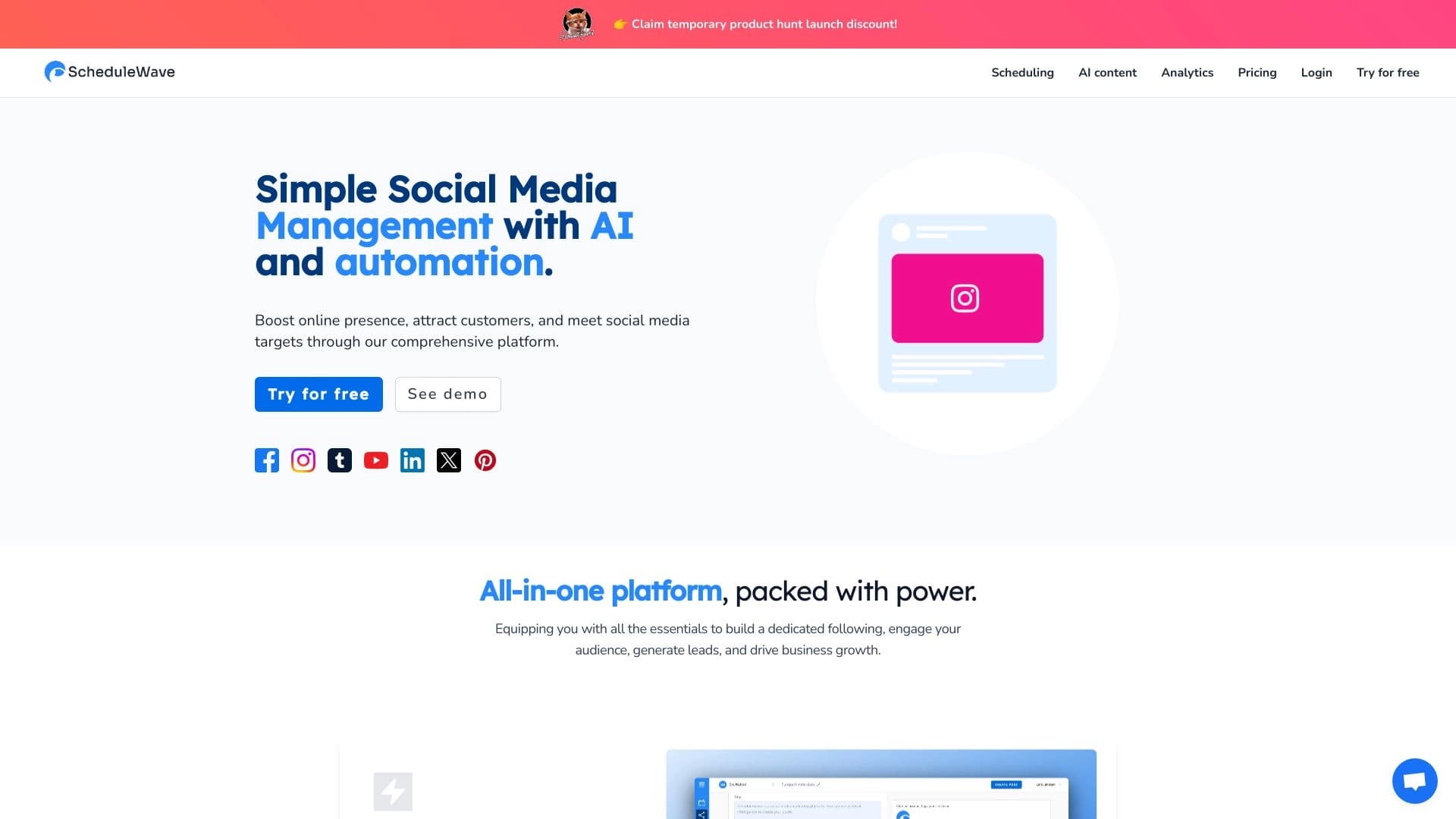
Platform for planning publishing automation into social net using artificial intelligence.


AI-powered platform for generating and editing images and videos.
AI logo generator that creates unique variations in minutes.
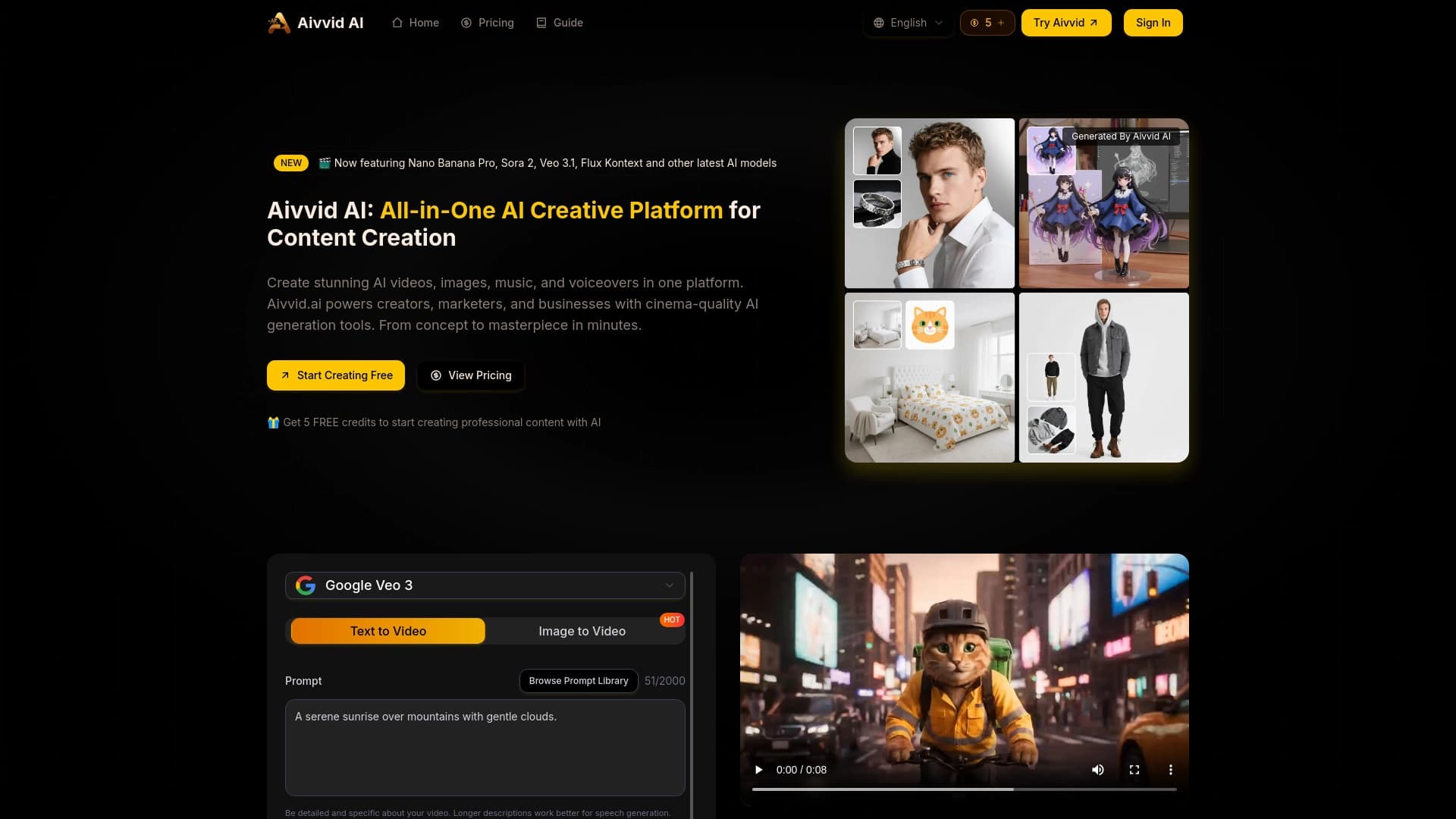
Service for generating videos from text descriptions and images using modern neural networks.


Platform for automating client acquisition and personalized email campaigns with data enrichment from over 150 sources.

Browser extension and web service with AI assistant features: answering queries, summarizing videos and documents, and translating text.

Multimodal AI agents for automating customer service and sales via chat, voice, and video.

AI-powered tool for generating character images and avatars.