
Flashback
AI assistant for creating flashcards and questions from study materials, focused on long-term retention.
Overview
Flashback AI Description
Flashback is a specialized AI study assistant that turns scattered study materials into structured sets of flashcards and practice questions. Instead of spending hours manually creating cards, users upload a summary, presentation, or text document, and the neural network automatically identifies key concepts and formulates questions about them for memorization.
The service's main focus is on long-term material retention. Flashback doesn't just offer rote memorization of definitions — it helps build logical connections between concepts, organizes regular review sessions, and lets users return to topics that cause the most difficulty until they are fully mastered.
The tool is designed as a full-fledged replacement for traditional paper flashcards and scattered memorization apps. It combines the process of creating study materials, organizing them, and tracking progress in a single interface, making exam preparation more meaningful and less chaotic.
Flashback Features
| Feature | Value |
|---|---|
| Type | AI study assistant and flashcard creator |
| Categories | Flashcards, Tutorials and education |
| Developer | Created by students |
| Website | flashbackstudy.com |
| Primary purpose | Automatic generation of flashcards and questions from study texts |
| Focus | Long-term retention, understanding connections between concepts |
Who is Flashback AI for?
School and university students
Flashback is primarily aimed at learners who regularly need to prepare for tests, exams, and quizzes. For this audience, the tool solves two tasks at once: it saves preparation time and improves retention quality through well-organized review. Instead of manually rewriting definitions and terms, students get ready-made cards in just a few minutes.
Professionals learning new fields
The second key audience is people independently studying new professional areas: programming, design, marketing, foreign languages, or any other direction. For them, Flashback becomes a knowledge structuring system. By uploading course materials, webinars, or books, they can regularly return to covered material without losing focus or forgetting key concepts.
Anyone who values effective review
Finally, the service suits anyone who has tried learning with flashcards but struggled to create them. If manually making cards takes too much time or causes difficulties in phrasing questions, Flashback handles that routine. This makes the tool useful for anyone who wants to absorb information systematically rather than chaotically.
How to use Flashback AI?
Uploading study material
The first step is to prepare study text in digital format. This can be a lecture summary, presentation, textbook chapter, or any other text-based material. Users simply upload a file to the platform or paste text directly into the appropriate field. No special skills or technical knowledge are required.
Automatic content generation
Once the material is uploaded, the neural network analyzes its content and automatically creates flashcards and review questions. The AI identifies key terms, definitions, and important relationships, turning continuous text into a structured study set. Users don't need to configure any algorithms — all the work is done automatically.
Organizing review sessions
Next comes the main stage — working with the generated cards. It's recommended to go through review sessions regularly, returning to difficult questions multiple times. The convenient card and session structure lets users see which topics are already well mastered and which need extra attention. The system helps cement material in long-term memory through repeated engagement with the same concepts in different contexts.
Key Flashback Features
Automatic flashcard creation
The service's core function is turning any study materials (summaries, presentations, texts) into ready-made flashcards. The neural network itself determines which concepts deserve a separate card and formulates questions about them. This removes the most labor-intensive part of preparation and lets users focus directly on memorization.
Focus on long-term memory
Flashback is designed to promote deep understanding rather than mechanical memorization. The card structure and review sessions help build connections between individual concepts. Instead of isolated facts, users get a holistic picture of the topic being studied, which significantly improves information retention quality.
Statistics and progress tracking
Built-in analytics let users see how many cards have been created for each topic and how successfully review is going. This helps monitor progress, spot problem areas in time, and plan future study sessions. Transparent statistics make the learning process manageable and clear.
Flashback Advantages
Time savings on preparation
Manually creating flashcards is a labor-intensive process that often takes longer than memorization itself. Flashback fully automates this task: upload material — get a ready-made card set. The freed-up time can be spent on deeper study of difficult topics or rest before an exam.
Structuring any material
The service turns chaotic notes and bulky presentations into a coherent system of cards and questions. Material becomes organized and easy to review, which is especially important when preparing for exams that require covering a large volume of information.
Thoughtful interface for real study workflows
The tool was created by students, so its logic fully matches the real needs of learners. The interface is intuitive, and the review system itself is built around how people actually retain information — through repeated engagement with material and working through difficult spots.
Flashback Drawbacks
Currently, no drawbacks of the service are listed in available sources. There is no information about possible limitations of a free tier, upload limits, or language restrictions. No data has been found on technical platform requirements or potential difficulties with certain file formats.
What problems does Flashback solve?
Exam, test, and quiz preparation
The tool's primary use case is preparing for various forms of knowledge assessment. Flashback makes it possible to systematize material, identify gaps, and organize effective review within limited time. Instead of panicked last-night cramming, users get a structured review plan.
Automating flashcard creation
The routine process of making cards is fully automated. The neural network handles text analysis, key concept identification, and question formulation. This is especially useful when working with large volumes of material, where manual card creation becomes nearly impossible.
Organizing regular review
Flashback helps build a system of regularly returning to studied material. Thanks to statistics and card structure, users can plan review sessions and track which topics need extra attention. This supports reliable knowledge retention in long-term memory.
Flashback Pricing
Information about the cost of using Flashback is not available in accessible sources. It is unknown whether a free plan is offered, whether the tool operates on a subscription model, or whether a one-time payment grants full access. There is also no data on possible student discounts or special offers. Up-to-date pricing information should be checked directly on the tool's official website.
Flashback Terms of Use
Specific terms of service are not disclosed in the collected sources. It is unknown what requirements apply to uploaded file formats, whether there are limits on processed text volume, or what rules govern platform usage. For accurate information about the license agreement and user terms, refer to the official documents on flashbackstudy.com.
Flashback Availability
Flashback is available as a web service, meaning it can be used from any device with an internet connection and a browser. The direct link to access the service is flashbackstudy.com. There is no data on the availability of mobile apps for iOS or Android, nor information on whether the service is geographically restricted or available only in English. These details should be confirmed on the tool's official website.
How Flashback differs from alternatives
Full automation of routine tasks
The key difference between Flashback and many alternative solutions is deep automation of the study material creation process. While most flashcard apps require users to manually enter data and formulate questions themselves, Flashback fully handles working with source text. Upload material — get ready-made cards with no extra effort.
Emphasis on understanding, not memorization
Many analogs focus on mechanical memorization of facts and definitions. Flashback, however, is built around the idea of establishing connections between concepts. The card structure and review session logic are aimed at forming a holistic understanding of the topic. This is a fundamentally different approach to learning, shifting from simple repetition to meaningful material absorption.
Thoughtfulness grounded in real study workflows
Flashback's creators are students themselves, so the tool's interface and functionality reflect the real needs of learners. There's no unnecessary complexity or fluff typical of some commercial educational products. The service's logic closely mirrors how exam preparation actually happens in real life.
Conclusion
Flashback is a well-designed tool for those who want to study more effectively and with less time spent. The service solves the main problem of working with flashcards — the tedious process of creating them manually — and offers a systematic approach to material review focused on long-term retention and understanding. Although pricing and terms of use require confirmation on the official website, the tool's concept itself looks promising and useful for schoolchildren, students, and people continuing to learn new fields independently.
Frequently asked questions
See also

AllChat is a universal platform that combines several popular language models in a single interface for communication, image generation, file analysis, and code execution.


ComicLLM is an AI tool for creating comics from text descriptions or ready-made templates.

Browser extension and web service with AI assistant features: answering queries, summarizing videos and documents, and translating text.
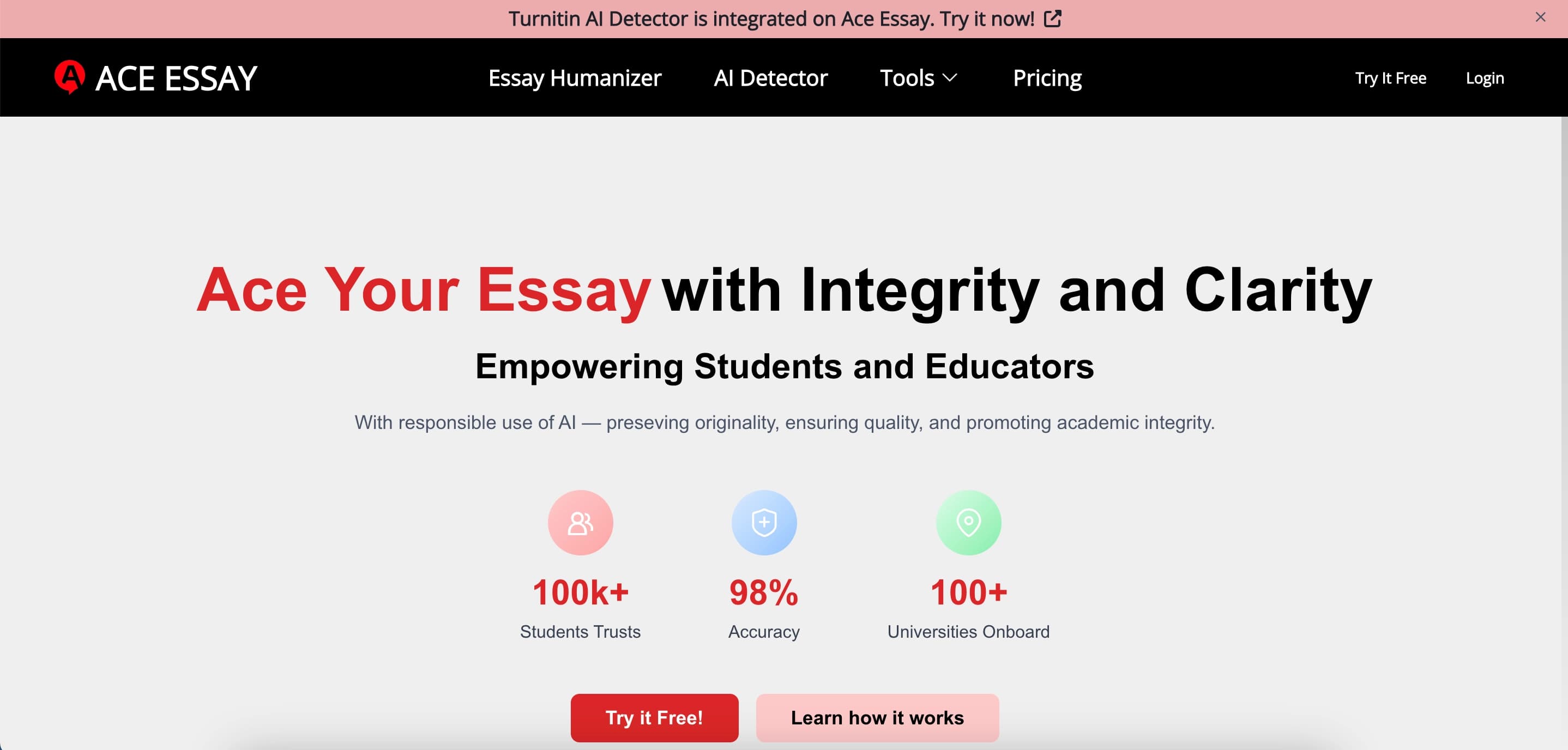

Online service for rewriting texts to make them look human-written and bypass AI detectors.

Chrome extension that helps you win in the educational game Blooket by suggesting answers and automating actions.

AI agent for automating routine browser actions, such as filling out forms and collecting data.

A multimedia AI toolkit for editing and enhancing photos, videos, and PDF documents.


Online service with artificial intelligence that automatically creates presentations on a given topic.