

Equals
Web-based data analysis tool with AI features that automates work with spreadsheets and SQL.
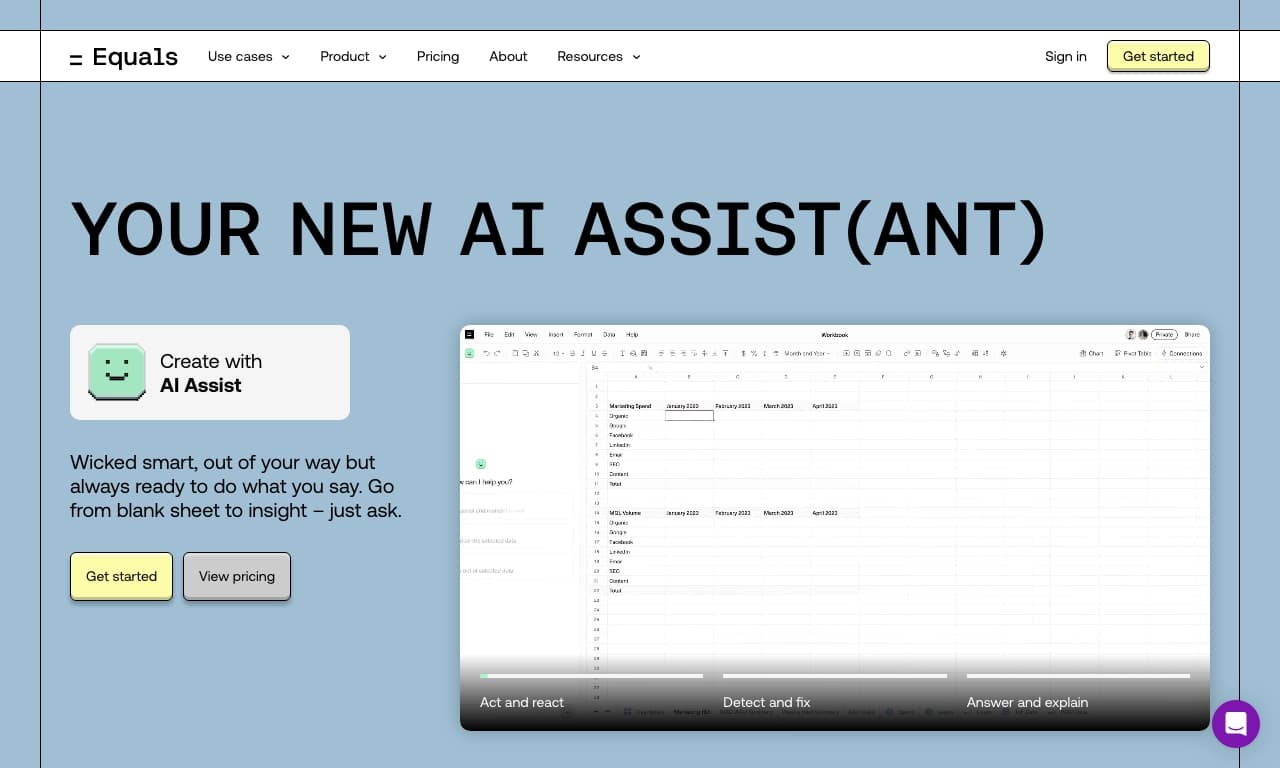
Overview
Equals AI Description
Equals is a web application that combines the functionality of classic spreadsheets with artificial intelligence capabilities. The tool is designed to automate routine data operations: it handles writing complex formulas, generating SQL queries, and building clear visualizations. The platform's key idea is to make deep data analysis accessible without requiring deep programming knowledge, while retaining flexibility for experienced professionals.
Instead of working with local files, Equals offers a cloud environment where teams can simultaneously edit spreadsheets, exchange comments, and see changes in real time. The system can connect to external data sources, turning the application into a central hub for collecting, processing, and presenting corporate data. The user interface remains familiar to those who have worked in Excel or Google Sheets, which lowers the entry barrier.
Equals Features
| Feature | Value |
|---|---|
| Tool type | AI-powered data analysis tool |
| Categories | Data and analytics, Data analysis, Excel work, Universal |
| Platforms | Web (browser-based) |
| User rating | 4.4 / 5 (stars) |
| Distribution model | Freemium (free basic tier + paid extensions) |
Who is Equals AI for?
Analysts and data professionals
The primary target audience for Equals is analysts who work with large volumes of information daily. The tool reduces time spent on the technical side: instead of manually writing complex formulas, users can ask the AI to generate the needed expression, and instead of multi-step SQL queries, they can describe the task in natural language.
Universal application for any profession
Despite its focus on analytics, the platform is positioned as a universal tool suitable for any field. Marketers can use it for campaign summary reports, finance professionals for budget consolidation, HR managers for analyzing personnel metrics. Thanks to the intuitive interface and AI hints, even those who have never programmed can learn the core workflows.
How to use Equals AI?
Getting started with the web platform
Since Equals is a fully web-based tool, no software installation is required to get started. Simply register on the website and open a workspace in your browser. Instead of familiar local files, users get cloud space where they can create new spreadsheets or import existing data.
Simplifying work with AI hints
The main usage scenario revolves around a dialogue with artificial intelligence. The user describes what operation needs to be performed (for example, "calculate the average check by month"), and the system suggests an appropriate formula or SQL query. To build charts, simply select the desired data range and specify the visualization type — the rest is automated. All changes are saved in the cloud, and access for collaboration is opened via a link or by inviting colleagues.
Key Features of Equals
Real-time collaboration
The platform allows multiple users to work on the same spreadsheet simultaneously. Changes appear instantly, speeding up team processes and eliminating confusion with file versions. This is especially useful for distributed teams and organizations with multiple branches.
AI formula generation
Equals can automatically create formulas based on a task description. Users don't need to remember the syntax of complex functions — just formulate the request in their own words. This reduces errors and speeds up data processing.
SQL query writing
For database work, the tool provides an AI assistant that translates natural language into working SQL code. This allows specialists who don't know SQL to extract the data they need, while experienced developers save time on routine queries.
Visual chart building
The process of creating charts and dashboards is reduced to a few clicks. Users select data, and the system suggests optimal visualization options. Charts automatically update when source data changes.
Integration with popular platforms
Equals supports connections to external services and data sources, allowing information from various systems to be collected in one window without manual export.
Advantages of Equals
- High AI efficiency for data analysis: formula and SQL generation is fast and accurate, reducing time spent on technical routine
- Convenient team collaboration: all participants see the current version of data and can make edits simultaneously
- Lowered entry barrier to analytics: no deep programming knowledge is required to work with the tool — the AI handles the technical part
- Clear data visualization through automatically generated charts
- No device dependency: thanks to the web interface, work can be done from any computer or laptop
Disadvantages of Equals
Unfortunately, detailed information about the platform's drawbacks and limitations is not available in public sources. Among potential challenges indirectly implied by available data, the following can be assumed:
- Dependence on internet connection: like any web service, Equals requires a stable network connection for full functionality
For a complete picture of the tool's weaknesses, it is recommended to consult user reviews on official platforms or in professional communities.
What tasks does Equals solve
Data analysis and processing
The tool automates key stages of analytics: from collecting information from various sources to cleaning and structuring it. AI algorithms help quickly identify patterns and anomalies in large data sets.
Spreadsheet work
Equals fully covers the needs of users accustomed to Excel: it includes all basic spreadsheet functions, enhanced with AI capabilities. Complex calculations that previously required knowledge of special functions can now be requested in plain language.
Data visualization and presentation
The service simplifies the creation of reports and dashboards: from raw data, the system automatically builds clear charts that can be used in presentations and internal reporting.
Equals Pricing
Exact subscription pricing information is not available in public sources. The platform is known to operate on a freemium model — meaning it offers a free basic tier with limited functionality and paid levels that unlock advanced features. For current pricing and plan comparisons, it is recommended to visit the service's official website.
Equals Terms of Use
Detailed terms of use, including the user agreement and data processing policy, are also not disclosed in available sources. As with most international SaaS platforms, the terms may include standard clauses on data confidentiality, intellectual property rights, and liability limitations. Given the freemium model, there are likely limits on data volume and user count in the free version. Before starting to use the service, it is recommended to carefully review the official documentation on the Equals website.
How Equals differs from alternatives
AI integration into the spreadsheet interface
Unlike classic spreadsheet processors (Excel, Google Sheets), where AI features are implemented as separate add-ons, Equals embeds artificial intelligence into the core workflow. Users can interact with the system directly, formulating requests in natural language, which makes the work intuitive.
Combining SQL and visualization in one tool
Most analytics platforms either require writing code or offer limited visual tools. Equals combines both approaches: teams of any skill level can extract data through the AI assistant and immediately build interactive charts, reducing the time of the full data work cycle.
Teamwork as a foundation
Many alternatives assume primarily solo data work. Equals was designed from the start as a multi-user tool with real-time shared access, distinguishing it from solutions where synchronization happens in batches or with delays.
Comparison with closest competitors
Among direct alternatives available on the market, X-Ray Contact, Datalytica, IndexBox, and AI Surge Cloud can be highlighted. The Rows service is also functionally similar. Unlike many competitors, Equals focuses primarily on combining a familiar spreadsheet interface with powerful AI algorithms, whereas some alternatives (for example, Datalytica or IndexBox) are either focused on narrower tasks or represent more complex enterprise platforms with a steep learning curve.
Frequently asked questions
See also
Service for remote job search, selecting vacancies using artificial intelligence.
A presentation creation service that uses multiple AI agents for information gathering, design, and data analysis.

Desktop AI assistant for macOS, Windows, and Linux that launches via hotkey above all windows and combines multiple language models in one interface.
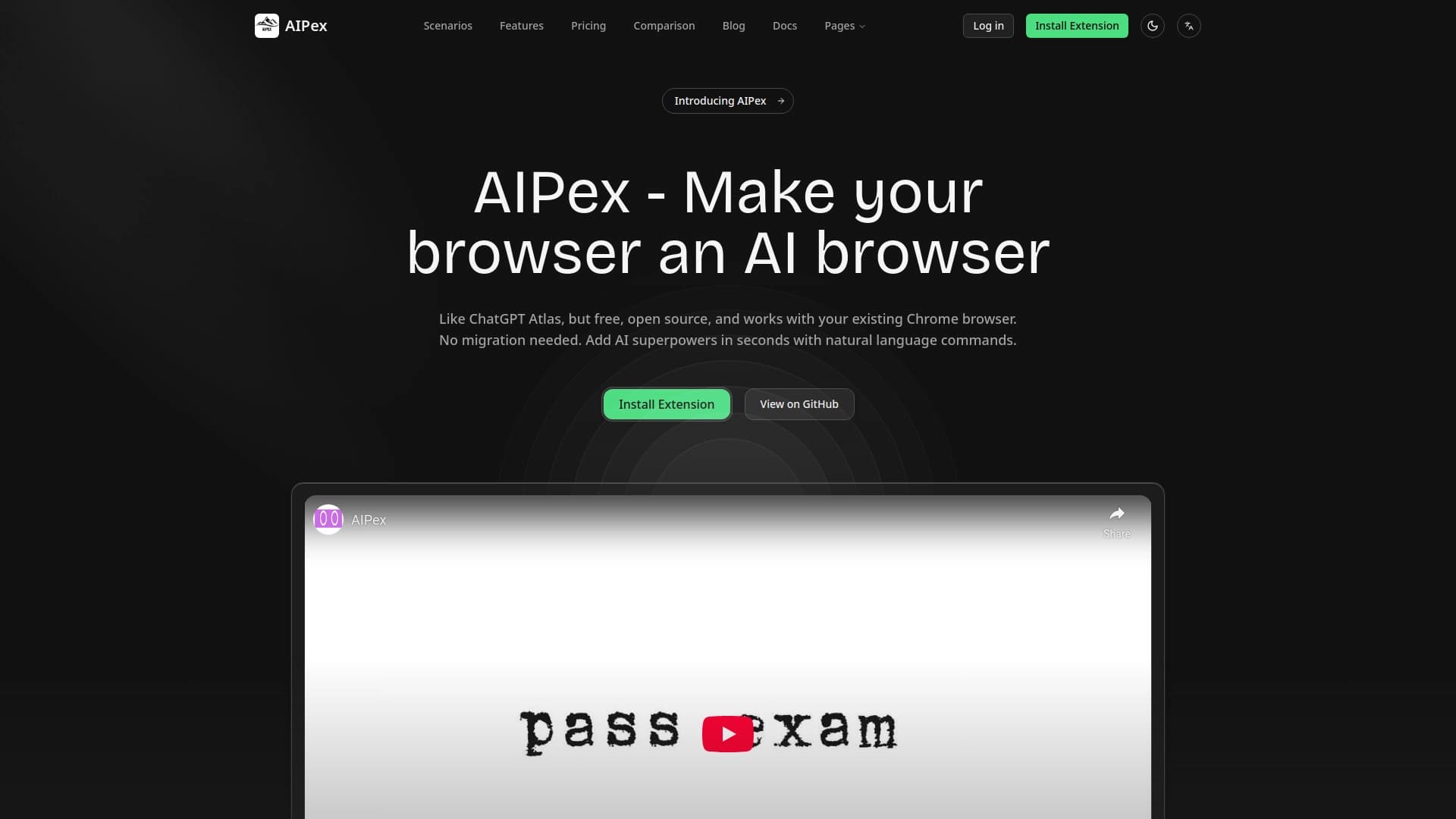

Chrome extension that helps manage tabs, history, and bookmarks with an AI assistant.


AI toolkit for video generation and editing, including avatars, lip-sync, and voice cloning.
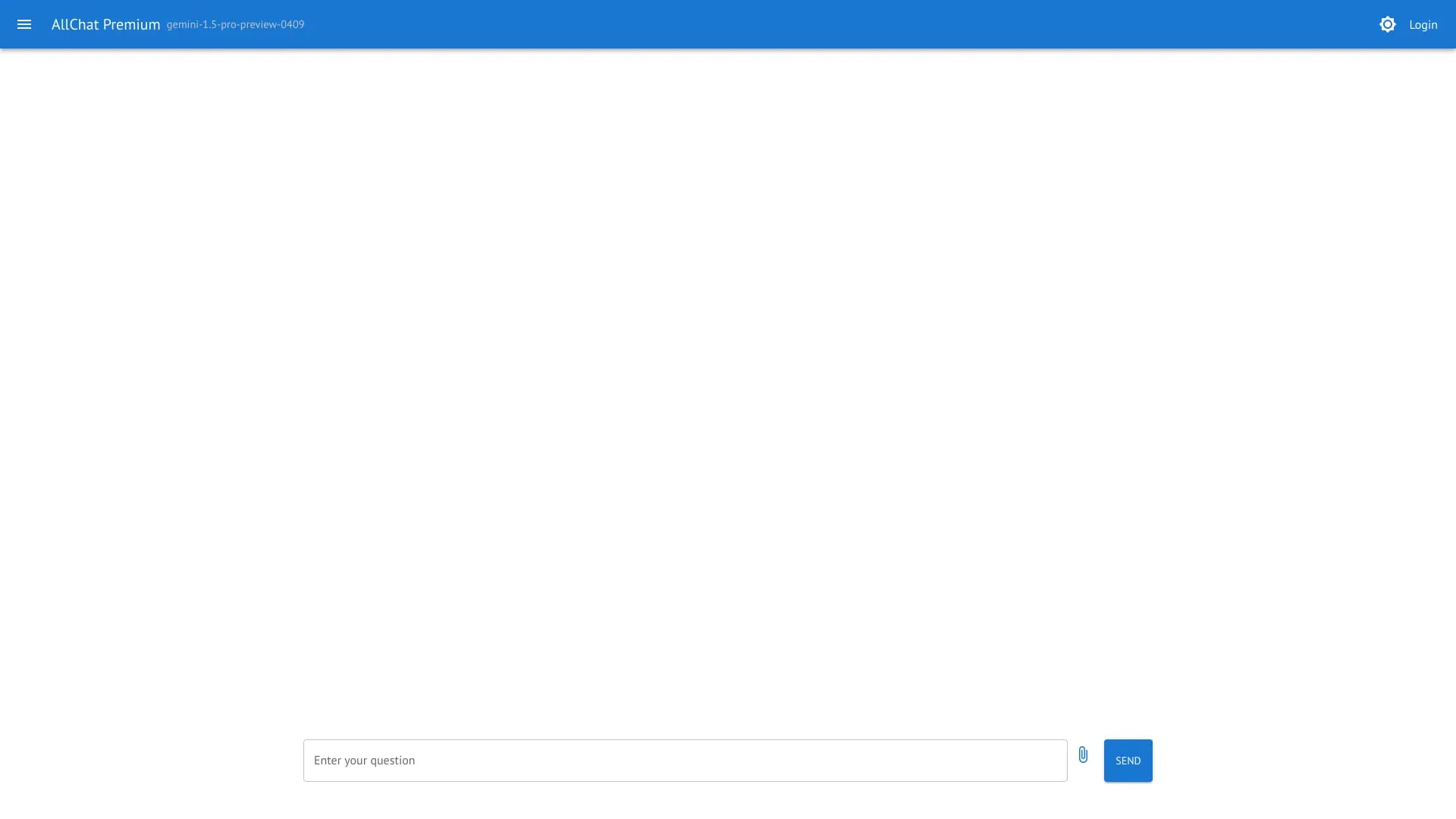
AllChat is a universal platform that combines several popular language models in a single interface for communication, image generation, file analysis, and code execution.

TypeScript library that lets you use GPT-4 as a runtime for functions described by comments.

AI-powered platform for analyzing video data and automating its processing.