
Dream House
Web tool for comparing and visualizing multiple dream home images side by side.

Overview
Dream House is a web tool developed by Clark Dinnison for comparing and visualizing multiple dream house images. The service allows you to upload photos of homes and arrange them side by side for clear comparison, simplifying the process of choosing the ideal space. The main goal of the tool is to give users the ability to see different house options in a single visual field without getting distracted by technical details.
Purpose and Essence of the Tool
Dream House works on the principle of a virtual comparison board. You upload images, and the interface lets you freely move them around the screen. This approach helps you focus on architectural and design details, easily shifting attention between different objects. The tool requires no special skills and is designed for a wide audience, from individuals to real estate professionals.
Simplicity of Approach
The key feature of the service is minimalism. There are no complex editors or additional photo-processing functions here. Instead, Dream House solves one specific task: making house comparison as simple and visual as possible. Dragging and dropping images is intuitive and doesn't take much time, making the service convenient for quickly working with a large number of housing options.
Dream House Characteristics
| Characteristic | Value |
|---|---|
| Rating | 4.6 / 5 |
| Editorial Score | 8.9 / 10 |
| Platforms | Web |
| Access | Available via web browser |
| Categories | Interior Design, Real Estate, Universal |
| For Whom | For real estate brokers, For all types of activities |
| Creator | Clark Dinnison |
| Distribution Model | Not specified |
Who Is Dream House Suitable For?
The tool will be useful for a wide range of users, but is especially valuable for professionals and people involved in the processes of choosing or designing housing.
Brokers and Real Estate Agents
Real estate professionals can use Dream House to visually present multiple house options to clients at the same time. Instead of switching through photos one by one in a gallery or files, an agent can quickly place images side by side and clearly show the differences in styles, layouts, and appearances of properties. This speeds up the discussion process and helps clients make decisions faster.
Designers and Everyone Looking for Their Dream Home
For people interested in interior design or searching for their own home, the service becomes a convenient assistant for visual evaluation. You can upload photos of real houses as well as reference images from the internet to compare them and understand which style and layout suit you best. This approach works for all types of activities where visual comparison of spaces matters.
How to Use Dream House?
The process of working with the service is extremely simplified and doesn't require studying instructions, but it does involve several logical steps.
Step 1: Uploading Photos
You need to upload photos of the houses you want to compare. These can be ready-made shots of properties, your own images, or reference pictures. The service is designed to handle visual files, so any images matching the theme will work for upload.
Step 2: Comparison and Visualization
After uploading, the images appear on a shared workspace. To start comparing, use the drag-and-drop function. You can freely move photos and arrange them in any order next to each other. This allows you to visualize multiple dream houses on one screen and carefully examine the pros and cons of each option. Customizing the workspace to your preferences makes the selection process as comfortable as possible.
Key Features of Dream House
The tool's feature set is limited to one task — comparison — but includes several useful options.
- Comparing multiple dream houses side by side — the ability to display several images on screen simultaneously for clear comparison.
- Visualization of uploaded photos — fast loading and correct display of images on the workspace.
- Dragging images for comparison — convenient drag-and-drop functionality for freely moving photos around the screen and choosing the optimal layout.
- Ability to share results — the streamlined workflow makes it easy to rethink information and share visual selections with other participants (colleagues, family, or clients).
Advantages of Dream House
The tool stands out from other services thanks to its practicality and focus on user comfort.
- Ease of use — the entire interface is built around uploading and dragging images. The entry barrier is minimal; you can figure it out in seconds.
- Easy to rethink and share — the service is designed to clearly present options and share them with others. This is especially valuable in teamwork or family discussions.
- Editor-approved — the tool has received high scores from the editorial team (8.9 out of 10) and a user rating of 4.6 out of 5, confirming its quality and reliability.
Disadvantages of Dream House
Despite all the advantages, the service has limitations worth considering when choosing a tool.
- Limited functionality — Dream House specializes exclusively in image comparison and offers no additional features such as photo editing, blueprint creation, or cost estimation. Other tools will be needed for deeper project work.
- Web-only access — the service is only available through a web browser, which may be less convenient for those who prefer using mobile devices on the go.
- No mobile apps — the tool works only through a web browser, which may be less convenient for those who are used to using mobile devices on the go.
What Tasks Does Dream House Solve?
The tool is a narrowly focused solution aimed at solving related tasks in the fields of design and real estate.
- Interior design — allows you to evaluate the visual component of various projects, compare design styles, and choose the most suitable option.
- Working with real estate — significantly simplifies the property presentation process. Instead of flipping through individual cards in a search database, an agent can upload the best options and show them to a client on one screen.
- Comparing and visualizing houses — solves the main task of visual comparison. Users can quickly and effortlessly assess which house better matches their vision of a dream home.
Dream House Pricing
Information about the service's pricing policy is not available in public sources. It is unknown whether the tool is free or available by subscription. For current information on usage costs, it is recommended to visit the official Dream House project website.
Dream House Terms of Use
Official terms of use and user agreement were not presented in the collected data. It is recommended to carefully review the service rules on the official page before starting work, especially regarding the upload and storage of user images, as well as possible restrictions on commercial use of results.
Dream House Availability
The tool is available exclusively through a web browser and has no versions for mobile platforms. This should be taken into account when planning work with the tool.
How Dream House Differs from Alternatives
There are several similar tools on the market for working with visualization and interior design. Among Dream House's alternatives, services such as Genroom, RoomGPT, SofaBrain, Decoratly, and Renovate AI stand out. Most of these tools focus on generating images using AI or modifying them (reconstruction, style changes). Dream House, however, completely lacks generation or complex processing functions. Its main difference is the creation of a virtual workspace for comparing multiple objects. This makes it more of an auxiliary tool for professionals who already have ready-made images and need a convenient way to present them, unlike alternatives with broader and more complex capabilities.
Conclusion
Dream House doesn't try to be a universal tool. It is a narrowly specialized service that excels at its single task — visual comparison of house images. For real estate brokers and people choosing their ideal home, it can become a useful tool that saves time and simplifies presentations. The simplicity of uploading and dragging photos, along with the high editorial rating, speaks to the thoughtfulness of the interface. Nevertheless, the limitations of a web-only platform and the lack of any additional image-processing capabilities make this tool a choice for a narrow range of tasks rather than a full replacement for professional design applications.
Frequently asked questions
See also

A neural network-powered cloud service for generating 3D models, textures, and animations from text descriptions or images.


A tool for generating 3D models based on text descriptions, images, or sketches.

AI assistant for realtors, accelerating property matching and MLS data analysis.
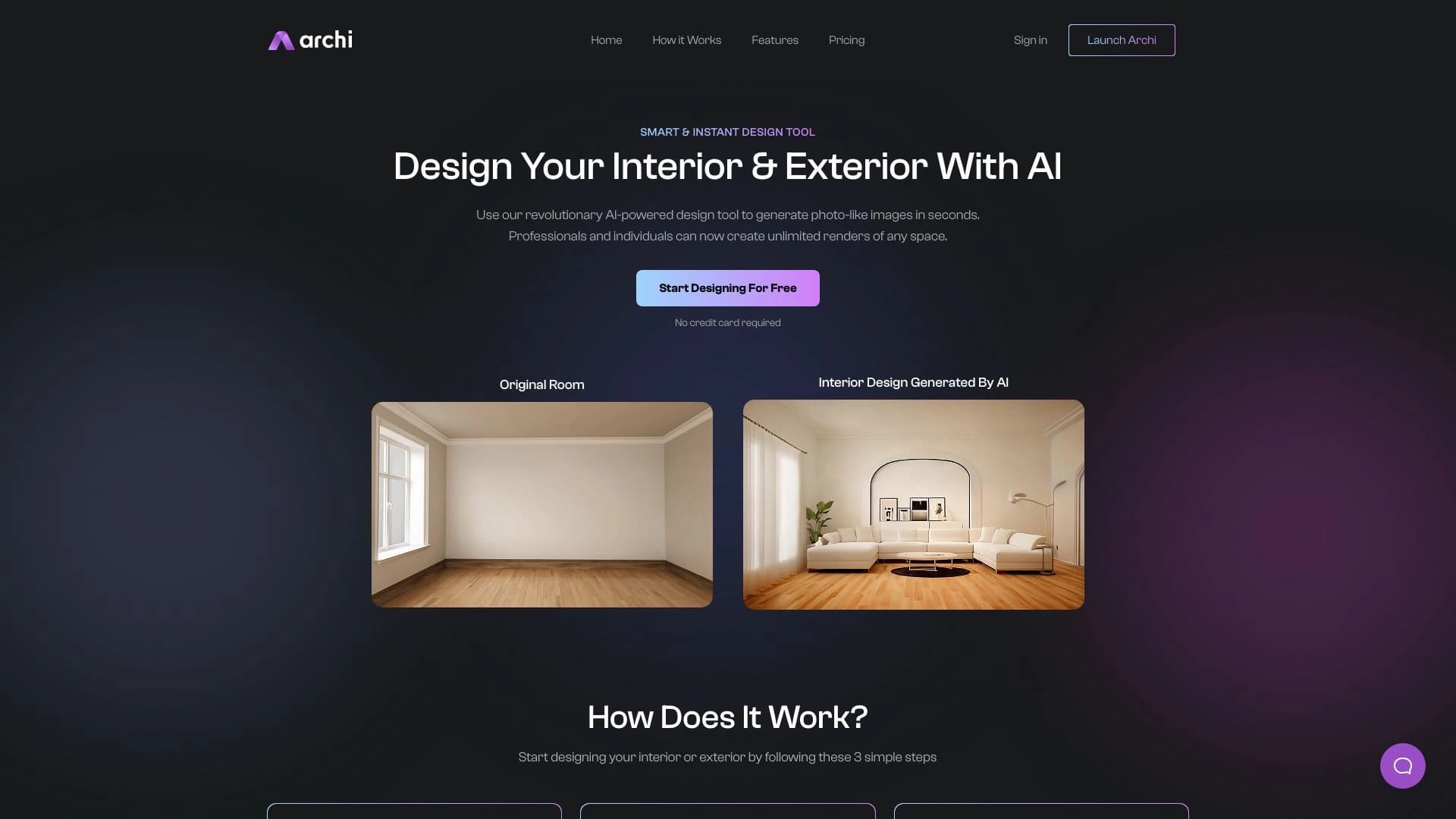
AI tool for interior and exterior designers that transforms uploaded room photos into new design images based on selected styles.


AI platform for CRM automation, call analytics, and real-time sales training.
Online platform for generating interior and exterior design with AI.
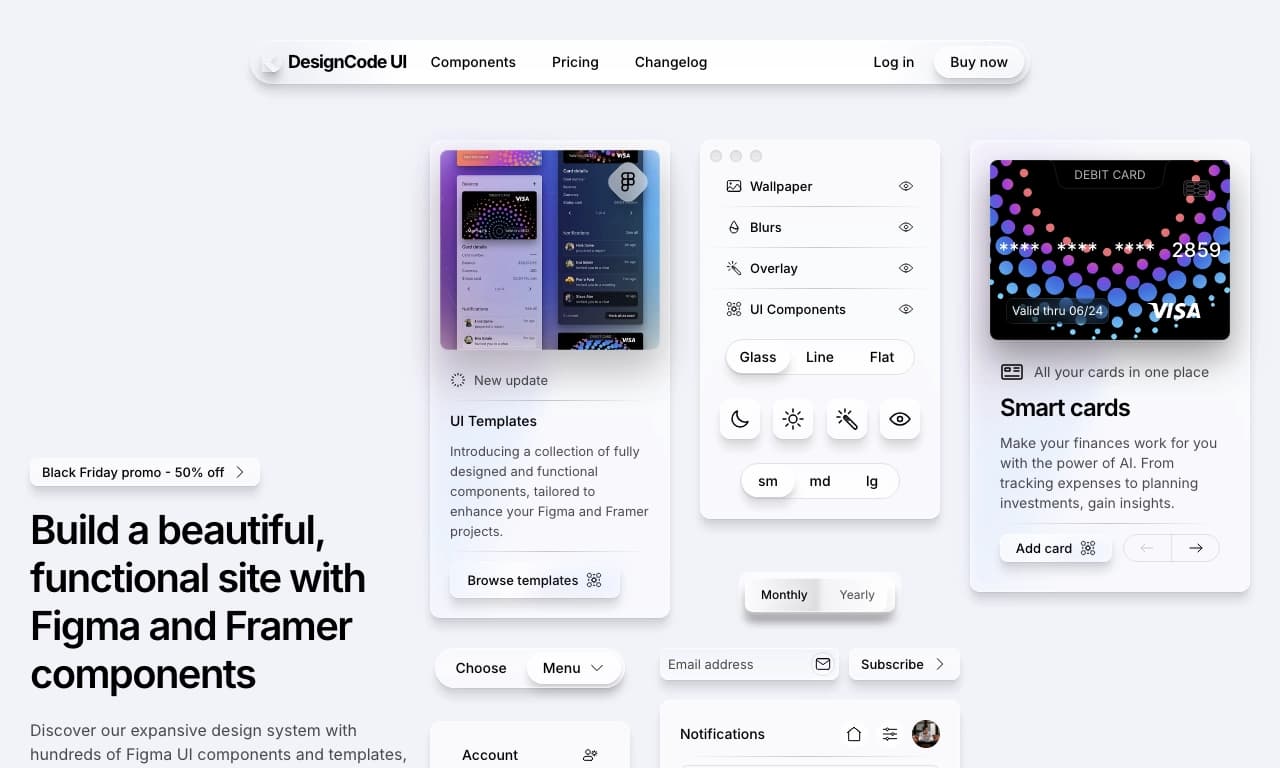

Design system for Figma with a component and template library for creating modern interfaces.
Neural network for generating three-dimensional images from a text description.