
DraftAid
Automates the creation of 2D drawings using artificial intelligence.

Overview
DraftAid Neural Network Description
DraftAid is a specialized AI-powered tool designed to automate the process of creating detailed 2D drawings. The main goal of the service is to relieve designers of the routine workload associated with preparing drafting documentation, freeing up time for more complex engineering solutions.
Instead of manually drawing every element, the user delegates this work to the neural network. The tool operates on a web platform, meaning it does not require installing heavy software on a local machine — access is provided through a browser.
How It Works and Its Purpose
The core of the service lies in interpreting source design data and automatically converting it into ready-to-use 2D drawings. This is especially relevant at the documentation preparation stage for manufacturing, where precision and compliance with standards are critical.
A key feature of DraftAid is its ability to integrate into a specialist's existing workflow. The service does not attempt to replace professional CAD systems but rather complements them by handling the most labor-intensive part of creating flat projections and views.
Key Value for the Professional Environment
DraftAid's value for the professional community is reflected in several aspects. The primary one is speed. What typically takes weeks of manual drafting work, the neural network can accomplish in minutes.
The second aspect is minimizing the human factor. During prolonged monotonous work, the likelihood of random errors, omissions, or inaccuracies increases. Automation reduces such defects to a minimum, improving the overall quality of project documentation.
DraftAid Characteristics
Below are the main technical and user characteristics of the service, based on data from open sources.
| Characteristic | Value |
|---|---|
| Type | Neural network for automating 2D drawing creation |
| Categories | Development, No Code, 3D, Architecture, Universal |
| Platforms | Web (browser-based version) |
| Editor's Rating | 8.4 out of 10 |
| User Rating | 4.3 ★★★★☆ |
| Integration | With popular 3D software |
Who Is DraftAid Suitable For?
Architects and Designers
First and foremost, DraftAid is aimed at architects who regularly need to prepare large volumes of flat drawings — floor plans, sections, facades. For this audience, the service becomes an assistant that handles the routine part of the work, allowing them to focus on the conceptual side of the project.
Development and No Code Specialists
The service's listed categories (Development, No Code) suggest that DraftAid may be useful beyond the narrow architectural segment. Specialists working with parametric modeling or process automation can use it as a tool for quickly generating technical documentation for their products.
Universal User Segment
Since the service is categorized as "Universal," it may suit a wide range of professionals working with drawings — from structural engineers to designers who need to quickly obtain an accurate flat drawing without lengthy manual drafting in a CAD environment.
How to Use DraftAid?
Web Access Without Installation
Since DraftAid operates on the Web platform, you can start using it immediately after opening the service's website in a browser. Unlike large CAD systems, no plugins or software suites need to be installed. This provides flexibility: you can work with drawings from any device with internet access.
Integration into the Workflow
The key step in usage is connecting the service to your primary 3D software. This integration allows data from 3D models to be transferred to DraftAid for automatic 2D drawing generation. This creates a convenient chain: designing in the main program, and producing documentation in the neural network.
Performing Drafting Tasks
Once connected, the user assigns the service a drawing creation task. The AI processes the source data and automates the drafting process, handling routine operations. The result is a ready-made set of 2D drawings that can be used for manufacturing parts or carrying out construction work.
Key Features of DraftAid
Automation of 2D Drawing Creation
The service's main function is the automatic creation of flat drawings. DraftAid takes on the task of generating detailed 2D views that would otherwise have to be drawn manually.
Integration with 3D Software
The service does not exist in a vacuum — it can integrate into the ecosystem of popular 3D software. This means designers do not have to export data and work in two disconnected environments. The process of transferring a model for drawing creation is automated and convenient.
Accelerating Design Processes
This feature is directly tied to the neural network's core mission. By automating routine actions and eliminating the need for manual drafting, the service significantly speeds up the overall design cycle. The neural network's data processing speed allows time costs to be reduced manifold.
Advantages of DraftAid
Time Savings on the Scale of Weeks
The most significant advantage of DraftAid is time savings. Tasks that would take weeks of painstaking work in a traditional process are solved in minutes. This allows project delivery timelines to be shortened and overall productivity of the design department to be increased.
Elimination of Drafting Errors
The human factor is inevitable during prolonged manual work. DraftAid eliminates this problem by automating drawing creation. The neural network rules out mechanical errors, inaccuracies, and omissions that inevitably arise during long, meticulous work.
Freeing Up Specialist Resources
By delegating routine tasks to the neural network, an architect or engineer gains the ability to focus on the intellectual part of the work — finding solutions, optimizing structures, and the creative component. This improves the quality of the final product and the specialist's job satisfaction.
Disadvantages of DraftAid
Dependence on the Web Platform
Since DraftAid is only available through a web interface, the stability of the service directly depends on the quality of the internet connection and server status. Designers accustomed to working autonomously in an offline environment may encounter inconveniences.
What Tasks Does DraftAid Solve?
Creating 2D Drawings for Manufacturing
The main practical task is producing a set of flat drawings that can be sent to production. Whether it's manufacturing parts, assembling structures, or construction work — DraftAid's output is ready for use on real projects.
Accelerating Design Processes
The service successfully addresses the challenge of reducing time costs at the design stage. This increases the throughput of the design team: more projects can be completed in the same time, or each one can receive more attention during the development phase.
Reducing the Number of Errors in Drawings
Using a neural network helps solve the problem of defective documentation. Applying AI to drawing creation guarantees consistently high execution quality without random flaws, reducing costs for rework and quality control.
DraftAid Pricing
Official information about pricing plans, subscription costs, the availability of a free trial period, or any specific prices for DraftAid services is currently absent from open sources.
DraftAid Terms of Use
Detailed information about the service's terms of use (license agreements, data processing rules, etc.) is not disclosed in available sources.
DraftAid Availability
Web Platform
DraftAid is available exclusively as a web service. Users do not need to install any programs on their computers — simply use a modern browser to navigate to the service's website.
How DraftAid Differs from Alternatives
In the segment of intelligent design tools, there are several services that can be considered analogues to DraftAid. These include, for example, Chad AI, AiSearh, Supster, and Visary AI.
The main difference between DraftAid and many of them lies in its specialization specifically in 2D drawings for manufacturing. While many AI tools are aimed at generating images, 3D models, or text, DraftAid purposefully addresses the narrow task of automating flat drafting.
Additionally, an important characteristic is its close integration with professional 3D software. This allows DraftAid to fit into professionals' workflows, whereas universal AI services most often require independent data preparation and are not focused on producing ready-made technical documentation as a final product.
Conclusion
DraftAid is a focused tool for automating the creation of 2D drawings in a professional design environment. Thanks to rapid documentation generation and integration with popular 3D software, it addresses the tasks of accelerating routine processes and improving accuracy — two key requirements in modern architecture and development.
Frequently asked questions
See also


Online neural network service that transforms ordinary photos into stylized artistic portraits and avatars.


Online service for creating anime images from a text description in seconds.


Online AI tool for creating deepfakes and editing images.
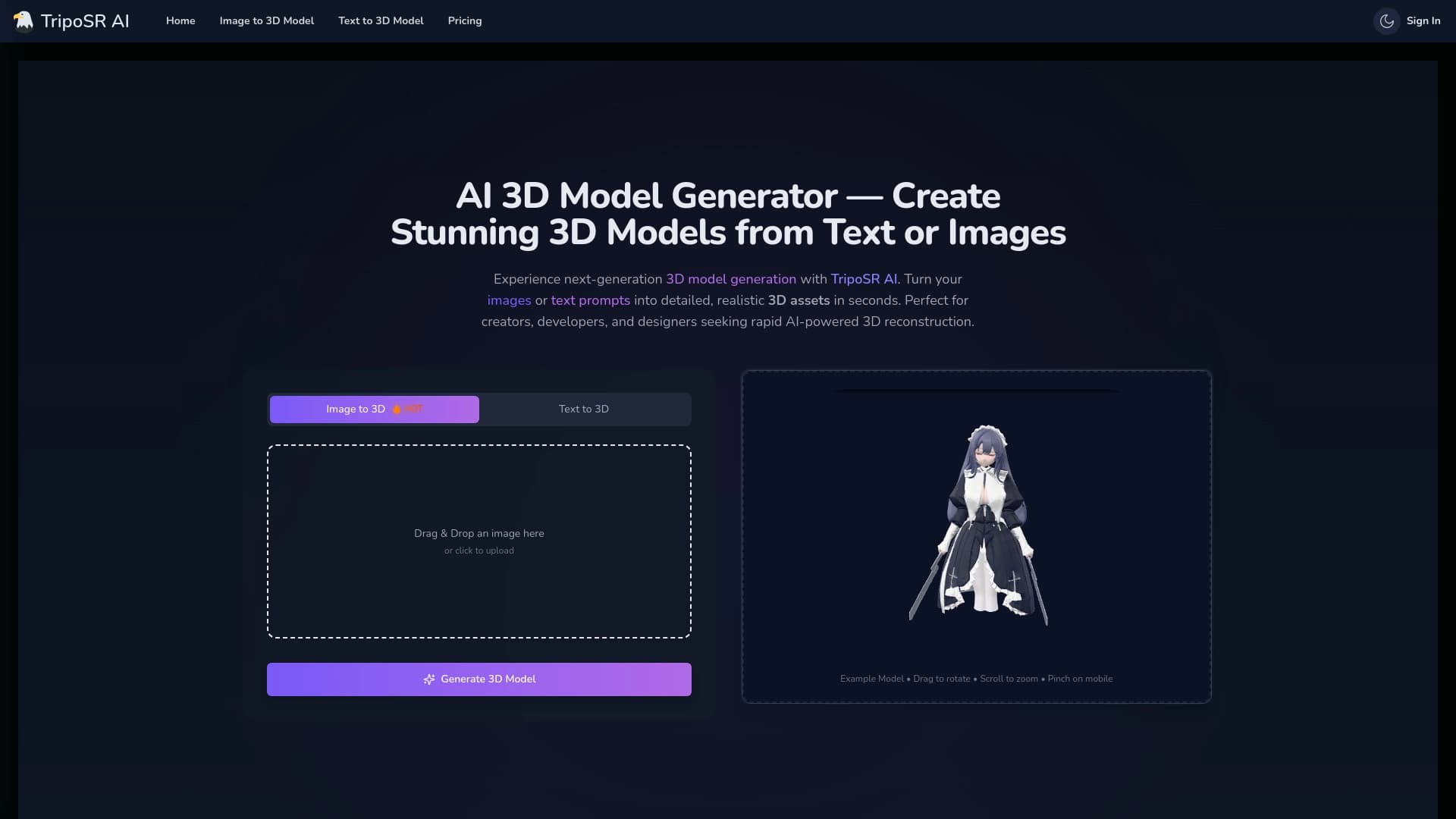

Open-source tool for quickly converting a single image into a 3D model.

Cabina AI is a unified platform for working with various generative neural networks, enabling you to create texts, images, and videos.


Online editor for removing unwanted objects, text, and defects from photos using a neural network.

Service for creating personalized avatars and photo shoots using AI based on uploaded selfies.

A neural network-powered cloud service for generating 3D models, textures, and animations from text descriptions or images.