
Deep Live Cam
Real-time face swap video creation tool.
Overview
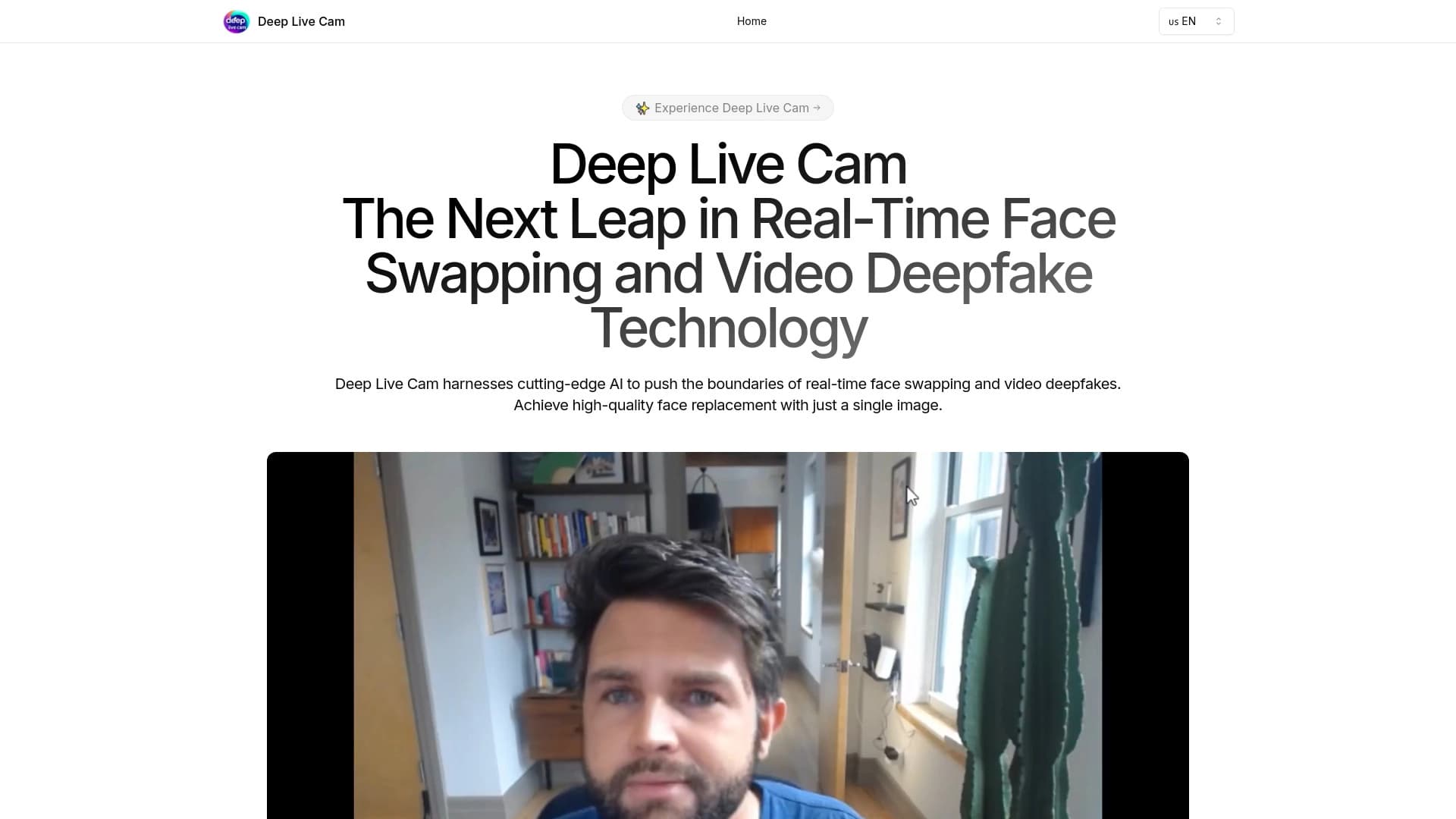
Deep Live Cam is an image synthesis tool that allows you to swap a person's face in video in real time. The project is based on what is commonly called a deepfake: a neural network analyzes facial features in the source video and overlays a different face on top, while preserving expressions, head turns, and lip movements. The tool's key feature is its real-time operation, which sets it apart from many services that process video after a file is uploaded.
The developers position the tool not as an entertainment app, but as a technology platform for content creation. The term "digital biopsy," mentioned in the source data, likely points to the initial research orientation of the image recognition algorithms; however, in the context of Deep Live Cam, the focus is on the practical application of these algorithms for video production.
The tool is designed to work with a video stream: this can be either a live broadcast via webcam or a video file streamed from disk. The user selects a donor face to be substituted for the person's face in the frame and starts the process. The system automatically tracks key facial points and performs the swap. It is important to understand that the technology does not create new video "from scratch" — it modifies an existing video stream, so the quality of the result directly depends on the lighting, angle, and resolution of the source material.
Deep Live Cam Features
| Feature | Value |
|---|---|
| Tool type | Neural network for face swapping in video |
| Operating mode | Real time (video stream) |
| Core technology | Deepfake (deep face swapping) |
| Key capabilities | Lip synchronization, facial expression tracking |
| Target audience | Bloggers, video producers |
| Distribution model | Not defined (no information available) |
| Ethical restrictions | Responsible use required |
Who is Deep Live Cam suitable for?
Video bloggers and streamers
For content creators who regularly go live or record videos with a webcam, Deep Live Cam can become a tool for experimenting with their image. For example, a blogger can change their appearance on camera without makeup or additional lighting, creating alternative characters or simply adding variety to their content. Lip synchronization helps maintain natural speech, which is critical for conversational genres.
Video producers and editors
Professionals working in post-production can use Deep Live Cam to quickly swap faces in scenes where reshoots are impossible or too expensive. This applies to both short commercials and educational materials. The tool allows you to avoid bringing a film crew back to a location and instead simply place the desired face over already-shot footage.
Developers and researchers
Since the tool's distribution model is not defined, it cannot be ruled out that some users will be interested in the technical side of the solution. Developers can use Deep Live Cam as a starting point for their own experiments with neural network algorithms, and researchers — as an example of the practical application of real-time image synthesis technologies.
How to use Deep Live Cam?
Preparing source material
You will need two videos: the main one (on which the swap will be performed) and a video with the donor face. The clearer and larger the face in both sources, the better the result. Avoid strong head turns, side lighting, and blurry frames — the neural network handles frontal angles and even lighting best.
Starting the swap process
The tool operates in streaming mode, so the user does not need to wait for processing to finish. Simply specify the path to the main video and select the file with the target face. The neural network will automatically start tracking key facial points and swapping the face in real time. Depending on your computer's power, there may be a slight delay between the source signal and the output image.
Control and adjustment
After the first pass, it is recommended to review the result and adjust parameters if necessary: change the face source, adjust the smoothing level, or fix the overlay boundaries. Since the source data does not contain detailed information about the settings, users will have to act through trial and error, relying on the visual quality of the output video.
Key Features of Deep Live Cam
Real-time face swapping
The tool's main function is swapping faces on the fly, without pre-processing the entire video. This makes it possible to use the neural network in live broadcasts and video calls.
Lip synchronization
An important feature is the automatic alignment of lip movements on the swapped face with the speech signal. This helps preserve natural articulation, which is especially important for dialogue scenes and blogs.
Facial expression and head turn tracking
The neural network can transfer not just a static image but facial dynamics — smiles, furrowed brows, turns. This is achieved by analyzing key facial points in each frame and transferring their coordinates to the target image.
Deep Live Cam Advantages
High processing speed
Real-time operation significantly saves time compared to batch processing of video files. There is no need to wait for rendering to complete — the result is visible immediately.
Versatility of use
The tool is suitable for both professional video production and amateur experiments. Flexibility is achieved through compatibility with various video sources — from files to webcams.
Technological sophistication
The use of deep learning algorithms ensures high-quality face swapping even on medium-resolution video. The tool achieves believable facial expression transfer, which sets it apart from simple sticker-like masks.
Deep Live Cam Disadvantages
Ethical risks
The tool's main limitation is its potential danger when used irresponsibly. The ability to swap faces without a person's consent can be used to create fake videos and manipulate public opinion. The source data explicitly states the need to consider ethical aspects when working with the technology.
Hardware requirements
Real-time operation places high demands on computing resources. On weaker computers, freezes and reduced image quality are possible, which limits the tool's accessibility for a broad audience.
Dependence on source quality
The result heavily depends on shooting conditions: with poor lighting, blurry images, or the presence of glasses or a beard, swap quality can significantly decrease. The tool cannot "fill in" missing facial details, so careful material preparation is required.
What tasks does Deep Live Cam solve?
The tool helps solve video content editing tasks that previously required labor-intensive special effects work. For example, swapping a stunt double's face in a stunt scene, adding a character to already-shot footage without reshoots, or creating educational videos with a personalized instructor. Deep Live Cam also addresses the need for rapid iterative edits — when a director wants to see several actor options for a role at once without assembling a full-scale film set. It is important to emphasize that the tool solves exclusively the technical task of face swapping, while content decisions about using the resulting video remain the user's responsibility.
Deep Live Cam Pricing
Based on available data from source websites, no information about the cost of using Deep Live Cam was found. The tool's distribution model is not defined, making it impossible to say definitively whether it is free, freemium, or requires purchasing a license. Potential users are advised to consult the project's official sources to clarify current pricing and access terms.
Deep Live Cam Terms of Use
Detailed information about Deep Live Cam's terms of use is not disclosed in the source data. It is only known that the materials emphasize the need to consider the ethical aspects of using deepfake technology. This suggests that the developers expect users to act responsibly and obtain consent from all individuals whose images are used. However, the exact list of prohibited scenarios and requirements for compliance with personal data laws remains unclear, so users should review the project's official documents before starting to work with the tool.
Deep Live Cam Availability
Currently, there is no public information about which platforms Deep Live Cam is available on or in what form — whether it is a web version, a desktop application, or a software module for integration with other systems. The lack of data on the distribution model and platforms makes it difficult to assess the tool's actual availability for end users. Those wishing to try the neural network should look for up-to-date information on the project's official website or in developer communities.
How Deep Live Cam differs from alternatives
Speed and operating mode
The key difference between Deep Live Cam and many other deepfake tools is its support for real-time face swapping. Most alternatives operate in batch processing mode: the user uploads a video, waits for processing (from minutes to hours), and only then gets the result. Deep Live Cam allows swapping during video capture, opening the door to interactive use cases.
Focus on synchronization
While many popular deepfake tools emphasize static image quality and detail, Deep Live Cam highlights the importance of synchronizing lip movements with speech. This makes it more suitable for conversational content — interviews, vlogs, video podcasts — compared to alternatives that may lose articulation during active speech.
Lack of public platform information
A specific feature of Deep Live Cam is the uncertainty regarding its technical specifications: nothing is known about supported operating systems, API availability, or PC configuration requirements. There is also no information on whether the tool is distributed free, freemium, or by subscription. Alternatives typically have open pages describing pricing and system requirements, while Deep Live Cam remains a "dark horse" in the market.
Conclusion
Deep Live Cam is a tool for real-time face swapping in video that uses deepfake technology. Its main strengths — processing speed and high-quality lip synchronization — can be useful for bloggers and video producers who want to experiment with visual appearance without complex post-processing. However, given open questions about the distribution model, pricing, and terms of use, as well as clearly expressed ethical risks, potential users should approach the tool with caution, carefully reviewing official information and responsibly choosing content for processing.
Frequently asked questions
See also

A multimedia AI toolkit for editing and enhancing photos, videos, and PDF documents.


Aimi is a service that automatically creates music and voiceovers for videos by analyzing the video footage.


AI service for automatically selecting music to match the mood of videos, images, or text, with legal licenses.
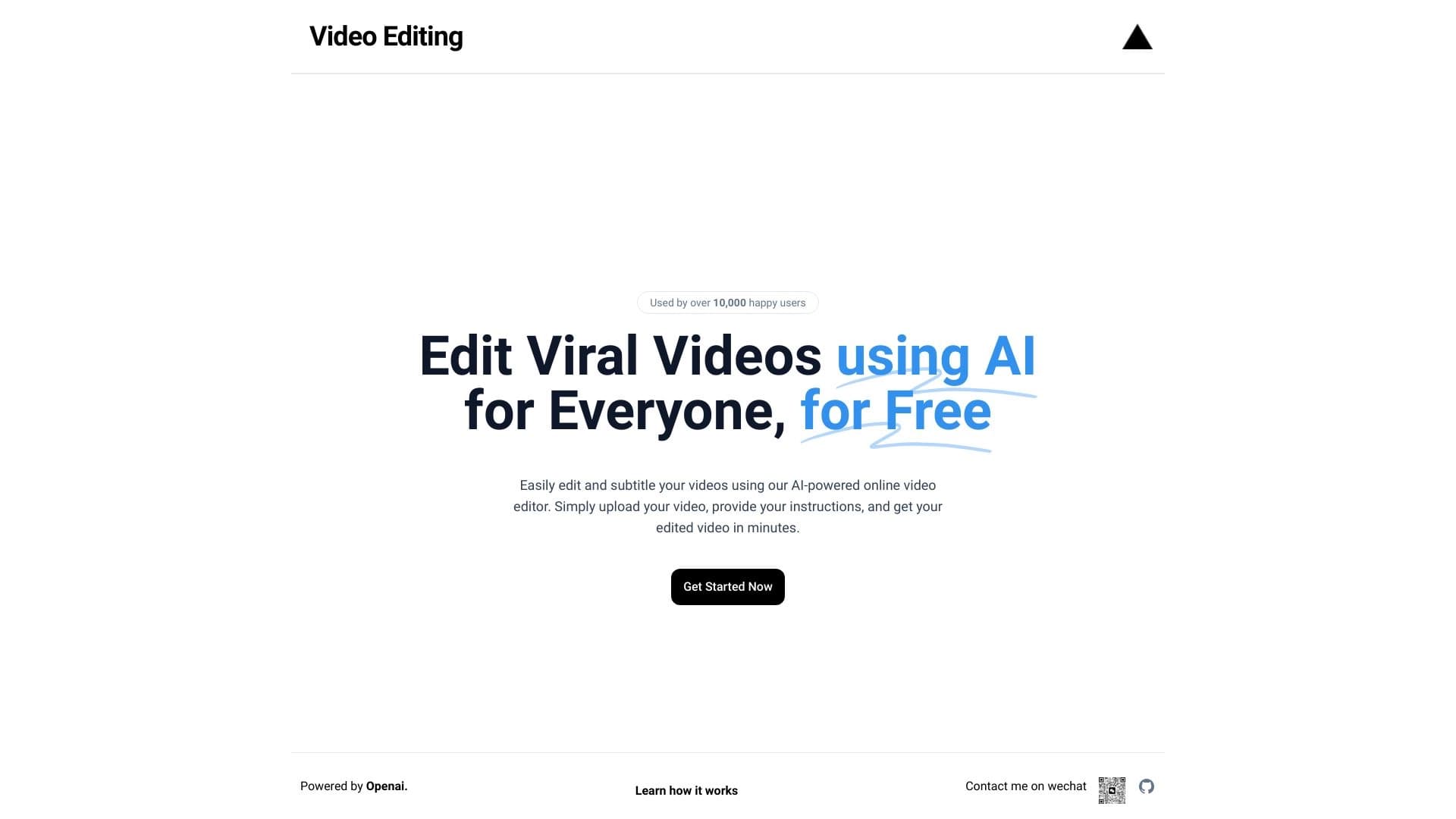
Browser-based video editor with automatic subtitles in 50+ languages and content translation.

AI platform for voice synthesis and cloning that converts text into realistic speech.

A platform for generating images, videos, and audio using artificial intelligence from text descriptions.

Service for animating photos and creating videos with digital avatars using artificial intelligence.
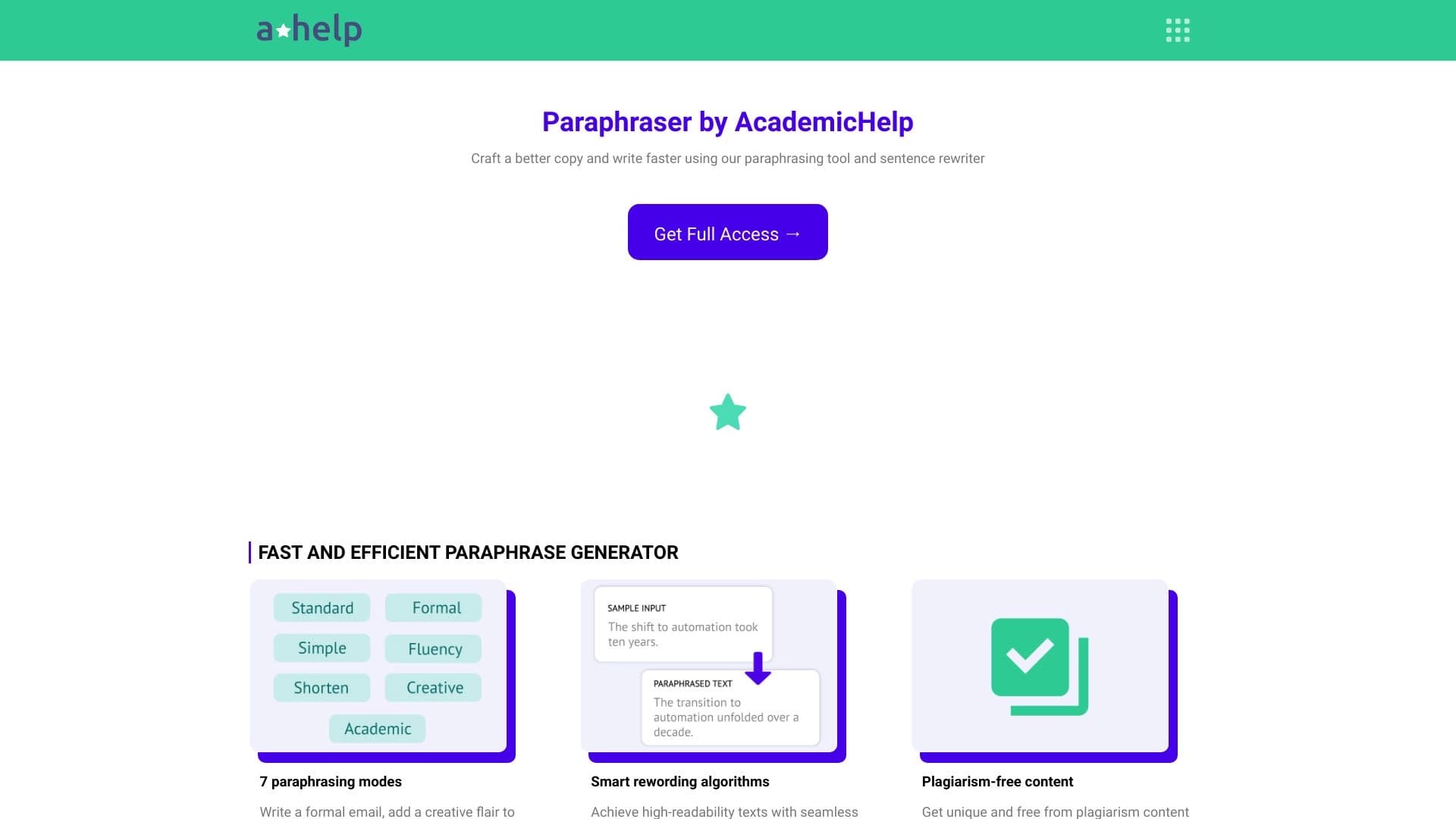

Online service for text paraphrasing with seven modes, helping you create unique content.