

Code Genius
AI assistant for developers, helping to write, improve, and test code, especially in React and Vue.js with Tailwind CSS.
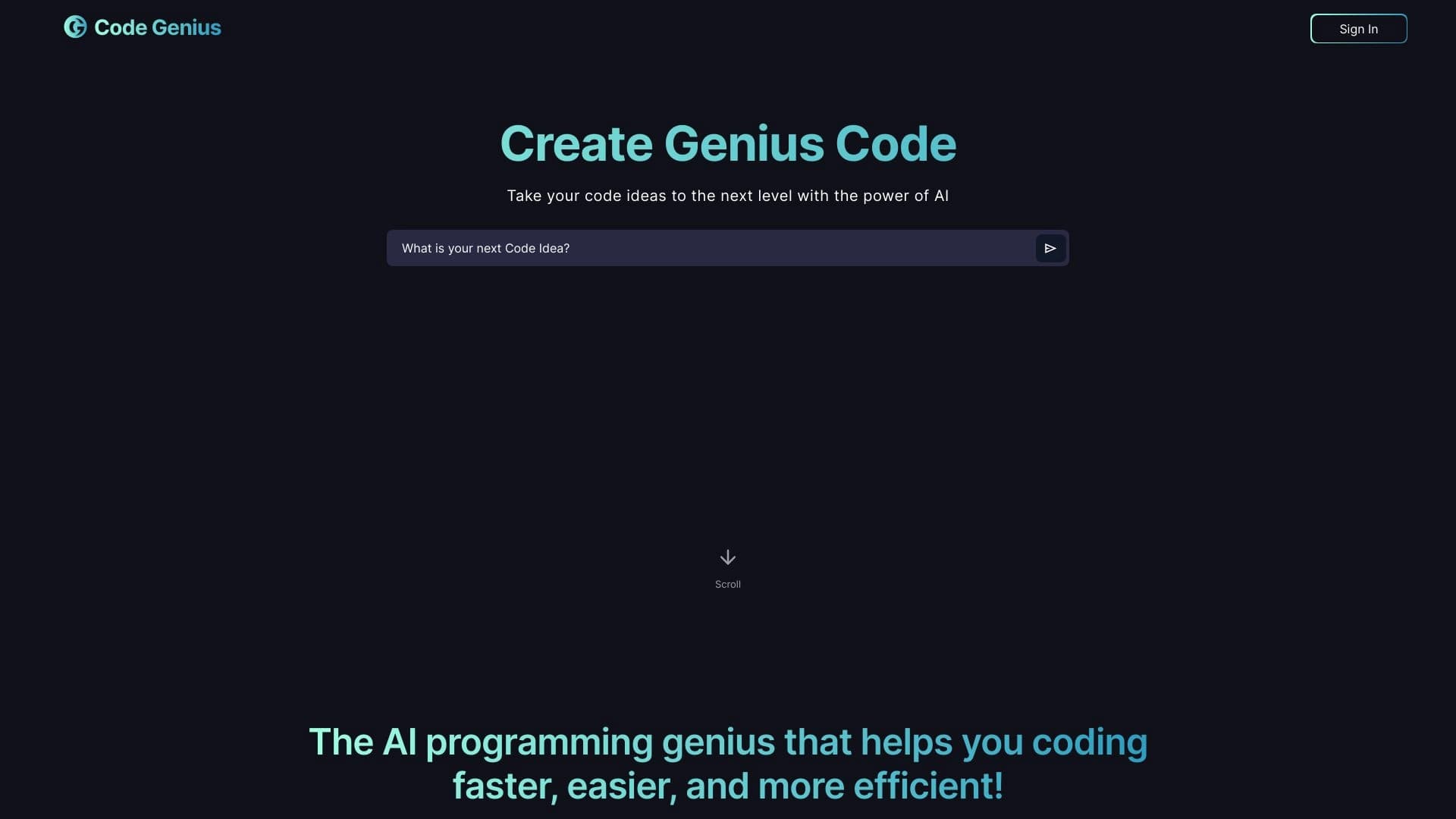
Overview
Code Genius is an AI assistant designed specifically for developers who want to speed up the coding process and improve code quality. The tool is particularly strong when working with popular frontend frameworks such as React and Vue.js, as well as the CSS framework Tailwind CSS. Instead of just providing static snippets, Code Genius works in a dialogue format: you can ask it questions, discuss architectural decisions, and get detailed answers, as if you were consulting with an experienced colleague.
The service helps solve a wide range of tasks — from generating small layout fragments to creating entire unit tests. The assistant also suggests how to improve existing code, offers refactoring options, and warns about common mistakes. In fact, it's a full-fledged "second developer" on your team, available at any time and requiring no lengthy explanations.
Key features in a nutshell
- Code generation from natural language text descriptions.
- Automatic unit test writing for your components and functions.
- Recommendations for optimizing and improving application architecture.
Code Genius characteristics
| Characteristic | Value |
|---|---|
| Type | AI assistant and code generator |
| Categories | Code assistants, Code generation |
| Core technologies | React, Vue.js, Tailwind CSS |
| Work format | Web service, chat with AI assistant |
| Website | www.code-genius.dev |
| Catalog publication date | December 30, 2025 |
| Who it's for | Developers |
| Distribution model | Not specified (unknown) |
Who is Code Genius for?
Frontend developers
The tool will be most useful for specialists who work with React, Vue.js, and Tailwind CSS on a daily basis. Code Genius understands the specifics of these technologies and can offer relevant solutions, saving time spent searching for information in documentation.
Fullstack developers
Even if you work not only with the frontend but also with the backend, the assistant is useful for quickly generating client-side logic, creating tests, and refactoring. It's a versatile helper for everyday tasks.
Developers who value a dialogue format
Unlike many tools that simply produce a result, Code Genius lets you discuss solutions. If you're used to thinking through code out loud or prefer getting explanations for every action, this format will suit you.
How to use Code Genius?
Getting started with the web service
Using Code Genius requires no additional software installation. Simply go to the official website and start a chat session. The interface is designed so that even a new user will quickly figure out how to describe a task.
Formulating tasks and iterative improvement
The main workflow is sending a text description of what you need to do. For example, you can ask to "create a product card in React with Tailwind CSS." The assistant will suggest code, and then — in dialogue mode — you can refine details, ask to change styles, or add event handling. This approach lets you get exactly the result you need.
Using it for testing and refactoring
You can also upload existing code to the chat and ask the assistant to write unit tests for it or suggest optimization options. Code Genius will analyze your code and give specific advice.
Core features of Code Genius
Code generation from descriptions
The service understands natural language requests. You describe which component or function needs to be created, and the assistant returns a ready-made fragment. This works for markup, styles, and JavaScript logic.
Unit test creation
One of Code Genius's strong points is automatic test generation. You don't need to spend time writing template test scenarios: just provide the code, and the assistant will suggest ready-made test cases you can use right away.
Smart suggestions and refactoring
The tool analyzes your code and suggests which practices are best to apply, where errors might occur, and how to optimize performance. It also offers specific refactoring options, helping make code cleaner and more maintainable.
Chat-based consultations
Instead of searching through scattered documentation, you can simply ask Code Genius. The dialogue interface lets you not only get an answer but also discuss alternative approaches or dive deeper into implementation details.
Advantages of Code Genius
Speed and performance
Code Genius reduces time spent on routine operations: writing repetitive fragments, creating tests, and checking code against best practices. Instead of spending hours, you spend minutes.
Working with an experienced mentor
The dialogue format is the main advantage. You don't just get code — you understand why it's written that way. This helps avoid common mistakes in the future and raises the developer's overall skill level.
Automating routine tasks
Writing unit tests is one of the most tedious and time-consuming tasks. Code Genius takes it on. The assistant generates tests in seconds, letting you focus on more interesting tasks like architecture design and developing new features.
Drawbacks of Code Genius
At the moment, no obvious drawbacks of the service are listed in public sources. However, it's worth noting that information about the distribution model (free, freemium, or paid) is missing. Potential users are advised to check the project's website themselves for limitations and pricing before getting started. Also, like any AI tool, Code Genius may not always perfectly understand complex context, so final code review by a developer remains necessary.
What tasks does Code Genius solve?
Speeding up code writing
The main task is generating code from text descriptions. This applies to individual components as well as larger logic fragments. The assistant helps you move from idea to implementation faster.
Ensuring code quality
Code Genius offers tips on best practices and frontend application architecture. It helps avoid common mistakes and makes code more predictable through automatic unit test generation.
Refactoring and optimization
The tool analyzes existing code and suggests ways to improve it: from minor fixes to serious refactoring. This keeps the codebase clean without extra effort.
Quick consultations
Instead of lengthy searches through documentation and forums, Code Genius gives quick answers to programming questions. This is especially convenient when you need to solve a local problem urgently or test a hypothesis.
Code Genius pricing
As of the data collection date, exact pricing information for Code Genius is unavailable. The distribution model is listed as "unknown." It's recommended to visit the official website www.code-genius.dev for current rates and terms of use. The service may offer a free trial period or a limited free version, but this cannot be confirmed without additional data.
Code Genius terms of use
Since the service's distribution model is not defined, the terms of use currently remain unclear. There is no data on whether the service requires registration, what request limits exist, or whether it's available under a corporate license. To get reliable information about the terms, you need to refer to the official documentation or the rules page on the service's website.
Code Genius availability
Code Genius is a web service hosted at www.code-genius.dev. This means all you need is any modern browser and a stable internet connection. The service requires no additional software or IDE extensions. Based on the description, the service targets an international audience, though information about supported interface languages is not disclosed. The catalog publication date is December 30, 2025.
How Code Genius differs from alternatives
Specialization in a specific stack
The main difference between Code Genius and universal AI assistants is its deep focus on React, Vue.js, and Tailwind CSS. This allows it to provide more accurate and relevant answers for frontend developers than the abstract advice from general-purpose models.
Dialogue-based communication format
While many alternatives offer one-way code generation, Code Genius is built as a full-fledged chat. You can push back, ask clarifying questions, and iterate on a solution until you're completely satisfied with the result. This blurs the line between talking to a machine and working with a live mentor.
Emphasis on testing
Automatic unit test creation sets Code Genius apart from many competitors. Not every code generation tool can quickly and effectively create tests, but here it's one of the key features.
Conclusion
Code Genius is a specialized AI assistant for web developers that focuses on a popular frontend technology stack: React, Vue.js, and Tailwind CSS. It helps you write code faster, automates the routine of creating unit tests, and offers refactoring options. Thanks to its dialogue format, the tool works like an experienced mentor: you can ask it about implementation details, discuss architecture, and get valuable recommendations. Despite incomplete information about pricing and terms of use, Code Genius looks like a useful tool for developers looking to boost their productivity and code quality.
Frequently asked questions
See also


Chrome extension that helps manage tabs, history, and bookmarks with an AI assistant.


Side AI panel that helps answer questions, work with documents, and generate images.


AI toolkit for video generation and editing, including avatars, lip-sync, and voice cloning.

AI agent for automating customer communications and support.


Platform for creating multi-agent AI systems and chatbots to automate customer support and lead generation.


Project management platform with task assignment, time tracking, and employee workload monitoring features.


Desktop AI assistant for macOS, Windows, and Linux that launches via hotkey above all windows and combines multiple language models in one interface.

A neural network-powered cloud service for generating 3D models, textures, and animations from text descriptions or images.