

Claw Code
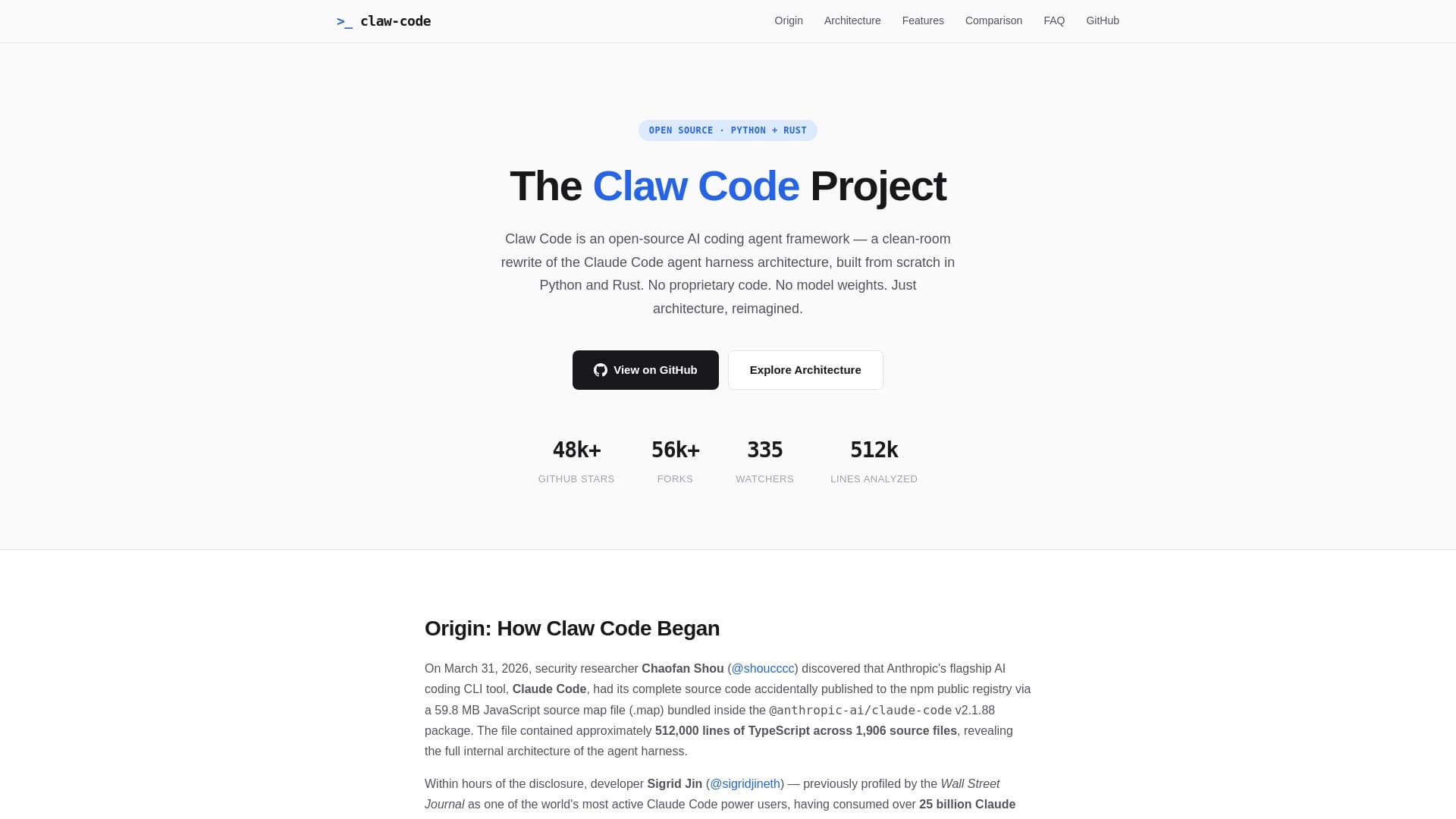
Open-source implementation of a CLI agent in Rust for working with the Claude API directly from the terminal.
Overview
Claw Code
Description of Claw Code
Claw Code is an open-source implementation of a CLI agent written in Rust, designed to work with Claude language models via the Anthropic API. The project allows sending prompts to the model directly from the command line, giving developers the ability to interact with the AI without a graphical interface or web browser.
The tool supports session-based work, configuration setup, and includes built-in diagnostics via the claw doctor command. The source code is fully open and published on GitHub, where the project repository has gathered more than 178,000 stars. Claw Code is not a product of Anthropic, but uses its API to access Claude models.
Claw Code characteristics
| Characteristic | Value |
|---|---|
| Type | CLI agent |
| Category | Developer tools, Coding assistants, Free |
| Implementation language | Rust |
| Business model | Free |
| Platform | CLI (command line) |
| First publication date | 08-04-2026 |
| Last edit date | 04-05-2026 |
Who is Claw Code suitable for?
Developers who prefer working in the terminal
Claw Code is primarily aimed at developers who are used to working via the command line and want to have quick access to the Claude language model without switching between browser windows and the code editor. The tool fits into the typical developer workflow, where the terminal is the main workspace.
Specialists who value transparency and control
The project will be of interest to those who prefer open-source software with public source code. The ability to independently study, modify, and build the tool gives developers full control over how interaction with the Claude API takes place.
How to use Claw Code?
Build and installation
To get started, you need to build the binary from the source code available on GitHub. Since the project is written in Rust, you will need the Rust compiler (rustc) and the Cargo build system installed. After cloning the repository, the build is done with the standard cargo build or cargo install command.
Configuring API access
Claw Code requires an API key from Anthropic. It can be specified in a configuration file or via the OAuth authorization procedure. After setting up authentication, the tool is ready to use.
Running prompts
The main command for sending requests is claw prompt, followed by the prompt text. The tool supports sessions, which allows maintaining a sequential dialogue with the model while preserving context. The claw doctor command is used to diagnose the system and find possible issues.
Main features of Claw Code
Command line and prompt management
Claw Code provides a full-fledged command-line interface, where the main tool is the claw prompt command. It allows sending arbitrary text queries to the Claude model and receiving responses directly in the terminal. This approach eliminates the need to use a web interface and speeds up the workflow.
Session and configuration support
The tool supports creating and managing sessions, which enables long-running dialogues with the model while preserving history. Users can configure parameters through configuration files, adapting the agent's behavior to their tasks. Mock services for testing and a container workflow for isolated work are also available.
Diagnostics via claw doctor
A separate claw doctor command is designed to check the system's health, the correctness of settings, and diagnose possible issues. This simplifies the debugging process and helps quickly identify the causes of problems when working with the tool.
Advantages of Claw Code
High performance
Thanks to its Rust implementation, Claw Code demonstrates high speed and low resource consumption. Rust is known for its performance, close to system languages, which is especially important for tools that work in the command line.
Transparency and open source
The project's source code is fully open on GitHub. Developers can study the internal logic, make changes, propose improvements, and be confident that the tool contains no hidden features or undocumented capabilities.
Configuration flexibility
Claw Code provides extensive configuration options via settings files, session support, and mock services. This allows the tool to be adapted to specific workflows and usage scenarios without being tied to fixed behavior.
Disadvantages of Claw Code
Dependence on an external API
Claw Code is not a standalone model — it acts only as a wrapper for the Claude API from Anthropic. A valid API key is required to work, and all requests are paid separately according to Anthropic's rates. If there is no internet connection or there are issues on the API side, the tool becomes useless.
Entry barrier for non-technical users
The tool requires command-line skills, knowledge of Git, and the Rust build system. Users who are not familiar with these technologies will find it difficult to install and configure Claw Code. There is no ready-made installation package or graphical interface.
What tasks does Claw Code solve?
Code analysis through the terminal
Claw Code allows developers to send code snippets for analysis to the Claude model directly from the command line. This is convenient for quickly checking logic, finding errors, or getting refactoring recommendations without leaving the editor and terminal.
Working with Claude models from the command line
The tool solves the problem of integrating Claude language models into a CLI-oriented workflow. Developers can ask questions, get explanations, generate code, and perform other typical tasks using only the terminal and the claw command.
Claw Code pricing
The Claw Code tool itself is distributed completely free — its business model does not involve any payment for use. However, working with it requires an Anthropic API key, access to which is provided under Anthropic's terms. Expenses will consist solely of the cost of requests to the Claude API at Anthropic's current rates.
Terms of use of Claw Code
To use Claw Code, you need to build the binary from the source code available on GitHub
Frequently asked questions
Similar AI tools

See also


AI toolkit for video generation and editing, including avatars, lip-sync, and voice cloning.


Chrome extension that helps manage tabs, history, and bookmarks with an AI assistant.


Desktop AI assistant for macOS, Windows, and Linux that launches via hotkey above all windows and combines multiple language models in one interface.

AI agent for automating customer communications and support.


Platform for creating multi-agent AI systems and chatbots to automate customer support and lead generation.


Project management platform with task assignment, time tracking, and employee workload monitoring features.
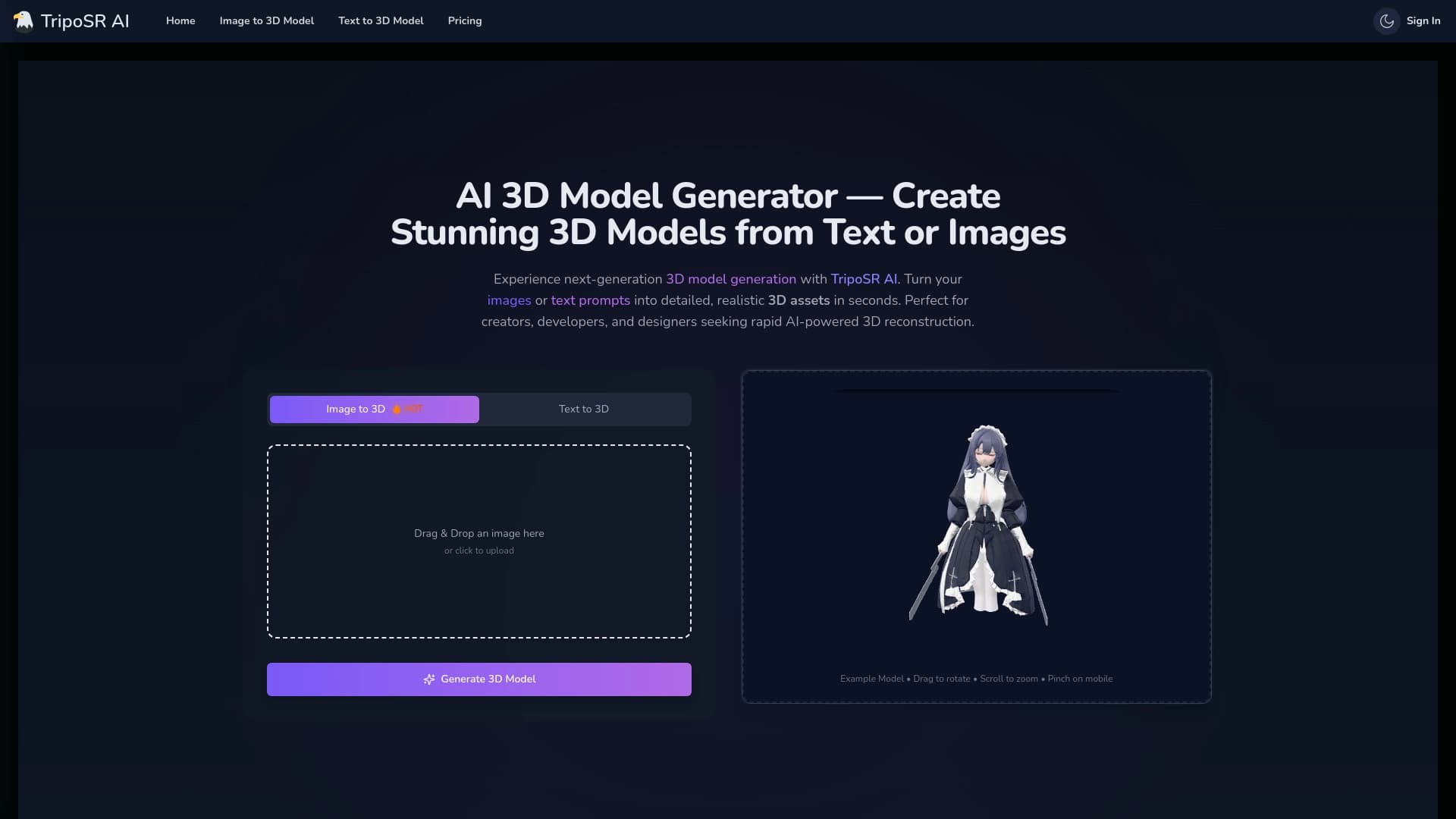

Open-source tool for quickly converting a single image into a 3D model.


Side AI panel that helps answer questions, work with documents, and generate images.