

Cheeta
Cheeta is an AI widget for macOS that lets you edit and improve text in any app via hotkeys.
Overview
Cheeta is a compact AI widget for the macOS operating system that lets you edit and improve text right on top of any running application. The tool doesn't require switching between windows or tabs: just invoke it with a keyboard shortcut, and an input field appears where you can type or paste text.
The service is powered by several artificial intelligence models that handle a wide range of tasks. Cheeta helps adjust the tone of a message, simplify complex phrasing, make text more polite or formal, and improve the overall quality of written communication. Users also have access to more than 50 ready-made scenarios covering various real-life situations — from business correspondence to social media posts.
Cheeta's key feature is the minimal time between the need to improve text and getting the finished result. The tool runs in the background and is available at any moment when you're typing in any app on your Mac.
Cheeta Features
| Feature | Value |
|---|---|
| Type | AI widget |
| Platforms | macOS |
| Categories | Proofreading and editing, text enhancement (style improvement) |
| Number of scenarios | More than 50 |
| Invocation method | Keyboard shortcut |
| Models used | Multiple AI models |
| Website | cheeta.app |
Who is Cheeta for?
Cheeta is aimed at Mac users who regularly work with text and need to achieve quality results quickly. The tool's primary audience is professionals who handle active business correspondence.
Office workers and managers
The tool is useful for anyone writing work emails to colleagues, clients, and management. Cheeta helps express ideas more clearly, soften the tone if a message comes across too harshly, or conversely — add more formality to the text when needed.
Freelancers and remote workers
For those who communicate extensively via messengers and email, Cheeta acts as a style assistant. Quickly summoning the widget over any app lets you fix a message before it's sent.
Users who want to save time
If correspondence takes up a significant part of the day and switching between tabs to check text eats up time, Cheeta helps cut down routine operations and focus on substance rather than form.
How to use Cheeta?
Summoning the widget
Working with Cheeta starts with pressing a keyboard shortcut. The widget appears on top of the active application, so you don't need to interrupt your work or open a separate service in the browser.
Entering text and choosing a scenario
In the window that opens, type or paste the text you want to improve. Then choose one of more than 50 built-in scenarios. They cover categories such as work messages, notes, legal phrasing, social media posts, and other common tasks.
Applying the scenario
Once a scenario is selected, the AI processes the text according to the specified style and task. You get a finished rewritten version that can be copied and used in the original application.
Key Cheeta features
Quick keyboard access
Cheeta's core feature is instant widget invocation via a keyboard shortcut. This completely eliminates the need to switch between windows and tabs, which is especially important during heavy correspondence.
More than 50 ready-made scenarios
The service offers a broad set of preset configurations for different text types. These include business letters, notes, official requests, social media copy, and other formats. You don't need to manually adjust settings for each task.
Support for multiple AI models
Cheeta uses several AI models, enabling more flexible and accurate paraphrasing and text editing. Depending on the selected scenario, the tool picks the most suitable model to achieve the best result.
Cheeta advantages
Convenience and speed
Cheeta's main advantage is that there's no need to switch between windows. The widget works on top of any application, making the text improvement process nearly instantaneous. This saves time and reduces cognitive load.
Quality of phrasing
The tool helps make text clearer, more polite, or more formal in seconds. Cheeta is useful for proofreading, softening tone, simplifying complex phrases, and leveling out the overall style of business communication. For people who regularly interact with colleagues, clients, or managers, this reduces the risk of awkward wording.
Versatility
Thanks to the large number of scenarios, Cheeta suits a wide variety of tasks: from quickly fixing a work email to preparing a legal phrase or a social media post. The tool is a universal assistant for everyday writing.
Cheeta drawbacks
Limited platform
Cheeta's main drawback is that it's available exclusively on macOS. Windows, Linux, or mobile users won't be able to use this tool. It's also unclear whether support for other platforms is planned in the future.
Unknown pricing policy
No information is available about Cheeta's cost. It's unclear whether there's a free version, a trial period, or what pricing plans are offered. This can be a significant factor when deciding whether to purchase.
Dependence on keyboard shortcuts
While keyboard control is an advantage, users who aren't used to working with keyboard shortcuts may need time to adapt. Also, if custom shortcut configuration isn't available, it could be a limitation for some use cases.
What problems does Cheeta solve?
Fast text improvement and editing
Cheeta's main purpose is quick text editing in any application. You can copy a poorly worded sentence, paste it into the widget, and get an improved version within seconds.
Adjusting message tone
The same phrase can sound different depending on tone. Cheeta lets you rephrase text into a more polite or formal form, which is especially important for business correspondence with colleagues, clients, and management.
Simplifying complex phrasing
The tool helps eliminate complex and convoluted phrases, making text more understandable. This is useful both for work documents and personal notes.
Preparing text for different purposes
Cheeta handles emails, social media posts, notes, and legal phrasing. The available scenarios let you adapt text to specific requirements and formats.
Cheeta pricing
Currently, no pricing information is available for Cheeta. It's unknown whether the tool is distributed free, via subscription, or as a one-time purchase. There's also no data on possible pricing plans or a free trial period.
It's recommended to visit the official website cheeta.app for up-to-date pricing information or to contact the developers to clarify terms of use.
Cheeta terms of use
Details about Cheeta's terms of use are also not disclosed in public sources. Requirements for the macOS version, minimum device specifications, the need for account registration, and the privacy policy regarding personal data and user content are all unknown.
Before using Cheeta, you should review the user agreement, which is likely available on the developer's official website cheeta.app.
Cheeta availability
Cheeta is available only on devices running macOS. The tool is built as a widget and integrates with the operating system so it can display on top of any application.
Official project website: cheeta.app.
No information about versions for other operating systems has been provided at this time.
How Cheeta differs from alternatives
Several tools on the market solve similar tasks — improving text with AI. Among Cheeta's alternatives are StealthZero, Wispr Flow, TextPlus, Zoho Writer, ONLYOFFICE AI, and Robotext.
Cheeta's main difference from many competitors is its approach to workspace integration. The widget works on top of any application and doesn't require opening a separate window or browser. Invocation via keyboard shortcut makes the editing process seamless: you never leave your working environment.
Additionally, having more than 50 built-in scenarios sets Cheeta apart from tools that only offer free-form prompt input. Scenarios let you quickly handle common tasks without having to formulate an AI request manually every time.
Support for multiple AI models can also be an advantage, as it allows the tool to choose the optimal approach to text processing depending on the task at hand.
Conclusion
Cheeta is a practical AI widget for macOS that solves the problem of fast, high-quality text editing in any application. Thanks to keyboard shortcut invocation, overlay display above all windows, and more than 50 ready-made scenarios, the tool is aimed at users who value their time and want to improve their business and everyday correspondence. With AI, Cheeta helps adjust tone, simplify phrasing, and level out communication style. However, the lack of pricing and terms-of-use information, as well as the macOS-only limitation, may require additional research before deciding to adopt the tool in daily practice. Up-to-date information about Cheeta's capabilities and availability should be sought on the developer's official website.
Frequently asked questions
See also
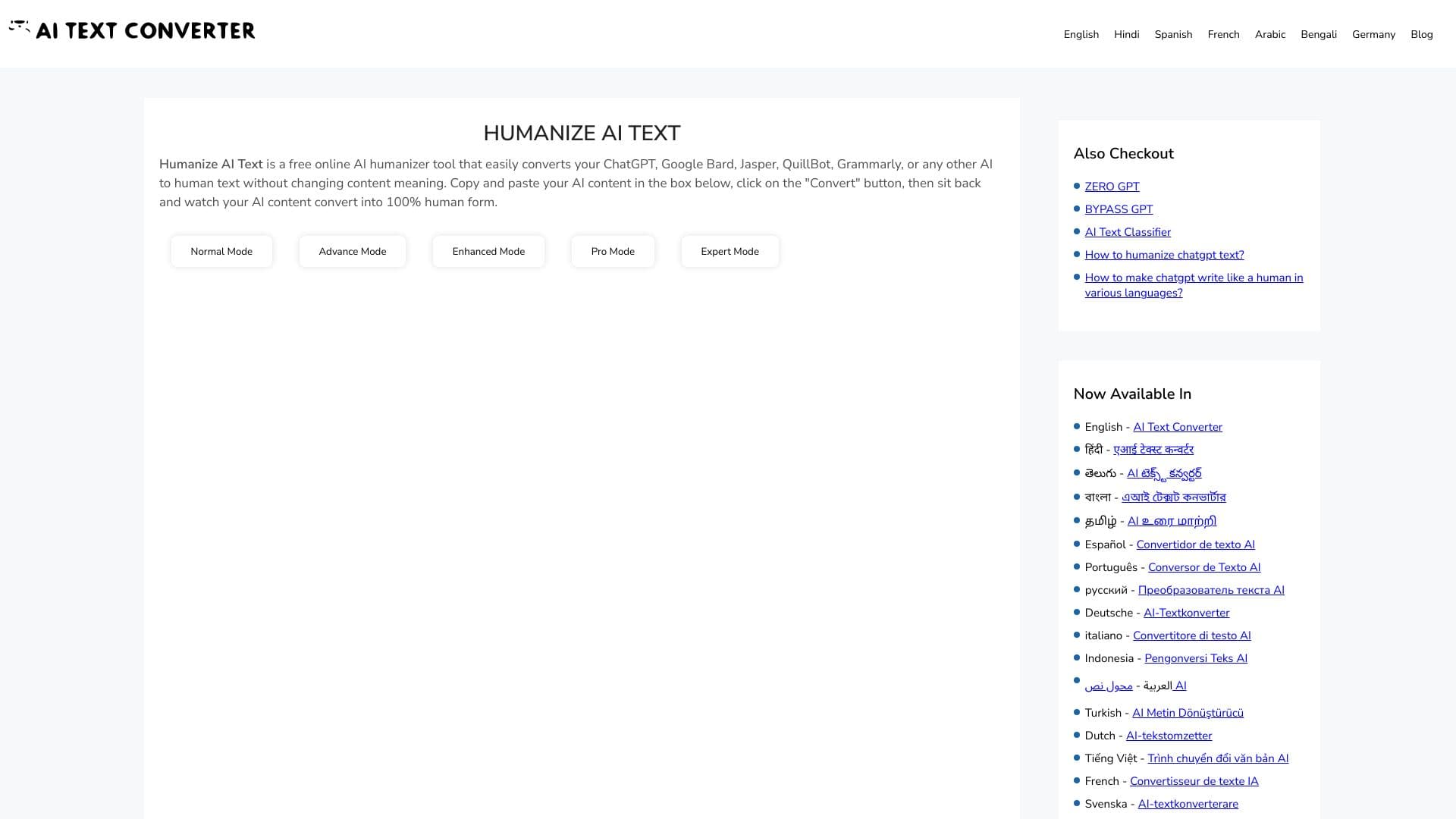
Web service for making AI-generated texts look more natural and human.


Service for quickly generating e-books on a given topic.


Service for tracking brand mentions in generative AI responses.


A platform for creating corporate chatbots based on your own documents without coding.


Chrome extension that helps manage tabs, history, and bookmarks with an AI assistant.


AI assistant for quickly creating and editing texts in various formats.

A presentation creation service that uses multiple AI agents for information gathering, design, and data analysis.
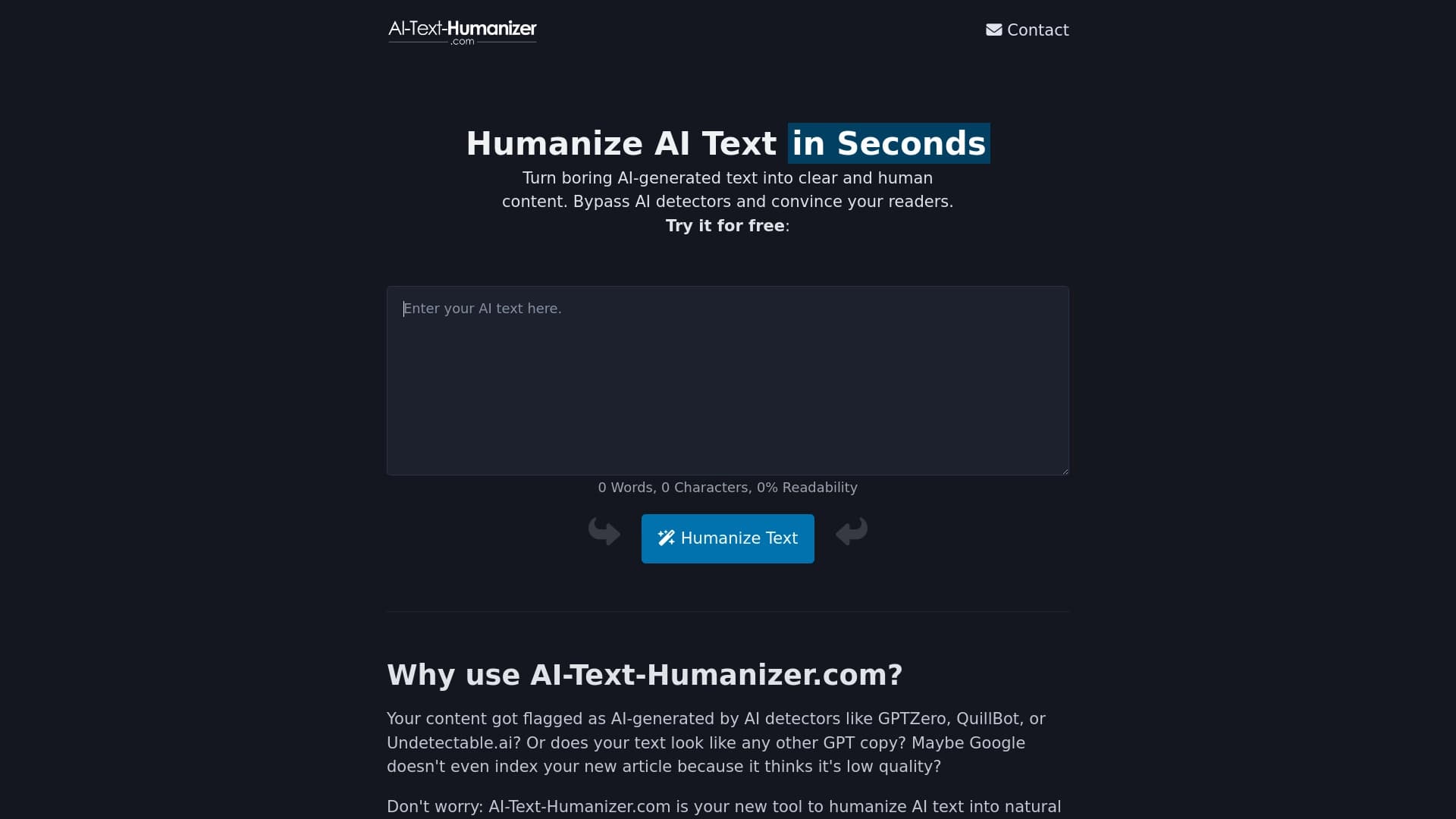
An online service that reworks text created by a neural network to make it sound natural and undetectable by AI detectors.