
AI Text Converter
Web service for making AI-generated texts look more natural and human.
Overview
AI Text Converter Neural Network Description
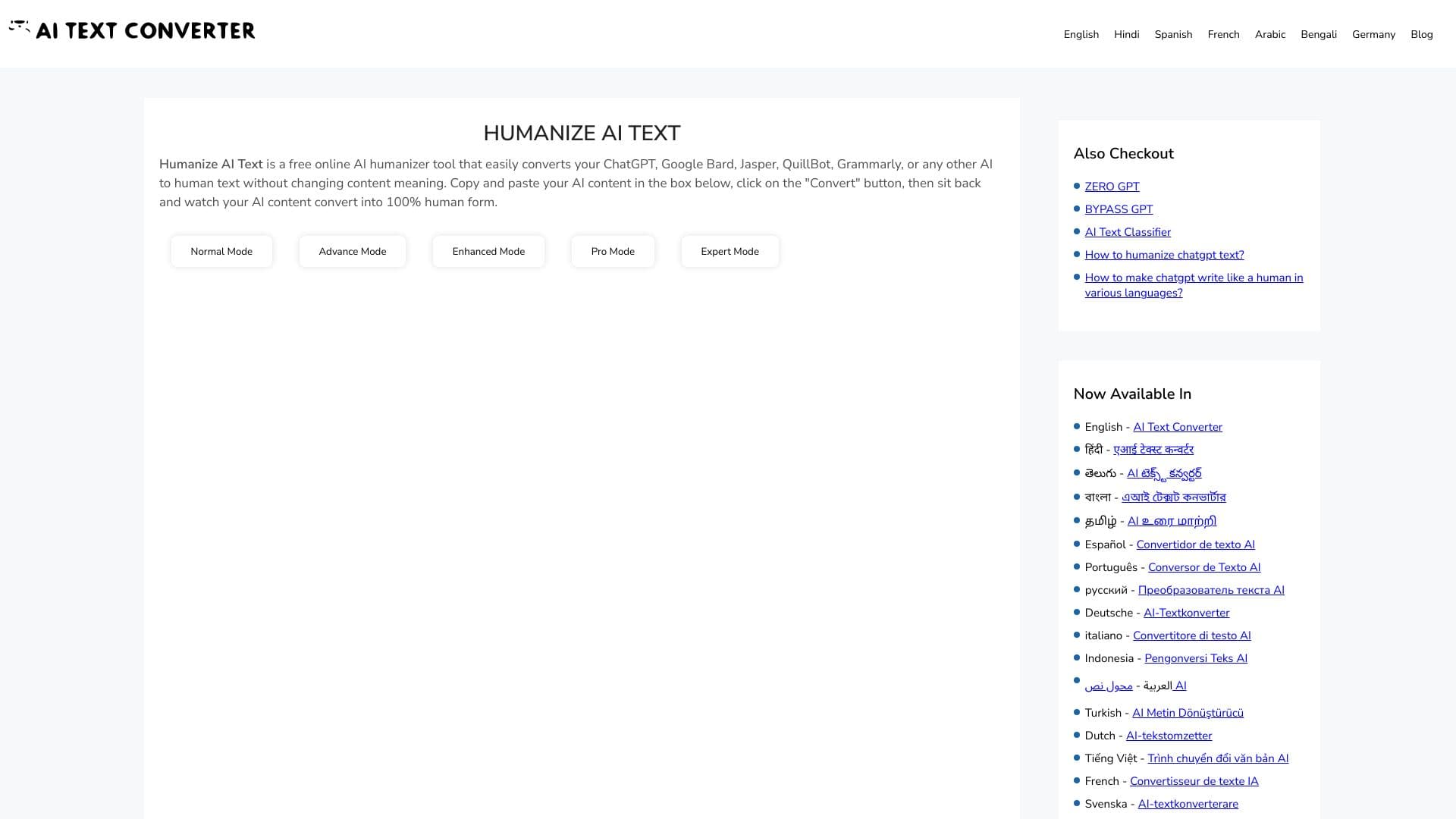
AI Text Converter is a web service that solves a specific and increasingly relevant problem: making texts generated by neural networks less "machine-like" and more natural. If you have ever read a response from ChatGPT or similar models, you have noticed their characteristic style — too smooth, predictable, with repetitive phrasing. AI Text Converter aims to remove this template-like quality.
The service works online and requires no installation. It takes ready-made text created by artificial intelligence and reworks it into a more lively form, similar to how a human writes. The tool supports multiple languages, which expands its scope of application. Essentially, it is a kind of "polisher" for drafts you receive from a neural network.
AI Text Converter Features
| Feature | Value |
|---|---|
| Type | Online tool |
| Category | Rewrite text, Improve text, Universal |
| Platforms | Web |
| Rating | 4.3 ★★★★★ |
| Editor's rating | 8.6 out of 10 according to NeuroFolder criteria |
| Language support | Multilingual |
Who is the AI Text Converter neural network suitable for?
Copywriters and content managers
Professionals who work with texts daily often use neural networks to generate drafts. AI Text Converter helps quickly remove the recognizable "signature" of AI so that publications look more organic and are not detected by automated detectors.
Bloggers and website owners
If you need to publish articles regularly but want to save time, the stage of processing generated content becomes critically important. The service suits those who run blogs and strive to maintain a lively style of communication with their audience.
Students and researchers
Although the use of AI in academic settings is controversial, many students use neural networks to prepare rough drafts. AI Text Converter can help bring such texts to a more natural form if required by the terms of the work (however, it is important to remember academic integrity).
Marketers
Creating landing pages, email newsletters, and social media posts often requires a "human" tone. Processing texts through the converter makes materials warmer and less formal.
How to use the AI Text Converter neural network?
How it works
Using the service is fairly straightforward. You do not need to register or figure out complex settings. Simply copy the text you want to process and paste it into the appropriate field on the website. The service will process it and return the modified version to you.
Practical tips
Processing texts of medium length works best. Too-short phrases (one or two sentences) may not give the service enough context for quality changes. It is also worth double-checking the result: sometimes the algorithm may shift semantic emphasis, so you should still do a final proofread yourself.
Access to the service
The service is web-based and accessible through any browser. No installation is required, and it works on any device with an internet connection.
Key features of AI Text Converter
AI content transformation
The main function of the service is turning text created by a neural network into a more natural version. This is expressed in changing typical phrases, reducing bureaucratic language, and generally making the material more "alive."
Rewriting
You can use the tool not only for processing AI texts but also as a classic rewriter. It helps rephrase sentences, change paragraph structure, and present the same idea somewhat differently.
Multilingual support
Despite the simple interface, the service is designed to work with multiple languages. This makes it suitable for processing content in Russian as well as other common languages.
Improving existing texts
Beyond simple rewriting, the tool can act as an "editor." It cleans up rough edges and makes text more readable, which is useful if the source material was not written very well.
Advantages of AI Text Converter
- Ease of use. No need to understand algorithms or settings — just paste the text and get the result.
- Multilingual. The ability to process texts in several languages makes the tool flexible.
- Versatility. The service can be used both for rewriting and for improving the quality of already finished materials.
- Online access. No software installation is required; everything works through the browser.
- High user ratings. A rating of 4.3 stars and an editor's score of 8.6 out of 10 indicate that the service generally handles its tasks well.
Disadvantages of AI Text Converter
- Need for verification. Artificial intelligence is not perfect, and semantic distortions may remain after processing; manual review of the result is required.
What tasks does AI Text Converter solve?
Task 1: Rewrite text
The main application is rewriting existing material. Whether it is an article, news piece, or product description, the service helps rephrase content while preserving its essence but changing the form of presentation.
Task 2: Improve text
The tool also solves the task of improving material quality. It helps eliminate excessive dryness, making the text smoother and more natural to read.
Task 3: Mask AI traces
In conditions where many editorial offices and platforms have started using AI detectors, the task of "humanizing" text has become central for many users. AI Text Converter removes typical neural network markers, making the text indistinguishable from human-written content.
AI Text Converter Pricing
Currently, there is no precise and up-to-date information available in open sources about the cost of using the service. Catalog authors and reviewers do not publish details on whether the service is fully free, has a free tier with limitations, or operates exclusively by subscription. Most likely, the distribution model may be freemium or subject to change over time.
It is recommended to check current pricing directly on the official website of the service, as this information is absent from the source data.
Terms of Use for AI Text Converter
The exact terms of use (whether registration is required, limits on text volume, or restrictions on request frequency) are not disclosed in available sources. As with pricing, we have no precise data on whether an account needs to be created.
However, judging by the general description of a simple web tool, it can be assumed that registration may not be required for one-off tasks, but it may be introduced for regular use. We recommend referring to the privacy policy and terms on the service's website for accurate information.
Availability of AI Text Converter
The main platform for operation is a web browser. This means the tool is available on any device — desktop computers, laptops, and possibly tablets — where there is internet access.
Comparison of AI Text Converter with alternatives
There are several tools on the market with similar functionality. Among the closest alternatives are Smodin, Online GPT, Writefull Academizer, QuillBot, and GPTinf.
The main difference of AI Text Converter lies in its specialization in "humanizing" content. While QuillBot or Smodin are more classic rewriters focused on rephrasing and synonymization (though they also have simplification modes), AI Text Converter is aimed specifically at removing the template structures characteristic of generative models. It "smooths out" the rhythm of text often produced by GPT models, making it more lively and less uniform.
Unlike Writefull Academizer, which is tailored to academic style, this service is more universal. Compared to GPTinf, it stands out primarily for its simpler interface and overall ease of use, possibly at the expense of less flexible settings. Essentially, it is a "paste-and-get" tool, while many alternatives offer a choice of processing modes. The final choice depends on what matters more to you: speed and simplicity (AI Text Converter) or fine-tuning capabilities (QuillBot with its modes).
Conclusion
AI Text Converter is a narrowly specialized but very useful tool for anyone actively generating content with neural networks. Its main value lies in the simplicity of solving a specific problem: giving text a natural look and removing recognizable AI traces. It does not try to be a multifunctional all-in-one tool but does one task well.
The need for manual verification of results is typical for many AI tools. Judging by the editor's and users' ratings, the tool works and solves its tasks. If you need to quickly and without unnecessary hassle process text from a neural network, AI Text Converter is worth trying. This becomes especially relevant if your work involves mass text production or if the platforms where you publish have started actively using AI detection tools.
Frequently asked questions
See also

Generative platform for real-time AI-powered image and video creation and editing.

Catalog of AI tools with educational materials and guides for selecting neural networks.
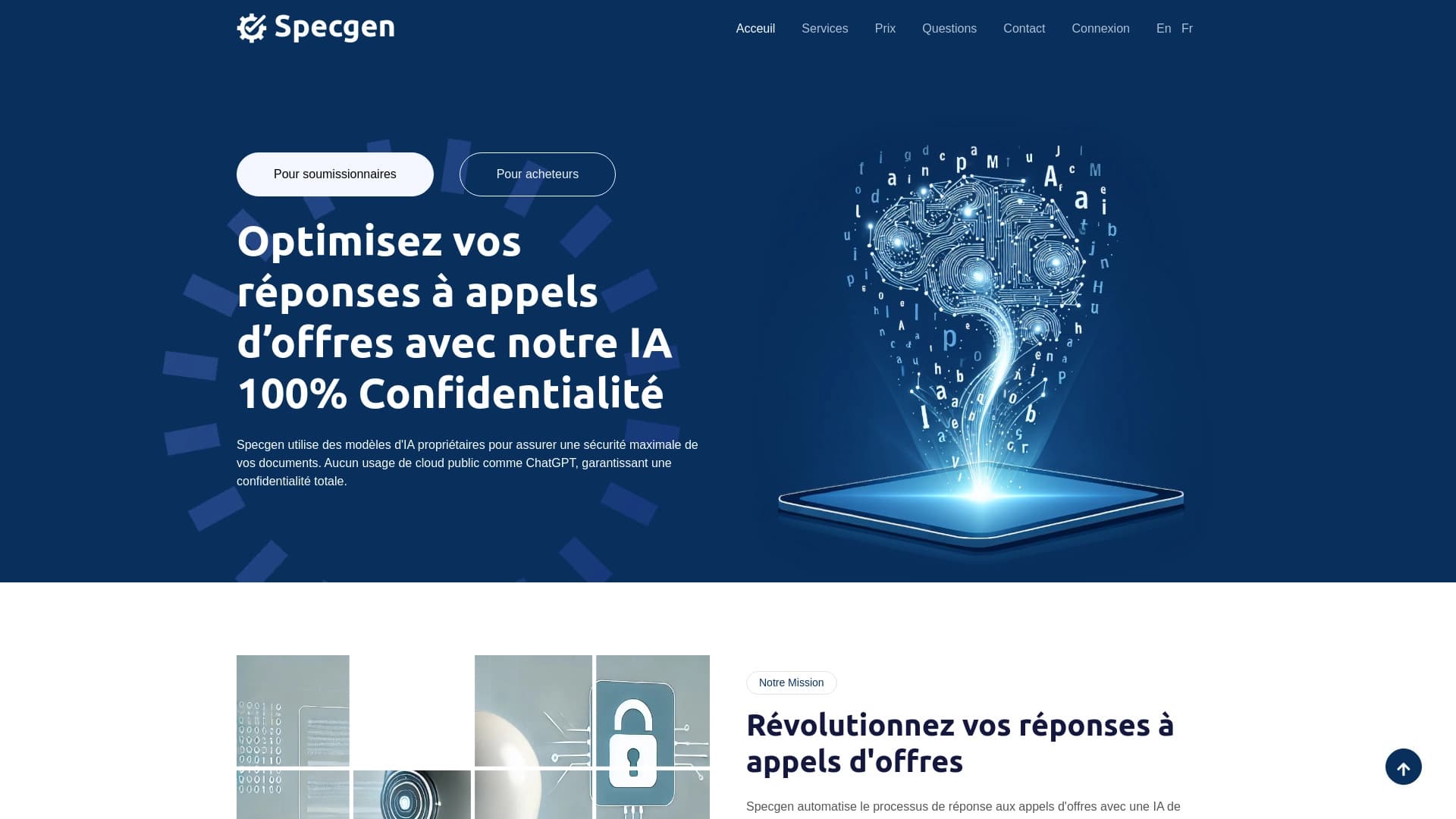
AI tool for optimizing tenders applications and responses to requests for proposals.
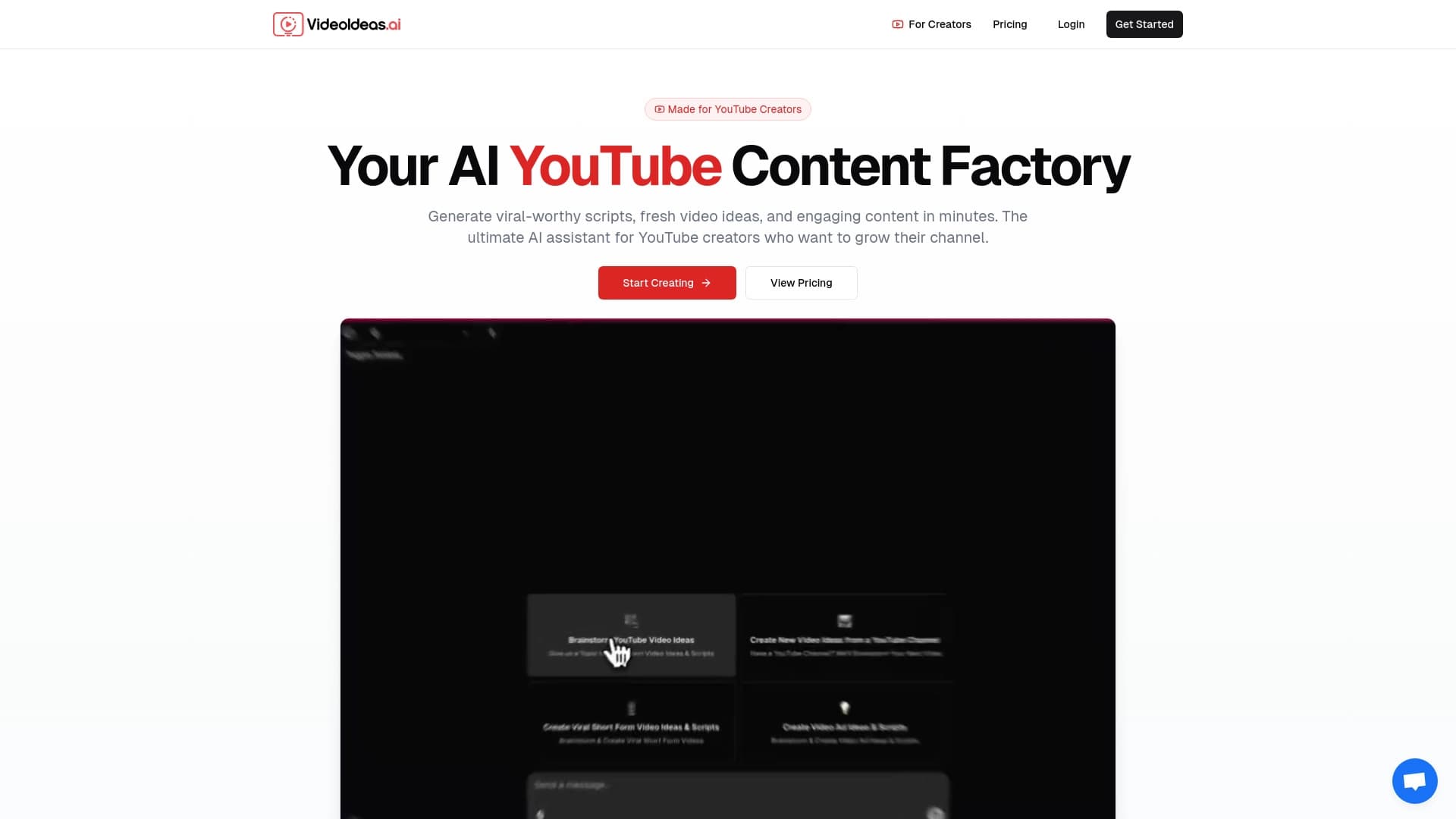

AI Assistant for YouTube Authors generating Ideas and scripts for the video.
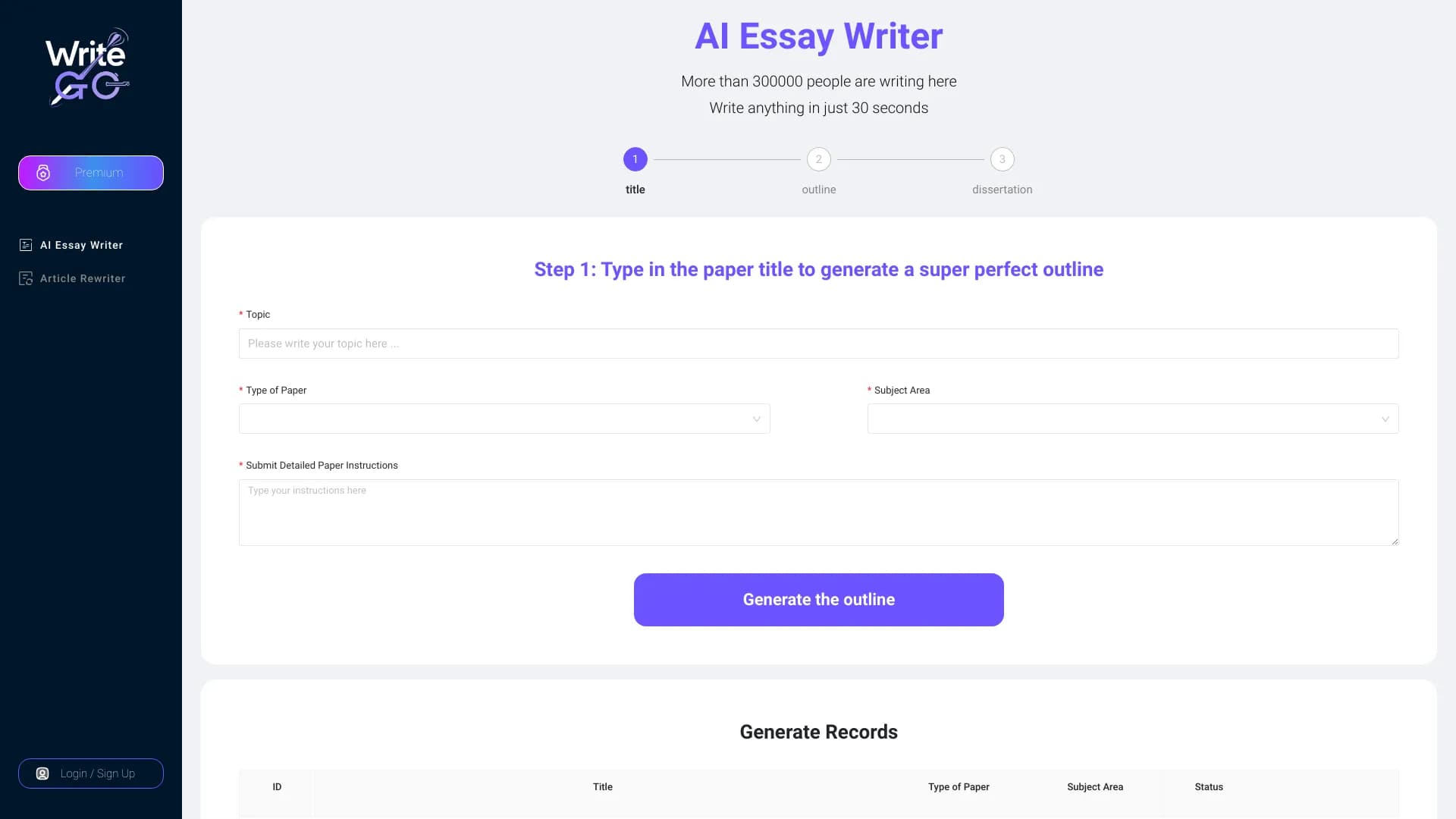

WriteGO.AI is an AI writing platform improvement academic texture and the content for different targets.
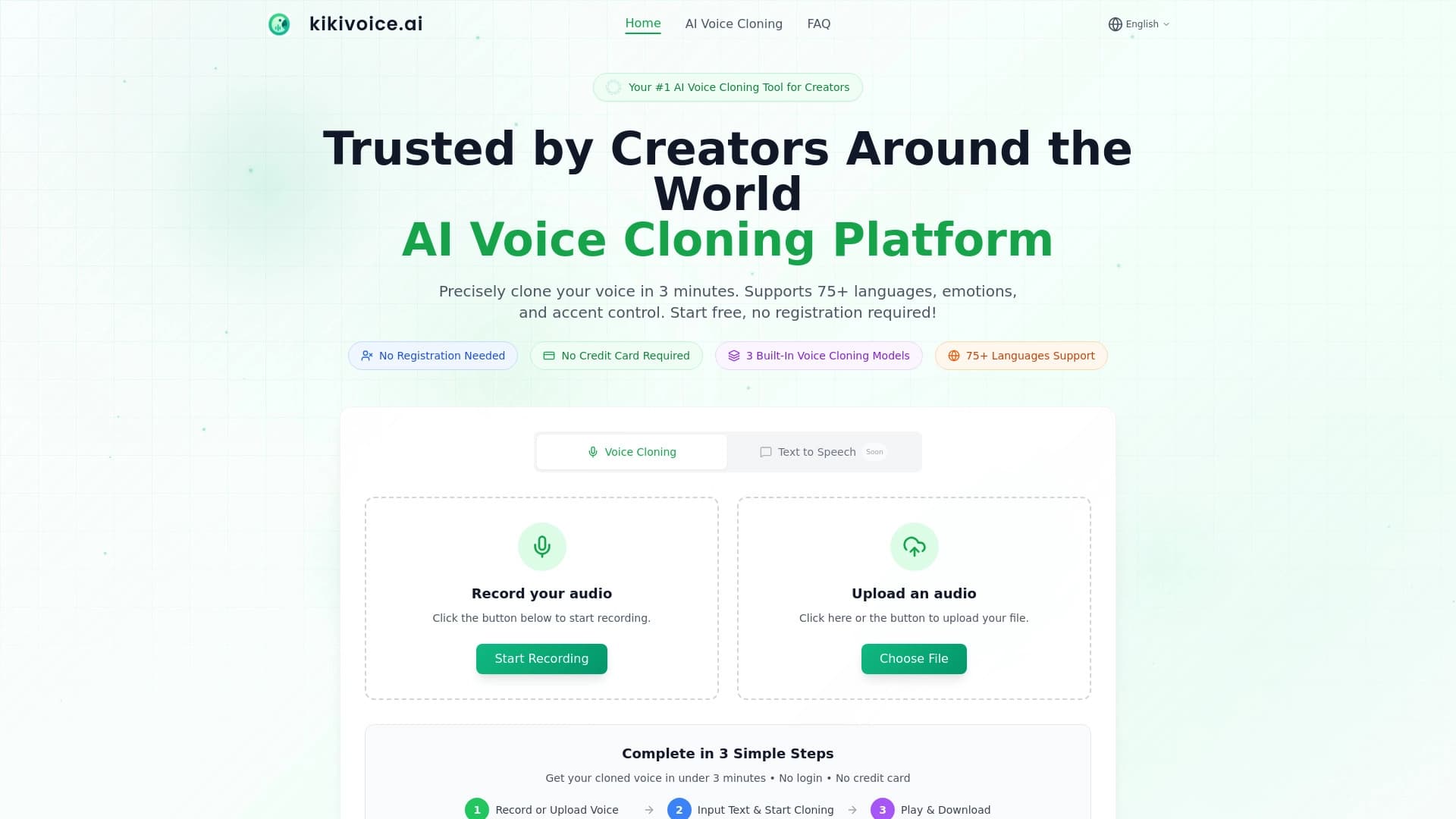

Generation service realistic speech and cloning AI voices.
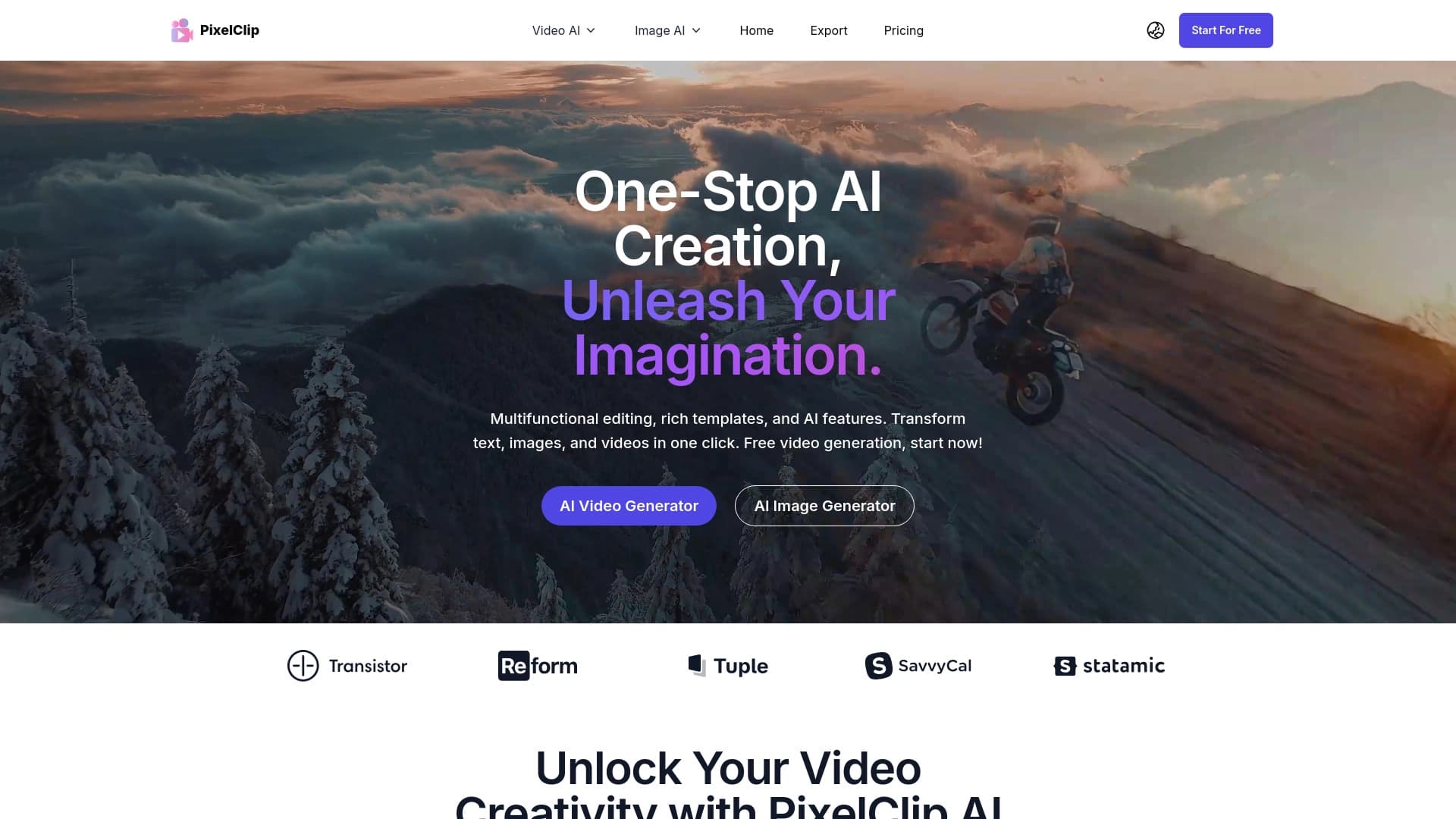

PixelClip AI is an AI-powered tool for creating and editing videos, focused on fast content generation.
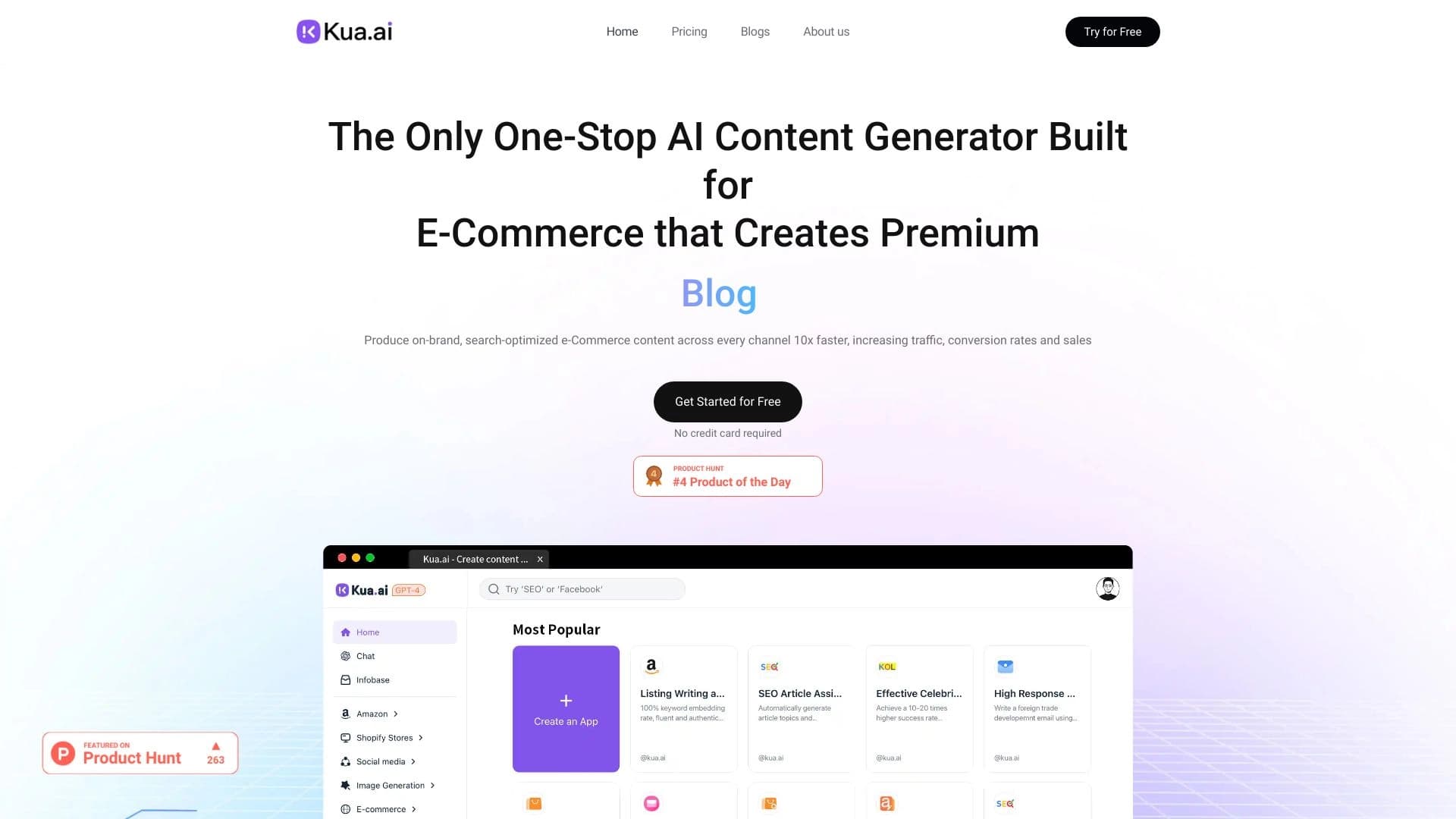

AI-powered platform for automatically creating SEO-optimized content for multichannel sales.