

CAPTURELAB
AI platform for automatically creating and editing clips from Twitch streams.
Overview
CaptureLab is a specialized AI-powered platform designed to automate the process of creating clips from live Twitch streams. The service analyzes the video stream in real time, recognizes key gaming events (such as boss kills, round wins, or impressive moments), and automatically turns them into clips ready for publication.
The main goal of CAPTURELAB is to free streamers from the routine post-processing of video. Instead of manually reviewing hours of broadcast recordings in search of highlights, users receive automatically generated clips. The tool can also account for chat activity to identify spontaneous and emotional moments that may interest viewers. This way, streamers can fully focus on running their broadcast while leaving the technical work to the algorithms.
CAPTURELAB Features
| Feature | Value |
|---|---|
| Type | AI streaming platform |
| Categories | Video editing, Social media assistants, Gaming |
| Business model | Freemium (free version + paid plans) |
| Target platform | Twitch (web client) |
| Streaming software support | OBS, Streamlabs |
| Game support | Over 100 (including CS:GO, Dota 2, Minecraft) |
| Video quality in free version | 720p |
| Video quality in paid version | 1080p (Pro plan), 4K (Business plan) |
| Paid plan cost | From $15 per month |
| Free Pro trial period | 14 days (no credit card required) |
| Cloud storage (free plan) | 5 GB |
| Cloud storage (Pro plan) | 50 GB |
| Uptime | 99.9% |
| Date added to catalog | June 2, 2024 |
Who is CAPTURELAB suitable for?
Gamers and streamers
The tool is primarily aimed at users of Twitch and other streaming platforms who regularly broadcast and want to automate content creation. CAPTURELAB is useful both for beginner streamers who don't want to spend time on editing and for established channels looking to increase the number of published clips without additional effort.
Social media content creators
The platform suits content creators and social media specialists who promote gaming channels. Automatically generated clips can be quickly adapted and published across various platforms. For creative enthusiasts and marketers, the service provides ready-made material for managing communities and attracting new audiences.
How to use CAPTURELAB
Connecting to a broadcast
To get started, you need to register on the platform and connect CAPTURELAB to your broadcast. Integration is done through popular streaming software — OBS or Streamlabs. Users must also link their Twitch account so the service can analyze the video stream and save finished clips to their profile.
Setup and automated operation
After connecting, you should configure event recognition parameters: select the games where highlights will be detected and set the event types (e.g., boss kills or round wins). The AI then automatically analyzes what's happening on screen and creates clips. The streamer only needs to periodically review the generated highlights, edit them if necessary, and publish them to social media directly through the CAPTURELAB interface.
Key CAPTURELAB Features
Automatic clip creation
The service recognizes gaming events in over 100 popular games and automatically turns them into clips. Supported games include CS:GO, Dota 2, Minecraft, and many others. Recognition is based on real-time gameplay analytics as well as chat activity — the system flags moments when viewers react particularly strongly to what's happening.
Broadcast management
CAPTURELAB includes smart scene switching functionality during streams. The AI can automatically change scenes depending on what's happening on screen, and users have access to a set of ready-made scene templates for different content types. This improves production quality without manual intervention.
Multi-platform support and analytics
The paid version of the service offers simultaneous streaming to multiple platforms, expanding audience reach. The paid plan also unlocks advanced analytics that help track the effectiveness of created content and viewer behavior. A built-in direct sharing feature allows publishing clips to social media without intermediate downloads.
CAPTURELAB Advantages
Time savings and automation
The platform's main advantage is significant time savings. Streamers no longer need to manually cut highlights from broadcast recordings. The technical work of content creation is fully automated, allowing them to focus on broadcast quality and audience engagement.
Easy integration and reliability
The tool easily connects to popular streaming software (OBS, Streamlabs) and supports a large number of games. High uptime (99.9%) ensures stable service operation, and smart scene switching based on gaming events improves overall broadcast quality. The ability to quickly share highlights across multiple platforms helps boost viewer engagement.
CAPTURELAB Disadvantages
The main limitation appears in the free version of the service: video quality is capped at 720p, and users only have access to 2 scene templates. A potential drawback is the dependence on the accuracy of the AI — if the algorithm misses an important moment, it cannot be automatically recovered. It's also worth noting that the platform has no mobile apps or browser extensions — all work happens through the web interface.
What problems does CAPTURELAB solve?
Automatic content clipping
The service solves the streamer's main challenge — quickly cutting interesting moments from broadcasts. Instead of hours of manual editing, users get ready-made clips that can be immediately used for publication.
Channel and social media growth
The platform helps create content for social media based on streams, which supports Twitch channel growth and attracting new audiences. CAPTURELAB also handles broadcast scene management, eliminating the need to manually switch scenes during a stream. All of this combined allows streamers to focus on what matters most — creating engaging content.
CAPTURELAB Pricing
Free Starter plan
The free version includes basic automatic clip creation features, 720p video quality, 2 scene templates, and 5 GB of cloud storage. User support is provided at a basic level. This is a good option for getting familiar with the service and evaluating its capabilities.
Paid Pro plan
For $15 per month, users get advanced AI highlights, 1080p quality, access to 10 scene templates, 50 GB of storage, priority support, multi-platform streaming, and advanced analytics. New users can take advantage of a 14-day free Pro trial without a credit card.
Business plan
For larger projects, the Business plan is available with custom pricing. It includes all Pro features plus 4K quality, unlimited templates and storage, 24/7 support, API access, and a white-label solution for using the service under your own brand.
CAPTURELAB Terms of Use
To get started, you need to register on the platform and connect your Twitch account. The service is available through a web interface. New users can take advantage of a 14-day free trial of the Pro plan — no credit card details are required. The platform operates on a freemium model, allowing you to start using it for free and expand functionality with a subscription when needed.
CAPTURELAB Availability
The tool runs on the capturelab.gg web platform and is accessible through a browser — no additional software installation is required. The service integrates with OBS and Streamlabs for broadcast connections and supports event recognition in over 100 games. It's worth noting that, according to page analytics, the platform's main traffic comes from the United States.
How CAPTURELAB differs from alternatives
CAPTURELAB is positioned as a specialized AI solution specifically for Twitch streamers that automatically captures the best moments of broadcasts, edits them, and allows publishing to social media. Direct competitors include services such as Medal.tv, Outplayed, Twitch Highlights, and YouTube Gaming Clips. The main difference of CAPTURELAB is its comprehensive approach, combining automatic gaming event recognition with chat activity awareness and real-time smart scene switching. The platform is focused not just on recording fragments, but on full automation of post-processing and content publishing.
Conclusion
CaptureLab is a convenient tool for streamers and content creators that automates the process of capturing, editing, and publishing highlights from Twitch broadcasts. The service offers a free plan with basic functionality and paid subscriptions starting at $15 per month with advanced features, including 1080p quality, multi-platform streaming, and analytics. The platform's core value is significant time savings and the ability to focus on the creative side of streaming while leaving the technical work to artificial intelligence.
Pricing
Frequently asked questions
See also

Open-source tool for quickly converting a single image into a 3D model.

Multifunctional AI platform for content creation, combining speech synthesis, text generation, avatar creation, and video editing.

A service for turning text into podcasts with naturally sounding voices in different languages.

Online service for creating and customizing birthday invitations and congratulations using artificial intelligence.

Cabina AI is a unified platform for working with various generative neural networks, enabling you to create texts, images, and videos.

Cloud platform for creating videos using AI avatars, synthesized speech, and automatic translation of clips into dozens of languages.
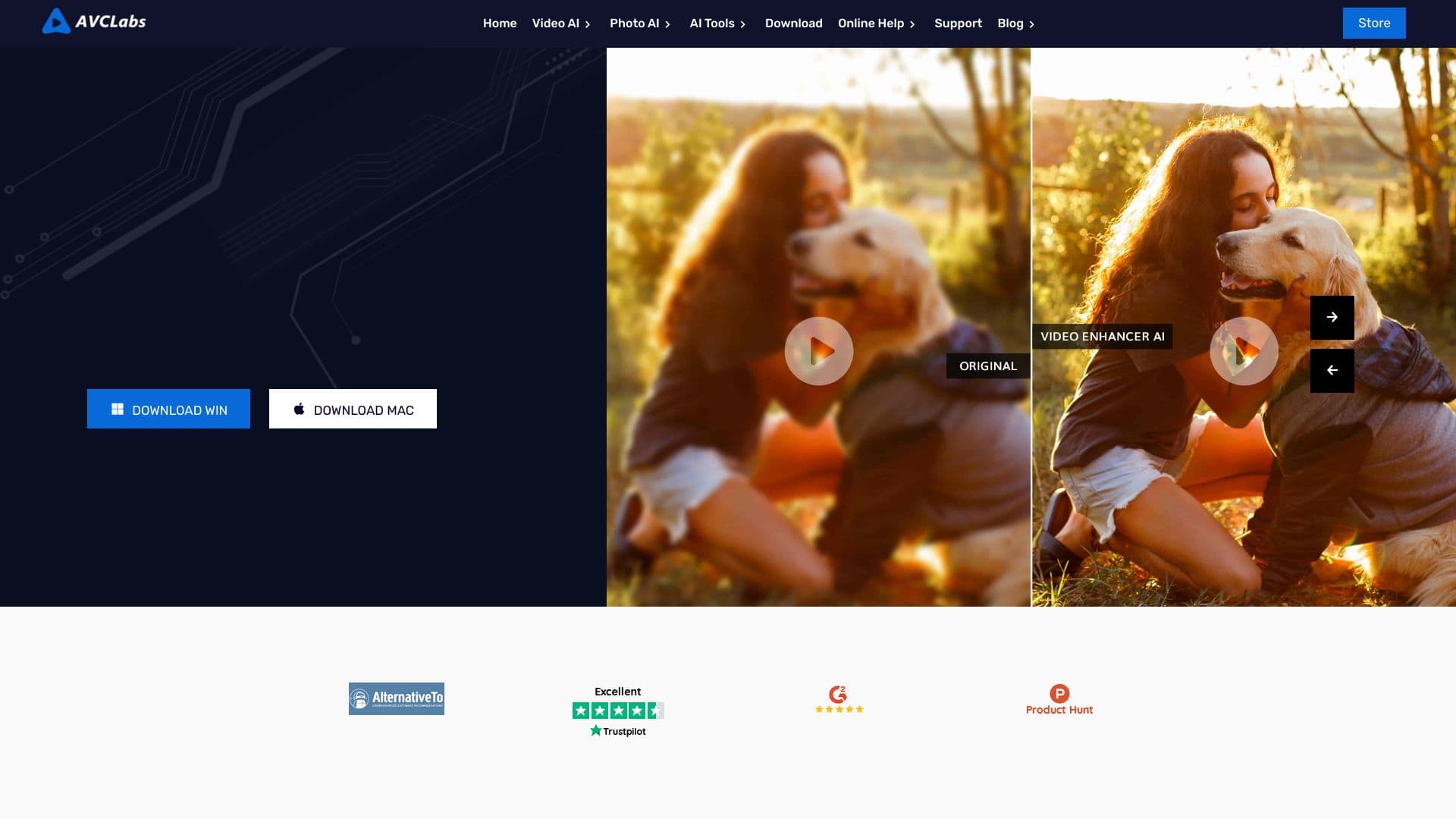

Desktop application for Windows that upscales video resolution to 4K/8K and enhances the quality of old recordings using AI.


Bleepify automatically detects and bleeps out profanity in video and audio.