

Buffer
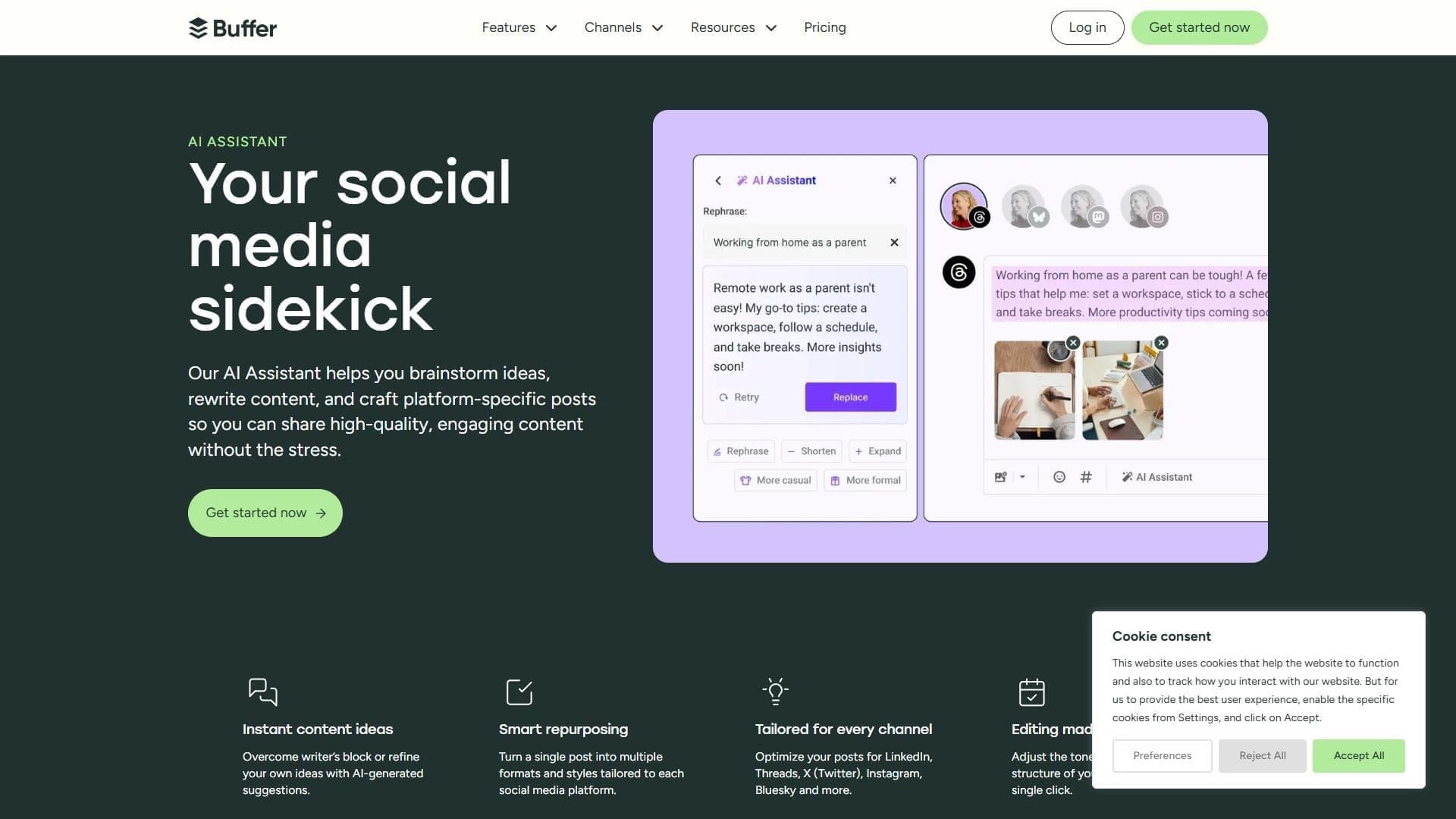
Social media management platform with a built-in AI assistant for content creation and scheduling.
Overview
Buffer
Buffer AI Overview
Buffer is a social media management platform with a built-in AI assistant for creating and planning content. The tool lets you automate post writing, generate ideas, and optimize publishing times. The service is aimed at marketers and social media managers, and also suits small businesses and individual users. Buffer is available through a web interface.
Buffer Characteristics
| Characteristic | Value |
|---|---|
| Editorial rating | 8.5 out of 10 |
| Rating | 4.9 |
| Platforms | Web |
| Categories | Marketing, Content creation, Social media post writing, Universal, AI social media scheduler, Marketing analytics, Captions and descriptions |
| Intended for | Marketers, Social media managers, All types of activities, Small businesses and individual users |
| Type | AI social media scheduler |
| Free plan available | Yes |
| Date of editorial review | October 6, 2024 |
| Website | buffer.com |
Who Is Buffer AI For?
Marketers and Social Media Managers
Buffer is built for professionals who handle social media promotion. The tool helps marketers and social media managers automate regular posts and generate content with the AI assistant.
Small Business Owners
The platform is geared toward small companies and self-employed entrepreneurs who manage their own social media. Buffer offers a simple solution for scheduling posts without needing to hire a dedicated specialist.
Individual Users
The service also suits freelancers, bloggers, and anyone managing personal social media accounts. The free plan lets you get started without any financial investment.
How to Use Buffer AI?
Registration and Connecting Accounts
To get started, you need to sign up at buffer.com and connect your social networks. After that, you can manage multiple accounts from a single interface.
Creating and Scheduling Posts
You can create posts manually or use the AI assistant to generate text. Once the content is written, you set a publishing schedule — Buffer will automatically publish posts at the chosen time.
Analyzing Results and Managing Feedback
The platform provides built-in analytics to track the performance of your posts. You can also manage comments and messages from followers within the service.
Key Features of Buffer
AI Assistant for Content Creation
The built-in AI helps speed up writing posts for social media. The AI assistant can generate texts, suggest ideas, and edit existing posts.
Scheduling and Publishing
Buffer lets you create a schedule for posts and publish content to multiple social networks at once. This removes the need to log into each account separately.
Performance Analytics
The tool provides data on audience engagement and post performance. You can see which posts work best and adjust your content strategy.
Automation of Routine Tasks
The platform automates repetitive actions, such as publishing posts on schedule and collecting basic statistics. This reduces the time spent on daily social media management.
Buffer Advantages
Simple and Intuitive Interface
Buffer has an intuitive design that does not require a long learning curve. Users quickly get the hang of core features thanks to the minimalist interface.
Accessible AI Assistant
Unlike many competitors, Buffer provides an AI assistant for content creation even on the free plan. This makes text generation affordable for small budgets.
Low Cost
The platform is cheaper than alternatives such as Hootsuite and Later. Buffer is aimed at small businesses and offers favorable pricing for teams and individual users.
Focus on Automation
The service specializes in publishing automation and basic analytics, making it an effective tool for routine social media management without extra features.
Buffer Drawbacks
Limited Platform Support
Buffer does not support every new social network. If you use niche or newly launched platforms, they may not appear in the list of available options.
Fewer Integrations
Compared with larger competitors such as Hootsuite, Buffer offers fewer integrations with third-party services. This can limit your ability to extend the platform's functionality.
What Tasks Does Buffer Solve?
Planning and Publishing Content
The tool solves the problem of regular social media posting. You can prepare posts in advance, set a schedule, and publish content to multiple accounts at once.
Automating Routine Tasks
Buffer handles repetitive operations: scheduled publishing, statistics collection, and partial feedback management. This frees up time for strategic tasks.
Generating Text with AI
The AI assistant helps create social media posts when you lack ideas or time to write manually. The tool generates texts that you can edit and publish right away.
Analyzing Engagement and Audience
The platform provides basic metrics that let you track audience reactions to posts. This helps you understand which content gets the most response.
Buffer Pricing
Buffer works on a freemium model. There is a free plan that lets you get started without paying. Paid options for teams and businesses with extended functionality are also available. Specific prices for paid plans are not specified in available sources.
Buffer Usage Requirements
To use the platform, you need to register and connect your social networks. The service requests access to your accounts so it can publish and collect statistics. Basic features are available immediately after registration on the free plan.
Buffer Availability
Platform
Buffer operates through a web interface and does not require installing any additional software. All features are available directly in the browser.
Geographical Restrictions
The service may not be available in all regions.
Supported Social Networks
Buffer supports major social networks, although the exact list of supported platforms is not specified in available sources. The tool does not cover all new and niche platforms.
How Buffer Differs From Alternatives
Compared with Hootsuite and Later, Buffer stands out for its simpler interface and lower cost. The platform focuses on automation and basic analytics, while competitors offer a broader set of features and integrations. However, because of this, Buffer falls short in supporting all third-party services and new social platforms.
Conclusion
Buffer is a simple and affordable social media management platform with a built-in AI assistant. The tool is best suited to small businesses and individual users who value low cost and ease of use. However, it lags behind larger competitors in the number of integrations and support for new platforms, which is worth considering when choosing a solution for more complex tasks.
Frequently asked questions









See also


AI platform for automatic workday planning, task management, and prioritization.

Platform for generating videos, images, and digital avatars using AI.


AI tool for creating SEO-optimized multilingual content.
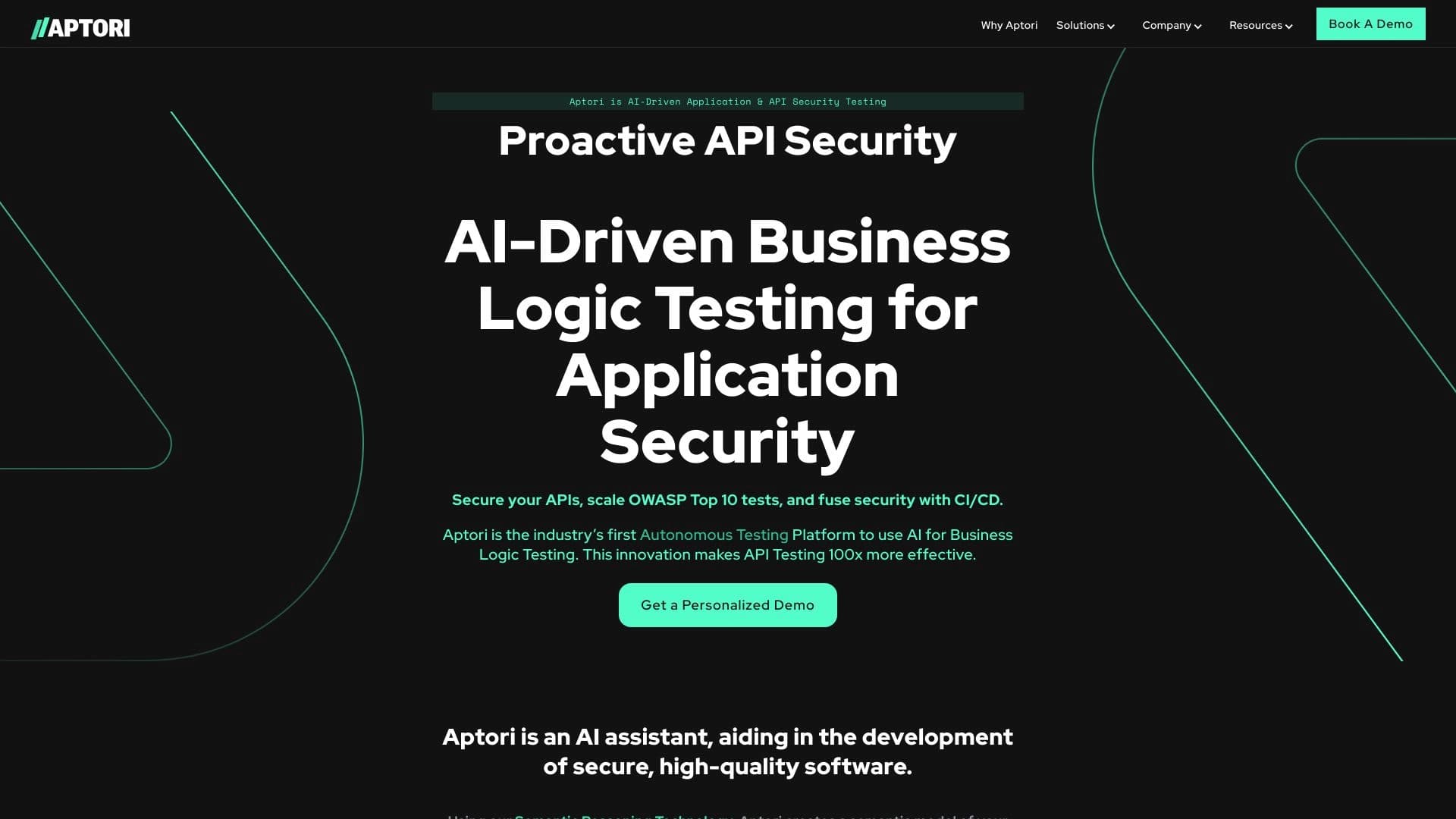

AI-powered platform for automated API security testing and vulnerability discovery in code and cloud infrastructure.
Web service for making AI-generated texts look more natural and human.


Russian-language GPT-based AI chatbot for information retrieval and text generation.


Platform for automating client acquisition and personalized email campaigns with data enrichment from over 150 sources.


Online AI tool for creating deepfakes and editing images.