
Rulta
Service for protecting content from copying with DMCA notifications.
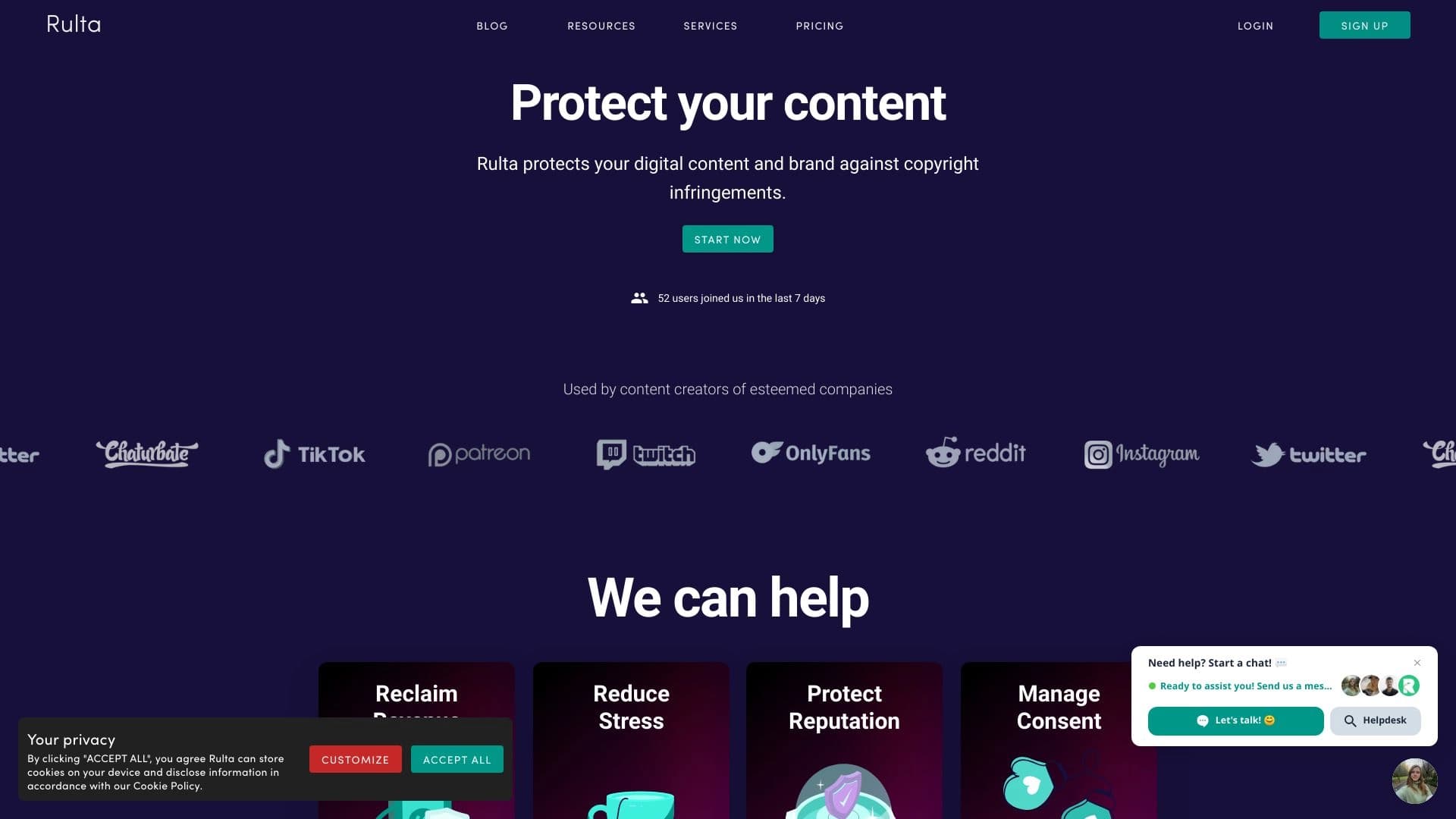
Overview
Rulta is a specialized service designed to protect copyright online. The platform's main goal is to help authors and content creators track cases of unauthorized use of their materials on third-party sites and get pirated copies removed.
Instead of manually searching for copies of their work across the web and filing individual complaints, Rulta users get an automated process. The service independently scans the internet for content usage and initiates the takedown procedure for violations. This frees up creators' time and allows them to focus directly on the creative process.
Key operational feature
The service's mechanism is built around DMCA (Digital Millennium Copyright Act) takedown notices — a US copyright law for the digital age. Rulta automates the filing of such notices, making the content protection process systematic and less labor-intensive.
Rulta characteristics
| Characteristic | Value |
|---|---|
| Tool type | Copyright protection service |
| Primary function | Tracking unauthorized content usage |
| Protection mechanism | Automated DMCA takedown notice filing |
| Target audience | Authors, content creators, digital content producers |
| Distribution model | Paid |
| Work format | Cloud service (SaaS) |
Who is Rulta suitable for?
Digital content creators
First and foremost, the service is aimed at people whose income directly depends on the uniqueness of their materials. This may include photographers, illustrators, designers, videographers, and musicians — those who regularly publish their work publicly and risk having it copied.
Writers and authors of educational materials
Writers, bloggers, authors of online courses, and teaching aids also fall into the target group. Their written materials are often copied without permission, leading to lost potential income.
Small digital business owners
Small studios producing digital products can also use Rulta to protect their intellectual labor without needing to hire a dedicated lawyer.
How to use Rulta?
Registration and content connection
The process begins with creating an account on the platform and connecting content sources. The user needs to specify where their original materials are hosted — this could be their own websites, social media pages, or file-sharing services.
Starting tracking
After setting up sources, the service begins automatic internet monitoring. The system scans web pages and identifies matches with the uploaded original materials.
Handling violations
When unauthorized use is found, the platform takes over the preparation and sending of a legally sound DMCA notice to the infringer's hosting provider. This is a key stage that requires proper document formatting.
Key Rulta features
Automatic copy detection
The service conducts regular scans of the internet to identify cases of content use without the author's permission. The system covers a wide range of sites, including social networks, blogs, and file-sharing platforms.
Filing DMCA notices
Instead of manually drafting legal documents, the platform automates this process. The user does not need deep knowledge of legislation — the system generates correct notices and sends them to the appropriate recipients.
Result monitoring
Rulta doesn't just send complaints — it tracks their status and review outcomes. This allows the author to see which violations have been resolved and which require additional action.
Rulta advantages
Time savings
Manually searching for content copies takes hours, sometimes days. Automation frees up resources for core activities. The platform handles the routine process of scanning and communicating with infringers.
Systematic approach to protection
One-off actions rarely yield long-term results. Rulta provides continuous monitoring, which is especially important for authors who regularly publish new content.
Reduced legal burden
Properly formatted DMCA notices are key to their effectiveness. The service relieves the author of the need to understand the nuances of legal wording and procedures.
Focus on creativity
The main advantage is the ability to focus on creating content rather than searching for its unauthorized copies. This helps maintain productivity and avoid distractions from protecting one's rights.
Rulta disadvantages
Paid access model
The service is not free, which can be a barrier for aspiring authors with limited budgets. Investing in content protection may not be justified for all categories of creators.
Dependence on DMCA legislation
The mechanism is built around US law. The effectiveness of notices may vary depending on the jurisdiction where the infringing site is located and its willingness to comply with DMCA requirements.
No guarantee of complete protection
Even with active use of the service, content copying cannot be completely ruled out. Rulta helps minimize the consequences but cannot provide absolute protection against dishonest users.
What problems does Rulta solve?
Rapid response to violations
Without automation, an author may learn about content theft long after the damage has been done. Rulta allows violations to be detected at early stages and responded to quickly.
Removal of pirated copies
The main practical goal is to get unauthorized copies removed from third-party platforms. DMCA notices sent by the service carry legal weight and obligate providers to review complaints.
Proactive intellectual property protection
The service works proactively rather than reactively. Regular monitoring reduces the appeal of content theft, as infringers know the author actively protects their rights.
Rulta pricing
Rulta operates on a paid distribution model. This means access to the platform's functionality is provided on a paid basis. Specific pricing plans and subscription costs are not detailed on the official website. However, authors considering the service should note that the price will likely depend on the volume of tracked content and the required scanning frequency.
Rulta terms of use
Using the service implies agreement with terms standard for platforms of this type. The user must provide the service with access to information about their original materials and confirm their ownership rights to the content.
The service undertakes to use the provided data solely for copyright protection purposes. For the system to work correctly, it is important that the user regularly updates information about their new publications — this improves tracking accuracy.
Rulta availability
Rulta is a cloud service, meaning it is accessible via a web browser from any device with an internet connection. No special software installation is required to work with the platform.
The service targets an international audience, as content piracy is a global problem. The interface language and technical support are designed for an English-speaking audience, which may be an important factor to consider when choosing the service.
How Rulta differs from alternatives
Automated complaint filing process
Many services offer tools for manually filing DMCA notices or only provide recommendations. Rulta stands out by fully automating the process — from violation detection to sending a legally correct notice.
Focus on protection rather than just monitoring
Some tools only scan the internet and show reports of found copies. Rulta goes further: it doesn't just find violations but also takes active steps to resolve them. This covers the entire workflow — from detection to removal.
Focus on content creators
The service is built specifically for content creators, while some alternatives target large corporations and brands. Rulta addresses the needs of individual authors and small teams, making intellectual property protection accessible to a wider range of users.
Conclusion
Rulta is a practical tool for authors who want to systematically protect their materials from copying. The service eliminates the routine work of finding violations and automates legal procedures. The paid access model is justified for professionals earning from their content but may be impractical for hobbyists. The service's effectiveness largely depends on compliance with the terms of use and regular updates of publication data.
Frequently asked questions
See also


Desktop AI assistant for macOS, Windows, and Linux that launches via hotkey above all windows and combines multiple language models in one interface.


Bleepify automatically detects and bleeps out profanity in video and audio.

Multifunctional AI platform for content creation, combining speech synthesis, text generation, avatar creation, and video editing.
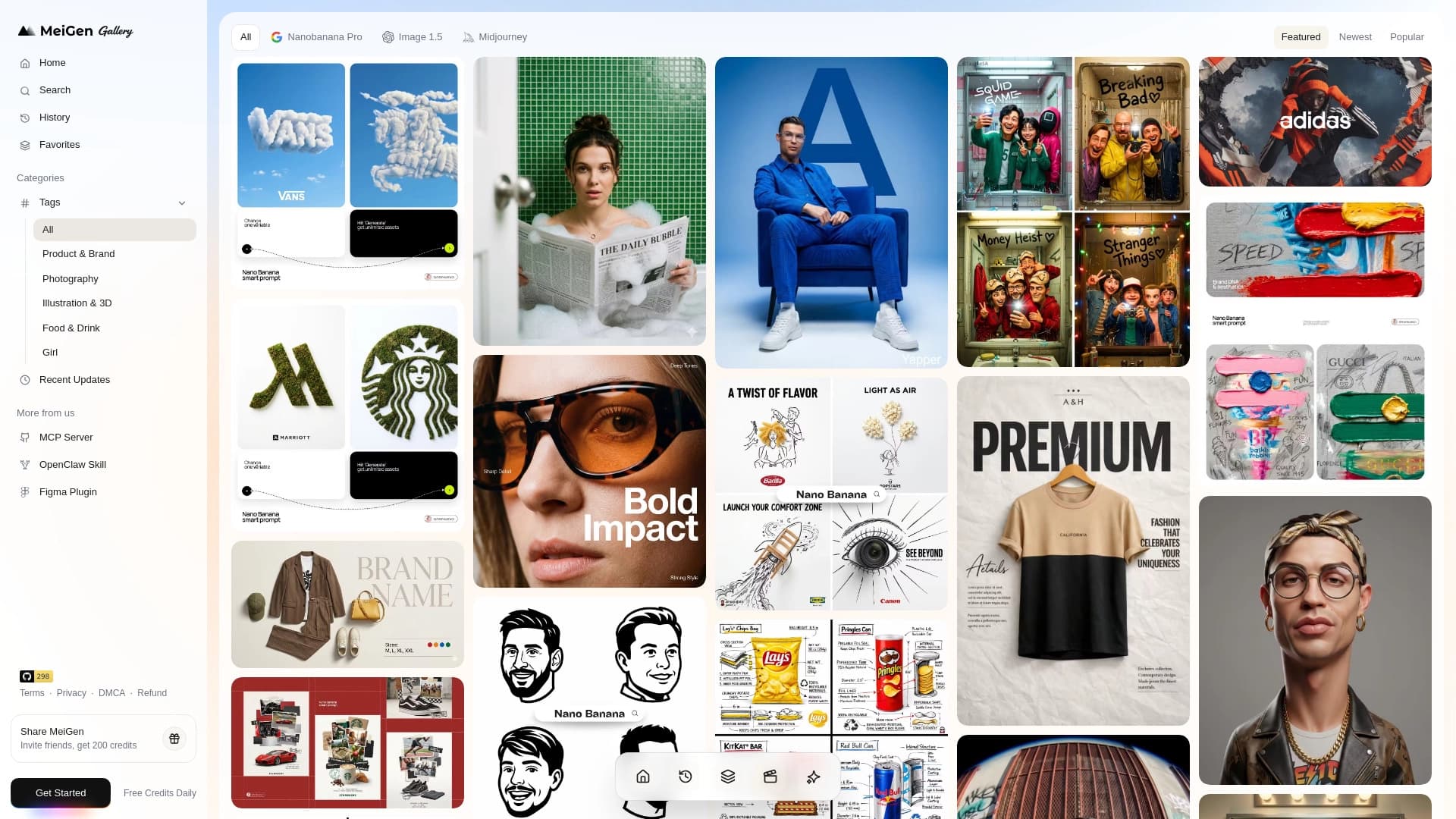
Web service with a library of ready-made prompts and an interface for generating images and videos through popular neural networks.
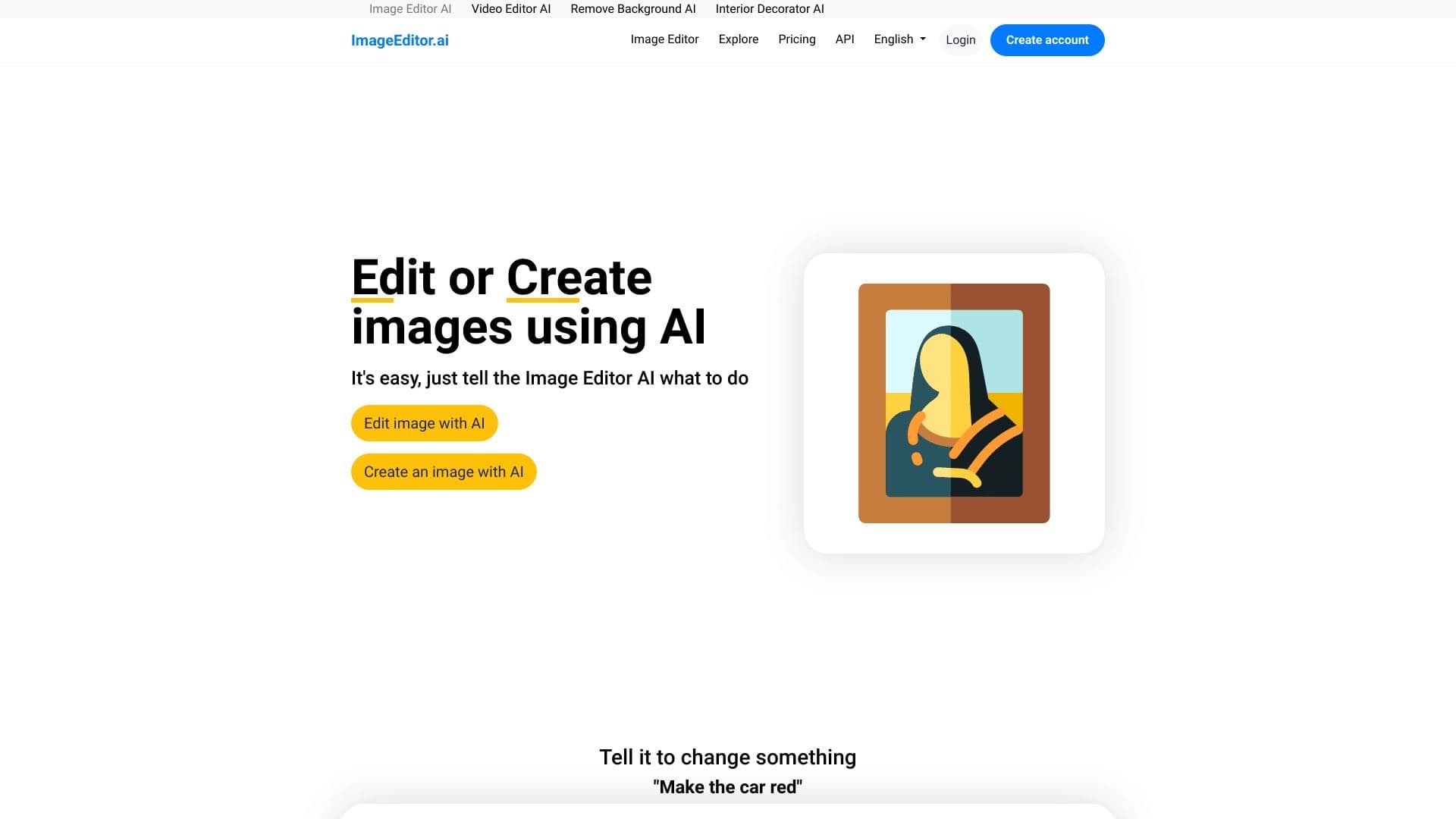

AI-powered online image editor that lets you edit photos by text description right in your browser.
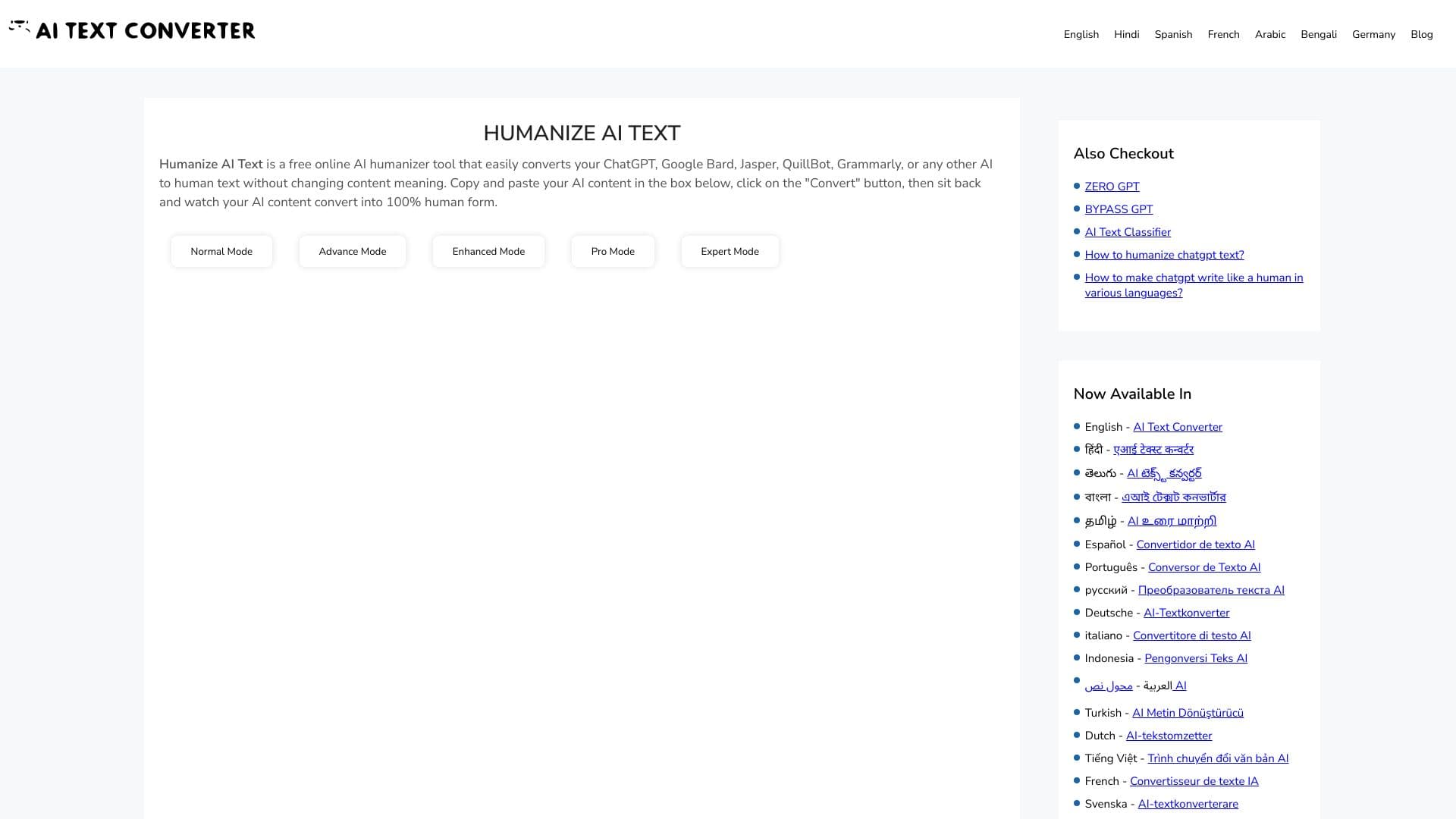
Web service for making AI-generated texts look more natural and human.

A tool for quickly generating and editing 4K images, supporting control over multiple reference images and a conversational mode.


AI toolkit for video generation and editing, including avatars, lip-sync, and voice cloning.