

Krea
Платформа на базе искусственного интеллекта для генерации и улучшения изображений, видео и логотипов в реальном времени.
Место в рейтингах
Обзор
Krea
Описание нейросети Krea
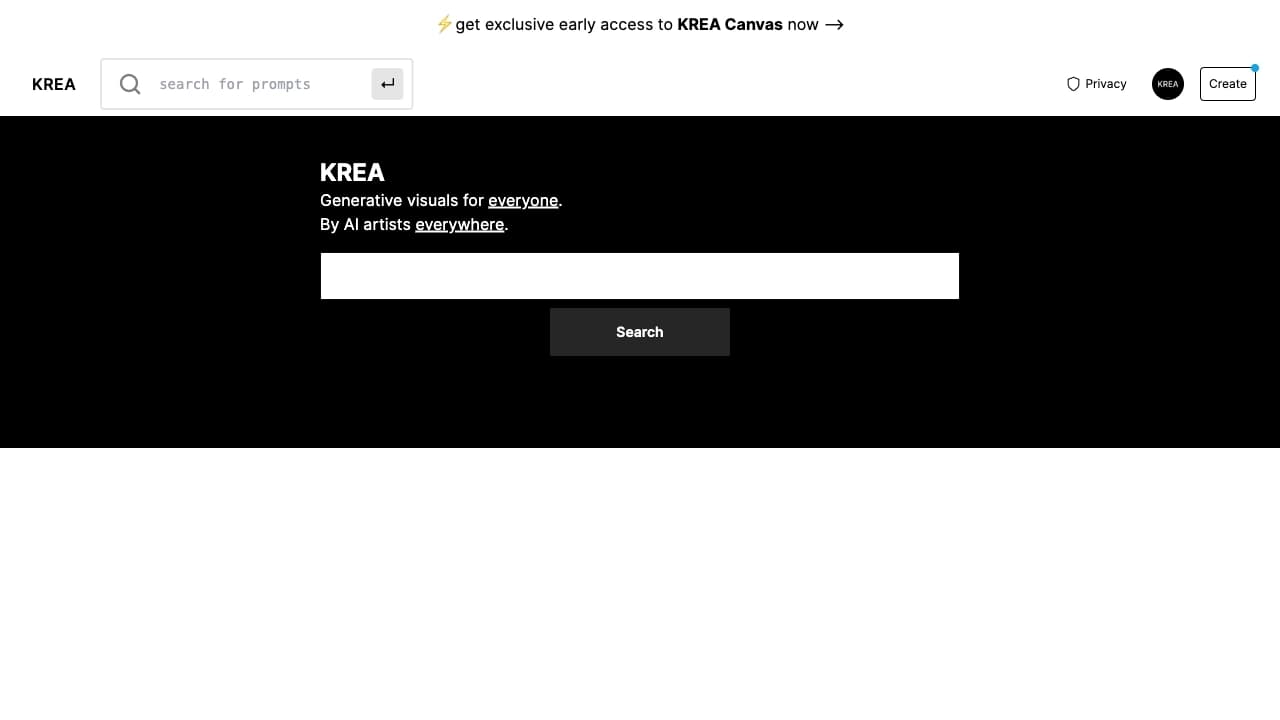
Krea — это онлайн-платформа на базе искусственного интеллекта, предназначенная для генерации и улучшения визуального контента. Сервис позволяет создавать изображения и видео по текстовому описанию, редактировать загруженные картинки и повышать их качество. Одной из ключевых особенностей платформы является возможность обучать модель на собственных примерах, что даёт пользователю контроль над стилем создаваемых работ.
Инструмент поддерживает генерацию контента в самых разных направлениях — от реализма до аниме и живописи, что делает его универсальным решением для творческих задач. Krea охватывает несколько категорий: генерация изображений, текст в изображение, изображение в видео, редактирование изображений и создание логотипов. Платформа работает по модели freemium, предлагая как бесплатный базовый доступ, так и платные тарифы для активного использования.
Характеристики Krea
| Характеристика | Значение |
|---|---|
| Тип | Генерация и улучшение визуального контента на базе ИИ |
| Категории | Генерация изображений, текст в изображение, изображение в видео, редактирование изображений, генерация логотипов |
| Форматы | Изображения, видео, логотипы |
| Платформы | Веб-сайт (онлайн) |
| Языки интерфейса | Английский |
| Бесплатный тариф | Есть (создание картинок 512x512 и коротких видео) |
| Модель распространения | Freemium |
| Модели | Krea-1, Krea 2 Turbo |
Для кого подходит нейросеть Krea?
Начинающие пользователи
Krea рассчитана на людей с разным уровнем подготовки. Благодаря простому и интуитивно понятному интерфейсу сервисом могут пользоваться новички, которые только начинают осваивать генеративный ИИ и не хотят разбираться в сложных настройках.
Дизайнеры и маркетологи
Платформа станет полезным инструментом для графических дизайнеров, иллюстраторов и маркетологов. Она подходит для работы над концепт-артом, мудбордами, дизайнерскими проектами и создания контента для социальных сетей и рекламных кампаний.
Создатели контента и специалисты по образованию
Сервис также ориентирован на создателей контента для соцсетей, журналистов и специалистов из сферы образования, которым нужно быстро получать визуальные материалы по текстовому запросу.
Как использовать нейросеть Krea?
Создание изображения по текстовому запросу
Чтобы сгенерировать картинку, достаточно написать текстовый запрос (промт). Запрос пишется на английском языке, при этом грамматически правильным он быть не обязан — достаточно указать стиль, динамику, свет и детализацию.
Загрузка изображения или его улучшение
Вместо текстового запроса можно загрузить собственное изображение или улучшить уже готовый арт. Платформа позволяет редактировать загруженные картинки и повышать их качество, в том числе увеличивать разрешение.
Работа с референсами и мудбордами
Вместо подробных промптов можно использовать референсы и мудборды. Достаточно показать модели примеры стиля или подборку изображений, на основе которых она будет строить новые работы. Также можно загружать примеры артов для персонализации стиля модели.
Основные функции Krea
Генерация изображений и видео
Платформа создаёт изображения по текстовому описанию и умеет генерировать короткие видеоролики (до трёх минут) на основе изображений и текстовых запросов. Генерация происходит очень быстро — изображение создаётся примерно за две секунды.
Редактирование и улучшение качества
Krea поддерживает редактирование изображений в реальном времени с мгновенным обновлением результата. Также доступно улучшение качества загруженных картинок: повышение разрешения и устранение дефектов.
Работа с логотипами и обучение модели
Сервис позволяет загружать и добавлять логотипы к изображениям, а также работать с паттернами. Кроме того, доступно индивидуальное обучение модели ИИ на основе загруженных артов для персонализации стиля.
Управление стилем через референсы
Пользователь может точно контролировать стиль через изображения-образцы и мудборды, задавая нужное визуальное направление новым работам и быстро перебирая варианты.
Преимущества Krea
Простота и скорость
Krea отличается простым и интуитивно понятным интерфейсом, а также высокой скоростью генерации. Изображения создаются примерно за две секунды, при этом качество сохраняется даже при ускорении работы.
Гибкость и контроль стиля
Платформа поддерживает различные форматы — логотипы, паттерны, видео — и даёт гибкие настройки стилей, тем и разрешения. Точный контроль стиля достигается через референсы и мудборды, что особенно важно для дизайнеров.
Разнообразие стилей и доступность
Krea позволяет создавать контент в разных направлениях — от реализма до аниме и живописи. При этом существует бесплатный тариф, который позволяет познакомиться с возможностями сервиса без затрат.
Недостатки Krea
Ограниченная точность при сложных запросах
При работе со сложными запросами ИИ может создавать изображения, которые не соответствуют ожиданиям пользователя. Для получения точных результатов требуется практика и, возможно, уточнение промптов.
Высокая стоимость подписки
Для активного использования сервиса требуется платная подписка, стоимость которой может оказаться высокой для некоторых пользователей. Безопасно можно отметить, что это может стать ограничением при интенсивной работе с платформой.
Какие задачи решает Krea
Автоматизация создания визуального контента
Krea позволяет автоматизировать рутинные задачи по созданию изображений, видео и логотипов. Пользователю достаточно задать текстовый запрос или загрузить изображение, чтобы получить готовый результат.
Генерация и улучшение материалов
Сервис решает задачи быстрой генерации изображений и видео по текстовому описанию, а также редактирования и улучшения графических материалов. Это включает повышение разрешения и устранение дефектов существующих картинок.
Создание контента и быстрый перебор вариантов
Платформа подходит для создания контента для социальных сетей и маркетинга, тестирования идей и визуальных направлений. Возможность быстро получать большое количество вариантов изображений позволяет находить и закреплять нужную стилистику по примерам.
Цены Krea
Бесплатный тариф
Krea предлагает бесплатный план с ограничением по количеству изображений и видео в день. В рамках бесплатного доступа можно создавать картинки разрешением 512x512 и короткие видео длительностью до трёх минут.
Платные тарифы
Сервис работает по модели freemium и предлагает несколько платных планов. В источниках упоминаются тарифы от 10 долларов в месяц, однако конкретные цифры по наполнению тарифов различаются между источниками и могут меняться, поэтому точные условия лучше уточнять на официальном сайте krea.ai.
Условия использования Krea
Krea доступна в онлайн-формате на официальном сайте — отдельного мобильного приложения для смартфона нет. Интерфейс сервиса выполнен на английском языке, при этом запросы на других языках понимаются с ошибками, поэтому для стабильной работы промпты рекомендуется формулировать на английском. Для полноценного использования некоторых функций платформы может потребоваться платная подписка, а также регистрация на сайте.
Доступность Krea
Krea доступна онлайн через веб-сайт, отдельного приложения для смартфонов нет. Интерфейс работает на английском языке, и при использовании запросов на других языках возможны ошибки распознавания. Бесплатный тариф позволяет познакомиться с базовыми возможностями сервиса без финансовых вложений.
Чем отличается Krea от аналогов
Высокая скорость генерации
Главным отличием Krea от многих конкурентов является очень высокая скорость создания изображений — примерно две секунды на картинку. При этом качество сохраняется даже при ускорении работы, что выделяет её на фоне других инструментов генерации.
Контроль стиля через референсы и мудборды
В отличие от ряда аналогов, требующих подробного текстового описания, Krea позволяет управлять стилем через изображения-образцы и мудборды. Пользователь может показать модели примеры стиля или подборку изображений, на основе которых строится новая работа.
Обучение модели на собственных примерах
Krea поддерживает индивидуальное обучение модели на основе загруженных артов, что позволяет персонализировать стиль генерации. Эта возможность сочетается с поддержкой разных форматов — изображений, видео и логотипов — и делает сервис универсальным инструментом для творческих задач.
Заключение
Krea — это многофункциональная платформа на базе искусственного интеллекта для генерации и улучшения изображений, видео и логотипов. Она объединяет высокую скорость создания контента, точный контроль стиля через референсы и мудборды, а также возможность обучения модели на собственных примерах. Сервис будет особенно полезен дизайнерам, маркетологам и создателям контента для социальных сетей, при этом для активного использования потребуется платная подписка, а для получения точных результатов — практика и грамотно составленные запросы.
Тарифы
Часто задаваемые вопросы


Смотрите также
Онлайн-сервис для генерации логотипов с помощью нейросетей.


Онлайн-инструмент для создания дипфейков и редактирования изображений с помощью ИИ.
Китайская платформа-агрегатор, объединяющая ИИ-инструменты, курсы и конкурсы.


Чат-бот на базе ИИ для автоматизации общения с клиентами и квалификации лидов.

Генератор персонализированных текстов и дизайнов приглашений на различные события.
AI-инструмент для автоматического удаления фона с изображений прямо в браузере.


Платформа на основе ИИ для генерации, редактирования изображений и создания рекламных креативов.


Платформа для общения с виртуальными ИИ-персонажами, которых можно создавать и настраивать под себя.