

Brancher AI
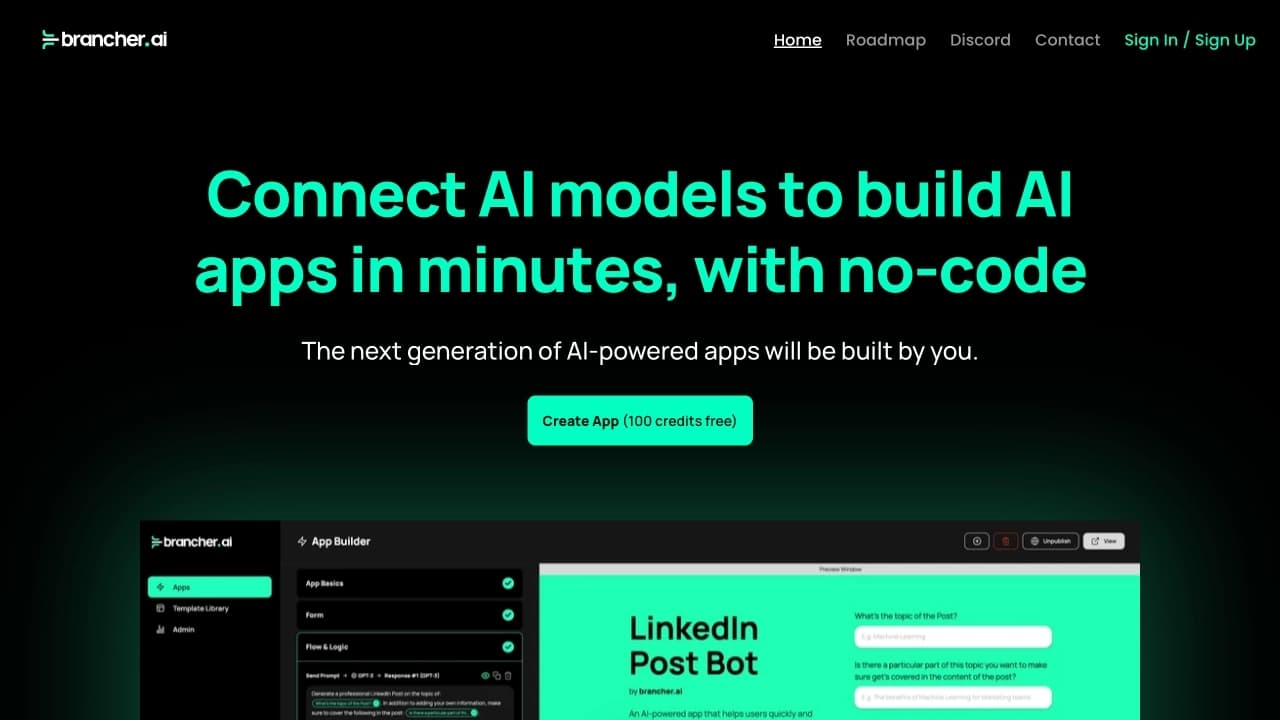
Brancher AI is a no-code platform for creating AI applications by combining various neural networks in a visual interface.
Overview
Brancher AI is a platform that lets you build AI-powered applications without writing code. The core idea is to give anyone the ability to assemble working AI solutions from ready-made blocks, like a construction set. Instead of manually programming the logic of how neural networks interact, you connect them in a visual interface and get a finished product in minutes.
Key Platform Concept
Brancher AI is built around the no-code principle, which means the barrier to entry is extremely low. You don't need to understand programming languages, APIs, or neural network architecture. You just need to know what problem you want to solve and pick the right models. The platform handles the technical side itself: connecting models, passing data between them, and launching the application.
How the Visual Builder Works
Instead of code, you work with model blocks on a canvas. Each block represents a specific neural network or function—for example, text recognition, image generation, or sentiment analysis. You link blocks with logical connections, configure parameters, and launch the application. This cuts development time from weeks to minutes, which is especially important for rapid prototyping and testing ideas.
Brancher AI Features
Below are the platform's key characteristics based on available information.
| Characteristic | Value |
|---|---|
| Platform type | No-code AI app builder |
| Distribution model | Freemium (free tier with limitations and paid subscriptions) |
| Primary purpose | Building applications by combining various AI models |
| Required skills | No programming knowledge required |
| Key capability | Visually connecting neural networks into a single workflow |
| App creation time | From a few minutes (instead of weeks with classic development) |
| Interaction method | Visual interface with blocks and logical connections |
Who Is Brancher AI For?
Entrepreneurs and Startups
Brancher AI is ideal for anyone who wants to quickly validate a business idea involving artificial intelligence. Instead of hiring developers and waiting weeks, you can build a prototype yourself and show it to investors or first customers. This reduces risk and cost during the idea validation stage.
Marketers and Product Managers
For professionals working with content, analytics, or user experience, the platform opens access to AI tools without needing to go through an IT department. You can create tools for analyzing reviews, generating product descriptions, personalizing email campaigns, and other tasks, automating routine processes.
Creative Professionals
Designers, copywriters, videographers, and other creative specialists can use Brancher AI to build supporting tools: idea generators, automated editors, and reference-matching systems. This lets them expand their capabilities and offer clients more comprehensive services.
Educators and Students
The education sector can also benefit from the platform. Teachers can create interactive learning apps, and students can experiment with AI technologies without needing to study programming in depth, speeding up the learning process.
How to Use Brancher AI
Step 1: Choose Models
The process starts with selecting the AI models you want to use. The platform's catalog includes various neural networks—from natural language processing to image generation. You simply drag the needed blocks onto the workspace.
Step 2: Configure Connections
Once the models are placed on the canvas, you connect them in the desired order. For example, a text recognition model can pass its output to a response generation model, which in turn feeds a speech synthesis model. The visual diagram makes it easy to see how data moves between blocks.
Step 3: Configure Parameters
Each block has settings you can adjust for your tasks—such as processing language, generation style, response length limits, or other parameters. This provides flexibility without writing code.
Step 4: Launch and Publish
When the application logic is ready, you run it to test how it works. After successful testing, the application can be published and used in real-world scenarios. The entire process from idea to working product takes minutes.
Key Features of Brancher AI
Visual Workflow Builder
The platform's main feature is the ability to combine different AI models into a single data processing pipeline. Instead of studying documentation and writing code, you work with a clear diagram that reflects your application's logic.
Library of Ready-Made AI Models
A set of neural networks of various types is available, covering a wide range of tasks—from text to multimedia. This allows you to build complex applications by combining different AI capabilities.
Rapid Prototyping
The platform is built for speed. You can quickly create, test, and modify applications, which is especially useful in uncertain conditions when product requirements change along the way.
Brancher AI Advantages
- No barrier to entry: no programming knowledge or experience with AI models required.
- High development speed: app creation time drops from weeks to minutes.
- Visual clarity: application logic is understandable at a glance, and connections between models are easy to track and modify.
- AI democratization: access to modern neural networks for specialists from various fields, not just developers.
- Configuration flexibility: model parameters can be adjusted to specific needs without touching code.
- Freemium model: you can start for free and upgrade to a paid plan when you need more capabilities.
Brancher AI Disadvantages
- Limited documentation: detailed technical information about the platform is scarce in public sources, which can make it hard to evaluate its capabilities before using it.
- Dependence on the visual interface: complex logic diagrams can become unwieldy when building large, branching applications.
- Potential free tier limitations: as with most freemium services, free access often comes with limits on the number of requests or available models.
What Problems Does Brancher AI Solve?
Brancher AI addresses several key challenges for different user groups:
- Process automation: building tools that handle repetitive operations with AI—for example, processing incoming requests or generating reports.
- Fast hypothesis testing: the ability to create a working application in minimal time and test it with real users.
- Access to AI technology: removing the barrier between an idea and its implementation for people without a technical background.
- Product prototyping: creating demo versions for presentations and pitches without significant investment.
Brancher AI Pricing
Exact pricing details and feature sets for each plan are not available in public sources. What is known is that the platform operates on a freemium model—meaning there is a free tier with basic features, as well as paid levels that unlock additional functionality. For current pricing and plan comparisons, you'll need to visit the service's official website.
Brancher AI Terms of Use
Detailed terms of use, including license agreements, privacy policy, and rules for working with created applications and data, are published on the platform's official website. It's recommended to review these documents carefully before getting started.
In practice, using Brancher AI will likely require creating an account. The choice of plan depends on how intensively and for what purposes you plan to use the platform: for personal testing, the free plan works well, while commercial use will likely require a paid subscription.
Brancher AI Availability
Brancher AI is accessible through a web interface, allowing you to work with the platform from any internet-connected device. No special software installation is required. No geographic restrictions are mentioned in the available data, but you should check the official website for detailed information about service availability in your region.
How Brancher AI Differs from Alternatives
The main difference of Brancher AI is the combination of two factors:
- Visual no-code builder: while many platforms offer templates or ready-made solutions, Brancher AI focuses on freely connecting arbitrary models into a single logical chain. This gives more creative freedom when building applications.
- Focus on speed: most similar services require at least a basic understanding of how APIs work. Brancher AI completely removes this step, letting you focus on the task itself rather than the technical implementation. The stated ability to create an app in minutes is a key factor that sets the platform apart from competitors that are harder to learn.
Conclusion
Brancher AI is a practical tool for anyone who wants to harness the power of artificial intelligence without deep technical knowledge. The platform solves an important problem—making AI technology accessible to a wide range of professionals. The visual builder, high app creation speed, and freemium model make the service attractive for rapid prototyping and process automation. The main limitation is the lack of open information about exact pricing and paid plan features, so before getting started, it's worth checking the official website and possibly testing the free version.
Frequently asked questions
See also
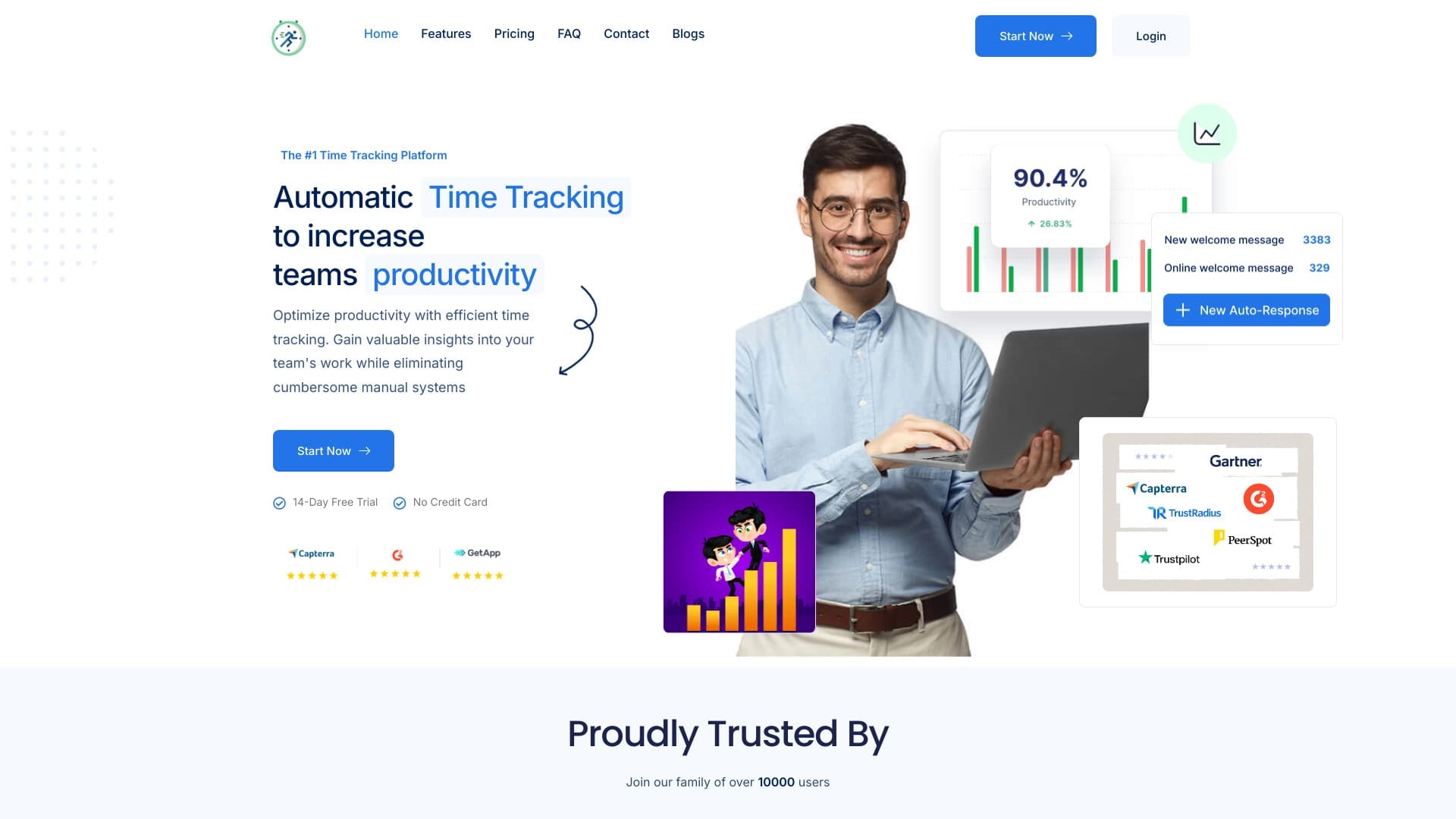

Platform for automatic work time tracking and team productivity analysis.


Platform for automating client acquisition and personalized email campaigns with data enrichment from over 150 sources.


A multifunctional AI assistant for chat, text and image generation, translation, and programming help.

Free AI service for forecasting price movements of stocks, cryptocurrencies, and commodities.

Yandex's multimodal voice assistant powered by the YandexGPT neural network that answers questions, generates texts and images, analyzes files, and controls the smart home.


Aggregator platform that brings together various AI tools and language models with pay-as-you-go pricing.

AI-powered online service that automatically converts bank statements from PDF into structured CSV files.
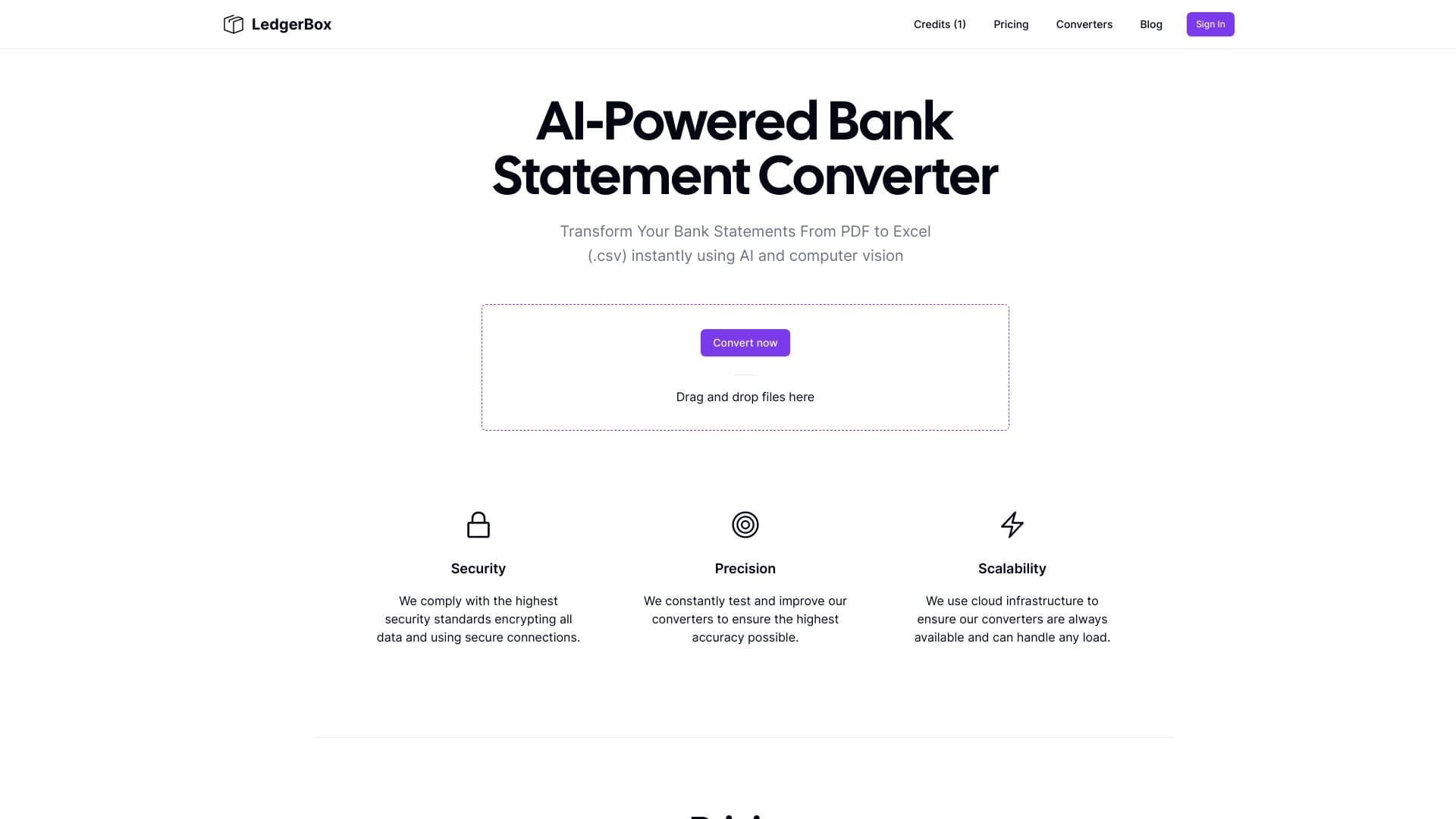
Automatically extract financial data from PDF documents and convert it to Excel or CSV.