
AI Bank Statement Converter
Extraire automatiquement les données financières des documents PDF et les convertir pour Excel ou CSV.
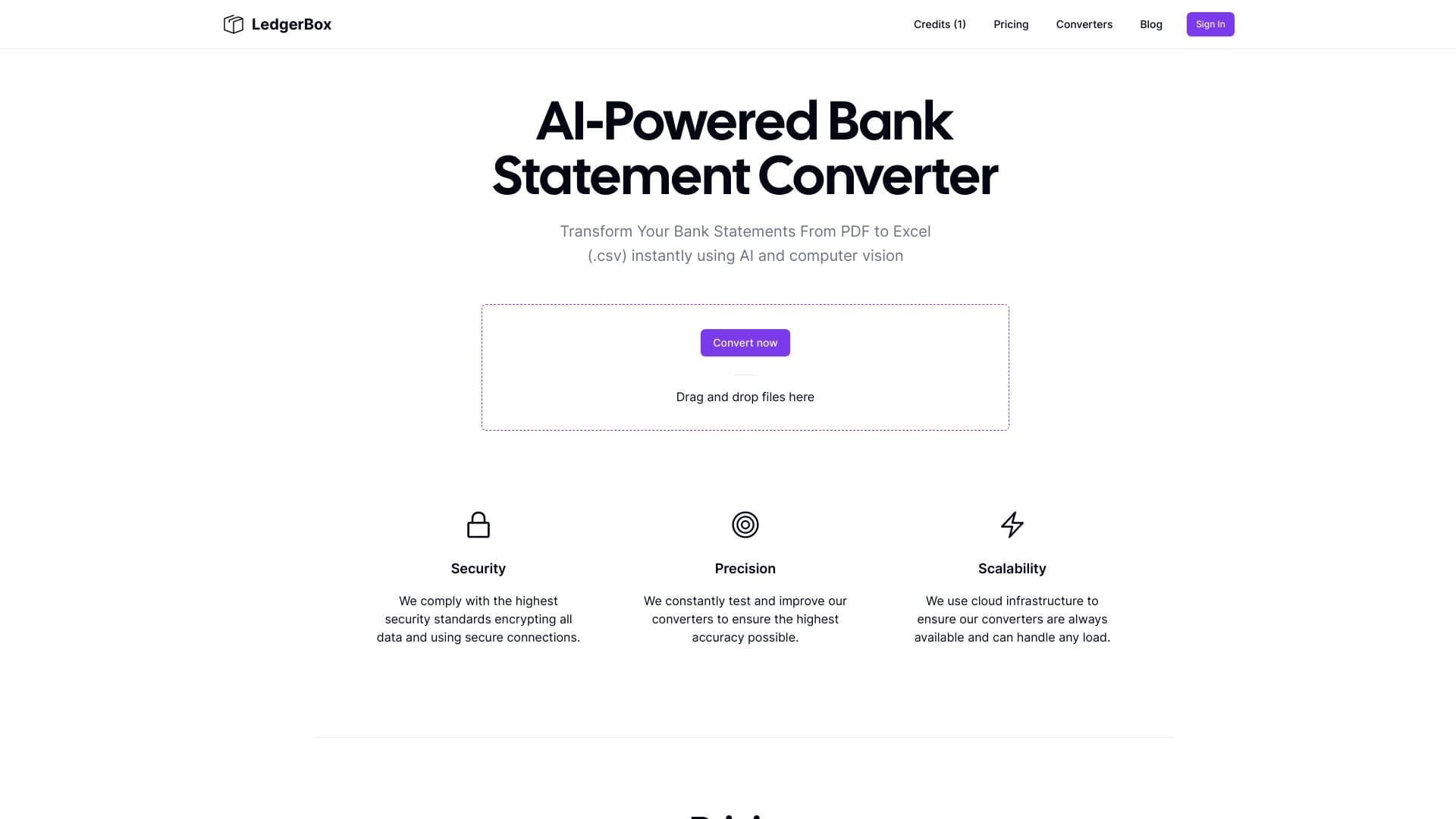
Aperçu général
Vue d'ensemble du convertisseur de déclarations bancaires AI
AI Bank Statement Converter est un service web spécialisé pour le traitement automatisé des documents financiers. L'outil utilise les technologies d'apprentissage automatique et de reconnaissance optique des caractères (OCR) pour extraire les données des fichiers PDF et les convertir en tableaux structurés.
Le service fonctionne comme suit : l'utilisateur télécharge les relevés bancaires, factures, factures ou reçus en format PDF vers le système, après quoi l'intelligence artificielle reconnaît les champs clés et produit un fichier prêt au format Excel ou CSV. Les données qui en résultent peuvent être importées directement dans un logiciel de comptabilité, éliminant ainsi la saisie manuelle des données.
La valeur fondamentale de l'outil réside dans des économies de temps importantes lors du traitement d'importants volumes de documentation et de la réduction de la probabilité d'erreurs associées aux facteurs humains. Au lieu de passer des heures à transférer les numéros des relevés papier ou électronique, un spécialiste obtient une table prête en quelques minutes.
Caractéristiques du convertisseur de déclarations bancaires AI
Caractéristique Valeur
- Oui. Type de convertisseur de relevé bancaire AI Catégories Comptabilité, reconnaissance textuelle (OCR) Plateforme Formats d'entrée Formats de sortie Modèle de tarification Plan gratuit Prix minimum $24 par mois (facturé annuellement) $ Date ajoutée au catalogue Note : 5/5 ~1.8K par mois Site web
Pour qui est AI Bank Statement Converter?
Comptables et professionnels financiers
L'outil s'adresse principalement aux comptables et aux employés des services financiers qui travaillent quotidiennement avec un grand nombre de déclarations, de factures et de reçus. Le service automatise les opérations courantes de transfert de données de documents PDF dans des systèmes comptables, libérant ainsi du temps pour des tâches analytiques plus importantes.
Entreprises d'externalisation
Les organisations qui fournissent des services comptables sous-traités traitent les documents de nombreux clients simultanément. AI Bank Statement Converter aide à normaliser ce processus et à accélérer la clôture des périodes de déclaration. La capacité de convertir rapidement de grands volumes de documents rend le service particulièrement utile pour ces entreprises.
Propriétaires d'entreprises et petites entreprises
Les entrepreneurs qui gèrent leur propre comptabilité peuvent également utiliser cet outil pour simplifier la gestion des documents financiers. Au lieu de saisir manuellement les données de chaque relevé, un propriétaire d'entreprise obtient une table prête à l'emploi qui peut être utilisée pour l'analyse budgétaire ou transférée à un programme de comptabilité.
Comment utiliser le convertisseur de déclaration de banque AI
Étape 1 : Inscription et connexion
Pour commencer, vous devez vous inscrire sur la plateforme web LedgerBox. Notamment, aucune carte de crédit n'est requise pour la période d'essai, ce qui réduit l'obstacle au premier essai du service.
Étape 2: Télécharger des documents
Après l'enregistrement, l'utilisateur télécharge des fichiers PDF avec des relevés bancaires, des factures ou des reçus au système. L'interface permet d'ajouter plusieurs documents à la fois, ce qui est pratique lors du traitement de lots de la documentation.
Étape 3: Traitement et extraction de données
L'intelligence artificielle traite automatiquement les fichiers téléchargés : elle reconnaît le texte, identifie les champs clés (dates, montants, contreparties, fins de paiement) et structure l'information en un format tabulaire. Aucune intervention de l'utilisateur n'est requise à ce stade.
Étape 4: Télécharger des fichiers prêts
Une fois le traitement terminé, l'utilisateur télécharge les fichiers convertis en format Excel ou CSV. Les données qui en résultent peuvent être examinées, éditées si nécessaire et téléchargées dans un système de comptabilité pour d'autres travaux.
Caractéristiques clés du convertisseur de déclaration de banque AI
Extraction automatique de données
L'outil fondé sur l'IA reconnaît de façon indépendante l'information contenue dans les états bancaires et les documents financiers. La technologie du BCR permet de traiter les documents électroniques et numérisés, d'extraire des champs tels que les dates, les montants, les noms des contreparties et les fins de paiement.
PDF vers la conversion de format modifiable
Le service convertit les documents PDF en tableaux Excel ou CSV structurés prêts à être utilisés dans les programmes comptables. Cela élimine la nécessité de retyper manuellement les données et assure la compatibilité avec les systèmes de comptabilité populaires.
Intégration des logiciels de comptabilité
LedgerBox prend en charge l'intégration avec des programmes de comptabilité populaires tels que QuickBooks et Xero. Cela permet de charger les données extraites directement dans le système comptable sans étapes intermédiaires supplémentaires, en accélérant la les flux de travail.
Traitement de divers types de documents
En plus des relevés bancaires, l'outil prend en charge l'extraction de données à partir des factures, des factures et des reçus. Cela fait du service une solution polyvalente pour traiter divers documents financiers.
Avantages du convertisseur de déclarations bancaires AI
Risque d'erreur réduit
L'extraction automatique des données élimine les erreurs associées à la saisie manuelle des données. L'erreur humaine est l'une des principales causes d'inexactitudes dans la comptabilité financière, et le convertisseur AI peut presque complètement éliminer ce problème.
Économies de temps et processus plus rapides
Le traitement d'une seule déclaration prend quelques secondes, et un lot de documents prend des minutes. Cela accélère considérablement la clôture des périodes de déclaration et simplifie les rapprochements, ce qui est particulièrement important dans les délais serrés.
Haute précision de reconnaissance
L'utilisation de modèles d'IA avancés garantit une haute précision de l'extraction des données, même à partir de documents complexes et non normalisés. Cela réduit le besoin de vérification manuelle et de correction des résultats.
Sécurité des données
Le service fournit un cryptage bancaire et utilise un stockage en nuage sécurisé. Cela est essentiel lorsque vous travaillez avec des informations financières confidentielles.
Inconvénients du convertisseur de déclarations bancaires AI
Pas de plan libre
Le service n'a pas de version gratuite, ce qui peut constituer un obstacle pour les utilisateurs individuels ou les très petites entreprises dont les budgets sont limités. Le régime minimum commence à 24 $ par mois.
Personnalisation limitée
L'outil n'est pas open source, ce qui limite la capacité de le personnaliser aux besoins spécifiques d'une organisation particulière et ne permet pas un audit indépendant des algorithmes.
Pas d'application mobile
Le service n'est disponible que sur une plateforme web. L'absence d'applications mobiles dans l'App Store et Google Play peut être gênante pour les utilisateurs habitués à travailler avec la documentation en dehors du bureau.
Quels problèmes le convertisseur de déclarations bancaires AI résout-il?
Conversion des états bancaires en Excel pour l'analyse budgétaire
L'outil convertit les états du format PDF en format Excel pour une analyse budgétaire plus poussée, suivi des flux de trésorerie , et la planification des dépenses. Les données structurées peuvent être utilisées pour établir des rapports et des visualisations.
Extraire des données de factures pour la comptabilité
Le service extrait automatiquement les champs nécessaires des factures et des factures, préparant les données pour l'entrée dans les livres comptables. Cela élimine la nécessité de vérifier manuellement chaque document et de faire des entrées.
Automatiser le suivi des dépenses grâce au traitement des reçus
Le traitement des reçus permet un contrôle automatisé des dépenses. Les données extraites peuvent être utilisées pour catégoriser les dépenses, produire des rapports et transférer l'information aux systèmes de gestion financière.
Prix de conversion des déclarations bancaires AI
Plans de tarification
Le service offre quatre plans de prix : Basic – 24 $ par mois (comprend 2000 pages), Pro – 40 $ par mois (5 000 pages), Biz – 82 $ par mois (12 000 pages) et un plan Big Time personnalisé pour les grandes organisations avec des conversions illimitées. Une option de paiement annuel offre une réduction de 20%.
Conditions de paiement
Aucune carte de crédit n'est nécessaire pour commencer. Il n'y a pas de plan gratuit, mais les utilisateurs peuvent tester le service sans prépaiement. Les données téléchargées sont stockées dans le système pendant 30 jours.
Conditions d'utilisation du convertisseur de déclaration bancaire AI
L'inscription sur la plateforme est requise pour utiliser le service. Aucune carte de crédit n'est nécessaire pour la période d'essai. Les données utilisateur sont stockées dans le système pendant 30 jours, après quoi elles sont supprimées. Pour les clients ayant de gros volumes de traitement, des accords de niveau de service individuel (ALS) et des modèles de traitement personnalisés sont disponibles.
Disponibilité du convertisseur de déclaration de banque AI
AI Bank Statement Converter est disponible exclusivement en tant qu'application web. L'information sur les langues d'interface supportées et la disponibilité régionale n'est pas spécifiée dans les sources publiques. Il n'y a pas d'applications mobiles pour iOS ou Android, qui devraient être prises en considération lors de la planification d'utiliser le service.
Comment le convertisseur de déclarations bancaires AI diffère des alternatives
Les produits concurrents sur le marché comprennent Expensify, Receipt Bank, Shoeboxed et Veryfi. Les principales différences de LedgerBox avec ces services incluent l'intégration avec les programmes de comptabilité QuickBooks et Xero, ainsi que le chiffrement bancaire pour la protection des données. Le service offre également une structure de tarification souple qui permet de choisir un plan en fonction du volume de documents traités. Il est à noter que les concurrents peuvent offrir des fonctionnalités plus larges ou des versions gratuites, alors que LedgerBox est un outil entièrement payant.
Conclusion
- Oui.
AI Bank Statement Converter (LedgerBox) est un service Web payant pour l'automatisation du traitement des documents financiers au format PDF. L'outil utilise l'intelligence artificielle et les technologies OCR pour extraire les données des relevés bancaires, des factures et des reçus, avec conversion ultérieure en fichiers Excel et CSV. La solution est destinée aux comptables, aux professionnels de la finance et aux propriétaires d'entreprise qui cherchent à réduire le temps consacré aux opérations courantes et à minimiser les erreurs d'entrée manuelle. Le service offre quatre plans de prix, offre une haute précision de reconnaissance et l'intégration avec les systèmes de comptabilité populaires, mais n'a pas de version gratuite ou d'application mobile.
Foire aux questions
Voir aussi

TensorStax est un agent d'IA pour l'apprentissage de la machine à cycle modèle de gestion simplifiant leur déploiement et leur surveillance.

Agent d'IA pour l'intégration des données provenant de diverses sources et la gestion des connaissances au sein des organisations.
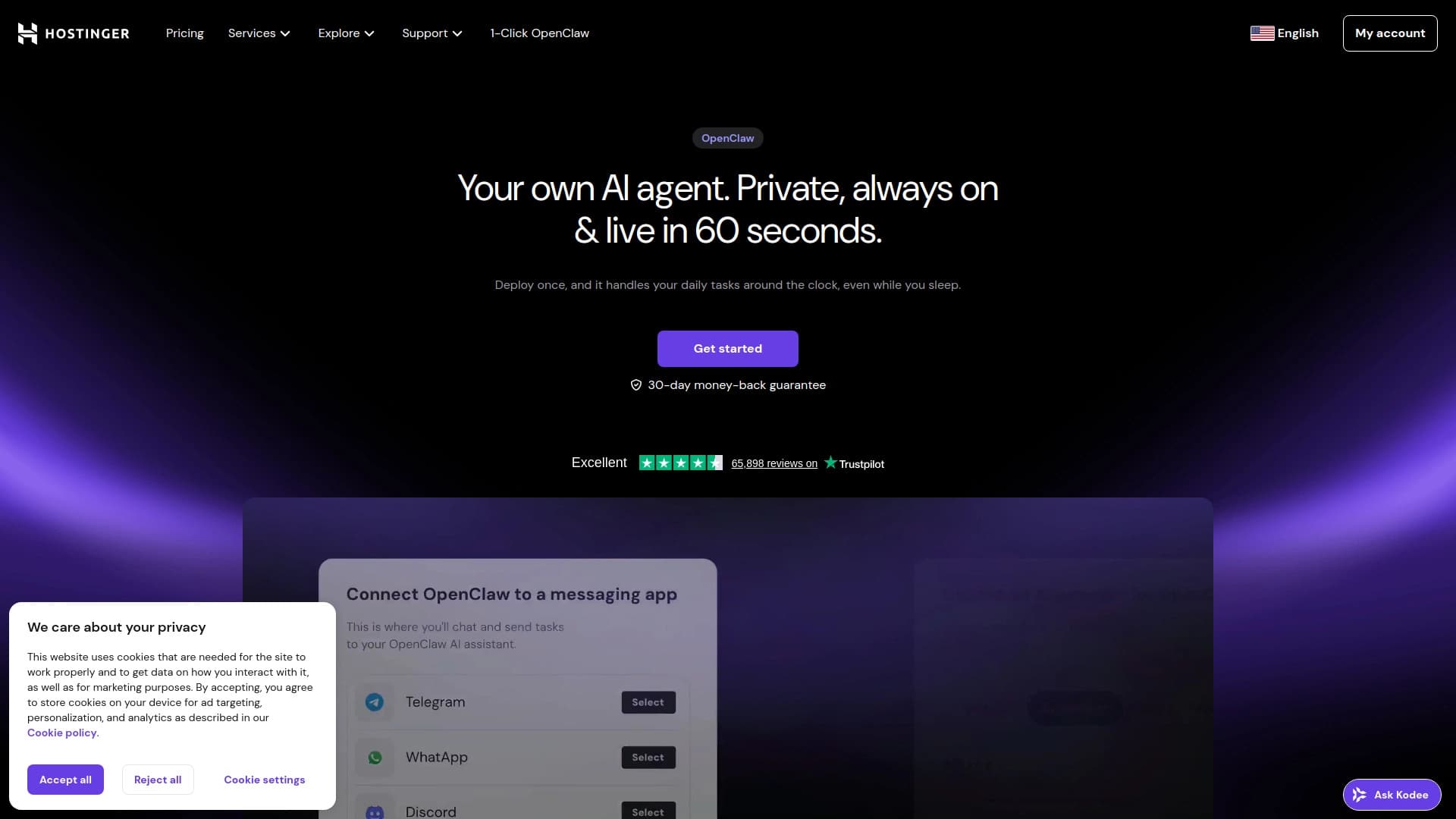
Constructeur de site internet AI de Hostinger pour la création rapide de sites basés sur une description d'entreprise.

Assistant AI pour les affaires qui aide à gérer les tâches et automatiser la routine par le dialogue.
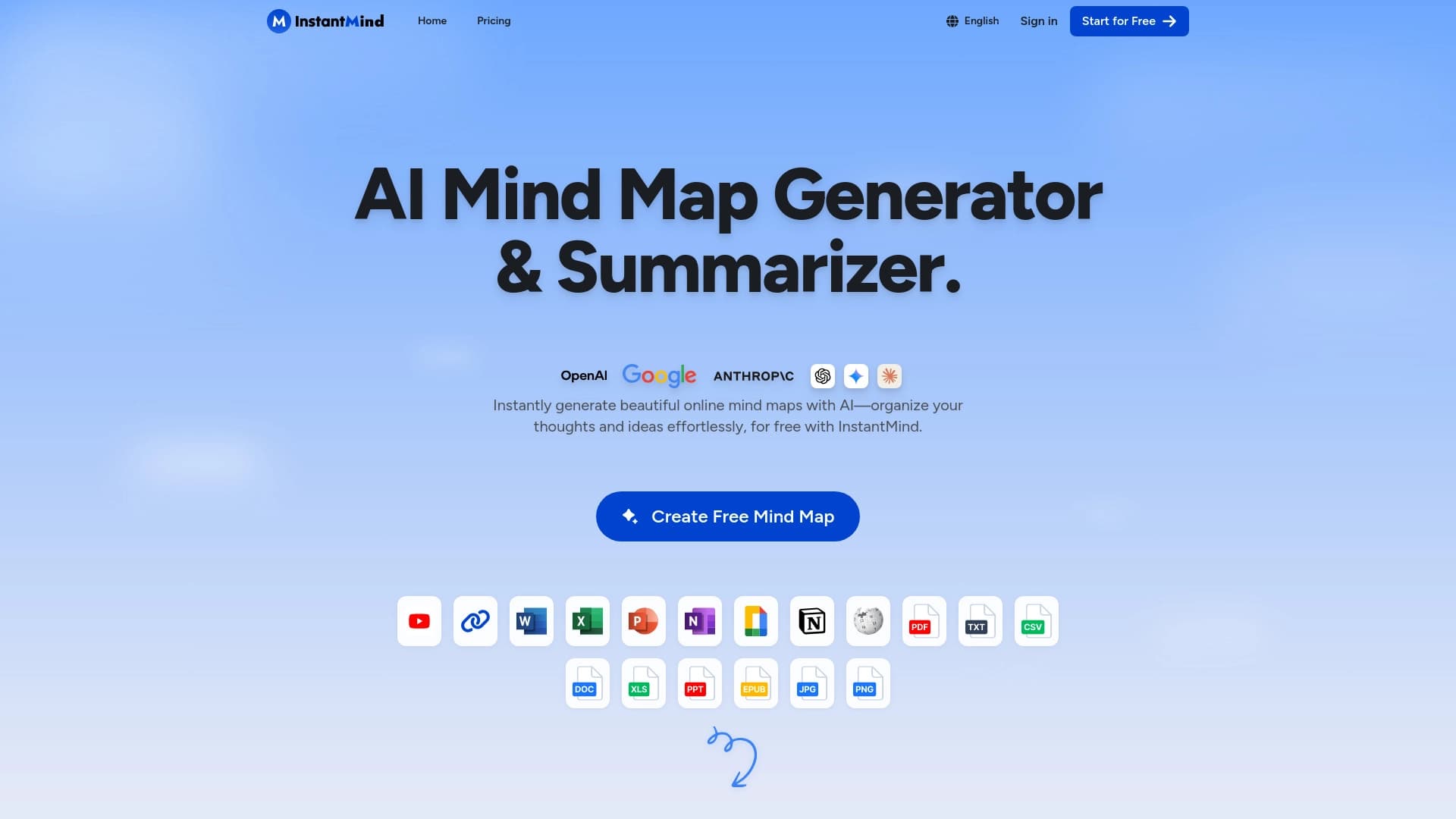

Service pour créer automatiquement des cartes mentales à partir de documents téléchargés.

Agent d'IA pour automatiser les communications et le support client.
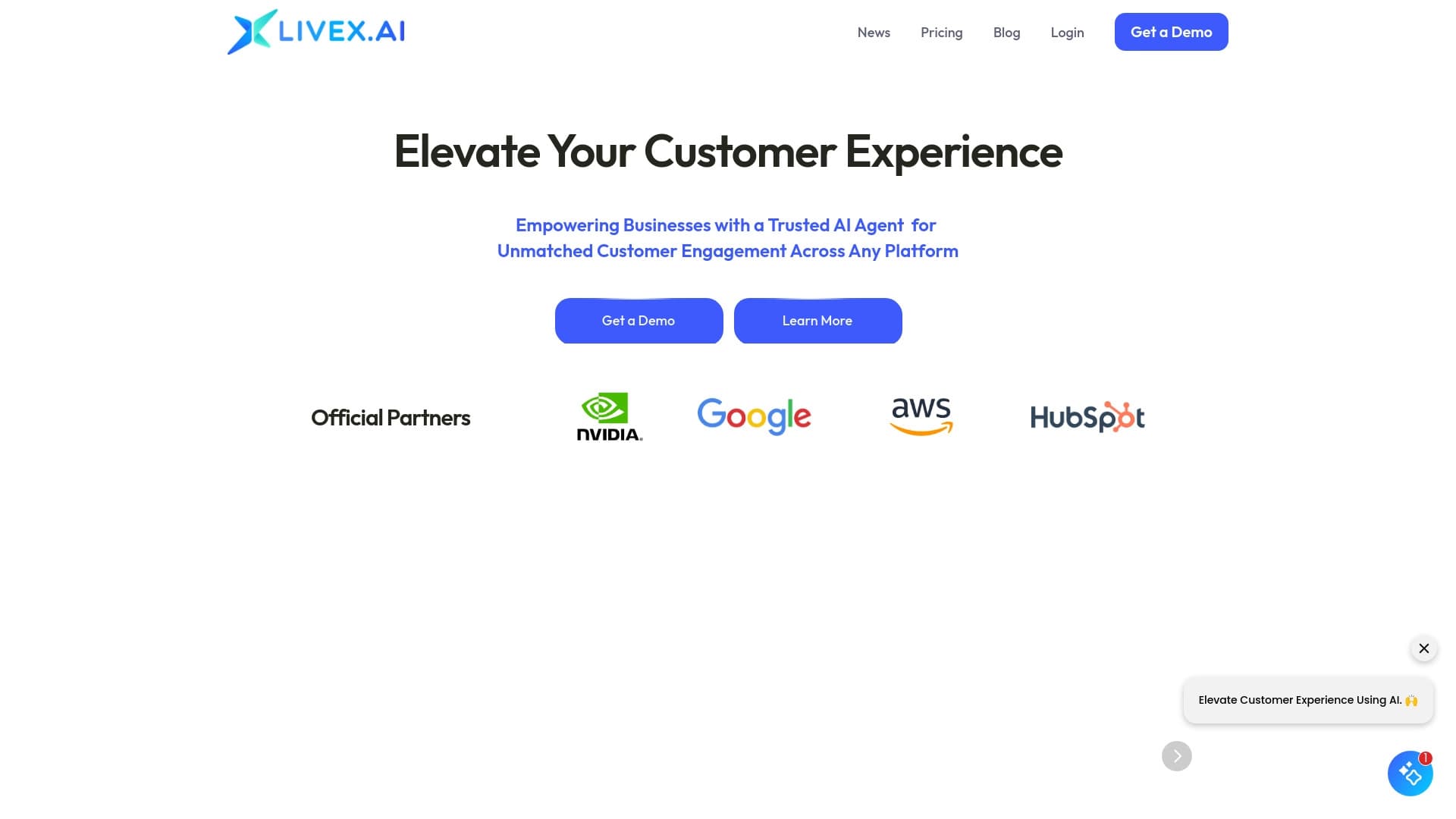

Agents d'IA multimodal pour automatiser le service à la clientèle et les ventes par chat, voix et vidéo.

Un réseau neuronal pour l'analyse de documents qui extrait des informations clés, crée des résumés et répond aux questions sur le contenu des fichiers téléchargés.