

Bloks
AI assistant for automating notes, tasks, and meetings, integrating with email and calendar.
Overview
Bloks Neural Network Description
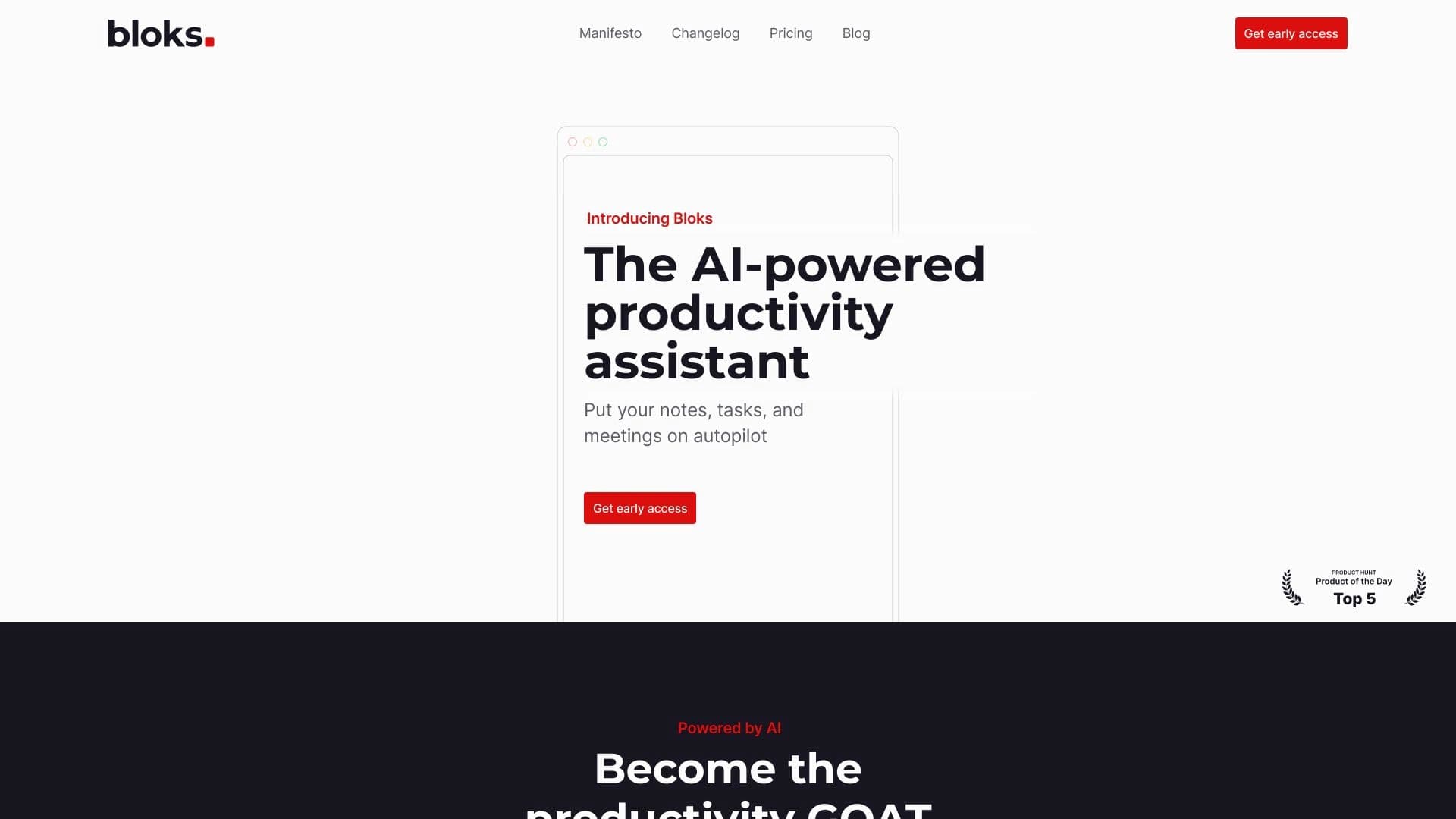
Bloks is an AI assistant designed to automate routine workflows. It connects to your email and calendar to independently gather and link information from various sources. The tool's main goal is to reduce the cognitive load associated with note-taking, task planning, and meeting preparation.
The neural network doesn't just store records — it actively helps structure them: turns chaotic thoughts into organized lists, links tasks to emails and calendar events, and reminds you of urgent matters. Thanks to this approach, users get a unified view of their workday without needing to manually cross-reference data from different services.
Bloks Characteristics
Below are key parameters gathered from public sources.
| Characteristic | Value |
|---|---|
| Type | Application |
| Categories | Task management tools, product description generators, productivity tools, note-taking tools |
| Developer | Bloks, Inc. |
| Distribution model | Not specified |
| Monthly visits | 111.2 thousand |
| Free tier availability | Yes ("Basic") |
Who is Bloks suitable for?
For those who want to keep everything under control
Bloks suits users who don't want to lose a single idea or important task. This could include students, freelancers, and professionals working with large volumes of information. The assistant helps organize both work and personal matters, reducing the risk of missing something.
For managers and teams
The tool will be useful for managers who need to ensure tasks don't get lost and employee assignments remain under constant control. Bloks allows tracking the completion of agreements and keeping the team informed of current priorities by automating part of the management routine.
How to use Bloks?
Simple start: voice and text notes
You can start with the simplest action — write down a thought, make a list, or just dictate a voice note. Bloks will quickly convert it to text. If you have many tasks piling up, the AI will sort information into categories, add tags, and link new notes to existing emails and calendar events.
Automation after meetings
Bloks is especially convenient when used with a calendar. After a meeting, the assistant can automatically prepare a summary, generate a list of follow-up tasks, and remind you about them at the right time. If you need to send an email based on the conversation, the AI will help draft it based on the meeting context.
Daily planning
In everyday work, the tool helps prepare for upcoming events. It gathers the necessary context in advance, reminds you of important details, and helps you not overlook urgent matters by focusing attention on current priorities.
Key Bloks Features
Smart notes and summaries
Bloks automatically captures tasks and ideas that arise during meetings. It can create to-do lists and brief summaries of online discussions without needing to fill in templates manually. All information is automatically structured in a convenient format.
Data linking
A key feature is integration with email and calendar. The neural network analyzes notes, emails, and events, building a unified story from them. This approach lets you see the context of any task and quickly return to the data you need.
Reminders and meeting preparation
The tool not only reminds you of important matters but also helps you prepare for them. It can suggest a list of discussion questions in advance, highlight key points from previous correspondence, and generate a draft reply email, saving time on routine actions.
Bloks Advantages
- Routine automation. Notes and tasks are captured without extra effort, reducing the risk of forgetting important information.
- Smart data sorting. The system analyzes notes, emails, and meetings, linking them into a unified context, making it easier to find the information you need.
- Time savings on planning. Meeting preparation and plan creation happen faster since a significant portion of the work is done automatically.
Bloks Disadvantages
- Dependence on input data quality. If information in email or notes is incomplete or chaotic, the assistant may misinterpret tasks and get confused.
- Limited flexibility for non-standard scenarios. The tool may not suit specific or complex workflows that require custom configurations.
- Data security concerns. Since all information is stored in the cloud, there is a potential risk of data leaks or loss, requiring a careful approach to using the service.
What tasks does Bloks solve?
- Note-taking automation. Converting voice and text recordings into structured text.
- Task management. Creating lists, setting priorities, and deadline reminders.
- Meeting organization. Preparing summaries, forming agendas, and gathering context.
- Linking notes to email and calendar. Creating a unified space for all work communications.
- Creating final documents. Preparing meeting summaries, to-do lists, and email drafts.
Bloks Pricing
The cost of using the service depends on the chosen plan. The following options are currently available:
- "Basic" — a free plan for personal use with a limited set of features.
- "Premium" — a plan that unlocks expanded capabilities for individual users.
- "Team" — a plan for organizations with advanced collaboration tools.
Current terms and detailed plan descriptions should be checked on the developer's official website.
Bloks Terms of Use
Before getting started, users need to provide data for analysis (email, calendar). Registration is required to use the service, as the pricing policy separates personal and team accounts. All information processed by the assistant is stored remotely, which is standard practice for cloud services but requires a mindful approach to data security.
Bloks Availability
Bloks is distributed as an application. Specific supported platforms (mobile or desktop OS), as well as the list of available languages and regions, are not officially specified at this time. Up-to-date availability information should be checked on the developer's website or in official app stores.
How Bloks differs from alternatives
The difference between Bloks and tools like Notion AI or ChatGPT lies in its focus on automatic integration with work communications. While general-purpose AI assistants generate content or search for information on request, Bloks specializes in passive monitoring of email and calendar. This allows the system to independently build connections between events and tasks without additional user commands, which is especially important for people with high workloads.
Unlike services such as Gemini or DeepSeek, Bloks has a narrower specialization: it targets specific scenarios — meeting and note organization — rather than solving arbitrary tasks. This makes it more predictable and reliable in these scenarios, though less flexible than general language models.
Conclusion
Bloks is a specialized AI assistant for automating notes, managing tasks, and organizing meetings. The service takes on a significant portion of the routine work of structuring information, helping save time and stay organized. However, the tool's effectiveness directly depends on the quality of input data and also requires attention to security issues and alignment with non-standard work scenarios.
Frequently asked questions
See also

AI platform for fast resume screening that helps recruiters select suitable candidates.


Chrome extension that helps manage tabs, history, and bookmarks with an AI assistant.


Project management platform with task assignment, time tracking, and employee workload monitoring features.

AI assistant for business that helps manage tasks and automate routine through dialogue.


Averi is a marketing platform that brings campaign planning, content creation, and analytics together in a single interface.

AI-powered platform for automated API security testing and vulnerability discovery in code and cloud infrastructure.


Web service for generating images from text descriptions and communicating with virtual characters.

AI-powered online service that automatically converts bank statements from PDF into structured CSV files.