

AYCD
Platform for automating routine tasks, including email management, account management, and AI-powered CAPTCHA solving.
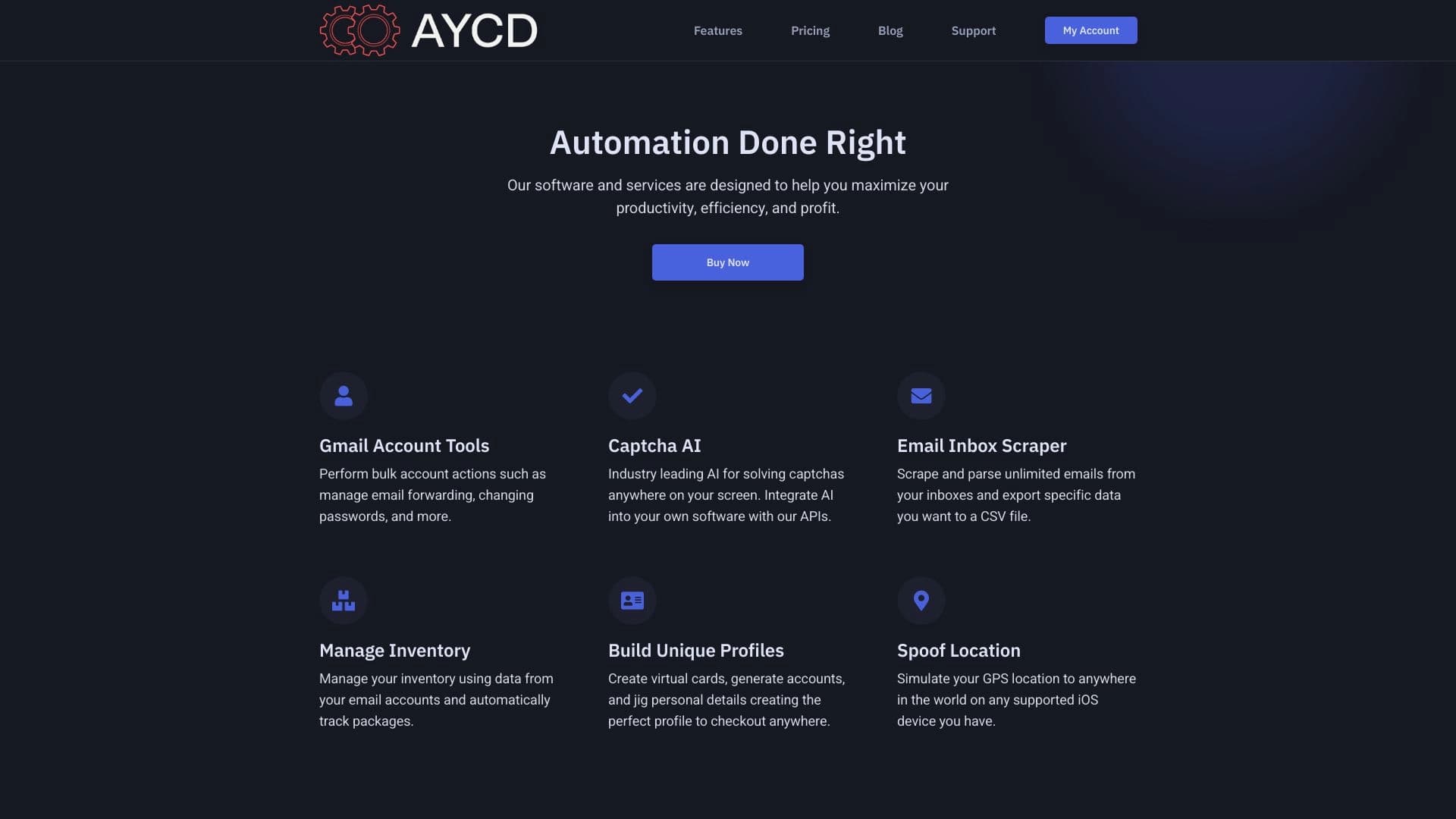
Overview
AYCD is a platform designed to automate routine operations that users working with large volumes of digital assets face on a daily basis. Instead of manually managing dozens of email inboxes, tracking account statuses, or spending time solving CAPTCHAs, AYCD takes these tasks on itself. At its core, it is a digital assistant that brings email, browser, and profile management together into a single window.
The service's main focus is on comprehensive automation. The platform doesn't just speed up individual actions—it also allows you to build workflows: for example, automatically forwarding emails from one inbox to another, changing passwords, connecting proxies, and solving CAPTCHAs in the background at the same time. It is a tool for those who value speed and predictability when performing mass operations, whether it's managing accounts for email campaigns, working with online stores, or preparing to launch advertising campaigns. The AI within the platform acts as an execution engine that handles the most tedious and repetitive steps.
AYCD Characteristics
| Characteristic | Value |
|---|---|
| Developer | AYCD Inc |
| Monthly visits | 388.9K |
| Categories | Productivity tools, AI website builders, Email assistant, Email marketing tools, Advertising tools |
| Type | Automation and productivity tool |
| Tags | #Website |
| Distribution model | Freemium |
Who is AYCD suitable for?
Resellers and drop shippers
For those involved in reselling digital goods, services, or physical products (such as sneakers or limited-edition items), AYCD provides a significant advantage. The speed of order placement and the ability to bypass purchase quantity limits often decide the outcome of a deal. The platform automates routine steps—from logging into an account to confirming a purchase—which is critical in auctions and highly competitive stores.
Entrepreneurs and freelancers
Business owners who spend hours managing multiple email inboxes, sorting incoming leads, or maintaining social media activity will find in AYCD a way to free up resources. The tool suits those running several projects simultaneously and needing routine automation without hiring a development team. Instead of hiring an assistant, the platform helps handle the flow of operations independently.
Email marketing specialists
For those dealing with mass email campaigns, the service simplifies infrastructure setup: creating virtual browsers, configuring email forwarding, and changing passwords. This allows you to pass verification checks faster and reduce the risk of blocks when working with large volumes of emails.
How to use AYCD?
Managing email and accounts
The first step is setting up Gmail integration. Through the control panel, you can connect inboxes, configure mail forwarding, automatic password changes, and SMS collection. This creates a foundation for further automation, where all key accounts are under control and don't require manual login.
Setting up browsers and profiles
The platform allows you to create virtual browsers and profiles that are isolated from each other. You can add extensions to them, configure autofill for forms with OTP codes (one-time passwords), and access data via IMAP. This is useful for running multiple sessions simultaneously without the risk of data overlap.
Emulation and bypassing restrictions
For tasks related to testing or marketing, iOS device geolocation emulation is available. Simply specify a point on the map, and the virtual device will be detected as being in the desired region. In the same section, proxies and cloud servers can be connected for load distribution. The built-in AI automatically solves CAPTCHAs (reCaptcha, hCaptcha) without requiring manual intervention.
Key AYCD Features
The service offers a set of tools that cover the full cycle of working with mass operations:
- Gmail account automation: full control over inboxes, including forwarding and data changes.
- AutoSolve AI: an intelligent module for automatically recognizing and solving any type of CAPTCHA.
- Multi-browser support: managing hundreds of isolated virtual browsers and profiles.
- iOS geolocation: device location emulation without physical intervention.
- Integrations: connecting cloud servers and proxies for scaling and anonymity.
- Virtual cards: the ability to make purchases without using real banking details.
AYCD Advantages
- Real time savings: the platform handles monotonous work that would take hours to do manually.
- Powerful AI for CAPTCHAs: the AutoSolve AI module works without limits on the number of requests, quickly processing even complex reCAPTCHA variants.
- Centralization: email, profiles, and browsers are managed from a single interface, reducing confusion and the risk of errors.
- Low entry barrier: the interface is intuitive, allowing beginners to get started without lengthy training.
- Flexible settings: adaptable for stores, resellers, and one-off experiments without the need to write code.
AYCD Disadvantages
- Privacy risks: when working with large volumes of data and accounts, there are potential risks related to information security.
- Network dependency: most features, especially profile and CAPTCHA management, require a stable and fast internet connection.
- Limited customization: for non-standard or highly specialized tasks, the platform's capabilities may not be sufficient—it is tailored to specific scenarios.
What tasks does AYCD solve?
- Email automation: forwarding, sorting, and password changes without manual login.
- Mass CAPTCHA solving: processing any type of verification automatically.
- Profile management: maintaining multiple accounts and browsers without mixing their data.
- Fast project launch: starting processes without labor-intensive manual setup.
- Resale automation: speeding up purchasing and checkout processes for resellers.
AYCD Pricing
The cost of using the platform depends on the chosen subscription plan. The service offers several plans that differ in the set of available features. Indicative monthly subscription prices are as follows: the reseller plan, the queue management plan, the CAPTCHA plan, and the maximum plan. Prices are subject to localization for the target market. It is recommended to check the current pricing and plan details on the project's official website, as terms may change.
AYCD Terms of Use
To access the platform's features, you need to subscribe to one of the four available plans. Registration on the website is likely required to create a personal account and activate the subscription, although this is not explicitly mentioned in the source data. The terms of service are determined by the selected plan, which grants access to a specific set of tools.
AYCD Availability
The service operates as a web platform and is accessible via the official website aycd.io. There is no information about support for specific languages, regional restrictions, or the need to use a VPN to connect. Since it is a web service, any modern browser and internet access are required to use it.
How AYCD differs from alternatives
The main difference between AYCD and many specialized services is the combination of several powerful tools in a single platform. Many competitors (for example, AutoDraw, Polymer, or Adobe Firefly) solve narrow tasks or target a different audience. While Figma AI or Flux 1.1 focus on design and image generation, AYCD fills the niche of operational automation for business.
Competitors such as Google Stitch may offer related solutions, but AYCD stands out with its integration of CAPTCHA solving, Gmail management, and mobile device emulation with proxies and a browser farm. This makes it not just an assistant, but a comprehensive operational environment for users who need to control many digital entities simultaneously without losing speed.
Conclusion
AYCD is a powerful and multifunctional platform designed to automate routine operations. It targets resellers, entrepreneurs, and marketing specialists who need mass account management, email handling, and CAPTCHA solving. The service provides an impressive set of tools to speed up work, but it's important to consider its customization limitations and dependence on internet connection quality. It is a practical solution for those ready to optimize their daily processes with AI.
Frequently asked questions
See also


Visual AI boards for organizing ideas and tasks.
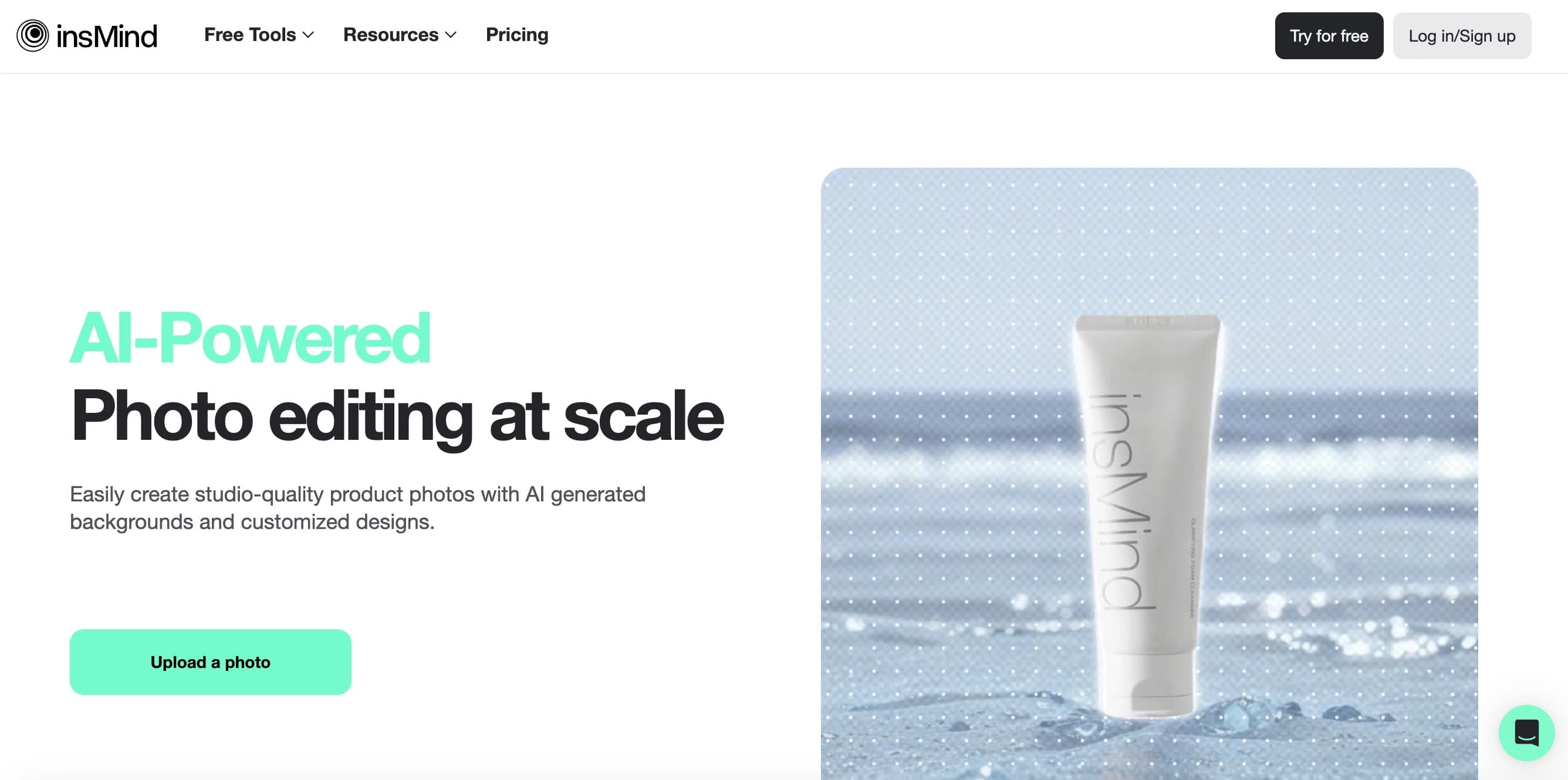
AI tool for product image processing and generating professional photos with virtual models.
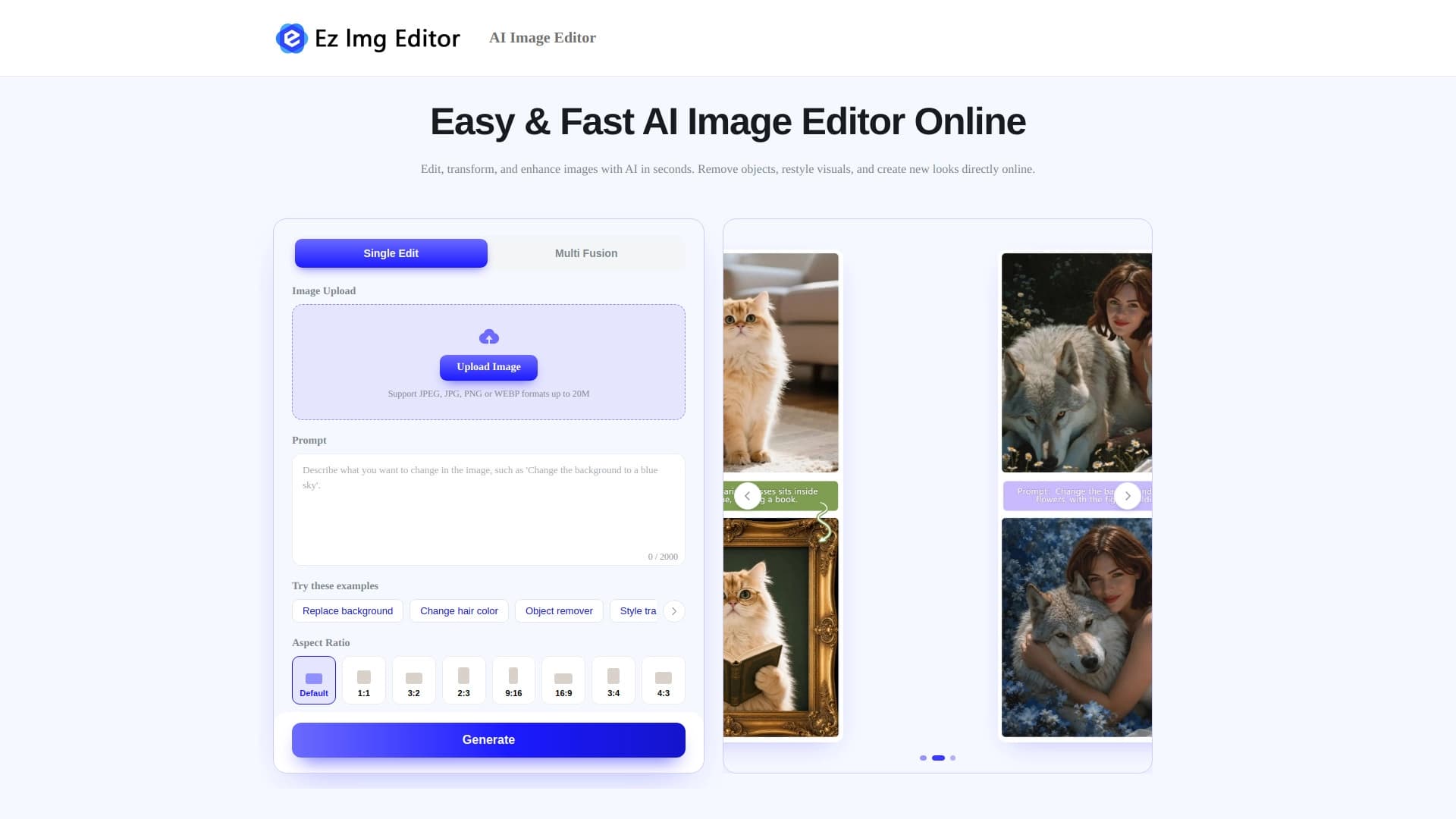

AI-powered online image editor for removing objects, replacing backgrounds, and enhancing photos.
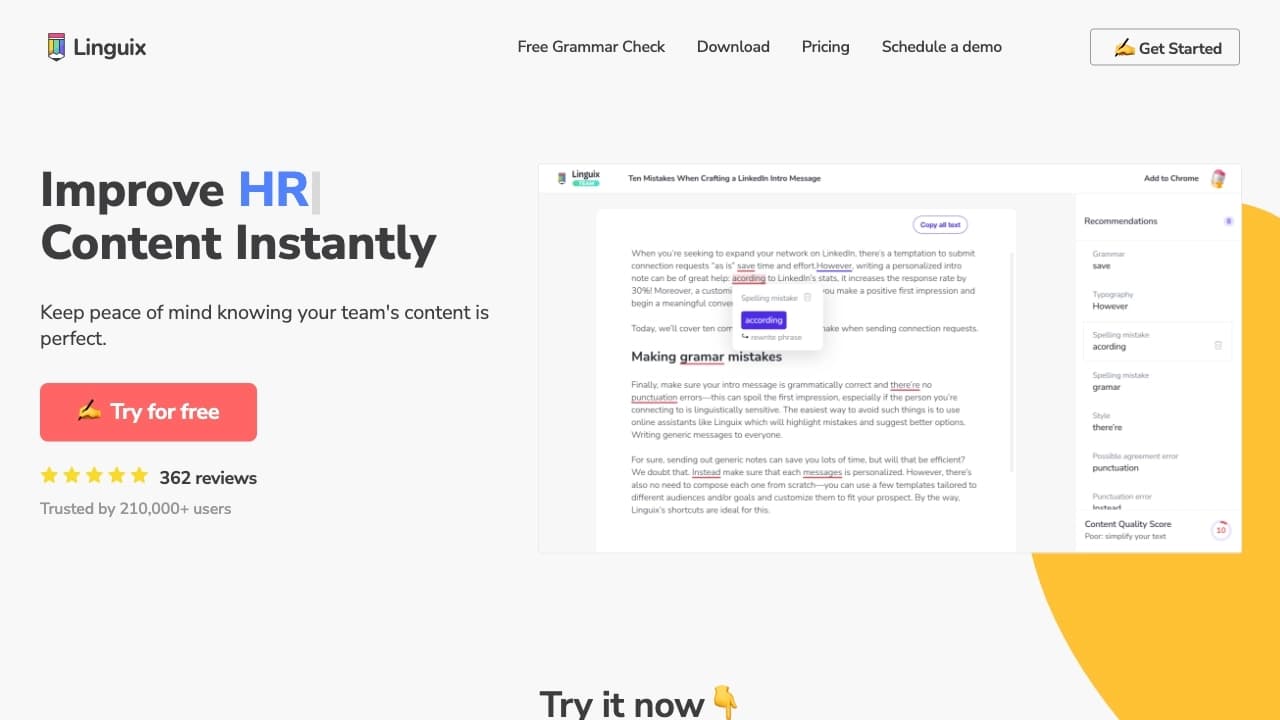

AI assistant for checking grammar, spelling, and style of English text, available as a browser extension and web editor.

AI-powered platform for automated API security testing and vulnerability discovery in code and cloud infrastructure.

AI service add-on subtitles in the video.

AI app for voice recording and turning it into structured notes.


AI tool for creating presentations, documents, and web pages from a text description.