

Autonomy AI
AI assistant for frontend developers, automating routine tasks and generating code directly in the editor.
Overview
Autonomy AI Overview
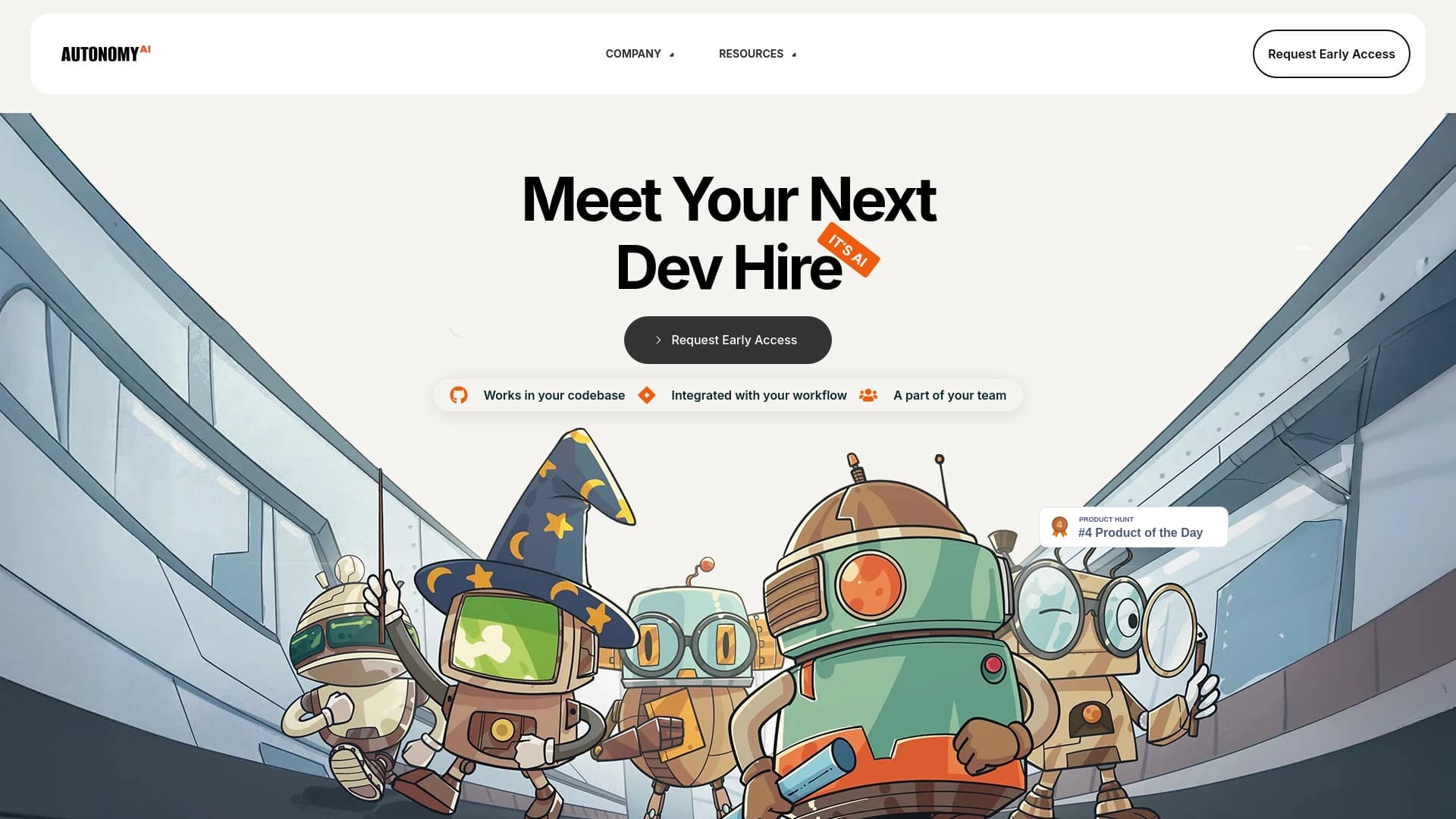
Autonomy AI is an AI assistant built specifically for frontend developers. Its main purpose is to handle routine operations when creating user interfaces, allowing developers to focus on more complex and creative aspects of their work.
The tool integrates directly into the development environment (IDE), analyzes the style and rules of a specific project, and then generates code that fits seamlessly into the existing codebase. Instead of spending time on boilerplate operations, teams get ready-made snippets that match the standards adopted in the project. This is not just autocomplete — it's a full-fledged assistant that understands project context and works autonomously, like an additional team member.
Autonomy AI Features
| Feature | Value |
|---|---|
| Type | AI tool for frontend development |
| Categories | Code explanation, productivity enhancement, refactoring, programming assistance, code generation |
| Platform | Website, code editor integration |
| Developer | Autonomy AI |
| Monthly visits | 26.1K |
| Free tier available | Yes (free) |
| Paid tier pricing | Standard: 1990 RUB/month; Professional: 4990 RUB/month |
Who is Autonomy AI for?
Frontend Developers
The tool is primarily aimed at developers working with user interfaces. It will be useful both for specialists who want to speed up routine processes and for those who strive to maintain clean code and reduce technical debt.
Development Teams
Autonomy AI is especially valuable in team environments. Since the assistant adapts to project standards and team rules, it helps maintain code consistency and simplifies synchronization between team members. This reduces the number of errors and speeds up collaborative development.
How to use Autonomy AI?
To get started with Autonomy AI, you need to join the waitlist on the official website. Once you gain access, you'll need to connect the tool to your project.
The connection process takes just a couple of minutes. Autonomy AI analyzes the style and structure of the project, then starts suggesting optimal solutions and generating code right in the editor. The tool fits easily into your usual workflow — you don't need to switch between windows or change your habits; everything happens right in the development environment.
Key Features of Autonomy AI
Works in the Code Editor
Autonomy AI embeds directly into the IDE and works where developers spend most of their time. This reduces context switching and helps maintain focus on the task at hand.
Generates Ready-to-Use Code
The tool creates code that can be used immediately, without lengthy refinement. It adapts to project rules, so generated snippets match the formatting and architecture standards adopted by the team.
Automates Routine Tasks
The assistant handles repetitive operations: creating boilerplate components, common patterns, and other tasks that take time but don't require high-level expertise. This allows the team to reuse routine code and avoid duplication.
Advantages of Autonomy AI
Faster Interface Development
Thanks to automation and code generation, interface development moves faster. Projects can be shown to clients earlier, which is especially important with tight deadlines and the need for quick feedback.
Clean Code and Reduced Technical Debt
Autonomy AI helps keep code clean. Since the tool follows project standards, the number of bugs and technical debt decreases. The codebase becomes more consistent and understandable, making future maintenance easier.
Automation and Team Synchronization
The assistant automates routine operations, and code consistency makes teamwork easier. Developers get stuck on minor issues less often, as the tool handles part of the repetitive tasks and maintains consistency across team members.
Disadvantages of Autonomy AI
Limitations for Non-Standard Projects
The tool may not capture the nuances of unique or non-standard projects. If a project has an unusual architecture or specific requirements that are difficult to formalize, the AI's output may require manual review and adjustment.
Risk of Skill Deterioration
With prolonged and active use of AI assistants, developers may experience a decline in certain skills. Relying on code autogeneration too often can reduce hands-on coding practice, which may impact professional growth.
Potential Hidden Bugs
As with any automatically generated code, there is a possibility of hidden errors, especially regarding security. Such issues may not surface immediately but closer to release, so thorough review of AI-generated code is recommended.
What Problems Does Autonomy AI Solve?
- Accelerating frontend development — reducing time spent on creating user interfaces.
- Automation and reuse of routine code — the tool handles repetitive operations and enables the use of ready-made solutions.
- Reducing technical debt — maintaining code cleanliness and compliance with project standards.
- Increasing team productivity — automating routine tasks frees up time for more complex and creative work, as well as product development.
Autonomy AI Pricing
Autonomy AI offers several pricing plans, including a free option suitable for getting acquainted with the tool and for small projects.
- Free plan — allows you to evaluate the tool's capabilities and use it for small tasks.
- Standard — 1990 RUB/month. Full access to functionality, suitable for medium-sized businesses.
- Professional — 4990 RUB/month. Extended capabilities and priority support for large teams.
The exact description of features included in each paid plan is not currently disclosed, so when choosing, it's worth considering team size and the required level of support.
Terms of Use for Autonomy AI
To get started, you need to join the waitlist on the project's official website. Once you gain access, you can connect the tool to your project and begin using it. Information about other terms, such as hardware requirements, operating system compatibility, or specific licensing agreements, is not specified in public sources.
Availability of Autonomy AI
Autonomy AI is available as a web service and a code editor integration, and it also has its own website. Information about supported languages and regions is not specified on the project page, so it's impossible to say with certainty whether the tool is available in all countries and which languages it supports.
How Autonomy AI Differs from Alternatives
The main difference between Autonomy AI and other code-writing assistants is the depth of project integration. Instead of simply offering autocomplete suggestions, the tool picks up team standards and works autonomously, feeling like an additional developer. It analyzes code style and team rules and generates solutions that fit naturally into the existing codebase.
Among other AI assistants for programmers — such as GitHub Copilot, Tabnine, AskCodi, Cursor AI, Replit, and Qwen AI — Autonomy AI stands out for its attention to project context and its ability to maintain code cleanliness, reducing manual edits and technical debt. Connecting to a project takes just a couple of minutes, after which the tool starts suggesting optimal solutions tailored to the specifics of your codebase.
Conclusion
Autonomy AI is a specialized AI tool for frontend development that handles routine tasks and helps teams accelerate interface creation. Its key feature is deep project integration and the ability to adapt to team standards. This helps maintain clean code, reduce technical debt, and increase productivity.
However, the tool also has limitations: it may require manual review for non-standard projects, and developers' skills may dull with prolonged use. Despite this, Autonomy AI is an interesting solution for teams looking to speed up development and free up time for more complex and creative tasks.
Frequently asked questions
See also
Unofficial API access to Suno AI for music generation and integration into applications.


Video editor with neural network support for video editing on Windows and Mac.


AI-based service for automatic generation of text content in various formats.


Side AI panel that helps answer questions, work with documents, and generate images.

AI platform for fast resume screening that helps recruiters select suitable candidates.


Desktop AI assistant for macOS, Windows, and Linux that launches via hotkey above all windows and combines multiple language models in one interface.


Open neural network for solving complex problems in mathematics, programming, and logic.


AI marketing assistant that helps create promotion strategies and optimize advertising campaigns.