

AudioBriefs
Chrome extension that transcribes and summarizes voice messages right in WhatsApp Web.
Overview
AudioBriefs Neural Network Description
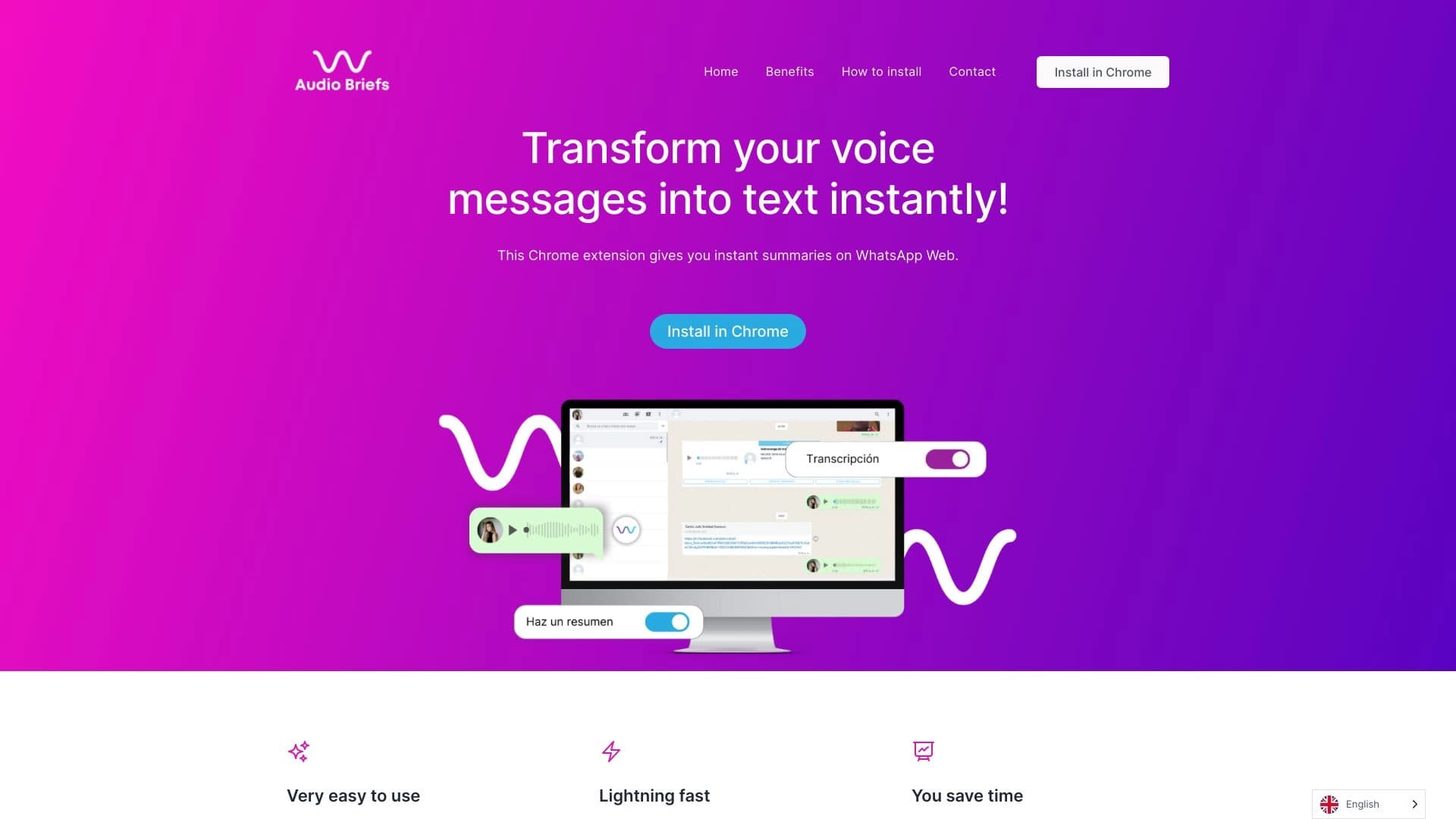
AudioBriefs is a specialized browser extension for Google Chrome, designed to solve the eternal problem of WhatsApp users: the endless stream of voice messages. Instead of spending time listening to long audio recordings, the service offers to instantly convert them into text right within the WhatsApp Web interface.
The extension automatically adds a special button next to each audio message in the chat. One click on it — and instead of an audio file, you get a ready-made text transcription that can be read in seconds. Additionally, AudioBriefs can generate brief summaries of long conversations, allowing you to quickly grasp the essence of the discussion without diving into details.
The extension is developed by AudioBriefs Labs. The service works only in conjunction with WhatsApp Web and does not support other browsers or desktop applications, making it a niche but extremely useful tool for those who actively use computer-based messaging.
AudioBriefs Features
| Feature | Value |
|---|---|
| Type | Browser extension |
| Category | Audio transcription tools, speech recognition, audio enhancement |
| Developer | AudioBriefs Labs |
| Monthly visits | 7.9K |
| Free plan | Yes (Basic) |
| Premium cost | $7 per month |
| Business cost | $15 per month |
Who is AudioBriefs suitable for?
Busy professionalsThe tool is ideal for managers, entrepreneurs, and freelancers who receive dozens of voice messages in work chats. Listening to each one takes time, while reading text is 2-3 times faster. It becomes possible to quickly process a large volume of incoming data without being distracted from other tasks.
Active messenger usersAnyone who actively communicates with friends and family through WhatsApp Web will appreciate the convenience of reading audio. This is useful in situations where listening is impossible or undesirable: in the office, on public transport, or in the library. Additionally, text transcriptions make it easy to search for the needed information by keywords without re-listening to piles of audio recordings.
How to use AudioBriefs?
Installation and setupThe connection process is extremely simple. You need to go to the official service website and click the "Install" button for the Chrome browser. After confirming the installation, the extension icon will appear in your browser. Then you open WhatsApp Web, scan the QR code to log in, and authorize AudioBriefs through your Google account. That's it — the installation is complete, and the extension is ready to use.
Working with transcriptionAfter activating the extension, a branded AudioBriefs icon will appear next to each voice message in your WhatsApp Web chats. To get the text, simply click on it. Within a couple of seconds, the transcription will appear right below the audio message. For long voice recordings, the service will also offer a brief text summary of key points, allowing you to instantly understand the context without detailed reading.
Key Features of AudioBriefs
Automatic transcriptionThe main function is converting speech into text format. The extension recognizes Russian and English speech, converting audio into readable text at high speed. This allows you to completely abandon headphones when working with WhatsApp Web.
Lightning-fast text summariesFor large audio messages, the service generates brief summaries. This is convenient when you need to quickly grasp the essence of an issue without reading the full transcription. The summaries automatically highlight the speaker's main thoughts and points.
Advantages of AudioBriefs
Time savings and convenienceThe main advantage is significant time savings. Reading text is always faster than listening to audio. This is especially noticeable when working with messages longer than 1-2 minutes. There's also a convenient ability to search through transcriptions: you can use the browser's system search (Ctrl+F) to quickly find the needed phrases or names in the conversation.
Simplicity and automationThe extension does not require complex setup or user intervention. The process is fully automated: just click the icon, and within a few seconds you get the result. The entire installation process also takes no more than a couple of minutes.
Disadvantages of AudioBriefs
Limited compatibility and recognition qualityThe service works exclusively in the Google Chrome browser. Users of Firefox, Safari, or Edge (unless it's the Chromium version) will not be able to use the tool. Furthermore, recognition quality directly depends on the audio: with poor recordings, background noise, or specific accents, accuracy decreases, and transcriptions may contain missing words or semantic errors.
Privacy concernsFor the extension to work, it needs access to your audio messages in the browser. Despite the fact that data is processed automatically, the very fact of transferring audio recordings to a third party may raise concerns among users worried about the confidentiality of personal correspondence.
What problems does AudioBriefs solve?
Accelerating communicationThe main task of the tool is to speed up communication in WhatsApp Web. It completely eliminates the need to listen to audio, allowing you to process the incoming flow of messages at reading speed. This is critically important for people managing multiple parallel conversations.
Simplifying navigation through correspondenceThanks to text transcriptions, users get a complete text chronicle of their chats. This simplifies information search: you can quickly find a specific discussion or agreement using text rather than re-listening to long audio recordings. This turns chaotic voice messages into a structured database.
AudioBriefs Pricing
Subscription plansThe service offers three plans with different feature sets:
- Basic (Free): A plan for personal use that provides basic transcription capabilities with certain limits.
- Premium ($7/month): An advanced plan that removes most restrictions and provides more advanced features, such as summaries of long messages and higher accuracy.
- Business ($15/month): A corporate plan aimed at teams and companies. It includes extended support, team access capabilities, and priority request processing.
Terms of Use for AudioBriefs
Registration through a Google account is mandatory to use the extension. After installing the extension in Chrome and navigating to WhatsApp Web, the service requests permission to access your voice messages, as well as page data for correctly displaying transcription buttons. A mandatory condition is using the Google Chrome browser at the time of operation.
AudioBriefs Availability
AudioBriefs is available exclusively as a browser extension for Google Chrome. It works correctly only with the web version of WhatsApp Web (web.whatsapp.com). The extension does not offer mobile applications and does not support other browsers such as Mozilla Firefox, Safari, or Opera. If you don't use Chrome, the tool will be unavailable.
How AudioBriefs differs from alternatives
Focus on WhatsApp WebThe main difference between AudioBriefs and universal transcription services (such as Cleanvoice or Audo Studio) is its deep integration with a specific platform. AudioBriefs is not a standalone editor but an embedded solution for a single messenger. It works not as a separate program but as an invisible part of the WhatsApp interface, which lowers the entry barrier and eliminates the need to switch contexts.
Automation and summariesUnlike music or audio editors (for example, Suno AI, Mubert, Udio, or AIVA), which focus on content creation, AudioBriefs solves the narrow task of information compression. The presence of automatic text summaries built directly into the chat sets it apart from simple speech-to-text converters that just produce a solid wall of text without highlighting the main points.
Conclusion
AudioBriefs is an effective and simple solution for Chrome users tired of intrusive voice messages in WhatsApp Web. Its key advantages are lightning-fast transcription speed and convenient summaries that save hours of time. However, the service has significant limitations: strict dependence on the Chrome browser and potential privacy risks. It's a niche but very practical tool for those willing to sacrifice universality for the sake of correspondence processing speed.
Frequently asked questions
See also


AI assistant for quickly creating and editing texts in various formats.

An online service that lets you chat with PDF documents: ask questions and get concise answers with source attribution.

A neural network for document analysis that extracts key information, creates summaries, and answers questions about the contents of uploaded files.


A multifunctional AI assistant for generating texts, images, and audio.


Online AI speech synthesis platform that allows generating audio with voices of famous characters and celebrities.


Chrome extension that helps manage tabs, history, and bookmarks with an AI assistant.


Online AI-powered service for quickly creating presentations based on a given topic or an uploaded document.


AI language teacher in the form of a browser extension and web service for practice, translation, and explanation of language materials.