
Artwo
Online service for storing and organizing web bookmarks with AI analysis.
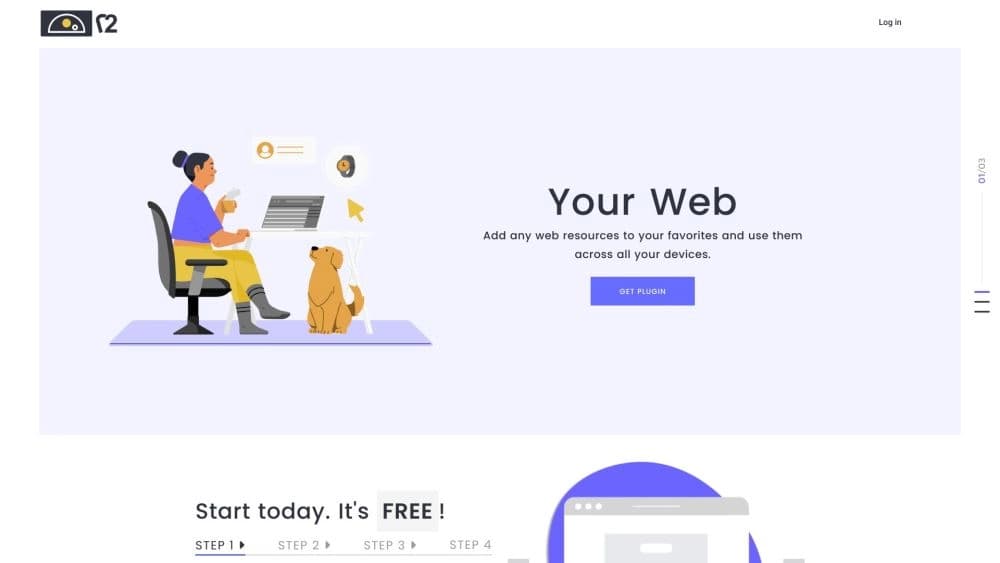
Overview
Artwo Neural Network Description
Artwo is an online service that turns ordinary web bookmarks into a structured knowledge base. Available as a browser extension for Google Chrome, the tool lets you save websites you like, organize them into collections, and sync them between your computer and phone. The project's key feature is its built-in artificial intelligence, which automatically analyzes each saved page, extracting topics, dates, mentioned places, and names. This saves users from having to manually describe every link and significantly speeds up subsequent searches for the needed information in the accumulated library. Essentially, Artwo is a hybrid of a classic bookmark manager and an intelligent search engine, aimed at those who want to bring order to digital chaos.
Artwo Features
| Feature | Value |
|---|---|
| Type | Browser extension + web admin panel |
| Category | Intelligent search tools, productivity tools |
| Platforms | Google Chrome (extension), web admin panel |
| Developer | Artwo Technologies |
| Free tier | Yes (up to 50 links) |
| Monthly visits | 241.8K |
| Internet required | Yes, for syncing and most features |
Who is Artwo for?
For researchers and students
It suits those who actively work with a large number of web resources, gathering materials for coursework, articles, or academic papers. Artwo helps not just save a link but also quickly find it later by key topics, dates, or names that the AI has automatically extracted from the page text.
For personal information management specialists
People who maintain personal collections—recipe lists, wishlists, movie or travel picks—will appreciate the service. Simple grouping of links into collections and smart search across saved content eliminate the need to keep many tabs open or long lists of links in notes.
For multi-device users
Artwo is built for those who actively work both on a computer and on a phone. Syncing all bookmarks through the cloud lets you start browsing on one device and continue on another, with your entire structured collection of links at hand.
How to use Artwo?
Installing the extension
To get started, simply install the Artwo plugin from the Chrome Web Store. After installation, the service's icon will appear in your browser. On the first click, the system will prompt you to register—this can be done through the web admin panel by entering a confirmation code sent to your email. Once your account is created, you can log in either through the browser extension or via the admin panel on the official Artwo Technologies website.
Daily use and syncing
The workflow is simple: when you find an interesting site, click the extension button to add it to your personal library. Links can be sorted into collections as you see fit. All added data is automatically synced to the server and becomes available on any other device after logging in. Search across your saved library is done via the search bar in the extension or admin panel. Note that an internet connection is required for the service to work fully—offline mode is practically unsupported.
Key Artwo Features
Saving and organizing content
The extension lets you quickly save favorite sites without manually copying URLs. All bookmarks can be grouped into customizable collections: work projects, personal interests, learning, or simply "read for leisure."
Intelligent page analysis
Artwo's signature feature is its built-in AI. It automatically analyzes the content of each bookmark and highlights key entities: article topics, mentioned dates, geolocations, and personal names. This creates a full semantic description of the page without any user input.
Smart bookmark search
Thanks to the added AI analytics, searching your bookmark library works like a search engine. You can search not by site address but by keywords from the content, mentioned people, dates, or events, making it easy to quickly find the needed information among hundreds of accumulated links.
Cross-platform access
The data syncing feature between devices ensures your bookmark list is always up to date. Information is stored in your personal account, and you can access it from any computer or phone simply by logging in.
Artwo Advantages
Order and organization
The service solves the main problem of browser "digital clutter." All links are structured into neat collections and categories, eliminating endless scrolling in search of a site in the standard bookmark bar.
Time savings on manual tagging
Thanks to the AI, there's no need to manually enter tags, descriptions, or comments for each saved page. The artificial intelligence does this on its own, analyzing the site's text and extracting important topics and keywords from it.
Accessibility from any device
Syncing between computer and smartphone works both ways. You can save an interesting article at home and read it on your phone on the go or at work, simply by logging into your Artwo account.
Artwo Drawbacks
Limited browser support
Currently, the extension works exclusively in Google Chrome. Users of Firefox, Safari, or Edge cannot use the service until the developers release versions for other platforms.
AI recognition errors
While the automatic analysis and entity extraction technology is a major advantage, it's not perfect. The AI sometimes makes mistakes in identifying topics, dates, or names, and manual correction of assigned labels may be needed for accurate search. It's best not to rely entirely on automation in this regard.
Dependence on network connectivity
The service is almost entirely dependent on internet availability. Without a connection, the service is severely limited: syncing stops, and most core features, including smart library search, become unavailable.
What problems does Artwo solve?
Organizing and cataloging
The tool addresses the task of bringing order to information noise, allowing you to create a clean, structured library of web resources by specified topics and projects.
Fast information retrieval
Artwo eliminates the problem of wasting time searching for a previously saved link, turning a bookmark manager into a full-fledged search system that searches by the page's semantic content.
Managing work and personal projects
The service suits both professional activities (collecting documentation, ideas, references) and personal goals (wishlists, recipes, leisure picks), centralizing all links into convenient categories.
Cross-platform access to information
It solves the problem of "the forgotten link on another computer," as all bookmarks are stored in your personal account, accessible from any internet-connected device after logging in.
Artwo Pricing
Artwo offers three pricing plans:
- Free plan: allows saving up to 50 links with access to basic features. This is a great option for getting acquainted with the service and its capabilities. Price: $0.
- Premium plan: designed for individual users who need more than 50 links. The plan includes unlimited links, advanced library search, and priority support. Price: $9.99/month.
- Team plan: designed for small workgroups and offers shared access to link collections, advanced analytics, and collaborative work. Price: $39.99/month.
Artwo Terms of Use
To start using the service, registration through the Artwo admin panel is required. To complete the account creation process, you must enter a confirmation code sent to your specified email address. After successful email verification, the user gets full access to the browser extension and personal account. A stable internet connection is required to use the service.
Artwo Availability
Currently, the service is available exclusively as a browser extension for Google Chrome. Installation is possible directly from the official Chrome Web Store. User data is synced to cloud storage, so access to all bookmarks and collections is available on any device (computer, tablet, smartphone)—just install the extension on a new device and log into your account. The key requirement is an internet connection for the service to function.
How Artwo Differs from Alternatives
The main difference between Artwo and standard bookmark managers and similar tools is its focus on intelligent content processing. Instead of simply storing URLs, the service builds a semantic category tree. The AI algorithm independently analyzes page content, extracting structured data—topics, dates, names, places. This turns bookmark search into a full-fledged search across your personal database's content, rather than a search through manually entered labels.
However, the service has clear boundaries. Unlike cross-platform tools such as Cursor AI, Replit, or Tabnine, Artwo is not a universal development environment or a multitasking assistant—it's a narrowly specialized tool for working specifically with bookmarks. Compared to powerful generative models like Qwen AI or GitHub Copilot, Artwo does not create content or write code. Its AI performs only an analytical function. It's also worth highlighting the browser limitation—other alternatives often offer extensions for multiple browsers, while Artwo is currently focused only on Chrome, leaving the compatibility question open.
Conclusion
Artwo is a modern online organizer for web bookmarks that uses artificial intelligence to automatically catalog saved sites. Its strengths are convenient link organization into collections, cross-device syncing, and smart search across page content, making the tool useful for both work tasks and personal use. However, the free version is limited to 50 links, the service is tied to the Chrome browser, and it's fully dependent on an internet connection. Nevertheless, it's an effective way to structure information and find it in one click, provided the current platform limitations work for you.
Pricing
Frequently asked questions
See also

AI agent for automating routine browser actions, such as filling out forms and collecting data.


A platform for creating and interacting with AI characters, each with their own personality and story.
Online platform for creating interactive AI twins based on the user's biography, personality, and personal experience.
Intelligent assistant from Microsoft, built into the Bing search engine and Edge browser, powered by GPT-4.


AI agent for assisting with programming and optimizing the development workflow.

A customer support automation platform that analyzes inquiries and helps operators respond faster.


A platform for chatting with virtual AI characters with image generation during the conversation.
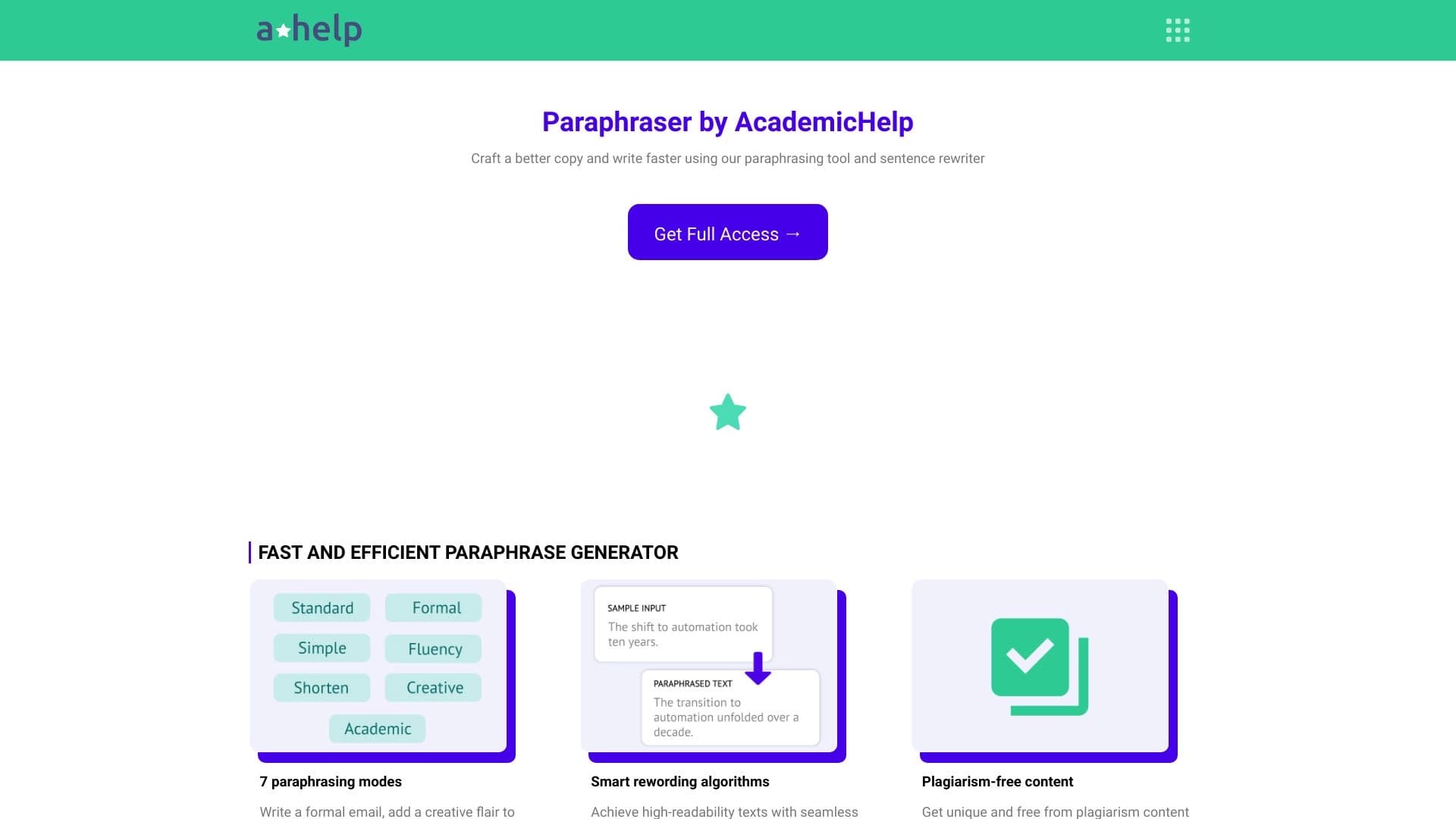

Online service for text paraphrasing with seven modes, helping you create unique content.