
Bing AI
Intelligent assistant from Microsoft, built into the Bing search engine and Edge browser, powered by GPT-4.
Overview
Bing AI is a conversational intelligent assistant from Microsoft, built directly into the Bing search engine and the Microsoft Edge browser. The service is powered by OpenAI's GPT-4 language model, allowing the assistant not just to return links in response to a query, but to conduct a full-fledged dialogue, analyze information, and perform complex tasks.
Bing AI's main feature is its deep integration with the Microsoft ecosystem. The assistant works in the Edge browser's sidebar, where it can analyze pages you're viewing, answer questions about their content, and create concise summaries of long texts without requiring you to switch between tabs. Accessing the service only requires a Microsoft account and the Edge browser, and the tool itself is available for free.
Key capabilities
Bing AI can work with up-to-date data in real time, which sets it apart from many other chatbots limited by their model training date. It can search for fresh information, analyze images based on text descriptions, and suggest relevant sources. The assistant also supports many languages, including Russian, making it accessible to a wide audience.
Architecture and base model
The service is built on GPT-4, one of the most powerful language models at the time of its launch. This allows the assistant to generate coherent texts, write code, translate from dozens of languages, and provide detailed answers to complex questions. Integration with the Bing search engine provides access to a vast array of web data that the model uses to formulate responses.
Bing AI characteristics
| Characteristic | Value |
|---|---|
| Type | Intelligent assistant (conversational neural network) |
| Developer | Microsoft |
| Base model | GPT-4 from OpenAI |
| Integration | Bing search engine, Microsoft Edge browser |
| Platforms | Web (Edge browser), Bing app |
| Distribution model | Free |
| Interface languages | Many languages, including Russian |
| Categories | Image generation, search and analysis, articles |
| Date added to catalog | May 6, 2025 |
| Monthly visits | ~1.09 billion |
| Average visit duration | 2 min 58 sec |
| Rating | 5/5 (0 reviews) |
| Credit card required | No |
| Free tier available | Yes |
Who is Bing AI suitable for?
For students and researchers
Bing AI will be a useful tool for students who need to quickly find up-to-date information, prepare essays, and research papers. The assistant can not only provide links but also generate structured responses, summarize long articles, and help translate foreign sources. The ability to conduct a dialogue allows you to refine queries and dive deeper into a topic — for example, asking it to explain complex parts of a document or find additional materials.
For content professionals
Copywriters, editors, and marketers can use Bing AI to generate ideas, create drafts of emails, posts, and notes. The assistant helps overcome creative blocks by offering various phrasing options and provides access to fresh information for preparing timely materials. The side-by-side mode allows comparing product characteristics and reviews from different sources without leaving the page.
For developers and technical specialists
Bing AI supports writing code in various programming languages, making it useful for developers. The assistant can explain code snippets, suggest solutions to common tasks, and help with debugging. Additionally, since the service works with up-to-date data, developers can get information about the latest library and framework updates rather than relying solely on the model's training data.
For everyday users
For everyday users searching for information online, Bing AI acts as a personal assistant. It can translate texts, create images from descriptions, engage in conversations on various topics, and help with daily tasks — from planning purchases to getting detailed answers to questions. Voice control capability makes working with the assistant even more convenient.
How to use Bing AI?
First steps in the Edge browser
To start working with Bing AI, simply open the Microsoft Edge browser and go to the official Bing AI website. Queries are entered in a dedicated field, where it's important to clearly formulate your task. For example, you can write "Create an image of a cat playing the guitar" or "Explain how quantum entanglement works." The more precise your prompt, the better the result will be.
Working in the sidebar
One of Bing AI's key features is the sidebar in the Edge browser. It lets you reach the assistant without leaving the current page. Copilot analyzes the content of the open site, answers questions about it, creates summaries, and highlights key points. This is especially convenient when working with long articles and documents.
Advanced usage scenarios
Bing AI supports voice control and a side-by-side mode that lets you compare products, characteristics, and reviews from multiple sources in a clear format. The assistant can also help draft emails and notes, explain complex text passages, and suggest additional sources. You can ask follow-up questions in the dialogue mode to refine results.
Key features of Bing AI
- Information search — the assistant uses the Bing search engine to find relevant and up-to-date data, working with information in real time.
- Text generation — creates texts in various formats: emails, notes, posts, articles, and other materials based on user prompts.
- Image creation — generates images from text descriptions, allowing you to visualize ideas and concepts.
- Text translation — supports translation from many languages, making it easier to work with foreign sources.
- Code writing — helps write code in various programming languages, explains snippets, and suggests solutions.
- Dialogue mode — conducts a full-fledged conversation with the user, answering complex questions and clarifying details.
- Content analysis — analyzes text, video, and websites, creates concise summaries of long materials, and highlights key points.
Advantages of Bing AI
Security and privacy
Bing AI operates within the Microsoft ecosystem, which places a strong emphasis on the security of corporate data. The platform uses secure management mechanisms and control features to keep information confidential. Through integration with Microsoft Entra, Defender, and Purview, access control and security policy compliance are ensured — an important factor for business users.
Integration with the Microsoft ecosystem
The assistant is built into the Bing search engine and Edge browser, and also works in conjunction with other Microsoft products, including Office. This creates a seamless user experience: for example, you don't have to switch between apps — you can get answers and suggestions right next to the content you're working with. Deep integration with Windows and Microsoft services sets Bing AI apart from third-party solutions.
Multilingual support and data relevance
Support for many languages, including Russian, makes Bing AI accessible to users around the world. Unlike many other chatbots that only work with training data, Bing AI uses up-to-date information in real time. This is especially valuable for getting the latest news, fact-checking, and working with dynamically changing data.
Free availability
Bing AI is available for free to all Microsoft Edge users. All you need to get started is a Microsoft account — no credit card or subscription required. This makes a powerful GPT-4-based AI assistant accessible to anyone using the Edge browser.
Disadvantages of Bing AI
Like any tool, Bing AI has certain limitations. It's important to understand that the specific set of features may depend on the browser version, user region, and system updates. Some capabilities available in certain regions may not be available in others, creating inequality in user experience.
Additionally, working with Bing AI requires using the Microsoft Edge browser — on other browsers, functionality may be limited or completely unavailable. This makes the tool less versatile for users who prefer other browsers.
Finally, fully utilizing all the assistant's capabilities, including some AI features, may require a subscription to additional Microsoft Azure services. The quality of generated responses can also vary depending on the complexity of the query and how clearly it's formulated.
What tasks does Bing AI solve?
- Finding relevant information — the assistant helps find up-to-date data online, processing queries in a dialogue mode.
- Content creation — generating texts in various formats, images from descriptions, and code for work and study tasks.
- Text translation — the assistant translates texts from many languages, simplifying work with international sources and communication.
- Conducting conversations — Bing AI provides detailed answers to questions, participates in discussions, and helps articulate thoughts.
- Analyzing documents and websites — the assistant creates summaries of long texts, highlights key points, and compares information from multiple sources.
- Fact-checking — thanks to access to up-to-date data in real time, the assistant helps verify information and compare different sources.
Bing AI pricing
Bing AI is available for free to all Microsoft Edge users. No subscription, credit card details, or paid trial period is required to use the service. All you need is a Microsoft account and the Edge browser installed.
However, it's worth noting that some additional AI features in the Microsoft ecosystem may require a subscription to Azure services or Microsoft 365 Copilot. Bing AI itself remains a free tool, but expanding its capabilities in a corporate environment may require purchasing additional Microsoft products.
Terms of use for Bing AI
Registration is required to use Bing AI — you need a Microsoft account. The service itself is free, but users must accept Microsoft's terms of use, which govern interaction with the Bing search engine and Edge browser.
Some advanced AI features available through the Microsoft ecosystem may require a subscription to Microsoft Azure or other enterprise services. Using Bing AI in a corporate environment may be governed by additional security and management policies available through the Microsoft 365 admin center.
Bing AI availability
Bing AI is available on Web, Mac, and Windows platforms through the Microsoft Edge browser and the Bing app. The service supports many languages, including Russian.
The specific set of features may depend on the region, browser version, and installed Windows updates.
How Bing AI differs from alternatives
Integration with the search engine
The main difference between Bing AI and alternatives like Google Dialogflow or IBM Watson Assistant is its seamless connection to the Bing search engine. The assistant is not limited to the model's training data but works with up-to-date information in real time. This allows it to obtain fresh data, verify facts, and use web content to formulate responses — something not always available to other chatbots.
Deep integration with the Microsoft ecosystem
Bing AI is built into Microsoft Edge and works in conjunction with other Microsoft products. The copilot in the browser analyzes pages you're viewing, and in combination with Microsoft 365, it can work with documents and emails. Alternatives from Google and IBM are more often standalone platforms that require setup and integration with external systems.
Working with images and content
Unlike many alternatives focused primarily on text input and output, Bing AI can generate images from text descriptions and analyze visual content. The ability to work with multimedia makes it a more versatile tool for creative tasks and information search than classic chatbots.
Conclusion
Bing AI is a powerful intelligent assistant from Microsoft that successfully combines the capabilities of the GPT-4 language model with up-to-date data from the Bing search engine. The service's main advantages are free access, Russian language support, deep integration with the Edge browser and other Microsoft products, and the ability to work in real time. The assistant is suitable for students, content creators, developers, and everyday users, helping them search for information, generate texts and images, translate, write code, and get detailed answers to complex questions. While the service has some limitations regarding browser requirements and dependence on the Microsoft ecosystem, for most users it remains one of the most accessible and feature-rich AI assistants on the market.
Frequently asked questions
See also
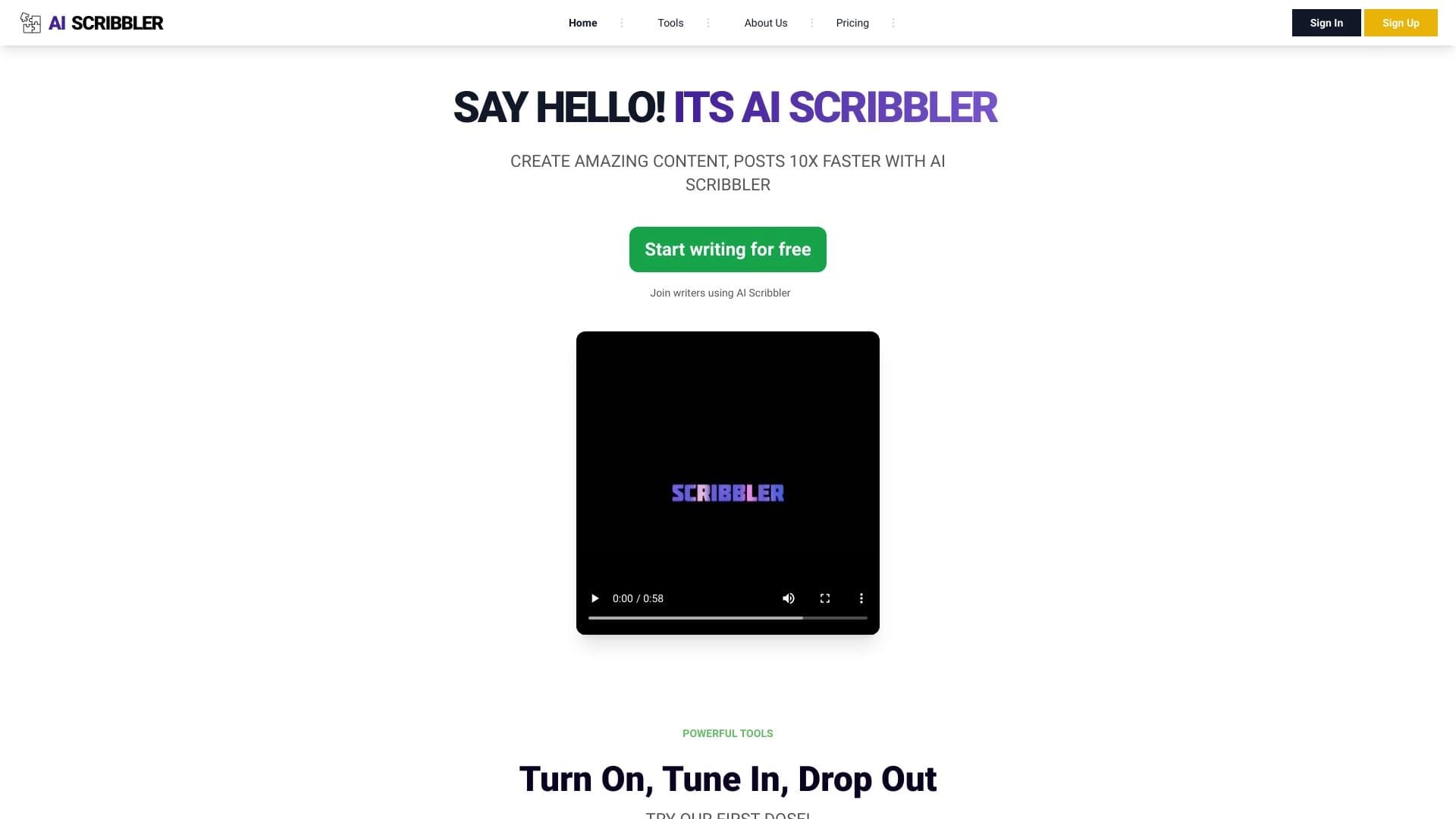

AI-powered online platform for quickly creating text content, including blogs, articles, and social media posts.
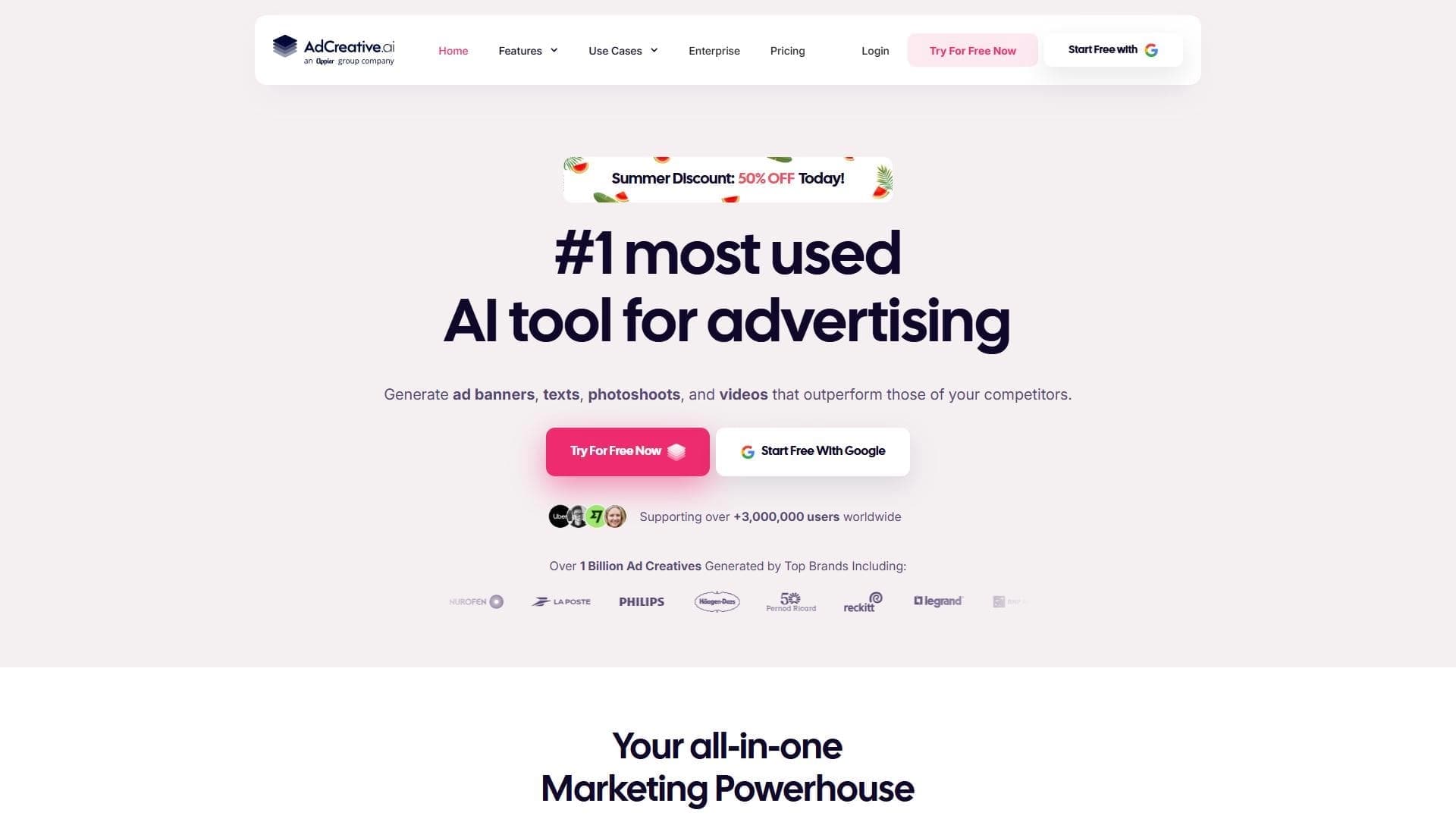

AI-powered platform for automatically generating ad banners, texts, and videos optimized for conversion.
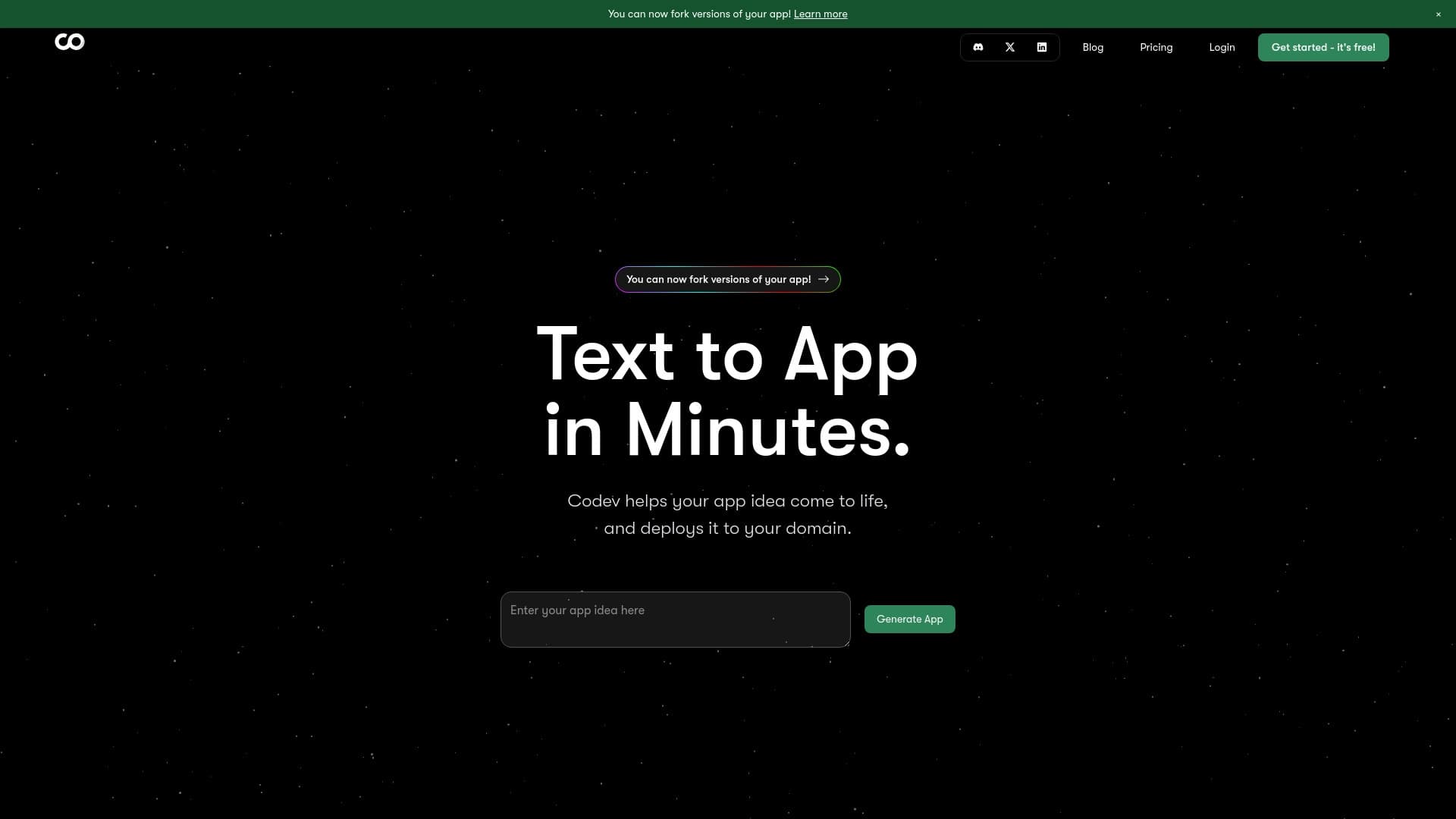

AI agent for assisting with programming and optimizing the development workflow.
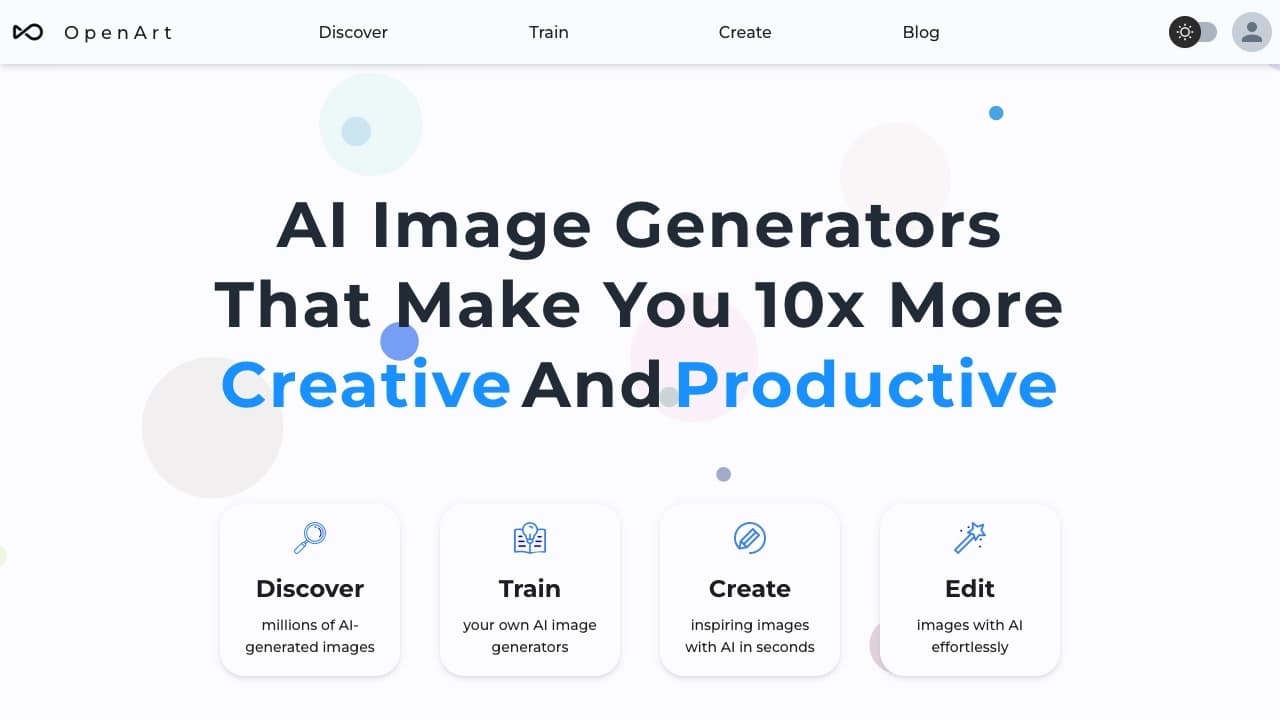

AI-powered platform for generating and editing images and videos.
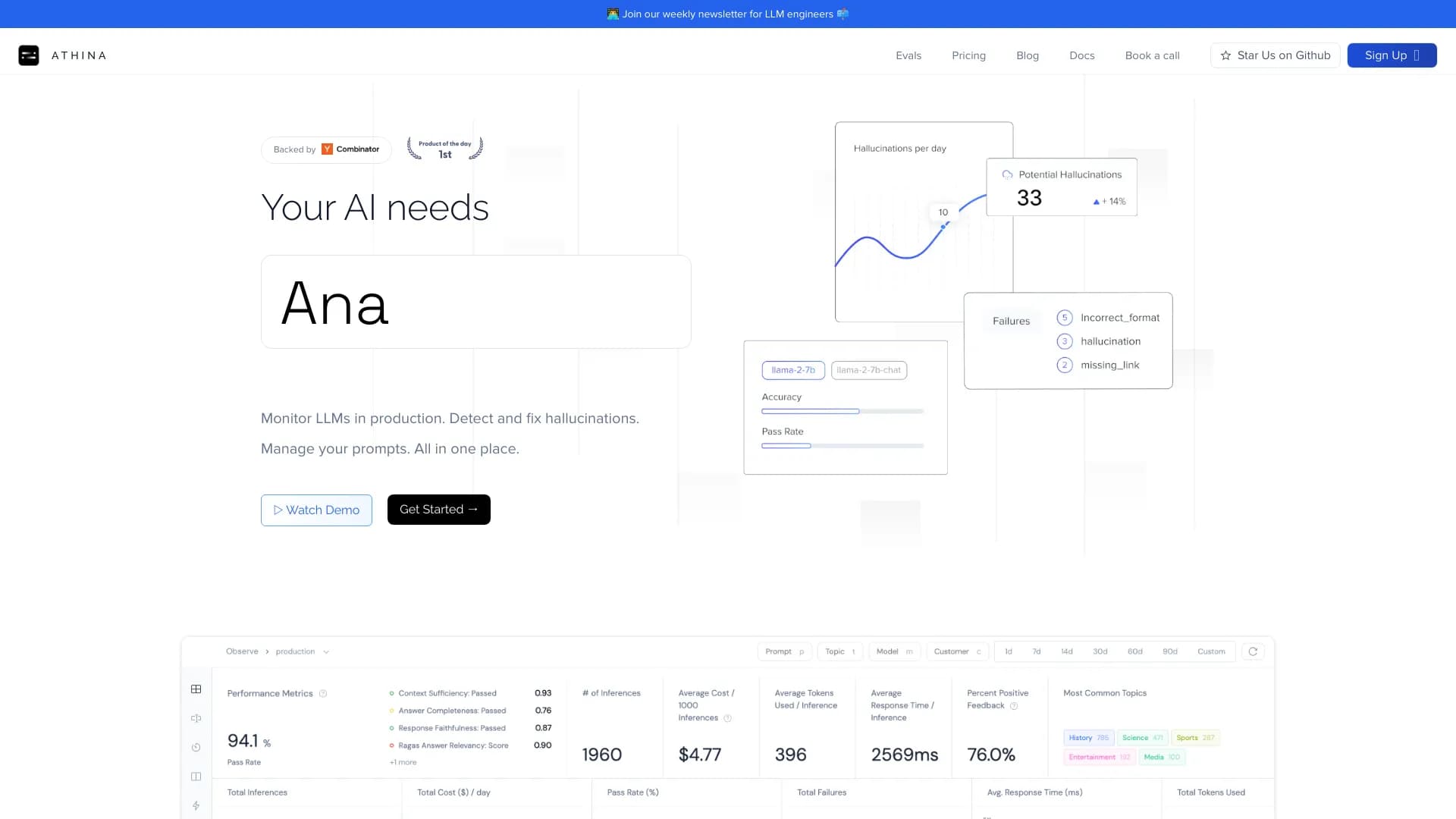

Platform for developing, monitoring, and evaluating AI applications based on large language models.
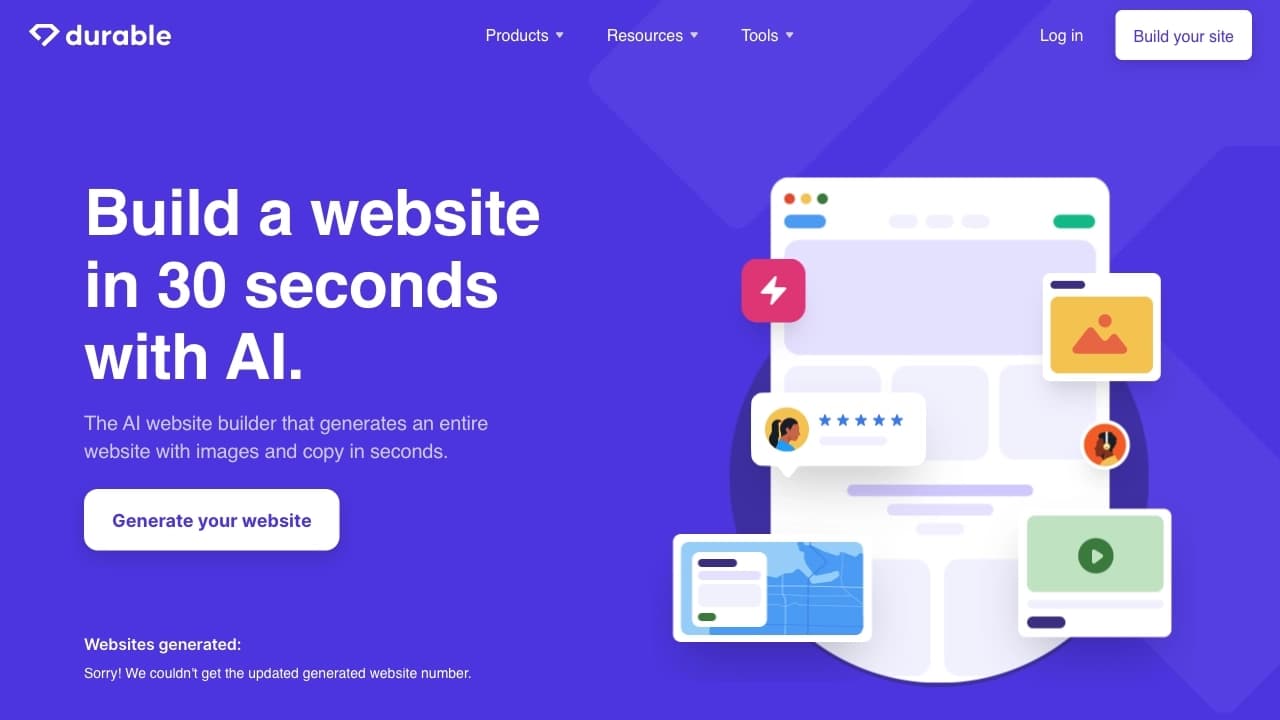

AI platform for fast website creation and small business process management.
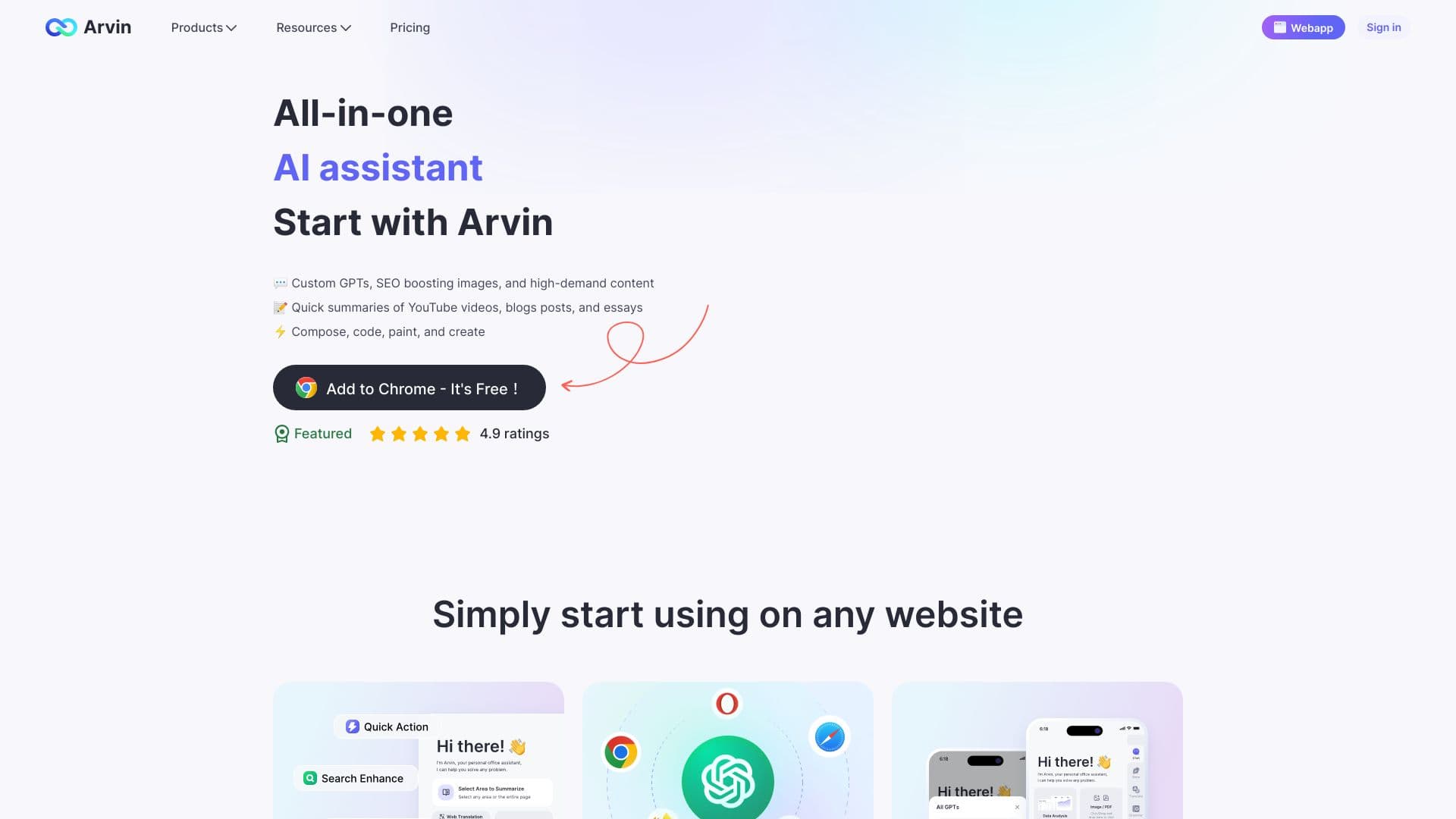
Browser extension and web service with AI assistant features: answering queries, summarizing videos and documents, and translating text.
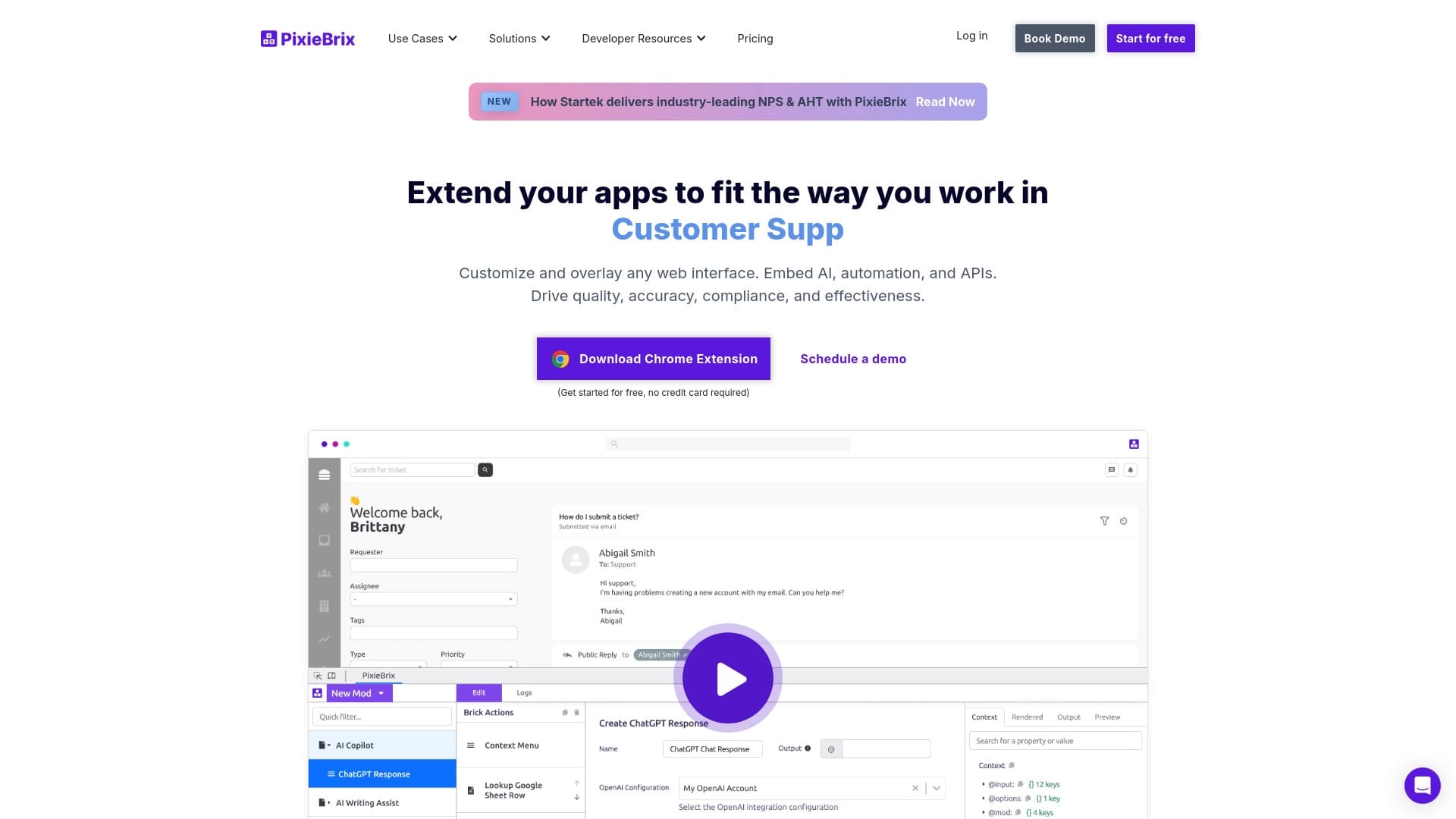

Browser extension for automating routine actions on any websites with the help of AI.