

Article.Audio
Service for converting text articles, documents, and web pages into audio files with natural-sounding voice.
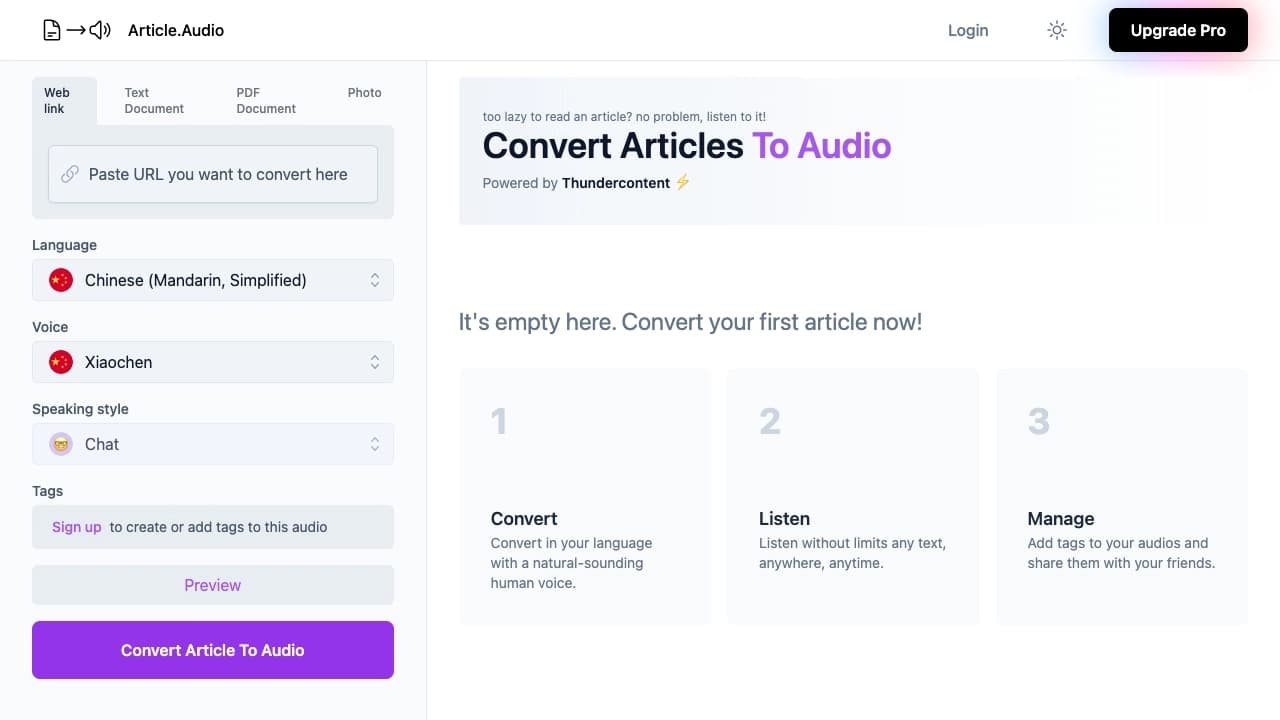
Overview
Article.Audio is a specialized online service that converts text materials into audio files with natural-sounding voices. Instead of reading long articles or documents, users can upload them to the service and get a ready-made voiceover in a couple of minutes. The tool works with text, PDF files, web pages, and even photos of pages. Support for over 140 languages and a choice of different voices make the service a versatile solution for a wide audience. Article.Audio is suitable for listening to content on the go, during study, for creating podcasts, and for organizing audio files with tags. The service operates on a Freemium model: the free version lets you explore the basic features, while full use requires a paid subscription.
Article.Audio Features
| Feature | Value |
|---|---|
| Category | Speech recognition tools, Speech synthesis tools, Audio enhancement tools |
| Type | Website (web service) |
| Languages | Support for over 140 languages, including Russian |
| Free plan | Yes (trial) |
| Paid subscription | Starter plan: from 449 RUB/month; Premium: 1099 RUB/month |
| Monthly visits | 388.9K |
| Developer | Article.Audio |
Who is Article.Audio suitable for?
People with limited time
The service is designed for those who lack the time to read long articles or who want to listen to them on the go, during a run, while cooking, or while doing household chores. Article.Audio turns text into audio in seconds, requiring no special skills or equipment.
Podcast and content creators
The tool is useful for podcast authors and content creators who want to convert written materials into audio format to diversify their content or expand their audience. The service allows you to quickly and effortlessly produce high-quality audio files.
Students and educators
Students and teachers can use Article.Audio to create study materials in audio format, which is especially convenient for learning foreign languages or for people with poor eyesight. Support for many languages makes the service an indispensable learning aid.
How to use Article.Audio?
Step-by-step process
To get started, you need to register with the service using a Google account or email. After logging in, choose the voiceover language from over 140 available options. Then upload content: you can paste a link to a web page, upload a text document, a PDF file, or even a photo of a page with text.
Configuration and getting results
The next step is to configure the voice and voiceover style. The service lets you choose from a variety of natural-sounding voices and adjust the delivery style — for example, like a news broadcast, a podcast, or a friendly conversation. After clicking the generation button, the audio file will be ready within a minute. You can add tags to the finished file for easy sorting and share it with others.
Key features of Article.Audio
Converting various formats to audio
Article.Audio supports converting articles, text documents, PDF files, web links, and photos of pages with text into audio files. This allows you to voice content from virtually any source without manually copying text.
Language support and voices
The service works with more than 140 languages, including Russian, English, German, French, Arabic, and even rare languages. Users have access to a wide selection of natural-sounding voices, making listening pleasant and comfortable.
Styling and file organization
Article.Audio offers flexible voiceover style settings — from a news format to a friendly conversation. Adding tags to audio files simplifies sorting and management, and the ability to share files with others expands the tool's functionality.
Advantages of Article.Audio
Speed and simplicity
Text is converted into audio in a couple of minutes without special skills or complex settings. The service interface is intuitive even for beginners, and the result is available immediately after clicking the button.
Multilingual support and natural voices
Support for over 140 languages and voices that sound almost real makes the service versatile for an international audience. Even rare languages, such as Amharic, are supported.
Time savings and multitasking
Article.Audio lets you listen to content during a run, a trip, cooking, or cleaning, saving time spent reading long materials. The tool is also convenient for handling large volumes of text and for studying.
Drawbacks of Article.Audio
Synthesis quality on complex texts
The voices sometimes sound a bit flat and lack emotion, especially when reading complex or literary texts. This can reduce the enjoyment of listening to materials that require expressive delivery.
Errors in pronouncing terms
There may be errors in pronouncing complex terms and abbreviations, especially in rare languages or technical texts. This limits the service's use for highly specialized literature.
Internet dependency
The service works only online, so it cannot be used with a poor connection or outside coverage areas. This is a significant drawback for those who are often traveling or in places with unstable internet.
What tasks does Article.Audio solve?
Voiceover of articles and texts for listening on the go, during a run, while cooking, or cleaning. Creating audio versions of content for people with poor eyesight or for those tired of reading from a screen. Converting text documents, PDF files, web links, and photos of pages into audio. Saving time on reading by listening to materials — Article.Audio effectively handles tasks for both personal use and integration into work and study processes.
Article.Audio Pricing
Free plan
The service offers a free trial plan that lets you try out the basic features and understand how it works. The free version covers the user's core needs but has limits on the volume of text that can be converted.
Paid subscription
For regular use, there are two paid plans. The Starter plan costs 449 RUB per month, and Premium costs 1099 RUB per month. The difference between the plans lies in the set of features and available volumes. Detailed information about the differences between the plans and their contents is available on the official service website.
Terms of use for Article.Audio
Registration is required to use the service, and you can sign up via a Google account or email. Article.Audio operates only online, so a constant internet connection is required. There are no limits on article length — you can convert both short notes and large documents. The free version has volume limits; to remove them, you need to purchase a paid subscription.
Article.Audio Availability
Platform
The service is available through the website and requires no additional software installation. All you need is a browser and an internet connection.
Language support
Article.Audio is available in more than 140 languages, including Russian, English, French, German, Arabic, and other languages, including rare ones. The service targets an international audience and continues to expand its language base.
How Article.Audio differs from alternatives
Wide format coverage
Unlike many competitors that work only with text or links, Article.Audio supports converting photos of pages and PDF files. This gives users more flexibility when working with materials from different sources.
Multilingualism vs. specialization
Compared to alternatives such as Cleanvoice, Audo Studio, Suno AI, or Mubert, Article.Audio stands out primarily for its multilingual support — over 140 languages versus an average of 30–50 languages among competitors. However, some alternatives may surpass it in speech synthesis quality for certain languages or in specialized features.
Focus on simplicity
Article.Audio emphasizes ease of use and speed of audio generation. Users do not need to deal with complex settings — just upload content, choose a voice, and get the result. This sets the service apart from more technically complex solutions.
Conclusion
Article.Audio is a practical tool for converting text materials into audio files with natural voices in more than 140 languages. It saves time on reading, makes content accessible to people with poor eyesight, and simplifies the creation of audio materials for podcasts and study. The service's main strengths are its speed, ease of use, support for various formats, and wide language coverage. Limitations include somewhat flat voice delivery on literary texts, possible errors in pronouncing complex terms, and the need for an internet connection. Overall, Article.Audio fulfills its purpose and suits both personal and professional use, and the free plan lets you evaluate its capabilities before purchasing a subscription.
Pricing
Frequently asked questions
See also


Service for automatic transcription of audio and video into text with support for over 100 languages.
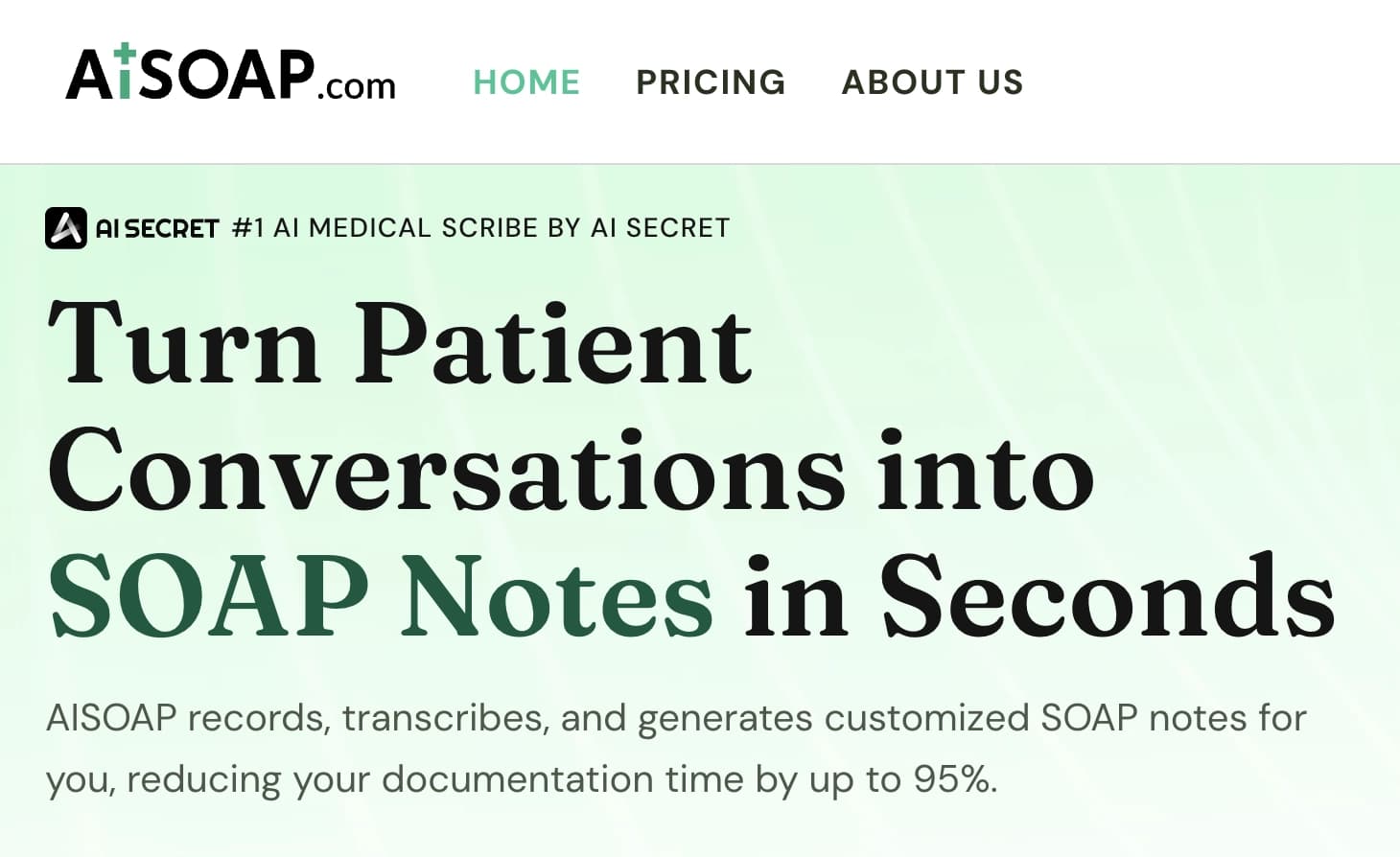

AI assistant for doctors that automatically creates structured SOAP notes from appointment audio recordings.
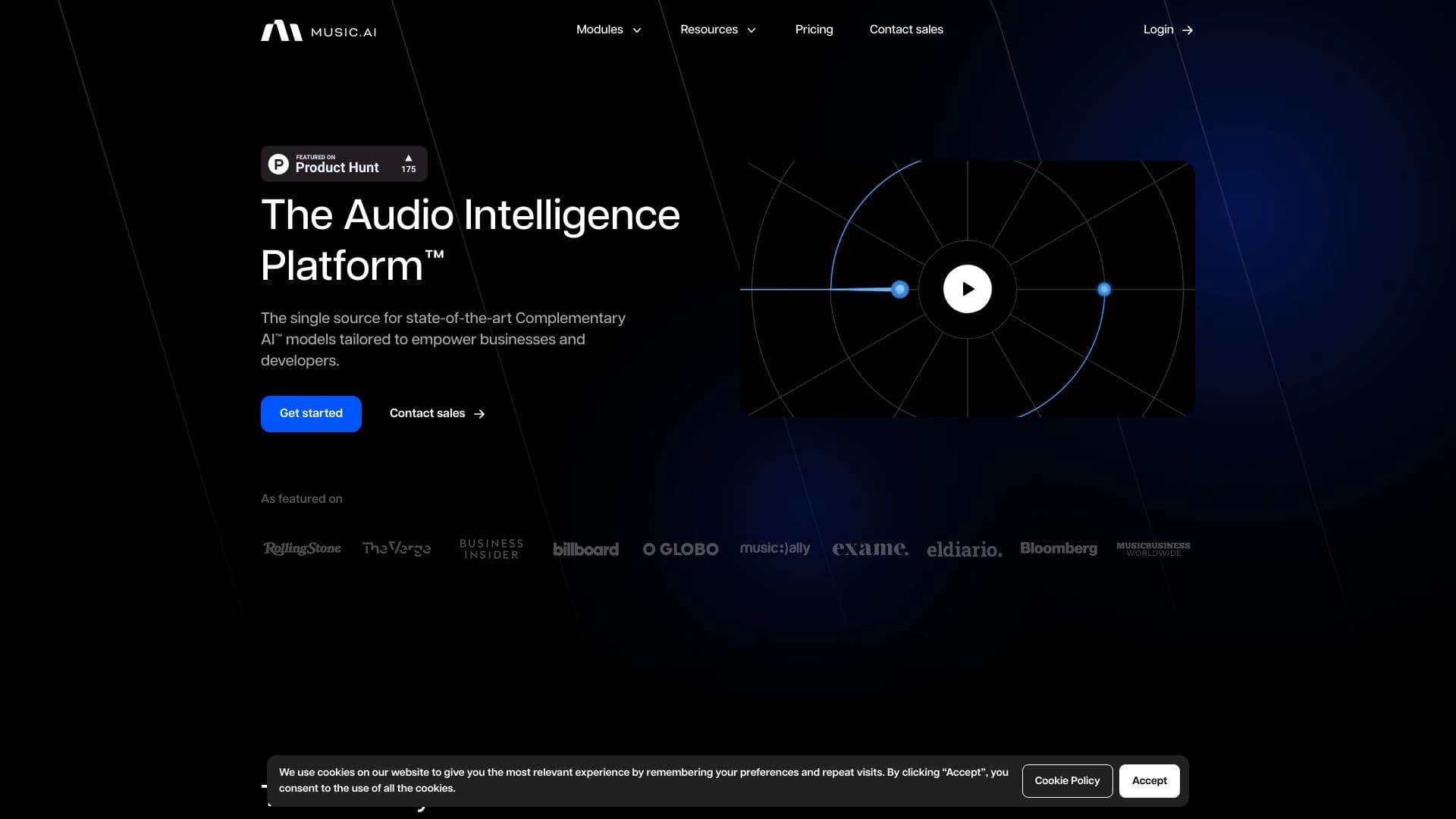
A platform for professional audio processing with AI features for track separation, mastering, and voice changing.


AI language teacher in the form of a browser extension and web service for practice, translation, and explanation of language materials.

Online service for creating a realistic voice clone from a short audio recording and text-to-speech.

An online service that lets you chat with PDF documents: ask questions and get concise answers with source attribution.


AI assistant for quickly creating and editing texts in various formats.

AI-powered online service that automatically converts bank statements from PDF into structured CSV files.