
AI Clone Voice Free
Online service for creating a realistic voice clone from a short audio recording and text-to-speech.

Overview
AI Clone Voice Free Neural Network Description
AI Clone Voice Free is an online service that lets you create a digital copy of a voice based on a short audio recording. Users just need to upload a speech sample between 5 and 30 seconds long, or record their voice directly in the browser. The system analyzes the recording and generates a voice clone in just a few seconds.
How It Works
The service uses voice characteristic analysis technology: timbre, intonation, speech tempo, and other parameters. Based on the collected data, it builds a model capable of reproducing the voice with high quality. The finished clone can be used to voice any text.
Use Cases
The generated voice clone suits a wide range of tasks: voicing videos and podcasts, creating educational courses, game development, and prototyping voice assistants. The service supports several major languages, including English, Chinese, Japanese, and Korean, making it a useful tool for working with content across different markets.
AI Clone Voice Free Features
| Feature | Value |
|---|---|
| Type | Online AI for voice cloning |
| Categories | Voice cloning, voices and voiceover |
| Developer | AI Clone Voice Technologies |
| Minimum recording length | 15 seconds of clear speech |
| Supported languages | English, Chinese, Japanese, Korean |
| Audio formats | MP3, WAV, M4A |
| Distribution model | Freemium |
| Free plan | Yes, with limitations |
| Monthly visits | 388.9K |
| Website | aiclonevoicefree.com |
Who Is AI Clone Voice Free For?
Content Creators
The tool is useful for bloggers, videographers, and podcast authors who need quick voiceover without hiring voice actors. The AI voice generates an audio track in seconds, ready to drop into a project.
Developers and Product Specialists
The service suits prototyping voice assistants and game characters. Teams can test user scenarios with different voices without spending budget on studio recordings.
Regular Users
Anyone can create a clone of their own voice for personal tasks — for example, voicing a presentation, an audio message, or study material. All you need is a microphone and a few minutes of free time.
How to Use AI Clone Voice Free
Step 1: Prepare a Voice Sample
Upload an audio file in MP3, WAV, or M4A format. The recording must be 5 to 30 seconds of clear speech with no background noise or extraneous sounds. The better the source material, the more accurate the clone. You can also record your voice directly in the browser via microphone.
Step 2: Create the Clone
After uploading the sample, the system automatically analyzes the recording and generates a voice model. The process takes a few seconds and requires no special technical skills.
Step 3: Generate Voiceover
Enter or paste any text into the corresponding field, select a language from the supported list, and click the generate button. The service will voice the text with the created voice. You can listen to the result right in the browser and download it for further use.
Key Features of AI Clone Voice Free
Fast Voice Cloning
The system creates a voice copy from a short sample in seconds. The minimum recording fragment for a quality result is about 15 seconds.
Multi-Language Support
The service supports English, Chinese, Japanese, and Korean. This lets you voice content for an international audience without hiring native speakers.
Recording and Uploading Audio
Users can upload a ready file in MP3, WAV, or M4A format, or record their voice directly in the browser. Uploaded files are limited in size — a few megabytes.
Instant Text-to-Speech
After creating a clone, you can enter any text and instantly get it voiced. The feature works online without installing additional software.
Advantages of AI Clone Voice Free
Low Entry Barrier
Creating a clone only requires a short recording — 5–30 seconds of clear speech. No expensive equipment or special skills are needed.
Generation Speed
Voice copies are created in seconds. This allows for quick iteration and experimentation with different voiceover options.
Imitation Accuracy
The tool correctly reproduces the languages and accents specified in the settings. The result closely matches the original sample.
Data Protection
All transmitted data is encrypted. Access to personal information is strictly limited, and data storage policies meet security standards. This matters when working with voice recordings, which are biometric data.
Drawbacks of AI Clone Voice Free
Free Version Limitations
The free plan only generates short audio fragments — up to 30 seconds. Longer voiceovers require a paid subscription.
Source Recording Quality Requirements
The final result quality directly depends on the source audio file. Recordings with noise, echo, or background voices produce a less accurate clone.
Potential Security Risks
Like any voice cloning tool, the service carries a risk of misuse. A copied voice could be used in fraudulent schemes, so it's important to handle the distribution of created clones responsibly.
File Size Limit
The uploaded audio sample cannot exceed a few megabytes. Longer recordings need to be trimmed or compressed beforehand.
What Problems Does AI Clone Voice Free Solve
Content Creation
The voice clone is used for voicing videos, podcasts, ads, and training programs. This significantly cuts production time and budget compared to hiring a voice actor.
Game Development and Prototyping
The text-to-speech feature allows quickly creating lines for game characters and voice assistant prototypes. Developers can test scenarios without studio recording.
Breaking Language Barriers
Support for multiple languages and accents simplifies content localization. The same voice can be adapted for audiences in different countries.
Personal Use
Users can create AI clones of their own voice for personal tasks: voicing presentations, audio messages, study materials, and more.
AI Clone Voice Free Pricing
Free Plan
The basic plan is available at no cost and includes generating audio up to 30 seconds long. That's enough to test the service and handle small tasks.
Monthly Subscription
The plan offers unlimited generations, the ability to create audio up to five minutes long, emotional tone adjustment, and improved sound quality.
Pay-Per-Use
For users who don't need regular generations, there's a pay-per-use option covering 10 runs. It includes the same features as the monthly plan: cloning up to five minutes of audio, emotional tone adjustment, and improved sound quality.
Terms of Use for AI Clone Voice Free
Data Privacy
All voice recordings and personal user data are encrypted. The developer company strictly limits access to personal information and follows data storage standards.
Content Requirements
To create a clone, you need to provide a recording of clear speech without background noise. The minimum recommended duration is 15 seconds.
Legal Aspects
By using the service, users are responsible for the lawful use of the voice clones they create. Using the tool to imitate voices without the owner's consent or for fraudulent purposes is not recommended.
AI Clone Voice Free Availability
The service works entirely online in the browser. No additional software installation is required — just go to aiclonevoicefree.com, upload a voice sample or record one, and create a clone. The tool is available in several languages and supports different regional accents.
How AI Clone Voice Free Differs from Alternatives
Key Differences
The service's main advantage is its minimal voice sample requirements: just 5–30 seconds of clear speech. Many alternatives require longer recordings or additional audio processing. Also, synthesis takes just a few seconds.
Comparison with Other Tools
Unlike services such as Cleanvoice, Audo Studio, Suno AI, Udio, Mubert, or AIVA, AI Clone Voice Free focuses specifically on voice cloning and text-to-speech, rather than music generation or audio cleanup. Another important feature is its flexible payment model: a free plan, a monthly subscription, and one-time pay-per-use.
Security
Given the growing attention to biometric data, the service stands out by encrypting user recordings and restricting access to personal information. This is especially important for users planning to use the tool professionally.
Conclusion
AI Clone Voice Free is a practical online tool for fast voice cloning and text-to-speech. The service suits both professionals creating content or voice assistant prototypes and regular users with personal tasks. Minimal recording requirements, high generation speed, and multi-language support make it a convenient solution. The free plan lets you explore the tool's capabilities without any investment, while paid plans unlock advanced features — longer voiceovers, tone adjustment, and higher sound quality.
Frequently asked questions
See also
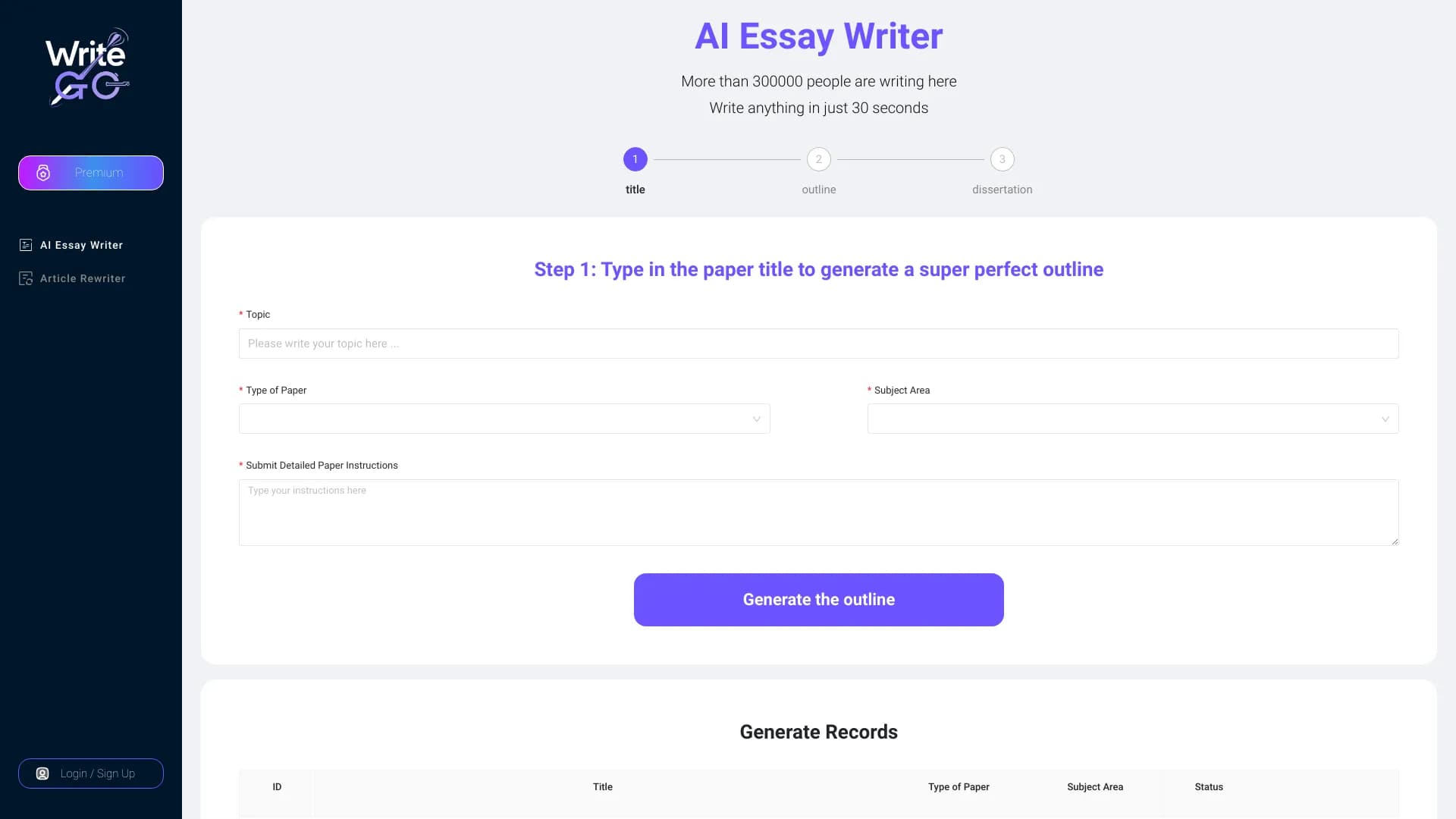

WriteGO.AI is an AI writing platform improvement academic texture and the content for different targets.

Catalog of AI tools with educational materials and guides for selecting neural networks.


A multifunctional AI assistant for generating texts, images, and audio.
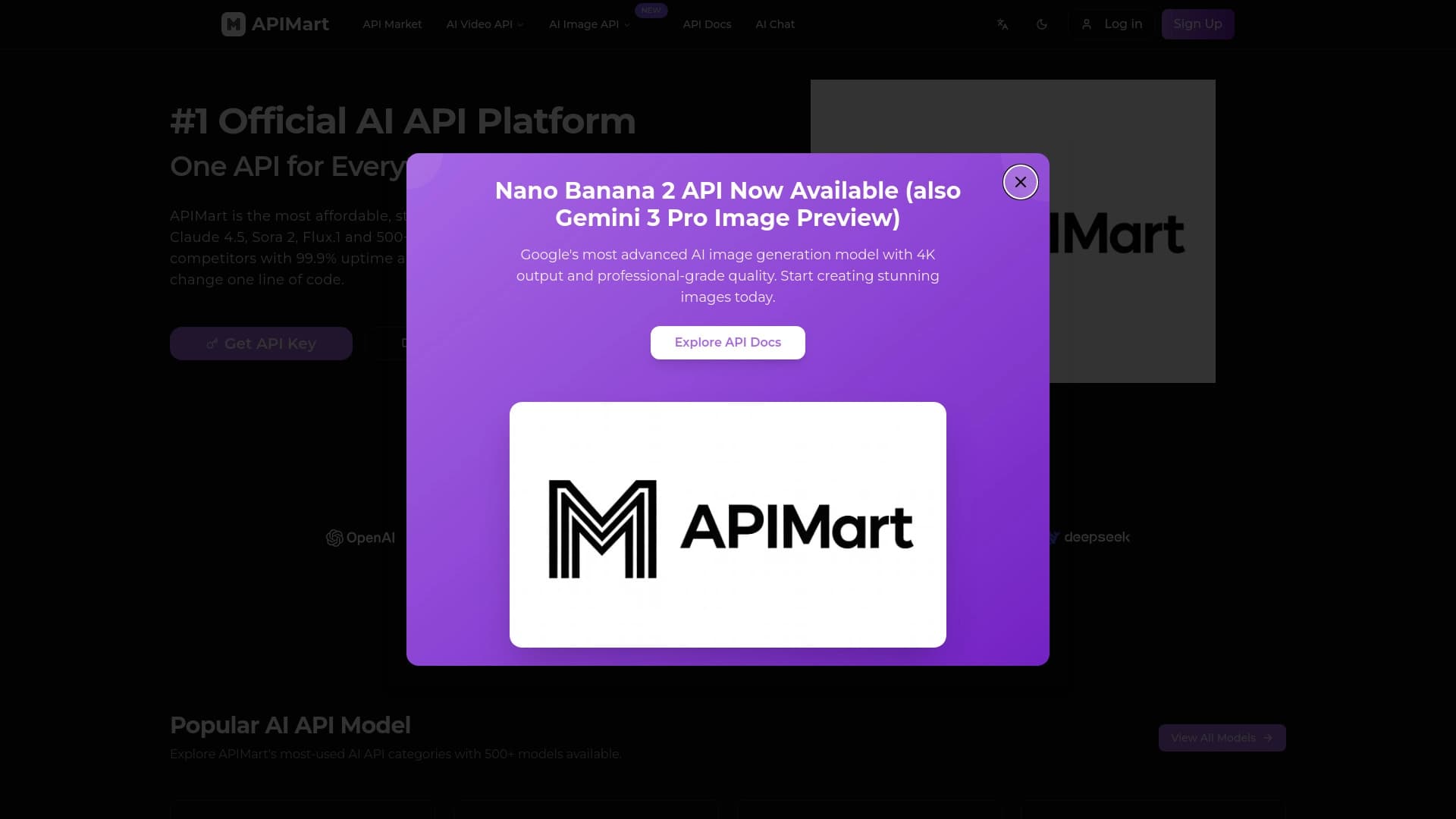
Unified API access to more than 500 AI models, including GPT-5 and Claude 4.5, with the ability to save on costs.


AI platform for automatic workday planning, task management, and prioritization.
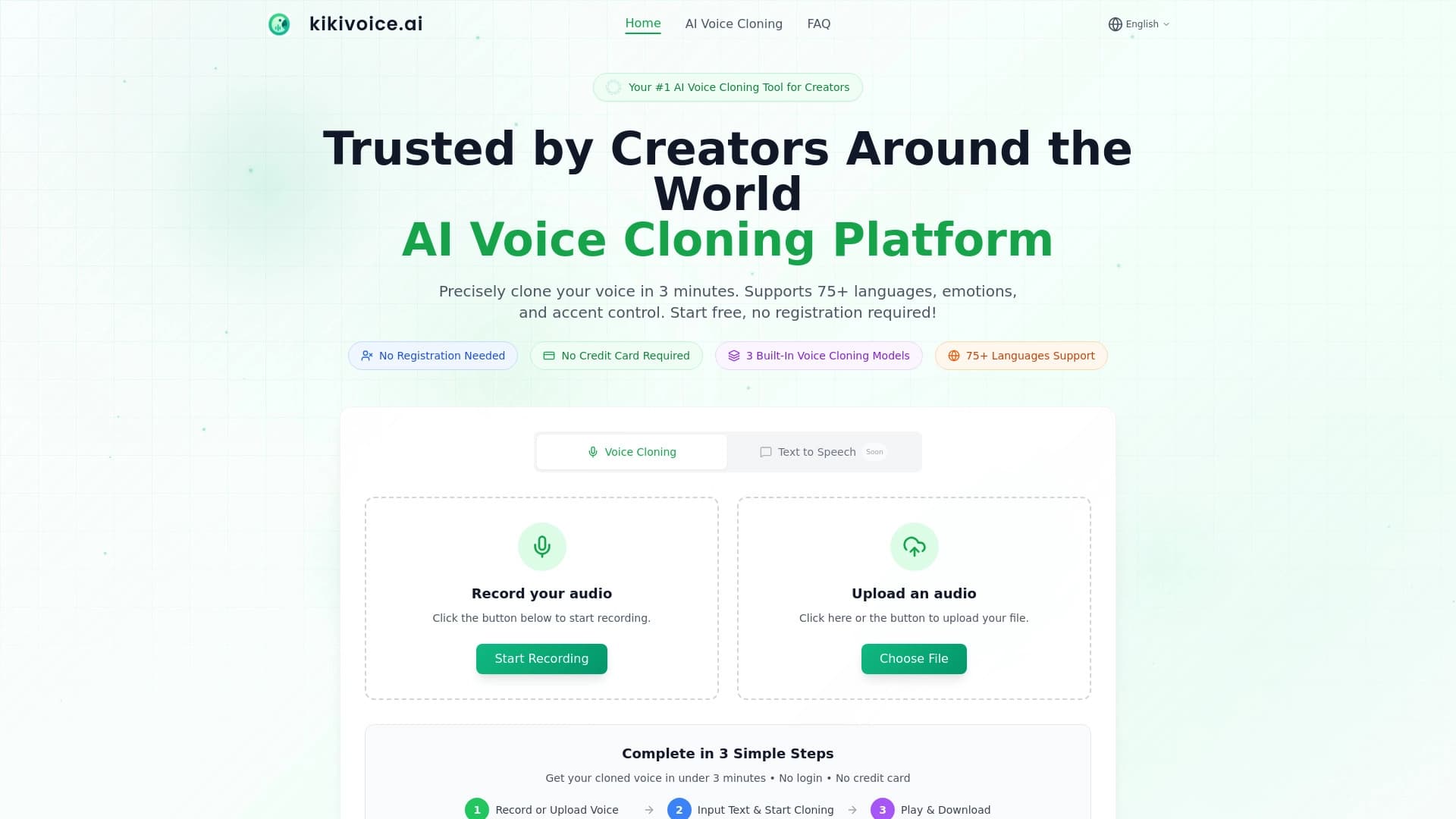

Generation service realistic speech and cloning AI voices.
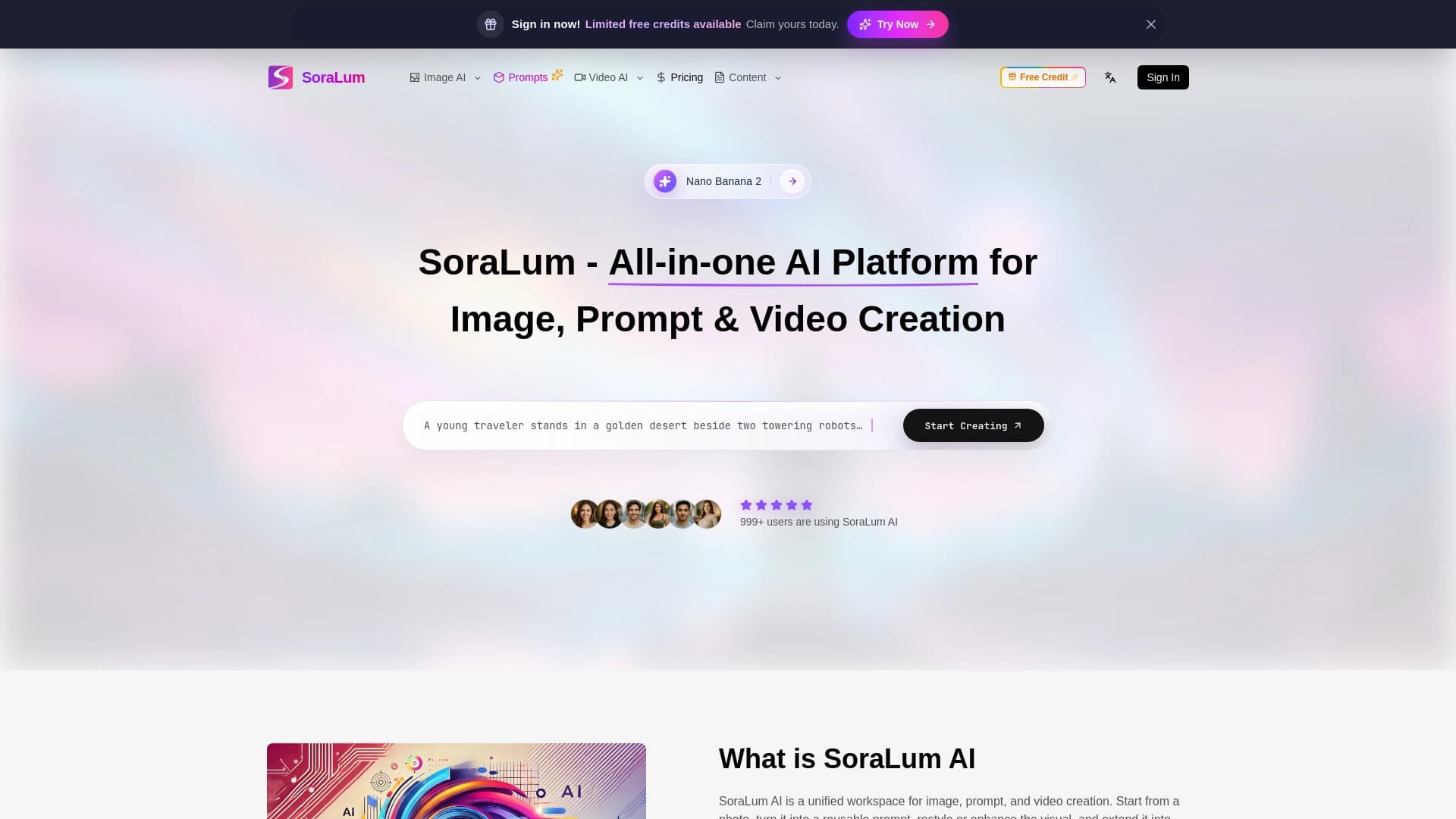

A universal AI platform for creation editing and animations of images and videos.


Online AI speech synthesis platform that allows generating audio with voices of famous characters and celebrities.