
AnkiLingoFlash
Chrome extension that automatically creates flashcards for language learning using spaced repetition from selected text.
Overview
AnkiLingoFlash is a Chrome browser extension that turns the process of creating study flashcards into an automatic and nearly instantaneous one. Instead of manually entering words, translations, and examples, users simply highlight the desired text fragment on any website. The extension analyzes the selection and generates ready-made flashcards for spaced repetition.
The tool is aimed at foreign language learners. AnkiLingoFlash supports multiple languages, including English, French, Spanish, and German. For each flashcard, definitions are automatically selected, transcription or pronunciation is added, and mnemonic hints are generated to aid memorization. This allows users to keep reading without interrupting their flow to create study materials, building their vocabulary directly while engaging with content.
How It Works
The extension integrates into the browser's context menu. After highlighting a word or phrase, the user invokes the AnkiLingoFlash command, and the utility processes the request. The output is a neat flashcard, ready for use in a spaced repetition system. This approach saves time and effort on the routine preparation of materials.
Target Audience
The product is designed for a wide range of users — from students and schoolchildren to adult professionals learning languages for work or travel. It will be useful for those who spend a lot of time in the browser reading articles, documentation, or news in foreign languages and want to effectively memorize new vocabulary without creating separate word lists.
AnkiLingoFlash Features
| Feature | Value |
|---|---|
| Product type | Chrome extension |
| Primary purpose | Automatic creation of language-learning flashcards from selected text |
| Supported languages | English, French, Spanish, German |
| Memorization method | Spaced repetition |
| Unique flashcard elements | Definitions, pronunciation, mnemonic hints |
| Distribution model | Freemium (free with limitations / paid without limits) |
| Additional integration | OpenAI API key (to remove limits) |
Who Is AnkiLingoFlash Suitable For?
The extension is designed for anyone actively learning foreign languages who uses the browser as their primary work tool.
Students and Learners
Students typically deal with large volumes of academic texts, articles, and research papers. AnkiLingoFlash allows them to quickly process unfamiliar vocabulary right while reading, building a foundation for future memorization without breaking away from the learning process.
Professionals and Self-Learners
People who read professional literature, news, or blogs in a foreign language often encounter specific terminology. The extension helps capture such discoveries and turn them into a structured vocabulary, significantly accelerating language progress in a narrow field.
How to Use AnkiLingoFlash
Working with the extension requires no special preparation and takes minimal time.
Installation and Basic Steps
First, you need to install the extension from the Chrome Web Store catalog. After installation, the icon will appear on the browser toolbar. To create a flashcard, simply highlight a word or phrase on any web page, open the context menu, and select the AnkiLingoFlash action.
Configuring Limits
The free version of the extension operates with a limit on the number of flashcards you can create. When the limit is exhausted, the user is offered one of two options: purchase a paid subscription or connect their own OpenAI API key, which automatically removes the block and allows continued use of the tool without restrictions.
Key Features of AnkiLingoFlash
Automatic Flashcard Generation from Selected Text
The service's main function is the instant creation of a complete flashcard from a text excerpt. The user doesn't need to enter a translation or look up meanings manually — everything happens within the browser.
Multilingual Support for Translation and Audio
The extension works with four popular European languages. For each flashcard, the system adds pronunciation, which is critical for correctly memorizing how new words sound.
Mnemonic Hints
To improve memorization effectiveness, AnkiLingoFlash generates special associative hints. These mnemonic techniques help the brain more quickly establish a connection between a word, its meaning, and an image.
Advantages of AnkiLingoFlash
The tool offers several tangible benefits for its target audience.
- Time savings: manual flashcard entry is completely eliminated; the process of creating study materials takes seconds.
- Learning context: flashcards are created from the real text the user is reading, improving retention through connection to the original context.
- Comprehensive approach: each flashcard combines translation, pronunciation, and a mnemonic hint, making learning more in-depth.
- Ease of integration: the extension works directly in the browser, requiring no switching between applications.
Disadvantages of AnkiLingoFlash
Like any product, AnkiLingoFlash has certain limitations.
- Free version restrictions: the free tier is heavily limited in the number of flashcards you can create, which may be inconvenient for active users.
- Subscription or API requirement: removing limits requires either regular payment or having your own OpenAI key, which implies additional costs or technical knowledge.
- Chrome dependency: the extension exists only for the Chrome browser, limiting its use in other browsers and on mobile devices.
What Problems Does AnkiLingoFlash Solve?
The Problem of Quickly Capturing Vocabulary
The most common issue for language learners is losing new words encountered in text. AnkiLingoFlash solves this instantly: the word is highlighted, the flashcard is created, and the information is saved.
The Problem of Systematic Review
Simply saving a word isn't enough — it needs to be reviewed regularly. Integration with the spaced repetition method allows users to build a review schedule, ensuring long-term retention of the material.
The Problem of Reducing Routine Workload
Preparing study materials is the most tedious part of learning. Automatic collection and structuring of information frees up time for what matters most — communicating and reading in a foreign language.
AnkiLingoFlash Pricing
The extension operates on a freemium model. This means the basic functionality is provided for free, but with significant quantitative restrictions.
These restrictions can be removed in two ways. The first is purchasing a paid subscription, which unlocks unlimited flashcard creation. The second is using your own OpenAI API key. Exact subscription pricing is not specified in public sources, but the existence of a paid tier should be considered when planning to use the tool on an ongoing basis.
Terms of Use for AnkiLingoFlash
The extension requires the Google Chrome browser. Installation is done in the standard way through the extensions store.
For full functionality in free mode, simply installing the extension is enough. To remove limits, the user must either purchase a subscription or manually add an OpenAI API key in the settings. In the latter case, the costs of using the language model fall on the user, which can be either more economical or more expensive depending on the volume of flashcards created.
AnkiLingoFlash Availability
The extension is available for free download in the Chrome Web Store extensions catalog. Installation takes one click and requires no complex setup. Supported interface languages and localization are not specified, but the extension is designed to work with the listed language pairs.
The service does not restrict users by geographic location; however, using the paid version or an API key requires access to OpenAI services, which users in regions with restricted access to these services should take into account.
How AnkiLingoFlash Differs from Alternatives
The main difference between AnkiLingoFlash and classic flashcard creation apps is full automation and browser integration. Many standard programs require manual entry or copying of data, while AnkiLingoFlash works directly within the reading context.
Another distinguishing feature is the automatic addition of mnemonic hints, which is not found in all similar tools. This makes flashcards more "in-depth" and effective for memorization, as the user gets not just a translation but a complete system of associations.
The availability of a free tier with the option to bypass limits through your own API also sets the product apart from competitors, offering flexibility in payment and configuration.
Conclusion
AnkiLingoFlash is a convenient and practical solution for foreign language learners who want to simplify their lives. The extension integrates seamlessly into the reading workflow and automates the creation of study materials, adding pronunciation and mnemonic hints. Despite the free version's limitations and Chrome dependency, the tool addresses the core need — quick and unobtrusive capture of new vocabulary with a focus on long-term retention. It's a solid choice for those who value their time and prefer to learn words systematically rather than sporadically.
Pricing
Frequently asked questions
See also

Multifunctional AI platform for content creation, combining speech synthesis, text generation, avatar creation, and video editing.
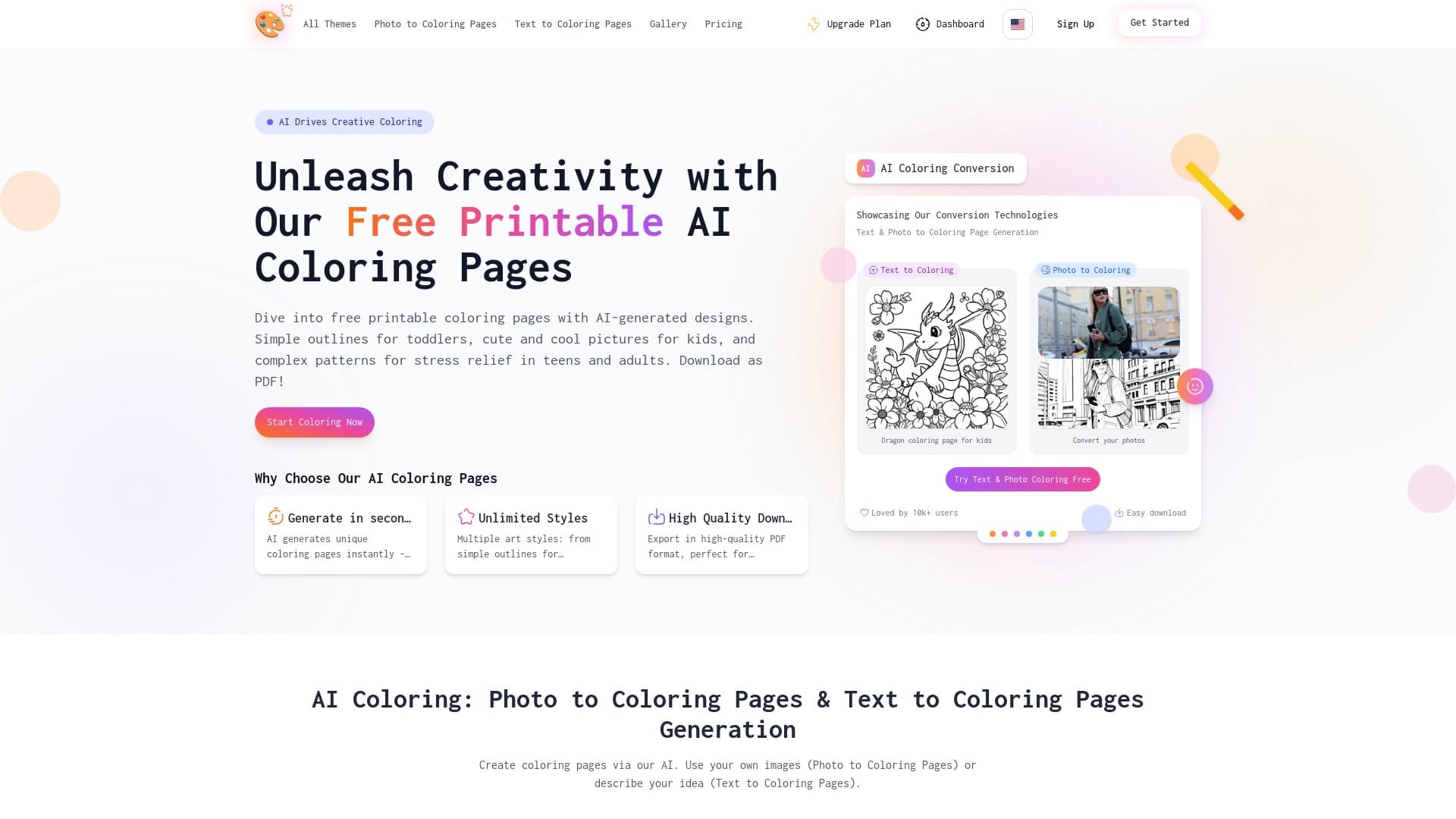

AI-powered coloring book generator that creates pages from text descriptions or uploaded images.


A browser with built-in AI tools for chatting with neural networks, generating texts and images, translating and summarizing pages.

Browser extension and web service with AI assistant features: answering queries, summarizing videos and documents, and translating text.


Online service with artificial intelligence that automatically creates presentations on a given topic.

Chrome extension that helps you win in the educational game Blooket by suggesting answers and automating actions.

A multimedia AI toolkit for editing and enhancing photos, videos, and PDF documents.
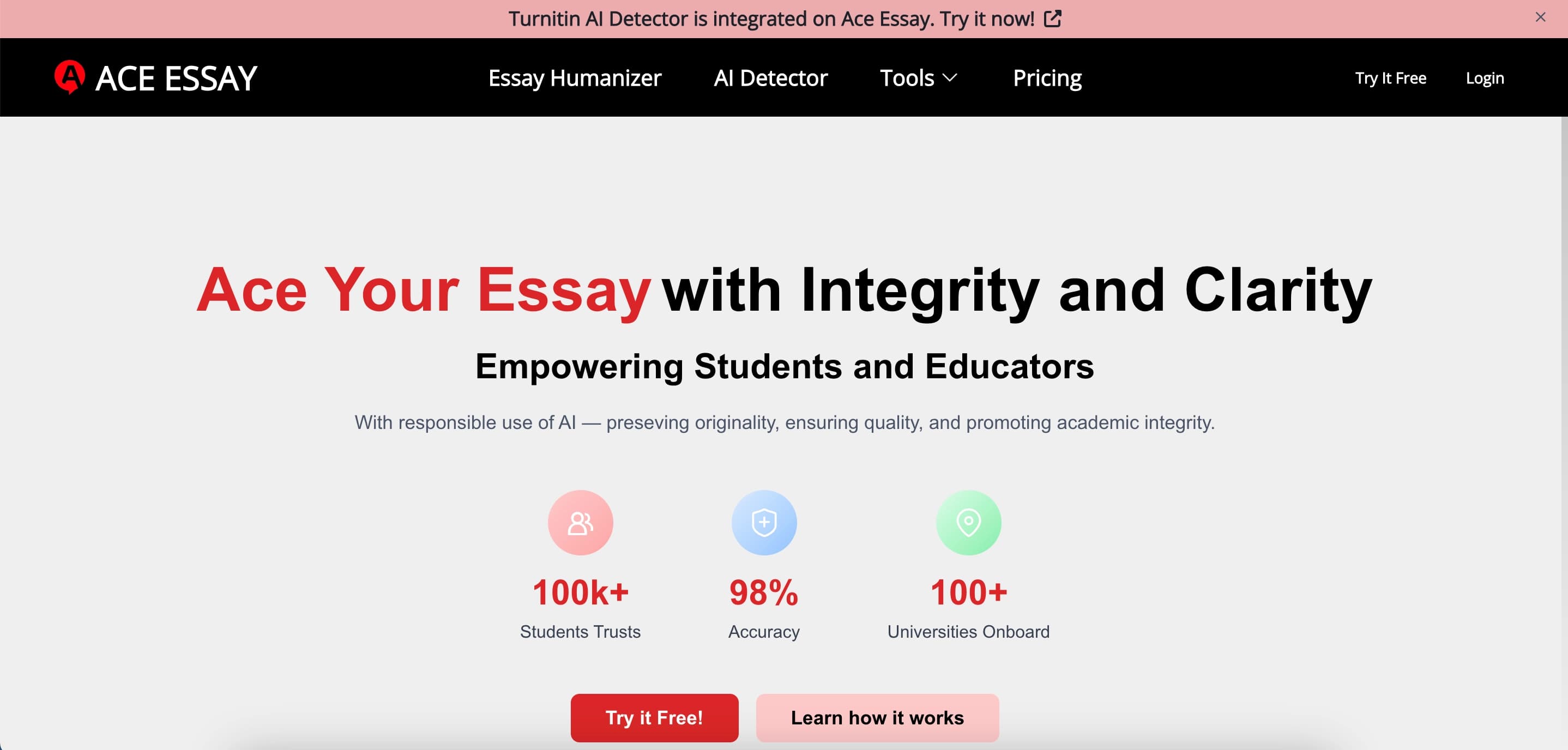

Online service for rewriting texts to make them look human-written and bypass AI detectors.