

AI Motion Control
Tool for transferring motion from a reference video to static characters, creating realistic animation.
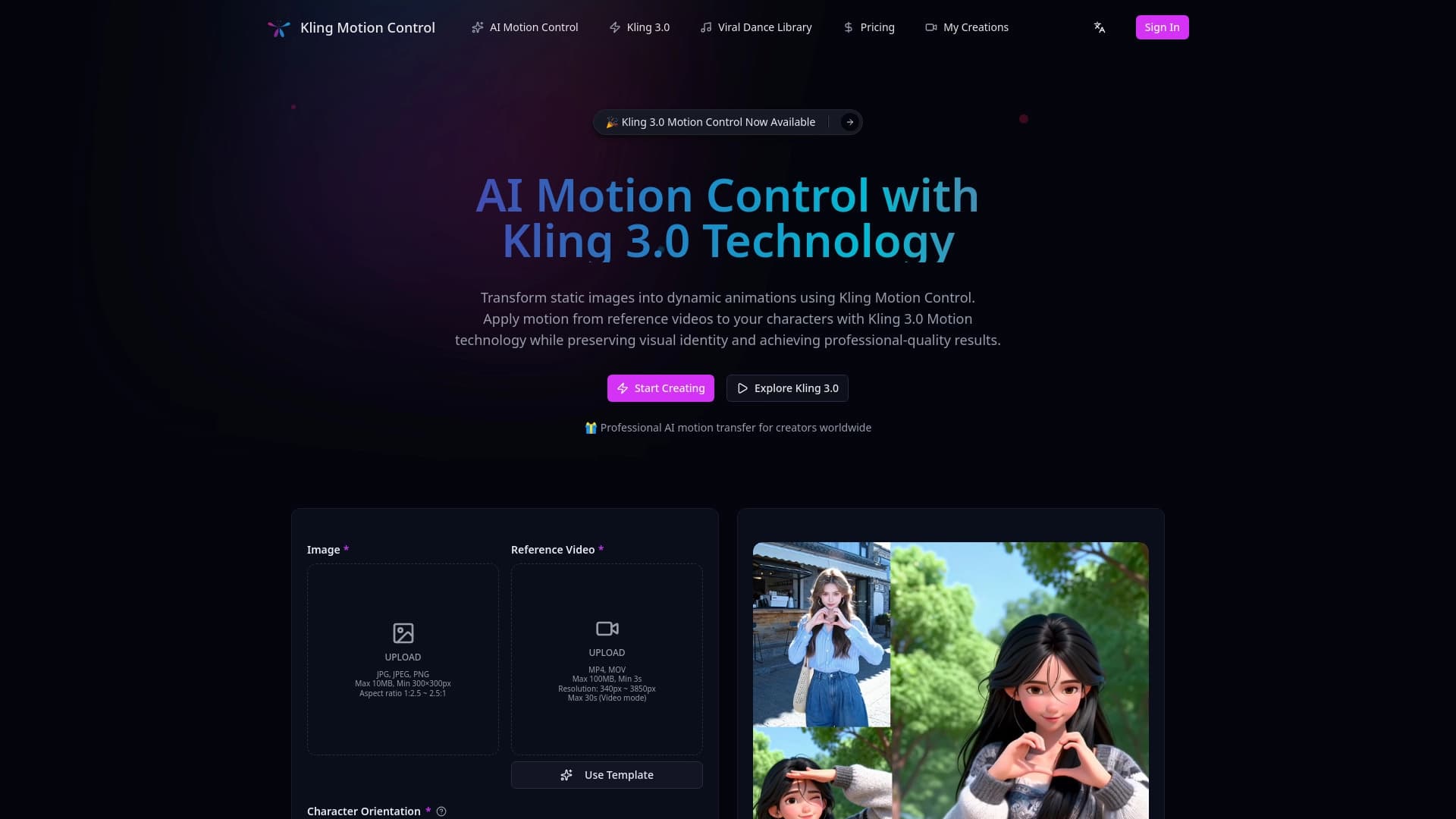
Overview
AI Motion Control Description
AI Motion Control is an artificial intelligence-based tool designed to transfer motion from a reference video to static characters or objects. The technology analyzes dynamics in the source clip and applies them to a still image, creating realistic and natural animation.
This approach eliminates the need for complex manual frame-by-frame animation processes or professional 3D modeling software. The tool handles the heavy lifting of motion interpolation, allowing users to focus on the creative part. The result is a lively scene where a static character begins to move in precise accordance with the movements of a person or object in the reference video.
AI Motion Control Features
| Feature | Value |
|---|---|
| Purpose | Transferring motion from video to static characters |
| Core principle | AI algorithms for motion data analysis and transfer |
| Content type processed | Static images (characters, objects) + reference video |
| Key result | Realistic and natural animation without manual effort |
| Distribution model | Unknown |
Who Is AI Motion Control For?
Animators and Motion Designers
Professionals who need to quickly bring characters to life for short clips, presentations, or concepts can use the tool to create rough animations in minutes. This speeds up pre-production and allows experimentation with poses and movements.
Creative Professionals
Illustrators, digital artists, and designers working with static images can add a new dimension to their work. The ability to "bring to life" a drawn character without learning complex software opens new horizons for portfolios and art projects.
Content Creators and Marketers
For bloggers, SMM specialists, and short-form video creators, AI Motion Control is useful for producing creatives with unconventional animation: living mascots, moving illustrations, or animated branding elements.
How to Use AI Motion Control?
Preparing the Reference Video
You will need a short video clip where the movements you want to transfer are clearly visible. Ideally, the video should be shot with good lighting and without unnecessary objects in the frame, as this improves the accuracy of algorithm capture.
Providing a Static Image
You need to upload an image of the character or object you want to animate. The sharper and higher quality the picture, the better the result will be.
Processing and Output
The system analyzes the data and applies the motion information to the static image. The output is a ready-to-use animated file that demonstrates the movements from the reference.
Core Functions of AI Motion Control
- Motion data capture: The tool reads key movement patterns from the source video.
- Animation transfer: Applying the motion information to an image without original deformations.
- Realistic dynamics creation: Focusing on the naturalness and smoothness of the final animation, rather than a simple coordinate shift.
- Process automation: A fully AI-driven process that requires no manual keyframe setup.
Advantages of AI Motion Control
Speed
The main advantage is the high speed of obtaining an animated result. Instead of lengthy manual work, the tool completes the task in seconds, which is critical when facing deadlines.
Technology Accessibility
The tool makes a complex technical task accessible to people without deep knowledge of animation math, 3D modeling, or programming.
High Degree of Realism
By analyzing real video (the motion source), it achieves a level of naturalness that is practically impossible to reproduce manually based on a static reference.
Disadvantages of AI Motion Control
Unfortunately, public data on functional limitations, technical bugs, or specific operational details is insufficient for a full critical assessment. Possible limitations may relate to the types of supported characters (for example, difficulties with animating complex objects or specific art styles), but precise information is currently undisclosed. There is also no data on hardware requirements or the quality of source files.
What Problems Does AI Motion Control Solve?
The tool solves the main challenge — bridging the gap between "static" and "motion." It allows users to quickly overcome the technical barrier to entry into animation. This solution is suitable for:
- Bringing 2D illustrations and characters to life.
- Creating animation prototypes for client approval.
- Generating dynamic memes, stickers, and short videos for social media.
- Adding "life" to static interface elements or presentations.
AI Motion Control Pricing
Currently, information about the pricing policy and subscription plans of AI Motion Control has not been officially presented and was not found on source websites. There is also no public data on the availability of a free trial version. Subscription costs, one-time payments, or credit systems remain outside the available factual data.
Terms of Use for AI Motion Control
Since the distribution model is marked as unknown, the exact legal terms and service usage rules are not disclosed. The lack of information about licenses for using output content, upload volume limits, or watermarks makes it impossible to form a clear picture of the tool's legal framework. Potential users should monitor updates themselves and check legal documentation directly before use.
AI Motion Control Availability
Details about access platforms (web application, desktop software, mobile version) and the list of supported operating systems are not specified in open sources. It is also unknown whether the tool is available in specific regions or only by invitation. Data on the availability of an online version and the need for downloading also remain unavailable for analysis.
How AI Motion Control Differs from Alternatives
The main difference between AI Motion Control and classic animation tools is the complete AI-driven automation of the process. Traditional methods require manual keyframe placement and interpolation curve adjustments. In this case, the neural network does this for the user by analyzing the reference video. This sets it apart from programs like Spine or After Effects, which offer full control but require high expertise. Compared to other neural networks that generate motion from text descriptions, this approach stands out by using a real video source, which yields a more predictable and accurate result.
Conclusion
AI Motion Control is a promising tool for quickly transferring motion from video to static images. It can significantly simplify the animation creation process for artists, animators, and creators. Its key strengths are speed and realistic results without the need to learn complex software. The main challenge for potential users is the complete uncertainty regarding pricing, availability, and technical terms of use. Nevertheless, the technology itself looks like a step toward the democratization of animation, making it accessible to a wide range of professionals.
Frequently asked questions
See also


AI toolkit for video generation and editing, including avatars, lip-sync, and voice cloning.

A multimedia AI toolkit for editing and enhancing photos, videos, and PDF documents.

Multifunctional AI platform for content creation, combining speech synthesis, text generation, avatar creation, and video editing.
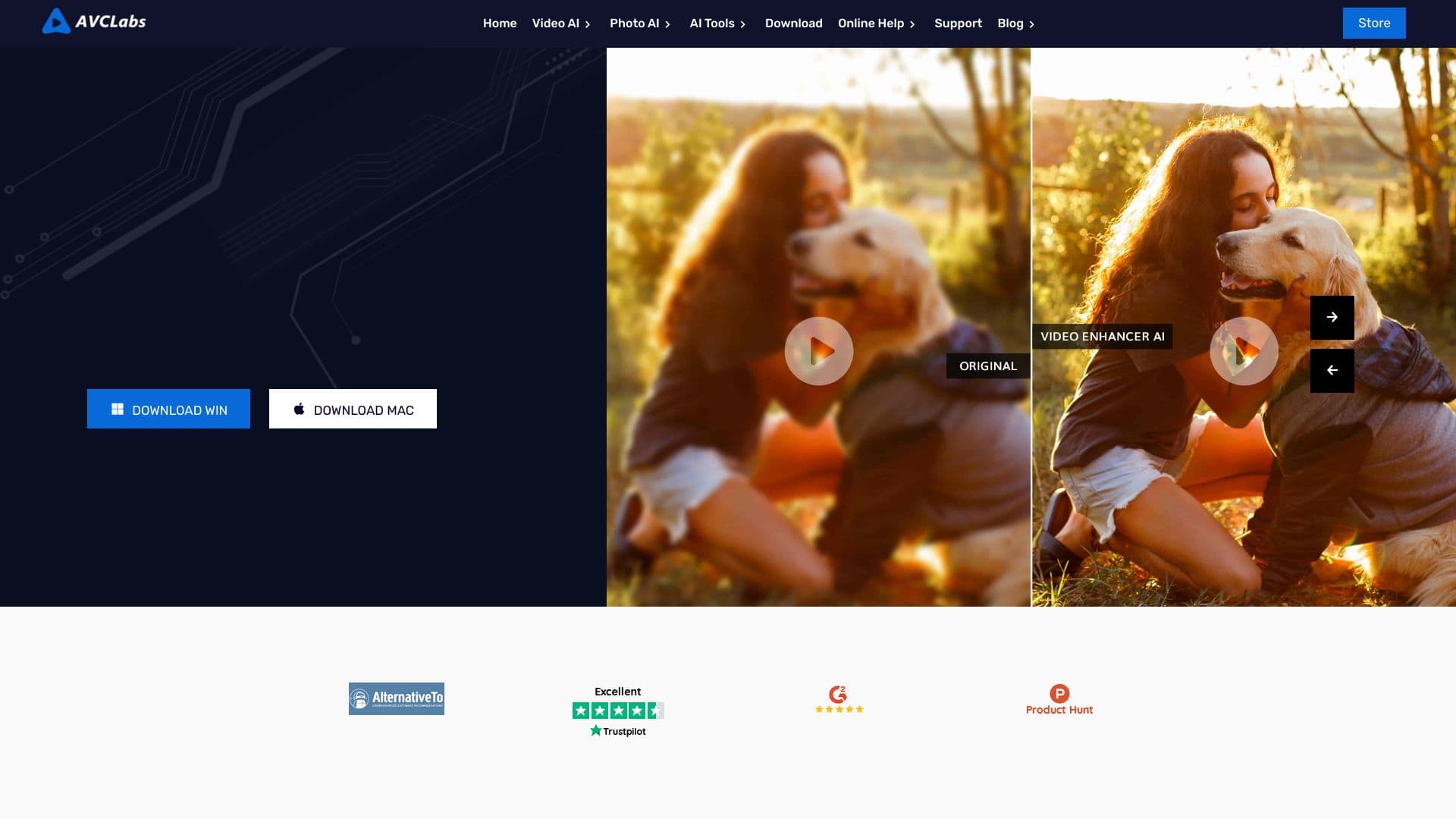

Desktop application for Windows that upscales video resolution to 4K/8K and enhances the quality of old recordings using AI.

Cabina AI is a unified platform for working with various generative neural networks, enabling you to create texts, images, and videos.


Bleepify automatically detects and bleeps out profanity in video and audio.

Cloud platform for creating videos using AI avatars, synthesized speech, and automatic translation of clips into dozens of languages.
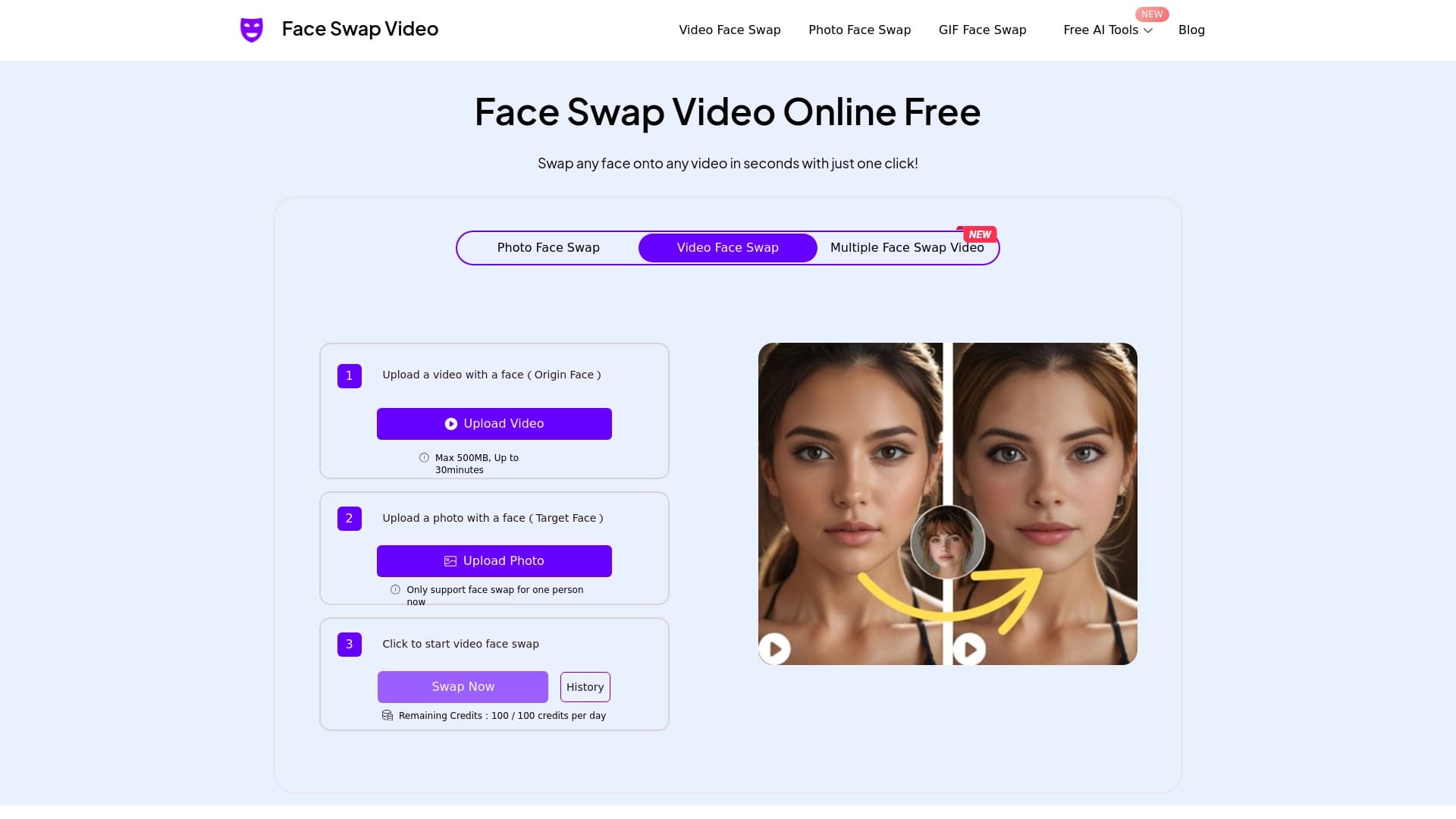

Online tool for fast and realistic face replacement in videos.