
AI CLI
A command-line tool that uses GPT to explain and generate commands in natural language.

Overview
AI CLI Description
AI CLI is an open-source utility that embeds the GPT-3 language model (ChatGPT) directly into the command line. The tool allows developers to describe desired actions in natural language — for example, "find all Python files larger than 1 MB" — and receive a ready-to-execute command. Additionally, AI CLI can explain the purpose of existing commands by breaking down complex constructs with pipes and regular expressions. Before executing potentially dangerous operations, the utility shows exactly what it intends to do and requests confirmation, reducing the risk of accidental errors.
AI CLI Features
| Feature | Value |
|---|---|
| Type | Command-line utility |
| Categories | Coding Assistants, Developer Tools, Free, Open Source |
| Base Model | GPT-3 (text-davinci-002) |
| Developer | abhagsain |
| Open Source | Yes |
| Platforms | macOS, Linux, Windows (with WSL) |
| Interface Language | English (commands and explanations) |
| Distribution Model | Free |
| First Release Date | 01-03-2023 |
| Tags | github, text-to-text |
| Monthly Visits | 57.2K |
Who Is AI CLI For?
The tool is designed for two main categories of users.
Junior Developers
Beginner programmers who are learning to work with the terminal often face the need to memorize a large number of commands and their parameters. AI CLI allows them to formulate requests in plain words while gradually learning syntax through ready-made examples. Instead of searching the browser and switching between windows, a newcomer can ask directly in the terminal how to perform a needed action and immediately see the correct command.
Experienced Programmers
Seasoned developers also find value in this tool. When working with rarely used utilities or analyzing someone else's scripts, it can be difficult to recall exact parameters or the purpose of a specific flag. AI CLI helps quickly get an explanation of any command without breaking focus from the workflow. Advanced users can generate complex constructs with multiple operators, saving time on manual writing.
How to Use AI CLI?
The installation and launch process consists of a few simple steps.
Installation and Setup
AI CLI is installed via the npm package manager. After installation, you need to insert your OpenAI API key into the configuration file — this is a mandatory requirement for the utility to work, as all requests are processed on external servers. A stable internet connection is required since request processing happens remotely.
Running Commands
After setup, users can enter natural language queries directly in the terminal. AI CLI processes the request through GPT-3 and returns a ready command. Before execution, the utility shows what it intends to do and requests permission. This primarily applies to potentially dangerous operations, such as rm. The user can confirm or cancel the execution. Context is preserved within a session, so you can ask follow-up questions and hold a dialogue with the tool.
Key Features of AI CLI
The utility provides several key capabilities for working with the command line.
Explaining Existing Commands
AI CLI can parse any command, including complex constructs using pipes and regular expressions, and explain its purpose in human language. This is especially useful when reading someone else's scripts or encountering an unfamiliar utility — no need to spend time searching for documentation.
Generating New Commands
Users can describe in words what needs to be done — for example, "find all files modified in the last week" — and AI CLI converts this description into a correct command. This speeds up work and helps learn new tools.
Safe Execution
The tool shows exactly what a command will do and requests confirmation before executing operations that could be dangerous (such as file deletion). This reduces the risk of accidental irreversible actions and makes terminal work safer, especially for beginners.
Advantages of AI CLI
The tool's main strength is its tight integration with the terminal.
ChatGPT Integration in the Terminal
Users don't need to switch between browser and console: the entire dialogue with the AI happens right in the command line. This saves time and keeps focus on the task at hand. The tool works with any commands, including complex constructs.
Free and Open Source
AI CLI is distributed free of charge and has an open-source codebase. This allows the community to extend functionality, adapt it to their needs, and improve the tool. Only an OpenAI API key is required, which users obtain separately.
Protection Against Errors
Requesting confirmation before executing potentially dangerous operations is a significant advantage. It protects against accidental actions that could lead to data loss or system disruption.
Limitations of AI CLI
Despite its usefulness, the tool has limitations.
Dependence on Internet and External Servers
AI CLI requires a constant internet connection since request processing happens on OpenAI's third-party servers. Without a network, the tool becomes useless. Additionally, data is transmitted to external servers, so it is not recommended for working with secret or sensitive information — there is no 100% guarantee of security.
Errors in Complex Queries
The GPT-3 model can get confused by complex or ambiguous requests. Sometimes the task needs to be reformulated to get a correct result. This should be considered when working with non-standard scenarios.
What Tasks Does AI CLI Solve?
The tool covers several typical developer needs.
Explaining Unclear Commands
When encountering an unfamiliar command or complex script, AI CLI can instantly explain what is happening. This speeds up the learning process and eliminates the need to manually search for documentation.
Accelerating Routine Work
Generating commands from descriptions allows automating repetitive actions and writing scripts faster. Instead of recalling syntax, you simply describe the desired action in words.
Preventing Errors
Requesting confirmation before executing dangerous operations helps avoid accidental destructive actions. This is especially valuable for beginner developers who haven't yet fully mastered all terminal capabilities.
AI CLI Pricing
AI CLI is distributed free of charge. Only an OpenAI API key is required, which must be obtained separately from OpenAI. Using the text-davinci-002 model costs about $0.02 per 1K tokens, which amounts to approximately $0.0017 per command. Pricing may change, so it's recommended to check the latest information on the OpenAI website. Some sources mention pricing plans for extended functionality, but specific terms should be verified in the official documentation.
Terms of Use for AI CLI
To get started with the tool, you need to install it via npm. A mandatory requirement is having an OpenAI API key, which is inserted into the configuration after installation. Internet access is required for the tool to work, as request processing happens on remote servers. The tool supports macOS, Linux, and Windows (with WSL). English is the primary language for commands and explanations.
AI CLI Availability
AI CLI is available on three major platforms: macOS, Linux, and Windows (with WSL). The utility is distributed through the npm package manager, simplifying installation. The tool is open source and available on GitHub, allowing anyone to study its code or contribute to the project. The tool's monthly audience is approximately 57.2 thousand visits.
How AI CLI Differs from Alternatives
AI CLI occupies a unique niche among developer tools. Unlike full-fledged IDE assistants such as GitHub Copilot or Cursor AI, it doesn't attempt to suggest code but focuses specifically on the command line. It's a lighter and faster solution for terminal-related tasks.
The key difference from alternatives is the working principle. Tools like AskCodi or Tabnine integrate into code editors, while AI CLI works directly in the terminal. This makes it indispensable for tasks not related to writing code — for example, working with system commands, the file system, or processes.
Another difference is its open-source nature and free distribution. Many competing solutions offer paid subscriptions for full functionality. AI CLI is available to everyone, and users only pay for OpenAI API usage. Additionally, the tool specifically emphasizes safety by requesting confirmation before executing dangerous commands — a feature not implemented in all similar solutions.
Conclusion
AI CLI is a practical and accessible tool for anyone working with the command line. It combines the power of the GPT-3 language model with the simplicity of the terminal, allowing users to communicate with the console in natural language. Thanks to its open-source codebase and free distribution, the utility suits both beginners learning programming and experienced developers looking to speed up routine operations. The tool helps explain unfamiliar commands, generate new ones from text descriptions, and prevent accidental errors when working with dangerous operations. At the same time, it's important to remember the limitations: dependence on the internet, potential issues with complex queries, and the need to transmit data to third-party servers. Overall, AI CLI is a worthy solution for learning the command line and boosting productivity in daily work.
Frequently asked questions
See also


Desktop AI assistant for macOS, Windows, and Linux that launches via hotkey above all windows and combines multiple language models in one interface.

A multimedia AI toolkit for editing and enhancing photos, videos, and PDF documents.


Platform for creating multi-agent AI systems and chatbots to automate customer support and lead generation.


Project management platform with task assignment, time tracking, and employee workload monitoring features.
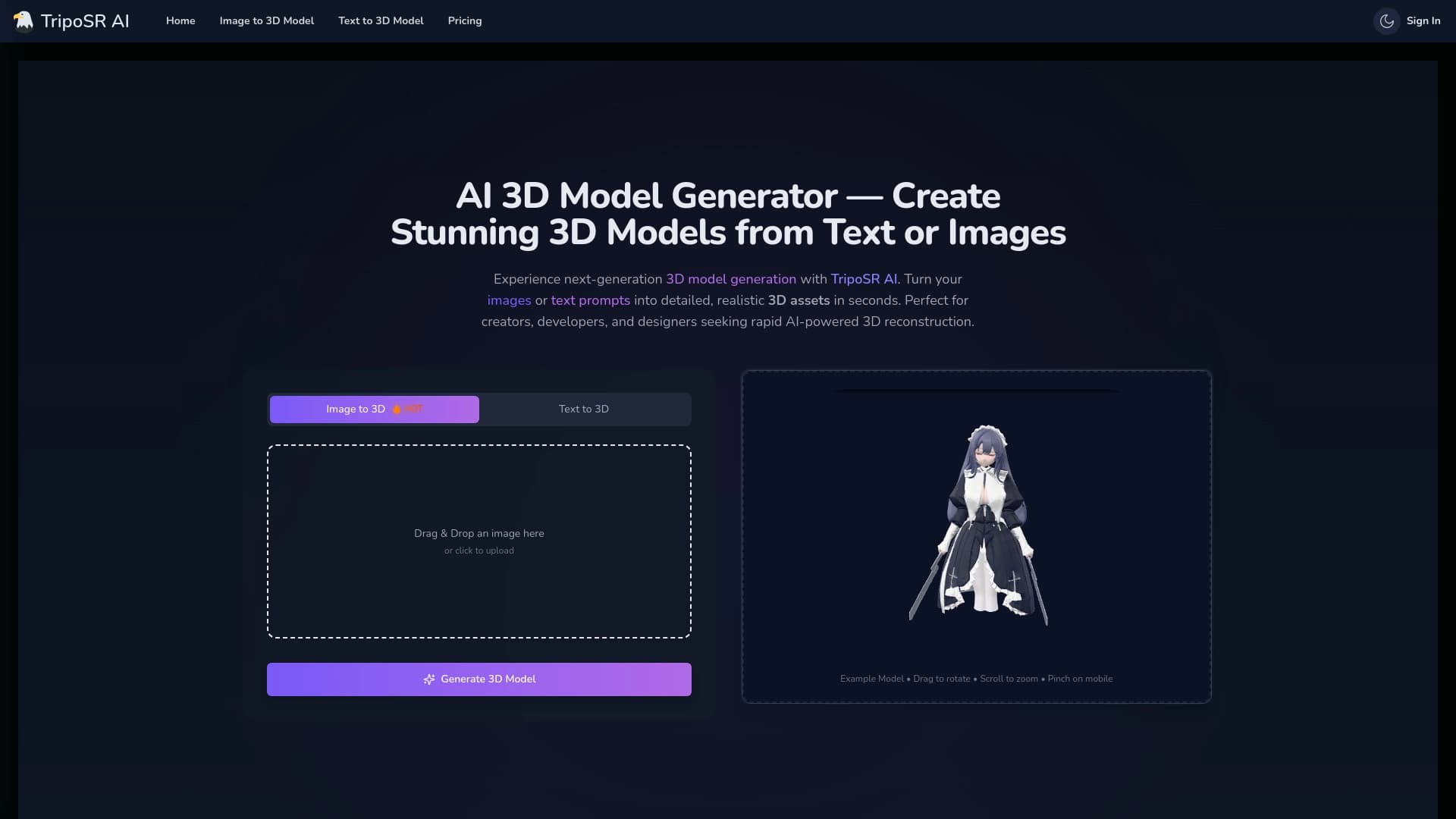

Open-source tool for quickly converting a single image into a 3D model.


AI toolkit for video generation and editing, including avatars, lip-sync, and voice cloning.

AI agent for automating customer communications and support.


A multifunctional AI assistant for generating texts, images, and audio.