
Agent Studio
Visual editor for designing and testing AI agents with tool integration.
Overview
Agent Studio is a web-based development environment designed for creating, configuring, and testing AI agents. Instead of writing code from scratch, users work with a visual canvas: an agent is assembled from individual blocks that are connected into a logical chain. This approach allows designing complex intelligent scenarios faster and with fewer errors.
Visual no-code design
The platform's central element is a drag-and-drop interface. The user drags the necessary components onto the canvas: prompt templates, memory modules, API integrations, and logical conditions. By linking these blocks, the developer defines how the agent will process input data, make decisions, and interact with external services. This makes the agent creation process accessible even to those unfamiliar with programming.
Testing and debugging
The environment includes built-in tools for verifying the performance of created agents. During scenario execution, the system collects logs and metrics that are displayed on specialized dashboards. This allows tracking agent behavior, identifying bottlenecks, and quickly making adjustments to the configuration.
Agent Studio Features
| Feature | Value |
|---|---|
| Product type | Web-based development environment for AI agents |
| Interface | Visual drag-and-drop editor |
| Core components | Prompt templates, memory stores (vector databases), API integrations |
| Ready-made tools | Document analysis, web search, task planning, email automation |
| Collaboration | Spaces for multi-agent interaction |
| Version control | Versioning of agent configurations |
| Monitoring | Built-in logs and metrics for debugging |
| Distribution model | Not specified (not stated on the source website) |
Who is Agent Studio for?
Developers and technical teams
The product is aimed at professionals who need to quickly move from idea to working prototype. By abstracting away boilerplate code, teams can focus on agent behavior logic rather than infrastructure details. Versioning and debugging make the platform suitable for iterative development in a professional environment.
Business users without programming skills
The visual interface opens up the possibility of creating AI agents for analysts, product managers, and automation specialists. They can independently assemble workflows using ready-made blocks and tools without involving programmers at every stage.
Teams implementing process automation
Companies that automate routine operations — document processing, responding to inquiries, planning — will find in Agent Studio a way to quickly adapt agents to their scenarios. Collaborative spaces allow multiple agents to work within a single process.
How to use Agent Studio?
Creating a new agent
Work begins by opening the visual editor. The user creates a new project and adds the first block to the canvas — usually a prompt template that defines the agent's role and tasks. Then memory modules (e.g., vector stores) and external APIs are connected via webhooks or direct database connections.
Configuring logic and integrations
After the basic assembly, control flows are configured — conditions by which the agent selects an execution branch. Ready-made tool sets are used to expand functionality. For example, the document analysis module allows the agent to extract data from files, while the web search module finds up-to-date information on the internet.
Testing and deployment
Before deployment, the agent undergoes verification in the built-in testing environment. The user runs scenarios, monitors logs and metrics on the dashboard, identifies errors, and refines the configuration. After successful testing, the configuration is saved in the version control system and can be deployed to a production environment.
Core Features of Agent Studio
Visual component builder
The drag-and-drop canvas serves as the primary design tool. It unifies all agent elements — from prompts to external calls — into a single, clear diagram. This simplifies understanding the agent's architecture and its documentation.
Memory and knowledge module
Agents can connect to vector databases for storing and retrieving contextual information. This is necessary for scenarios that require working with large volumes of data — for example, analyzing corporate documentation or customer interaction history.
Multi-agent coordination
The platform provides spaces for collaborative work of multiple agents. This allows breaking down complex tasks into individual steps, each performed by a specialized agent. Coordination between them is carried out through a shared runtime environment.
Advantages of Agent Studio
- Development speed: the visual approach reduces time from concept to finished solution by eliminating boilerplate code.
- Configuration flexibility: the ability to combine prompts, memory, APIs, and control logic in arbitrary combinations.
- Built-in tools: ready-made sets for document analysis, search, planning, and email automation cover a significant portion of typical tasks.
- Process reliability: configuration versioning protects against loss of changes, and built-in metrics simplify debugging and quality control.
- Accessibility for a wide audience: the interface lowers the entry barrier for users without deep technical knowledge.
Disadvantages of Agent Studio
Information about the platform's disadvantages is not available in the source data. It can be assumed that, like any specialized tool, Agent Studio may require some time to master for new users. Also, details regarding performance when working with very complex scenarios are not disclosed. A full list of platform limitations has not been published.
What tasks does Agent Studio solve?
Customer support
The platform allows creating customer service bots that handle typical requests, find information in a knowledge base, and escalate complex cases to operators. Connecting email automation makes it possible to build a complete inquiry handling cycle.
Data and document analysis
Agents created in Agent Studio can automatically extract key information from large volumes of text, structure it, and produce summaries. This is applied in legal review tasks, incoming correspondence processing, and research projects.
Business process automation
Task planning, interaction with databases and external services via APIs allow agents to perform routine operations as part of corporate workflows. This relieves the burden on employees and reduces the number of errors associated with the human factor.
Agent Studio Pricing
The cost of using the platform is not specified in the source materials. The distribution model and pricing terms (free tier, subscription, one-time payment) remain undefined. For up-to-date pricing information, please refer to the project's official sources.
Agent Studio Terms of Use
Detailed terms of use — license agreement, restrictions on commercial use, privacy policy — are not disclosed in the available data. There is also no information about the availability of a free trial version or usage volume limits. It is recommended to review the terms directly on the official website before starting work.
Agent Studio Availability
Agent Studio is a web platform, meaning it does not require local software installation. This provides access to the tool from any device with a browser and an internet connection. No information about regional access restrictions or hardware requirements is available in the source data.
How Agent Studio differs from alternatives
The key difference of Agent Studio is its emphasis on visual design as the primary way to create agents. Instead of writing configuration files or code in programming languages, the user assembles the agent on a graphical canvas. This radically simplifies the process for people without an engineering background.
An additional difference is the built-in set of features for operating agents in production scenarios: version control, multi-agent spaces, and monitoring. Many similar solutions provide only a builder, leaving debugging and deployment issues to the user. In Agent Studio, the entire lifecycle — from idea to production environment — is supported within a single platform.
Conclusion
Agent Studio is a practical tool for developing and managing AI agents that combines a visual builder, memory modules, integrations with external services, and monitoring tools in a single web environment. The product is aimed at a wide range of users — from developers who value speed and versioning to business users who want to automate routine tasks without writing code. Built-in testing and debugging mechanisms help create reliable agents for customer support, document analysis, and process automation. At the same time, data on pricing, licensing terms, and specific technical limitations are not available in open sources, so it is worth clarifying these aspects on the project's official website before starting use.
Frequently asked questions
See also


An add-in for Microsoft Word that uses neural networks to automate the creation, editing, and analysis of legal contracts.
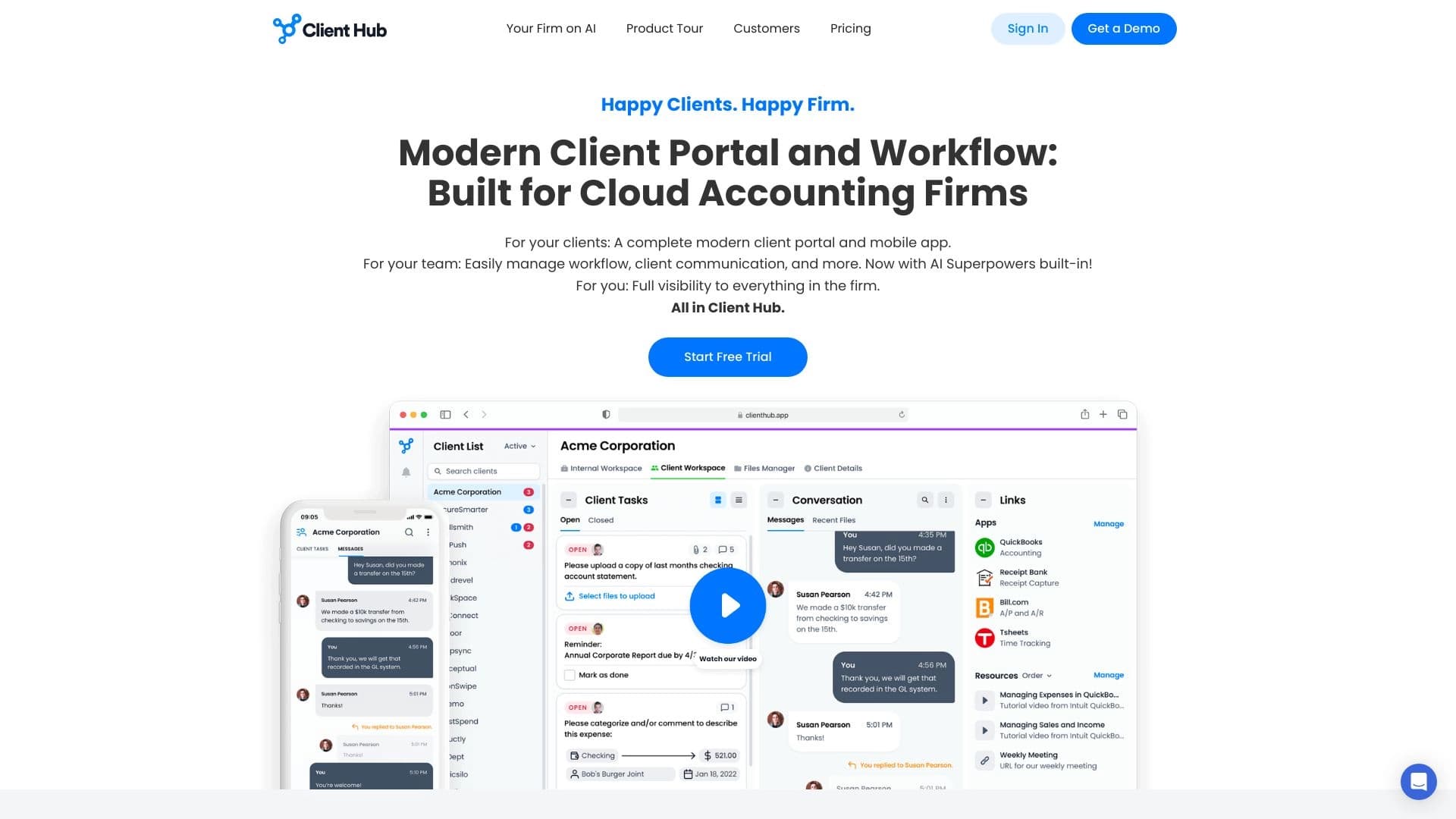
A platform for accountants that combines task management, file sharing, and client communication in a single interface.
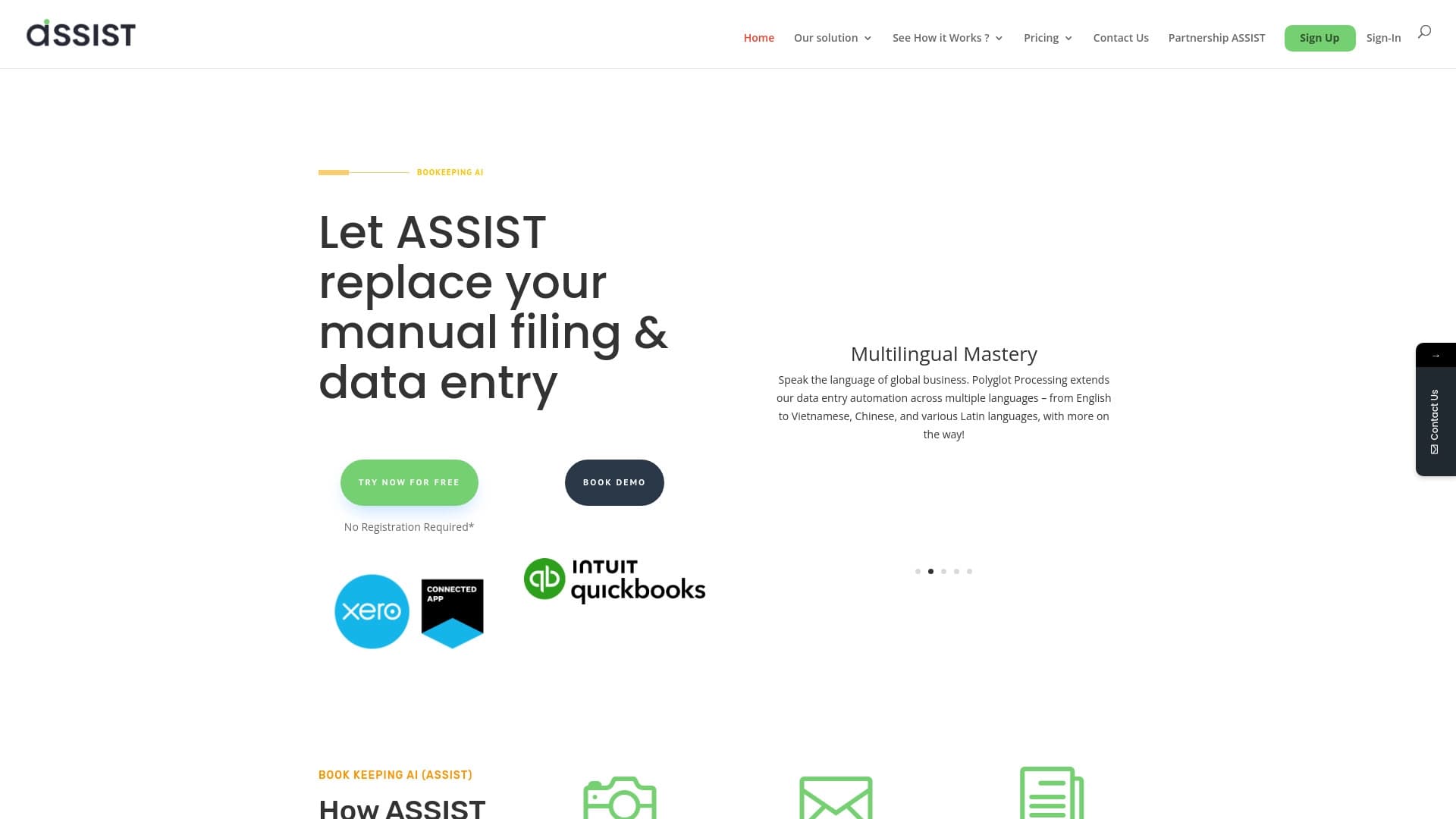

AI tool for automatic data extraction from financial documents and integration with accounting systems.


A set of more than 200 ready-made prompts for business and SEO, adaptable to ChatGPT, Claude, and Gemini.


A multifunctional AI assistant for chat, text and image generation, translation, and programming help.


AI-based platform for creating logos and brand identity.


Platform for creating multi-agent AI systems and chatbots to automate customer support and lead generation.
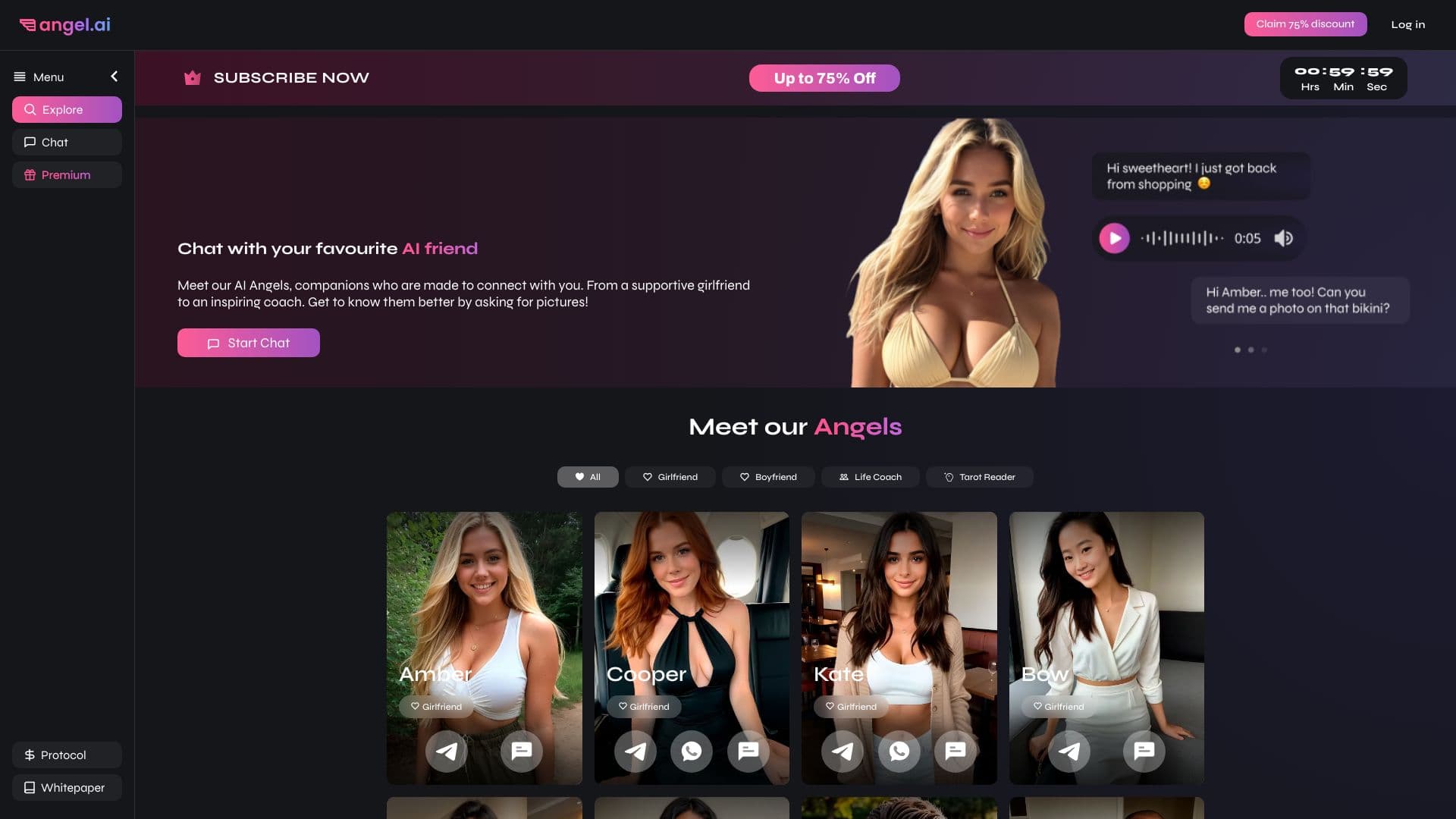
App for creating and customizing virtual AI companions with different personalities and communication styles.