
Client Hub
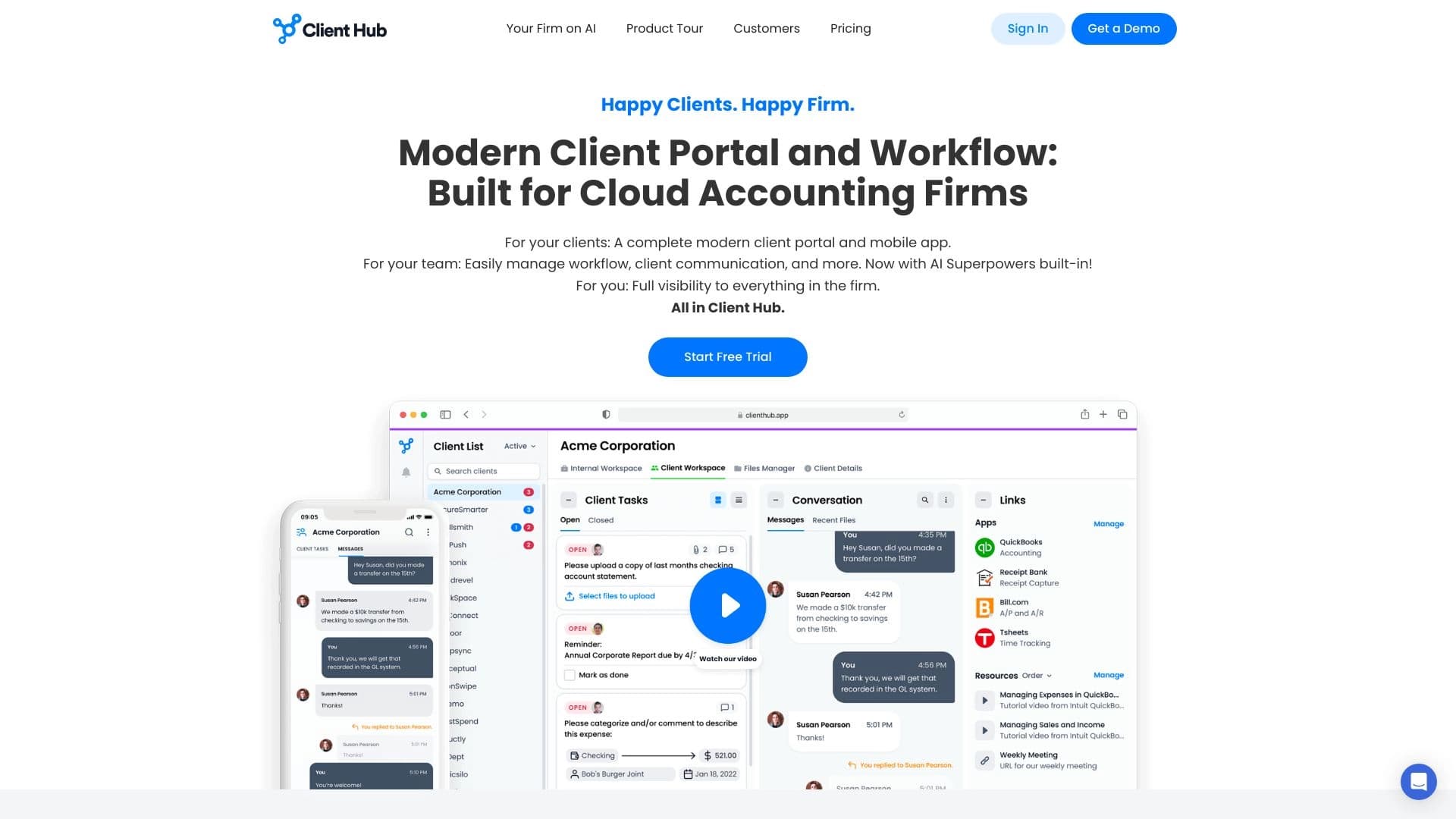
A platform for accountants that combines task management, file sharing, and client communication in a single interface.
Overview
Client Hub is a specialized platform designed for accountants and bookkeeping professionals. It solves the problem of fragmented work tools by combining task management, secure file sharing, and client communication in a single interface. Instead of switching between email, messengers, file-sharing services, and spreadsheets, accountants get a single entry point for all their operational activities.
The platform's key feature is deep integration with popular accounting systems QuickBooks and Xero. This enables financial transaction synchronization and automation of routine processes. Additionally, Client Hub uses artificial intelligence for tasks such as automatic transaction categorization, email draft generation, and workflow creation based on conversation context.
The platform is available as a web version, as well as mobile apps for Android and iOS, making it convenient for both office and on-the-go work.
Client Hub Features
| Feature | Value |
|---|---|
| Type | AI tool for accountants |
| Categories | AI Call Center, AI Charting, AI Accounting, AI Song Remixer |
| Platforms | Web, Android, iOS |
| Date Added | July 11, 2024 |
| Monthly Visits | 76.4K |
| Average Visit Duration | 00:06:16 |
| Pages per Visit | 5.78 |
| Bounce Rate | 25.84% |
| Rating | 5/5 (0 reviews) |
| Company | Client Hub Inc. |
| Integrations | QuickBooks, Xero |
| Interface Language | Not specified |
Who Is Client Hub For?
Accountants and Bookkeeping Professionals
Client Hub is primarily aimed at practicing accountants and bookkeeping specialists who work daily with large volumes of financial data and client requests. The platform helps structure this work and reduce time spent on routine operations.
QuickBooks ProAdvisors
Specialists with QuickBooks ProAdvisor certification will find Client Hub a natural extension of their daily work. Deep integration with QuickBooks allows data synchronization and bookkeeping without double data entry.
Small and Medium-Sized Accounting Firms
The tool is designed with the needs of small and medium-sized practices in mind, where one specialist often handles multiple roles: from client communication to bookkeeping and deadline management. Client Hub centralizes these processes without requiring the implementation of complex enterprise systems.
How to Use Client Hub?
Getting Started and Setup
To start using Client Hub, you need to register on the platform's official website. After registration, you should configure your workspace to fit your firm's needs: create a structure for projects and tasks, and invite clients to the platform.
Daily Work with Clients and Documents
Once your workspace is set up, you can use task management to assign work and track deadlines. Secure file sharing lets you send and receive documents without the risk of data leaks. Built-in messaging provides real-time communication with clients.
Synchronization with Accounting Systems
An important step is connecting the QuickBooks or Xero integration. After synchronization, transactions will automatically update on the platform, simplifying the month-end close process and reducing the likelihood of errors associated with manual data entry.
Key Features of Client Hub
Workflow Management
The platform provides tools for setting tasks, tracking their completion, and managing deadlines. This allows accounting firms to build a transparent workflow for each client project.
Secure File Sharing and Communication
Client Hub includes secure file sharing for transferring confidential documents and a built-in messenger for communicating with clients. This eliminates the need for third-party services and reduces the risk of information loss across fragmented communication channels.
Integrations and Mobile Access
The platform syncs with QuickBooks and Xero, keeping accounting data up to date. Mobile apps for Android and iOS allow specialists to stay connected with clients and manage tasks from anywhere.
Advantages of Client Hub
Automation and Integration
Deep integration with QuickBooks and Xero ensures accurate month-end closing and automation of a significant portion of accounting operations. Powerful AI features handle email draft generation, workflow creation, and summarization of long client conversations.
Centralized Communication
Client Hub creates a single client communication portal, preventing messages from being scattered across different channels. This improves responsiveness and eliminates situations where an important client request gets lost in an inbox or messenger.
Comprehensive Practice Management
The platform goes beyond simple task management, also including document management and time tracking. For small accounting firms, this means comprehensive practice management without needing to purchase multiple separate tools.
Disadvantages of Client Hub
Dependence on External Platforms
A potential limitation is the dependence on QuickBooks and Xero. For firms that do not use these accounting systems, the platform's usefulness may be significantly lower, and its core functionality less relevant.
Limited Open Ecosystem
Client Hub has no public GitHub repository or open-source code. There is also no information about its presence in major app stores or social platforms (Discord, Telegram), which may limit community-driven integration opportunities and access to support through familiar channels.
Incomplete Information on Pricing and Support
Currently, the official page lacks detailed information about pricing plans, the availability of a free trial period, and ways to obtain technical support, which may make it harder to decide on adoption.
What Problems Does Client Hub Solve?
Client Communication Management
The platform solves the problem of organizing all client communications in one place. The built-in messenger and notification system allow you to track all inquiries and respond in a timely manner.
Workflow Organization and Document Sharing
Client Hub helps structure workflows for accounting tasks and ensures secure document sharing. This reduces time spent searching for information and minimizes risks associated with transmitting confidential data.
Automation of Accounting Operations
Thanks to QuickBooks integration and AI features, the platform automates transaction categorization and other routine accounting operations, freeing up specialists' time for more valuable analytical work.
Client Hub Pricing
The official page mentions a question about the availability of a free trial period, but specific information about plans, prices, and trial access terms is currently unavailable. For up-to-date pricing information, it is recommended to contact Client Hub Inc. representatives directly or request a quote through the official website.
Terms of Use for Client Hub
To get started with the platform, registration on the official website and workspace setup tailored to your firm's needs are required. Detailed terms of use, including privacy policy, data processing terms, and service usage rules, are not described on the page. Potential users should carefully review the terms during registration and before entering into an agreement with the company.
Client Hub Availability
Client Hub is available as a web version, as well as mobile apps for Android and iOS, allowing you to work with the platform on any device. The platform's primary audience is concentrated in the United States (45.16% of traffic); the service is also popular in Mexico, Pakistan, Bangladesh, and India. The exact list of supported interface languages is not specified in the source data.
How Client Hub Differs from Alternatives
No direct comparison with alternatives is provided on the official page, but the competitors section lists platforms such as Karbon, Jetpack Workflow, Liscio, TaxDome, and ClientTrack. The main difference of Client Hub lies in its combination of narrow specialization in accounting with deep QuickBooks and Xero integration, as well as built-in AI features for automating routine operations. While some competitors offer broader functionality for managing an entire practice, Client Hub focuses on the "tasks + documents + communications" bundle specifically for accounting firms.
Conclusion
Client Hub is a specialized platform for accountants and small accounting firms that combines task management, secure document sharing, and a client messenger in a single interface. Deep integration with QuickBooks and Xero, backed by AI features for automating accounting and email generation, makes the service a useful tool for optimizing daily work. The main limitation is its dependence on the aforementioned accounting systems and the lack of public information about pricing and terms of use. Nevertheless, for firms working with QuickBooks and Xero, Client Hub represents a comprehensive solution for centralizing communications and workflows.
Frequently asked questions
See also
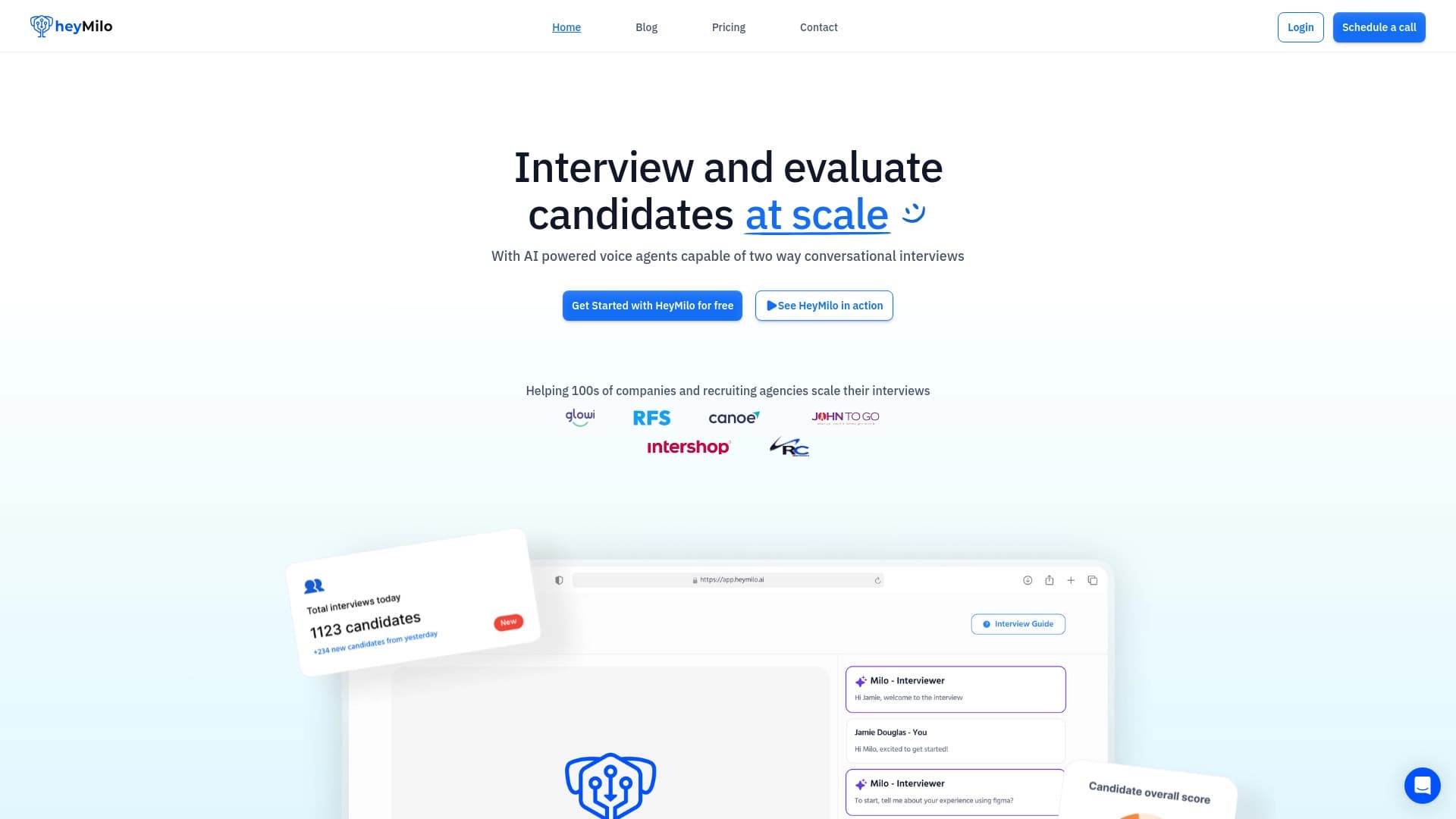

AI platform for automating voice interviews in hiring.

Platform for creating custom AI chats trained on your own business data.
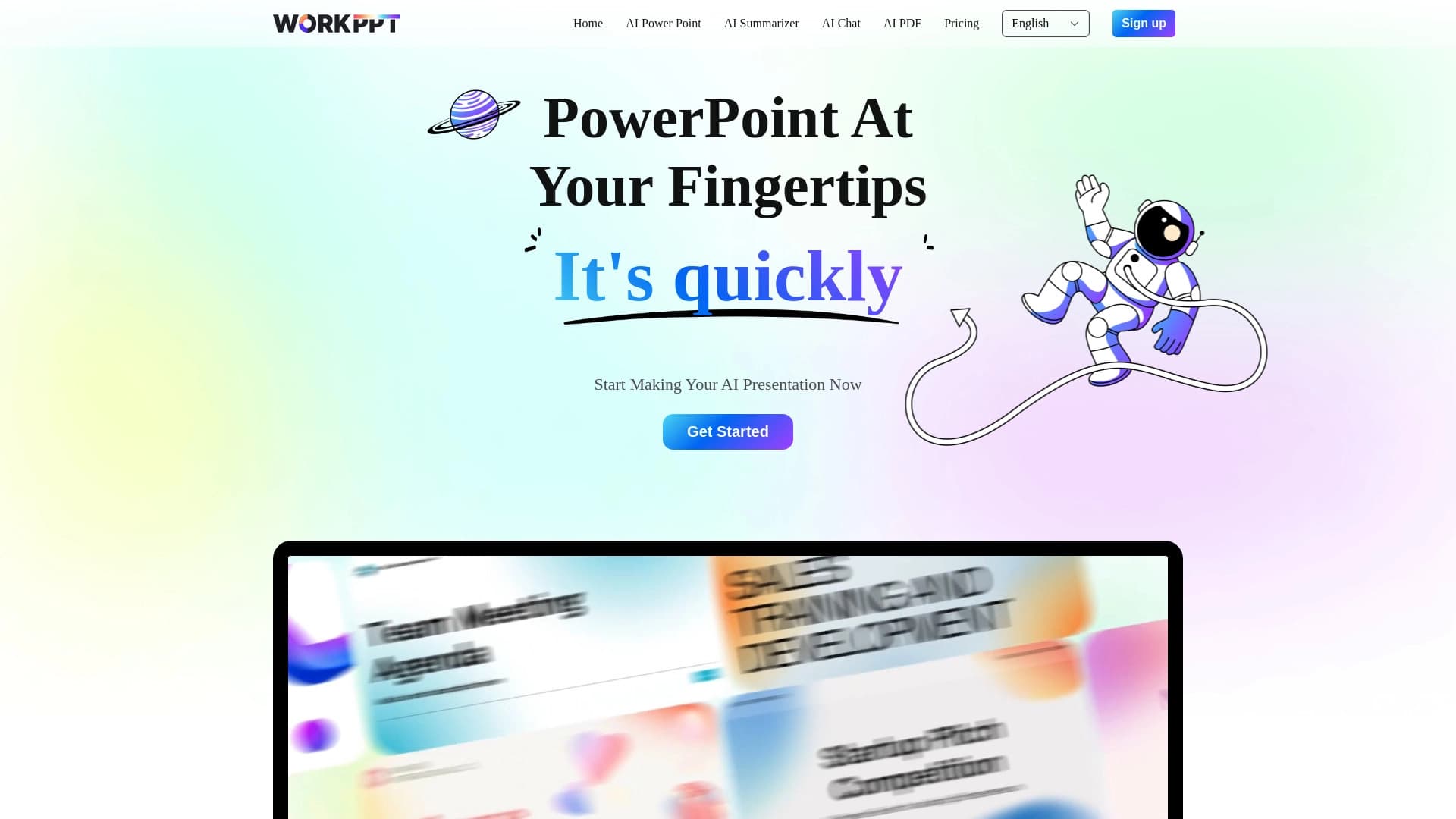

Online service for quickly creating presentations using artificial intelligence.
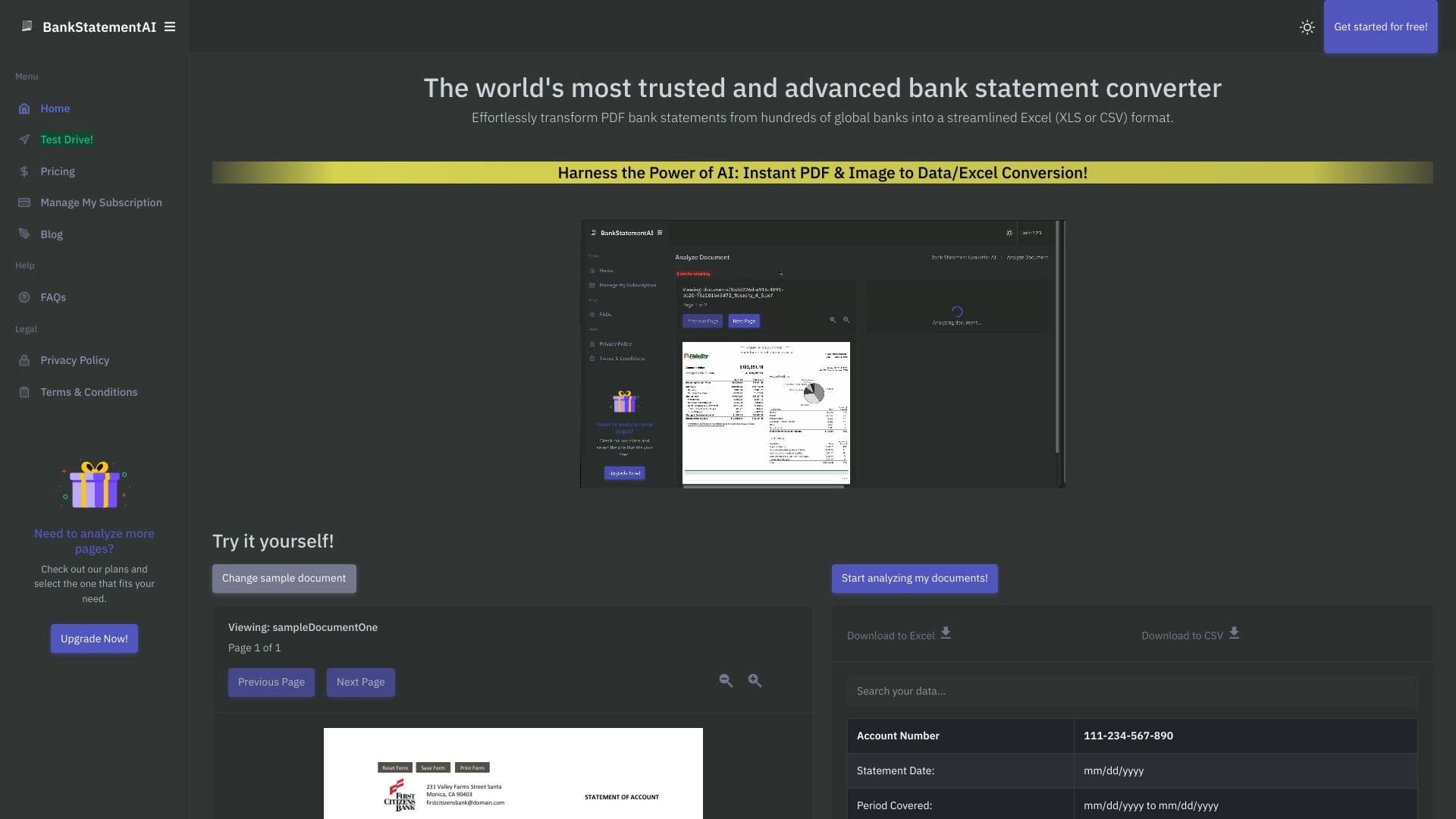
AI-powered online service that automatically converts bank statements from PDF into structured CSV files.
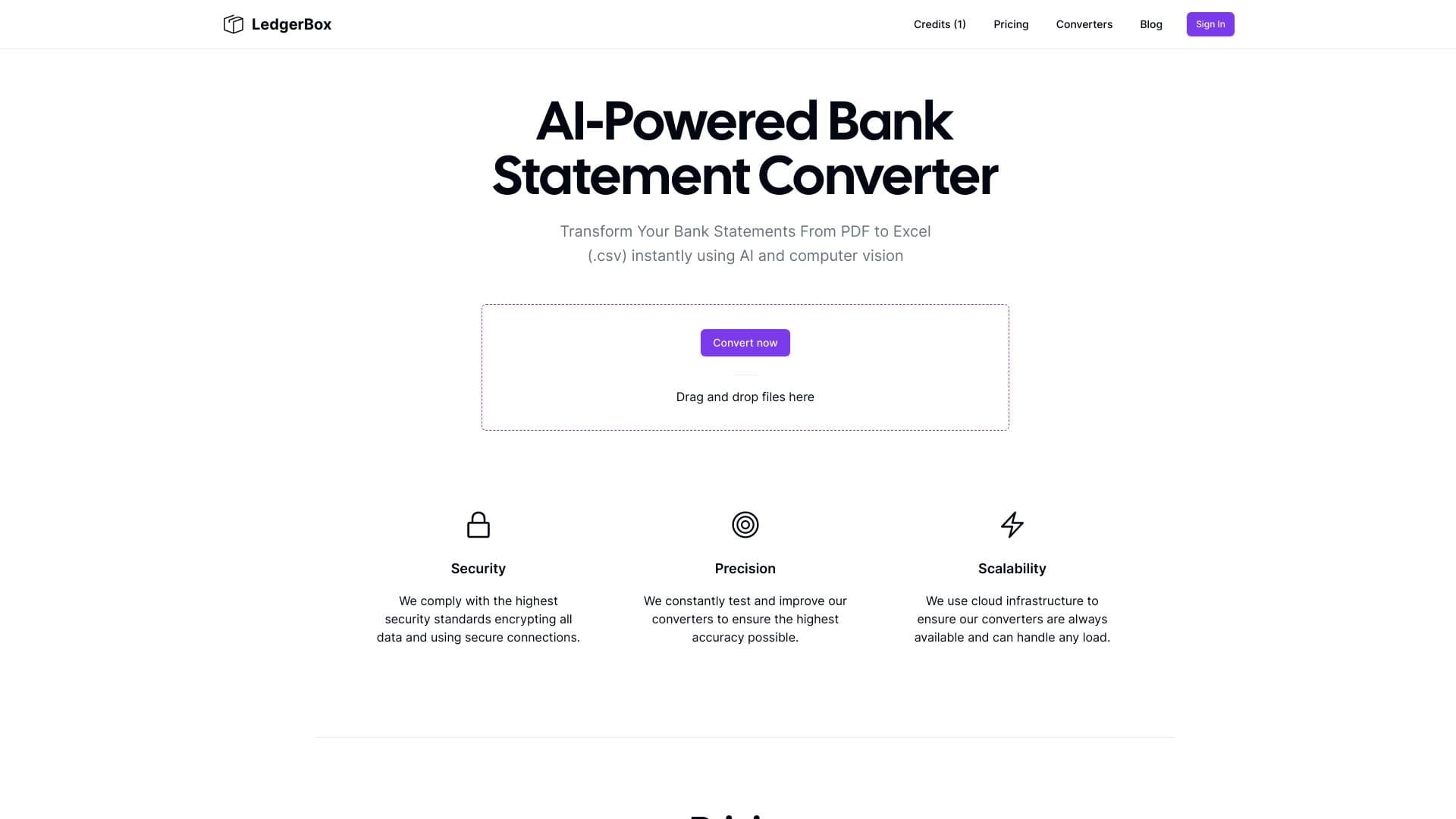
Automatically extract financial data from PDF documents and convert it to Excel or CSV.
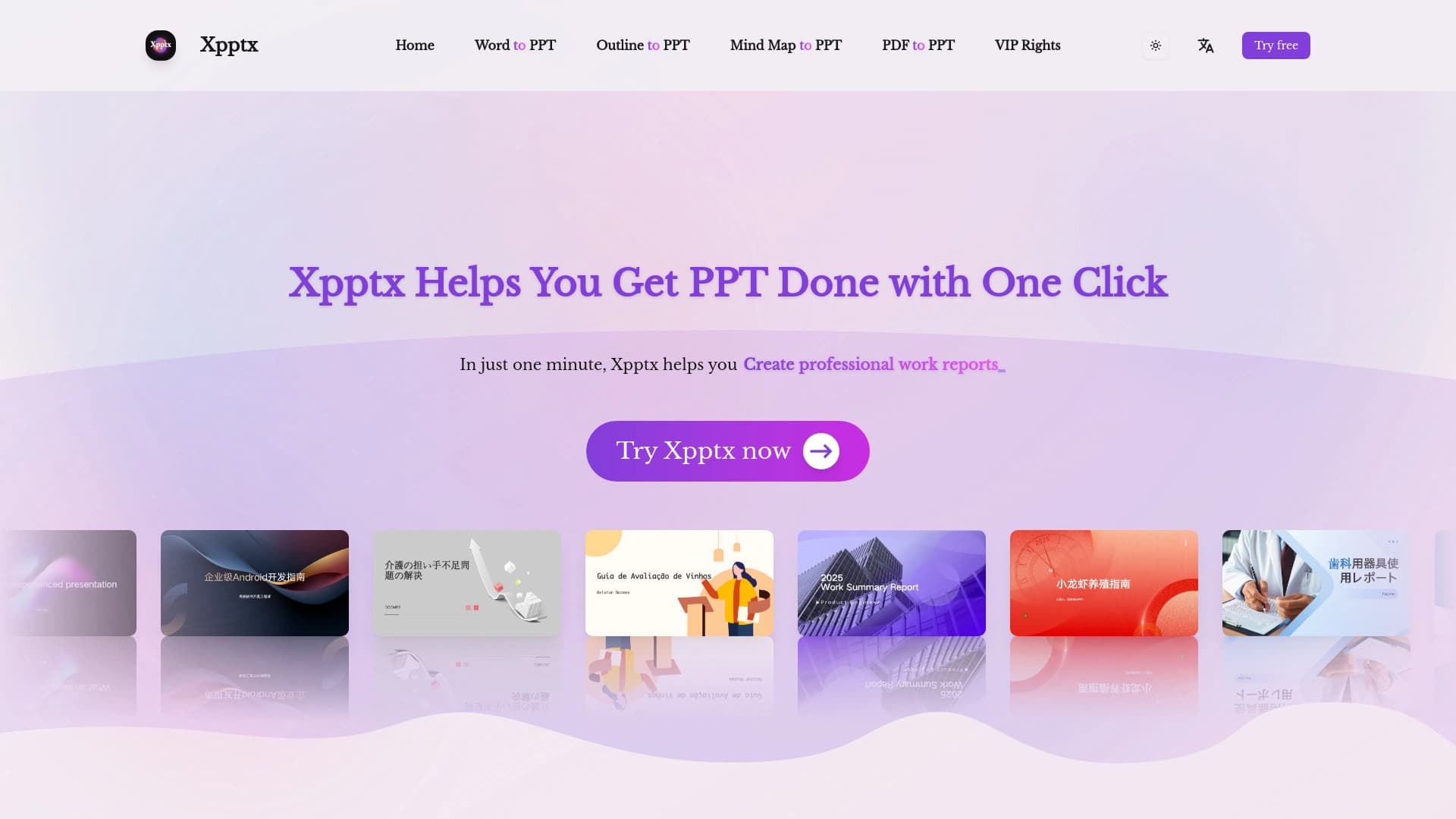

Web service for quick presentations on text description.


Desktop AI assistant for macOS, Windows, and Linux that launches via hotkey above all windows and combines multiple language models in one interface.
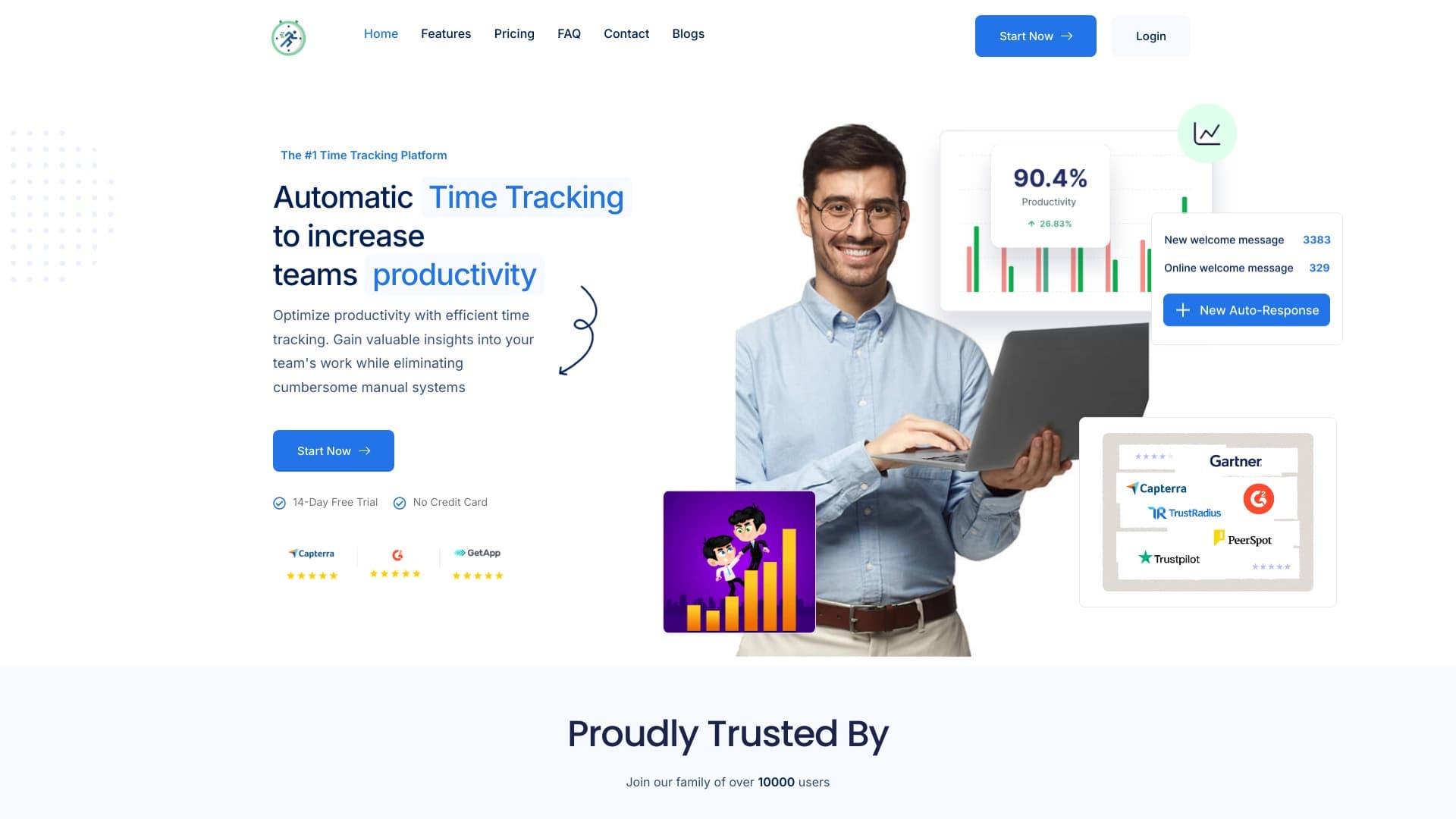

Platform for automatic work time tracking and team productivity analysis.