

Affinda
AI service for automating document processing with data extraction from invoices, resumes, and other files.
Overview
Affinda Neural Network Description
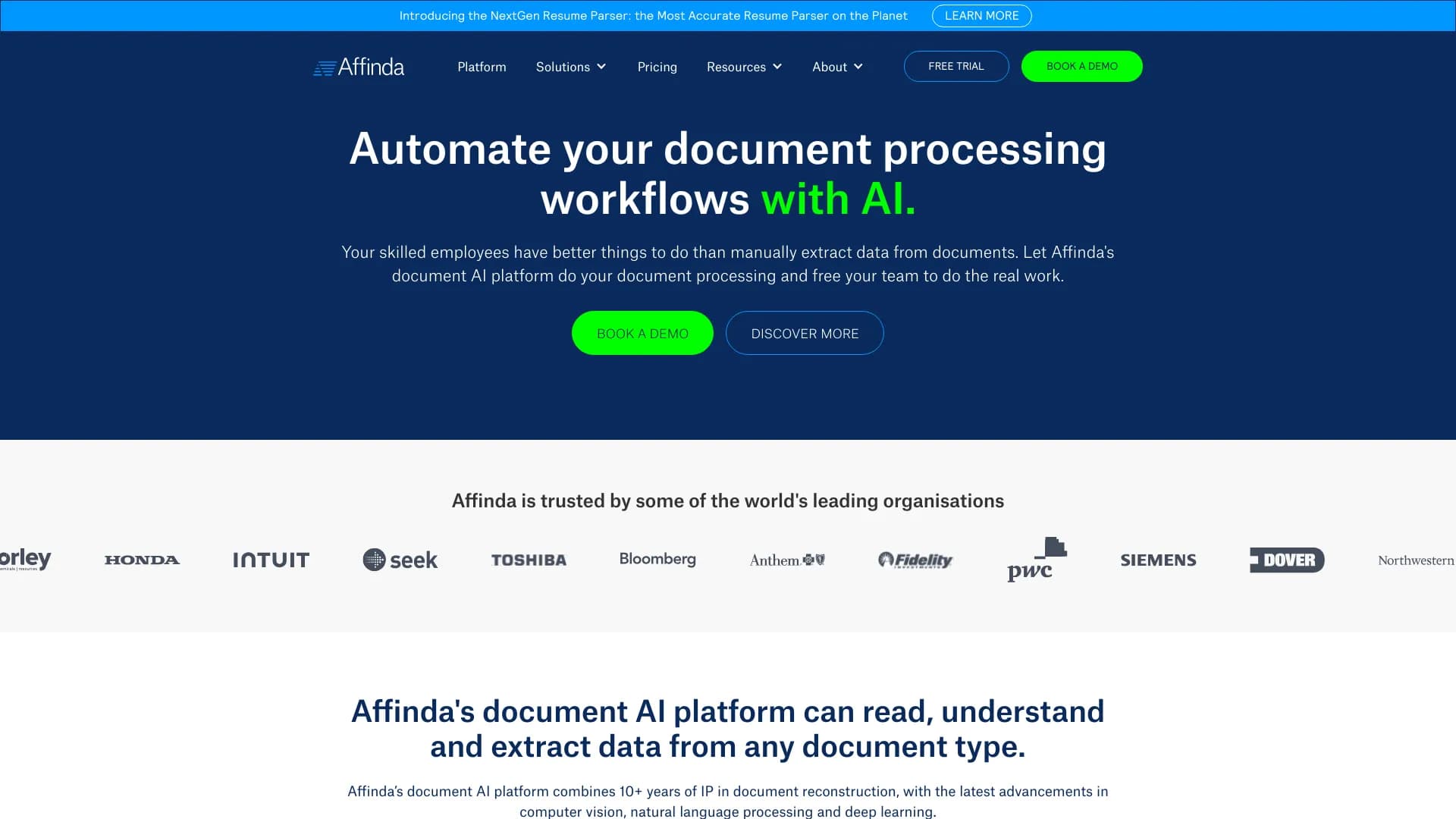
Affinda is a specialized AI service designed to automate routine document operations. Instead of manually transferring data from invoices, resumes, or acts into corporate systems, users simply upload files, and the neural network independently recognizes, sorts, and extracts the required information.
Affinda's key feature is its focus on ease of implementation. The developers position the product as a tool that easily integrates into a company's existing IT infrastructure without lengthy setup or the need for a dedicated team of specialists. This saves time on manual data entry while simultaneously reducing the number of errors associated with the human factor.
Affinda Characteristics
| Characteristic | Value |
|---|---|
| Type | Document processing automation |
| Category | Miscellaneous |
| Platforms | Website (online service) |
| Developer | Affinda |
| Monthly visits | 137.2K |
| Free tier available | Yes (basic tier is free) |
Who is the Affinda neural network suitable for?
Small and medium-sized businesses
Thanks to its low entry threshold and the availability of a free basic tier, the service is suitable for small businesses looking to optimize document flow without significant upfront investment. Automation eliminates the need to expand staff for routine paper processing.
HR departments
For recruiters and HR managers, Affinda helps process incoming resume flows. The neural network automatically extracts key data from candidate files: contacts, work experience, education. This reduces time spent on initial screening and allows focus on conversations with suitable candidates.
Accounting and finance departments
For employees who work daily with invoices, acts, and waybills, the service handles routine recognition and sorting of figures. This reduces staff workload and decreases the likelihood of errors when transferring data into accounting systems.
How to use the Affinda neural network?
Simple operating principle
Using Affinda requires no special technical skills. Simply upload a document to the service — the neural network extracts the necessary data on its own. The entire process happens online, without complex settings or installing additional software.
Intuitive interface for quick start
Integrating Affinda into existing corporate processes is as smooth as possible. The interface is intuitive, and getting started requires no hiring of integrators or months of adaptation. Connect — learn — work.
Key Affinda Features
Automatic data extraction and sorting
The AI independently analyzes uploaded documents, determines their type, and extracts structured information. Users don't need to manually transfer data from one file to another — the neural network does it automatically.
Integration with corporate systems
The service can synchronize with existing platforms used within a company. It easily embeds into already configured workflows, speeding up implementation without requiring a complete overhaul of the IT infrastructure.
Support for various document types
Affinda supports many common formats: PDF, DOCX, images. The service handles invoices, acts, resumes, and regulatory documents equally effectively, making it a versatile tool for different departments.
Scalability
As a company grows and document volumes increase, the service can adapt to new workloads. This allows the solution to be used both in a small startup and in a large organization.
Affinda Advantages
Processing speed
The main advantage is lightning-fast document processing. What used to take hours of manual entry is now done in minutes. Employees can focus on more important tasks rather than mechanically transcribing data.
Low error rate
Compared to manual processing, the AI tool makes significantly fewer errors. This is especially relevant when working with large volumes of similar documents, where human attention quickly dulls.
Easy setup and resource savings
The solution requires no lengthy implementation or large initial investments. The free tier allows testing the functionality without financial risk, and a flexible payment system helps scale costs as needed.
Affinda Disadvantages
Dependence on file quality
Recognition results directly depend on the condition of uploaded documents. Blurry scans, poor photos, or low resolution can lead to errors in data extraction.
Format limitations
Although the service supports most common file types, the list is not exhaustive. Exotic or highly specialized formats may require preliminary conversion before uploading.
Confidentiality concerns
When placing sensitive data in an online service, there is a potential risk of information leakage. Companies working with highly confidential documents need to assess this factor when deciding whether to use Affinda.
What tasks does Affinda solve?
Automating financial document flow
The service is designed for automatic processing of invoices, acts, and other financial documents. It recognizes requisites, amounts, and dates, relieving accounting from manual entry.
Resume parsing for HR
For HR departments, Affinda performs automatic resume parsing, structuring candidate data and simplifying the initial screening process.
Working with large document volumes
The tool helps quickly extract and sort data from batches of similar files. This is especially useful for mass processing of archives or incoming correspondence.
Accelerating overall document flow
The service's main goal is to reduce document processing time and minimize manual labor. Implementing Affinda speeds up internal processes and reduces a company's operational costs.
Affinda Pricing
Basic tier
A free package including the service's core features. Suitable for getting acquainted with the tool or for small processing volumes.
Standard tier
Cost: 990 rubles per month. The package provides expanded data extraction and document processing capabilities.
Premium tier
Cost: 2490 rubles per month. Includes maximum functionality and priority technical support for business users with high demands.
Affinda Terms of Use
Explicit terms of use are not detailed on the website. To get started, mandatory registration on the official Affinda portal and compliance with the terms of use published on the service's website are required. It is recommended to review them carefully before starting work, especially regarding the processing of confidential data.
Affinda Availability
The service operates as an online platform accessible through a browser. The official website does not indicate regional restrictions, suggesting Affinda is available to users from different countries without the need for a VPN. This makes the tool convenient for companies with distributed structures or remote employees.
How Affinda differs from alternatives
Available sources do not provide a detailed comparison of Affinda with competitors. Based on available data, indirect differences can be highlighted: the availability of a completely free tier with basic functionality, as well as a pronounced emphasis on ease of integration with existing corporate systems without involving developers. Many alternatives on the market require more complex setup and do not offer similar starting conditions.
Conclusion
Affinda is a practical AI tool for document flow automation, suitable for both small companies and large organizations. The service effectively extracts and sorts data from invoices, resumes, and other file types, easily integrates into existing IT infrastructure, and requires no significant upfront investment. At the same time, it's important to note that recognition quality directly depends on the original file quality, there may be limitations with rare formats, and using an online platform carries certain risks for confidential data.
Frequently asked questions
See also


AI agent for assisting with programming and optimizing the development workflow.

AllChat is a universal platform that combines several popular language models in a single interface for communication, image generation, file analysis, and code execution.


AI platform for fast website creation and small business process management.


Desktop AI assistant for macOS, Windows, and Linux that launches via hotkey above all windows and combines multiple language models in one interface.

AI agent for automating customer communications and support.


Chrome extension that helps manage tabs, history, and bookmarks with an AI assistant.

AI assistant for business that helps manage tasks and automate routine through dialogue.

AI platform for voice synthesis and cloning that converts text into realistic speech.