
AdminForth
Open-source framework for quickly building admin panels with Node.js and Vue3.

Overview
AdminForth AI Description
AdminForth is an open-source framework designed for quickly building admin panels. It runs on Node.js and Vue3, allowing developers to assemble back-office systems without writing base code from scratch. Instead, you get a ready-made scaffold into which you only need to add your data and components.
The tool's main feature is modularity. Instead of a monolithic solution, you get a set of ready-made blocks: plugins for two-factor authentication, user action auditing, a role system, and even an AI-based autofill function. All of this can be combined and configured for a specific project, adding custom pages or integrating third-party APIs.
The framework was created by Devforth sp. z o.o. and is distributed free of charge in its base version. The main focus is on reducing development time: according to the authors, a standard admin panel can be ready on the very first day of work.
AdminForth Features
| Feature | Value |
|---|---|
| Type | Framework for building admin panels |
| Language/Platform | Node.js (server), Vue3 (frontend), TailwindCSS (styling) |
| Developer | Devforth sp. z o.o. |
| Distribution model | Free (base version), paid plans |
| Free tier | Yes (access to basic features and source code) |
| Key capabilities | 2FA, change auditing, AI autofill, custom components, role system |
Who is AdminForth for?
Web developers and freelancers
AdminForth is aimed at developers who need to quickly create an admin panel for a web project. If you work with Node.js and Vue3, the framework helps cut down on routine work: you won't have to design the base structure, set up authentication, or deal with access rights every time.
Startups and product teams
For a startup that needs a working back office in a tight timeframe, AdminForth makes it possible to launch a panel in one day. This is relevant for MVPs and early product versions when speed matters more than detailed customization.
Large companies
In larger projects, the framework is useful as a starting point. Its open architecture allows the system to be extended for complex internal processes by connecting custom modules or third-party services.
Who it's not for
Beginners unfamiliar with Node.js or Vue3 will find the setup difficult. You should also avoid AdminForth if your project uses rare or non-standard technology stacks — compatibility may be limited.
How to use AdminForth
Step 1: Connect a database
To get started, you need to provide the URL of your database. This is a mandatory requirement — without it, the framework cannot build the admin panel.
Step 2: Add pages and components
After connecting the database, you can add the required pages and components in a few clicks. You choose which sections the panel will have and configure them for your project's tasks.
Step 3: Connect APIs and plugins
To extend functionality, you can connect third-party APIs and plugins. For example, you can enable AI-based autofill, turn on 2FA, or set up user action auditing.
Step 4: Customize the interface
If the standard elements aren't enough, you can create your own Vue3 components, add pages, and change the styling to match your corporate brand.
Key AdminForth Features
Ready-made Vue3 components
The framework comes with a set of components covering typical admin tasks: tables, forms, filters, navigation. Everything is connected to the backend and database out of the box.
Security and access control
A built-in role and permission system lets you differentiate user rights. Two-factor authentication increases the level of protection, and change auditing records all actions in the system.
AI autofill
The AI-based autofill feature helps fill in forms and fields faster, reducing the amount of manual input.
Extensibility
Support for custom components and pages means you're not limited to the standard feature set. The open architecture allows you to integrate any third-party services and write your own Vue3 modules.
AdminForth Advantages
Fast launch
The main advantage is the ability to get a working admin panel in one day. This is achieved through ready-made components and automatic configuration based on the database structure.
Flexible customization
The open-source code and architecture allow you to adapt the panel to specific needs: add custom widgets, change business logic, integrate external APIs.
Built-in plugins
Instead of finding and configuring separate libraries for 2FA, auditing, or AI autofill, you get all of this out of the box. This saves time and simplifies project maintenance.
AdminForth Disadvantages
Learning curve for beginners
If you haven't worked with Node.js or Vue3, understanding the setup will be difficult. The framework assumes basic knowledge of these technologies.
Limited compatibility
Rare or non-standard solutions may conflict with AdminForth's architecture. If your stack differs significantly from the typical one, additional work may be required.
Frequent updates
Updates are released regularly, which can be a problem: after an update, old plugins sometimes stop working. Constant monitoring of changes becomes a mandatory part of operations.
What problems does AdminForth solve?
Rapid creation of back-office systems
The main goal is to speed up the development of admin panels. Instead of writing code from scratch, you use ready-made blocks and focus on business logic.
User and role management
The framework provides convenient tools for managing accounts, configuring roles, and access rights. This covers most typical admin tasks.
Ensuring security
Built-in two-factor authentication and action auditing help protect the system from unauthorized access and track suspicious operations.
Automating routine tasks
AI autofill reduces labor costs when filling in repetitive forms and fields, speeding up everyday admin work.
AdminForth Pricing
AdminForth uses a freemium distribution model. Three pricing plans are available:
| Plan | Price | Description |
|---|---|---|
| Free | Free | Access to basic features and source code |
| Standard | Paid monthly | Extended feature set |
| Premium | Paid monthly | Maximum functionality and priority support |
The exact list of features included in each paid plan is not detailed in public sources. For clarification, you should refer to the project's official documentation.
AdminForth Terms of Use
To get started, you need to provide the URL of your database. This is a mandatory requirement for initializing the framework.
You will also need an understanding of Node.js and Vue3 — at least at the level of reading code and basic configuration. Without this knowledge, the implementation process may take longer.
The framework is distributed with open-source code, meaning free access to the code and the ability to modify it for your own tasks. However, additional terms apply when using paid plans, which should be clarified with the developer.
AdminForth Availability
AdminForth is available as open-source code, so it can be deployed on your own server or in cloud infrastructure. The free version includes access to basic features and the code, allowing you to fully evaluate the tool before moving to a paid plan.
There is no official information about a cloud SaaS solution or managed hosting in available sources. Most likely, the framework requires self-deployment — which aligns with its nature as a developer tool.
How AdminForth Differs from Alternatives
The key difference of AdminForth is the combination of ready-made components with an open architecture. Many similar solutions either offer closed builders with limited customization or require writing most of the code manually. Here, you get a working scaffold that you can extend.
The second important difference is the availability of AI autofill and built-in security plugins (2FA, auditing) in the base package. In most competing frameworks, such features are either absent or require connecting third-party services.
Finally, launch speed: the claimed ability to get a working panel in one day is a notable advantage for projects with tight deadlines. However, the trade-off is the need to understand Node.js and Vue3 technologies, making the tool a niche solution for developers rather than a universal builder for non-technical specialists.
Conclusion
AdminForth is a practical tool for developers who need a fast and flexible admin panel without writing all the code from scratch. It covers the core needs of a back office: user management, security, auditing, and AI-driven automation. The open-source code and support for custom components give you freedom to extend functionality, and the free tier lets you test the tool before purchasing. At the same time, the framework requires technical expertise and may be incompatible with non-standard technology stacks. If you work with Node.js and Vue3 and value implementation speed, AdminForth is worth considering as the foundation for your next admin panel.
Frequently asked questions
See also


A tool for generating 3D models based on text descriptions, images, or sketches.


Online image editor with AI-powered features for photo processing, design, and content generation.
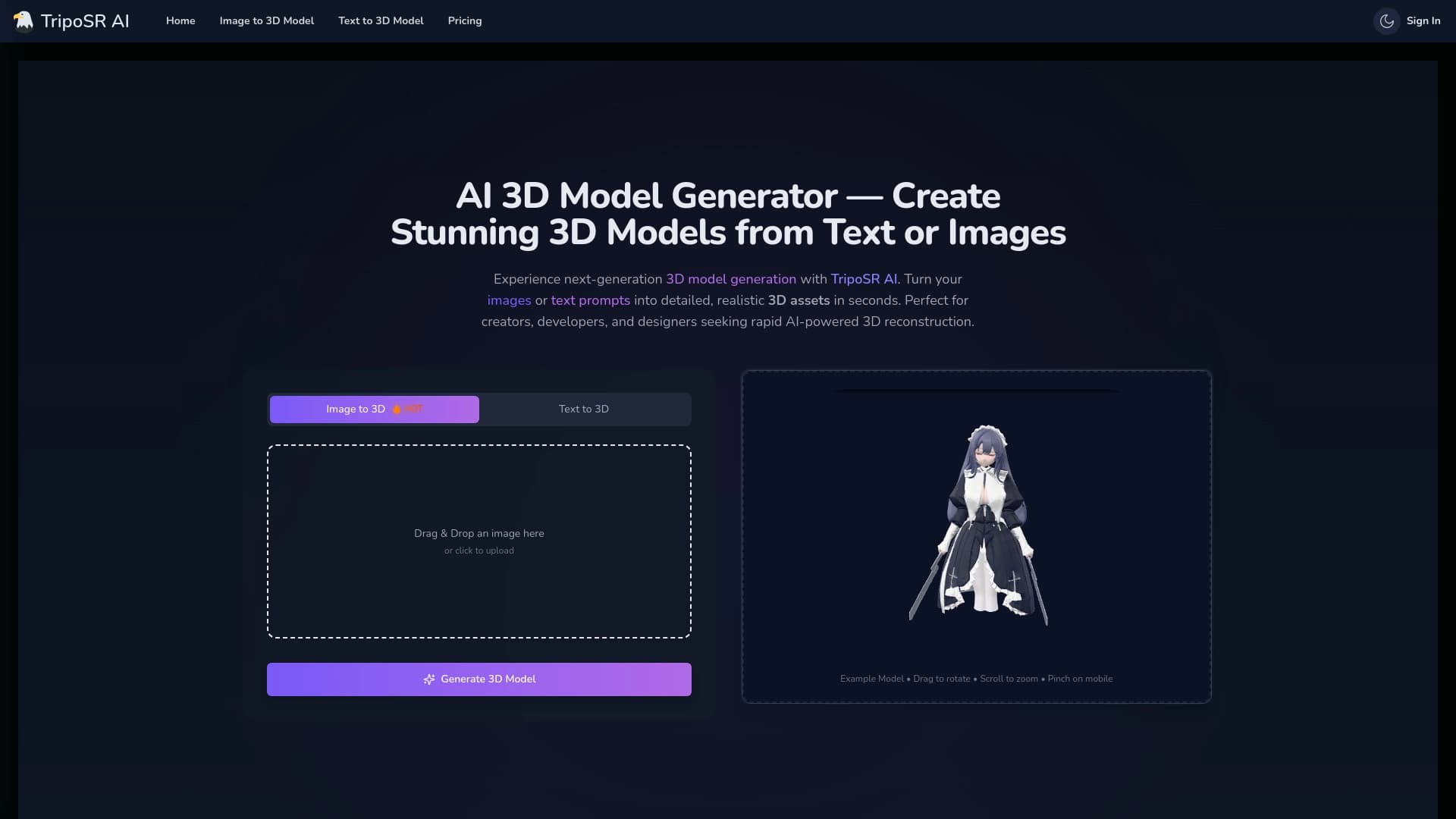

Open-source tool for quickly converting a single image into a 3D model.

Online service for creating a realistic voice clone from a short audio recording and text-to-speech.

Terminal AI agent for programming that dynamically adapts to developer tasks.


A platform for automating software development using a visual builder for AI agents.


Chrome extension that helps manage tabs, history, and bookmarks with an AI assistant.


A neural network for generating short videos from text descriptions or images.